Customer project decision center

NVR4.0 Setup, Recording and Handover Guides

Use model-specific workflows to configure, operate and hand over an NVR. These guides cover camera input, permissions, schedules, storage, playback, export and recovery with clear firmware and hardware boundaries.

For project owners, design engineers, contractors and quantity surveyors preparing a brief, comparing proposals or organising handover.

Answer first

The planning rule that connects this library

Identify the exact recorder and firmware, then verify a recorded event through playback and a usable export. A working live view or a familiar menu does not establish every required recording or hardware feature.

Check features against the exact model and firmware.

Verify a recorded event, playback and a usable export.

Document permissions, recovery and operator handover.

Decision area 01

Recorder Scope

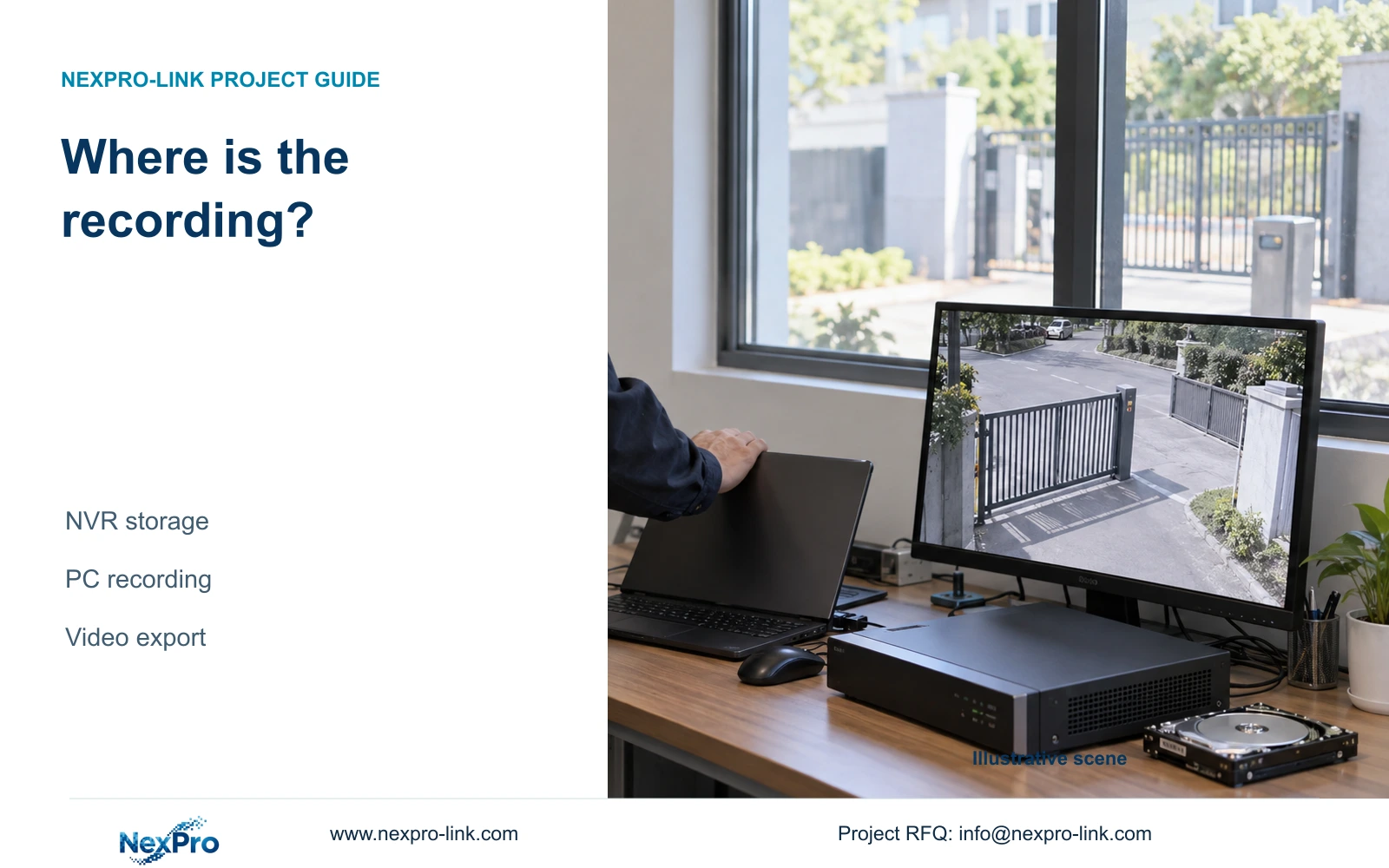
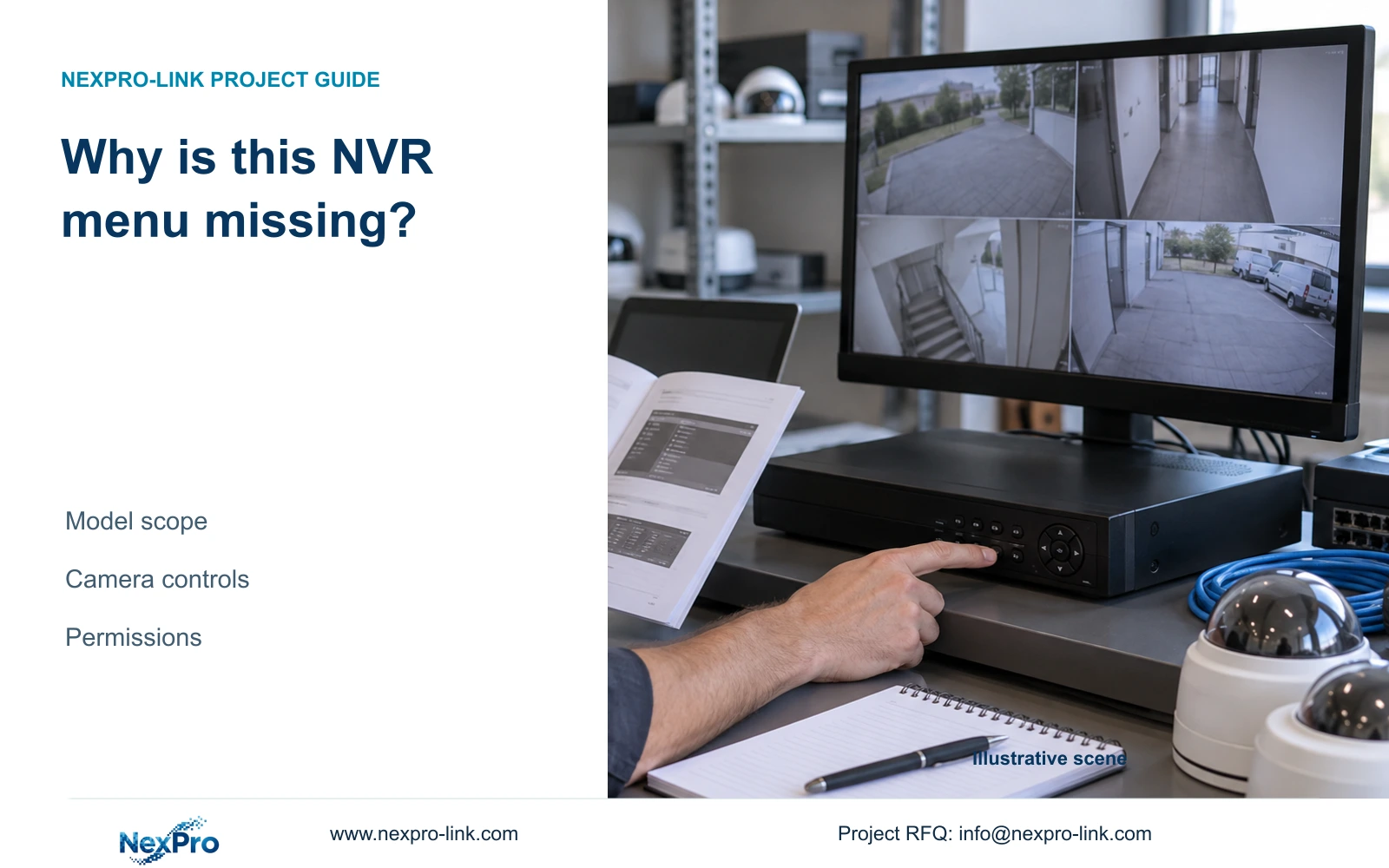
For the TS recorder family in the supplied NVR4.0 manual, confirm model and firmware, then verify one camera's recording, playback and export. These instructions are not a universal NVR interface guide.

10 guides

Decision area 02

Installation Power Disks

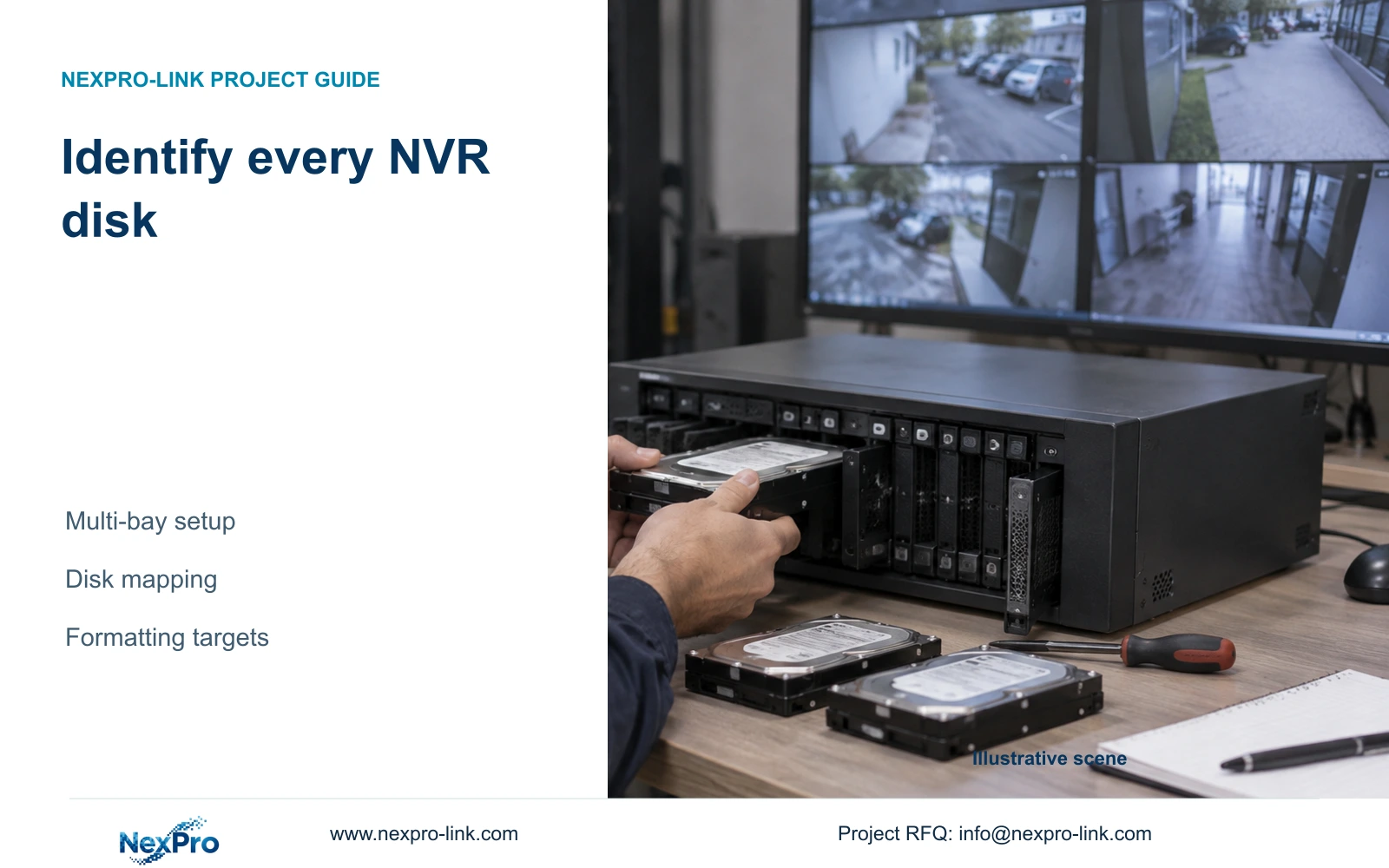
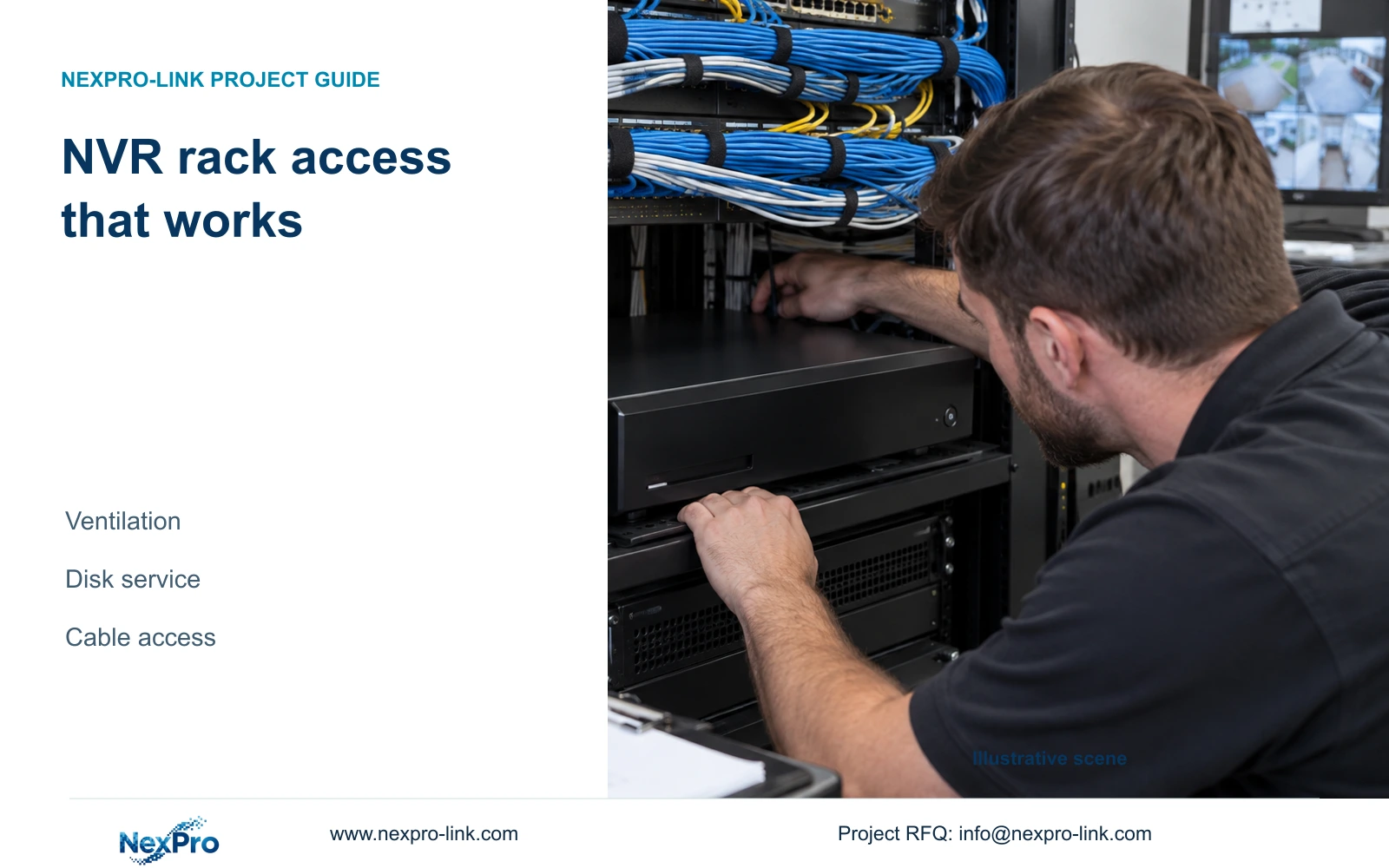
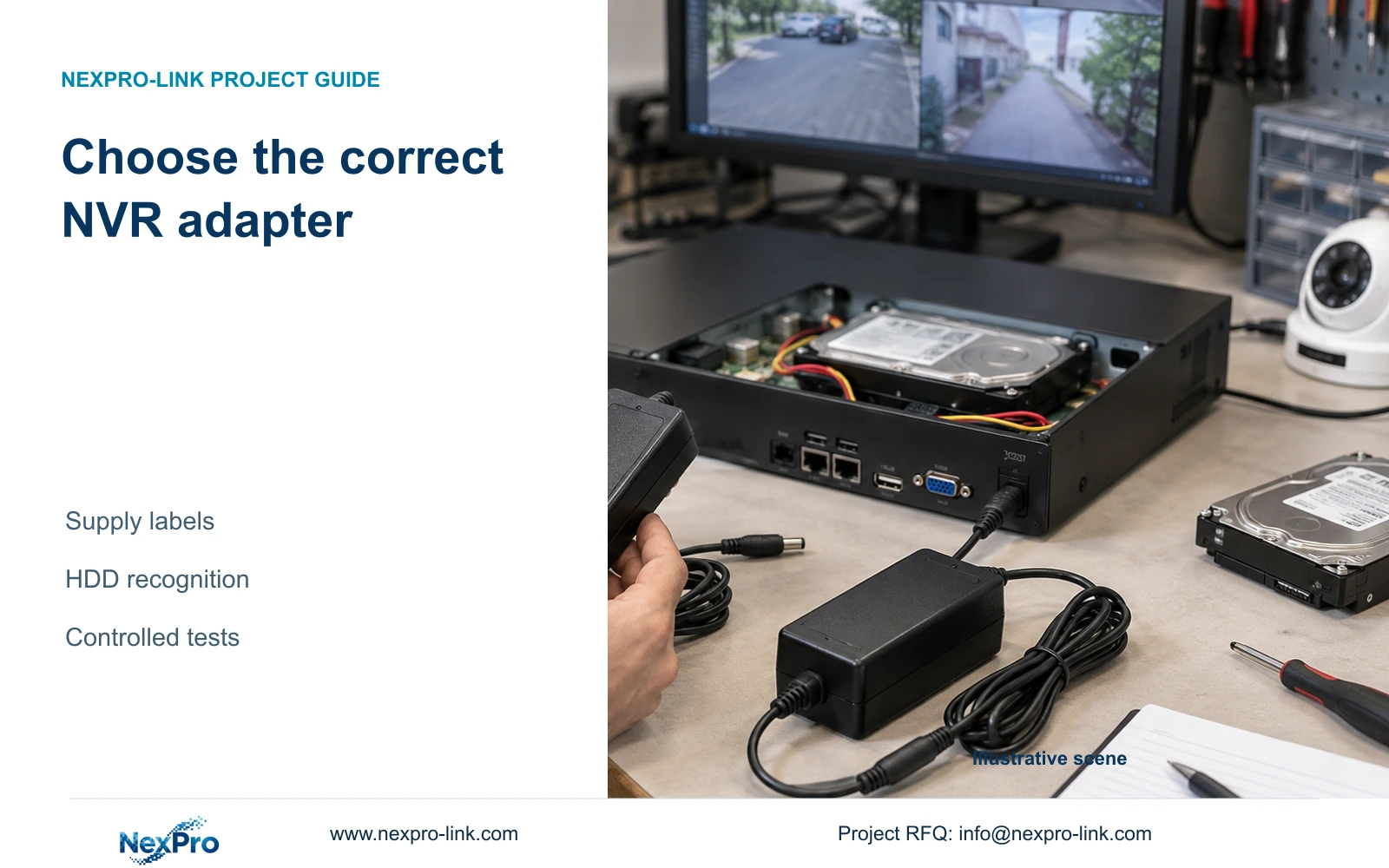
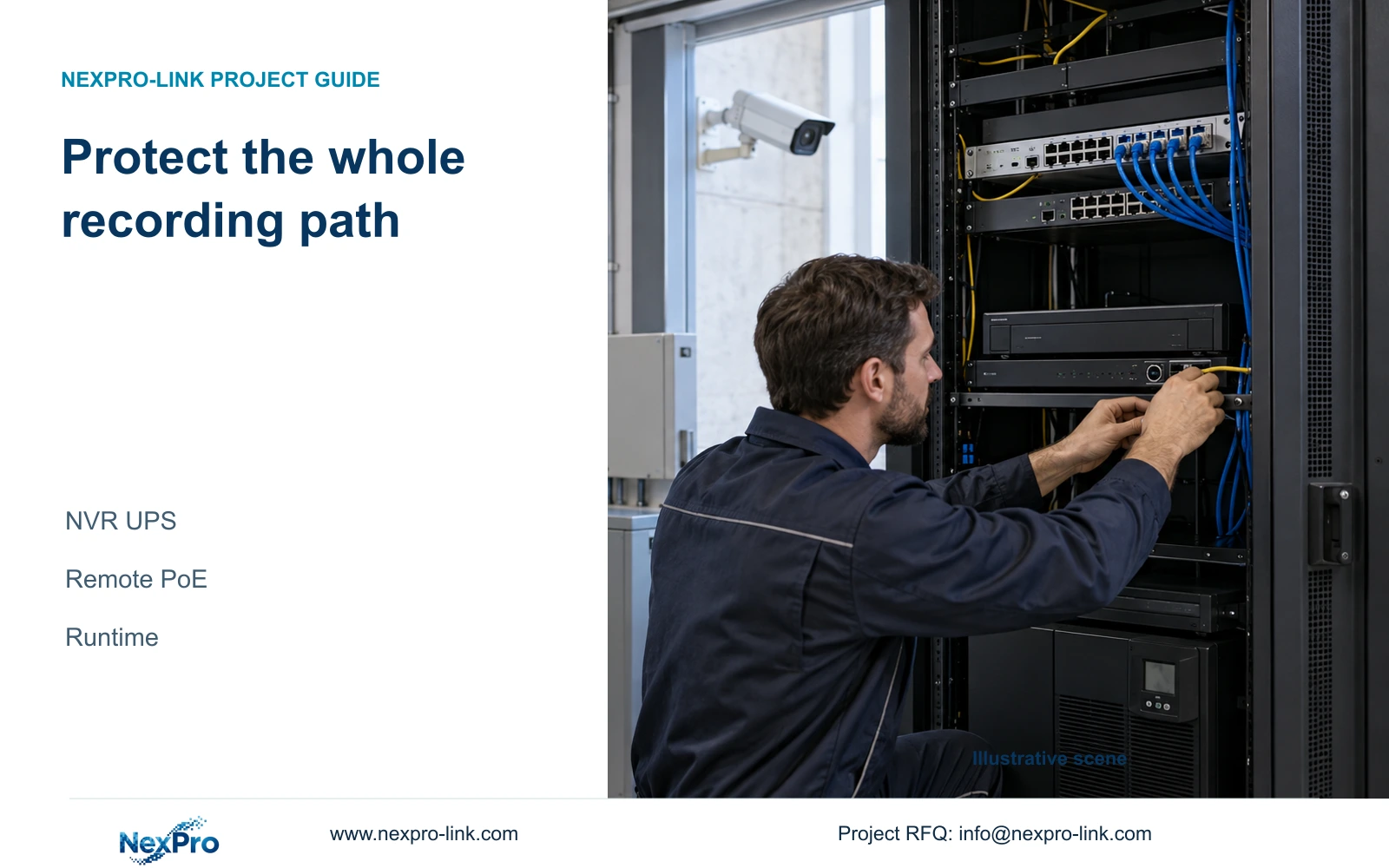
Build a stable recorder baseline before adding cameras. Follow location, power, disk and display checks, then prove recording, playback and export.

10 guides

Decision area 03

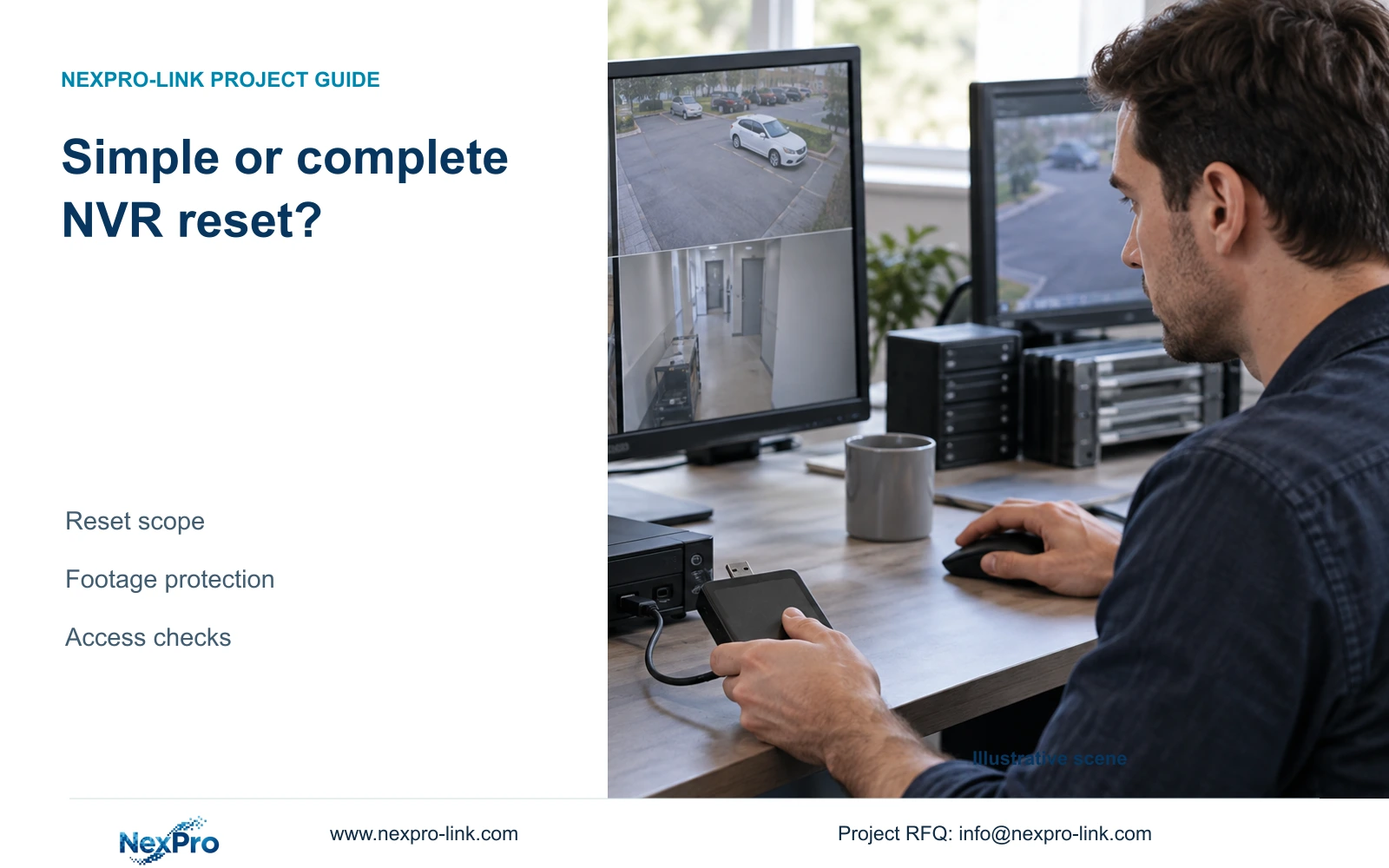
Display Interface

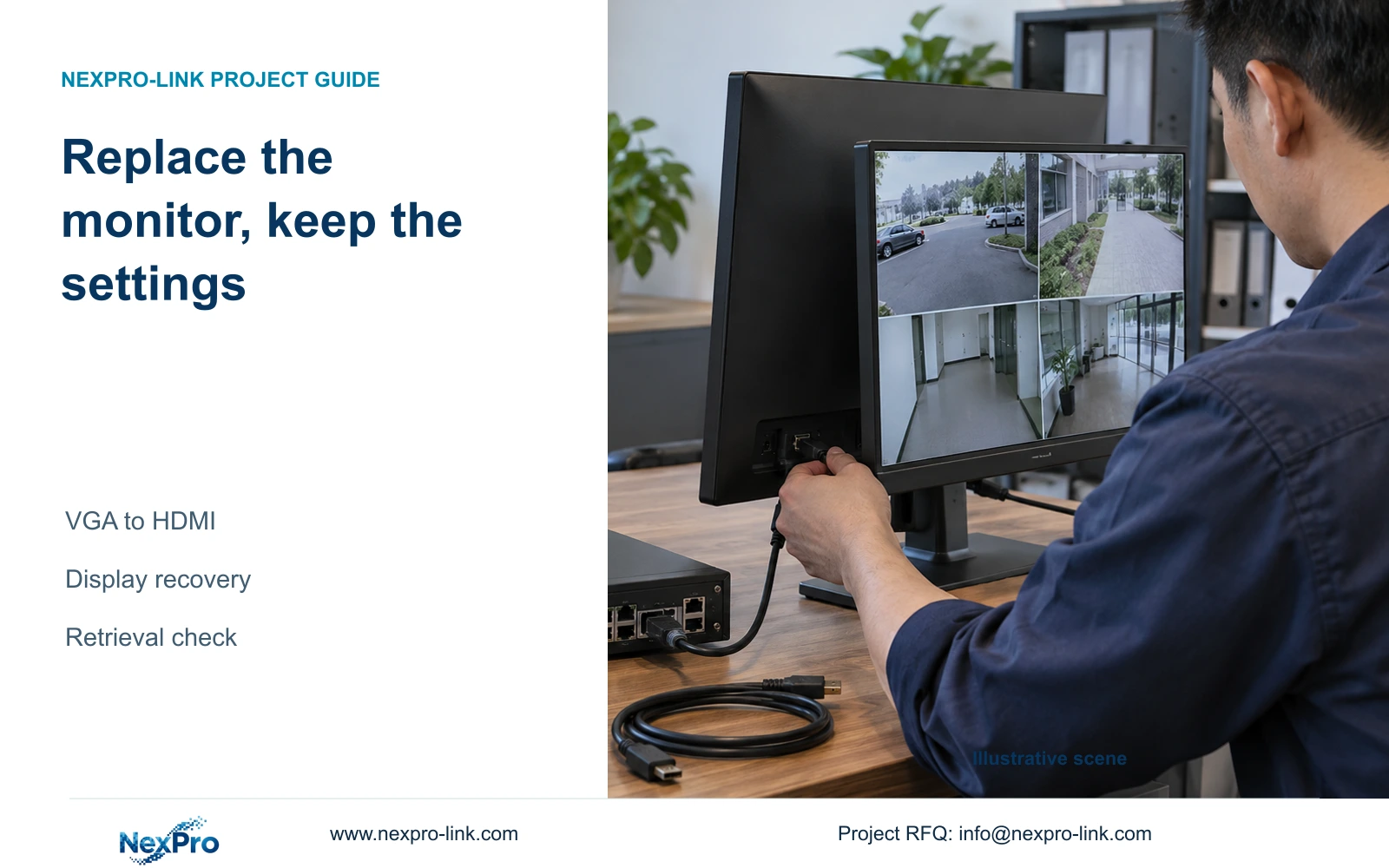
A replacement monitor can lose the NVR picture because of an incompatible output mode. Follow the display branch first, then verify new recordings without treating a factory reset as the starting point.

10 guides

Decision area 04

Activation Credentials

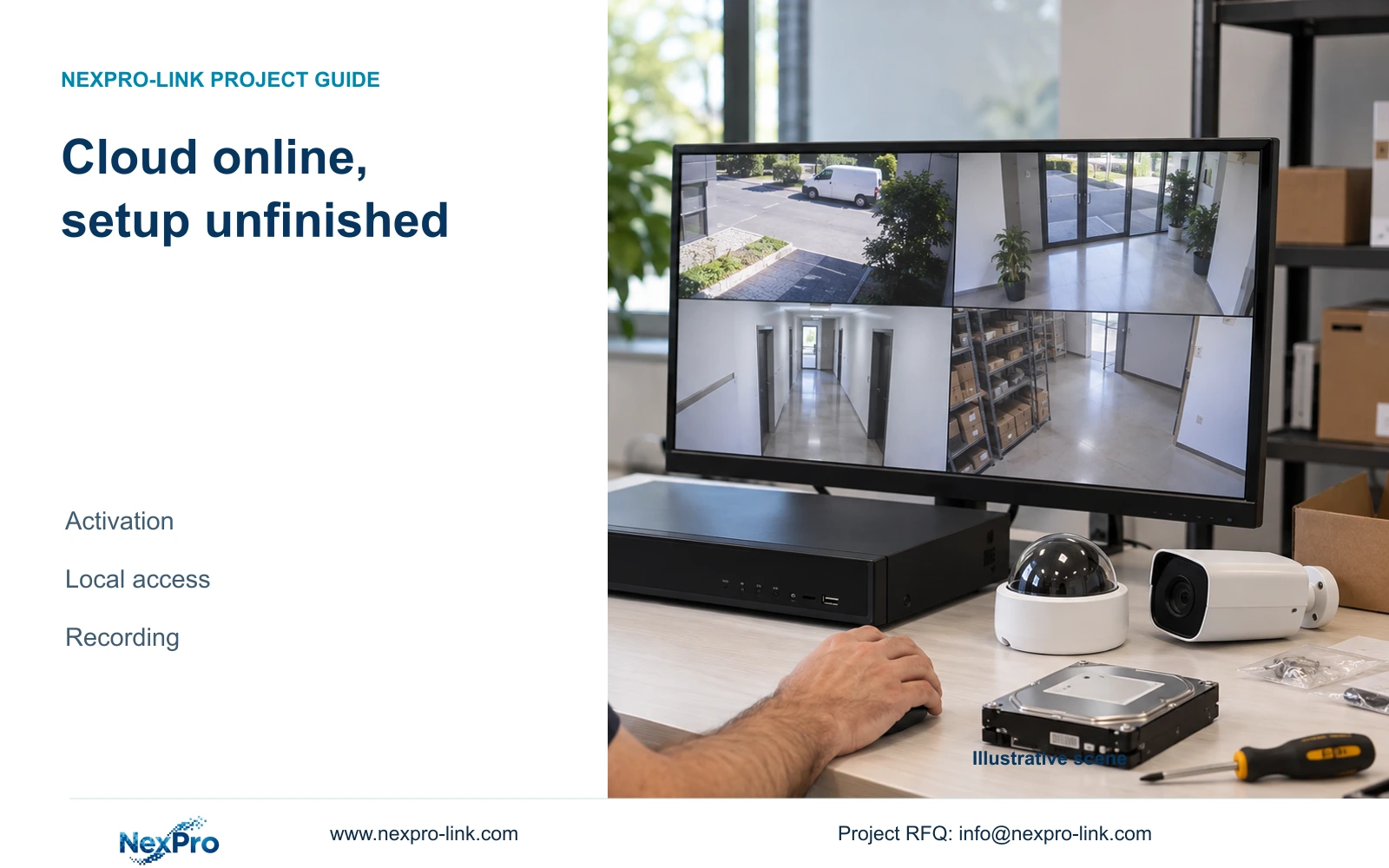
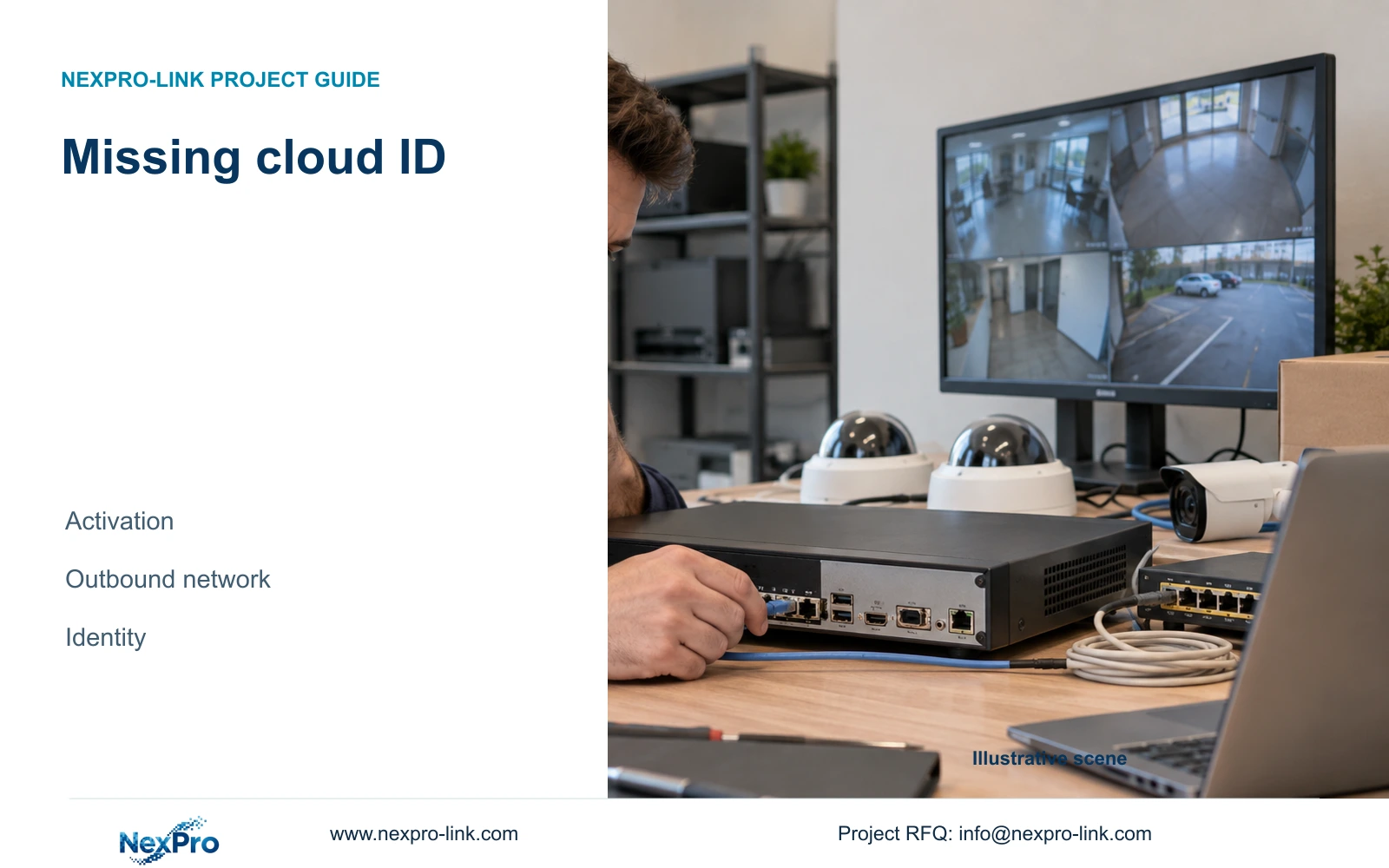
A cloud-online recorder still needs local permission and storage checks. Follow one channel through recording, playback and export before accepting setup.

10 guides

Decision area 05

Users Permissions

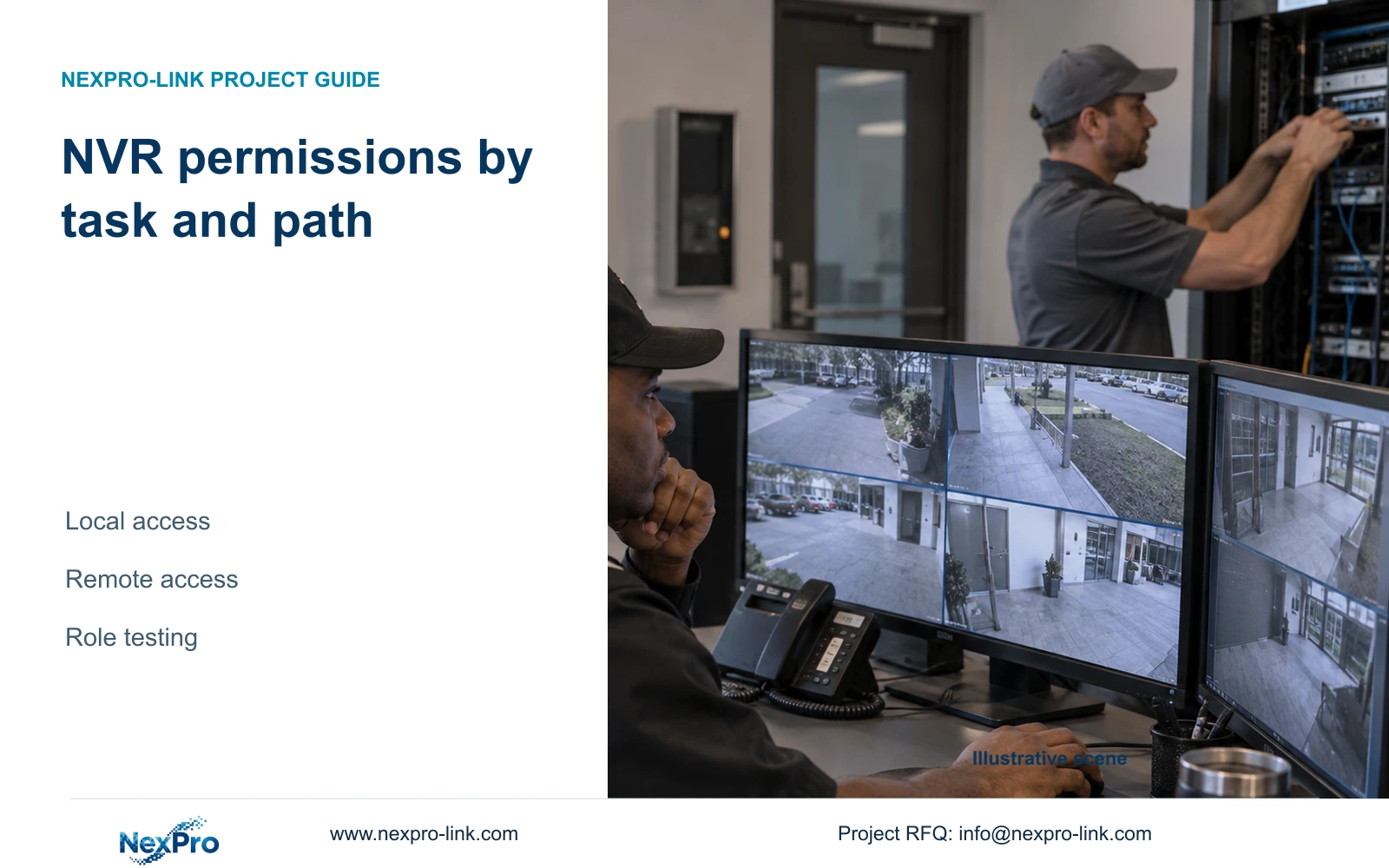
Build an NVR access matrix around the tasks each role performs locally and remotely, then verify permitted actions, prohibited actions and screen visibility separately.

10 guides

Decision area 06

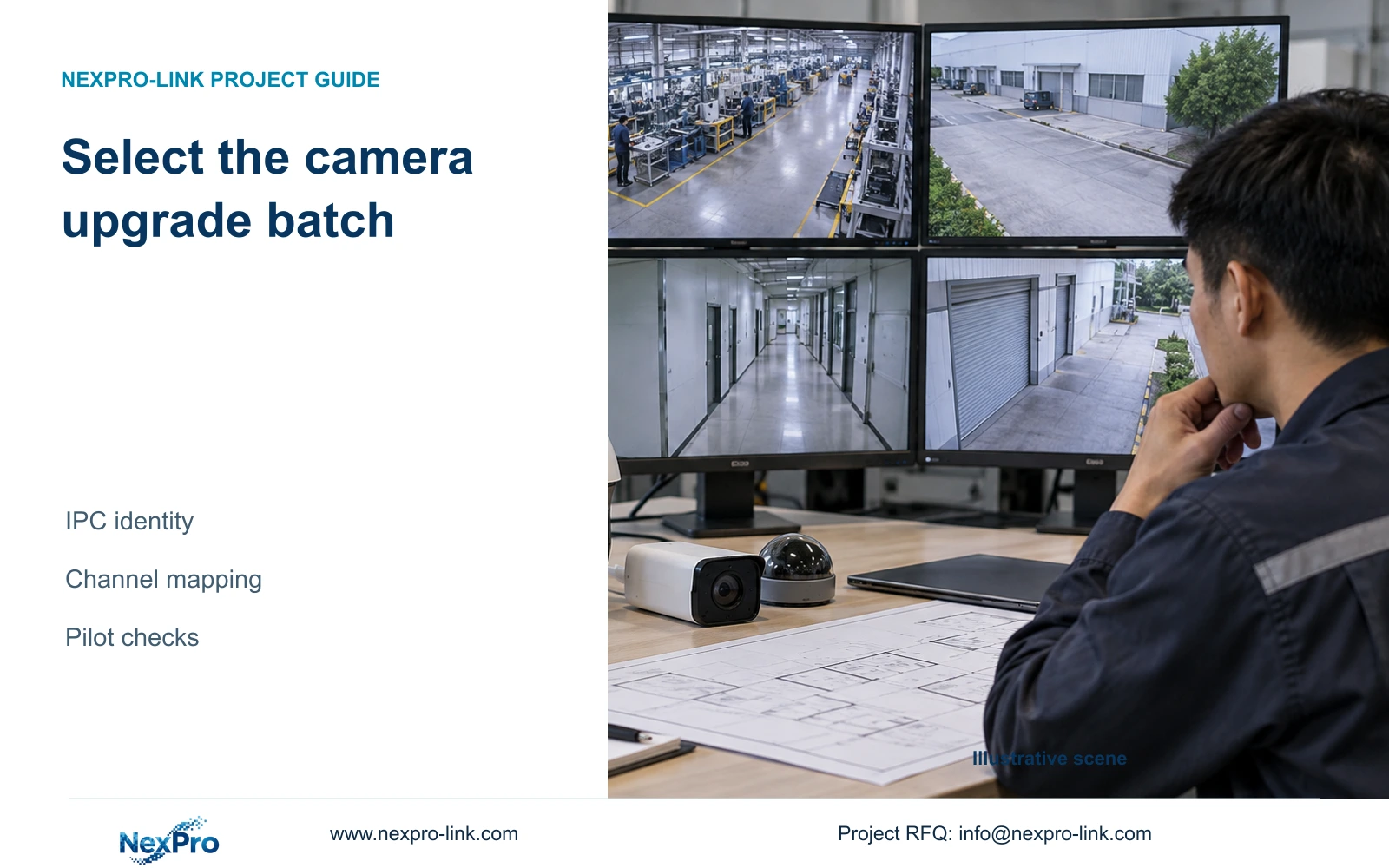
Camera Onboarding

Finishing the startup wizard does not prove that footage is usable. Trace an enrolled camera through storage, its recording plan, playback and a playable export.

10 guides

Decision area 07

Address Configuration

Choose the recorder address method around the building's network ownership, then preserve camera identities and verify local recording and remote access separately.

10 guides

Decision area 08

Network Diagnostics

A diskless recorder cannot demonstrate the full local diagnostic workflow described in this manual. Confirm disk recognition before interpreting missing connection history.

10 guides

Decision area 09

Time OSD

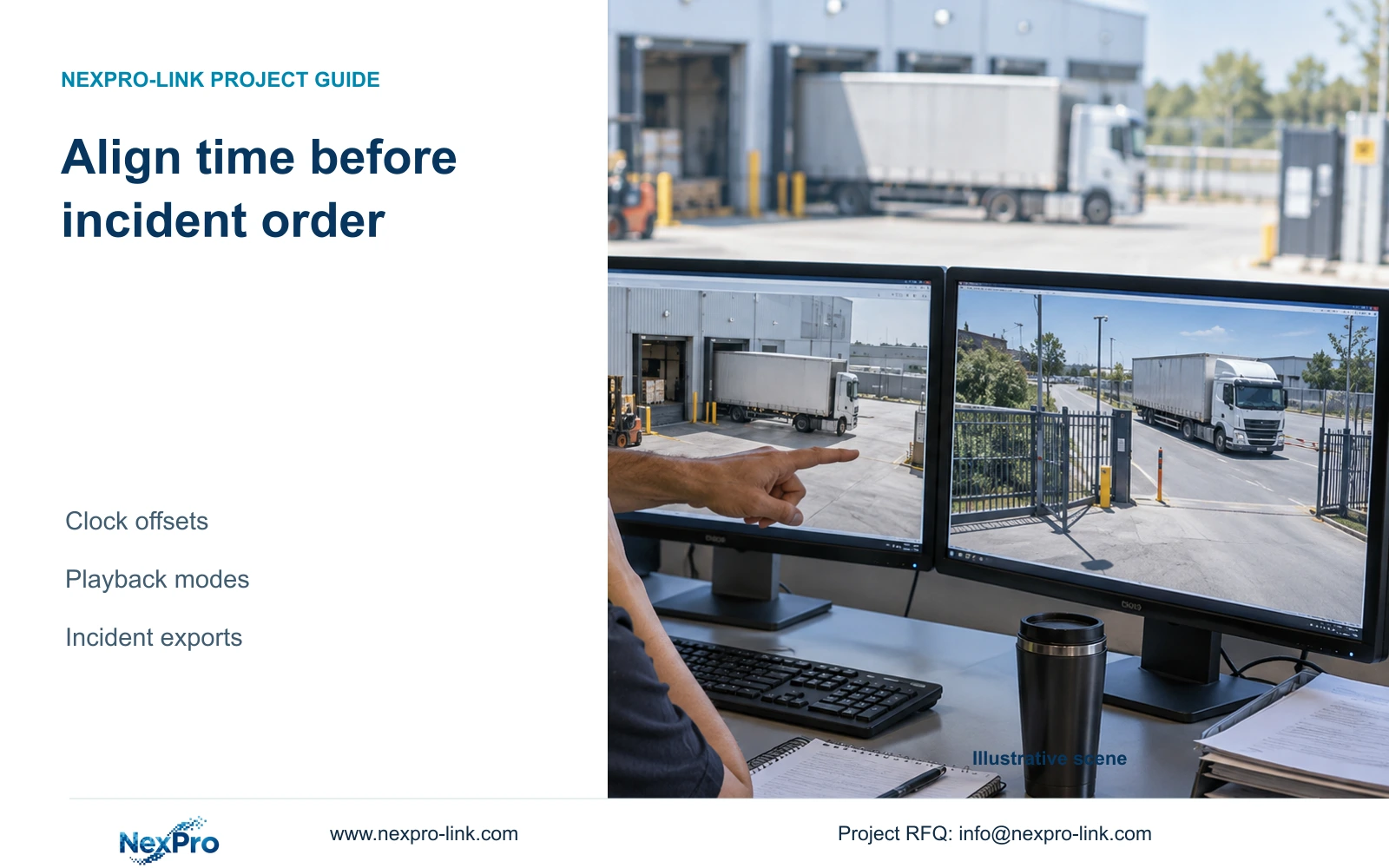
Define which clock controls the recorder and cameras, document the hourly synchronization setting, and verify the same event across channels before accepting timestamp alignment.

10 guides

Decision area 10

Camera Image Lighting

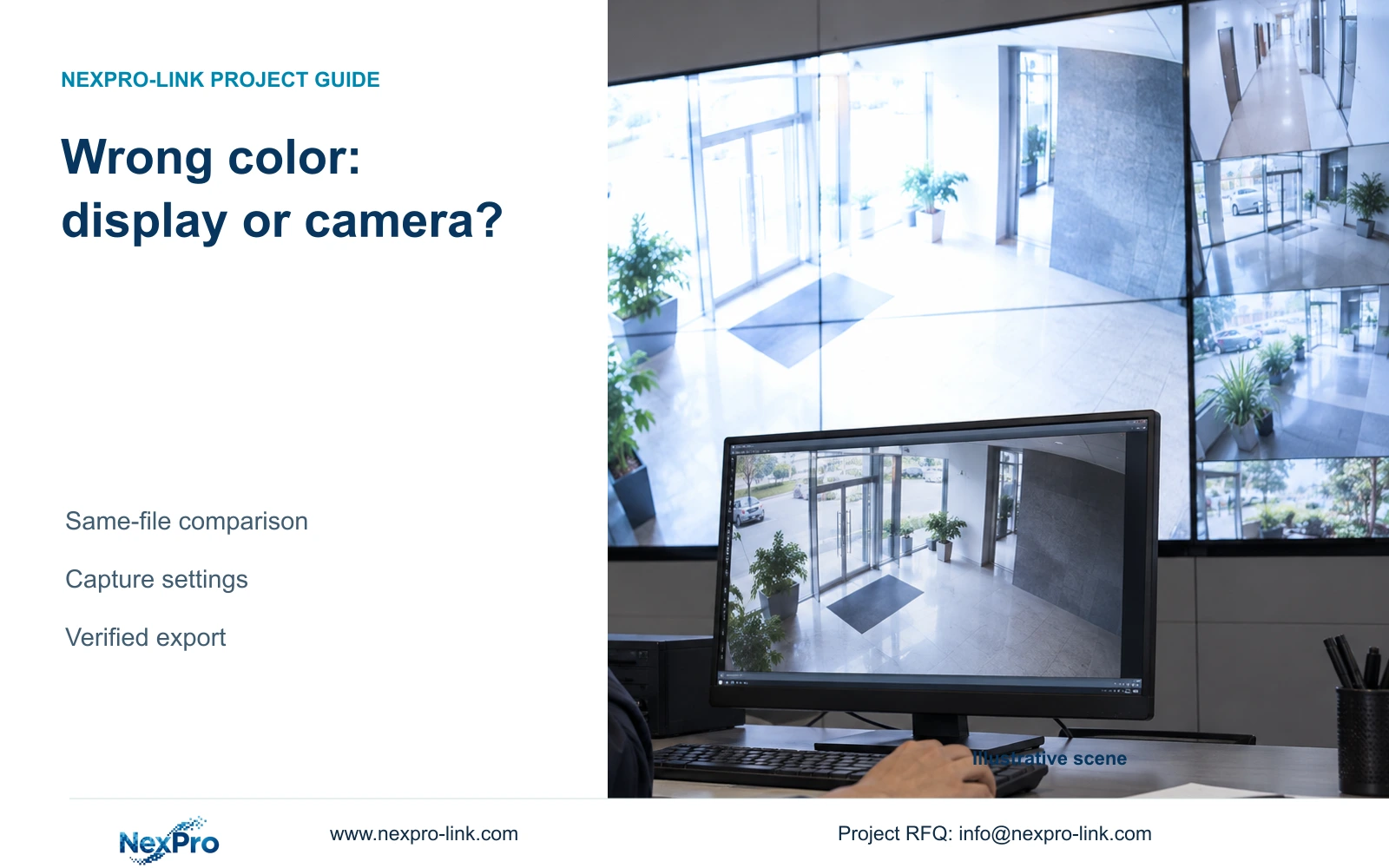
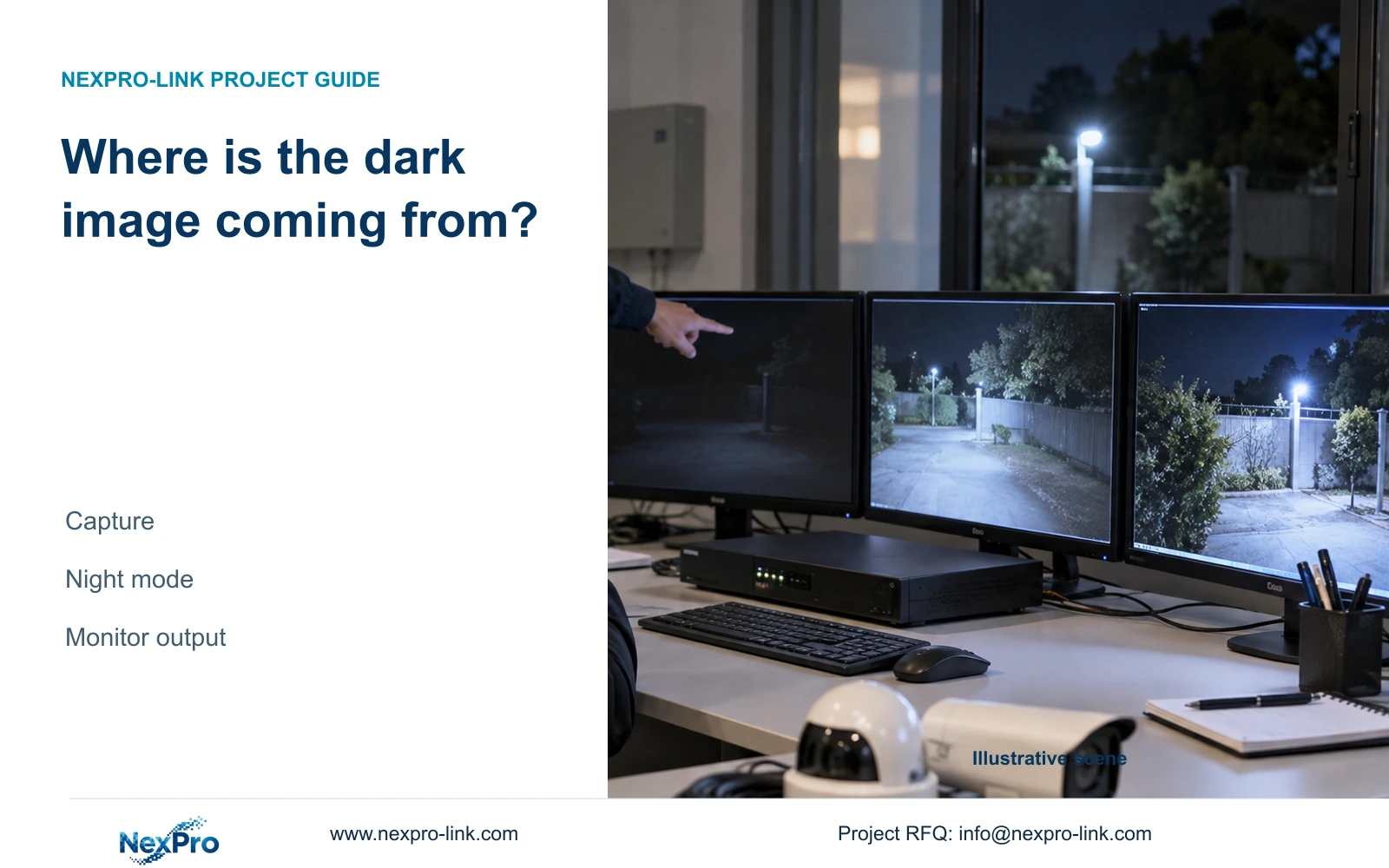
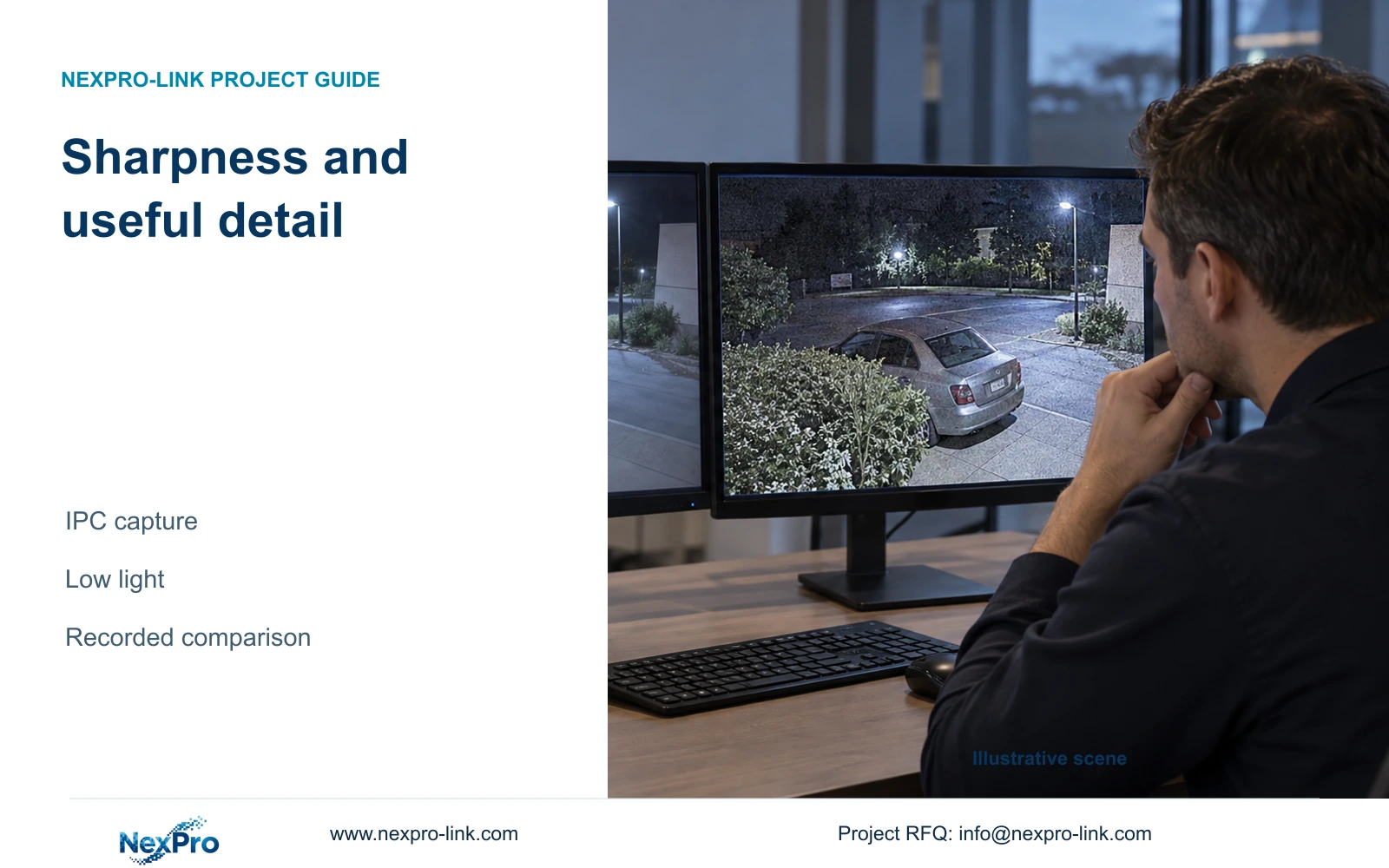
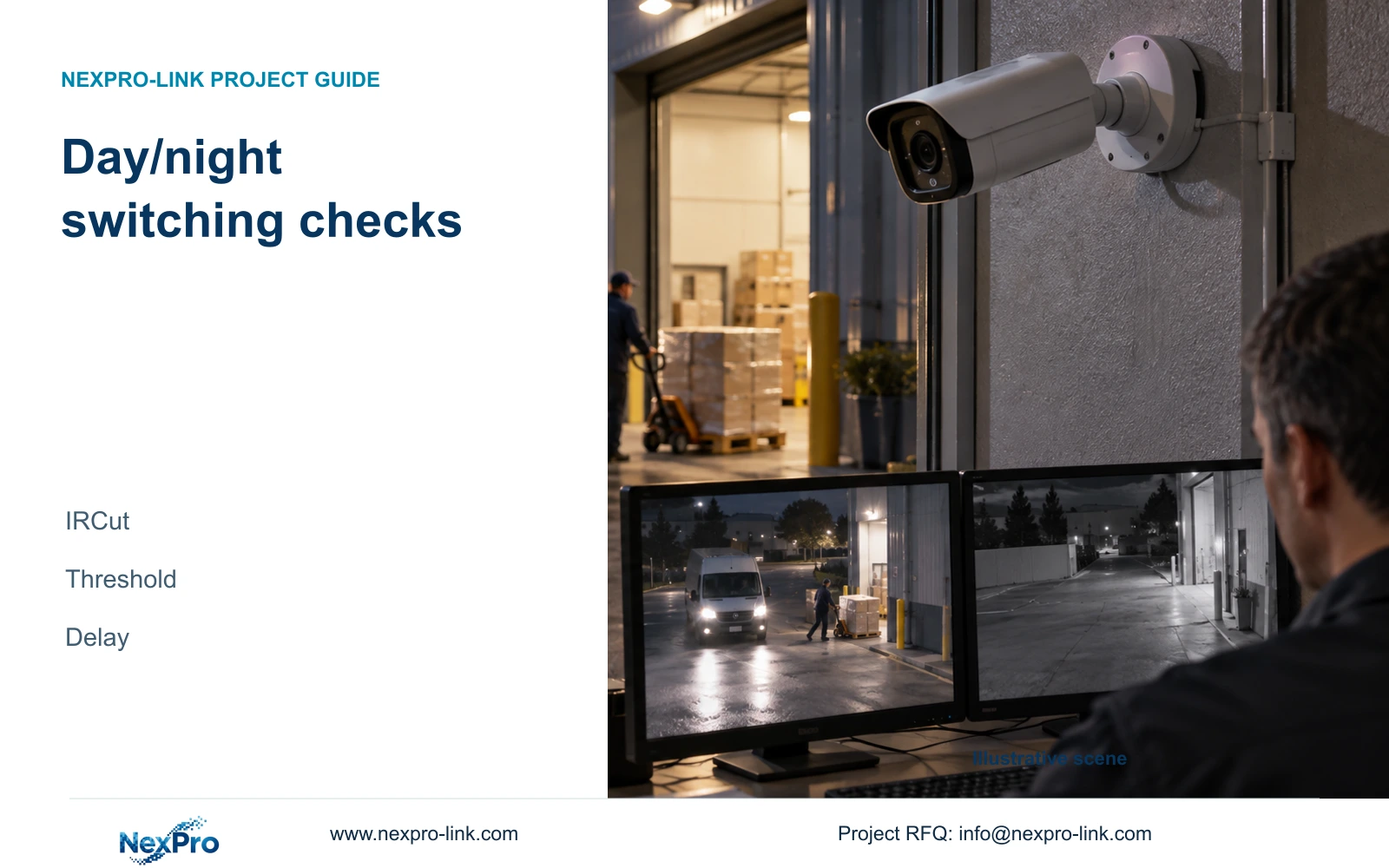
Use the same recorded segment to separate a dark monitor image from camera capture and night-mode problems, then verify which change improves usable footage.

10 guides

Decision area 11

Encoding Stream Control

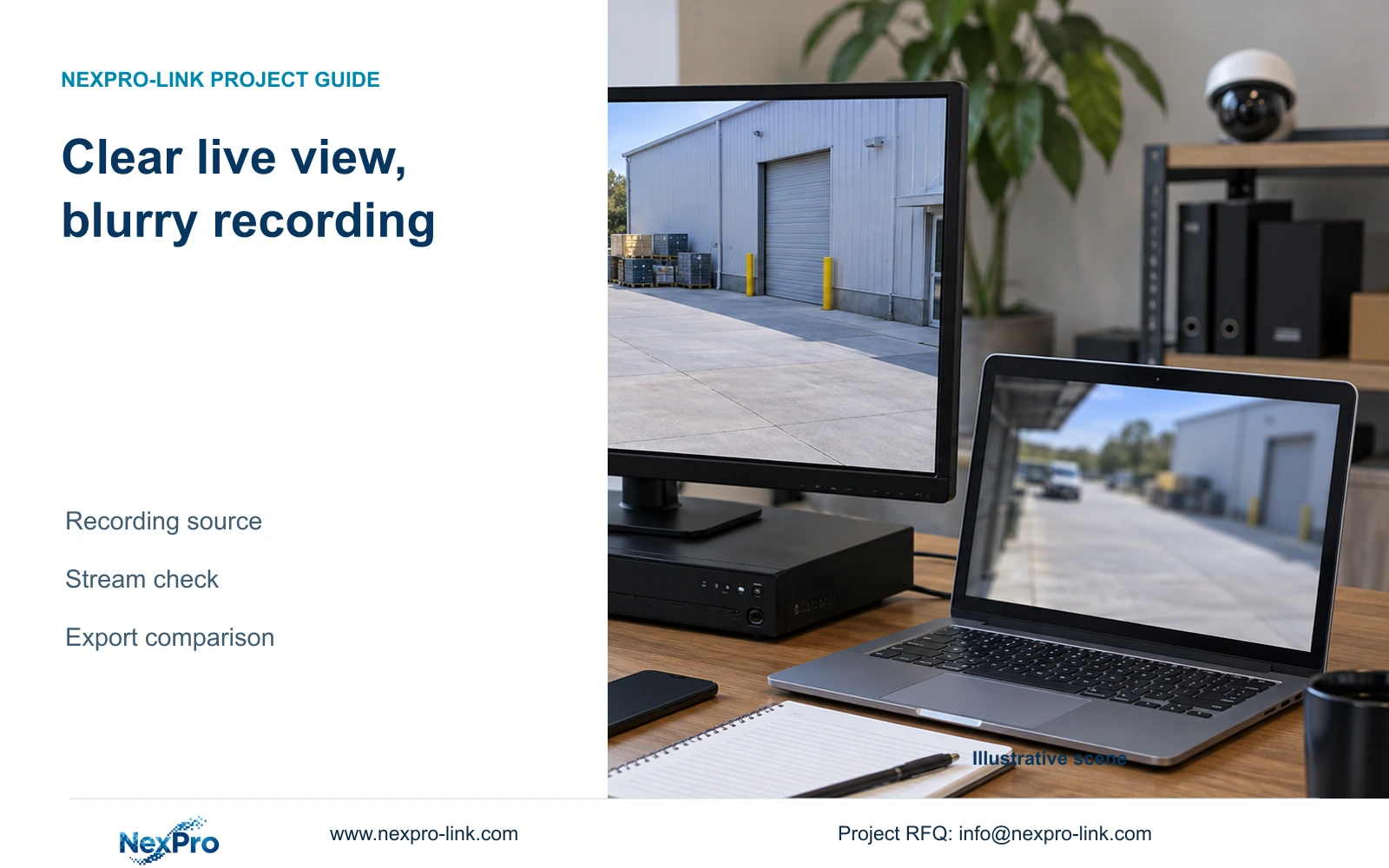
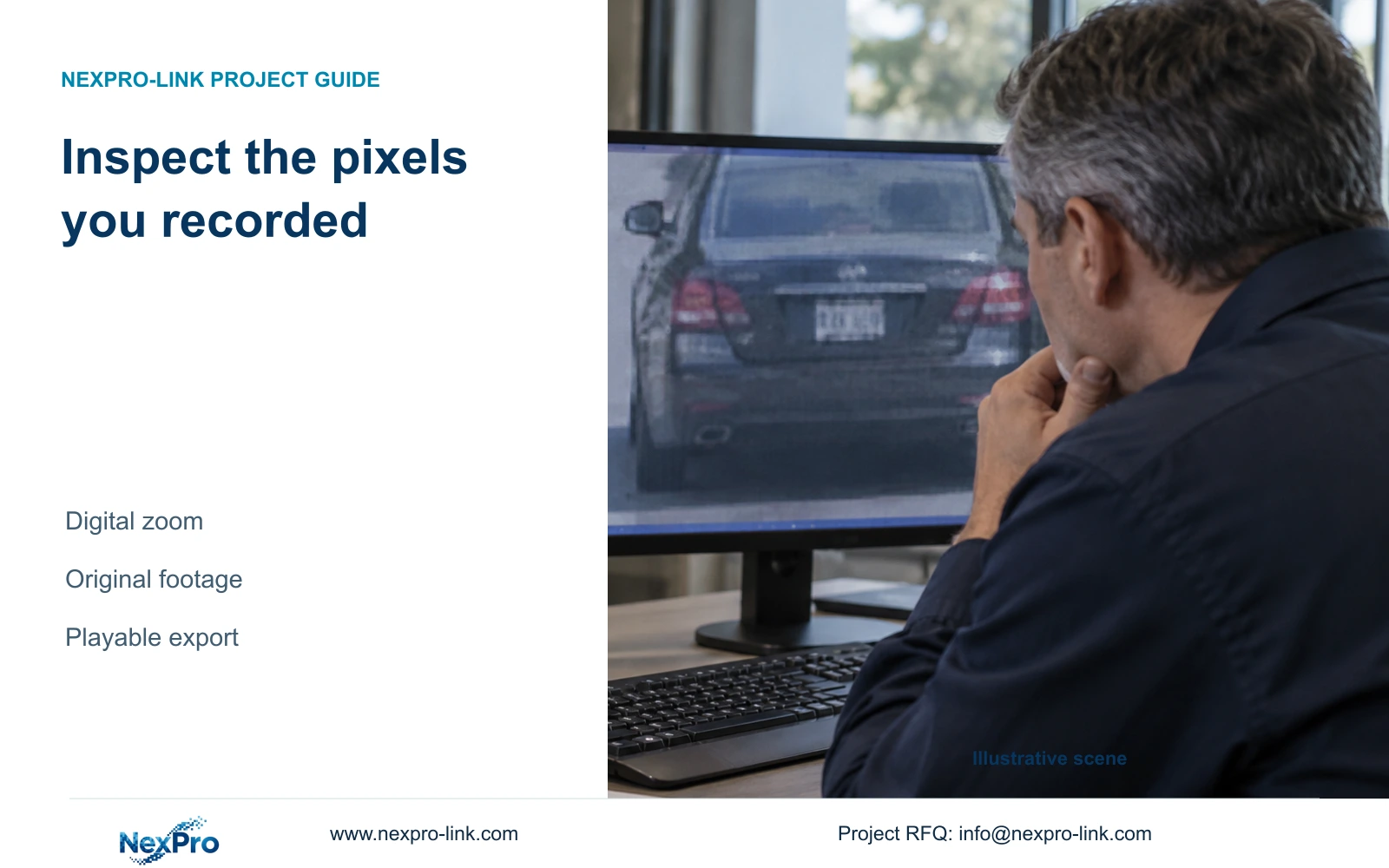
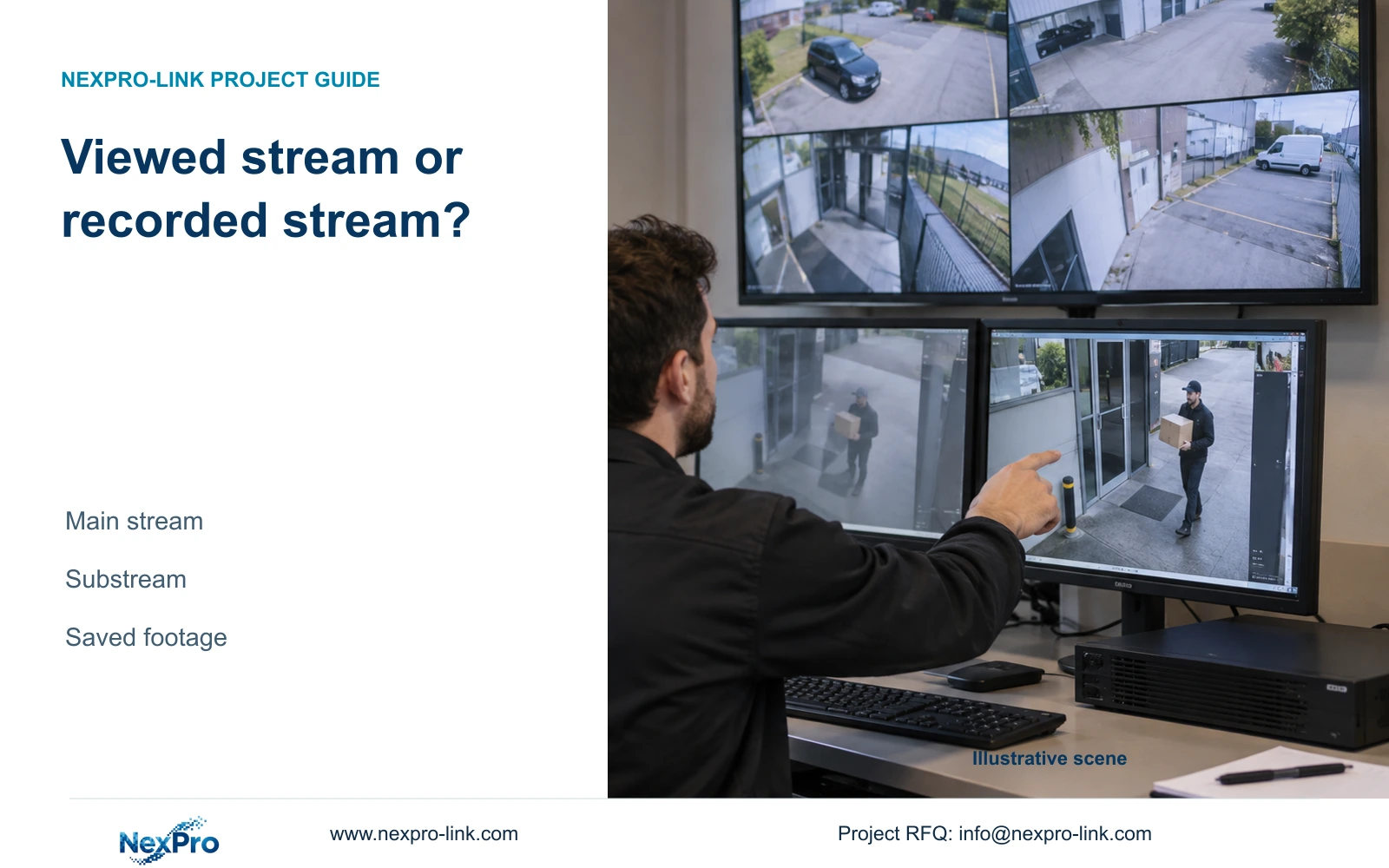
A softer multi-camera overview does not establish the quality stored on the recorder. Trace the viewing path, inspect a saved sample and confirm who controls the camera profile.

10 guides

Decision area 12

Layouts Tours

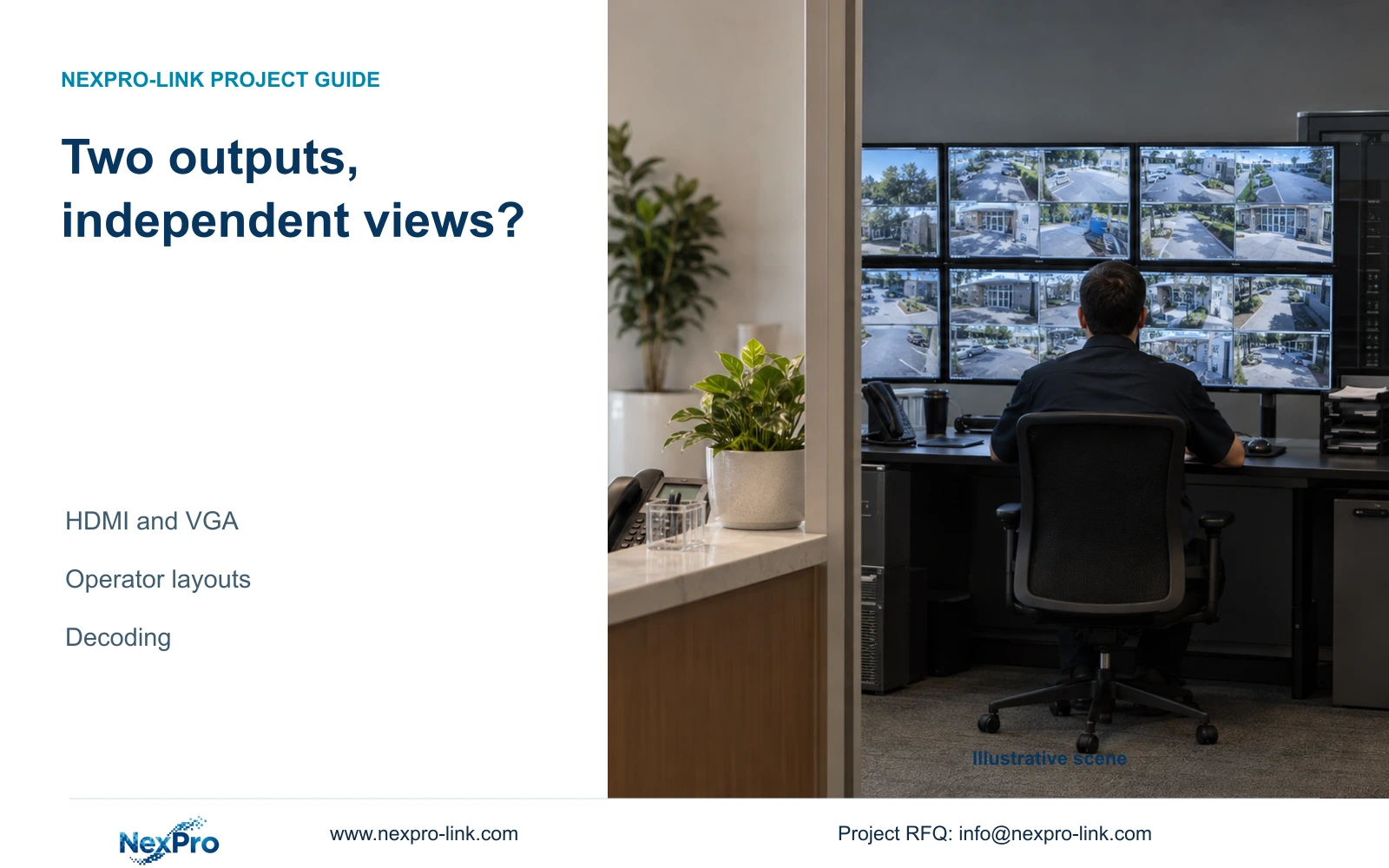
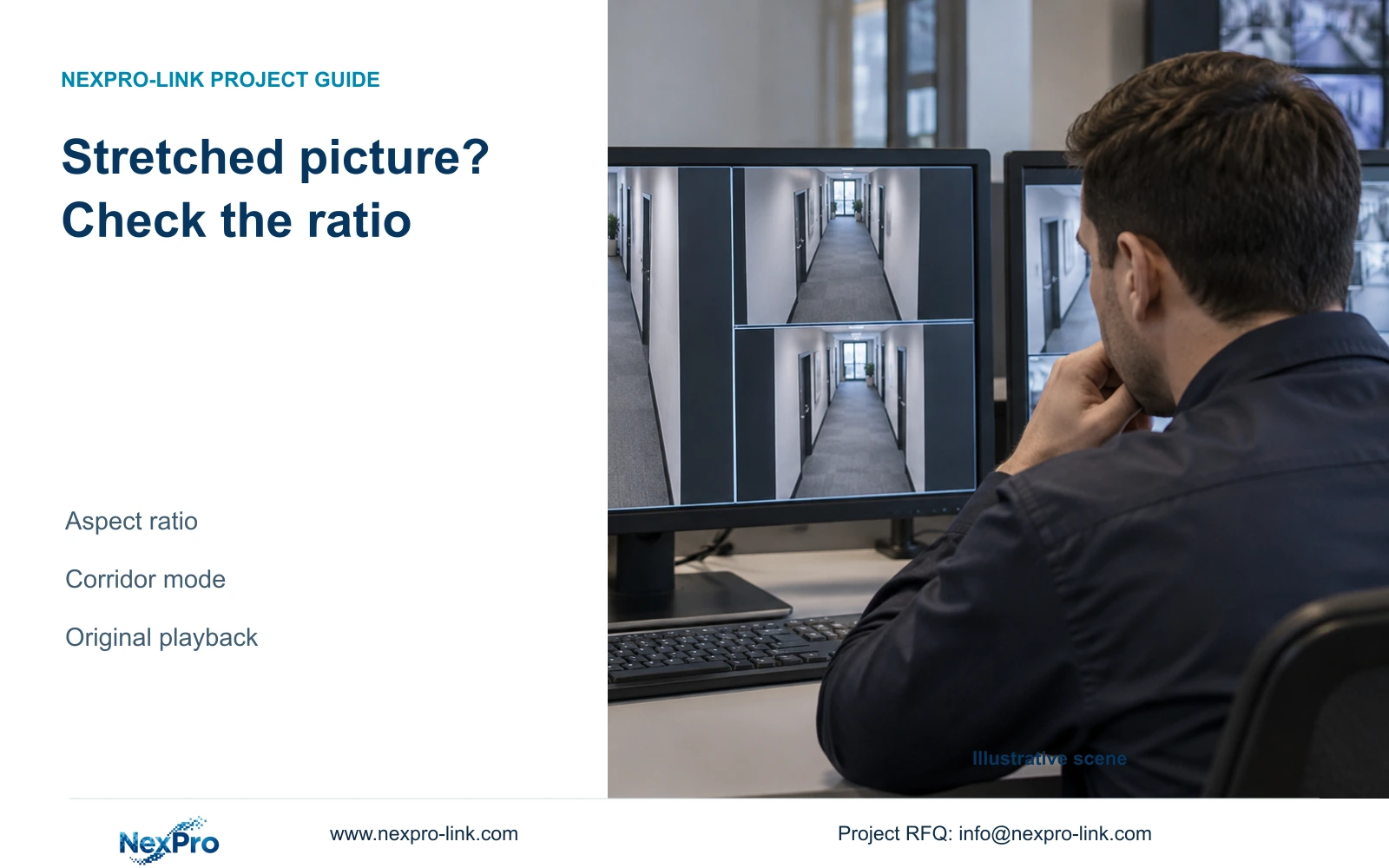
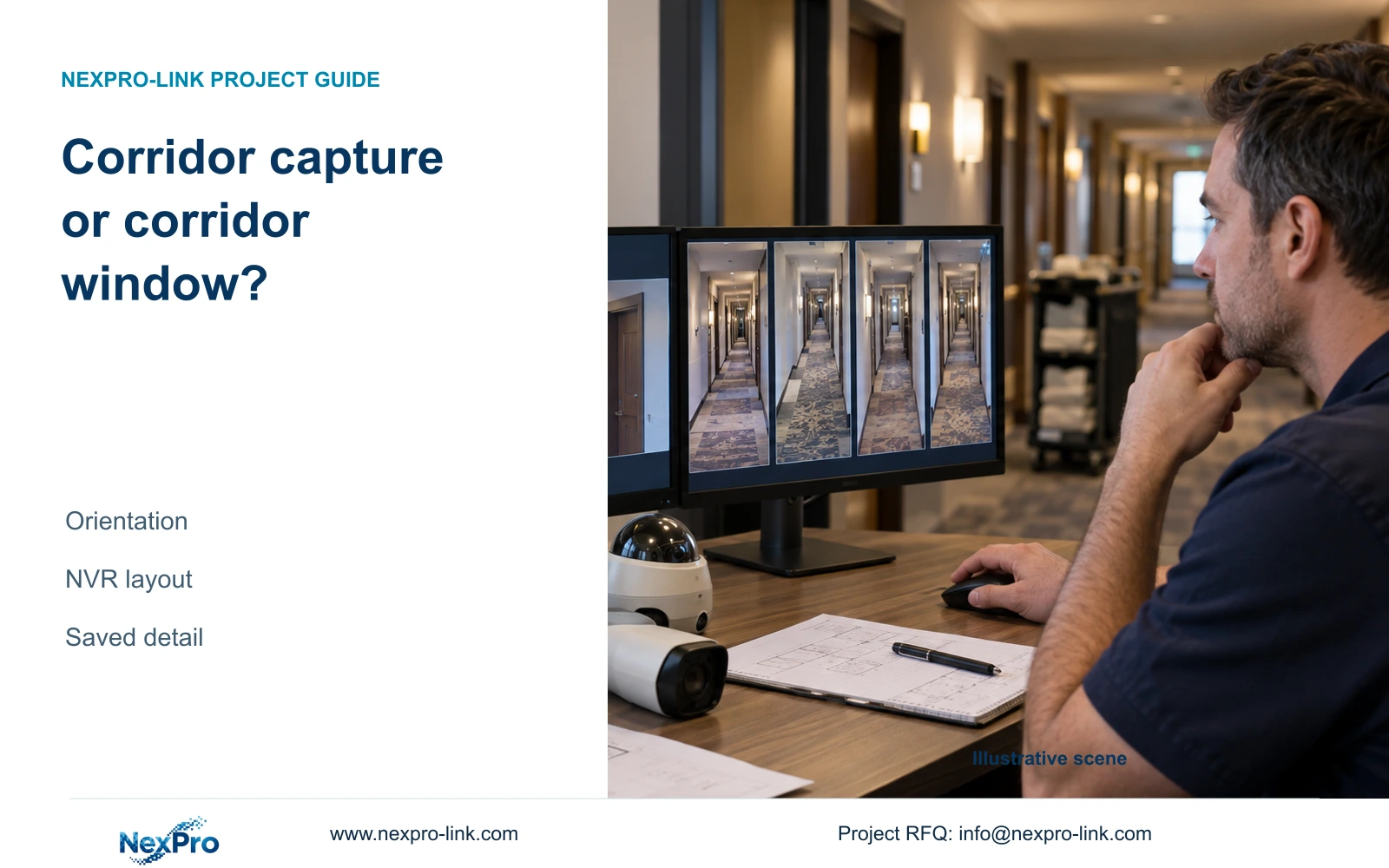
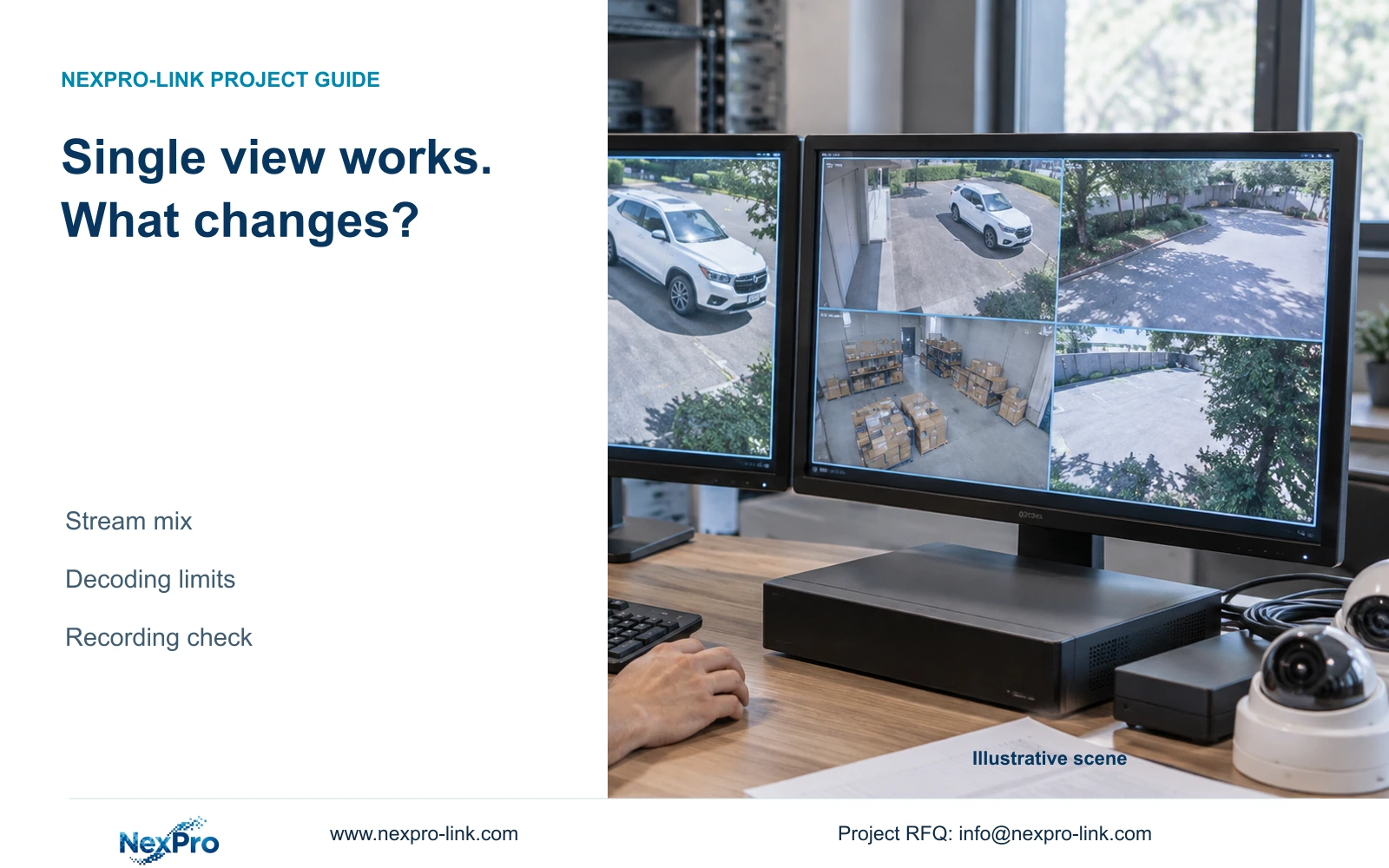
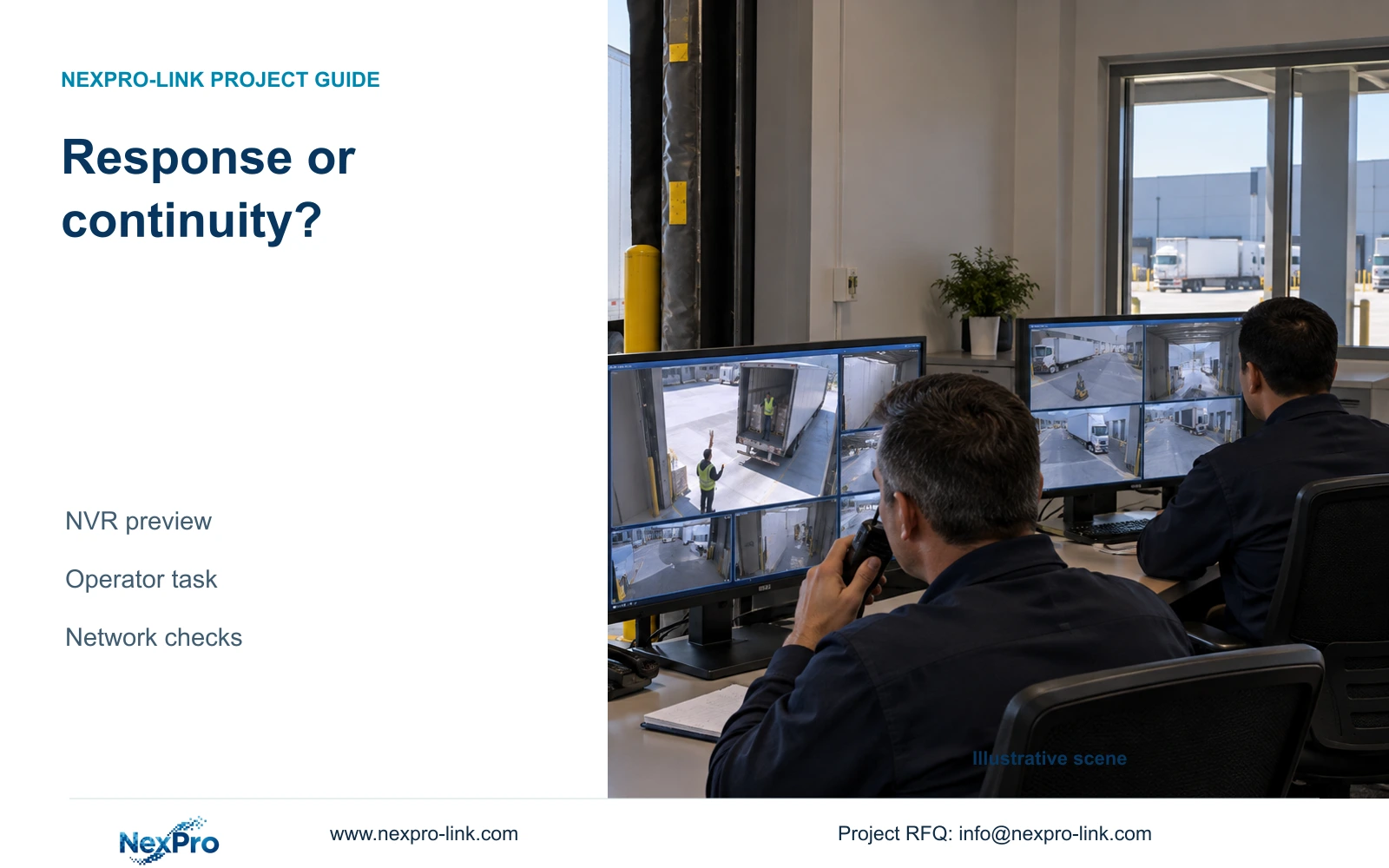
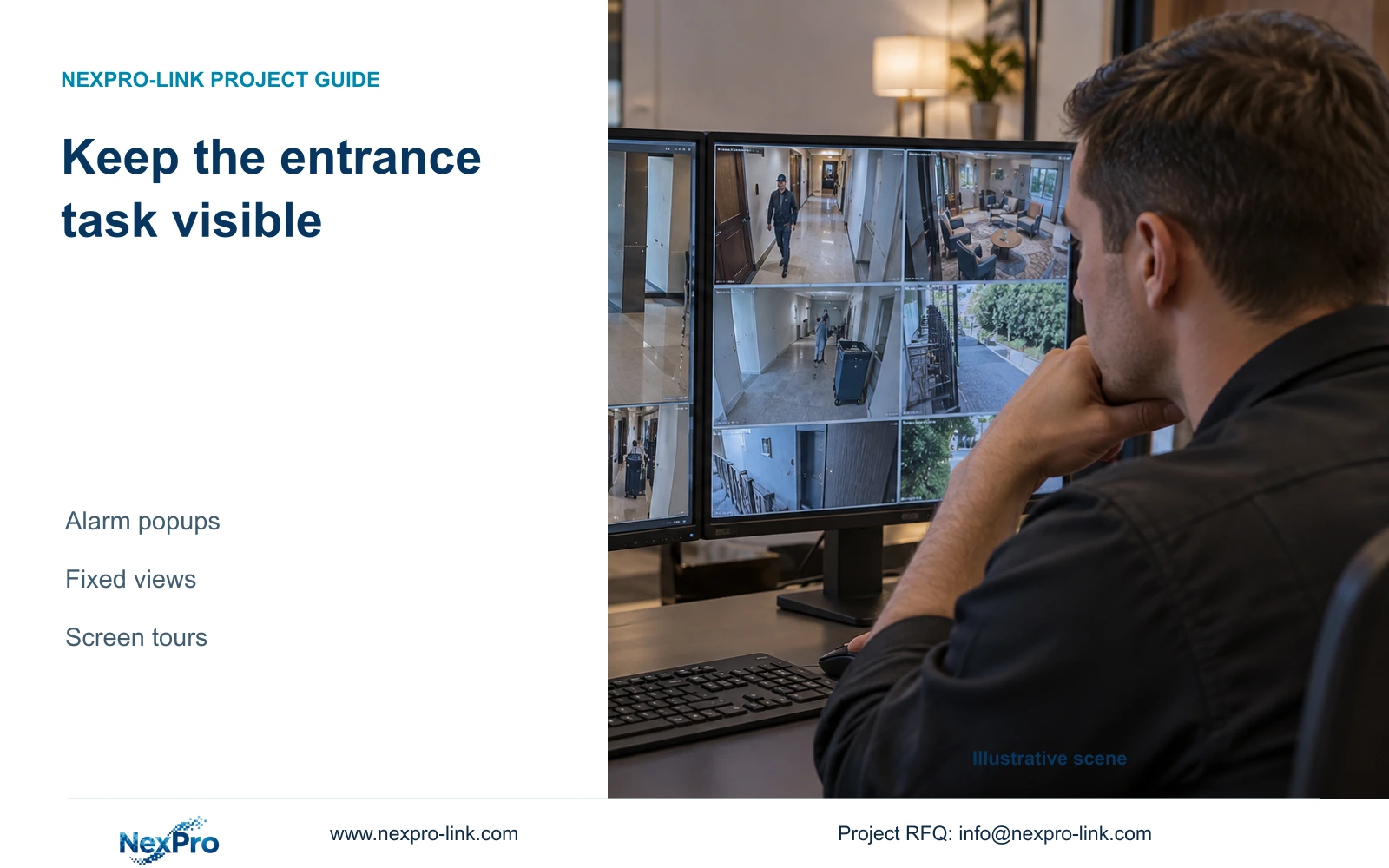
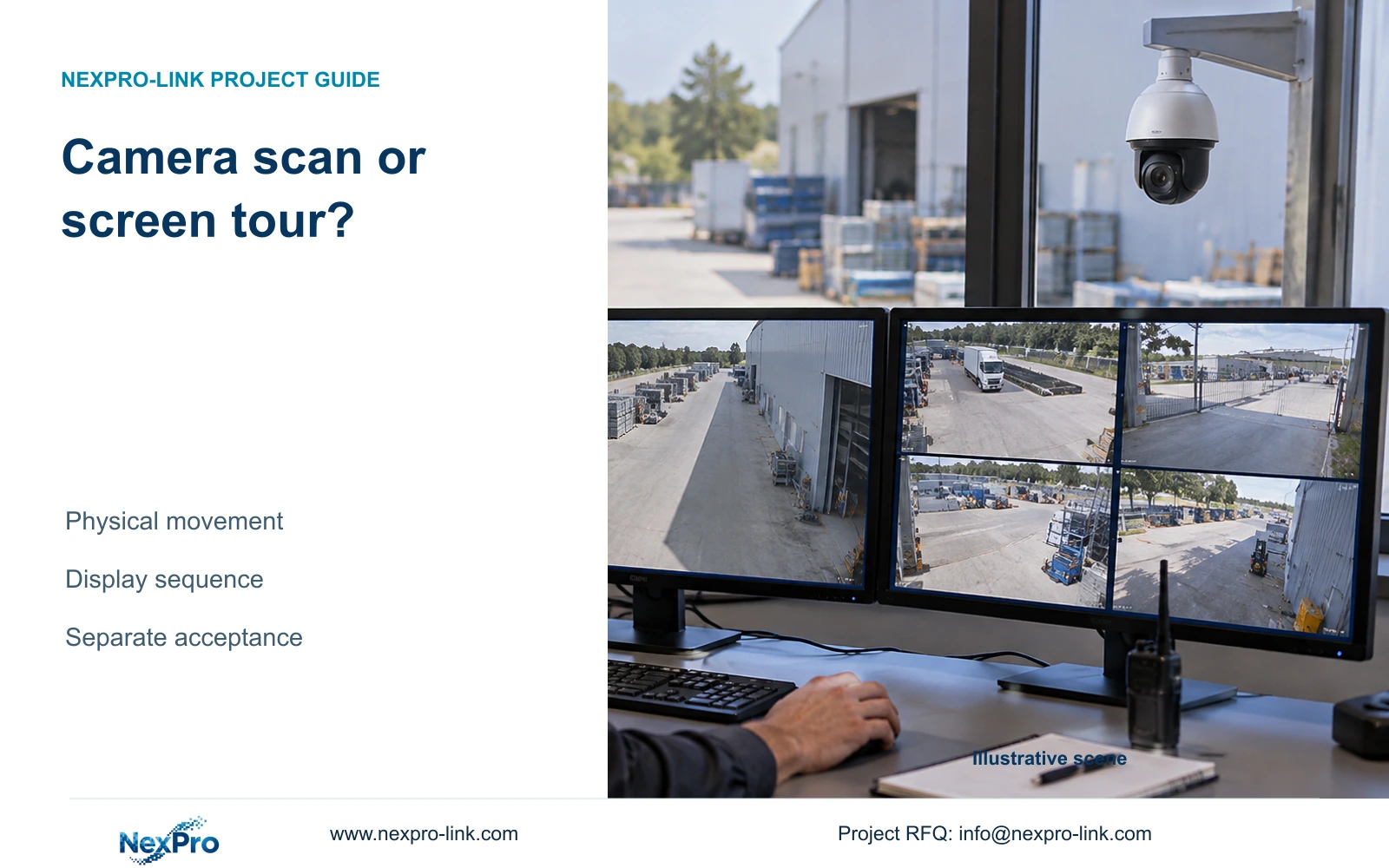
Choose a guard-desk layout around what operators must notice and inspect. Window geometry, supported decoding and recorded detail need separate checks.

10 guides

Decision area 13

Recording Schedules

A full schedule grid does not prove continuous recording. Follow the selected channels through disk recognition, full-disk behavior, playback and a playable export.

10 guides

Decision area 14

Disk Retention

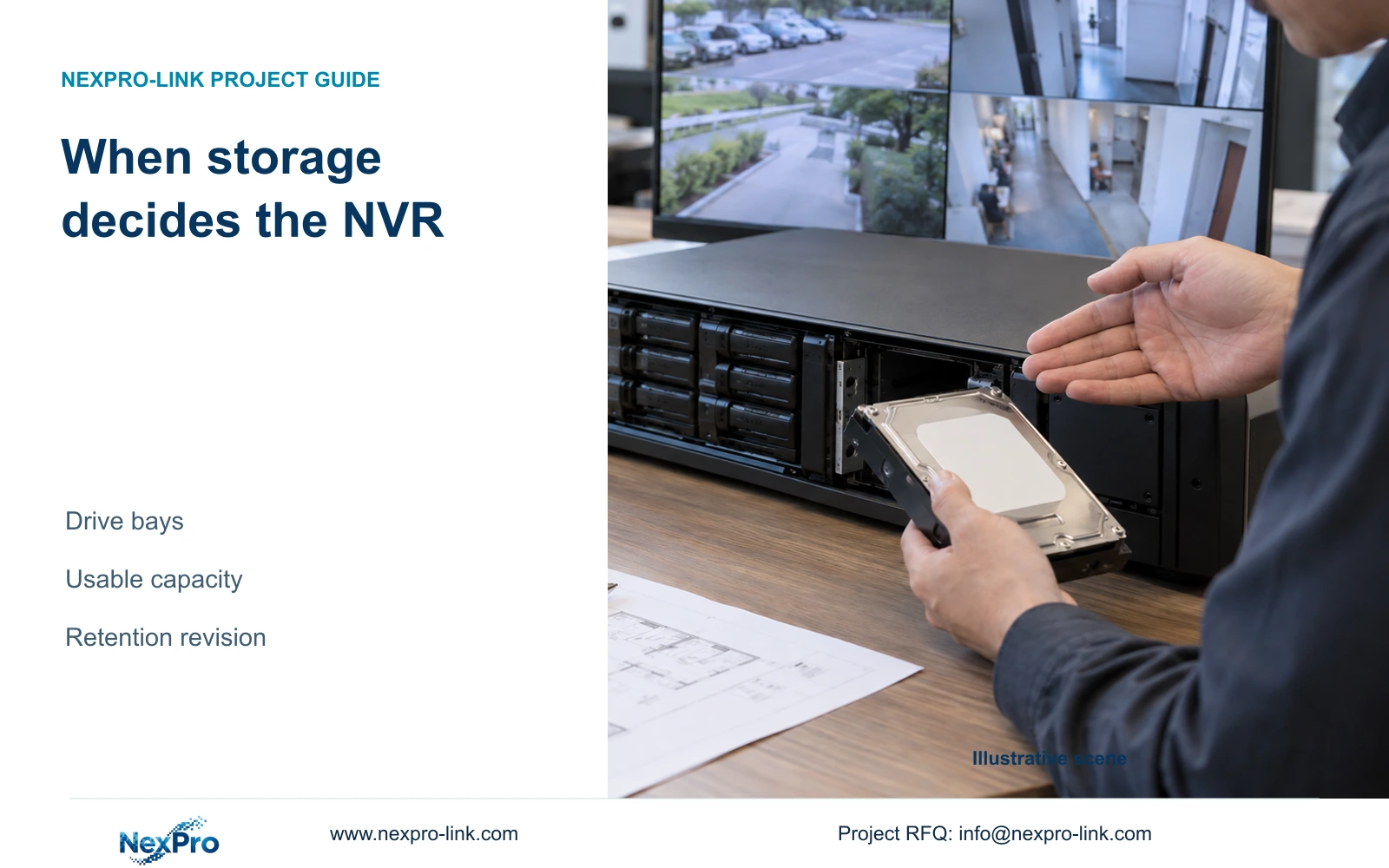
Keep the manual's daily-volume shorthand intact and calculate video payload separately. This guide explains the units, bitrate evidence and usable-capacity checks needed for a defensible storage quotation.
10 guides

Decision area 15

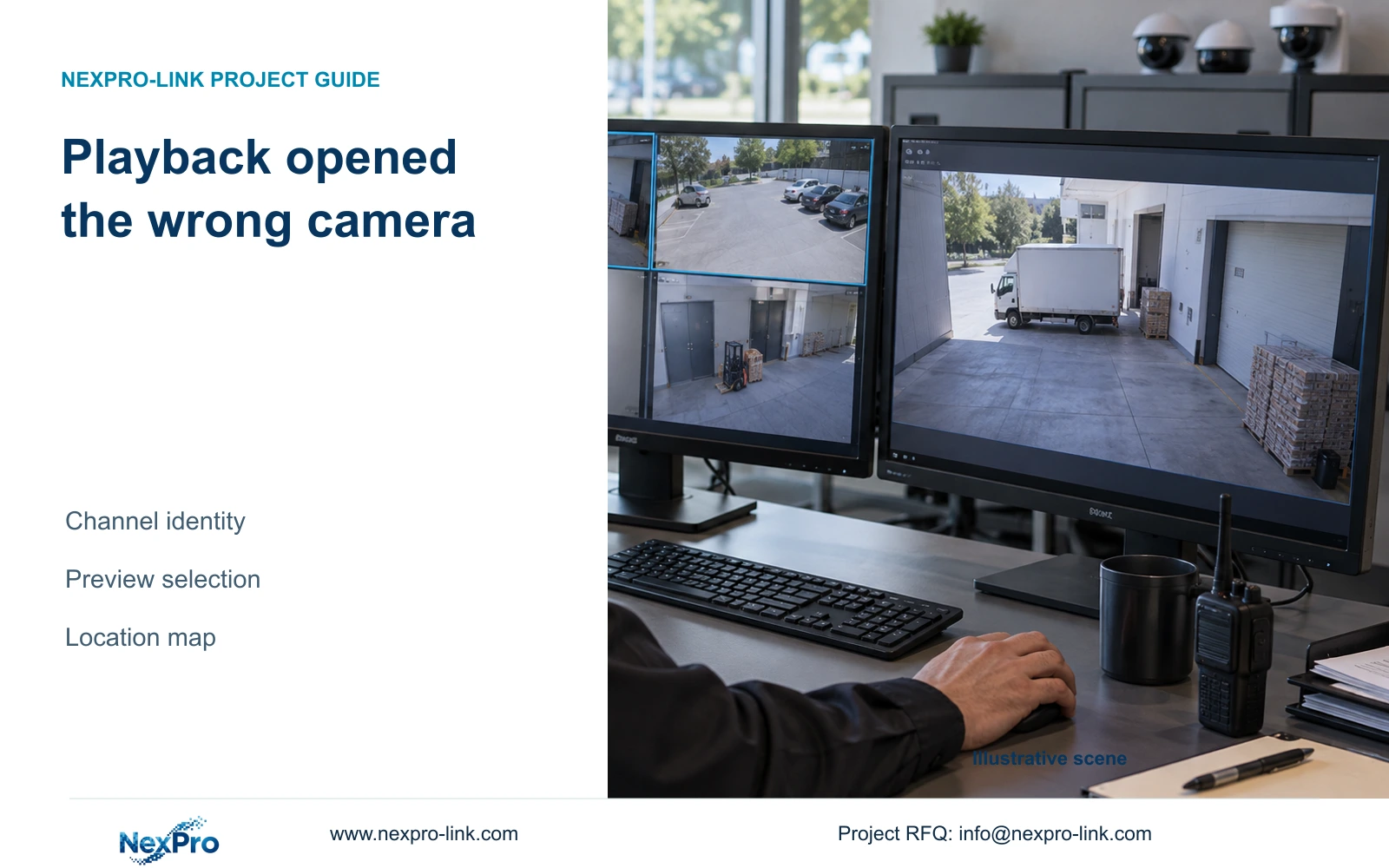
Playback Investigation

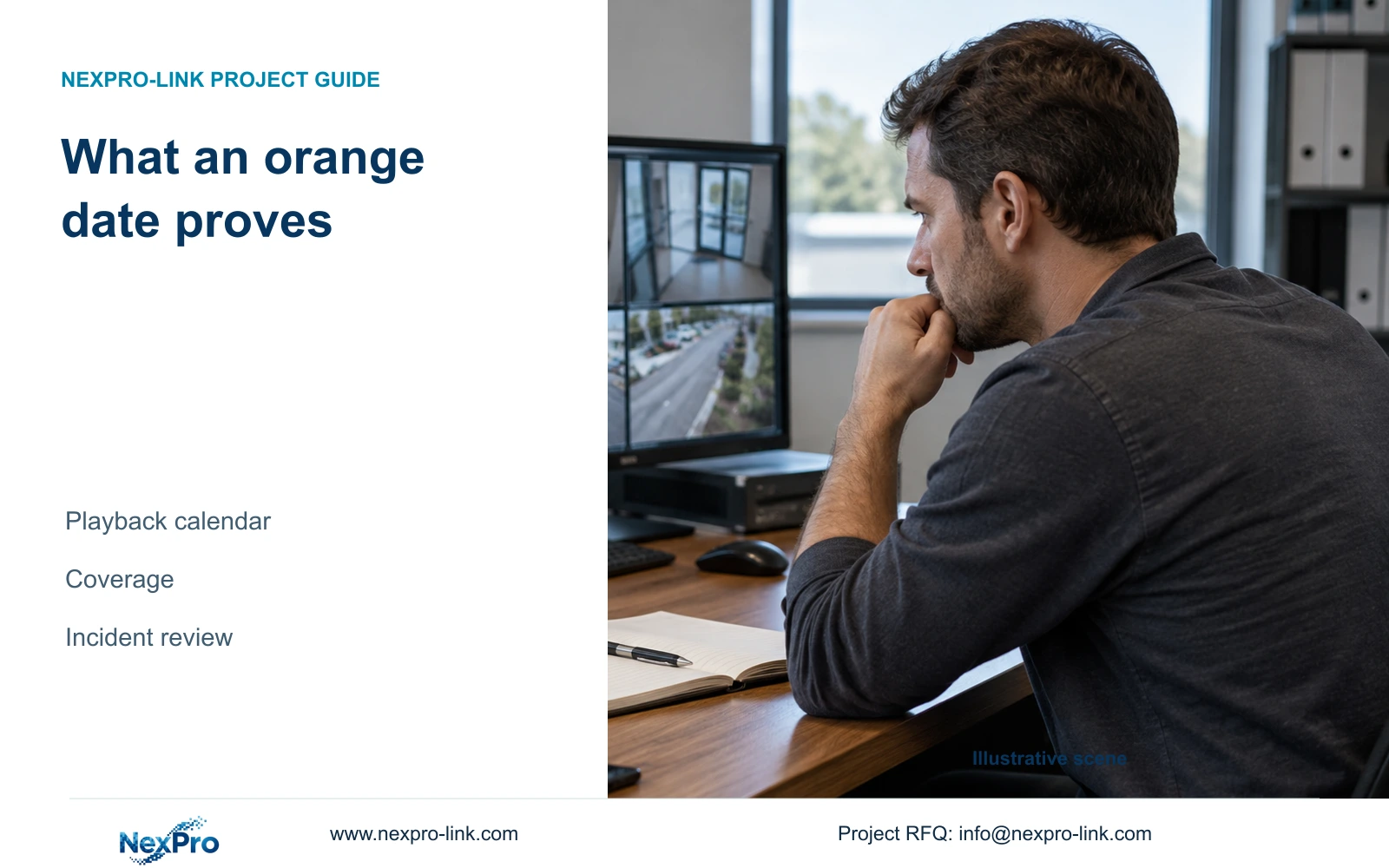
An orange playback date shows that recordings exist, not that every camera recorded continuously. Follow the channel, schedule, clock and file checks before accepting daily coverage.

10 guides

Decision area 16

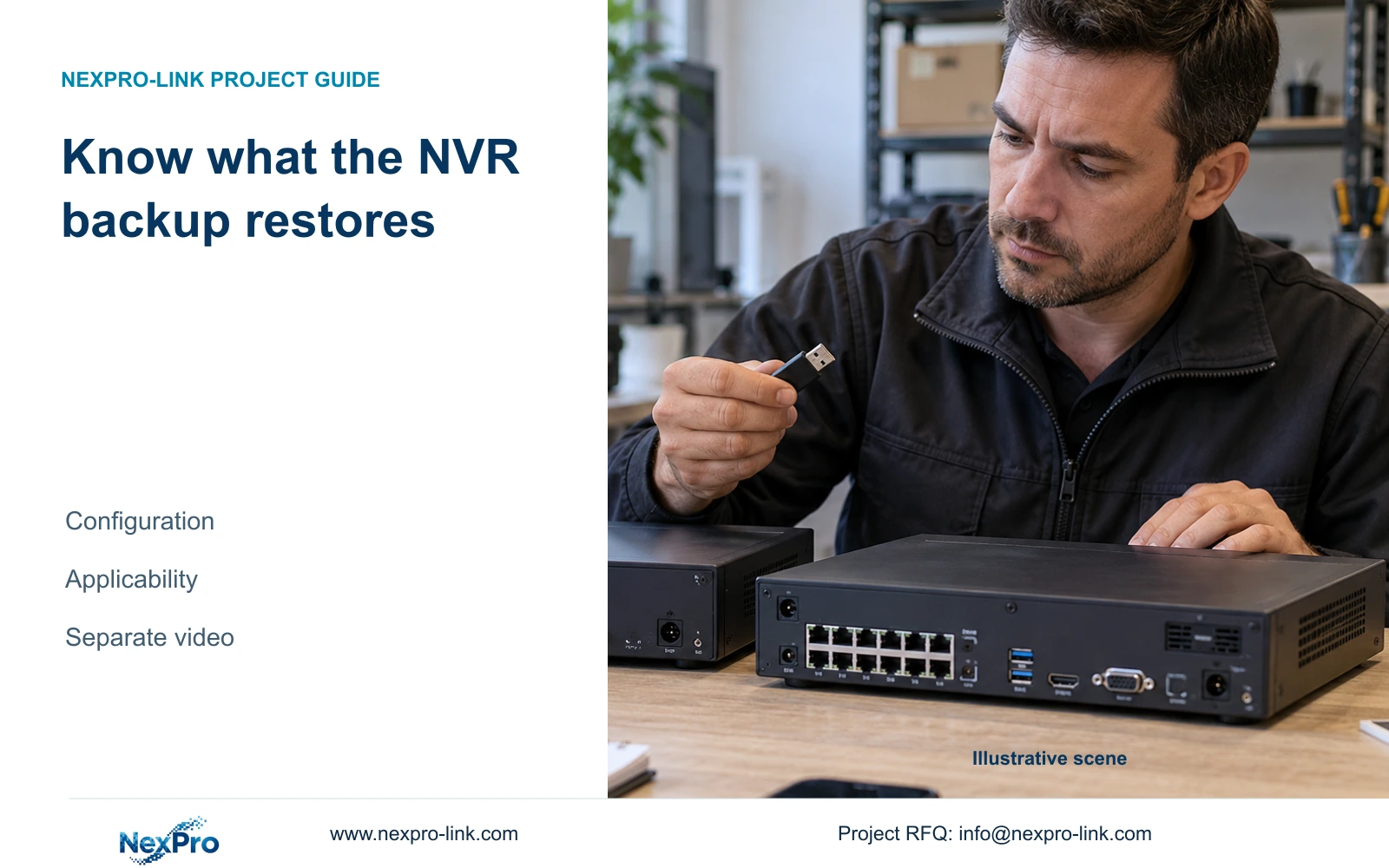
Backup Snapshots

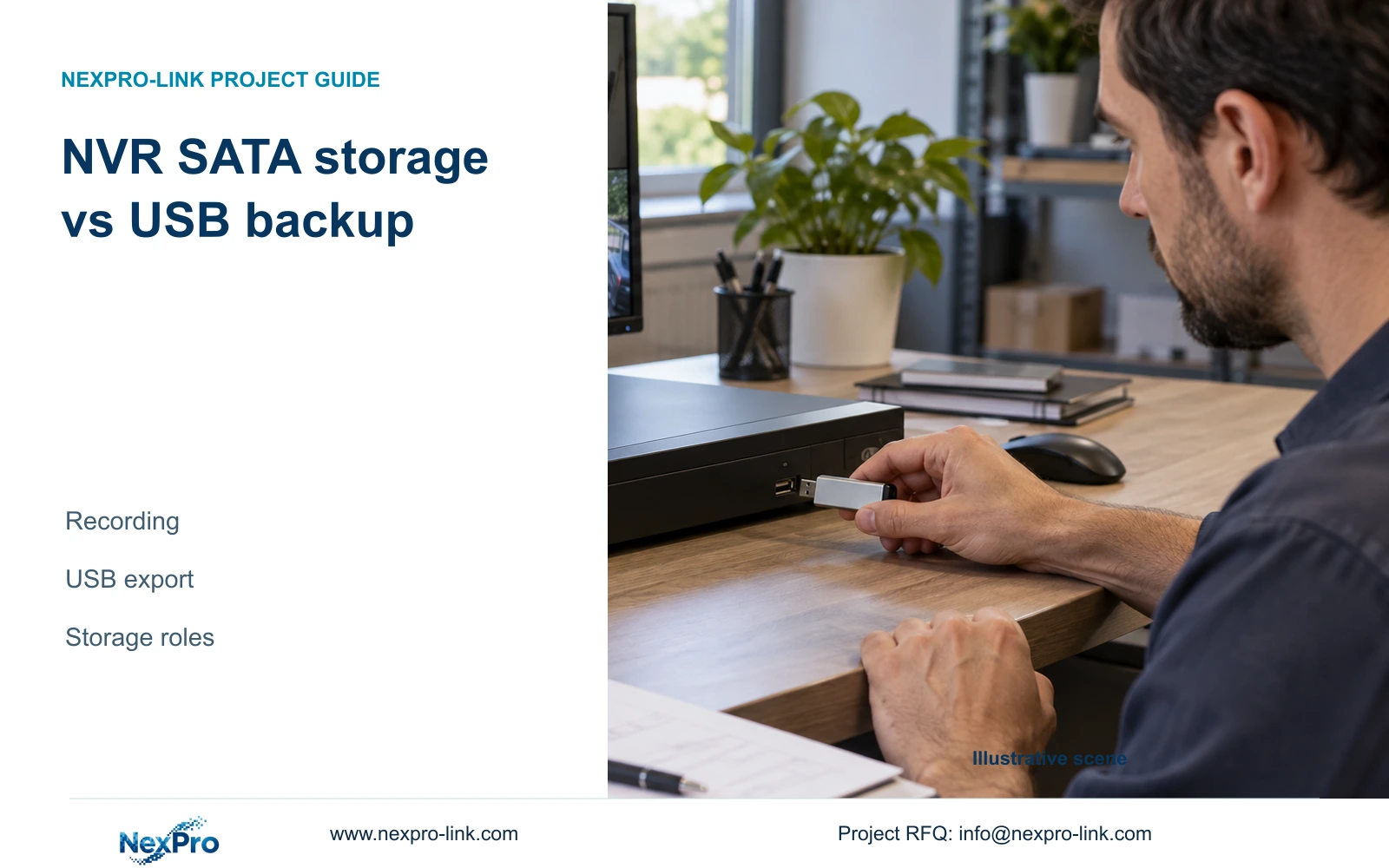
Follow the recorder's MP4 backup sequence from incident selection to recipient playback, with permission checks, capacity estimates and a usable handover record.

10 guides

Decision area 17

Motion Video Loss

When movement produces no expected alarm action, check the channel, detection area, armed period and output separately, then verify the associated recording.

10 guides

Decision area 18

Intrusion Line Crossing

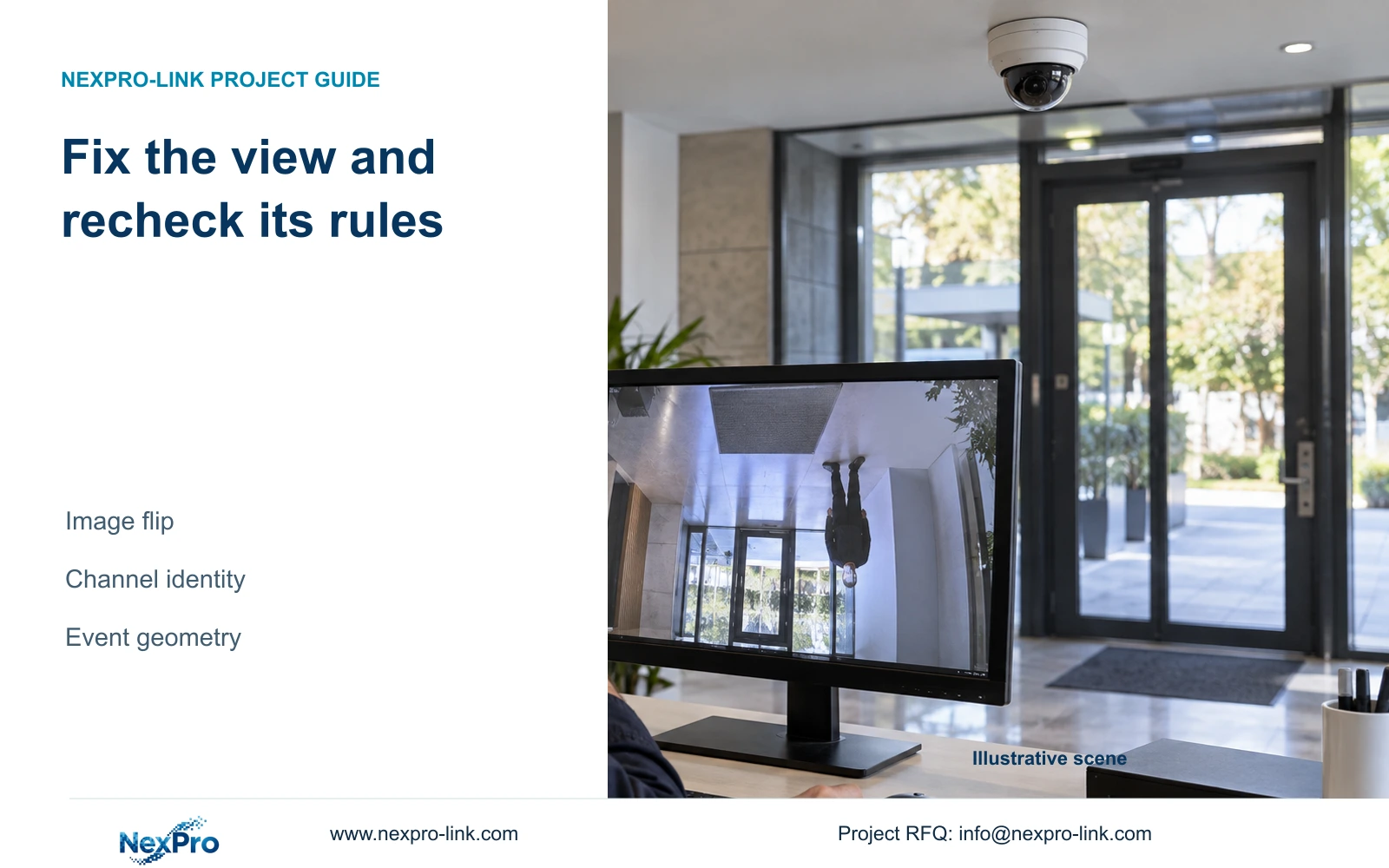
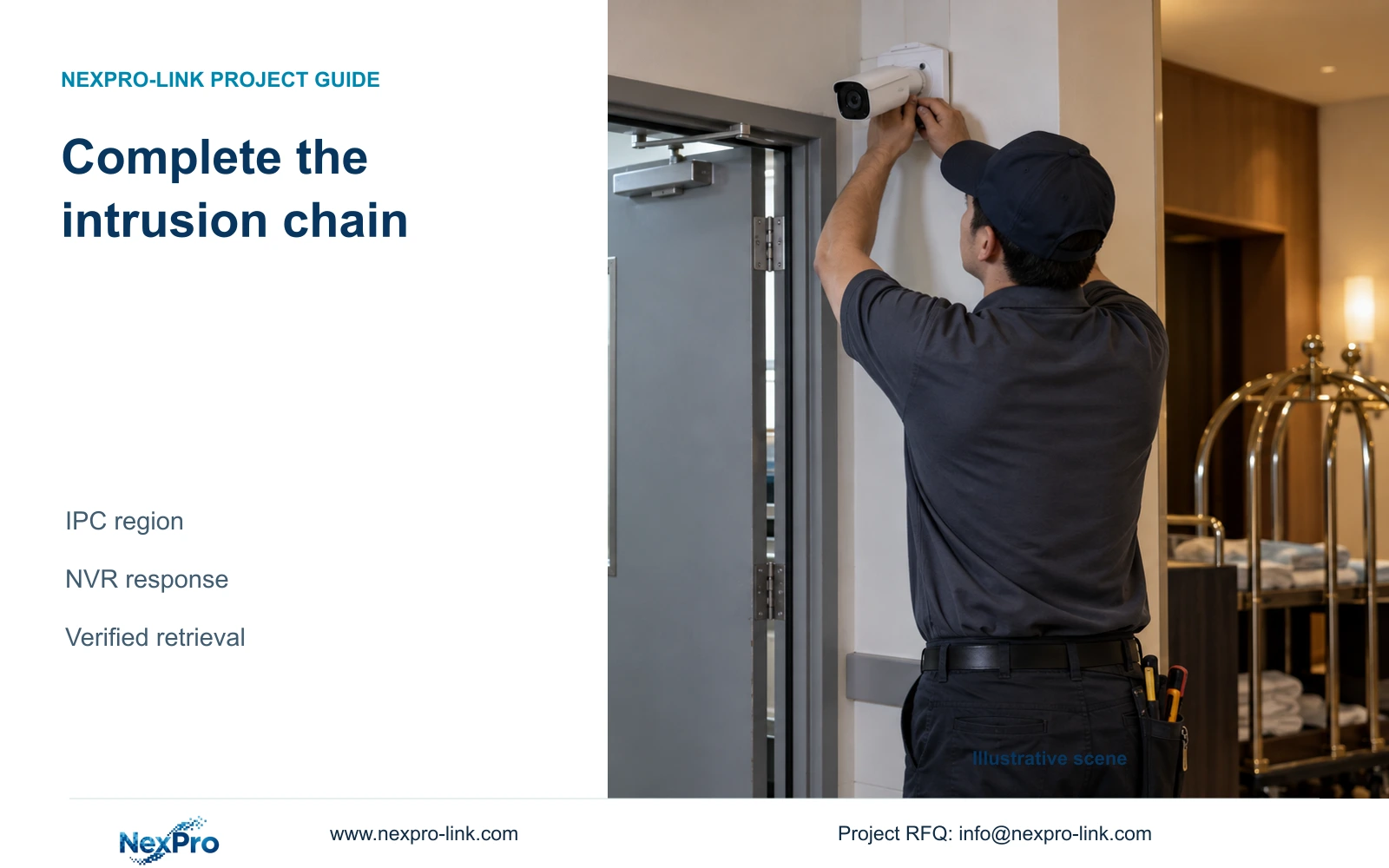
Enabling intrusion on the recorder leaves the camera-side detection task unfinished. Check IPC capability, configure the region and verify each required response.
10 guides

Decision area 19

IO Email Notifications

Trace a door contact to its actual recorder or camera input before configuring alarms. Keep terminal numbers, video channels and recording outcomes separate.

10 guides

Decision area 20

PTZ Audio Serial

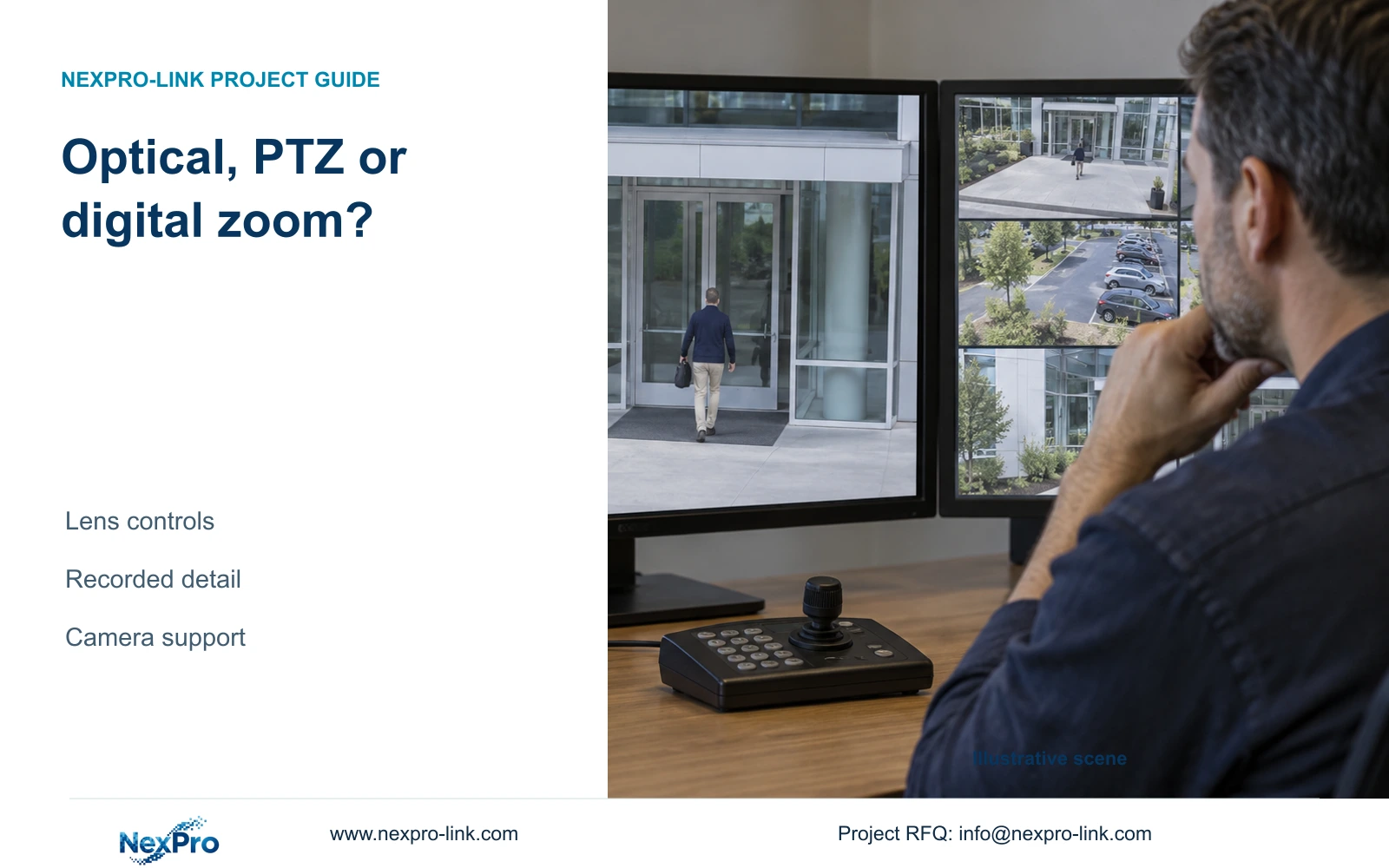
A visible PTZ menu does not establish camera movement capability. Separate physical movement, lens adjustment and protocol support before investigating an unresponsive command.

10 guides

Decision area 21

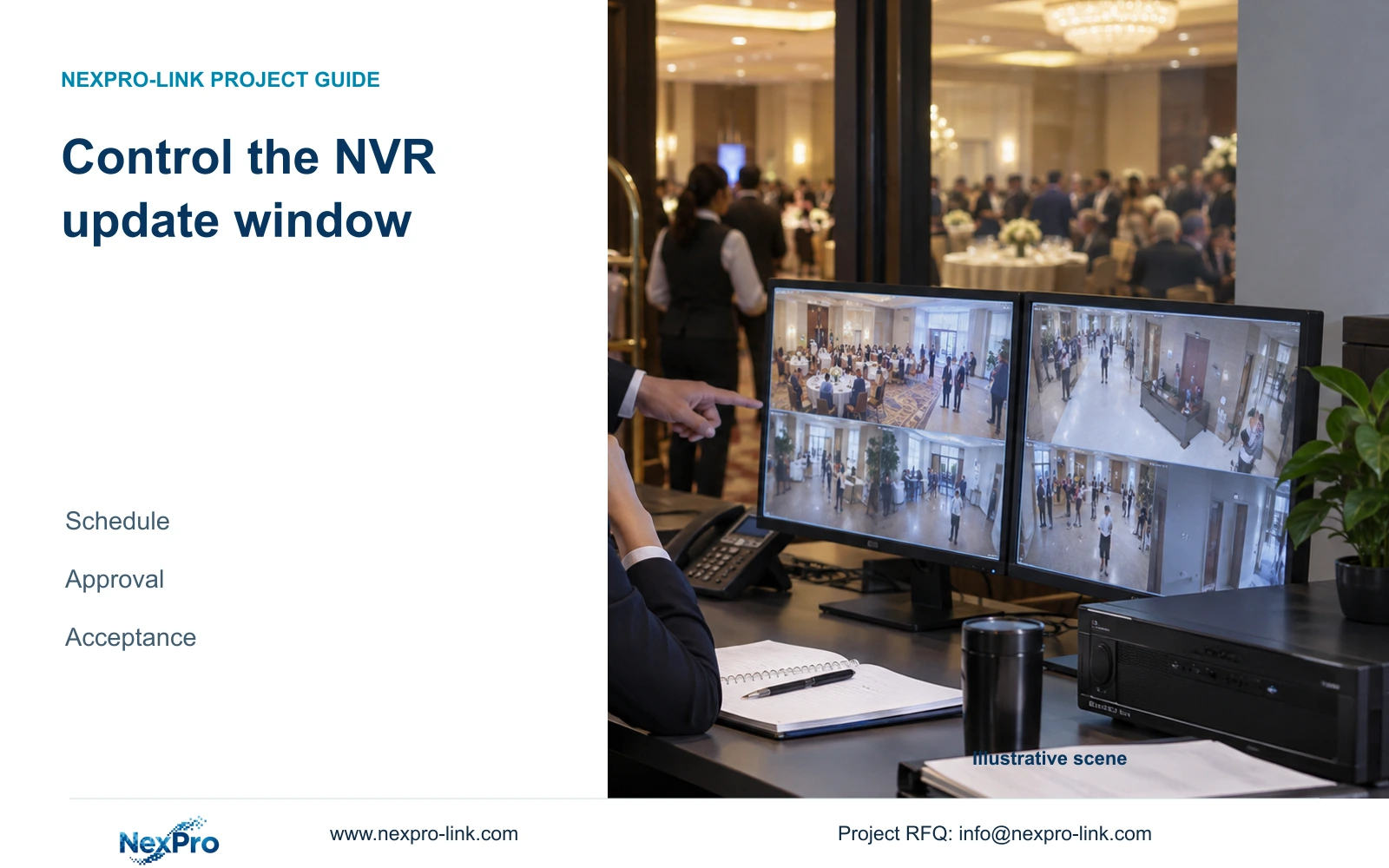
Maintenance Updates

Prepare an NVR service request with the actual recorder identity, applicable manual sections, symptom logs and separately identified backups.

10 guides

Decision area 22

Platform Remote Network

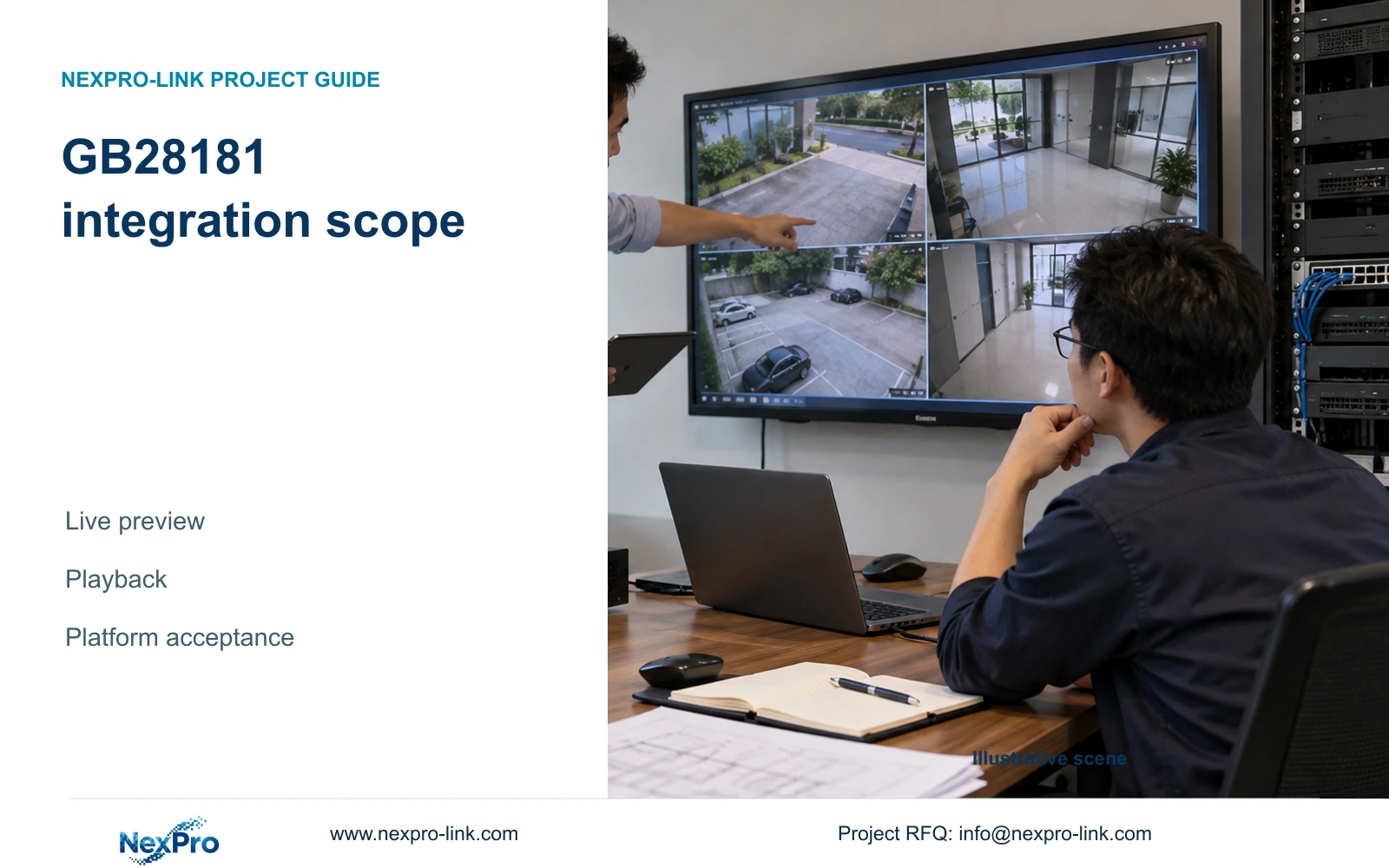
Define GB28181 integration through separate live-preview and recorded-playback tasks, then verify the actual recorder, platform settings and network path.

10 guides

Decision area 23

Engineering Calculations

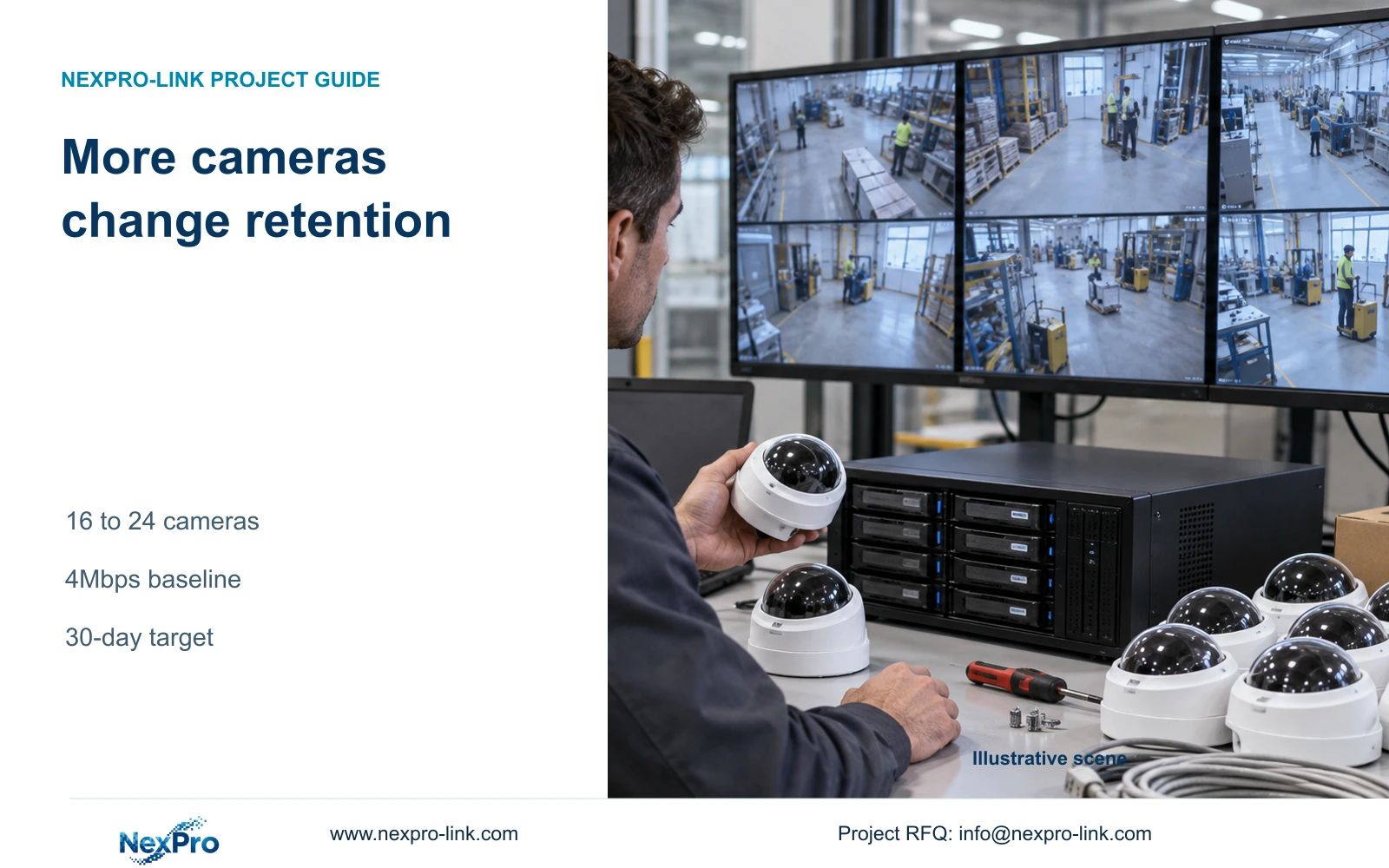
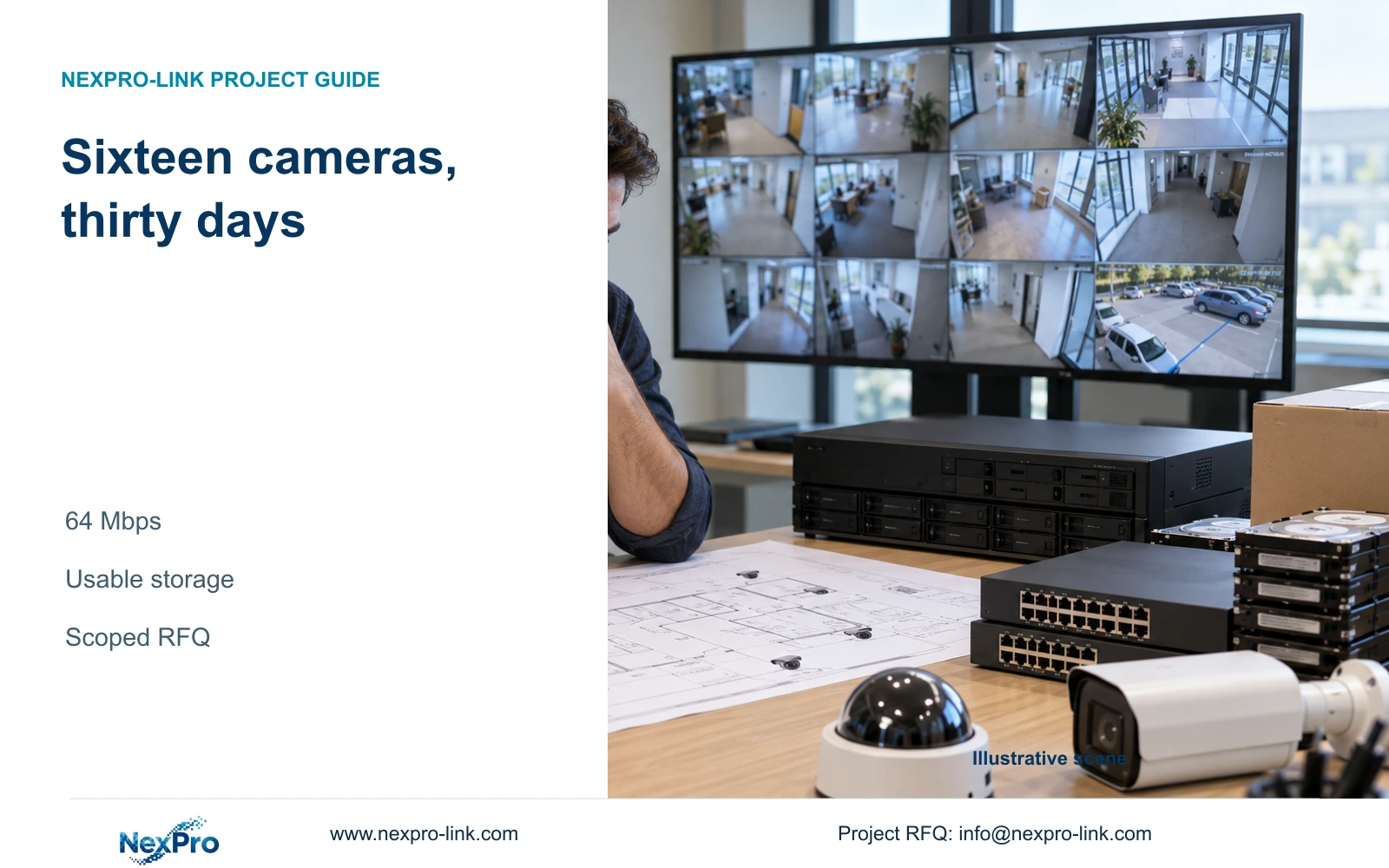
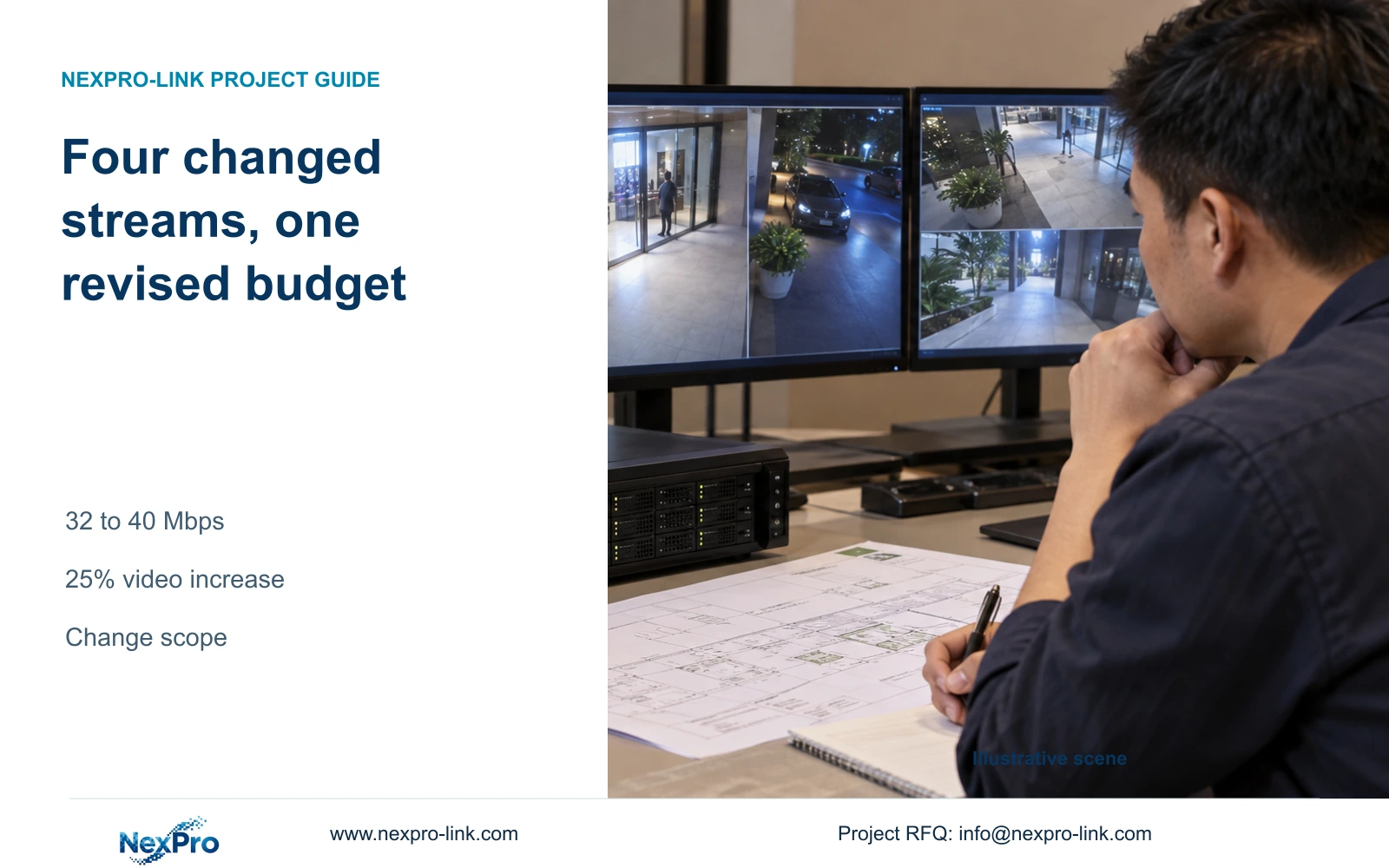
Sixteen continuous streams at an assumed average 4 Mbps need 20.736 decimal TB for thirty days. Turn that calculation into a usable-capacity requirement and a qualified equipment enquiry.

10 guides

Decision area 24

Project Workflows

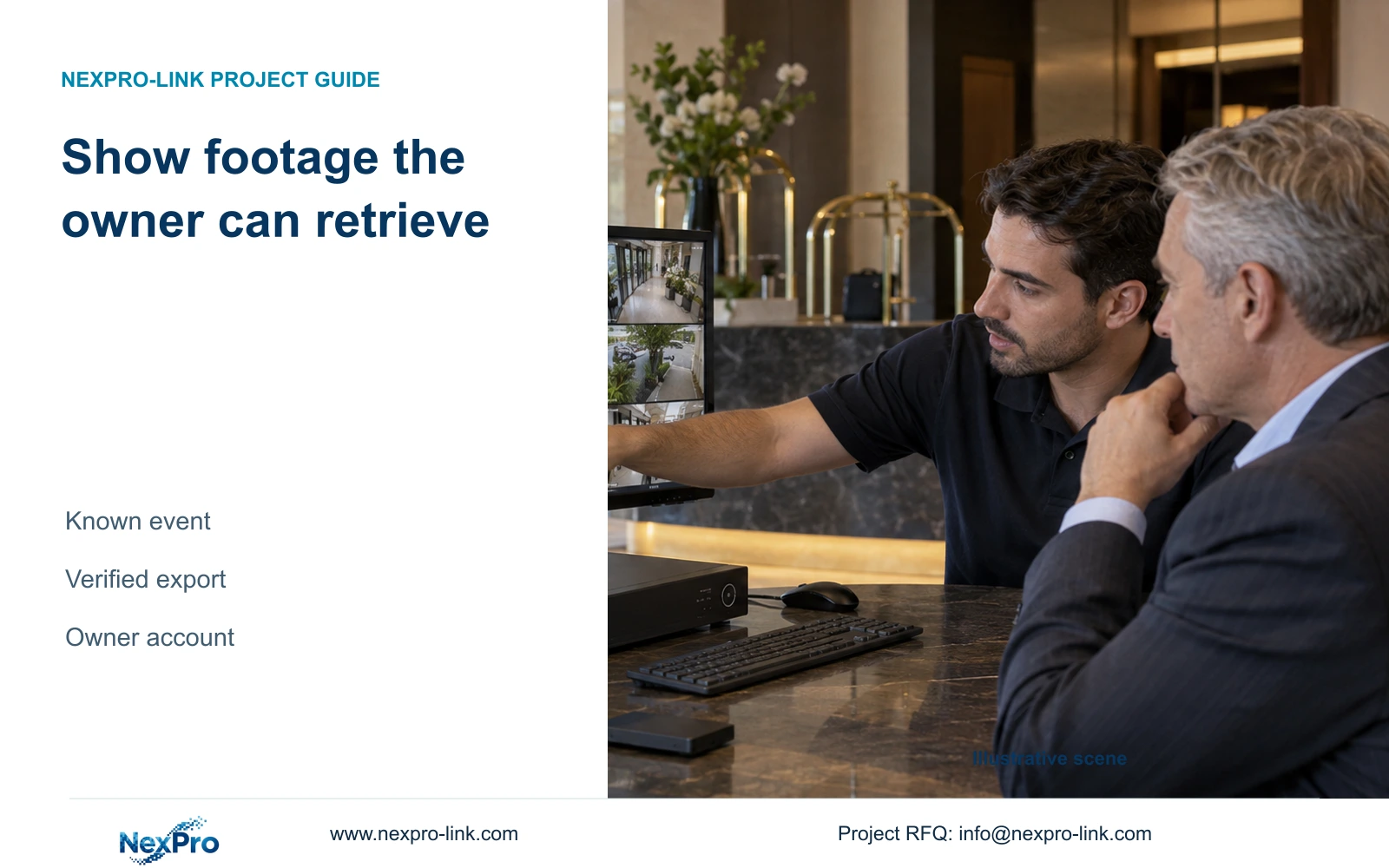
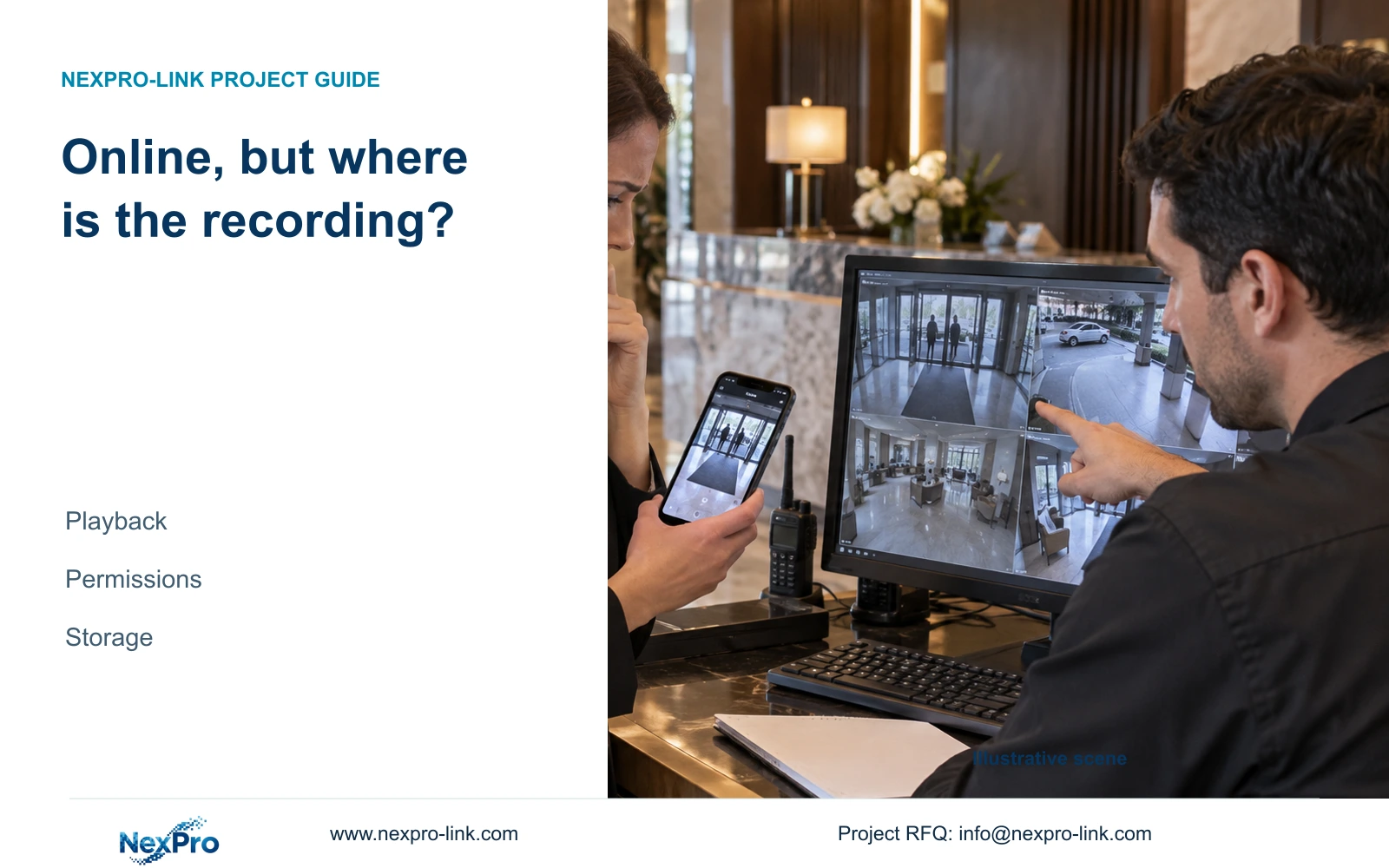
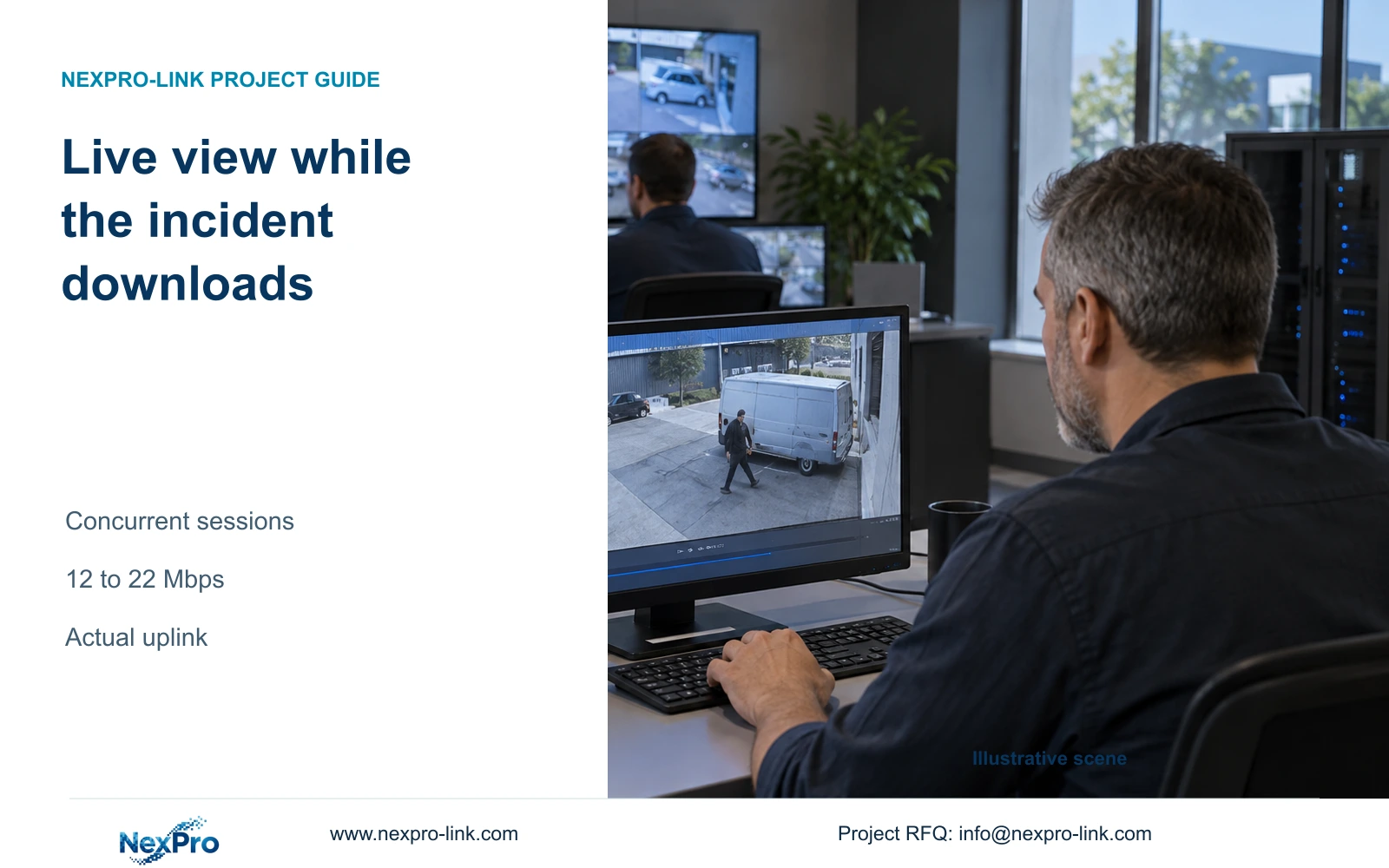
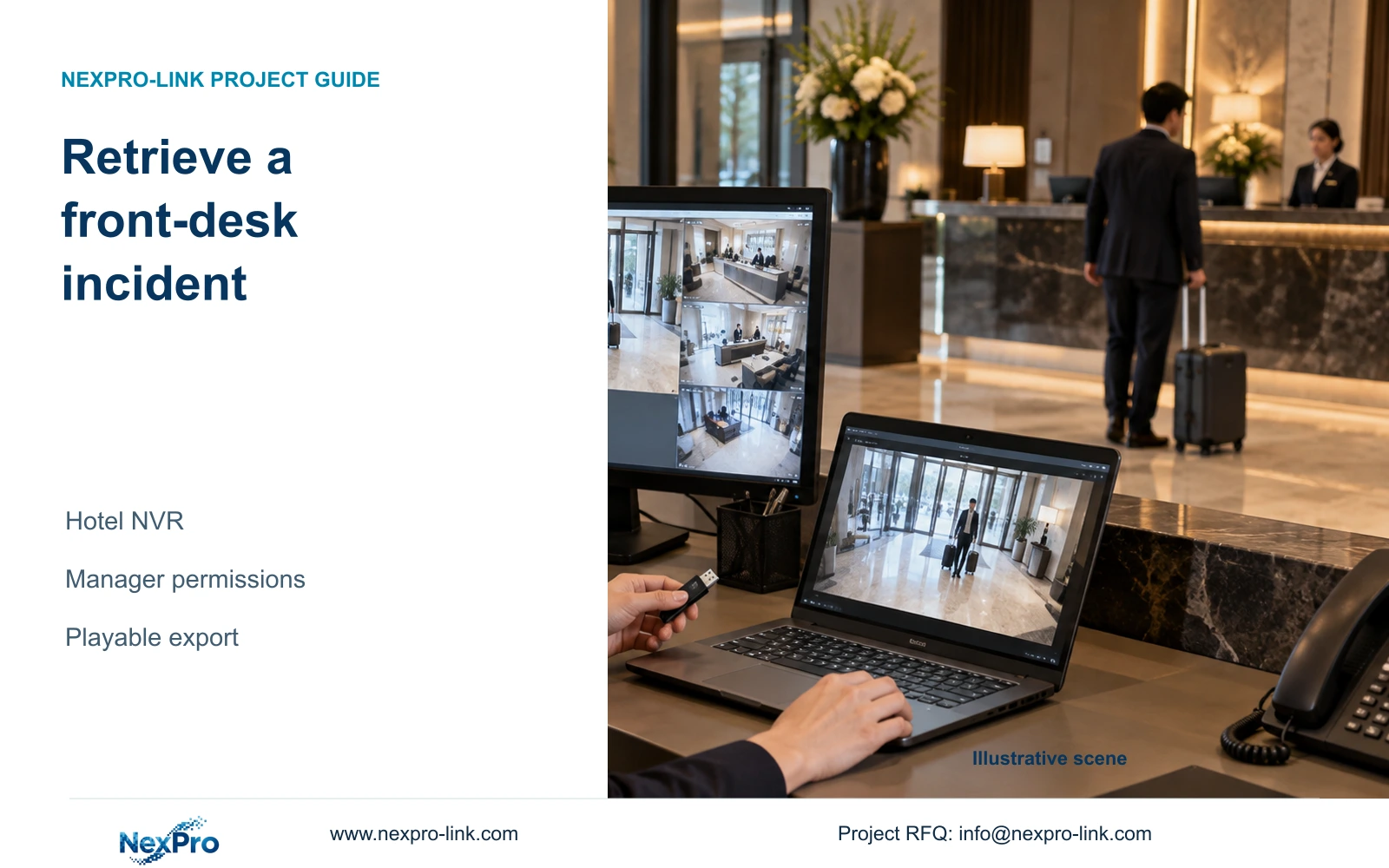
Demonstrate hotel incident retrieval with the duty manager's actual account, a documented camera and time reference, and an export that plays on the receiving computer.

10 guides

Decision area 25

Procurement Partnership

Start an NVR quotation with a provisional camera schedule, recording assumptions, retention and operator tasks. Keep unresolved inputs visible and equipment, installation and freight scope separate.

10 guides

Prepare a useful RFQ

Send the inputs that change the equipment decision

A model list is more reliable when the supplier receives the same operating, infrastructure and acceptance assumptions used in the design.

Recorder model and firmware identity

Camera and stream schedule

Retention and operator permissions

Required playback, export and recovery tasks

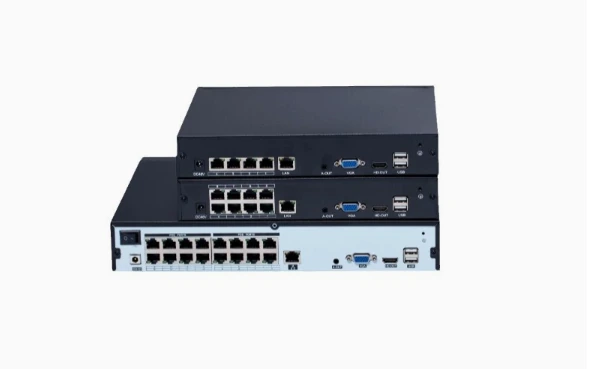
4CH, 8CH and 16CH PoE NVR product family

Compare 4, 8 and 16 channel PoE NVRs

Check camera input, recording limits, HDD bays and power requirements. Download English datasheets or request a configuration quote.

Compare PoE NVR models
Catalog Chat