

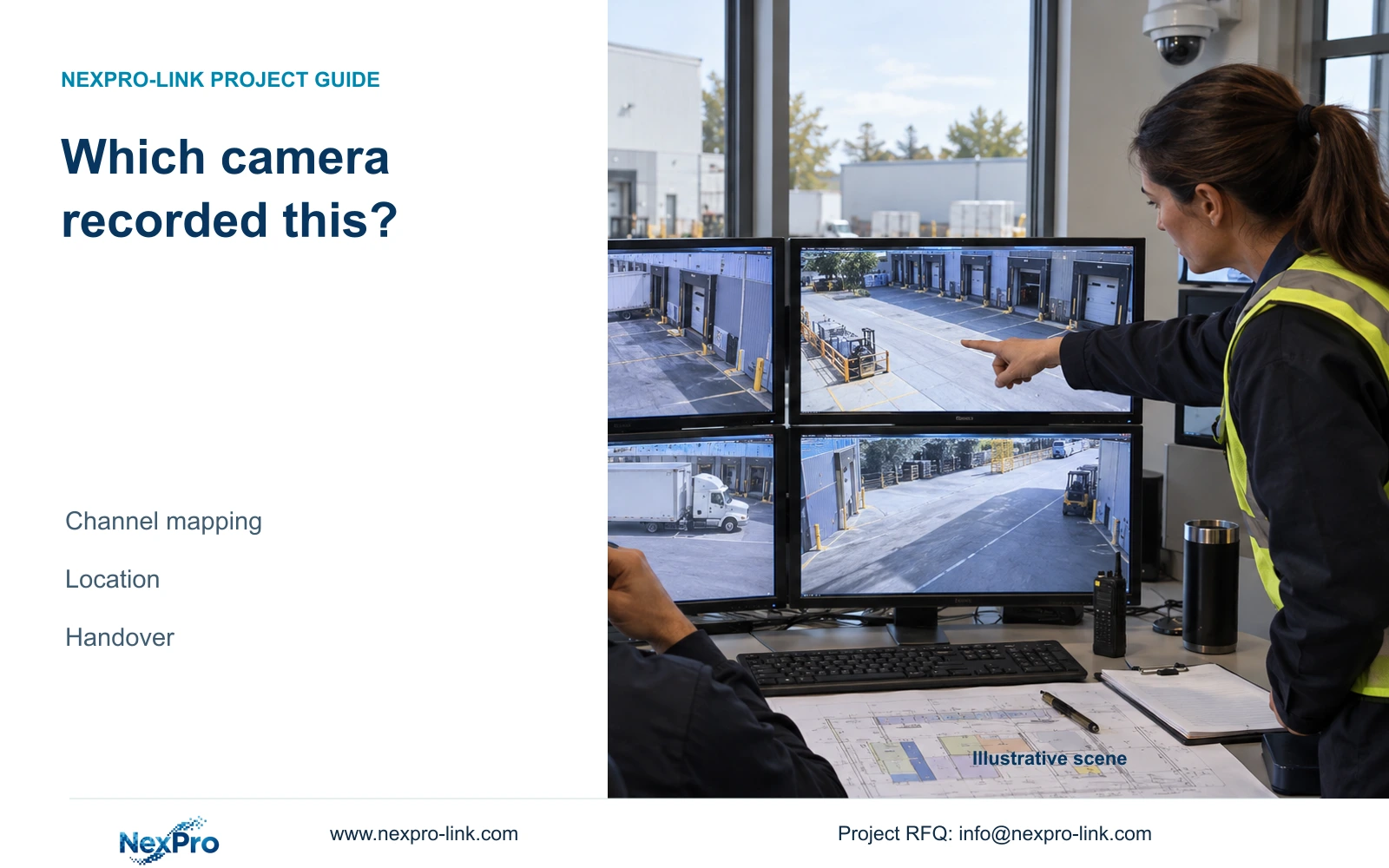
Keep a camera-location record that survives address changes, display rearrangement and replacement. Verify the recording source before attributing exported footage to a location.
Section 01
Identify the footage source beyond its screen position
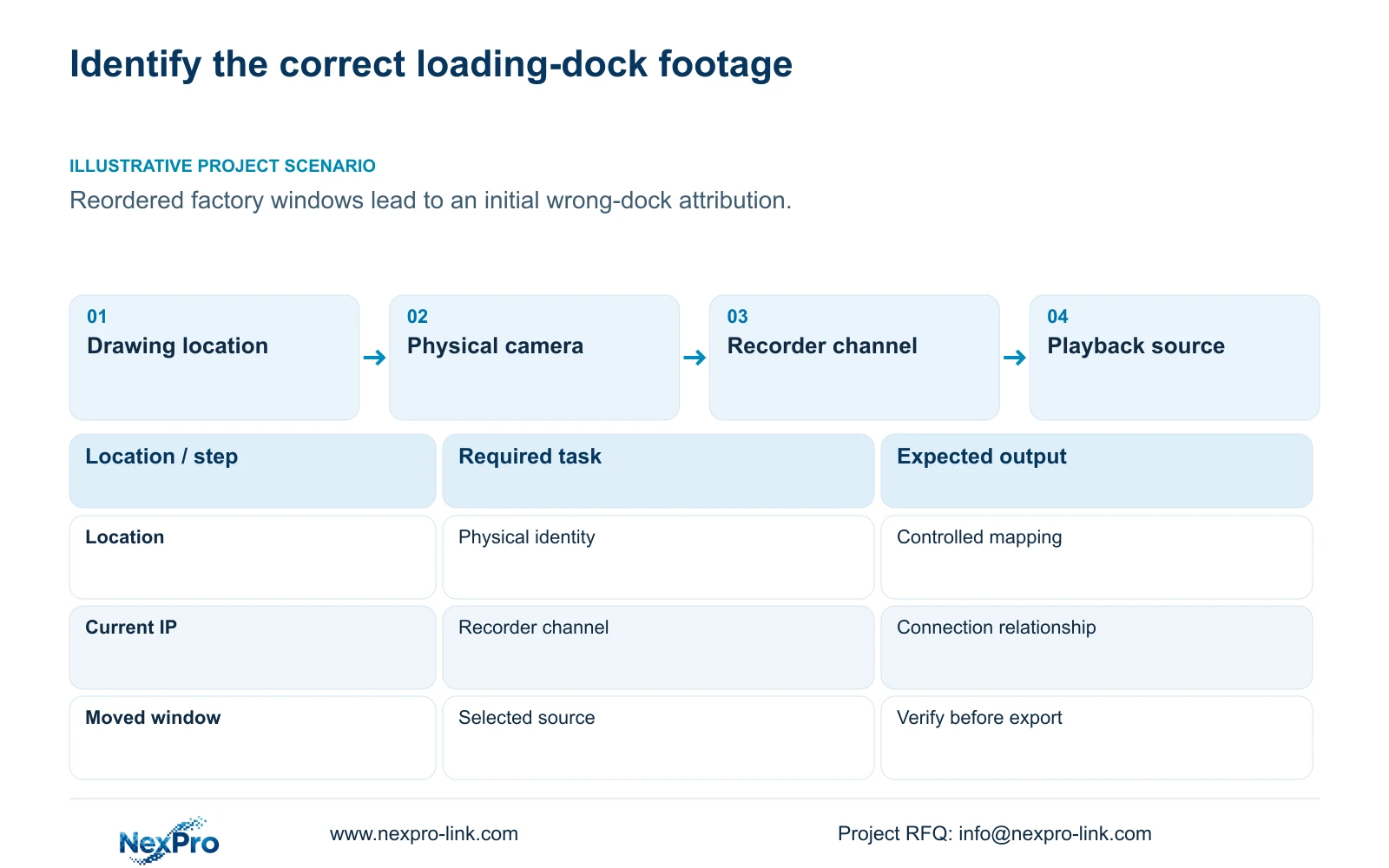
Keep the drawing location, physical camera identity, IP address, recorder channel and displayed name in separate fields, then verify that relationship during playback and export. A familiar window position is an unreliable way to identify incident footage because operators can rearrange views. Address changes and camera replacements create different mapping updates, even when the location name remains the same. Start from the physical scene and assigned recorder source, record the installed relationship and test the owner's retrieval task. The completed handover should let an operator locate the correct view without depending on the layout remembered by the installer or a previous shift.
Use the approved drawing point to identify the intended scene, then associate it with the installed physical camera. Record the camera's controlled asset identity and its current address alongside the recorder channel. The displayed name helps the operator, but it should not become the only evidence of that relationship.
This guide uses the private supplied NVR4.0 user manual CH_V2.4.doc, whose body identifies V2.2. Sections 4.3.1, 4.4.4, 4.12.6, 4.12.19, 4.12.5 and 4.11.2 support the controls. Sections 4.11, 4.12.3 and 4.12.17 through 4.12.19 support the handover workflow. Mapping maintenance is an engineering responsibility.
Section 02
Preserve device and version identity in controlled records
Section 4.12.19 provides recorder product model, hardware version, software version and software-date information. Keep those details with the channel schedule so maintenance staff can select the applicable instructions. Record camera identity separately; the recorder's version does not identify every connected IPC.
Serial information can remain in an appropriate private asset or service record. Public examples and screenshots should omit cloud identifiers, QR codes and identifiable site content. The operator-facing location list need not expose every technical identifier held by the maintenance team.
When a physical camera is replaced, preserve the previous relationship and record the new device at the same location. A simple alias change requires a different entry in the change record. If an IP change is proposed, obtain authority, preserve relevant configuration and data, and arrange the interruption before changing it. Retest affected paths and update the mapping afterward.
Section 03
Make the displayed location readable and verifiable
Sections 4.4.4 and 4.12.6 list OSD enablement, channel names, title and time positions, date formatting, weekday display and optional resolution or bitrate information. Select a location name that matches the approved schedule, then verify it on the actual camera view.
Keep the IPC overlay separate from the recorder's desktop clock and interface labels. Check which object supplies the text being changed. A menu field does not establish that every third-party IPC accepts the setting, and a changed desktop label should not be assumed to appear inside exported video.
Position text against the useful image area of each camera. Copying the same placement across views can cover a relevant entrance or loading position in one scene. After an OSD adjustment, inspect live video and a recorded sample. Confirm the visible result rather than accepting the setting merely because it was saved.
Section 04
Select and test the intended drag behavior
Section 4.12.5 distinguishes allowed dragging, prohibited dragging and dragging bound to channel numbers. Restore Layout works only in the bound mode described by the manual. Do not promise that any rearranged display can be returned through the same action.
Choose the behavior with the owner. If operators need a stable arrangement, prohibited dragging is a relevant option to evaluate. If rearrangement is needed, document the selected mode and demonstrate how the layout relates to channel identities. Preserve the source mapping independently of the display arrangement.
Test the installed mode before handover. Move a view only within the authorized demonstration, identify its source after movement and check restoration where the bound mode applies. If the operator cannot identify the camera after the test, correct the labels or operating instructions before accepting the layout.
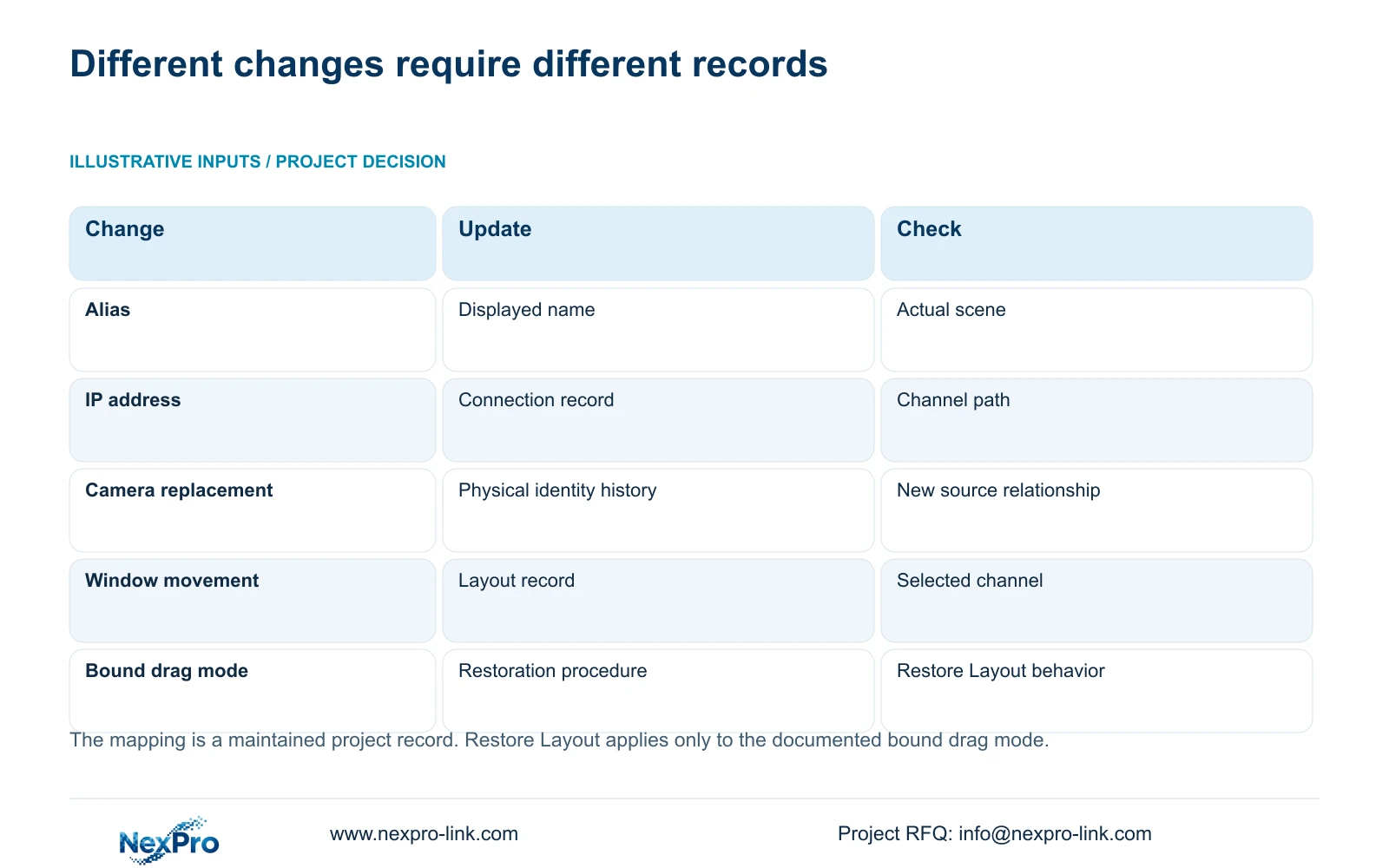
| Change | Record to update | Verification |
|---|---|---|
| Displayed alias changes | Operator name and change record | Confirm scene and recorded label |
| Authorized IP change | Current address and connection mapping | Retest affected channel paths |
| Physical camera replacement | Device identity and dated location relationship | Verify new footage and retained references |
| Display window moves | Layout and selected drag behavior | Identify source independently of position |
| Playback opens from preview | Selected recorder channel | Confirm location before searching |
Section 05
Search by recorder source and incident time
Section 4.11.2 says playback entry defaults to the preview-selected channel. After a layout change, check the actual selected channel against the location mapping before opening the calendar. A familiar image position can lead the operator to search the wrong source.
Select the incident date and time, then review the ordinary, alarm and motion filters. Orange marks a date with recordings in that workflow, while grey marks a date without recordings. The date colour does not establish full-day coverage or confirm that the chosen source is the required loading dock.
Illustrative project scenario: A factory's camera windows are reordered and an incident is initially assigned to the wrong loading dock. The operator checks the recorder channel against the controlled mapping, retrieves the required interval and verifies the scene before export. If the mapping is inconsistent, the attribution remains unresolved until the source relationship is confirmed.
Section 06
Deliver a mapping the owner can use and maintain
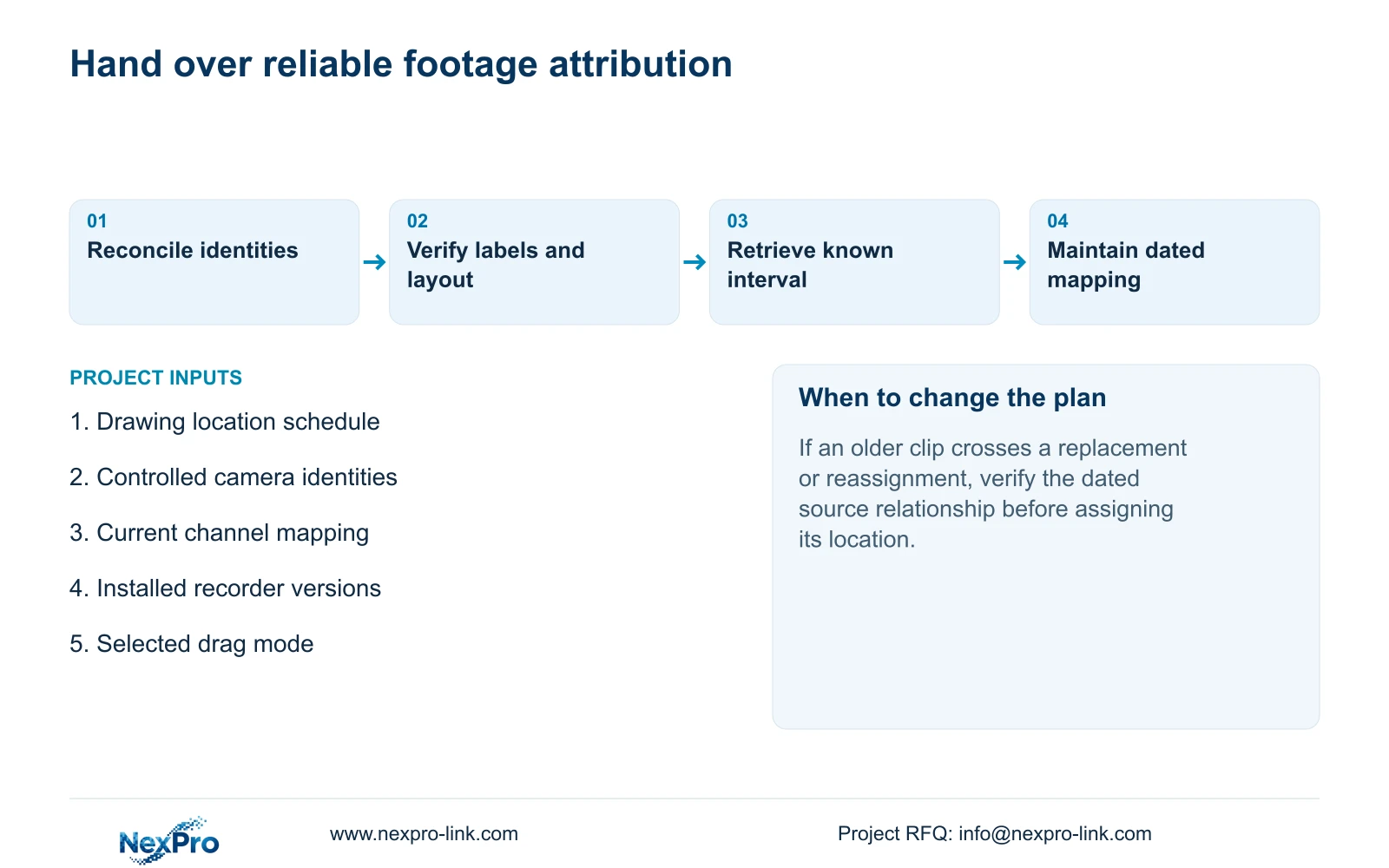
Deliver the current location-to-camera and camera-to-recorder relationships with the installed versions, configuration-backup location and maintenance responsibilities. Keep credentials in the controlled transfer process. Identify who updates the mapping after a replacement, authorized address change or channel reassignment.
Ask the operator to identify a location, select its recorder channel, retrieve a known interval and export a playable file. Check the copied file through the intended playback method and confirm its source context. A document folder and an operator who can complete this task are separate handover outcomes.
Retain dated change information so earlier footage is not attributed solely through today's camera list. When a replacement or reassignment occurs, record when the relationship changed and preserve the relevant prior references. If the source of an older clip cannot be established, report that uncertainty rather than applying the current label automatically.
Section 07
Can the channel name replace the physical camera identity?
No. A name is an operator label. Keep the physical asset, current address, recorder channel and location relationship separately documented.
Section 08
Will Restore Layout work in every drag mode?
No. The supplied manual limits it to dragging bound to channel numbers. Test the selected mode on the applicable recorder.
Section 09
Provide the location-to-channel mismatch
Send NexPro-Link a redacted location-to-channel schedule and the specific mismatch, including the installed recorder model and firmware, at info@nexpro-link.com.
Engineering references
These sources support the general planning principles. Always use the selected product's current datasheet and applicable project standards for final design.


