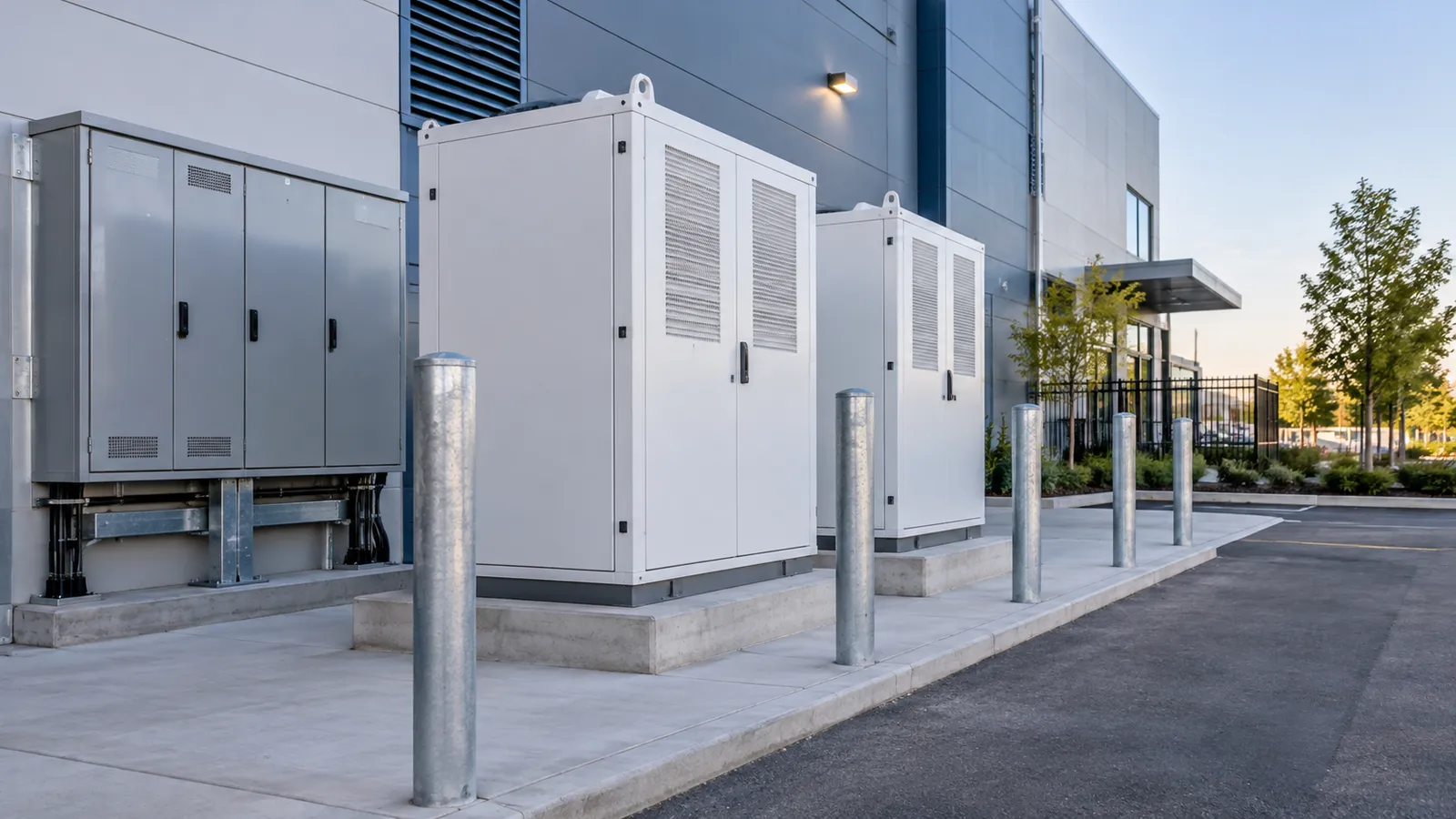
modern commercial buildings and entrance plaza

One-stop ELV, IT infrastructure & equipment supply

ELV Solutions for Building Upgrades & New Construction

From Building Plans to System Design, Equipment Selection & Project Supply

Plan extra-low-voltage (ELV) systems and supporting IT and power infrastructure. Turn your drawings into coordinated access, security, network, cabling, server-room and communication scopes.

Technology & Equipment Supply Partners

H3CIP-COMFanvilTP-LinkHuawei

NexPro-Link works with H3C, IP-COM, Fanvil, TP-Link and Huawei as technology and equipment supply partners. Wholesale and project-based pricing, with equipment selected for your building, requirements and budget.

Two starting points. One coordinated project.

What is changing in your building?

For owners, developers, facilities and IT teams, consultants, contractors, integrators and project distributors. We organize planning and equipment supply around your starting point.

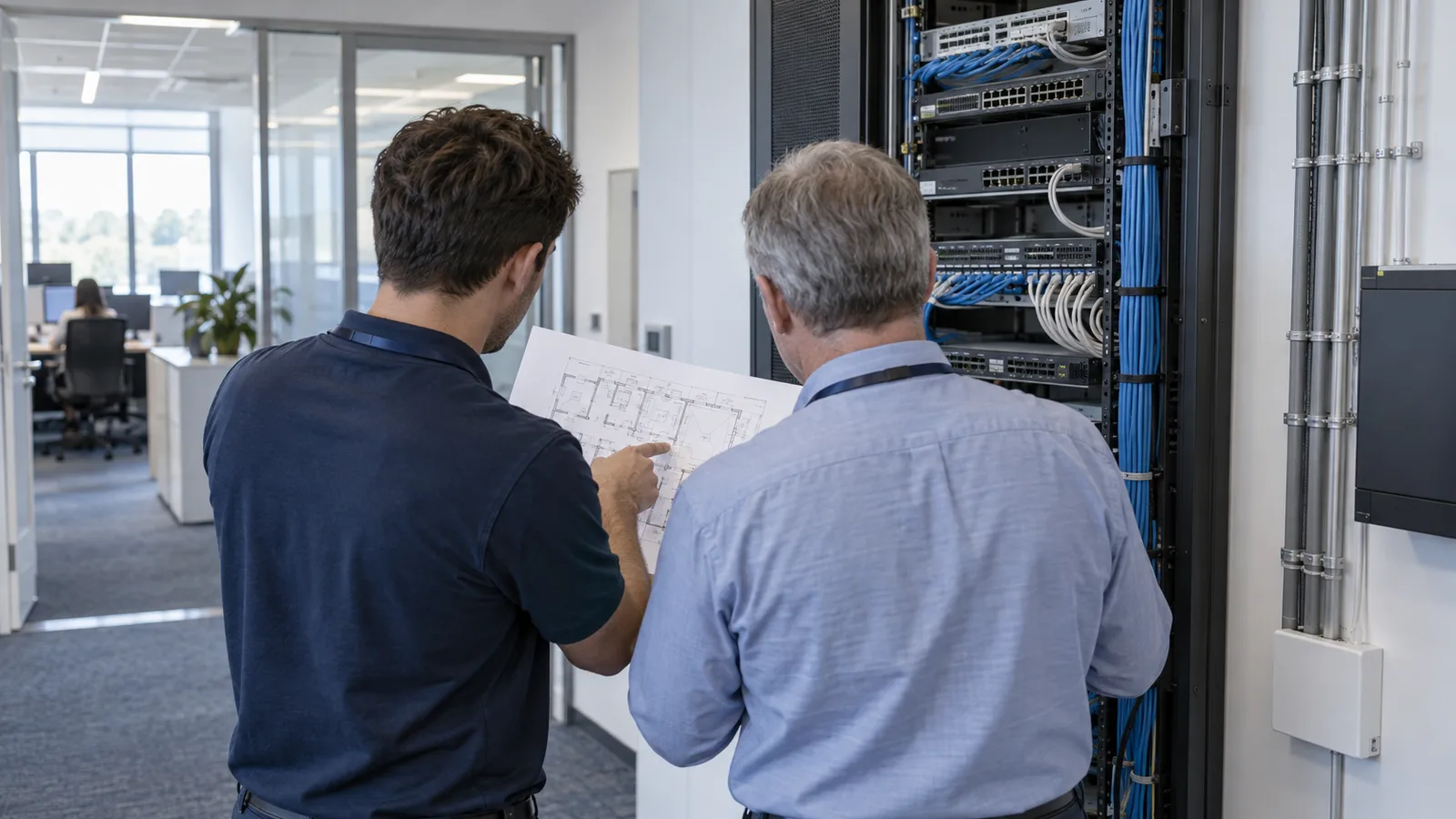
assessment of existing building equipment and drawings

01 / Existing Building Upgrade

Upgrade around the infrastructure already in place.

Modernize an occupied property with a phased plan. We help review the equipment and cabling, identify practical changes and prepare a coordinated supply package around the systems you want to keep.

Useful starting information

Existing plans, equipment models, cabling records, photos and the problems you need to solve. Tell us which areas are occupied and when work or switching can take place.

What the proposal focuses on

A retain / replace / add schedule, interface notes and a procurement sequence by floor or zone, with migration, testing and rollback arrangements agreed with your local team.

How this project is developed
  1. Collect existing plans, equipment lists and operating issues.
  2. Identify equipment to retain, replace or add after condition and compatibility checks.
  3. Review cable test results, racks, available power and system interfaces.
  4. Plan work by floor or area around tenants and accessible ceilings, risers and routes.
  5. Prepare equipment configurations and phased procurement lists.
  6. Coordinate configuration backups, migration, rollback and tests with the local installer.
  7. Update project records from the actual installation and test results.
Review My Existing Systems
coordination of building drawings for a new project

02 / New Construction

Start your ELV infrastructure with the building drawings.

Architectural plans are enough to start the conversation. We help develop device positions, network and cabling architecture, equipment schedules and quotations before systems are purchased separately.

Useful starting information

Building use, architectural and floor plans, construction stage, known room functions and budget priorities. Share device layouts or a bill of quantities (BOQ) if available.

What the proposal focuses on

Device and floor-point schedules, main and floor distribution-room requirements, equipment and accessory lists, power interfaces and space for agreed future expansion.

How this project is developed
  1. Define the building use, stakeholders and system scope.
  2. Plan zones and device positions from the architectural drawings.
  3. Arrange main and floor distribution rooms and backbone connections.
  4. Coordinate horizontal cabling, mounting positions and equipment power needs.
  5. Select equipment, accessories and the required software scope.
  6. Prepare the BOQ, technical information and project quotation.
  7. Confirm project information through construction, commissioning and handover.
Send My Building Drawings
Choose a starting point, or tell us what you have.

Your selections carry into the inquiry. Changing them keeps your entered details.

01 / Building systems by zone

See where each system belongs.

Select a zone to explore its equipment and procurement priorities. Office buildings, mixed-use developments, apartments, campuses and individual floor upgrades can use different combinations.

Building Systems by Zone · Illustrative location map; each project defines its own floor arrangement and system scope.

A complete scope, selected for your needs

From the front door to the network core.

Purchase a complete project or one defined system. Expand a scope below to see the equipment, connections, useful inputs and deliverables.

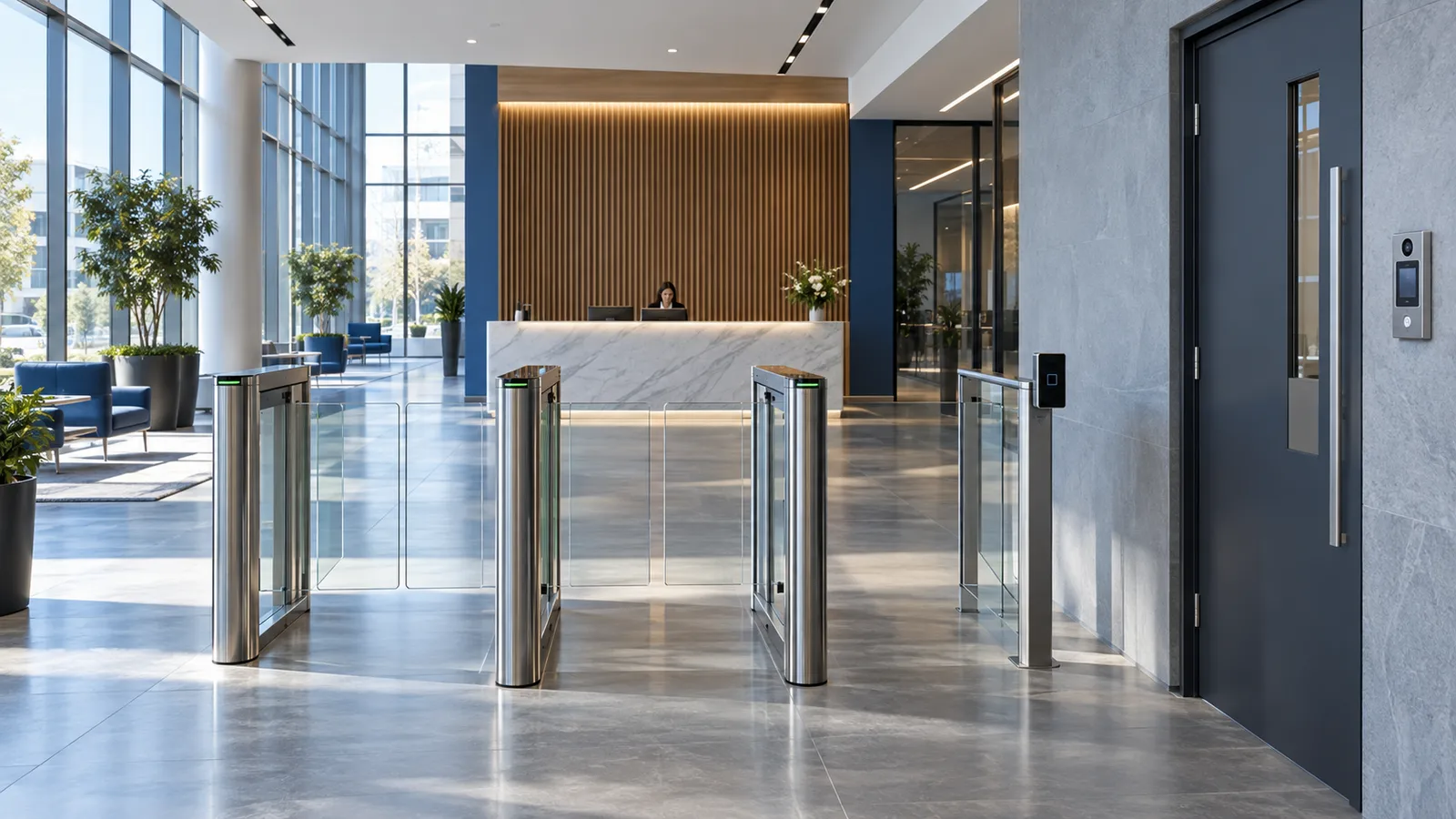
reception with pedestrian access lanes and visitor entry

Access & visitor experience

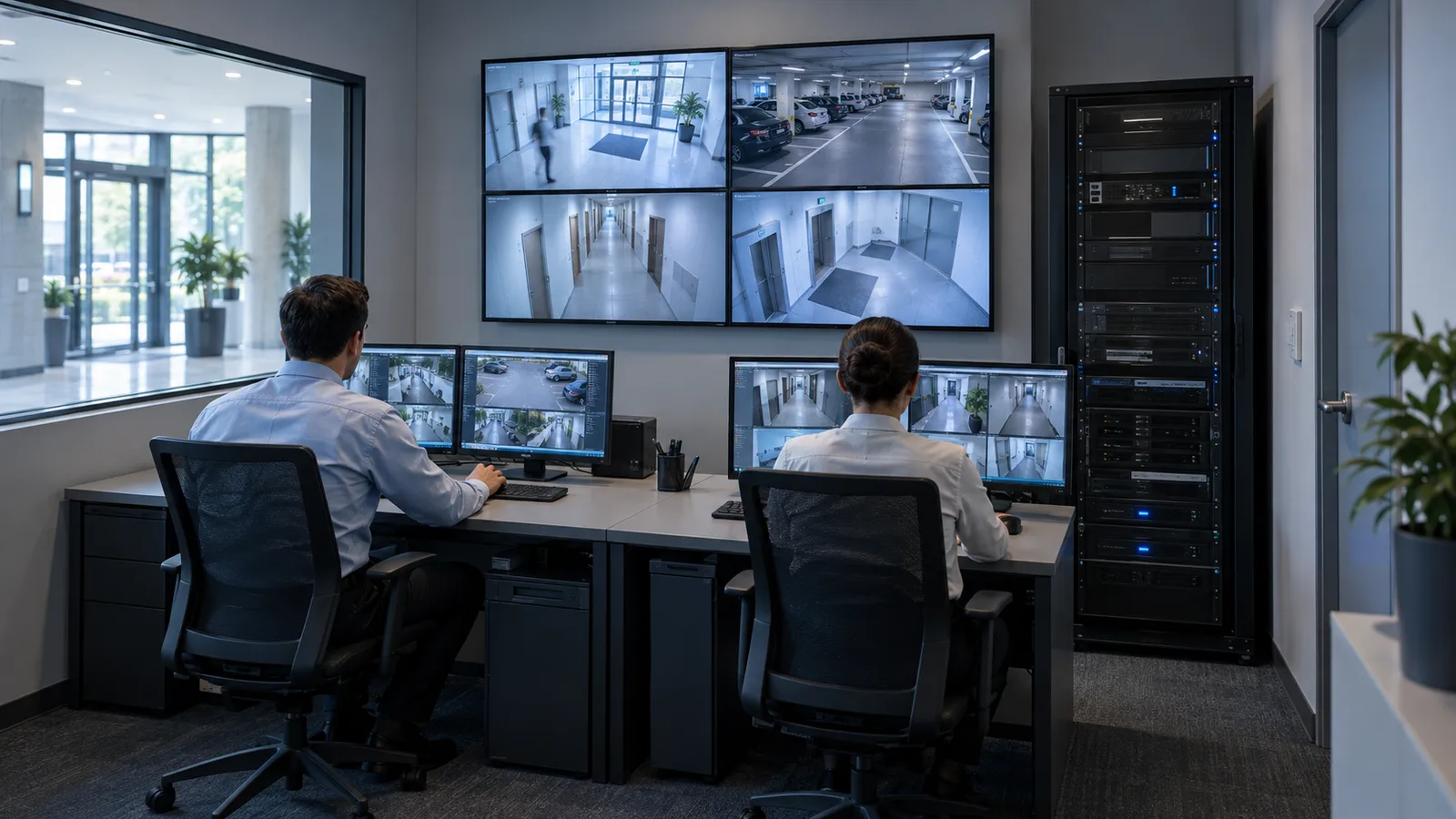
building security room with camera views and recording equipment

Security & recording

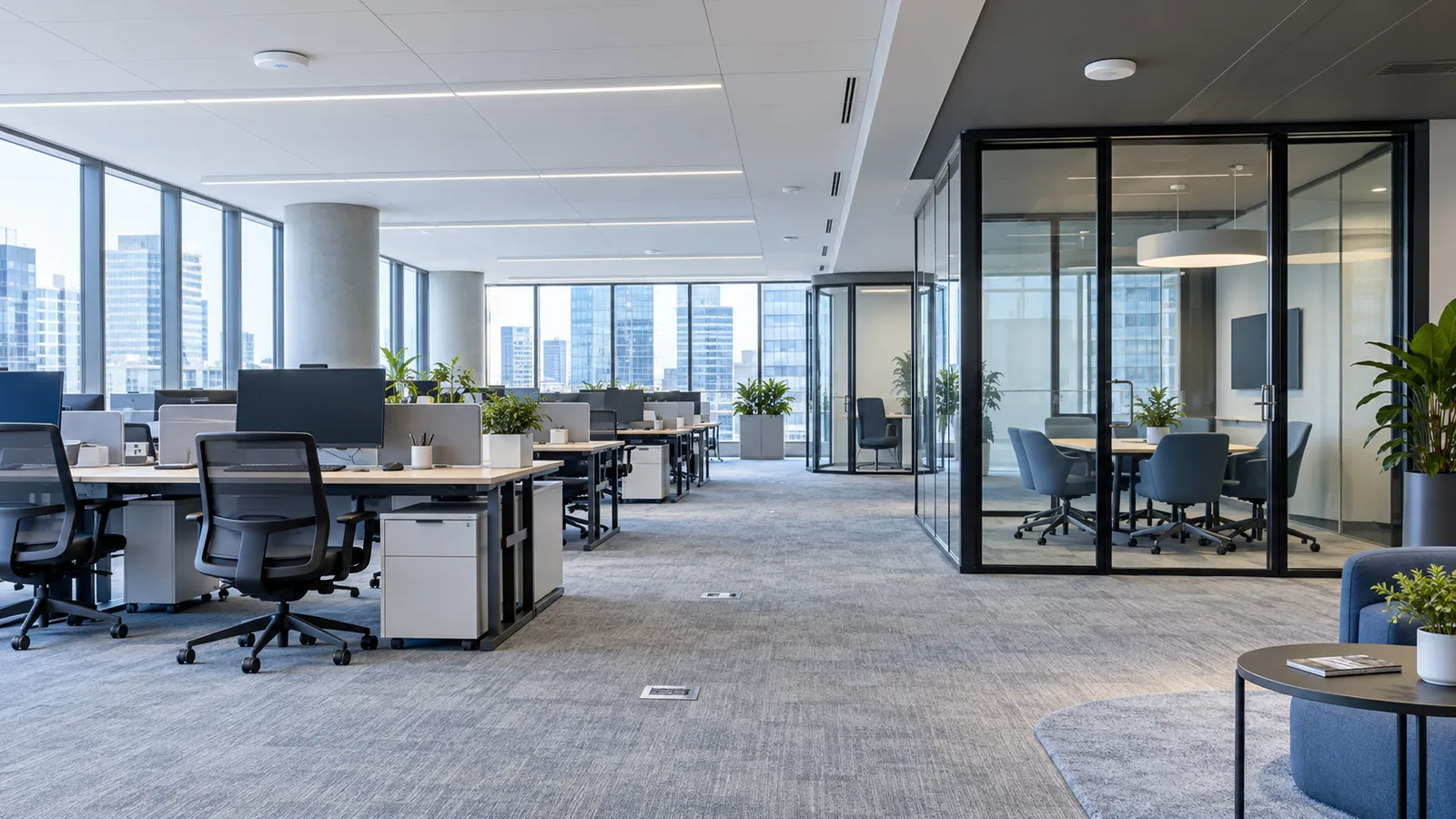
office and shared areas with ceiling wireless access points

Workplace connectivity

01Access ControlOrganize permissions for common, tenant and restricted areas.

Equipment scope

Readers, controllers, locks, door contacts, exit buttons, power supplies and door accessories.

Connections & coordination

Match door hardware and credentials; coordinate visitor permissions and the required specialist release interfaces.

Project inputs

Door schedule, users, tenant boundaries and existing hardware.

You receive

Door-by-door equipment and interface schedule.

Access & smart entry
02Visitor Management & Video IntercomConnect visitor arrival, reception and controlled entry.

Equipment scope

Visitor registration options, temporary permissions, door stations, indoor terminals and a compatible platform.

Connections & coordination

Check supported interfaces with access control and SIP communication; shared management depends on the selected platform.

Project inputs

Visitor workflow, entry points and existing software.

You receive

Visitor and intercom device list with platform assumptions.

Entry system planning
03CCTV & Video SurveillanceObserve agreed public and operational areas with a defined recording plan.

Equipment scope

Cameras, network video recorders (NVRs), video management software (VMS), storage and monitoring displays.

Connections & coordination

Coordinate coverage, lighting, network capacity, privacy boundaries and recording-server requirements.

Project inputs

Plans, viewing objectives, camera models and retention policy.

You receive

Camera layout, recording assumptions and equipment schedule.

CCTV system scope
04Intrusion & Perimeter AlarmDetect selected events at restricted rooms and perimeter areas.

Equipment scope

Scenario-matched detectors, alarm controllers, signaling and operator notification devices.

Connections & coordination

Agree response workflows and verify any video or building-system interface for the actual models.

Project inputs

Protected zones, environment and notification requirements.

You receive

Detection, notification and interface scope.

Security & perimeter equipment
05Entrance Gates & Parking AccessManage pedestrian and vehicle entry with clear traffic routes.

Equipment scope

Pedestrian gates, vehicle barriers, license plate recognition, vehicle detection and safety accessories; parking guidance when required.

Connections & coordination

Coordinate access permissions, pedestrian separation and specialist elevator-floor access interfaces.

Project inputs

Lane layout, traffic patterns, credentials and operating workflow.

You receive

Lane and entry equipment list with interface requirements.

Entrance control systems
06LAN, Wi-Fi & Network SecurityBuild a local area network (LAN) and wireless access for staff, visitors and building systems.

Equipment scope

Core, aggregation and access switches, access points (APs), wireless management, gateways and firewalls.

Connections & coordination

Separate office, guest, tenant and security traffic through an agreed network design; confirm Power over Ethernet (PoE) and uplink capacity.

Project inputs

Floor plans, users, applications, existing switches and coverage problems.

You receive

Network architecture, proposed AP positions and port / power schedules.

Network connectivity planning
07Fiber & Structured CablingConnect buildings, distribution rooms and endpoint locations.

Equipment scope

Fiber and data cable, patch panels, optical distribution frames (ODFs), modules, outlets, patch leads and labels.

Connections & coordination

Match the complete link to distance, speed, PoE demand, routing and termination requirements.

Project inputs

Layouts, point counts, cable tests, routes and required performance.

You receive

Copper / fiber schedules, port mapping and accessory list.

Structured cabling systems
08Control & Power CablesProvide the appropriate signal and supply connections for each device.

Equipment scope

Access, intercom, alarm and control cable, equipment supply cable and required installation accessories.

Connections & coordination

Signal, voltage, load, separation, environment and project fire-performance requirements determine the selection.

Project inputs

Device interfaces, loads, cable routes and engineering specifications.

You receive

Cable types and supporting product-data schedule.

Cable & wire families
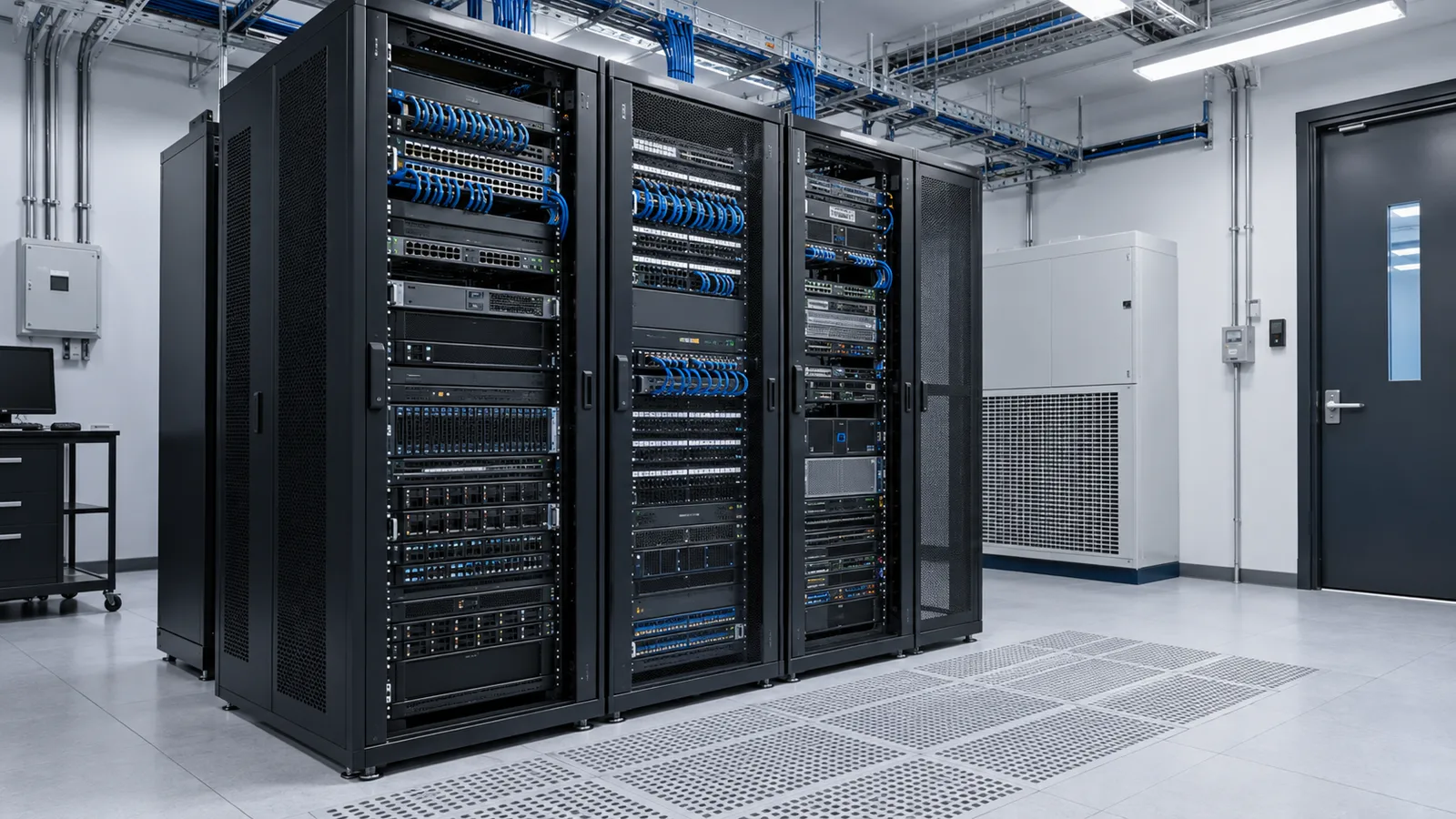
09Server Room InfrastructureGive the building's equipment a maintainable, organized home.

Equipment scope

Racks, patching, power distribution units (PDUs), UPS, environmental monitoring and access control.

Connections & coordination

Coordinate rack space, heat-load information, cooling provisions, power and maintenance access.

Project inputs

Room dimensions, equipment list, power and cooling conditions.

You receive

Room / rack layout and infrastructure schedule.

Rack & equipment rooms
10Custom Enterprise ServersConfigure computing for business files, applications, databases and virtual machines.

Equipment scope

Workload-matched compute, memory, network interfaces, storage and backup hardware.

Connections & coordination

Confirm usable capacity, recovery requirements, application support and software licenses separately from hardware.

Project inputs

Applications, users, data growth and recovery objectives.

You receive

Hardware configuration with software and backup assumptions.

Deployment infrastructure
11VMS, Recording & Storage ServersSupport video management, recording, live view, playback and archive.

Equipment scope

Video servers, recording storage, network interfaces and operator workstations for the selected VMS.

Connections & coordination

Camera bitrate, retention, recording strategy and concurrent viewers determine throughput and usable storage.

Project inputs

Camera count, streams, recording policy and VMS requirements.

You receive

Recording / storage configuration and licensing scope.

Video system architecture
12IP Telephony & SIP CommunicationConnect reception, teams and building entry communication.

Equipment scope

IP phones, IP private branch exchange (IP-PBX), SIP intercom and voice gateways.

Connections & coordination

Session Initiation Protocol (SIP) interfaces, carrier service and any retained legacy phone system need separate checks.

Project inputs

Extensions, call workflow, provider and legacy interfaces.

You receive

Endpoint, gateway and platform supply scope.

Request communication configuration
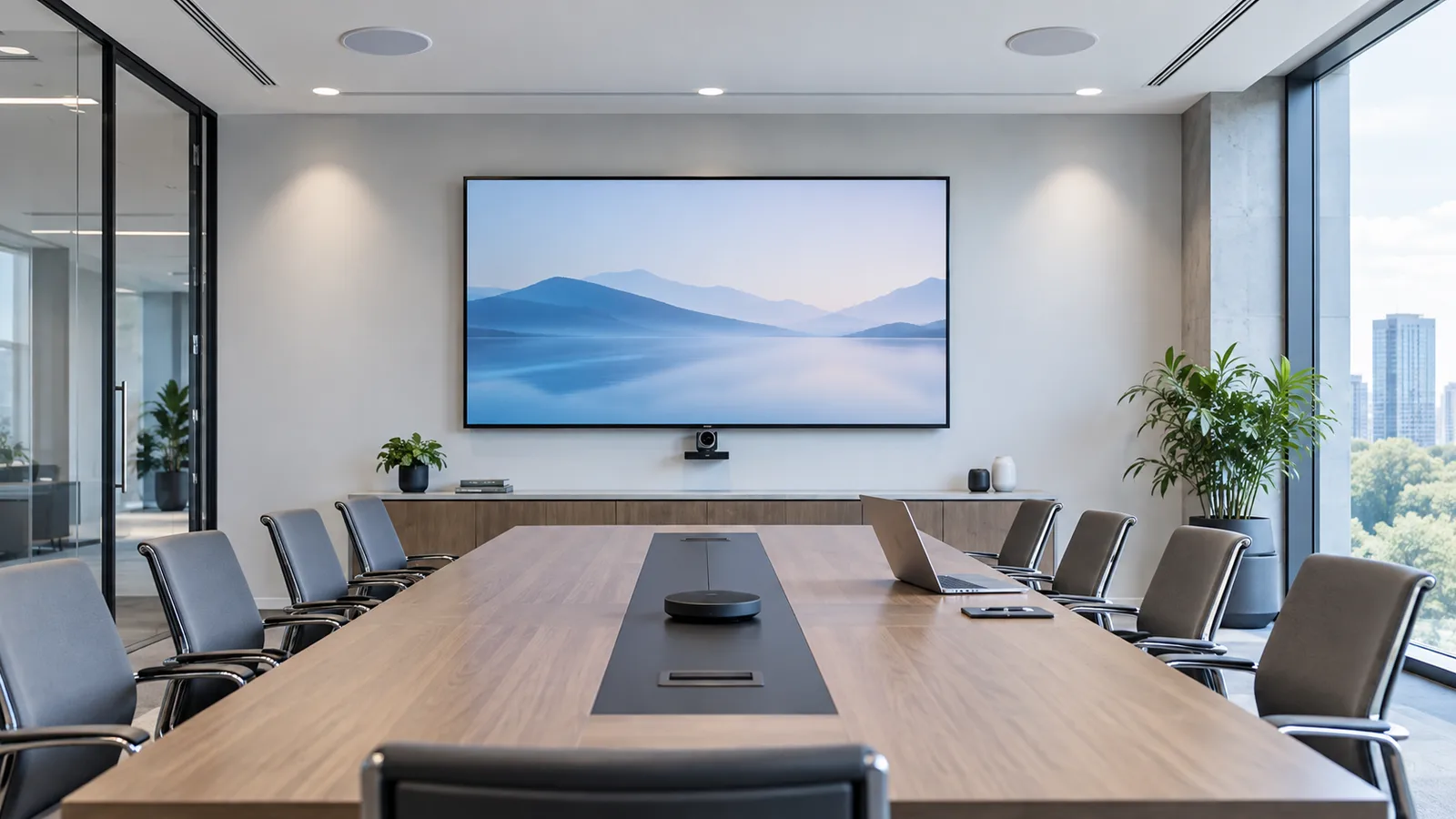
13Meeting Room AVMake meeting spaces usable for local presentations and remote calls.

Equipment scope

Displays, conference cameras, microphones, loudspeakers, wireless presentation and control accessories.

Connections & coordination

Match room acoustics, sightlines, conferencing software, network access and connection points.

Project inputs

Room layout, seating, call platform and user workflow.

You receive

Room equipment, connection and mounting schedule.

Plan an AV equipment schedule
14Digital Signage & Public AudioShare building information, wayfinding and ordinary business announcements.

Equipment scope

Signage displays, media players, background music and business-audio equipment; IPTV where required.

Connections & coordination

Define zones, content management, network and audio interfaces. Emergency voice alarm remains a specialist system.

Project inputs

Locations, content sources, audio zones and operating needs.

You receive

Display / audio device schedule and platform requirements.

Display equipment context
15UPS & Critical PowerSupport the continuity needs of selected network, access, voice, server and recording loads.

Equipment scope

Uninterruptible power supplies (UPS), batteries, DC backup, PDUs and power accessories.

Connections & coordination

Check watts, VA, output interfaces and runtime against the real load and chosen equipment.

Project inputs

Load list, supply conditions and required backup duration.

You receive

UPS / battery configuration and connection assumptions.

UPS & ELV power systems
16Commercial Energy StorageMatch energy equipment to the building's load profile and operating goals.

Equipment scope

Battery storage, power conversion, controls and integration equipment within the agreed scope.

Connections & coordination

Grid, islanding, transfer and critical-load operation depend on a compatible engineered electrical arrangement.

Project inputs

Load curves, tariffs, distribution diagrams, solar and operating goals.

You receive

Proposed energy scope and performance / economic assumptions.

Power & energy equipment
17Environmental & Building System InterfacesBring useful equipment conditions and alarms into the agreed operations workflow.

Equipment scope

Temperature, humidity, leak and equipment-alarm devices, with compatible gateways or platform interfaces.

Connections & coordination

Coordinate building management system (BMS), metering and lighting interfaces with the appointed specialist providers.

Project inputs

Platform details, points list, protocols and responsibility split.

You receive

Monitoring and interface schedule with confirmed ownership.

Equipment-room monitoring context
meeting room with display, conference camera and audio

Spaces where people collaborate.

Meeting AV, IP communication and presentation connections are planned around the room and the platforms your team uses.

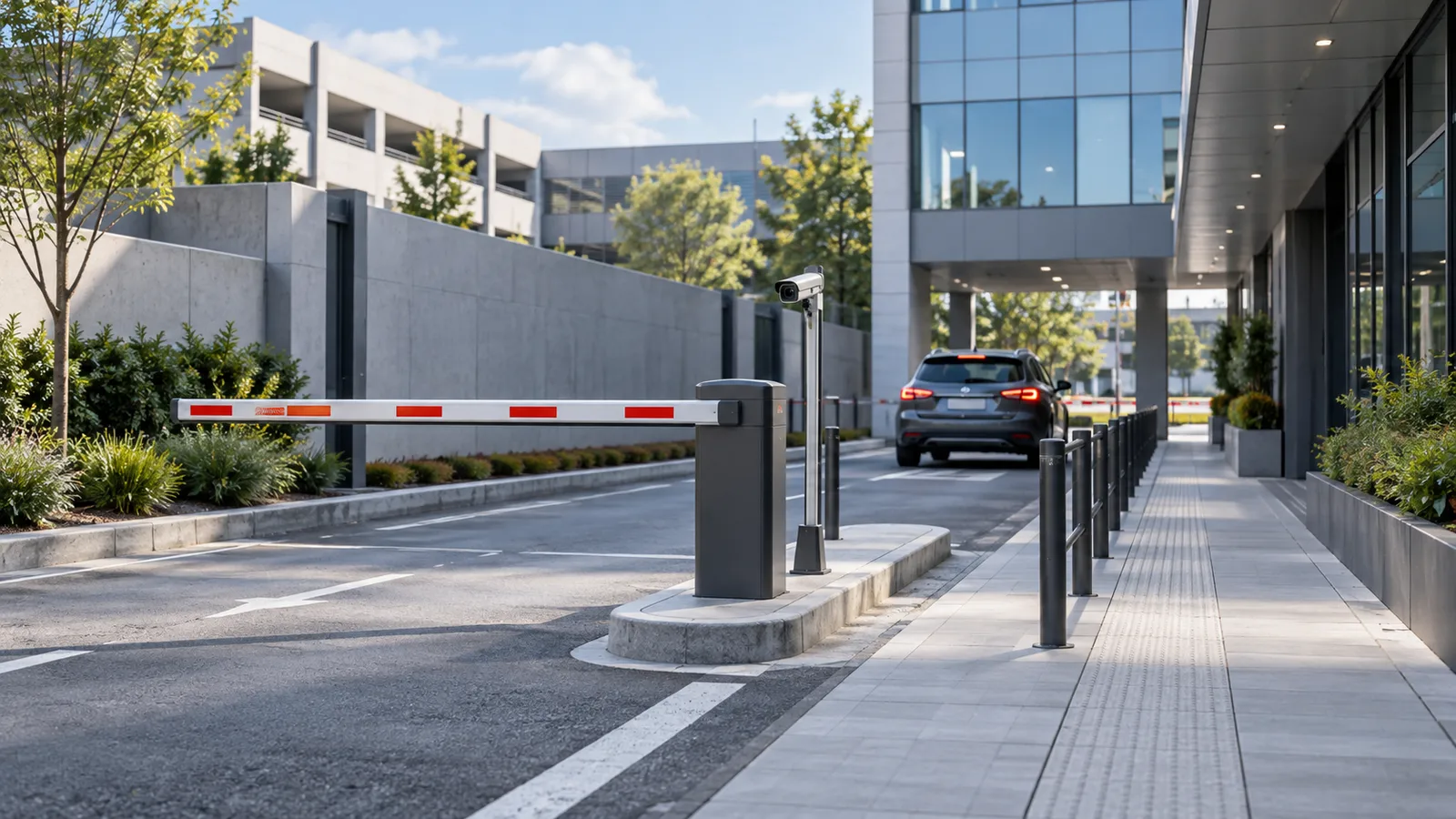
vehicle barrier and separated pedestrian approach

Arrivals that fit the site.

Vehicle detection, barriers, visitor access and pedestrian routes are coordinated around actual entrance conditions.

The backbone of a connected building

Fiber, Cabling & Building Connectivity

Build a complete connection schedule, from the incoming service and inter-building fiber to the outlets, devices and control interfaces on each floor.

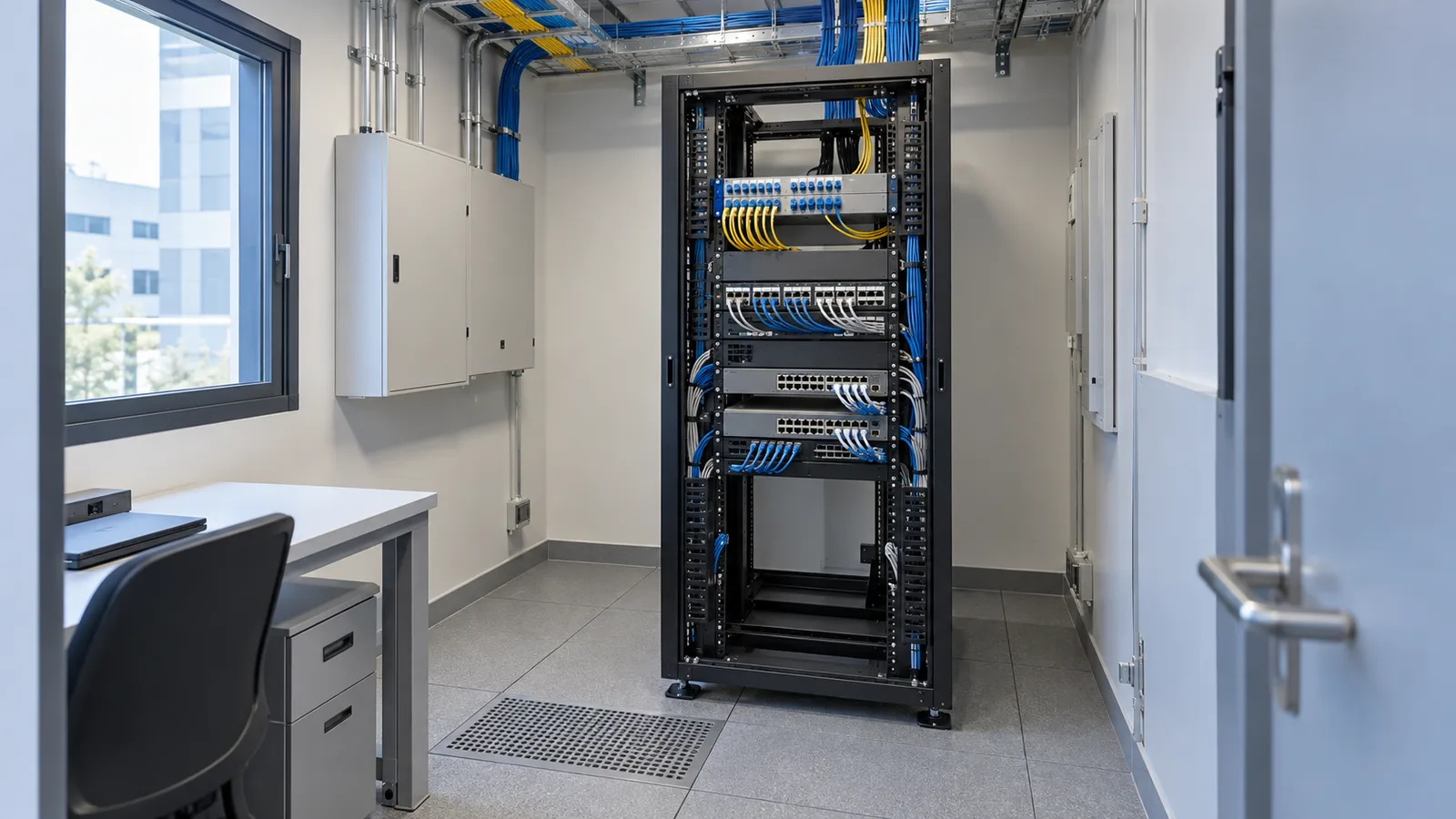
floor distribution rack with fiber and copper terminations

One route plan. Several cable roles.

Fiber backbone
Building entrances, links between buildings, the main room and floor distribution rooms.
Horizontal data links
Work areas, APs, cameras, IP phones and other network endpoints.
Control & signal cable
Dedicated interfaces for access, intercom, alarms and control equipment.
Power & equipment supply cable
Selected for device loads, voltage, routing and the electrical design.
Termination & installation
Panels, ODFs, outlets, modules, fiber boxes, pigtails, patch leads, transceivers, cable management, labels and applicable containment accessories.
02 / Fiber Backbone & Floor DistributionExample data architecture; quantities and routes are project-specific.
  1. Building / carrier handoffService entry and agreed provider interface
  2. Main distribution frame (MDF)Main room: gateway, core network and fiber termination
  3. Fiber backboneTerminated links to each served floor or building

Floor / zone A

  1. Intermediate distribution frame (IDF)Floor room: fiber panel and access switches
  2. Horizontal copper cablingPatch panel → outlet / device connection
  3. Network endpointsAPs, IP phones, cameras and networked controllers

Floor / zone B

  1. Intermediate distribution frame (IDF)Floor room: fiber panel and access switches
  2. Horizontal copper cablingPatch panel → outlet / device connection
  3. Network endpointsAPs, IP phones, cameras and networked controllers

Power is planned separately. Fiber carries data. Switches and optical equipment need local power; Power over Ethernet (PoE) serves only compatible devices within its load budget. Door locks, control devices and other endpoints may need dedicated local or direct-current (DC) supplies.

Match the complete link, including its accessories.

Review layout and distance, port speeds, PoE demand, indoor or outdoor conditions, shielding, earthing and connector interfaces. Check old cable test records and allow for agreed expansion.

Flame retardance, fire resistance and low-smoke / zero-halogen properties describe different attributes. Confirm each required rating from the actual product documentation and project specification.

Project outputs

  • Outlet-to-rack port map and copper / fiber patching schedule.
  • Cable types, termination parts and installation accessory list.
  • Label rules, field-test requirements and an as-built record framework.
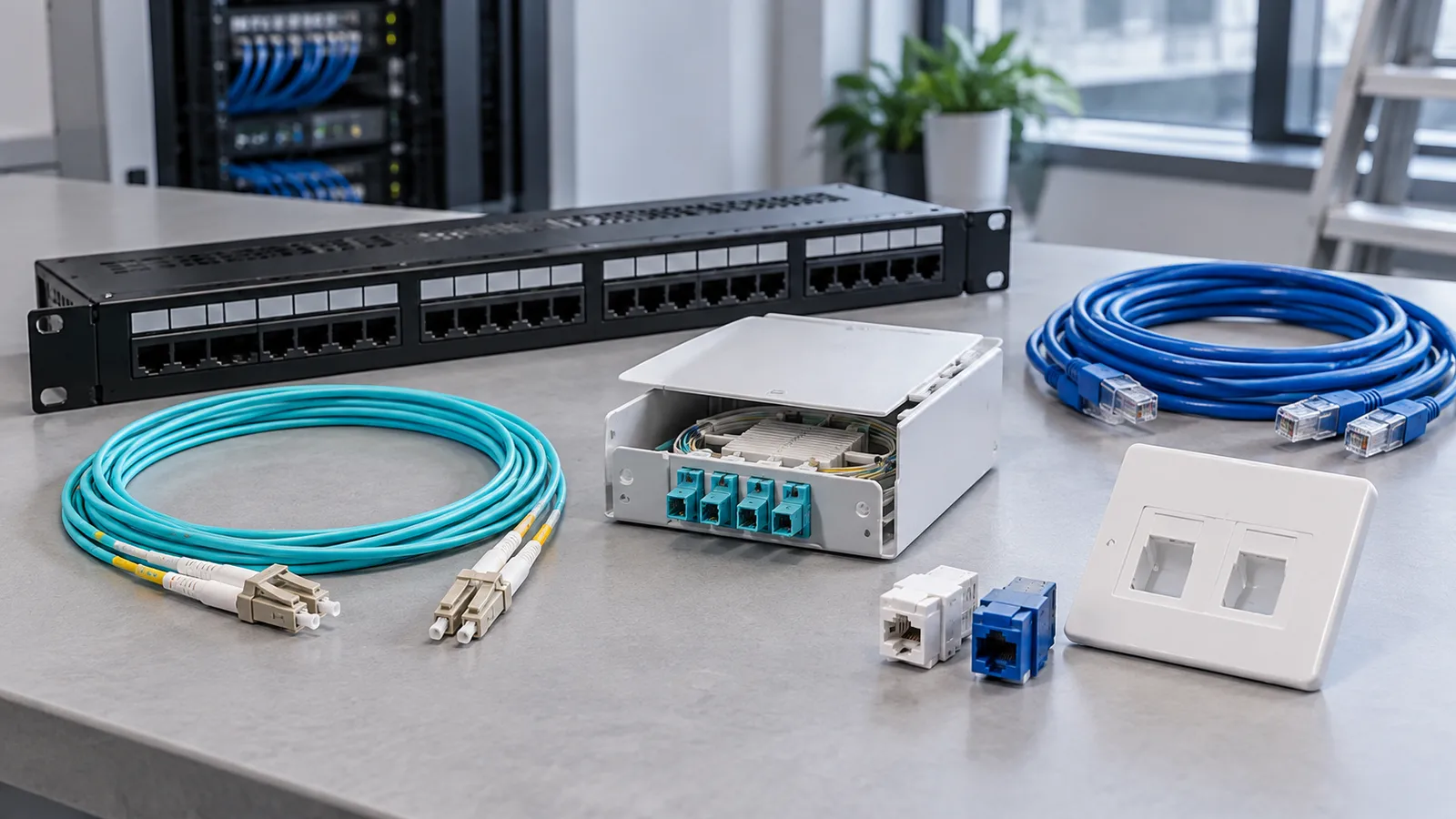
fiber, data cabling and termination accessories

Place it. Connect it. Size the workload.

Server Rooms, Enterprise Computing & Video Storage

The physical room, business applications and recording workload have different requirements. Define each before combining the equipment schedule.

main server room with computing, network and patching racks

Illustrative rack arrangement

Fiber & copper terminationLabels, patching and service access
Core / access networkingUplinks, ports and cable management
Enterprise or video serversWorkload, depth, rails and airflow
Storage & agreed expansionUsable capacity and maintenance space
Power distributionPDU outlets and UPS / supply interfaces

Final rack units, weight, power placement and heat loads follow the selected equipment.

Three layers of the infrastructure proposal
LayerWhat it doesInputs & deliverables
Server roomHouses and connects the equipment, with power, environmental monitoring, cooling coordination and maintenance access.Room dimensions, rack list and service conditions → room / rack layout, patching, PDU, UPS and heat-load information.
Enterprise computingRuns files, applications, databases, virtualization and backup workloads.Users, applications, data growth and recovery objectives → compute, memory, usable storage, network and backup configuration.
Video management & recordingManages streams, writes recordings and supports live view, playback and archive.Camera count, bitrate, strategy, retention and concurrent users → recording throughput, usable storage and VMS scope.

Server hardware, operating systems, applications, VMS channel licenses and analytics are listed separately. RAID, a disk-array redundancy method, addresses disk resilience; retention sets recording duration; independent backup and recovery need an agreed design.

Match power to the operating requirement

Critical Power & Energy Storage

building energy storage and electrical service area

UPS for Critical Systems

Configure continuity support for network, access, communication, servers and recording equipment. Supply the load list, watts and VA where known, input / output conditions and required runtime.

You receive a proposed UPS and battery scope, load assumptions, PDU and connection requirements.

Energy Storage for Building Requirements

Match the system to operating goals, load curves, tariffs, distribution conditions and any solar or charging loads. Review output power and usable battery energy separately.

You receive a proposed storage, power-conversion and controls scope. Supported backup operation, transfer behavior and economic assumptions are established from project data and the selected equipment.

Explore UPS & ELV power
03 / Critical Power & Energy RolesExample roles; final electrical design belongs to the appointed electrical team.
  1. Site electrical distributionReviewed supply, isolation and protection
  2. UPS + batterySelected load and continuity requirements
  3. PDU / load circuitsMatched outlets, voltage and connections
  4. Agreed critical loadsNetwork, access, voice, servers and recording
Optional building energy-storage branch

Battery + power conversion + controls ↔ engineered site distribution interface ↔ agreed building loads.

Solar or other sources are coordinated only where required. Islanding, transfer and protection must be supported by the specific system and site design. Storage may support the agreed critical-load supply strategy while a UPS continues to serve its own continuity role.

No whole-building backup duration or transfer time is implied. Runtime needs real load and system data; economic analysis needs tariffs and a load profile.

Building systems coordination

Agree the interfaces with the right project teams.

We coordinate equipment and information for BMS, energy metering, lighting, elevator permissions, carrier access and, where required, indoor mobile coverage. Interfaces depend on the platforms, devices and appointed providers.

Specialist systems & site responsibilities

Fire-alarm release interfaces, emergency voice alarm and elevator systems require their responsible specialists to own design, control, commissioning and acceptance. Ordinary access, audio or network supply does not replace those services. Site electrical design, power cabling, energy integration, construction and acceptance are coordinated with the appointed qualified teams.

Choose a scope to discuss.

These are project starting points. Device quantities, software, support and pricing follow the actual requirements.

01

Network & Cabling Upgrade

Improve wired access and Wi-Fi around verified existing routes and equipment.

Start with

Floor plans, cable test results and coverage or capacity issues.

You receive

Proposed network layout, reuse decisions and a cable / device list.

Discuss this scope
02

Access, Visitor & Security Systems

Coordinate how people arrive, gain access and are supported by security operations.

Start with

Door and lane schedules, visitor workflow and viewing objectives.

You receive

Entry and coverage plans, device lists and platform interface notes.

Discuss this scope
03

Server Room & Data Infrastructure

Organize the physical room, business computing and video recording requirements.

Start with

Room details, applications, camera / retention data and critical loads.

You receive

Rack layout, configurations and power / software scope.

Discuss this scope
04

Integrated ELV for New Buildings

Build one coordinated procurement scope from architectural plans and intended uses.

Start with

Building drawings, construction stage and system priorities.

You receive

A coordinated proposed scope and BOQ; remove any systems you do not need.

Discuss this scope

Clear outputs for your next project decision.

Deliverables are agreed with your quotation and level of available information.

01

System Scope Review

Priorities, interfaces, responsibilities and open project questions.

02

Device Layout Plan

Proposed positions tied to building use and the agreed coverage or access objectives.

03

Network & Cabling Architecture

Backbone, floor distribution, network zones and connection requirements.

04

Server Room & Rack Layout

Equipment placement, patching, power, heat-load information and maintenance space.

05

Equipment Schedule / BOQ

Main devices, software, licenses, accessories and quantities for review.

06

Compatibility Notes

Model and platform interfaces, retained equipment and items needing confirmation.

07

Project Quotation

Defined supply scope, configuration options and procurement terms.

08

Deployment Support Documents

Agreed technical information, labels, configuration and testing-record requirements.

For upgrades

Retain / replace / add equipment table, phased purchasing and switching recommendations, and existing-system interfaces.

For new construction

Floor-point schedules, room and distribution-space needs, device power and mounting conditions, and agreed expansion provisions.

Field-test and as-built records are completed from actual installation results. Illustrative layouts on this page are planning examples.

From your first plan to coordinated supply.

  1. 1

    Share Your Plans or Existing System Details

    Send the drawings, lists or problems you have. We identify missing information and the right starting path.

  2. 2

    Define the Scope and Priorities

    Your team confirms building use, operating constraints and budget priorities; we organize the system boundaries.

  3. 3

    Review Layouts and Equipment Options

    Review proposed positions, interfaces and configurations together with your consultant or installer.

  4. 4

    Confirm the Quotation and Supply Scope

    Agree equipment, software, accessories, responsibilities and the procurement or upgrade phases.

  5. 5

    Coordinate Delivery and Project Support

    Coordinate supply and agreed technical documents. Your local team provides installation, test and handover information.

One scope. Clear purchasing choices.

Wholesale Equipment Supply, Configured for Your Project

Bring main equipment and supporting items into a coordinated quotation, with configurations suited to your budget and requirements.

Request Project Pricing
  • Pricing by system, brand, model and quantity.
  • Main devices, software, licenses, accessories and support listed separately.
  • Options for a complete project or selected individual systems.
  • Supply by construction phase, or by floor / zone for an upgrade.

Building ELV project questions

Practical answers for planning, procurement and coordination.

Can you prepare an ELV solution from architectural drawings?

Yes. Share the architectural plans, intended room uses and the systems you are considering. We can help develop proposed device positions, network and cabling architecture, equipment schedules and a quotation. Missing dimensions, site conditions and installation requirements are confirmed with your design and local implementation teams before final selection.

What is different between a building upgrade and a new construction project?

An upgrade starts with the existing equipment, cabling, users and operating constraints. The plan identifies what to retain, replace or add and how to phase migration. A new project starts with building uses and drawings, coordinating device locations, distribution rooms, routes, power and future expansion before procurement.

Can we reuse existing cameras, switches, cables and racks?

Often, but reuse is assessed item by item. Provide model numbers, condition, software versions and available test records. We review interfaces, capacity, support status, rack space and cable performance against the intended service; a connector that fits or a cable that looks intact is not sufficient evidence of suitability.

Can an upgrade be planned by floor or tenant area?

Yes. Identify occupied areas, tenant boundaries, permitted work times and acceptable interruptions. We can organize the equipment and procurement sequence by area, with configuration backups, cutover, rollback and test arrangements agreed with your local team. Shared core services and interdependencies must be considered before choosing the sequence.

Which systems can be included in one project?

The scope can combine access, visitors, intercom, surveillance, alarms, entrances, wired and wireless networks, fiber and other cabling, server rooms, enterprise and video servers, IP communication, meeting AV, signage, ordinary audio, UPS, energy storage and selected building-system interfaces. Choose only what the building needs. A combined supply package does not automatically provide a common software platform.

Can you supply fiber, data cables, control cables and their accessories?

Yes, subject to the required construction, interfaces and project specifications. The schedule can include fiber and copper cable, control and supply cable, optical distribution frames, patch panels, modules, outlets, leads, optical modules, labels and installation accessories. Flame retardance, fire resistance and low-smoke / halogen properties are checked separately against product documentation and the project requirements.

How are main and floor distribution rooms planned?

The main distribution frame (MDF) location brings together the building backbone and core network. Intermediate distribution frame (IDF) rooms serve floors or zones through fiber uplinks and local access connections. Locations and equipment are chosen around link distances, routes, endpoint counts, rack space, power, cooling, access and growth; the diagram on this page is an example, not an issued construction layout.

Can you improve Wi-Fi coverage in an occupied building?

We can help review coverage and capacity requirements using floor plans, user counts, application needs and existing AP information. Wall materials, interference and cabling or power limitations inform proposed positions and equipment. On-site wireless measurements and post-installation validation by the implementation team are needed to confirm the result, with work phased around occupants.

Can access control, visitor management and video intercom work together?

They can be coordinated when the chosen devices and platforms support the required interfaces. Share the visitor workflow, credential types, existing software and door hardware. We identify compatible options and any gateway, license or configuration scope; integration and common management are confirmed for the actual products rather than assumed from network connectivity.

Can you coordinate parking access and elevator permissions?

Yes, within an agreed interface scope. Parking configuration considers lane geometry, vehicle detection, safety accessories, credentials and operating workflow. Elevator-floor permissions require the elevator vendor's supported interface and responsibility agreement; the specialist retains control, commissioning and acceptance of the elevator system.

Can you help plan a new server room?

Yes. Share the room dimensions, equipment or workload list, electrical supply, cooling arrangements and expansion needs. We can help prepare rack positions, equipment placement, patching, PDU and UPS scope, environmental monitoring and maintenance-space requirements. Building services, final electrical design and site installation are coordinated with the appointed professionals.

What is the difference between an enterprise server and a video recording server?

An enterprise server is configured for business applications, files, databases or virtual machines. A video recording server is sized around camera ingest, sustained recording, VMS services, retention and viewing or playback concurrency. Hardware, operating system, application software, VMS channel licenses and analytics are specified separately; the same chassis does not establish suitability for both workloads.

How do you calculate video storage requirements?

We start with camera count, actual or planned bitrate, codec, recording hours, event policy and retention period, then account for usable storage, resilience overhead, write performance and expansion. Live viewing, playback and archive requirements also affect the configuration. RAID supports disk resilience, retention defines how long footage remains available, and backup or archive requires its own agreed method; these are different decisions.

How do UPS and energy storage serve different project needs?

A UPS is selected around the continuity and power-quality requirements of specific critical equipment. A building energy-storage system is configured around a load profile and goals such as time-of-use operation, solar use or supported backup service. Power rating, usable energy, control behavior and distribution interfaces are reviewed separately. Neither battery capacity nor the word storage establishes a particular transfer time.

Can energy storage support critical loads during an outage?

It can when the selected system and site architecture support that operation. Islanding, isolation, controls, transfer arrangements, protection and the connected load scope must be confirmed with the electrical designer and equipment suppliers. A grid-connected battery alone does not guarantee backup during an outage; a UPS may still be required for loads with specific continuity needs.

Can you coordinate with our BMS, fire alarm or other specialist contractors?

Yes. We can help exchange device, interface, points-list and equipment-supply information within the agreed project scope. BMS, metering, lighting, operator connectivity, indoor mobile coverage and specialist interfaces depend on the actual platforms and providers. Fire alarm, emergency voice alarm, elevator and other life-safety design, control, commissioning and acceptance remain with the responsible specialist teams.

Are software, licenses and installation accessories included?

The quotation lists what is included and what is supplied by others. We separate main equipment, operating systems, application software, VMS channels, optional analytics, accessories and support scope. Tell us which licenses or devices you already have so transferability, compatibility and any subscription terms can be checked before ordering.

Can you supply our preferred brands at wholesale project prices?

Share the preferred brands, models, quantities and required specifications. NexPro-Link works with H3C, IP-COM, Fanvil, TP-Link and Huawei as technology and equipment supply partners, and can prepare project-based wholesale quotations. Availability, regional suitability, configuration, accessories, support and delivery terms are confirmed in the actual offer; there is no assumed fixed discount or lead time.

Can we order only one system?

Yes. You can request a network upgrade, access system, server-room package, cabling supply or another defined part of the project. We identify the interfaces and dependencies needed for that scope without requiring the purchase of every system. Options can be grouped by floor, area or procurement phase.

What drawings and information are needed for a quotation?

Start with the building type, location, project stage, desired systems and the drawings or information you have. Plans, device layouts, a BOQ or bill of materials (BOM), existing equipment and cable lists, photos and a short description of problems are useful. You can upload one supported file up to the stated form limit or share a folder link; detailed technical data can follow after the initial scope discussion.


Plans, lists or a problem to solve

Tell us where your building project starts.

Send architectural plans, floor layouts, a device schedule, a BOQ / BOM or existing-system information. We will help identify the next design and equipment decisions.

Design support, detailed deliverables, local implementation responsibilities, availability and delivery terms are confirmed in your project quotation.

BOQ & tender support

How can we help?

A short message is enough to get started.

Contact and inquiry details
I’m interested in
Page details included with your inquiry

Other / Not Sure · Not Sure

Add company details or a file (optional)

PDF, DWG, Excel, CSV, JPG, PNG or Word · up to 3 MB.

We use these details to respond to your inquiry. Privacy policy

Prefer a conversation? WhatsApp us or send an email.

Networking & Fiber · H3C equipment and project supply

Office building fiber network

Review a labeled reference topology, exact H3C candidates, power and capacity calculations, and a downloadable BOM before defining your own project.

Send Building Project Inquiry