Only Have Factory Drawings
Start with the building or site layout. We help define zones, device points, system architecture and an equipment schedule.
Send Your Factory Layout
From factory layouts to equipment supply
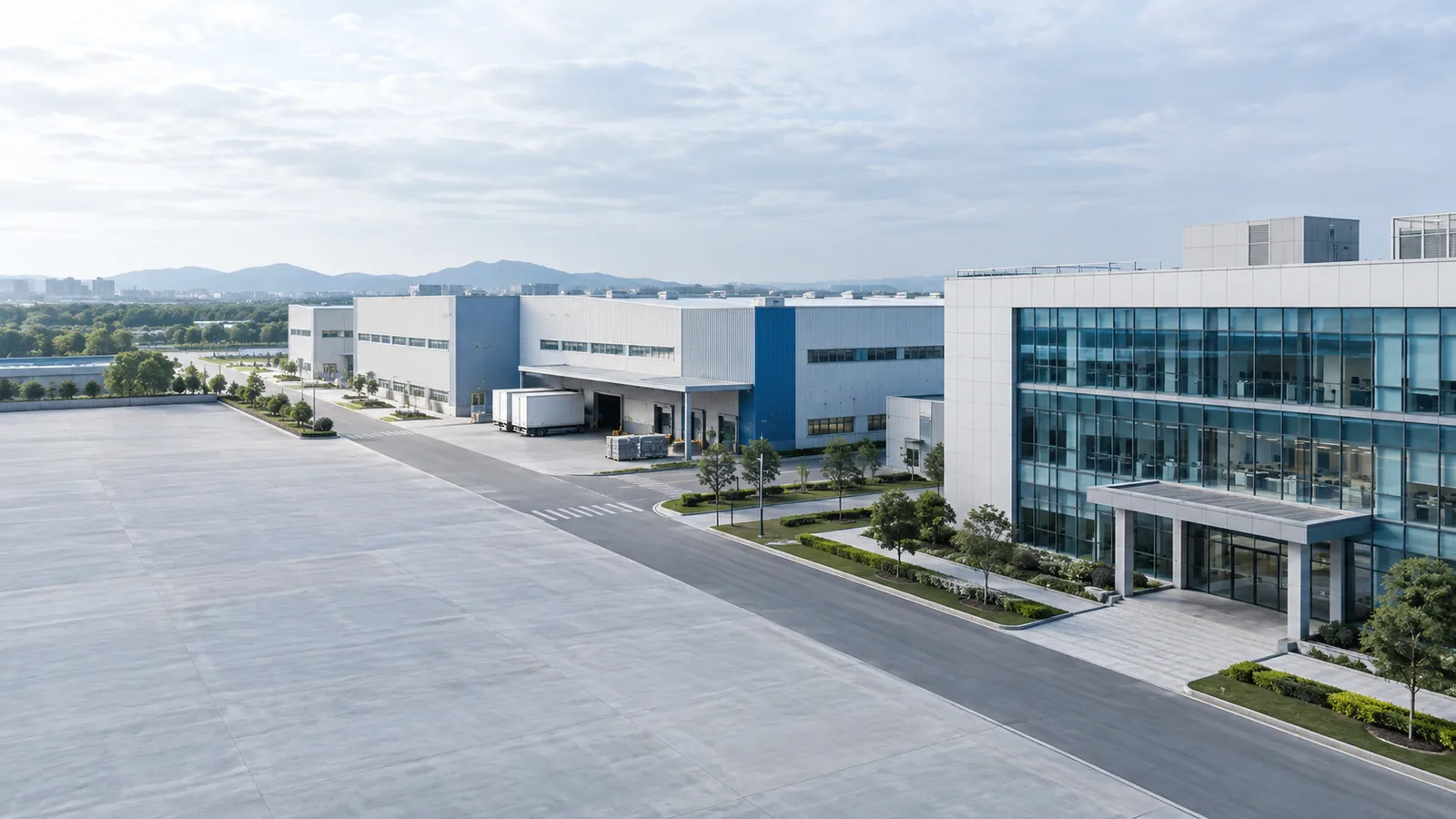
Plan your networks, security, server rooms and power systems around your factory layout. One partner for coordinated design support and equipment supply.





H3C, IP-COM, Fanvil, TP-Link and Huawei. Wholesale and project-based supply, configured around your requirements and budget.
New build, relocation, expansion or renovation: we help turn your requirements into a coordinated equipment proposal.
Start with the building or site layout. We help define zones, device points, system architecture and an equipment schedule.
Send Your Factory LayoutTurn your point plan or list into matched models, checked accessories, configuration options and a coordinated quotation.
Request a Project ProposalShare the installed equipment and new requirements. We review reuse, compatibility, additional capacity and a phased changeover.
Review My Existing SystemProduction processes and site conditions shape the infrastructure. Select an application to see what we would review first.
Your selections carry into the inquiry. Recommended systems are a starting point; choose the scope you need.
Metal structures, machine enclosures and changing stock positions shape camera views and wireless coverage. Engineering teams also need controlled access to drawing files.
Workshop layout, machine locations, drawing-file workloads and available power.
Assembly areas, component stores and offices have different access permissions and connectivity needs. Video retrieval and server capacity should follow the actual traceability workflow.
Workstation and terminal lists, access groups, application requirements and retention policy.
Production buildings, parts stores and logistics routes need an infrastructure plan that can grow with each project phase.
Campus plan, building distances, logistics routes and expansion schedule.
Moisture, washdown, low temperatures and condensation affect enclosures, cable entries and device placement. Office equipment cannot automatically be used in processing or cold-store areas.
Temperature ranges, washdown conditions, room transitions, loading routes and equipment locations.
Large workshops, staff entrances and busy dispatch areas need clear coverage and equipment that the local team can maintain.
Floor area, machine rows, staff entry points, terminal usage and cable routes.
Machines and stored material can obstruct views and radio paths. Heat, dust and other site conditions must be understood before equipment selection.
Machine and stock layout, environmental conditions, shift pattern and file-storage needs.
Dispersed workshops and dusty storage areas benefit from a building-by-building plan with accessible cabinets and clear installation responsibilities.
Building plan, dust conditions, inter-building routes and local cabinet positions.
Rack height, loaded stock and moving handheld terminals affect wireless performance. Loading and handover recordings need views tied to actual operating procedures.
Racking plan, loaded heights, handheld models, loading bays and recording targets.
A campus needs coordinated backbone routes, regional cabinets and a clear choice between central and distributed services.
Campus map, building distances, service dependencies, power diagrams and phased delivery dates.
Define the purpose of each zone before deciding device locations, network access, storage and power.
Wired and wireless access, permitted process-area observation, local cabinets and intercom.
Machines, partitions, interference, mounting access and the automation supplier's interface requirements.
Explore this system scopeHandheld connectivity, aisle CCTV, staff permissions and cabinet uplinks.
Loaded rack height, stock materials, roaming paths and coverage targets.
Explore this system scopeDock views, goods-handover recording, gate communication and local network access.
Vehicle paths, backlight, night lighting, capture goals and retention.
Explore this system scopeBusiness LAN, guest Wi-Fi, IP telephony, shared files and application access.
Users, devices, access policies, software requirements and backup needs.
Explore this system scopeRacks, network core, servers, storage, PDU, UPS and environmental monitoring.
Room dimensions, rack depth, service access, heat load and power conditions.
Explore this system scopeOutdoor cameras, boundary views, reviewed long-distance links and protected enclosures.
Distance, terrain, weather, available power, lighting and cable routes.
Explore this system scopeStaff and visitor permissions, gate intercom, LPR, barriers and operator terminals.
Credential workflow, plate region, traffic volume, lane layout and safety interfaces.
Explore this system scopeCritical-load backup and project-specific commercial energy storage coordination.
Load profile, distribution diagram, utility conditions, solar interfaces and energy goals.
Explore this system scopeSix connected project scopes
Combine a complete factory project or focus on one system. Each scope has its own configuration inputs, equipment schedule and delivery responsibilities.
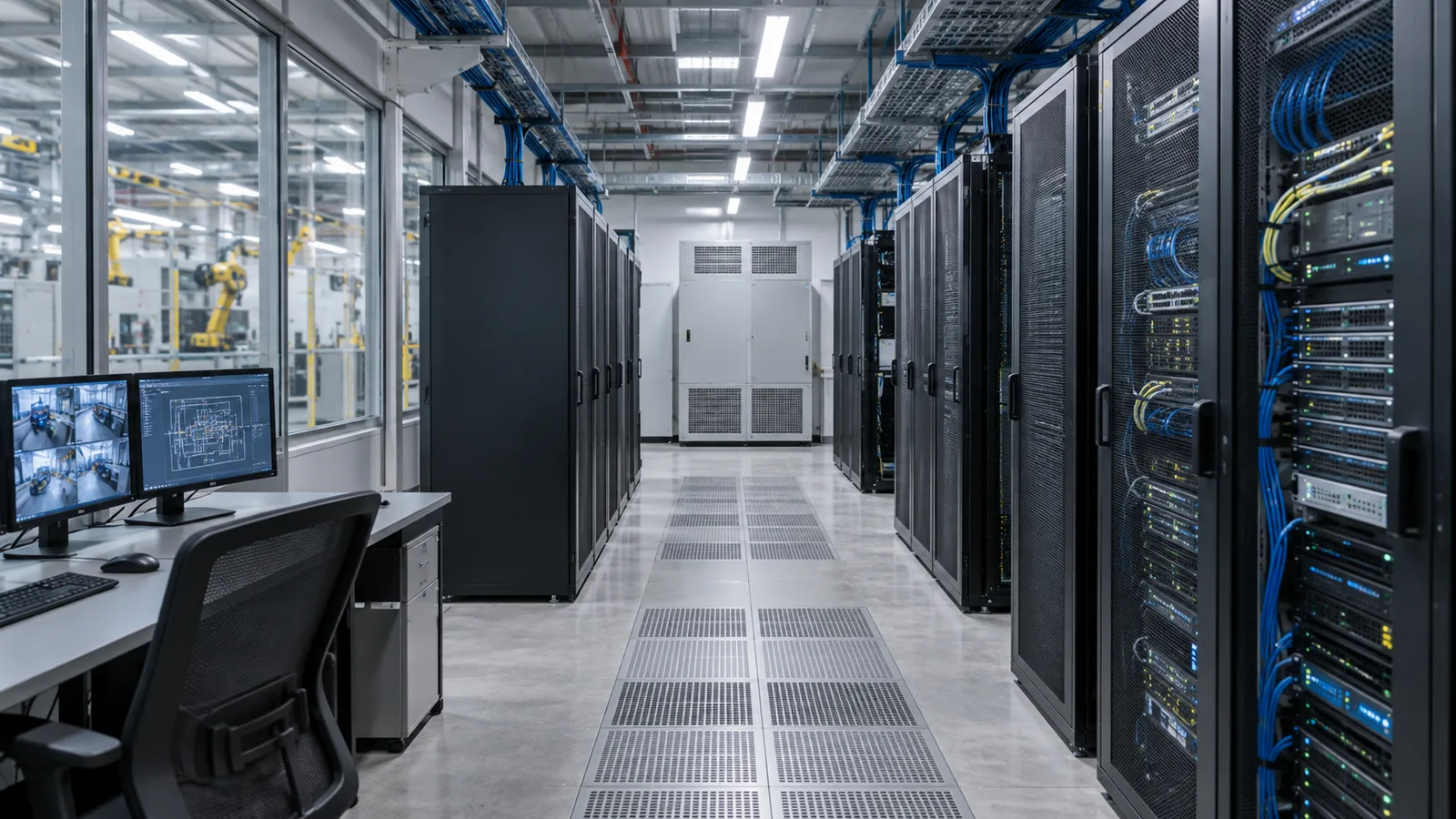
Turn an empty room or an overcrowded equipment space into an organized home for your factory's IT and ELV systems.
Room dimensions and photos, existing or proposed equipment, power conditions, cooling arrangements and growth plans.
A room layout, rack elevation, connection diagram, equipment power schedule and coordinated rack, cabling and device list.
Planning, equipment supply and agreed configuration guidance are defined separately. Civil works, electrical installation, air conditioning, fire protection and local acceptance belong in the agreed site scope. No room tier or fixed redundancy level is assumed.

Connect offices, workshops, warehouses and buildings around the way your teams and equipment actually communicate.
Site and rack layouts, building distances, device and user counts, terminal models, traffic requirements, existing cabling and local power.
A network topology, proposed access-point and cabinet locations, interface and uplink schedule, PoE review and equipment list.
Office IT, security, guests, warehouse terminals and production-related networks need explicit access boundaries. OT protocols, latency, resilience and change windows are coordinated with the automation or machine supplier. PLC programming, MES/ERP development and robot control require separately agreed specialist work. Optical endpoints still need power.
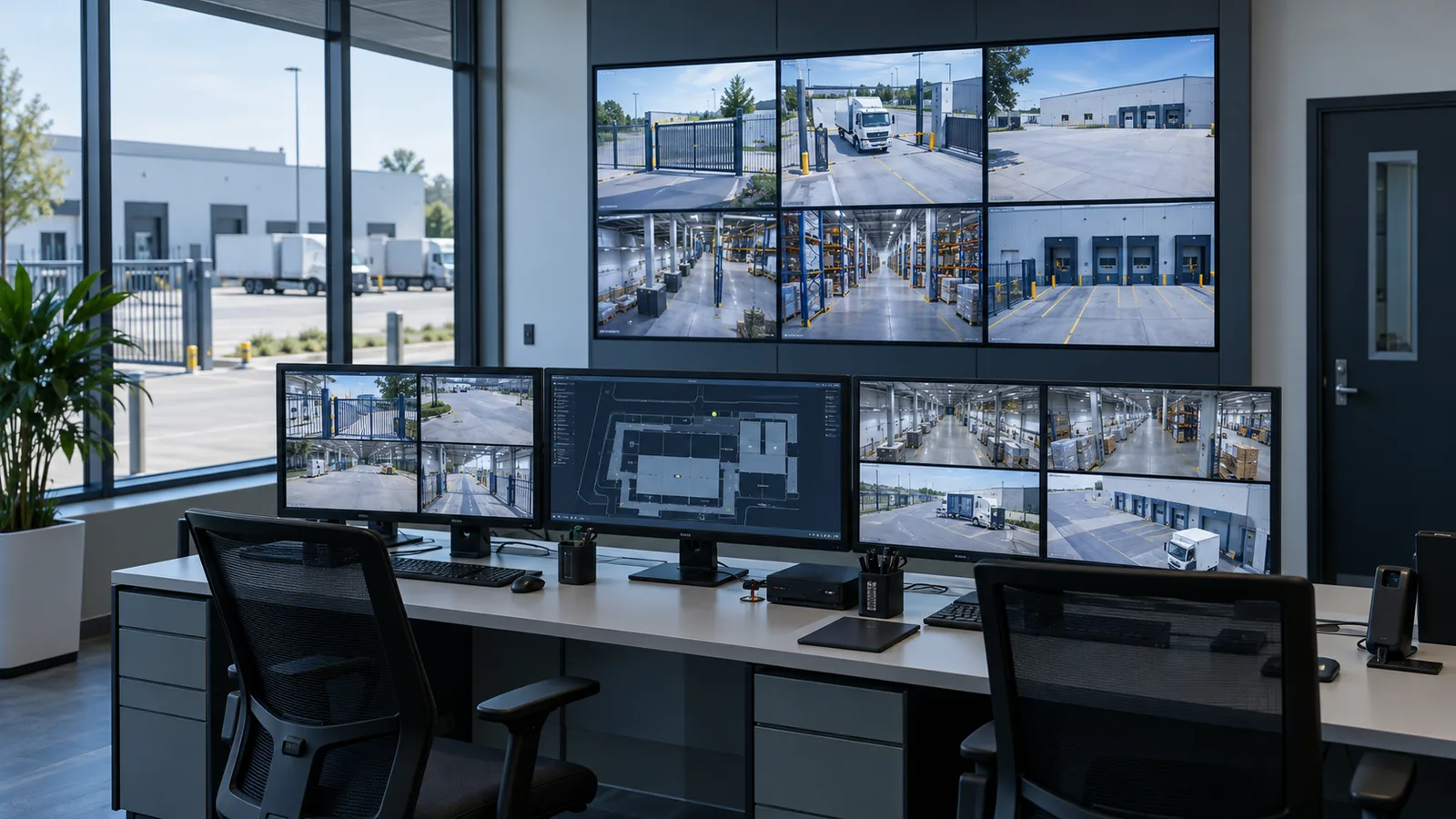
Support event review, goods-handover evidence and controlled access across the places that matter to your operation.
Identification targets, distances, lighting, mounting positions, environmental conditions, access workflows and video retention needs.
A zone-based point schedule, camera and lens selection, recording scope, entrance equipment list and interface notes.
General surveillance supports observation and event review. Dimensional measurement, defect inspection, quality decisions and automatic machine stopping need purpose-built systems and a separate scope.
Configure the hardware around your business workloads, from shared engineering files to application and database services.
Applications, concurrent users, dataset sizes and growth, software-vendor requirements, recovery objectives and existing infrastructure.
A workload-based configuration, storage and backup approach, compatibility questions and an itemized hardware/software quotation.
We can supply server infrastructure for ERP, MES and other business systems. Software development, deployment and licensing follow the agreed project scope. Hardware, operating system, database, virtualization and application licenses are separate quotation lines. Workloads need not share a single server.
Build the recording and viewing layer around camera traffic, retention and operator workflows, separately from business application servers.
Camera count, measured or specified bitrates, recording schedules, retention days, concurrent operators and the chosen VMS.
An NVR or server-based recording proposal, bandwidth and storage calculation, license schedule and expansion assumptions.
NVRs suit bounded deployments supported by the appliance. Server-based VMS can suit more complex management or multi-site needs when the selected platform supports them. Retention, disk redundancy and independent backup are separate decisions. Protocol support alone does not guarantee cross-platform analytics or management features.
| Decision | Enterprise servers | Video recording servers / NVRs |
|---|---|---|
| Main workload | Files, applications, databases and virtual machines | Camera ingest, recording, playback and VMS services |
| Capacity inputs | Users, application load, memory and business-data growth | Camera bitrate, retention, write throughput and viewing concurrency |
| Continuity plan | Recovery objectives, independent backups and maintenance | Recording availability, disk resilience and separate archive needs |
| Software scope | OS, database, hypervisor and application licenses | VMS channels, analytics and platform-specific feature licenses |
Configured around your critical loads, operating requirements and energy goals.
Protect the network core, access devices, CCTV, recording, entry systems, communications and the servers your operation depends on.
Connected watts and VA, supply conditions, output interfaces, startup behavior, load growth and the target backup time.
A selected UPS and battery configuration, load and runtime assumptions, PDU/outlet schedule and connection requirements.
Explore UPS & ELV power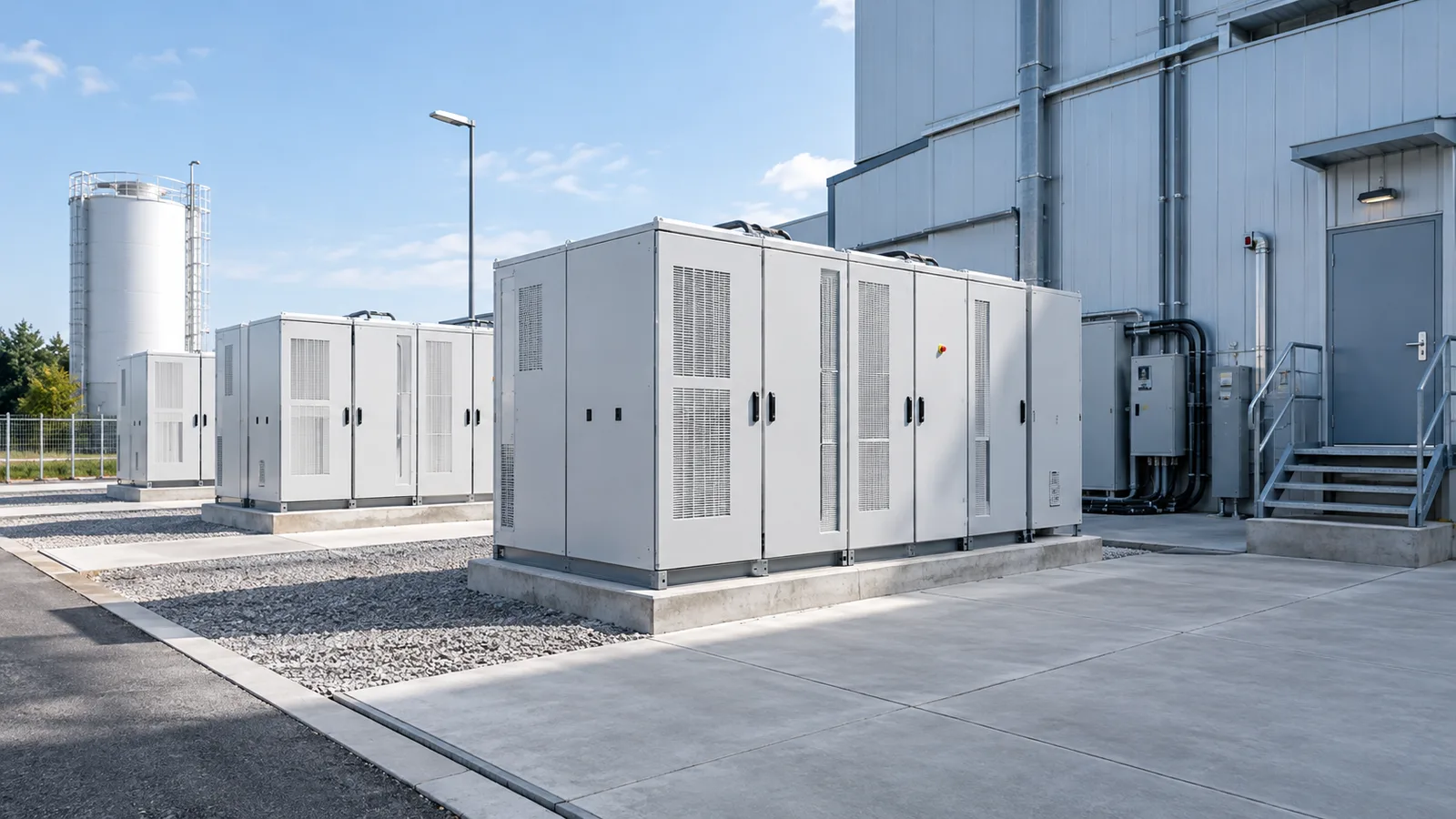
Review peak-load management, tariff shifting, solar self-consumption and supported backup operation against your actual load profile.
Energy bills, interval load data, distribution diagrams, solar interfaces and operating goals. Check output kW, usable kWh, supported loads and duration separately.
A proposed battery, power-conversion and management scope, integration requirements and operating assumptions for project review.
Grid-connected operation, islanded operation and transfer behavior depend on the specific system. Protection, controls, local installation and approvals must match the project. Battery capacity alone cannot establish factory runtime; tariffs and load data are needed before estimating savings or payback.
The procurement schedule covers the supporting infrastructure as well as the main equipment.
IP phones, gate and office intercom, duty-room communication and IP audio within the confirmed supply scope.
Cabinets, PDU, KVM, copper patching, fiber, optical modules, pigtails, connectors and cable management.
Racks & cabinetsMounts, rack accessories, labeling, necessary spares and model-specific interface checks across each subsystem.
Entrance systemsCoordinated procurement brings the equipment schedules together. Shared management or software integration is confirmed separately for the selected models and platforms.
architectures for discussion. Data connections and electrical supply are shown separately; final design follows the site and selected equipment.
Business servers and VMS/recording servers connect to the appropriate core or regional network. Permissions and traffic policies define access; connection does not imply a shared management platform.
Split ratio, optical budget, uplink capacity, endpoint interfaces and local backup determine suitability. Fiber carries data; OLTs, ONTs and endpoints require a separate power plan.
Battery + PCS + controls connect through an engineered site distribution and protection arrangement. Solar coupling, islanding and transfer are project-specific. A BESS can support an agreed supply strategy while a UPS continues to protect loads that require its operating characteristics.
Local electrical designers and installers confirm circuit design, protection, earthing, fire provisions and commissioning. This diagram defines relationships and is not a construction drawing.
These examples organize the conversation. Equipment quantities, pricing and performance are established from your project inputs.
Refresh network access, CCTV and supporting infrastructure in defined working areas.
Existing switches and cameras, rack layout, coverage gaps and the available change window.
A reuse assessment and a zone-based upgrade list.
Coordinate the site network, equipment room, business servers and critical-load power.
Building plans, application workloads, available room space and power conditions.
A connected network, rack, server and power proposal.
Plan multi-building connectivity, regional security, servers and power, with energy storage where it fits.
Campus plan, phase schedule, service dependencies and critical-load or energy objectives.
A phased architecture and procurement schedule.
Define the decisions, interfaces and equipment your procurement and local installation teams need.

An equipment schedule records rack position, dimensions, weight, heat, power connections and service access for every selected model.
This conceptual arrangement has no assigned rack-unit quantities. Final placement follows equipment dimensions, load limits, airflow and maintenance requirements. PDU and cable routing are coordinated separately.
Send drawings, a BOQ or your existing system list, plus the outcome you need.
Confirm zones, workloads, environment, interfaces and responsibilities.
Compare architecture, equipment, accessories and project options.
Agree models, licenses, quantities, support scope and delivery phases.
Prepare the agreed equipment and technical information for deployment.
Procurement around your project
As a project equipment supplier and reseller, NexPro-Link coordinates configurations and supply across your selected systems.
Our technology and supply partners include H3C, IP-COM, Fanvil, TP-Link and Huawei. Brand roles and model availability are confirmed against the actual application.
Lead time, warranty, support, installation responsibilities and regional requirements are confirmed in the quotation.
Practical starting points for IT, facilities, engineering and procurement teams.
Yes. Share the site plan, floor drawings and a short description of how each area will be used. We can help define zones, device locations, network architecture, room requirements and an equipment schedule. Survey findings, operating requirements and the agreed design scope are confirmed before the proposal becomes an installation plan.
We work from the needs of machining, electronics, automotive, food and cold-chain, textile, plastics, furniture, warehouse and multi-building industrial projects. Each needs different coverage, access, environmental and computing decisions. Tell us about the process and site conditions so we can identify the suitable infrastructure and any specialist interfaces.
Yes. Room dimensions, access, power and a preliminary equipment list are enough to start. We can help organize racks, equipment placement, patching, UPS/PDU requirements, cooling information and environmental monitoring. On-site construction, electrical work, air-conditioning installation, fire protection and acceptance are separately defined with the local team.
Often, but reuse follows a compatibility and condition review. Send models, firmware or platform details, cabinet dimensions, cable information and photographs. We check ports, power budgets, interfaces, recording support and capacity, then distinguish retained equipment from additions or replacements. We also plan around the permitted outage window.
Yes. We can help plan a fiber backbone, building uplinks, optical modules, termination and local cabinets. Distances, existing ducts, fiber type, route availability, bandwidth and resilience requirements determine the configuration. Active Ethernet and a passive optical LAN are different options; both require a plan for powered equipment at their endpoints.
We start with drawings, rack and machine heights, building materials, stock, client devices and roaming needs. These determine proposed AP locations and antenna choices. A site survey and validation under working conditions are needed to confirm coverage and capacity. Floor area alone cannot establish an AP count or performance guarantee.
We define separate access policies for office IT, guests, video security, warehouse terminals and production-related equipment. The routing, segmentation and firewall design follows the required data flows. OT protocols, latency, availability and change windows must be coordinated with the machine or automation supplier. Our infrastructure scope does not automatically include machine control or automation programming.
Yes. Application-vendor specifications, users, concurrent workloads, file sizes and expected growth guide CPU, memory, storage and network choices. We also review backup, recovery and maintenance needs. Hardware, operating system, database, virtualization and application licensing are identified separately, along with any agreed software deployment assistance.
An NVR can suit a defined group of cameras within its channel, bandwidth, storage and compatibility limits. A server-based VMS can offer a suitable path for more complex operator workflows, multiple sites or expansion, depending on the platform. Compare required functions, licenses, storage operations, maintenance skills and lifetime scope before choosing.
Start with the sum of camera recording bitrates, recording hours and retention days. Continuous recording at 1 Mbps produces approximately 10.8 GB per day in decimal units before overhead. Real design also considers variable bitrate, event recording, audio, filesystem overhead, usable capacity after disk redundancy, write performance and expansion. A retention plan does not replace an independent backup or archive policy.
A UPS is selected to protect agreed critical equipment against power disturbances and provide backup under its specified operating and transfer conditions. Commercial energy storage is configured around energy management and, where supported, backup goals. A storage system does not automatically provide the power quality or transfer behavior a critical IT load requires; a UPS may remain part of the design.
It can when the selected system supports the required islanded operation, protection and transfer arrangement. Check output kW, usable kWh, starting loads, load priority, supported operating modes and duration. Battery capacity alone is insufficient to promise operation of an entire factory or production line. Share the load list and distribution diagram for review.
Potentially. Share the inverter models, electrical diagram, solar generation data, site load profile and operating objective. The design must review AC/DC coupling, controls, protection, export constraints and local grid requirements. Existing solar equipment is not assumed compatible, and savings require actual tariff and consumption data.
The quotation identifies the agreed hardware, necessary accessories, software scope and support. VMS channels and features, operating systems, databases, hypervisors and application licenses are separate where applicable. Cables, optics, patching, mounting, rack accessories and spares are reviewed so the procurement list reflects a deployable system.
Yes. Our technology and supply partners include H3C, IP-COM, Fanvil, TP-Link and Huawei. We review your preferred brands against the required models, available supply, compatibility, quantities and budget, then prepare wholesale or project-based pricing. Exact availability, regional terms and software scope are confirmed in the quotation.
Yes. You can request a network upgrade, equipment-room package, security system, server configuration, UPS or energy-storage review on its own. We still check the interfaces and supporting accessories needed to connect that scope to your existing infrastructure. A complete factory project is also supported.
Start with a site or floor plan, project location, project stage and the systems you need. Device layouts, a BOQ, equipment inventories and photographs are useful if available. Workloads, camera retention, critical loads and energy information can follow as the relevant scope develops. Detailed specialist data is not a requirement for the first inquiry.
Depending on the agreed scope, we can supply equipment schedules, topology diagrams, rack layouts, interface notes and installation or configuration guidance. The quotation identifies remote support and any agreed site services. Local construction, electrical work, cooling, fire protection and acceptance responsibilities are confirmed before procurement.
Networking & Fiber · H3C equipment and project supply
Review a labeled reference topology, exact H3C candidates, power and capacity calculations, and a downloadable BOM before defining your own project.