

Plan factory CCTV retention policy with practical guidance on define the audit purpose and translate policy into recording capacity. NexPro-Link project guide.
Section 01
Define the Audit Purpose
Identify why footage is needed, who may review it and the applicable requirements for the site. Different purposes may justify different camera groups and periods. Avoid treating a generic factory category as proof that a fixed number of days is legally required.
Turn the answer into a working record using Purpose, Camera group, Responsible owner, Retention basis.
| Decision area | Buyer question | Required output |
|---|---|---|
| Define the Audit Purpose | What should determine factory CCTV retention? | Identify why footage is needed, who may review it and the applicable requirements for the site. |
| Separate Routine and Preserved Footage | Should every audit-related event remain in the rolling recorder? | Important selected events may need preservation outside the routine overwrite cycle. |
| Design Access and Time Context | What makes stored footage useful for an audit? | The footage needs relevant context, consistent time information, a known source and controlled access. |
Section 02
Separate Routine and Preserved Footage
Important selected events may need preservation outside the routine overwrite cycle. Define when that happens, who authorizes it and how it is reviewed. Increasing all recording retention is not the only way to preserve a limited set of relevant incidents.
Use Routine record, Event copy, Trigger, Review, Deletion to compare options on the same basis. Keep product capability, project assumption and operating responsibility in separate columns.
Section 03
Design Access and Time Context
The footage needs relevant context, consistent time information, a known source and controlled access. A large capacity alone does not make records understandable or appropriately handled. Keep device labels and event references aligned so reviewers can identify which view and time period they are examining.
The project output should make Source, Timezone, Access role, Event reference traceable from input to acceptance.
- Confirm the answer to: What makes stored footage useful for an audit?
- Record the project fields: Source / Timezone / Access role / Event reference.
- Keep product capability, project assumptions and site responsibility in separate records.
Section 04
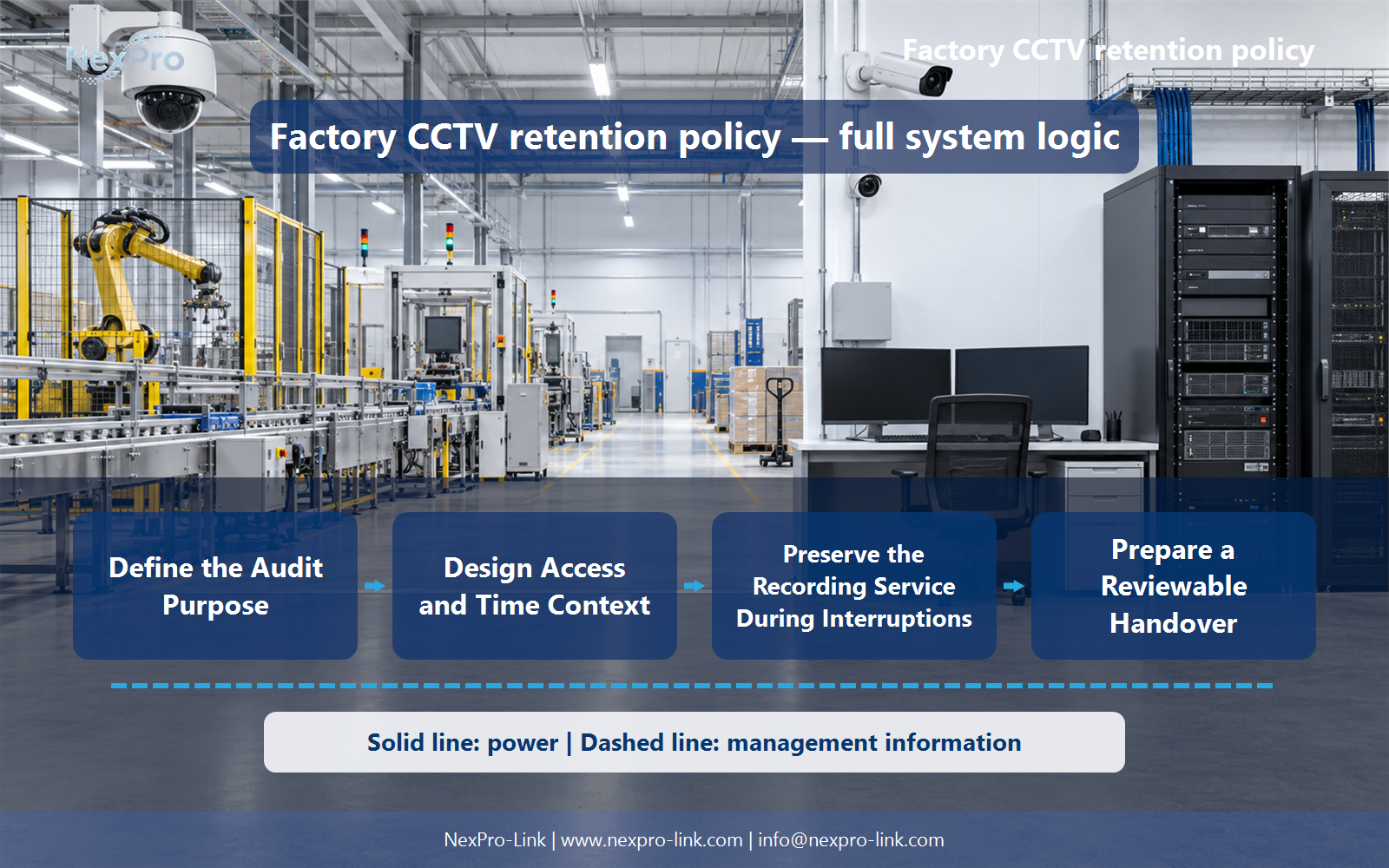
Translate Policy into Recording Capacity
Convert each group's recording schedule and average bitrate into required capacity, then account for supported storage and reserves. Different periods can produce different allocations. Do not silently reduce a policy target to fit an already selected recorder chassis.
Record Group, Schedule, Days, Mbps, Required capacity before selecting a product family. That makes later substitutions possible without silently changing the operational requirement.
Section 05
Preserve the Recording Service During Interruptions
A retention policy cannot restore footage that was never recorded during a power or network interruption. Define which services must remain active and protect the corresponding camera, switch and recorder paths. State the outage objective separately from the number of days retained.
Review Critical views, Power path, Network path, Outage objective with the party that will operate or maintain the system.
Section 06
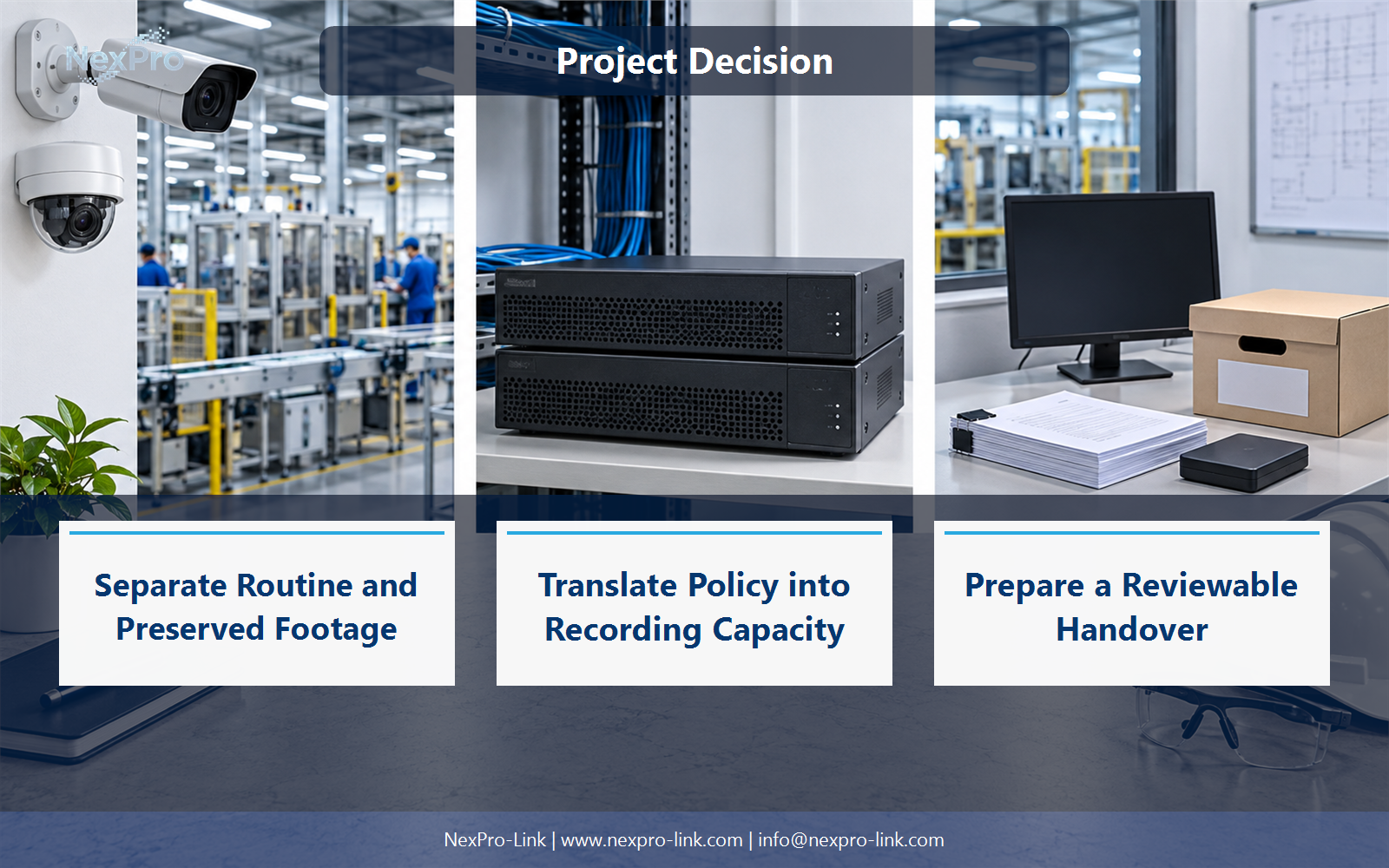
Prepare a Reviewable Handover
Provide the installed recording modes, retention assumptions, access roles and export workflow in controlled documentation. Include how configuration changes are requested and recorded. The package should describe actual operation, not claim legal certification merely because a supplier has supplied a recorder and disks.
Use Camera group, Installed mode, Retention, Access, Change owner as the handoff between design and procurement.
Engineering references
These sources support the general planning principles. Always use the selected product's current datasheet and applicable project standards for final design.


