

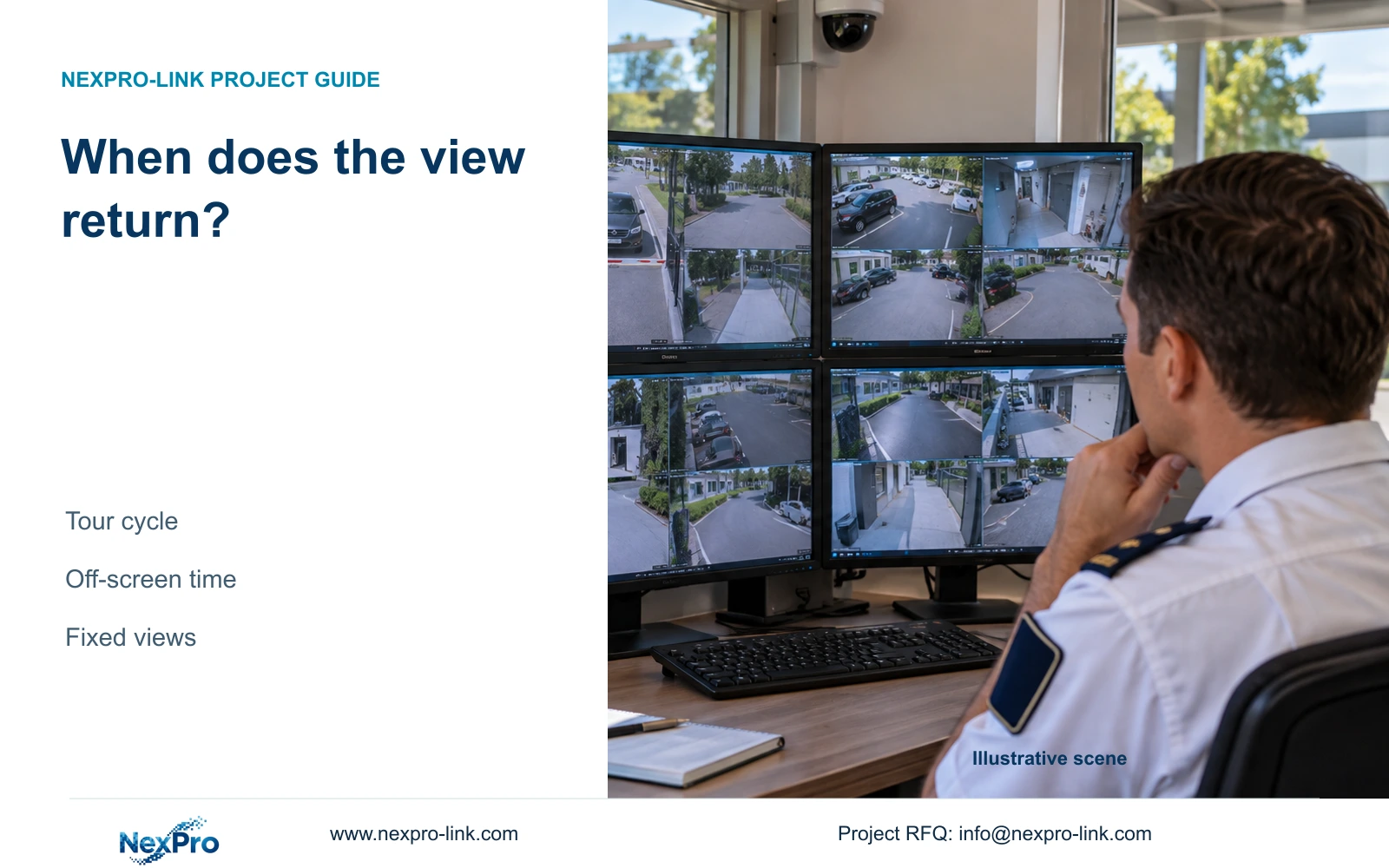
Longer dwell increases inspection time and the wait before a view returns. Calculate both intervals, then verify recording and event actions independently.
Section 01
Identify views that cannot wait for the next cycle
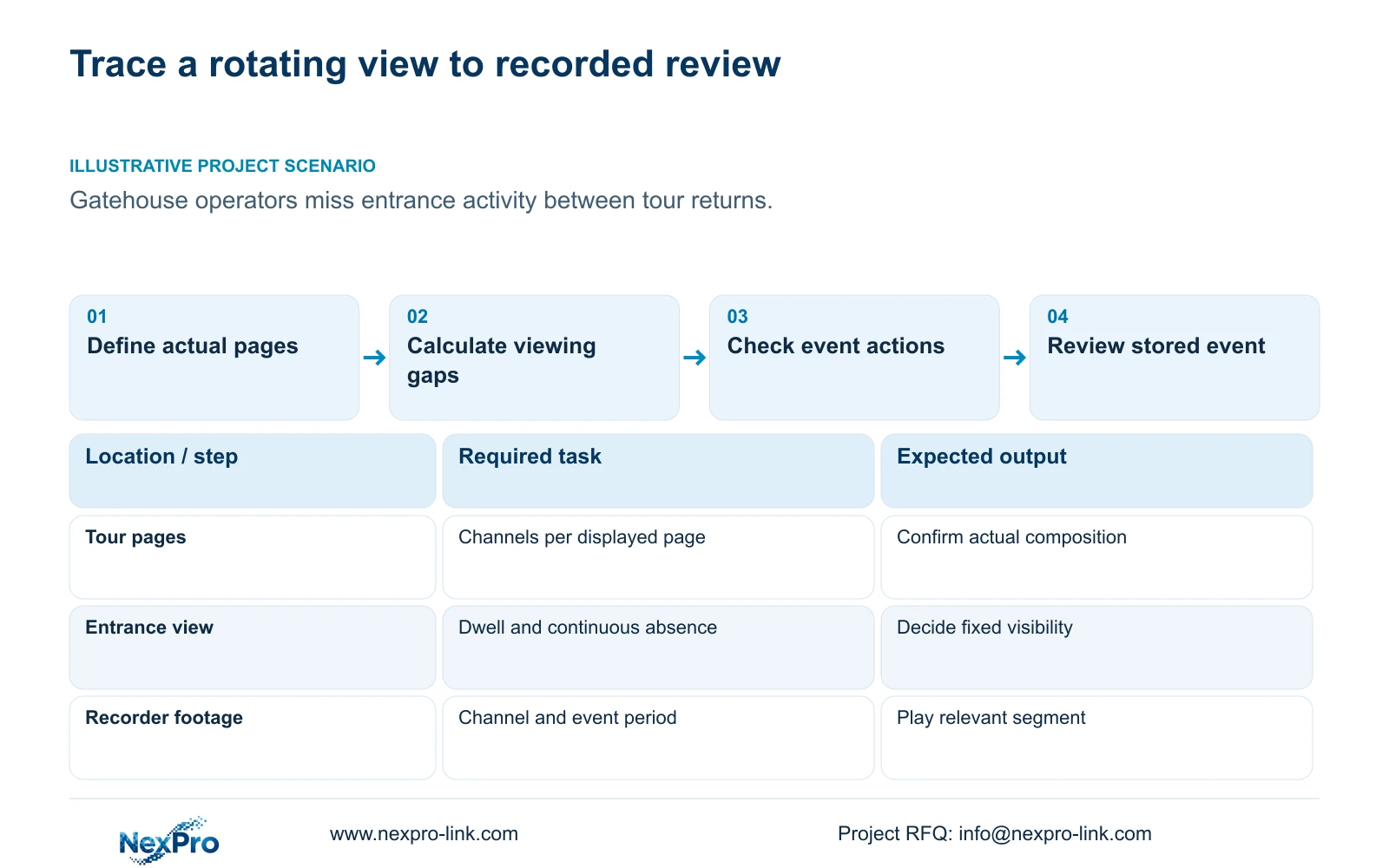
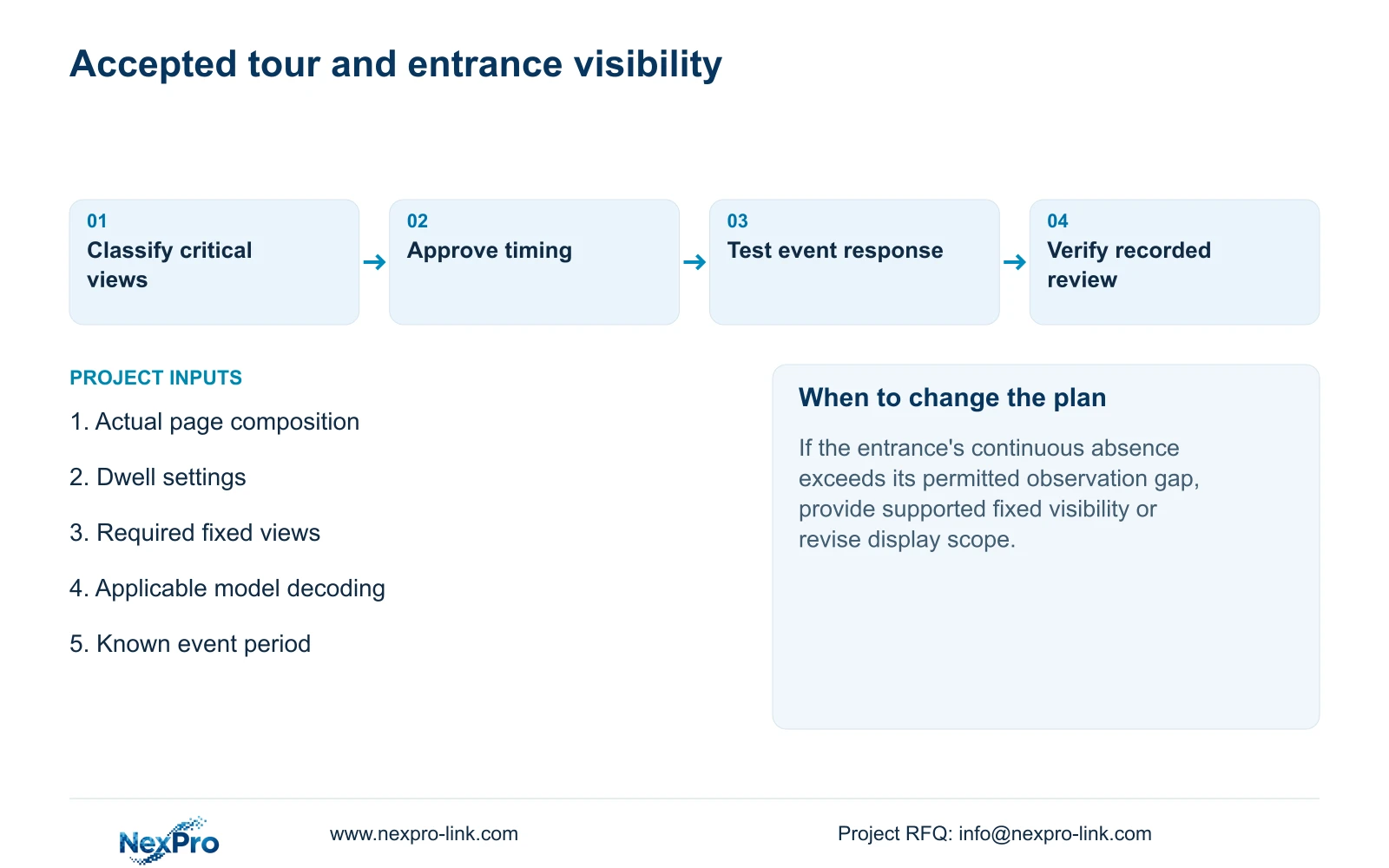
Calculate the full tour cycle and each page's continuous absence before approving a dwell interval. Longer dwell gives an operator more time with the displayed images, but increases the wait before other views return. Cameras that require immediate attention should have a defined continuous viewing arrangement instead of relying solely on rotation. Keep recording verification separate: being off screen does not establish that a camera has stopped recording, and a recording icon cannot prove that an entire event remains available. Approve the tour only after the viewing gaps, relevant event actions and recorded review all match the gatehouse's operating task.
List which cameras need continuous visibility and which can be inspected periodically. Sections 4.5 and 5.2 distinguish layout options from model-specific decoding. Confirm that the proposed fixed and rotating views are supported on the actual device; a menu with more windows does not establish the required processing.
Section 02
Calculate return time and continuous absence
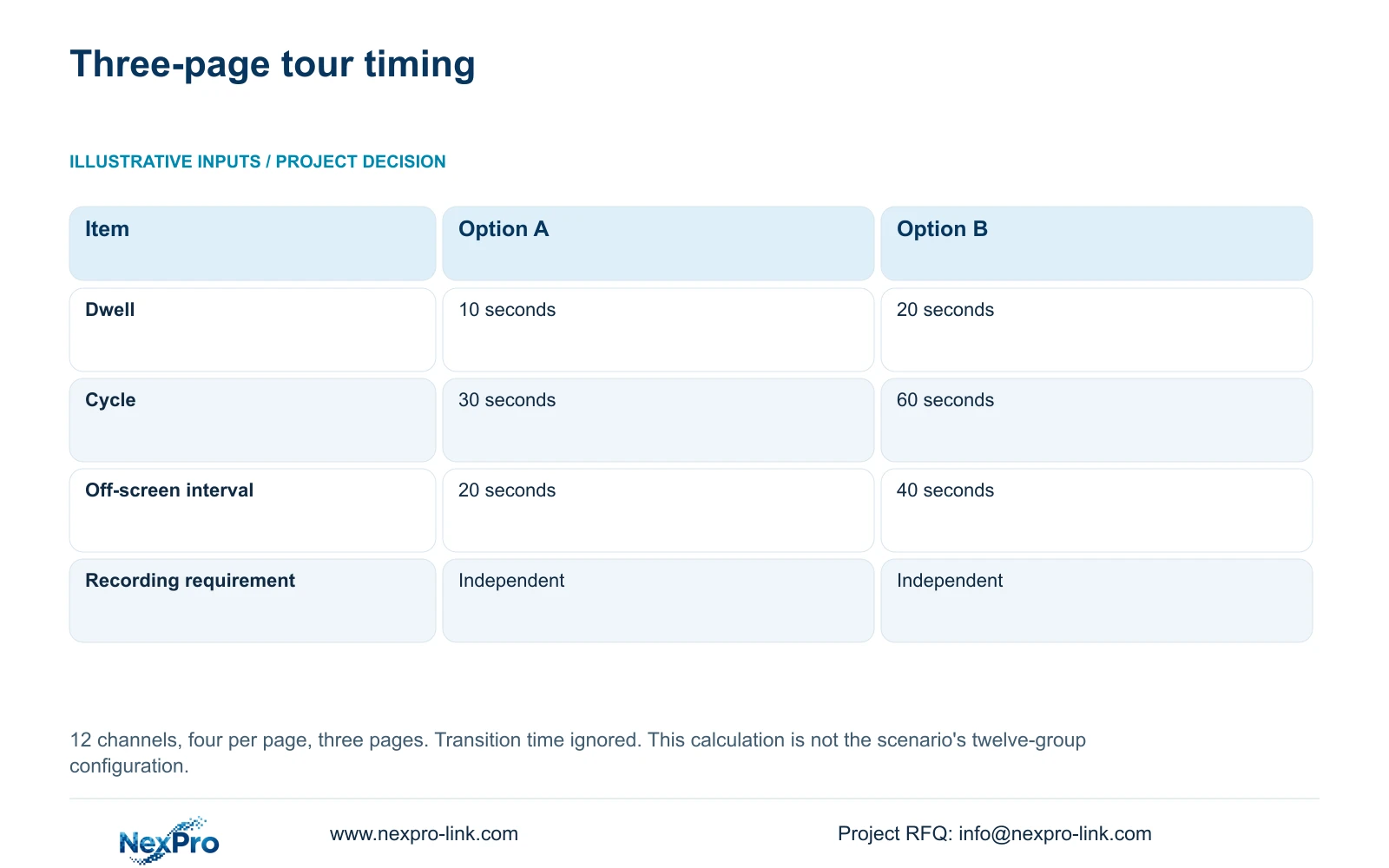
For the supplied numerical example, use 12 camera channels arranged four per page, giving 12÷4 = 3 pages. Option A has 10 seconds dwell per page. Option B has 20 seconds dwell per page. Ignore page-transition time for this illustration.
Cycle = page count × dwell time. Continuous off-screen interval for one page = (page count − 1) × dwell time. For A, cycle = 3×10 = 30 seconds and absence = (3−1)×10 = 20 seconds. For B, cycle = 3×20 = 60 seconds and absence = (3−1)×20 = 40 seconds.
The cycle runs from the start of a page's appearance to its next start. Continuous absence begins when that page leaves the screen. If the entrance cannot tolerate the resulting absence, keeping it visible is a different design decision from merely selecting a shorter dwell. Actual transitions must be included when checking the implemented sequence.
| Item | Option A | Option B |
|---|---|---|
| Dwell per page | 10 seconds | 20 seconds |
| Cycle | 30 seconds | 60 seconds |
| Continuous off-screen interval | 20 seconds | 40 seconds |
| Continuous recording requirement | Independent | Independent |
Section 03
Inspect recording independently of screen rotation
Sections 4.6 and 4.12.5 describe a screen tour with selected channels, layout, interval and saved scheme. The operation sequences displayed views. It is separate from a PTZ cruise route and from the recording plan.
Read status symbols according to their specific meaning. Sections 2.3.3 and 2.4.4 distinguish recording, remote preview, motion, I/O events and light-intelligent status indications. An active remote preview symbol does not establish recorder storage, and a recording symbol observed now does not establish complete coverage of an earlier period.
Choose a relevant period that includes a view's absence from the screen and inspect its recorder playback. If footage is available, that supports recording for the checked period despite the viewing gap. If it is unavailable, investigate the recording requirement and actual stored result rather than assuming the tour caused the loss.
Section 04
Verify the event actions intended to support observation
Section 4.12.11 lists buzzer, popup, email, sending screenshots, snapshot, preset call, recording, flashing and app push as separate actions. Select only the actions relevant to the gatehouse task and supported by the actual equipment. A popup can draw attention to an event, but does not prove the recording action succeeded.
Test the expected output on its own path. Observe the local popup or flashing border at the desk. Confirm any notification at its intended recipient. Inspect the timeline and saved footage for a recording requirement. Keep action duration separate from retention duration.
If the popup appears but the event segment cannot be retrieved, preserve that split result. Investigate recording separately instead of repeating the visual test and accepting it as evidence. Event actions can assist observation; their presence does not turn a rotating display into continuous human monitoring.
| Required action | Observation point | What remains separate |
|---|---|---|
| Popup or border flashing | Local operator screen | Recording and retention |
| Notification | Intended recipient path | Local viewing result |
| Recording | Timeline and playable segment | Popup duration |
Section 05
Review the activity missed between appearances
When operators report missed activity, identify the camera and event time from the operating record. Confirm the selected source in playback because section 4.11.2 defaults to the channel selected in preview. A rotating screen can leave a different camera selected from the one the operator intended to inspect.
Set the date, requested period and ordinary, alarm or motion filter. The documented orange calendar date means recordings exist for that date, not that the entire event or day is complete. If the segment is missing from the initial search, check the source and filters before reaching a storage conclusion.
Review the event's required beginning and end, including the activity the operator did not see live. Where an authorized sample export is needed, open it at the receiving destination. This establishes a usable review result for the selected event, while the live-observation gap remains a separate issue.
Section 06
Choose a supported change to the observation arrangement
Illustrative project scenario: A gatehouse tours twelve camera groups but operators miss activity between returns to the entrance view. Confirm what each group contains before calculating that installation's cycle. The numerical example above has twelve channels in three pages and cannot be silently substituted for twelve groups.
Determine whether the entrance needs fixed visibility, whether another supported grouping reduces an acceptable gap, or whether additional display resources are necessary. Compare each proposal against both readable dwell and allowable absence. A faster sequence is unsuitable if operators cannot inspect the view before it changes.
If display expansion is needed, specify source streams, decoding, outputs, canvas and controller scope separately. Include power, installation and maintenance. Extra displays do not automatically improve recording resolution or retention. NexPro-Link BOQ support can organize that defined scope without treating a video wall as the default answer.
Section 07
Manual scope for the tour workflow
The private supplied NVR4.0 user manual CH_V2.4.doc identifies V2.2 in its body. Relevant sections are 4.5, 5.2, 4.6, 4.12.5, 2.3.3, 2.4.4, 4.12.11, 4.11.2, 3.3 and 4.8. Section references take priority over page numbers. The timing arithmetic is an illustrative engineering calculation, not a measured switching benchmark.
Section 08
Does doubling dwell only improve inspection time?
No. In the same three-page example it also doubles the cycle from 30 to 60 seconds and continuous absence from 20 to 40 seconds.
Section 09
Does an off-screen camera stop recording?
Off-screen status alone does not establish recording behavior. Check the applicable recording plan and actual playback for that period.
Section 10
Prepare the tour timing brief
Send NexPro-Link your actual page composition, dwell settings and list of views requiring continuous visibility at info@nexpro-link.com.
Engineering references
These sources support the general planning principles. Always use the selected product's current datasheet and applicable project standards for final design.


