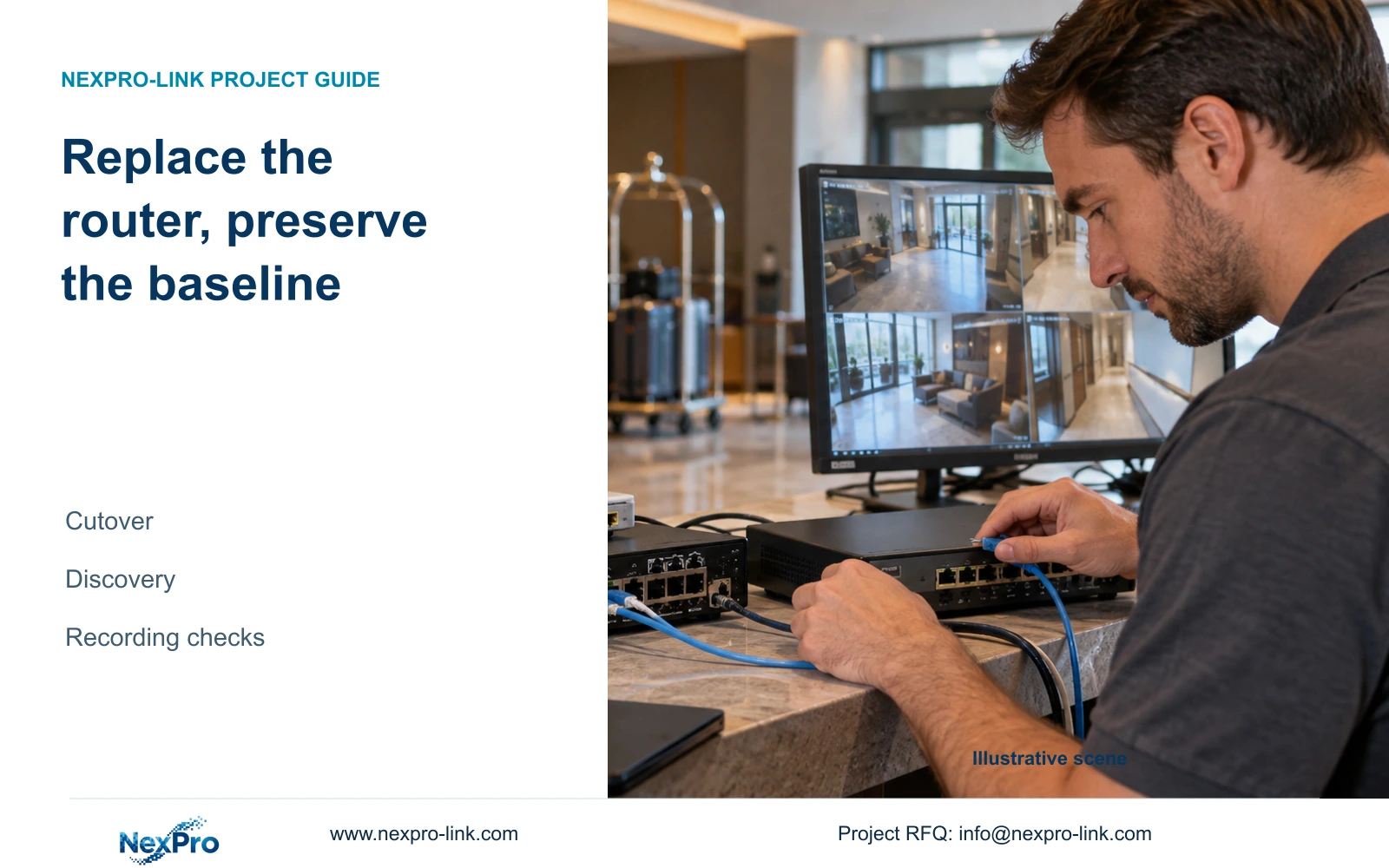
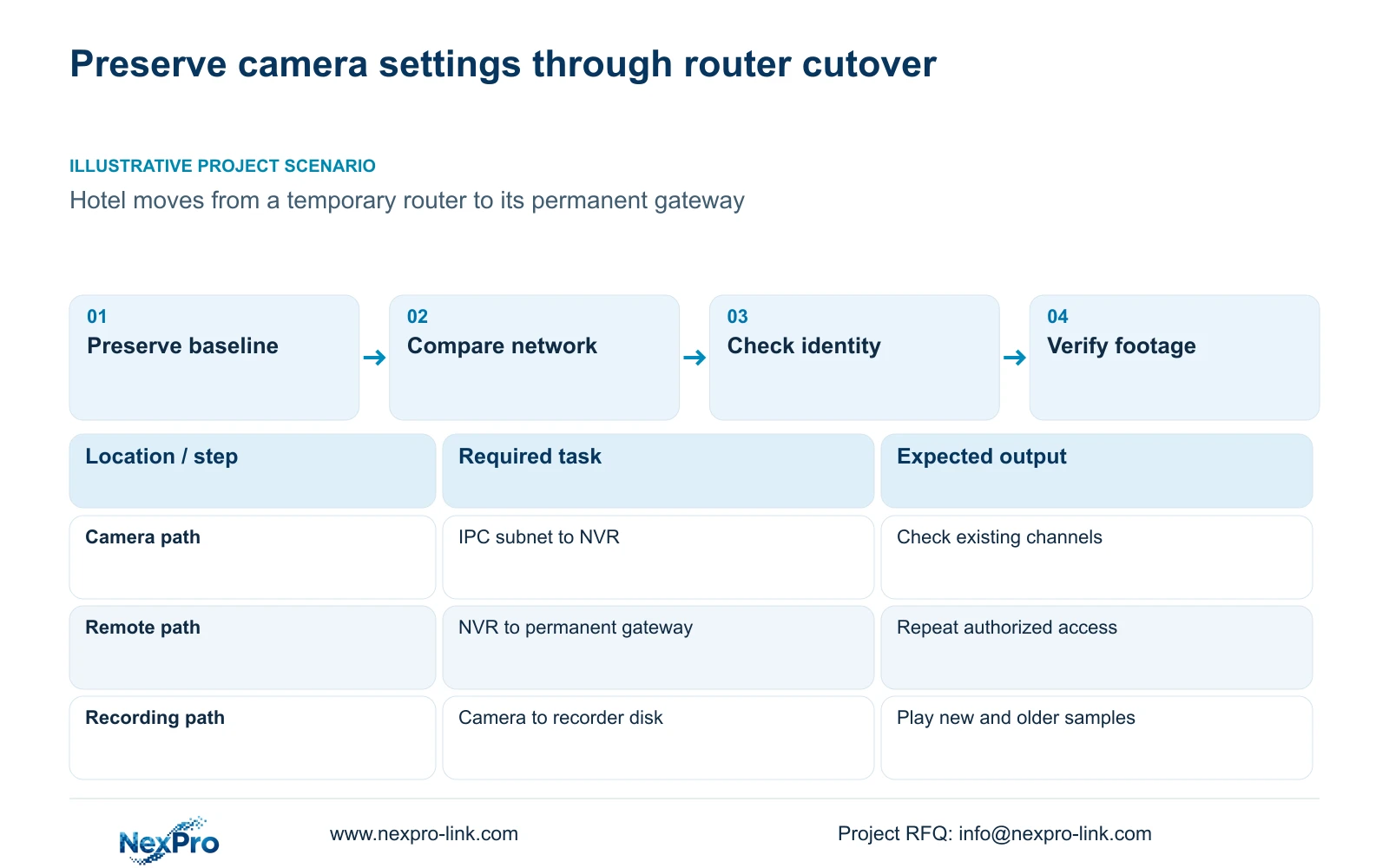
A router cutover should repair changed network dependencies without discarding working camera settings. Preserve the baseline and verify recordings as well as remote access.
Section 01
Preserve the working recorder baseline before cutover
Replacing a site router can change recorder addressing, gateway and remote access while leaving camera settings intact. Preserve the existing configuration, compare the old and new network conditions, and repair the dependencies that actually changed. If local camera reception continues, keep those working settings as the baseline. If channels disappear, compare the camera and recorder subnets before attempting rediscovery or rebuilding the channel list. Check cloud state separately from device identity, then verify new footage, an older sample and the intended remote task. A successful network connection alone is insufficient evidence that the recorder has returned to its required operating state.
Export the recorder configuration before the authorized cutover and label it with the device model, software version and date. Keep logs and required incident-video backups separately. A configuration export preserves settings; it is neither a disk image nor a copy of the recording archive.
The private supplied NVR4.0 user manual CH_V2.4.doc has V2.2 in its body. Sections 4.12.18 and 4.11.4 distinguish configuration and video workflows. Confirm that the export is identifiable and belongs to the intended recorder version. The manual does not guarantee universal import across models.
Section 02
Record which addresses changed
Make a before-and-after record of the recorder's address method, IP address and mask. Include camera addresses where the cutover changes their network. Keeping these fields separate helps establish whether the recorder moved, the cameras moved or only the external gateway changed.
Under DHCP, section 4.12.8 says the recorder obtains parameters automatically and prevents manual editing of those fields. Read the assigned values after cutover. For a static arrangement, use the address, mask, gateway and DNS approved by the permanent network owner.
Before changing an NVR IP, obtain authority, preserve relevant configuration and footage, and arrange the expected access interruption. Update the project address record when the approved change is applied. If the old camera path remains valid, avoid altering it as part of an unrelated management-address correction.
Section 03
Compare the new gateway and DNS separately
Trace the recorder's default exit through the permanent gateway. A local camera image can remain available even when that external path is incorrect. Compare the configured gateway and DNS with the approved cutover details, and use the remote-network diagnostic in section 4.3.3.2.
If the gateway differs from the permanent network plan, have IT confirm the required correction. If the values already match, preserve them and continue to activation and account checks. Do not treat every remote failure as evidence that all camera settings require replacement.
The change record should name the field modified and the repeated test. Broad firewall changes or public port exposure do not provide a controlled substitute for checking the recorder's documented remote-service path.
Section 04
Check the discovery boundary before rebuilding channels
Compare each affected camera's subnet with the recorder's relevant address and mask. Section 4.3.1 describes same-subnet ONVIF discovery. If the permanent network separates cameras and recorder across routed networks, a failed automatic search does not establish that every possible connection is unreachable.
List the intended routed access and have IT review the approved path. Test the actual camera-recorder combination for the required operation. A protocol label does not establish complete feature compatibility or automatic discovery across every VLAN.
The manual's FAQ gives ONVIF 2.1 and above as a historical source requirement. Preserve that version-specific statement without treating it as a current universal interoperability test. The public ONVIF Profiles reference is relevant to checking the requested functional scope; it does not prove this installed combination.
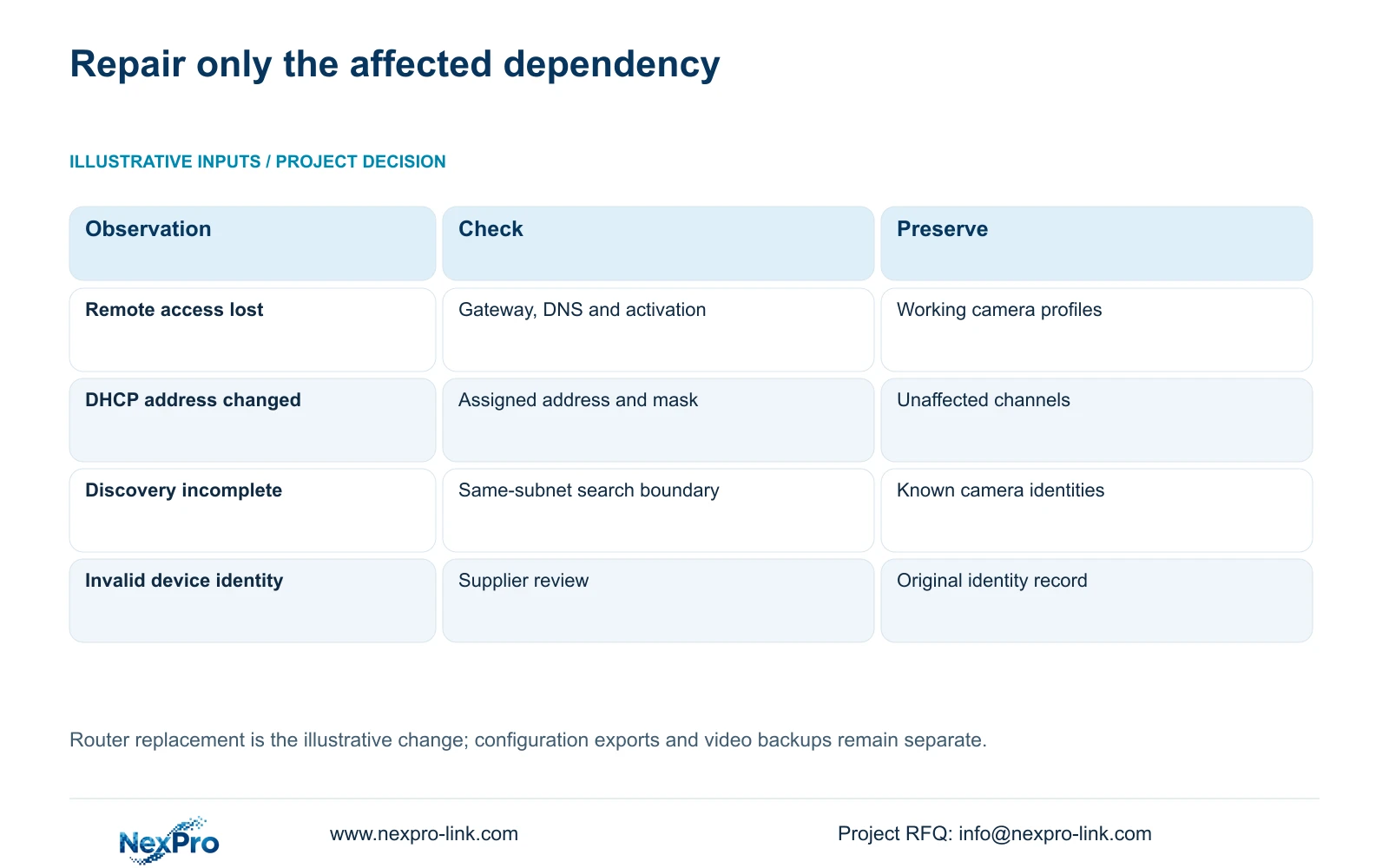
| Cutover observation | Investigate | Avoid changing without evidence |
|---|---|---|
| Local channels work; remote access fails | Default exit, gateway, DNS and activation | Camera encoding and channel assignment |
| Recorder address changed under DHCP | Assigned parameters and management access | Every camera address |
| Camera search misses a routed subnet | Discovery scope and approved routed access | Working channel identities |
| Cloud identity appears invalid | System Information and supplier review | Serial identity or account binding |
Section 05
Compare cloud state with the device record
Read the top cloud-status area, network page and System Information as separate observations. Sections 2.4.3, 4.12.8 and 5.3 question 5 identify connectivity, activation and valid device identity as relevant conditions.
Compare the device information with the pre-cutover record. An offline state after router replacement calls for network and activation investigation; it does not establish a changed device identity. If the recorder reports the identity problem described by the manual, stop that branch and request supplier support.
Keep cloud identifiers and serial details in the controlled support record. Redact QR codes, cloud IDs and customer content from public screenshots. No router repair requires publishing credentials or attempting to alter the recorder's identity.
Section 06
Verify footage and user tasks after the network change
Illustrative project scenario: A hotel replaces its temporary router with the permanent IT gateway just before opening. The proposed cutover preserves the recorder configuration, compares addressing and checks the external route. The engineer investigates missing discovery results within their subnet scope instead of deleting the existing camera schedule.
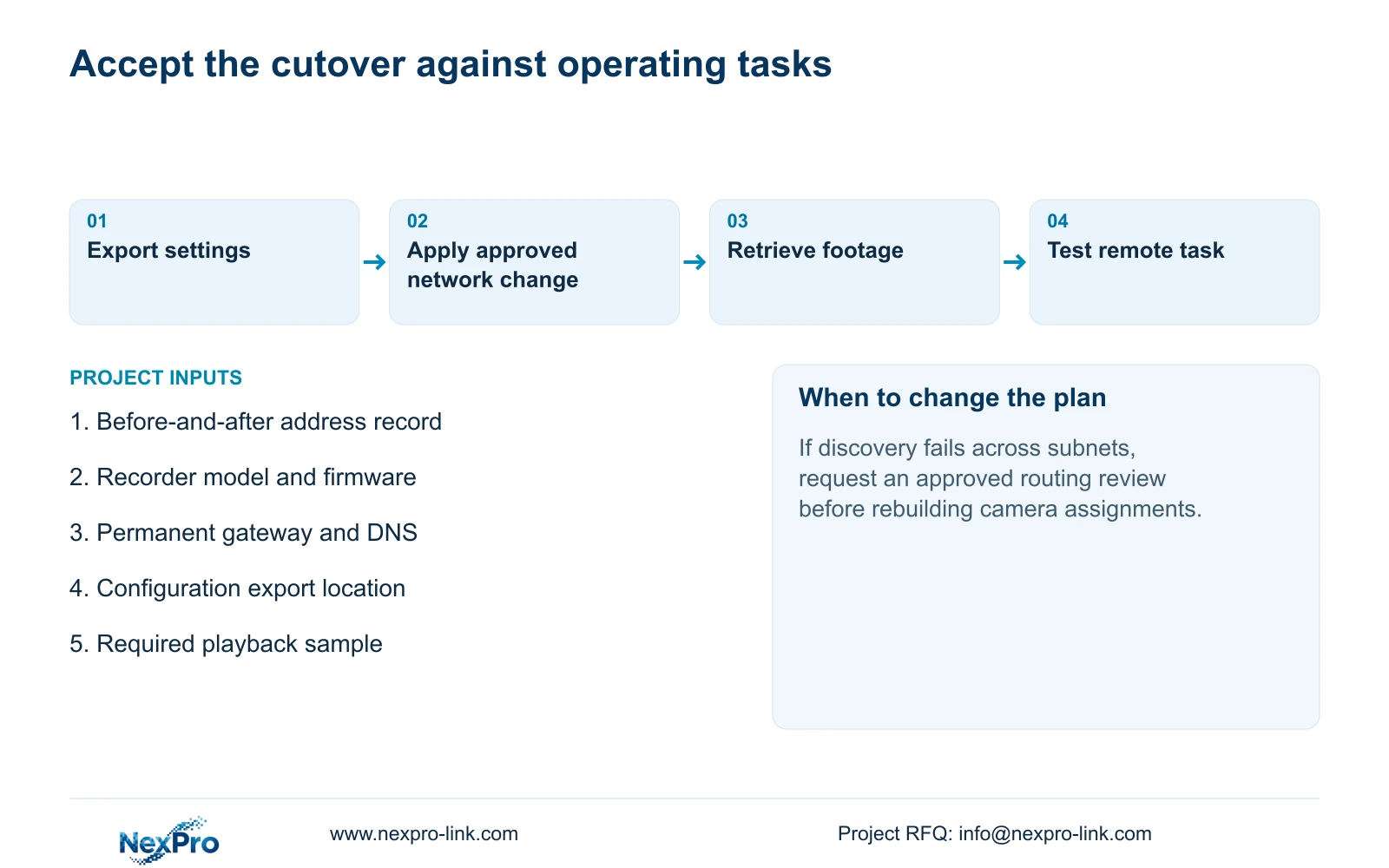
Repeat the operating checks supported by sections 4.11 and 4.12.17 through 4.12.20. Confirm live images and correct time, then retrieve newly generated recorder footage and a relevant older sample. Export a sample and confirm that it plays through the intended workflow.
Test the authorized remote account and any required event task separately. Record a failure even when the recorder shows an online status. If a check fails, retain the changed variable and request the next supported action; the source does not establish an automatic rollback mechanism.
The accepted result is a restored operating task with a recorded network difference. It is not simply an updated address sheet. Seetong PC local recordings remain a separate object and cannot substitute for verifying footage stored by the recorder.
Section 07
Does a configuration export preserve incident video?
No. Export incident footage through the separate video-backup workflow and verify the resulting file. Keep the settings export available for configuration review, identified by recorder model and version.
Section 08
Share the cutover difference
Send NexPro-Link the redacted before-and-after address record and the specific failed post-cutover task at info@nexpro-link.com.
Engineering references
These sources support the general planning principles. Always use the selected product's current datasheet and applicable project standards for final design.