

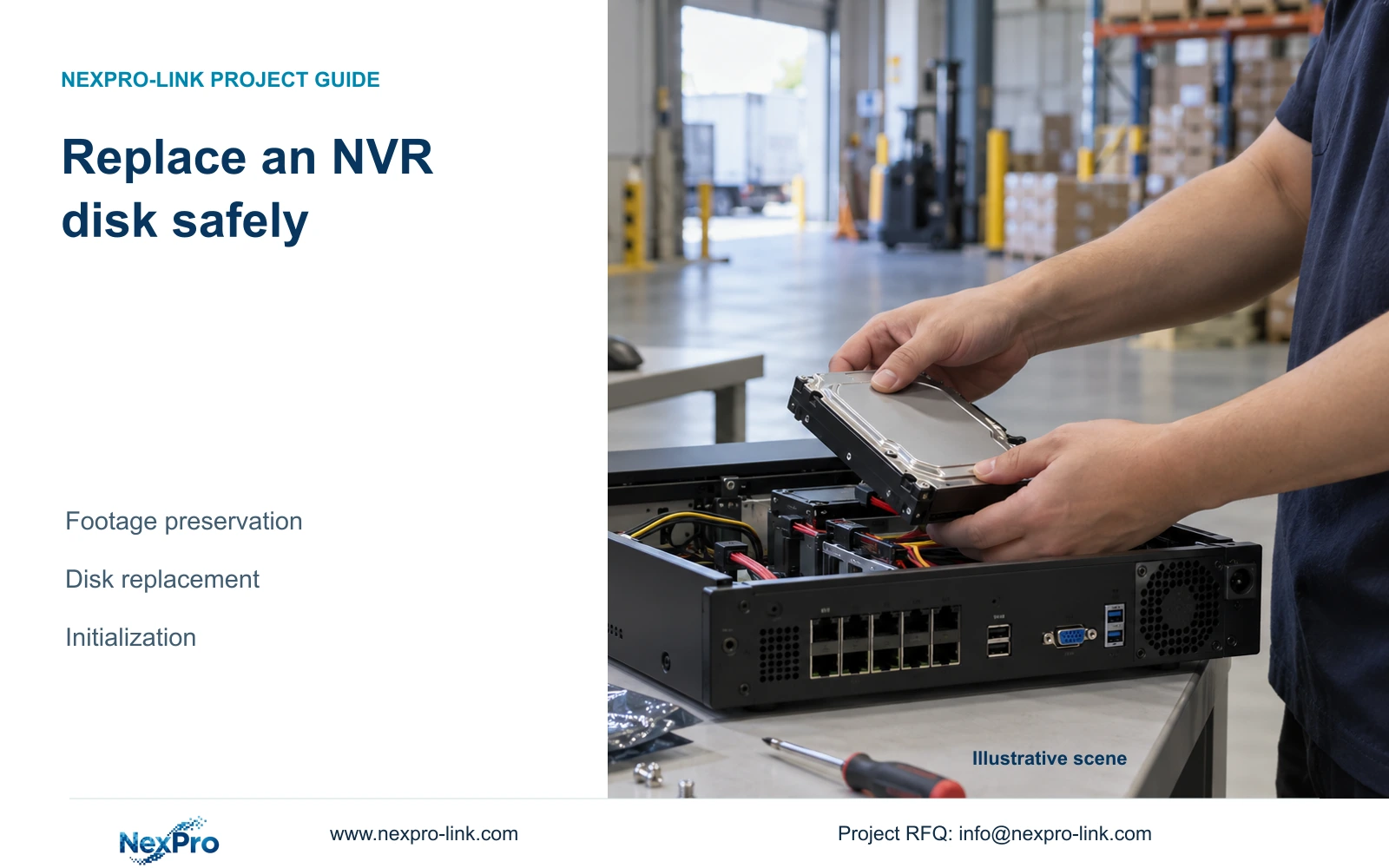
Preserve usable incident copies before replacing an NVR disk. Keep shutdown, physical installation, initialization and resumed recording as separate verified tasks.
Section 01
Secure the required recordings before opening the recorder
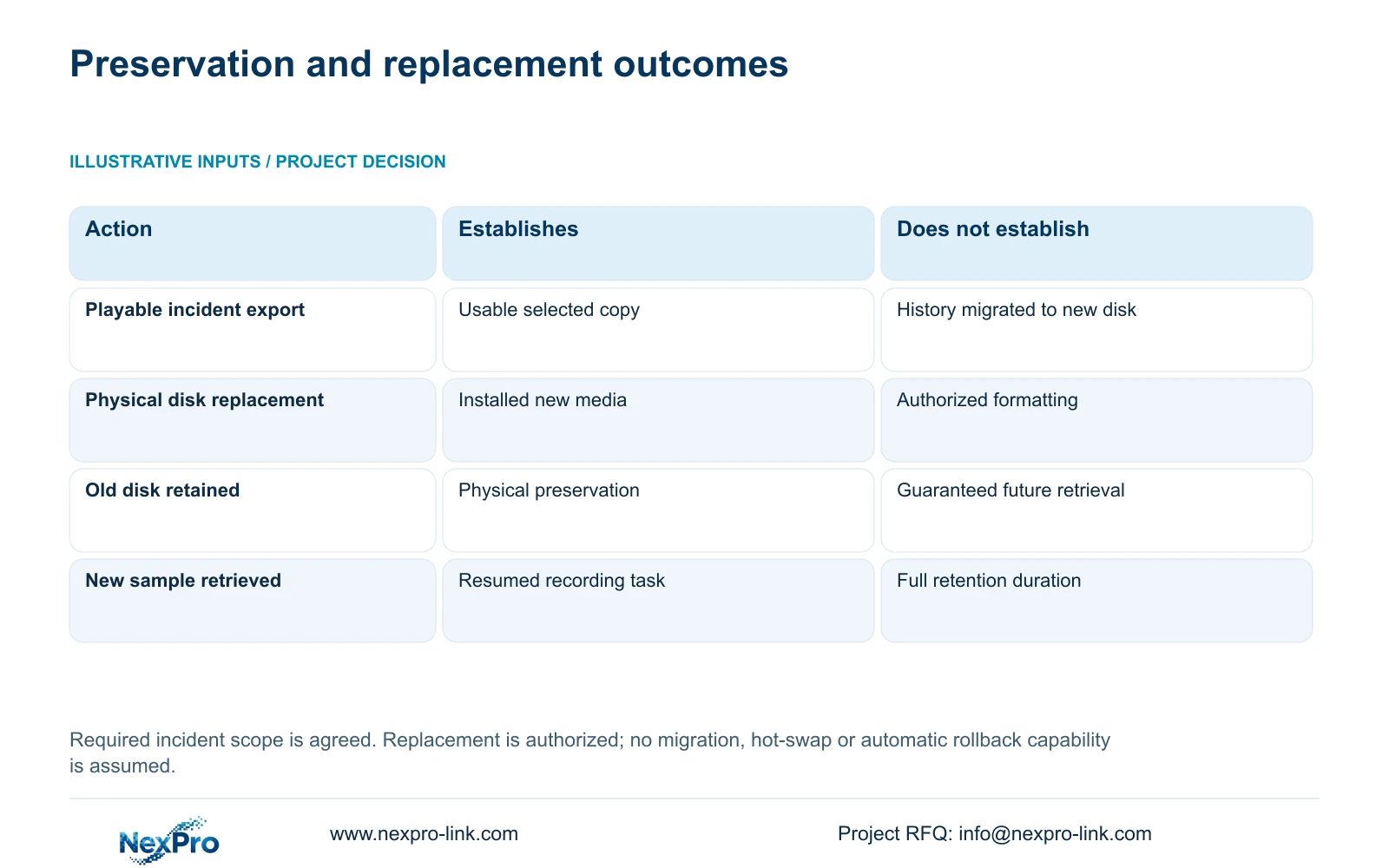
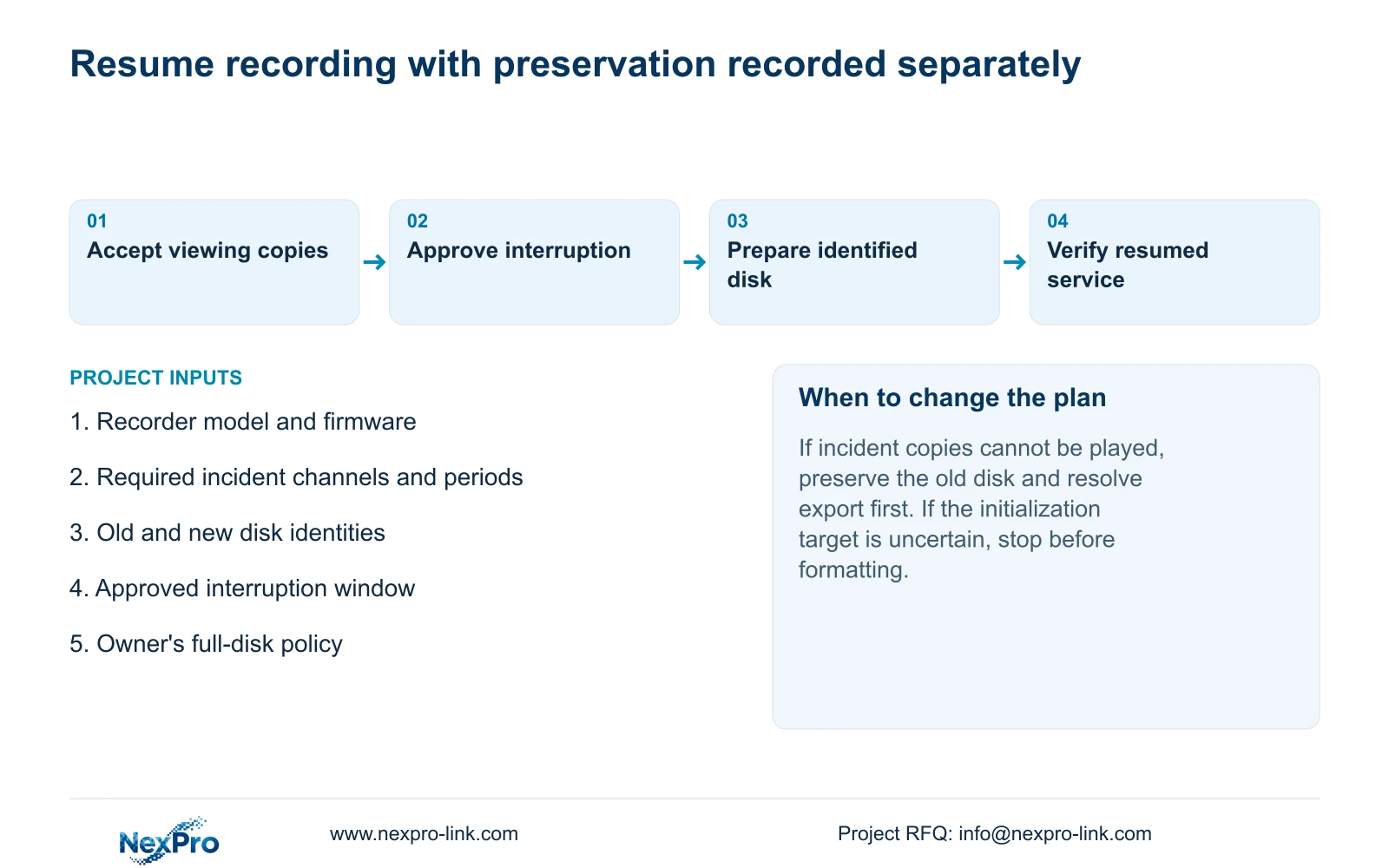
Before replacing an existing NVR disk, identify the recordings that must remain available and verify their exported copies on the intended receiving system. Then arrange an authorized recording interruption, shut down through the recorder software and disconnect power for the physical work. Record the old and new disk identities before making any initialization selection. Replacement does not automatically migrate recordings, and reinstalling an old disk is not a guaranteed retrieval method. After the new media is prepared through the supported process, choose the full-disk policy and prove that newly generated footage can be found, played and exported under the intended operator account.
The private supplied NVR4.0 user manual CH_V2.4.doc has V2.2 in its body. This workflow uses sections 4.11.4, 3.1, 4.1.4, 4.1.5, 3.2 and 4.12.21, with post-change checks drawn from section 4.11 and sections 4.12.17 through 4.12.20. Preservation and acceptance checks are engineering extensions, not documented migration features.
Section 02
Verify the incident copies on their receiving path
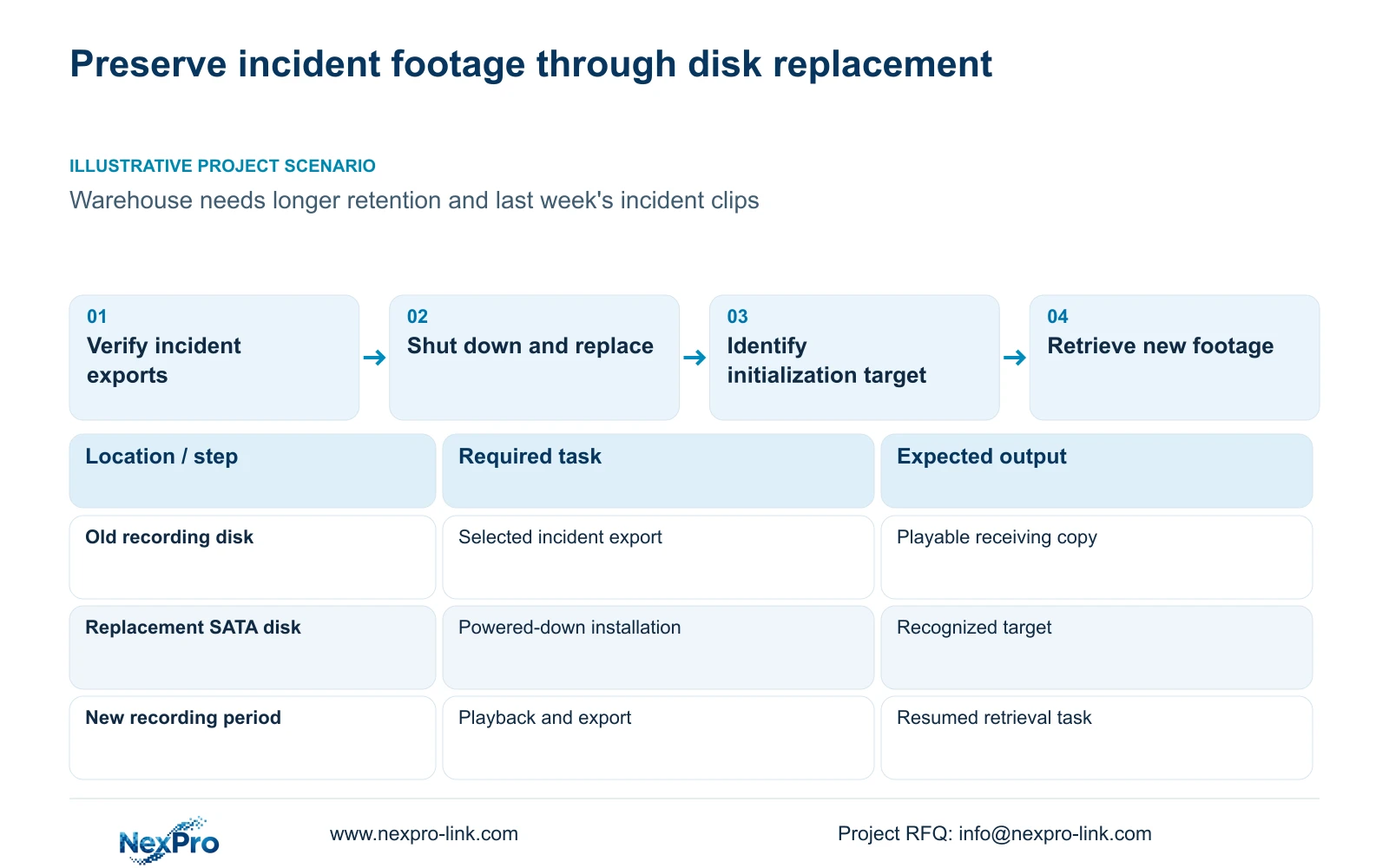
Agree which channels and periods the owner needs before taking the old disk out of service. Locate those recordings while the existing configuration is still accessible. Export the required material and check the resulting files against the selected channel, start and end times, and any required audio.
Open the copies on the system that the authorized recipient will actually use. Section 4.11.4 mentions players such as VLC, but this is not a guarantee for every operating-system and codec combination. Record the tested viewing method. If a copy cannot be opened or lacks the requested period, preserve the original disk and resolve that failure before proceeding with replacement.
A completed backup indicator confirms less than a usable deliverable. It does not establish that the correct channel was selected or that the recipient can review the file. Keep the preservation decision tied to the incident scope, avoiding unnecessary copies of unrelated footage.
Section 03
Agree the recording interruption and use software shutdown
Schedule the work with the person authorized to accept the interruption. State when recording will stop and which checks must pass before service is considered restored. Complete required exports before the window begins so unresolved preservation work does not compete with the physical replacement.
Logout ends the operator session; it does not shut down the recorder. Restart and shutdown are also separate choices. The manual calls for software shutdown before power disconnection. Use the shutdown action for the approved maintenance task, then remove power before opening the enclosure. Automatic restart after an unexpected event does not establish uninterrupted recording and should not be used as the replacement procedure.
Section 04
Keep the old and new media identities separate
Before ordering the replacement, confirm its disk type and capacity against the actual recorder's supported-media documentation or a model-specific supplier confirmation. Do not infer compatibility from a SATA connector or from another recorder's maximum. Record the removed disk's identity and original connections, together with the approved replacement identity. Keep those records separate from a screen disk number until their correspondence has been established.
Follow section 3.2 with power removed: open the enclosure, secure the replacement disk, connect SATA data and power, and replace the cover. The source does not establish hot-swap support for these internal connections. After startup, inspect whether the intended media is recognized before attempting initialization.
Retain the removed disk according to the owner's preservation decision. Do not describe it as a verified archive merely because it has been placed aside. Future access depends on a supported retrieval path, which this installation procedure does not establish.
Section 05
Authorize only the intended initialization target
Compare the visible storage information with the installation record. Confirm the selected disk and whether it contains data before using the formatting operation in section 4.12.21. Authorization for replacing hardware does not automatically authorize erasing every connected disk.
If the screen selection cannot be connected reliably to the intended replacement, pause and resolve the identity. If the replacement is absent from storage information, investigate recognition instead of treating formatting as a universal repair. Preserve required recordings before any authorized storage change and retain a record of which target was selected.
| Condition | Decision | Required next action |
|---|---|---|
| Incident export cannot be played | Preservation is incomplete | Resolve the copy while retaining the original media |
| Replacement disk is not recognized | Initialization cannot resolve the established fault | Check supply and the powered-down connection path |
| Disk identity or selection is uncertain | Formatting authority lacks a reliable target | Resolve the physical-to-screen mapping |
| New disk recognized and authorized for preparation | Proceed with the supported storage change | Record the target and verify new recordings afterward |
Section 06
Select the full-disk consequence for resumed service
Review the full-disk setting after preparation. Overwrite permits cyclic use of storage to retain newer footage. Stop-recording mode makes full capacity an operational stopping condition. Choose according to the owner's retention and incident-export process rather than assuming either option is universally safer.
For a retention expansion, the new disk's presence alone does not prove the desired period is achievable. The intended recording workload and supported usable capacity still need to match. Disabling the startup no-disk prompt is a separate interface choice and cannot supply storage or prevent capacity-related stoppage.
Section 07
Prove new footage and preserved samples independently
Check live view and recorder time, then create a known recording period after replacement. Retrieve it through playback and export it for the intended receiving system. Check the account used for the operating task and any required events affected by the maintenance.
Also reopen a preserved incident sample. Its successful playback proves the copy remains usable; it does not prove the new disk contains that history. Record these as separate outcomes. Document the replacement as the changed variable and list any failed task. Do not assume the recorder offers automatic rollback or that reinserting the removed disk will restore every prior function.
Section 08
Replace a warehouse disk without losing the incident task
Illustrative project scenario: A warehouse wants more retention but still needs last week's incident clips from the existing drive. The owner identifies the required clips, and the engineer verifies their exports before the approved interruption. The replacement proceeds only after the selected new media is identifiable. Acceptance then has separate results for the preserved incident copies and newly recorded footage. This scenario does not establish a delivered installation or automatic recording migration.
Section 09
Can the old disk be treated as a guaranteed archive?
No. Preserve it when required, but confirm a supported retrieval method. Physical retention alone does not guarantee that another recorder or computer can search its recordings.
Section 10
Define the replacement and preservation scope
Send NexPro-Link the recorder model, proposed disk identity and footage that must remain accessible at info@nexpro-link.com.
Engineering references
These sources support the general planning principles. Always use the selected product's current datasheet and applicable project standards for final design.


