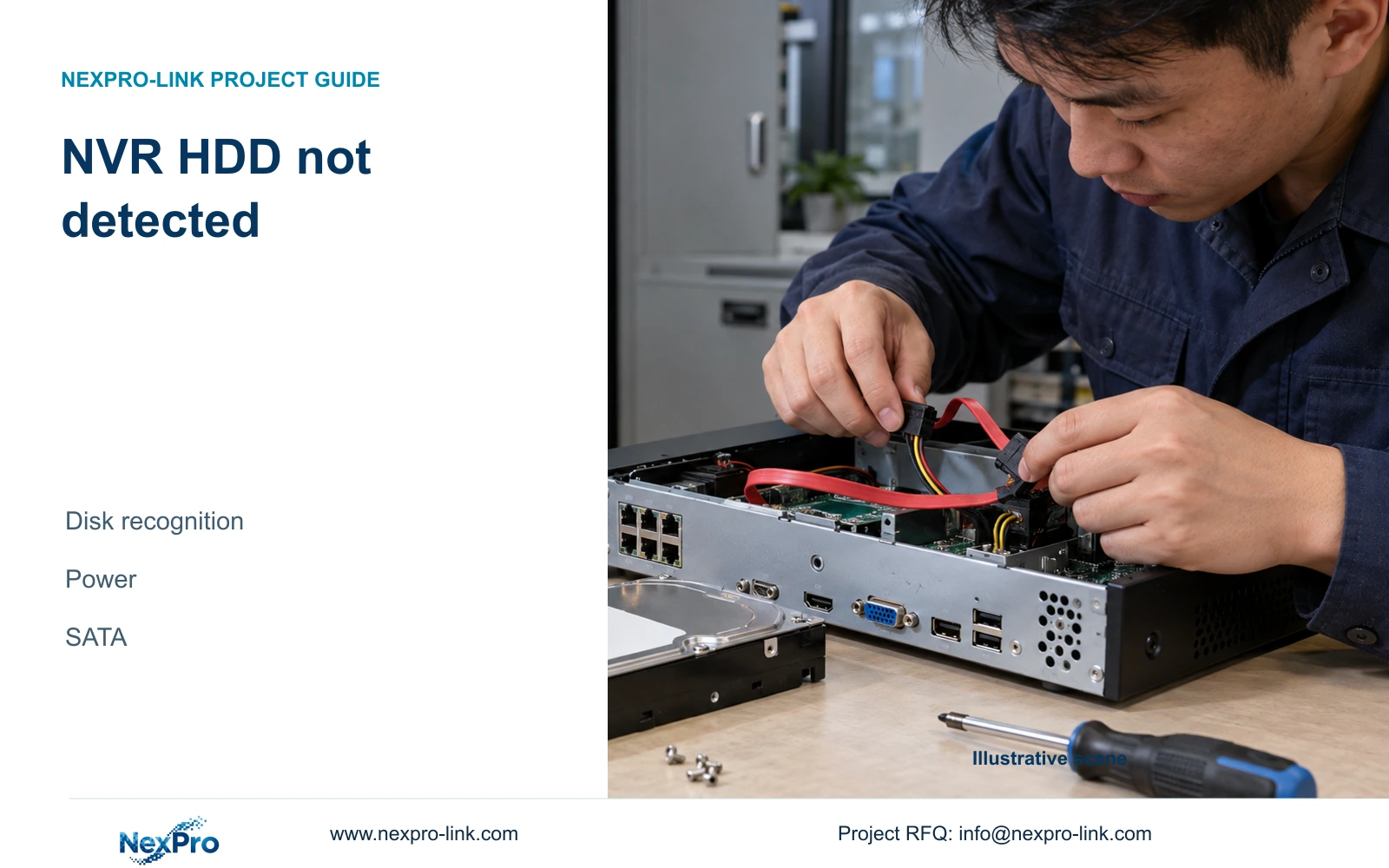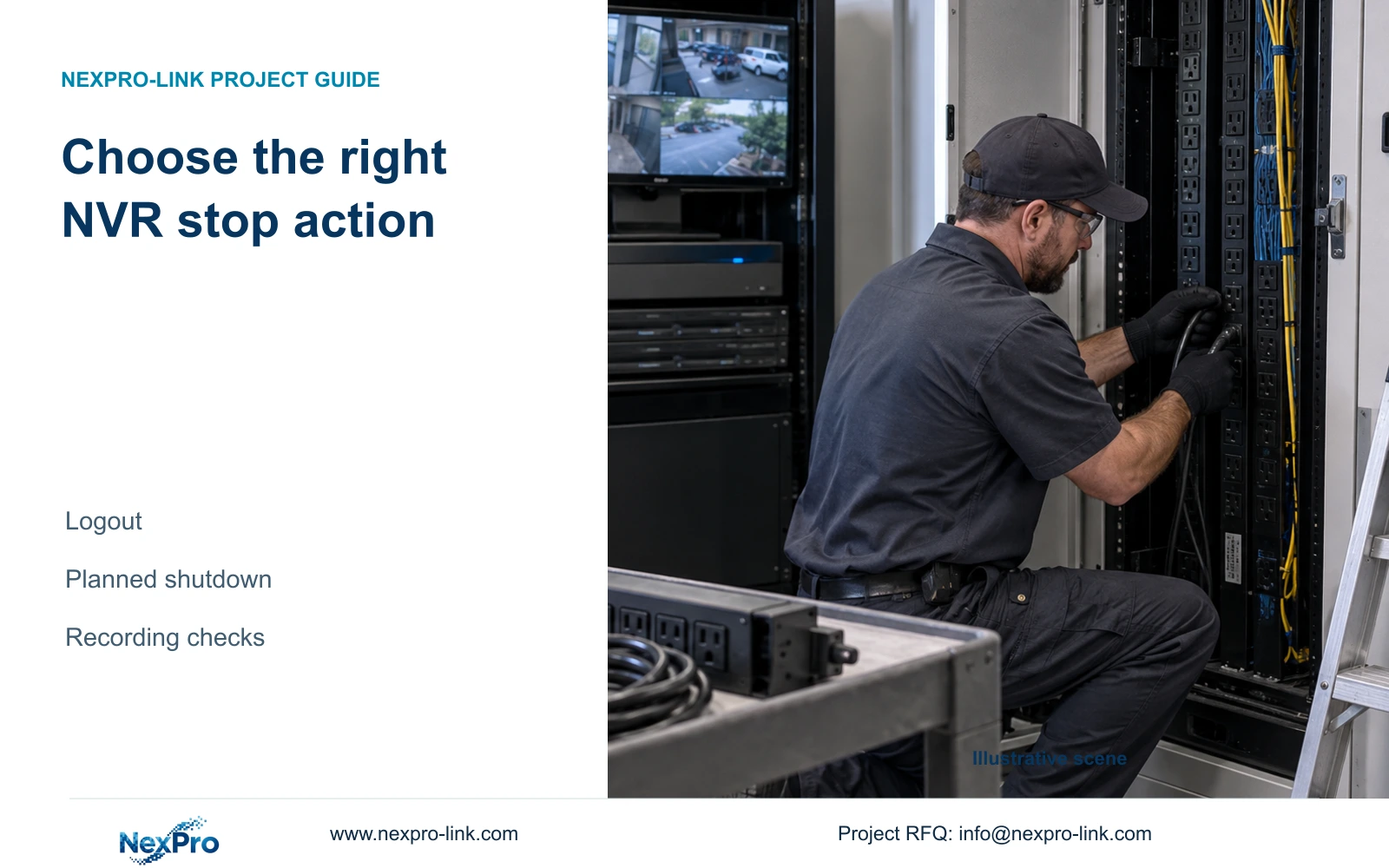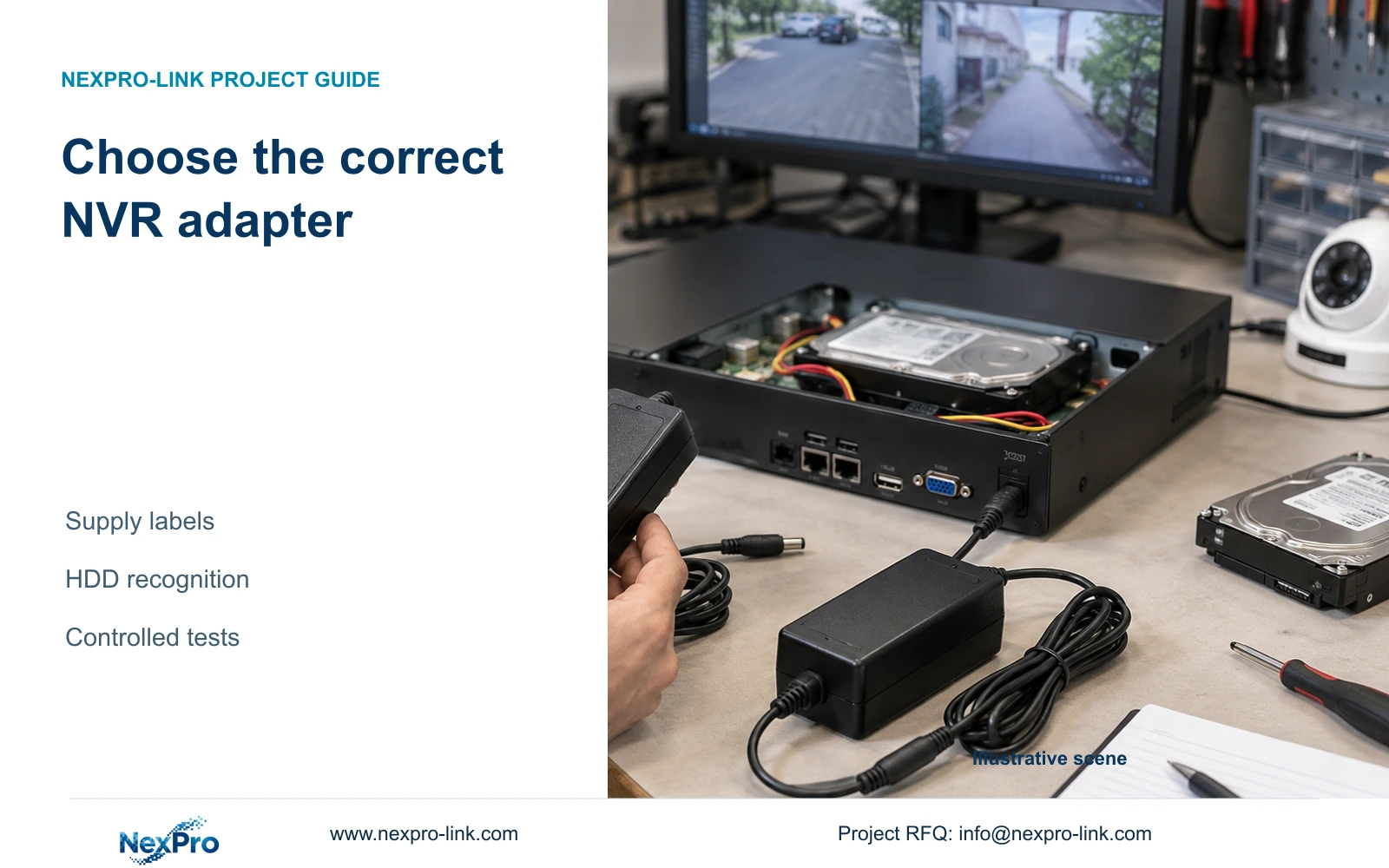
A spare adapter that fits can still be unsuitable. Compare recorder and adapter labels, preserve disk data and link recognition changes to controlled tests.
Section 01
Select the supply before interpreting the disk fault
Choose an adapter using the recorder's actual power requirements and the adapter's documented output, including voltage, current capability, polarity and connector suitability. A matching plug alone is insufficient. If intermittent HDD recognition begins after a substitution, record the adapter identity and connected disk and peripheral load before changing anything else. Return to the specified supply conditions through an authorized maintenance process, then compare disk recognition under the same configuration. A change in behavior helps narrow the investigation, but does not prove the adapter is the only cause. Preserve required footage and avoid formatting an undetected disk as a diagnostic shortcut.
This guide follows the private supplied NVR4.0 user manual CH_V2.4.doc, with V2.2 in its body. Sections 3.1 and 5.3, questions 3 and 4, support the power and fault checks; section 3.2 covers internal disk connections. No universal adapter voltage or recorder wattage is supplied for this task.
Section 02
Read both labels and preserve the original configuration
The manual recommends the supplied adapter and requires operation within the equipment's power range. Read the recorder and adapter labels together. Record the specified supply identity, the substituted unit and any field that cannot be confirmed. If a necessary specification is missing or incompatible, stop the substitution decision and obtain the correct information. Do not infer compatibility from an adapter's appearance or from another recorder using a similar socket.
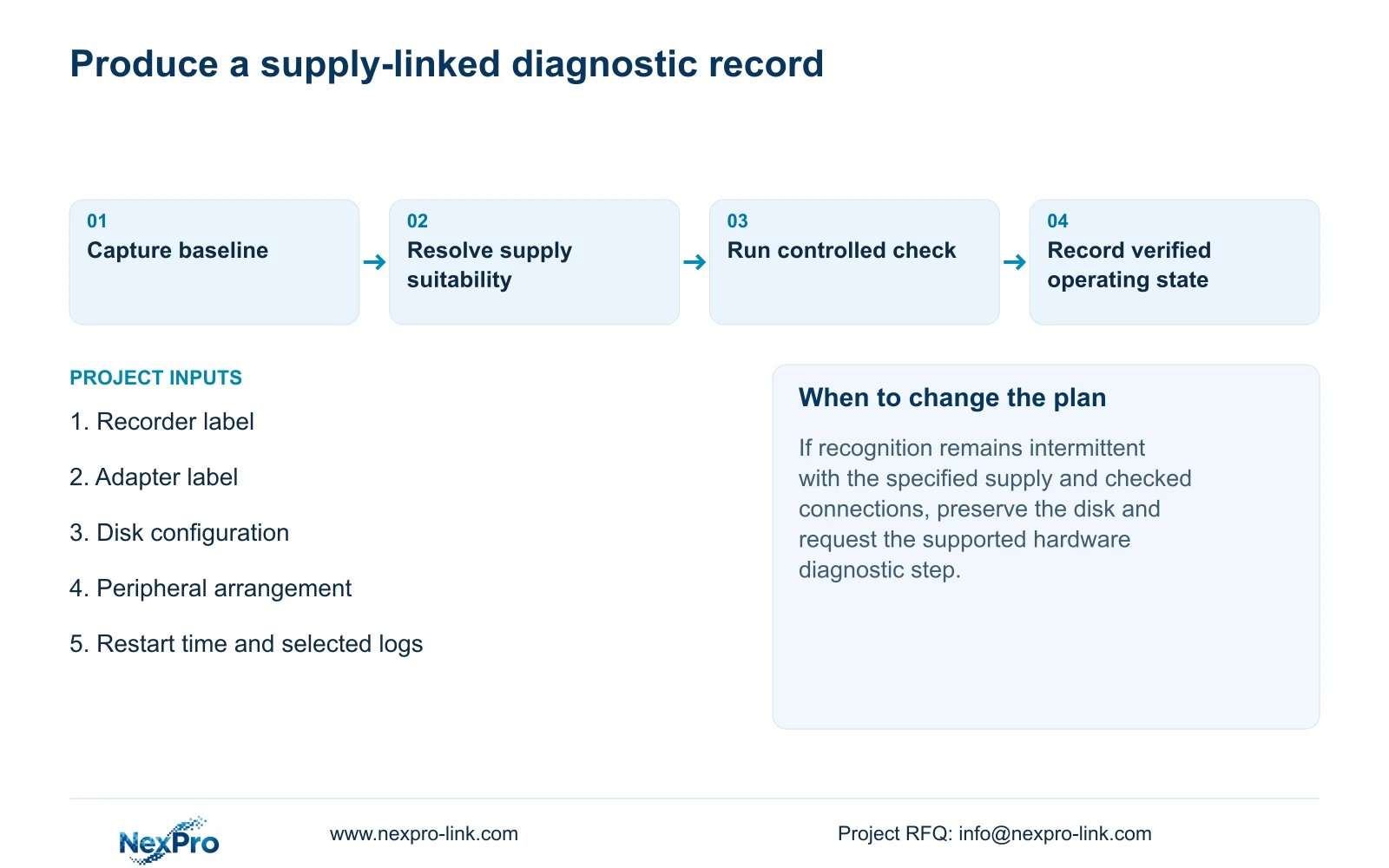
Document the disks and peripherals connected when the symptom appeared. Include whether the fault was seen at startup or after a restart. That record gives a later test a usable baseline. If the adapter and disk arrangement both change before the next observation, an improvement cannot be attributed confidently to either change. Procurement should therefore resolve supply suitability before using startup behavior to judge recorder quality.
| Field | Required evidence | Hold condition |
|---|---|---|
| Recorder and approved supply identity | Exact recorder model/revision and original or approved replacement adapter | Similar enclosure or socket does not establish approval |
| Electrical output | Documented voltage, current capability and polarity matched to recorder requirements | Missing or conflicting required field: do not connect |
| Connector and site supply | Correct connection and applicable adapter input requirements | Mechanical fit alone is insufficient |
| Intended configuration | Supported disk/peripheral arrangement and applicable supply guidance | A lighter-load boot does not qualify the final installation |
| Supplier response | Identified proposed part and supported application | No invented universal voltage, wattage or substitution guarantee |
Section 03
Separate missing recognition from initialization
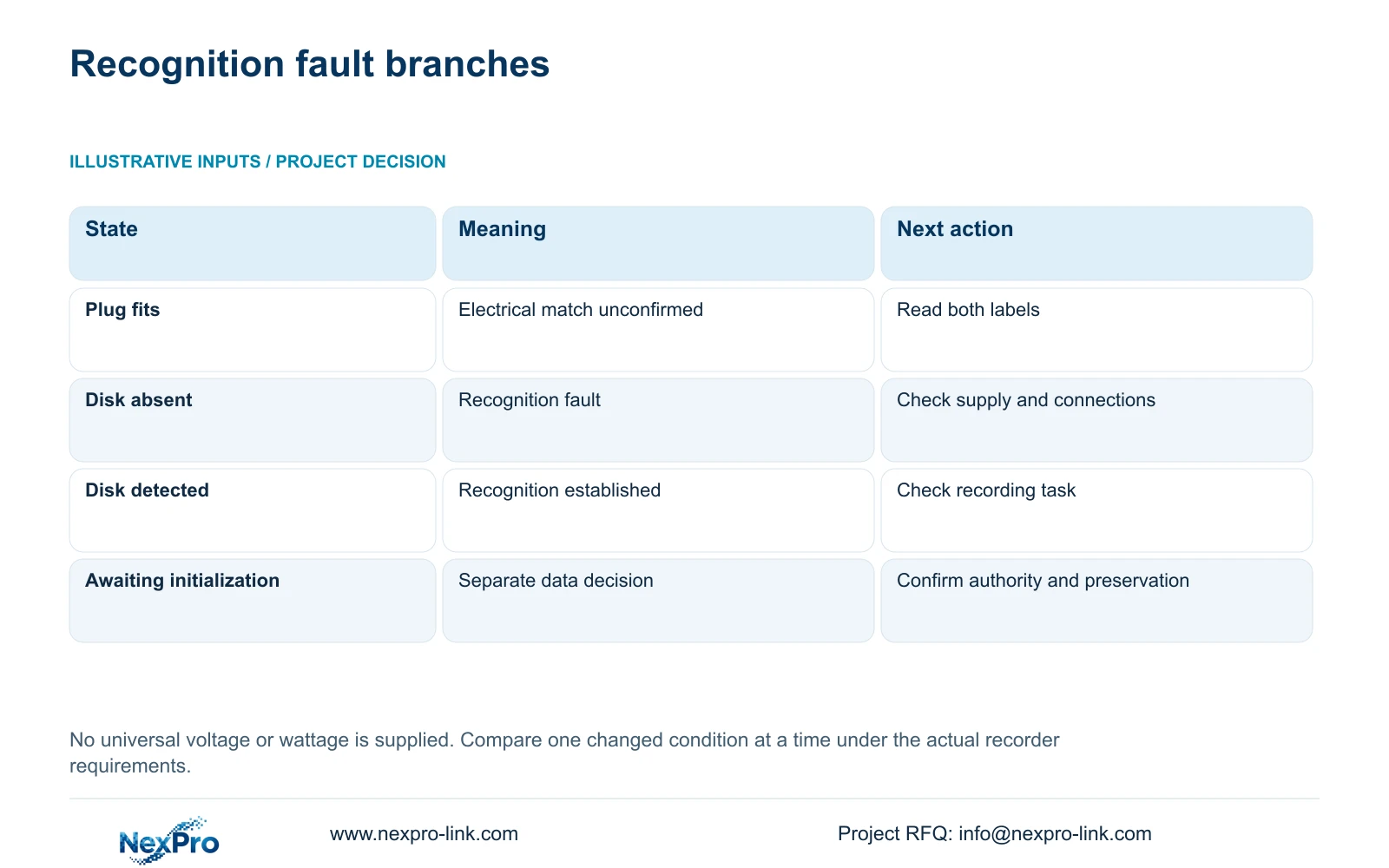
An undetected disk and a detected disk awaiting initialization belong to different branches. For a missing HDD, section 5.3 directs attention to the disk itself, supply adequacy, disk-power connection and SATA connection. Record which disk is missing, whether the symptom affects all installed media and what appears after the controlled restart. Keep the observed state in the test record instead of reducing it to 'disk problem.'
Formatting is not a recognition test. It changes data and requires separate authority, confirmation of the target and preservation of required footage. If the disk contains needed recordings and their status is uncertain, preserve the current media and obtain a supported next step. A recognized disk also needs a recording check before the system is returned to service; recognition alone does not establish usable new footage.
Section 04
Compare peripheral conditions without interrupting active tasks
The manual's no-display troubleshooting starts with power and monitor resolution, then considers a minimal setup without external devices. Apply that branch only when the symptom includes startup or display behavior that needs isolation. Mouse illumination and Ethernet activity are useful observations, but neither establishes complete recorder health or disk recognition.
Record the original wiring before removing anything. A USB mouse and a USB backup destination have different roles, so check whether copying or an upgrade is active. Do not disconnect media in use or interrupt an upgrade to create a minimal setup. When a maintenance interruption is authorized, isolate one peripheral change at a time and record the resulting display, input response and HDD state. Restore the intended arrangement before final verification.
| Observation | Interpretation | Next controlled action |
|---|---|---|
| Adapter label does not confirm compatibility | Supply suitability is unresolved. | Obtain the specified supply information before further testing. |
| HDD is absent from the recognized devices | Recognition requires investigation. | Check supply conditions and the disk-power and SATA paths. |
| Disk is detected but awaits initialization | This is a separate data-management decision. | Confirm the disk target and preservation requirements. |
| Mouse lights up but display is unavailable | Peripheral power is only a clue. | Follow the applicable power and display branch. |
| Behavior changes after one controlled alteration | The change narrows the suspected conditions. | Record the result and verify under the intended configuration. |
Section 05
Inspect the internal disk path under approved isolation
Before internal inspection, obtain authority to stop the running recorder and preserve required footage. Use software shutdown before disconnecting power. Section 3.2 then provides the physical sequence: open the case, secure the disk, connect SATA data and power cables, and replace the cover. For troubleshooting, inspect the corresponding connections with power removed. The manual does not establish hot-swap support for ordinary internal wiring.
Confirm the disk identity before touching its connections. If a connection correction is made, describe that correction precisely in the record. Avoid replacing the disk, changing the adapter and rearranging peripherals in the same test. If recognition remains intermittent with the specified supply and checked connections, retain the media and report the failed branch. The source does not support declaring the recorder defective from this symptom alone.
Section 06
Keep restart times and selected logs together
Section 4.12.17 describes a default current-day log search, type filters, detail viewing and text export. Match the search to the recorded symptom and restart time before concluding that the recorder has no relevant logs. When the date condition is not selected, the manual describes an all-log query. Review the applicable type filter as well, since a narrow selection can conceal other records.
Export relevant text records while they are available and store them with the test conditions. A log entry can support the timeline, but an export function does not establish unlimited retention or tamper-proof auditing. If the selected search returns nothing, record the filters and the absence as an observation. Keep any suspected explanation separate so the next technician can repeat the check without inheriting an unsupported conclusion.
Section 07
Retest the smallest change and define when to stop
For each test, record the starting configuration, the single alteration, the observed HDD state and the next decision. Successful recognition after returning to the specified adapter supports further supply investigation; it does not prove every component is healthy. Verify recognition with the intended disk and peripheral arrangement, then check that new recording can be retrieved. Stop if the next proposed action risks required media or depends on unconfirmed model instructions.
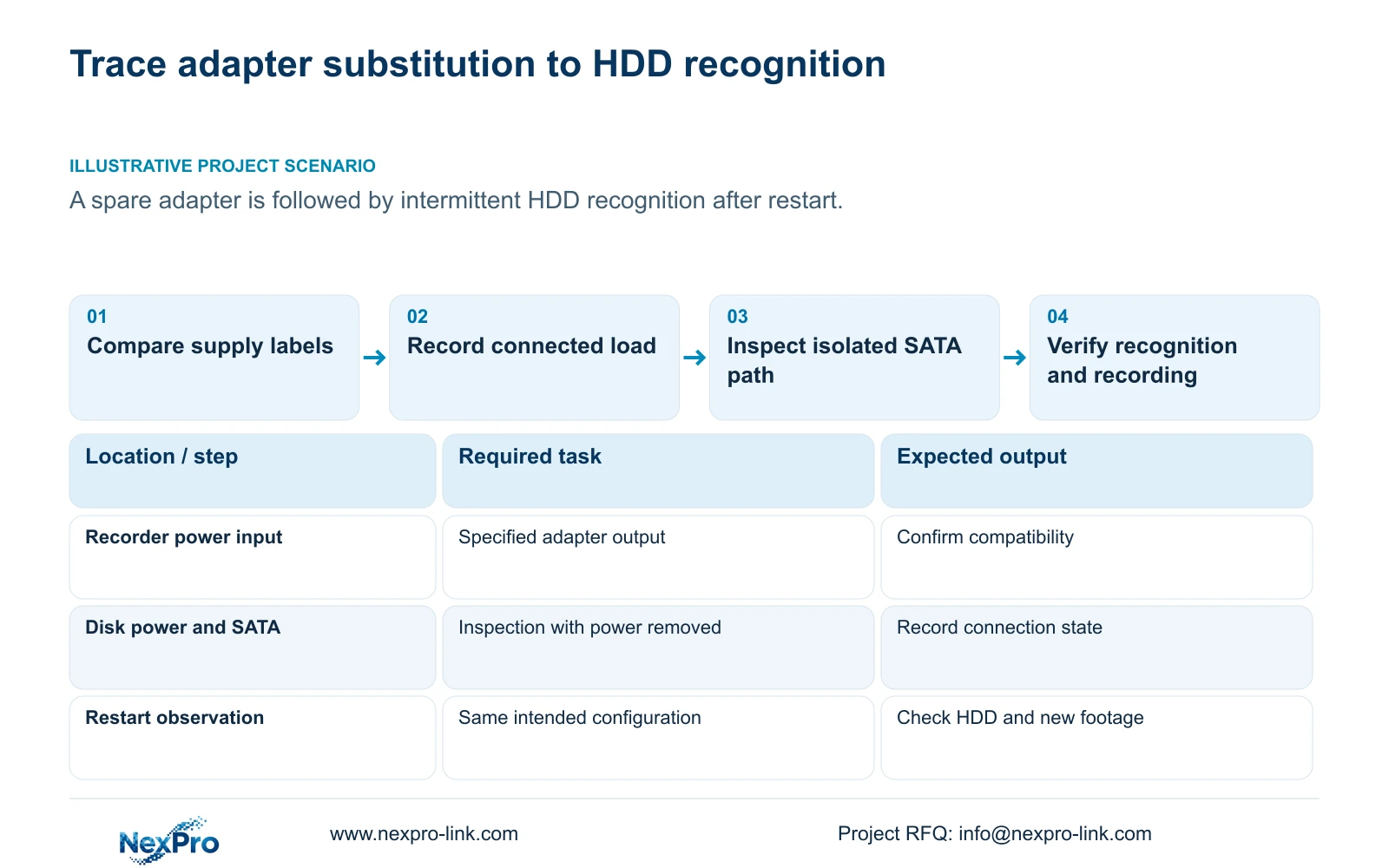
Illustrative project scenario: An installer substitutes a spare adapter and notices intermittent HDD recognition after restart. The useful response is to compare both labels, preserve the restart timeline and test under specified supply conditions. Internal connection checks follow only within an approved shutdown window. No repair outcome is assumed.
If hardware service becomes necessary, keep the diagnosis record separate from the remedy request. NexPro-Link's return and warranty policy defines the relevant commercial baseline; the applicable equipment and written terms still govern the service scope.
Section 08
Is a matching connector enough to order a replacement?
No. Confirm the recorder requirements and adapter output, including polarity and current capability, using the actual labels and applicable documentation.
Section 09
Should an intermittently missing HDD be formatted first?
No. Investigate recognition and preserve required recordings. Initialization is a separate authorized data decision.
Section 10
Provide the supply comparison
Send NexPro-Link the recorder and adapter label specifications, with the disk and peripheral configuration present when recognition failed, at info@nexpro-link.com.
Engineering references
These sources support the general planning principles. Always use the selected product's current datasheet and applicable project standards for final design.