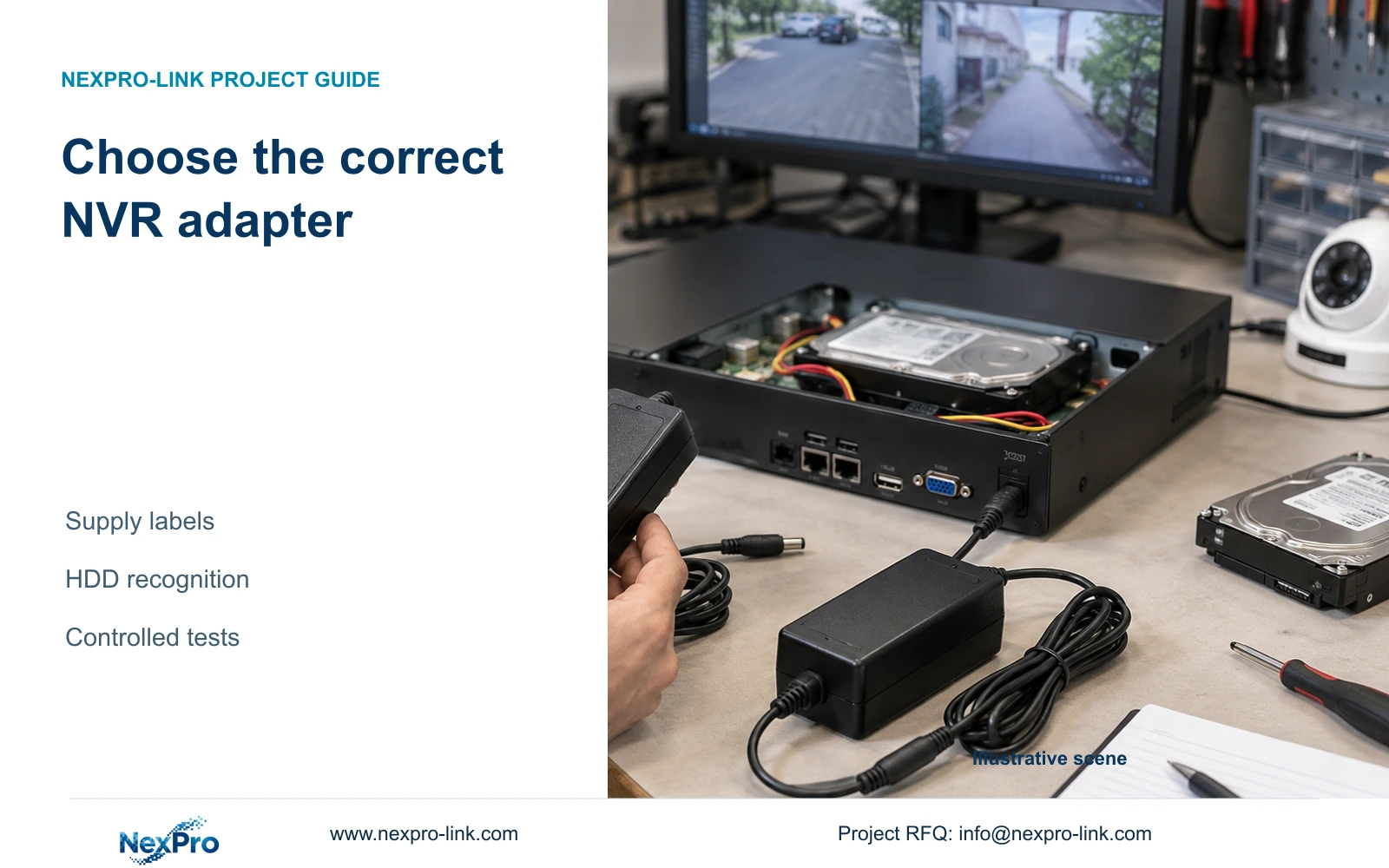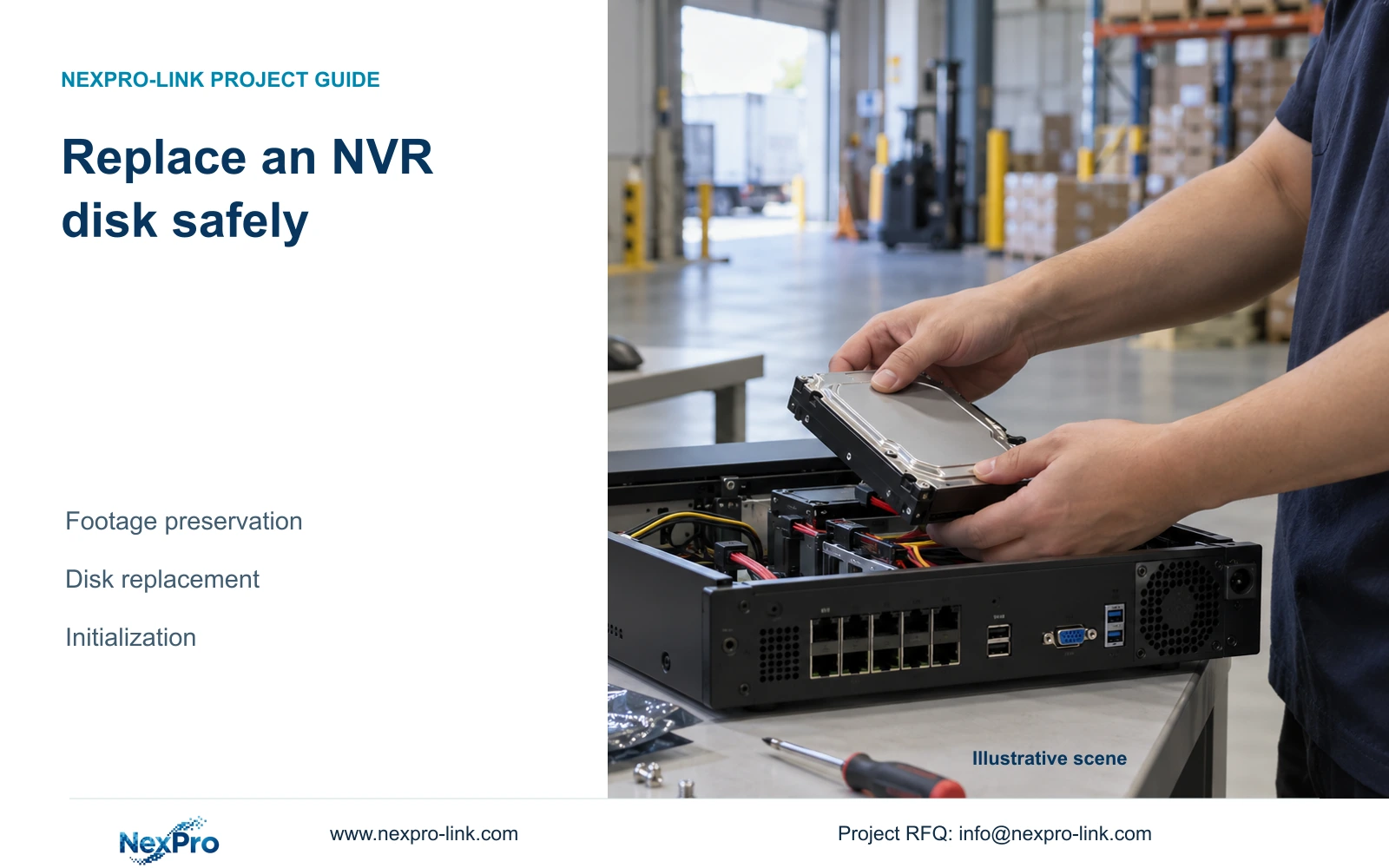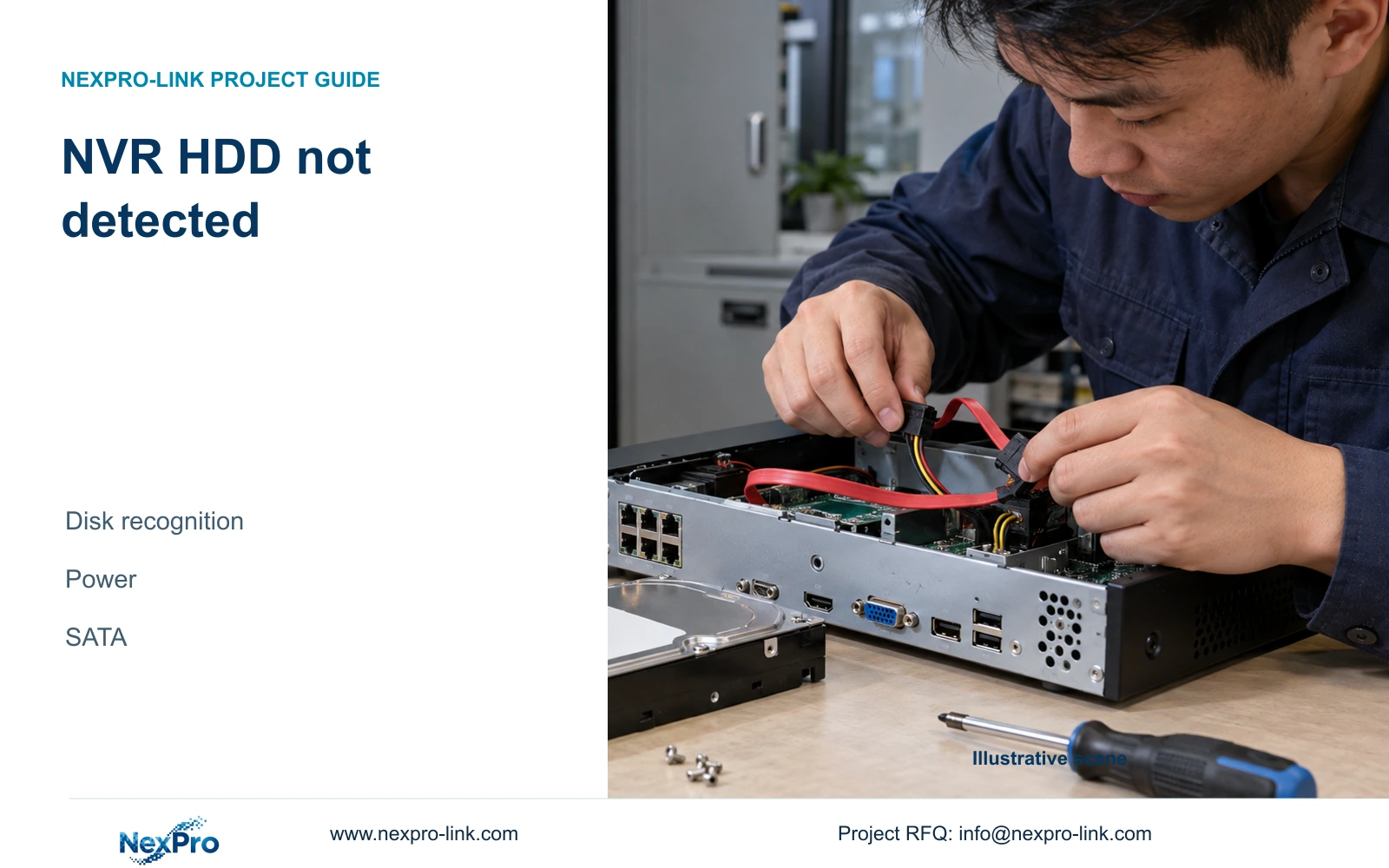
A missing HDD needs a recognition-path check before any formatting decision. Identify the supply, inspect connections with power removed and preserve diagnostic records.
Section 01
Separate an absent disk from an unusable recording disk
When the recorder reports no HDD, first check whether the storage interface recognizes the disk at all. The supplied manual identifies the disk itself, specified power supply, SATA data connection and disk-power connection as the relevant checks. Formatting is not a recognition test and may destroy footage that the owner still needs. Keep three outcomes separate: absent media, recognized media awaiting authorized preparation, and recognized full media with a stopping policy. Record when the warning began and what changed immediately beforehand. That evidence determines whether the next action concerns hardware recognition, storage preparation or the consequence of reaching capacity.
This guide uses the private supplied NVR4.0 user manual CH_V2.4.doc, with V2.2 in its body. Relevant sections are 3.1, 3.2, 5.3 question 4, 4.12.21 and 4.12.17. Follow the actual recorder and firmware scope. These checks concern recorder storage, not the Seetong Windows client's local recording destination.
Section 02
Record the change that preceded the warning
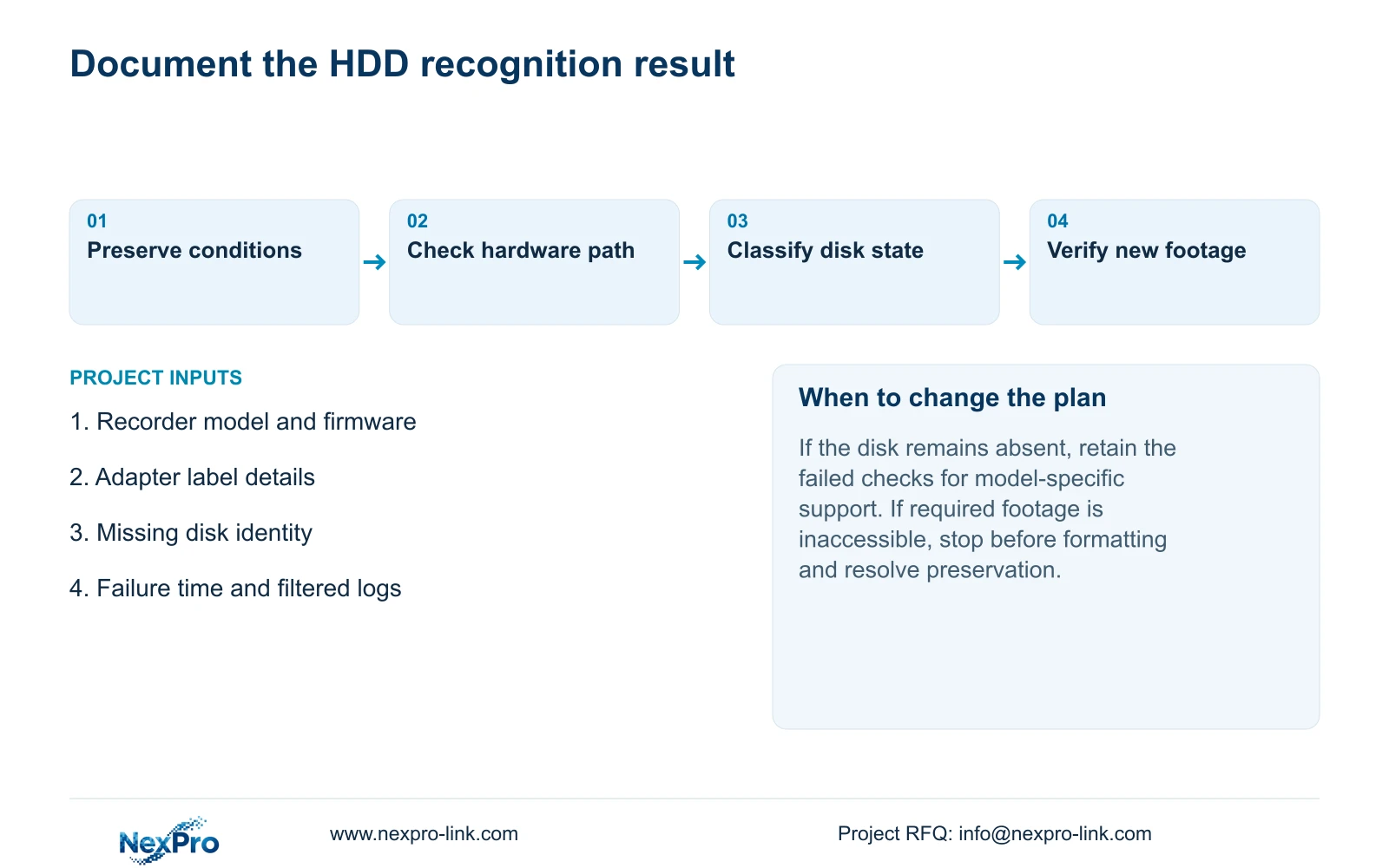
Capture the symptom time, recorder identity and visible storage state before altering the installation. Establish whether the warning began after relocation, a supply substitution, disk work or another identifiable change. On a recorder with several disks, record whether one entry is missing or the entire intended disk set is absent.
Keep observations precise. A startup warning and an empty storage list are useful evidence; a general statement that recording is broken leaves several branches unresolved. Also note whether recognition changes after a planned restart. Do not repeatedly cycle power without preserving the conditions of each attempt, because the resulting notes would no longer show which action affected recognition.
Section 03
Restore the specified supply conditions
Compare the current adapter with the recorder requirements and the intended supplied adapter. Connector fit alone does not establish voltage, current capability or polarity. Sections 3.1 and 5.3 direct attention to supply suitability, including its adequacy for the connected disks.
If a different adapter was introduced during relocation, resolve its identity before modifying storage settings. Arrange an authorized interruption and preserve required accessible data before stopping a running recorder. Use software shutdown before removing power, then make the approved supply change. Observe recognition with the intended disk and peripheral load connected. If it returns, record the change and verify recording rather than declaring the disk healthy solely from its appearance in the menu.
Section 04
Inspect the internal SATA and power path without live handling
If correct supply conditions do not resolve the warning, use the powered-down internal installation process in section 3.2. Disconnect power before opening the enclosure. Identify the affected media and its connections, check the SATA data and disk-power path, secure the disk and replace the cover before restarting.
The manual does not establish hot-swap support for these ordinary internal connections. Do not unplug a disk while the recorder is running to identify it. Preserve the original wiring record and change one relevant condition at a time. If the disk remains absent after the documented supply and connection checks, retain that result for model-specific support; the available evidence does not establish whether the disk or recorder hardware is responsible.
Section 05
Read the storage result before choosing a repair action
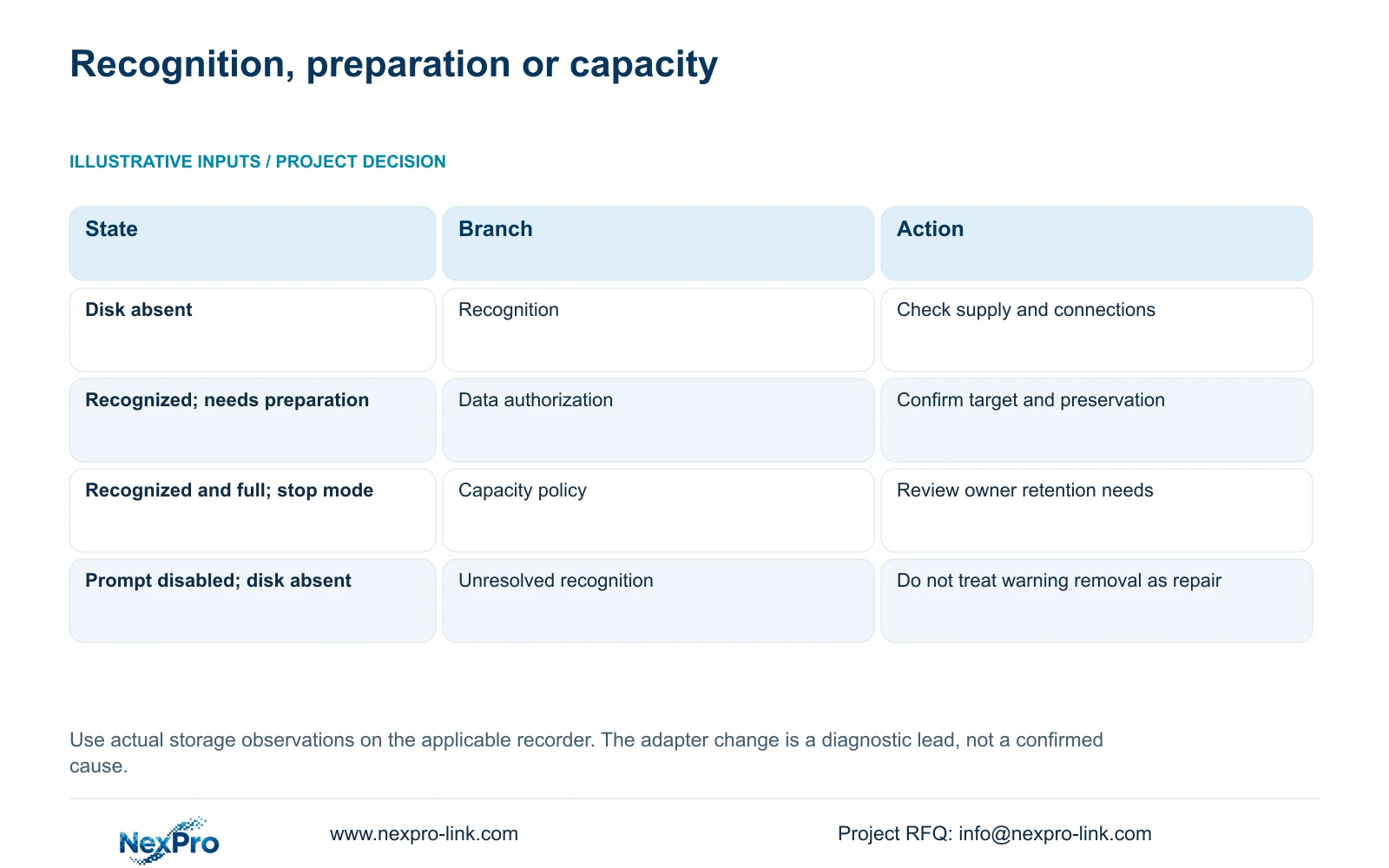
Section 4.12.21 is headed External Storage Devices, but its described functions concern disk information, selected formatting, full-disk behavior and the startup no-disk prompt. Use the displayed information to decide whether recognition has returned. The heading does not establish NAS, NFS, iSCSI, RAID or shared-storage support.
A recognized disk changes the diagnostic branch. It may still require authorized preparation, or it may already contain recordings and have reached capacity. Inspect the actual condition before acting. Disabling the startup prompt only changes that prompt; it neither repairs recognition nor supplies recording capacity.
| Observed state | Decision | Next action |
|---|---|---|
| Disk absent from storage information | Recognition remains unresolved | Check disk, specified supply and powered-down connections |
| Disk recognized; preparation required | Initialization is a separate data decision | Identify the target and preserve data before authorized formatting |
| Disk recognized and full; stop mode selected | Capacity has become a stopping condition | Review retention and full-disk policy with the owner |
| Warning hidden; disk still absent | Prompt changed, storage did not | Return to the recognition checks |
Section 06
Consider initialization only after recognition and authorization
Formatting becomes a possible next step only when the actual media and required operation are established. Confirm whether the disk contains footage to retain and whether the owner authorizes the storage change. Export required accessible material first. On a recorder with several disks, verify the selected target rather than assuming its screen number matches a physical bay label.
If existing recordings cannot be accessed and must be preserved, stop the formatting branch and obtain a supported preservation plan. Formatting is not a harmless attempt to make a disk appear. Avoid combining it with unrelated system changes, which would make the cause of any later improvement or loss difficult to establish.
Section 07
Preserve the failure window and the result of each change
Use section 4.12.17 to inspect relevant log records. The default search is for the current day and includes type filters. If the relocation happened earlier, adjust the search accordingly; an all-log query is described when the date condition is not selected. Check filters before concluding that no record exists.
View relevant details and export the selected records as text. Pair them with the observed disk state and the action taken. After recognition returns, confirm that a new recording can be located and played. A log export supports troubleshooting, but the manual does not establish unlimited retention, tamper-proof auditing or evidentiary certification.
Section 08
Investigate a warning after cabinet relocation
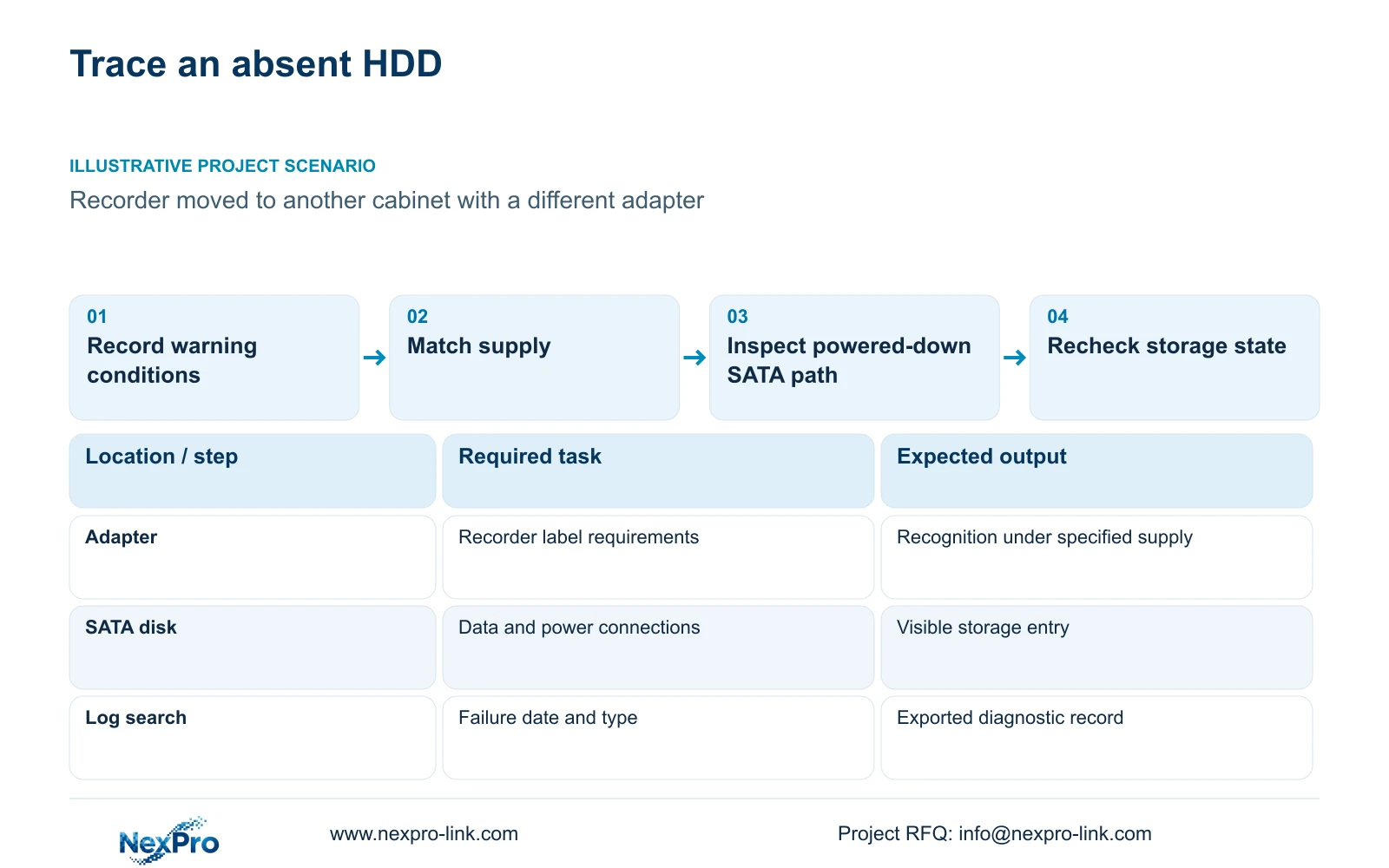
Illustrative project scenario: A recorder reports no HDD after being moved to another cabinet with a different power adapter. The first comparison is the old and replacement supply identity, followed by disk recognition under the specified supply. If recognition remains absent, the engineer uses an approved shutdown to inspect the internal connection path. Existing footage stays outside the formatting decision until its preservation requirement is resolved. No outcome is assumed from the relocation alone.
Section 09
Does a working live view prove the HDD is recording?
No. Check recognition and recording policy, then retrieve a known newly recorded period. Live viewing does not establish that footage has reached the recorder's disk.
Section 10
Provide the unresolved recognition evidence
Send NexPro-Link the recorder model and firmware, current adapter label details and observed disk state at info@nexpro-link.com.
Engineering references
These sources support the general planning principles. Always use the selected product's current datasheet and applicable project standards for final design.