

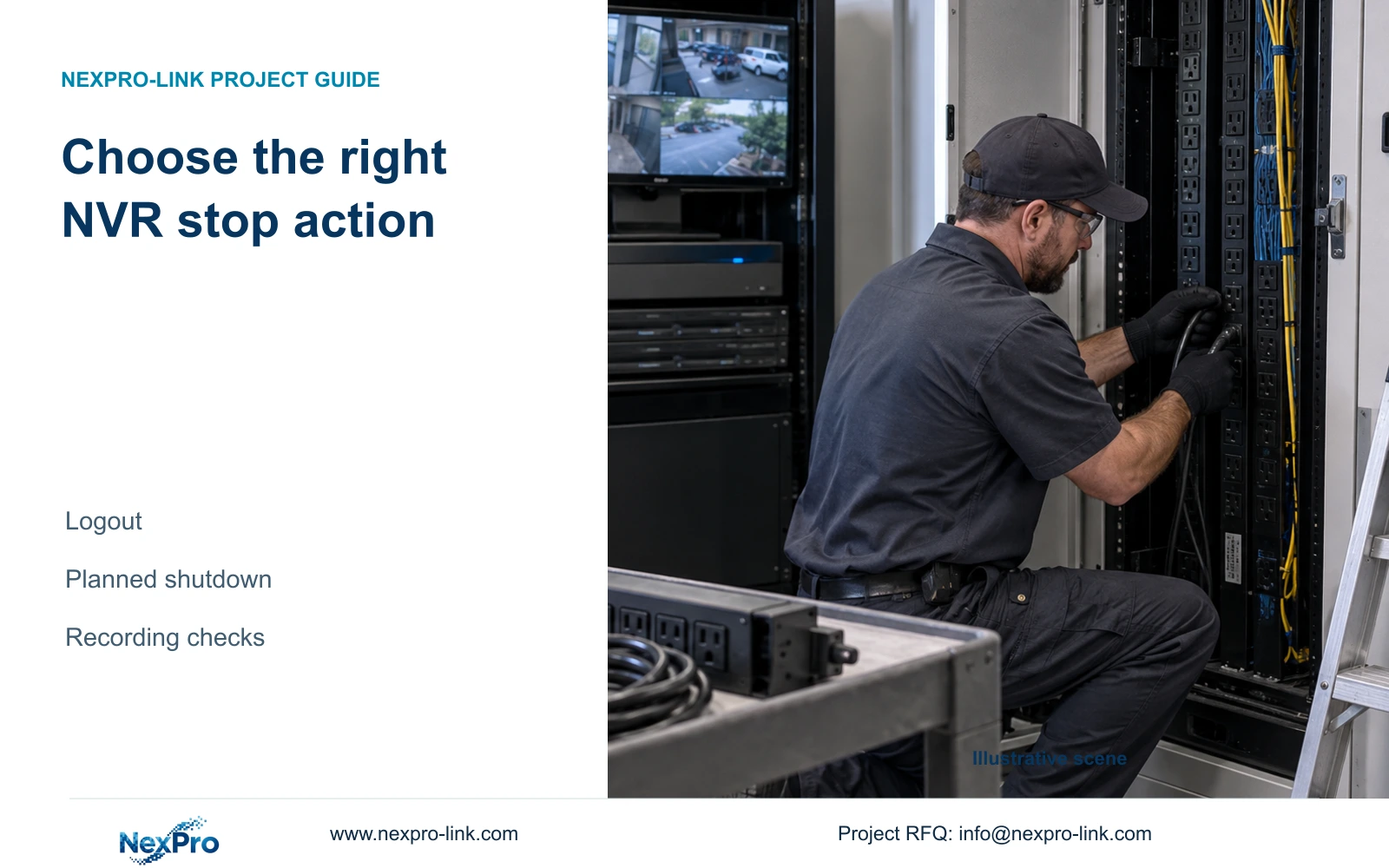
Match the recorder action to the maintenance task. A PDU replacement needs an approved power plan, accessible incident copies and recording checks after restoration.
Section 01
Match the menu action to the planned interruption
Use logout for an operator handover, restart for an authorized recorder restart, and software shutdown before a planned removal of power. A login prompt does not establish that recording has stopped. For cabinet PDU replacement, approve the interruption first, preserve the incident footage security staff will need and verify those copies on their intended viewing system. Save configuration separately, then identify which cameras, switches and recorder connections the work affects. A UPS on the recorder alone cannot preserve incoming video if the camera or network path loses power. After restoration, check newly recorded footage as well as older playback before closing the maintenance task.
The private supplied NVR4.0 user manual CH_V2.4.doc identifies V2.2 in its body. Sections 4.1.4, 4.1.5 and 4.12.1 distinguish the session and system actions. Section 3.1 supports software shutdown before disconnection. The PDU-work planning and acceptance checks below are engineering extensions, not a built-in maintenance automation feature.
Section 02
Separate staff handover from stopping the recorder
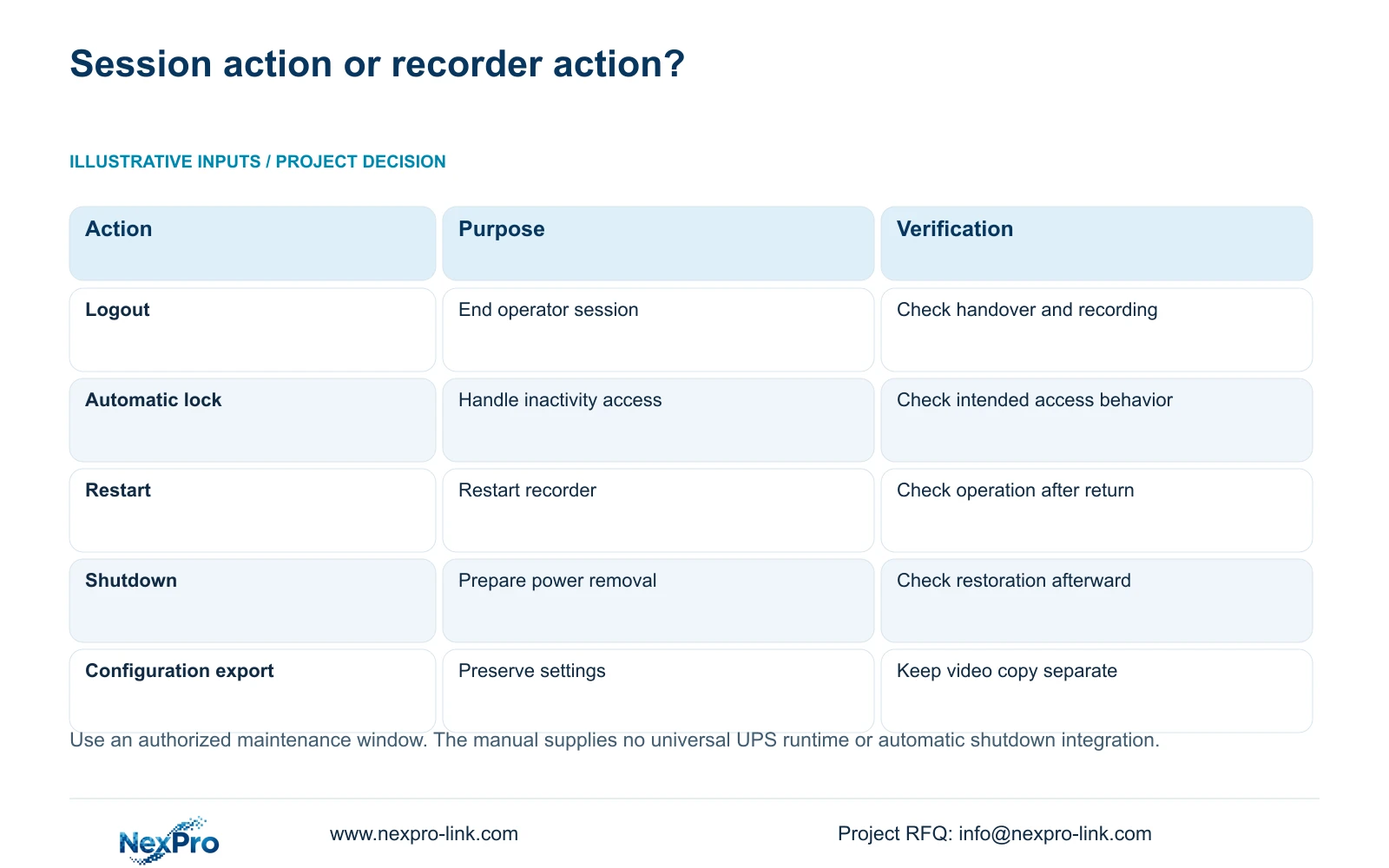
Logout ends the operating session. Automatic locking is a separate setting that handles access after inactivity. Shutdown and restart act on the recorder itself. Select the action from the maintenance objective, not from how quiet or inactive the interface appears. For a normal shift change, verify the intended recording task before and after the controlled session handover.
If the task is PDU replacement, logout leaves the power-removal requirement unresolved. A restart also leaves the recorder operating again, so it is not the final step before isolation. Write the selected action and its expected effect into the work instruction. This gives security and facilities staff a shared understanding of whether access alone changes or the recording system will actually be unavailable.
| Objective | Applicable action | Required verification |
|---|---|---|
| End an operator session | Logout | Confirm the authorized handover and required recording task. |
| Handle inactivity access | Automatic lock setting | Confirm the intended session-access behavior. |
| Perform an approved system restart | Restart | Check recording and access after the recorder returns. |
| Remove recorder power for maintenance | Software shutdown, then authorized isolation | Preserve required data and verify restoration afterward. |
Section 03
Complete the software stop before power isolation
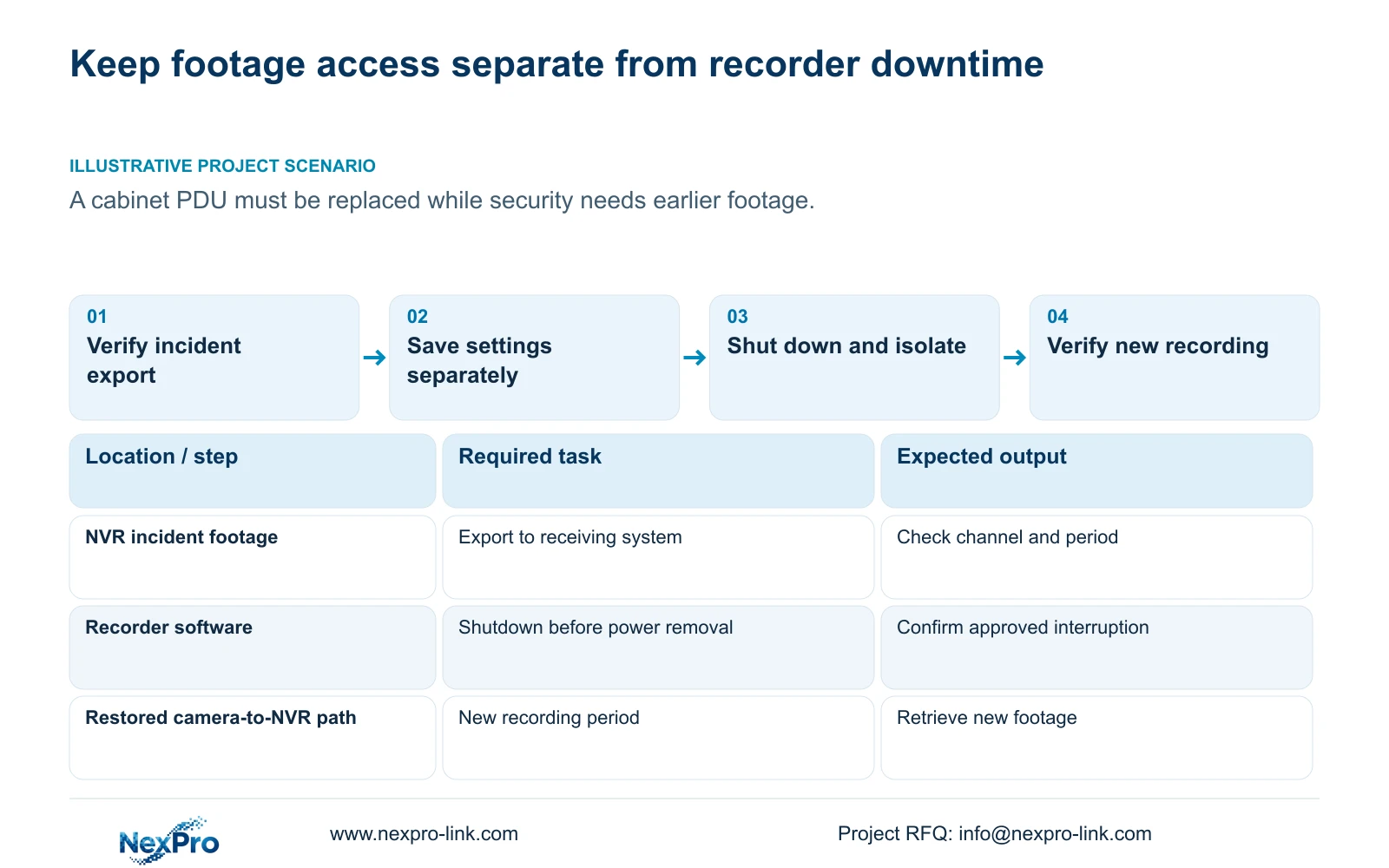
Obtain authority to interrupt the running recorder and agree when recording may be unavailable. Finish active exports and preserve the required copies before selecting shutdown. Follow the actual model's software procedure, then let the responsible party remove power for the approved work. Do not infer that the system is stopped from a blank monitor or a login screen.
The manual's instruction to shut down through software applies before disconnection. It does not describe the electrical procedure for replacing a cabinet PDU. Keep that work with the responsible site party and its approved method. If the shutdown control or its result cannot be established, pause the isolation decision and obtain model-specific guidance. An automatic restart capability does not guarantee uninterrupted recording or protection of every file after unexpected power loss.
Section 04
Give security staff a checked incident copy before downtime
Identify the channels and periods security staff may need during the maintenance window. Section 4.11.4 describes video backup and mentions playback through software such as VLC. Complete the export and open the required file on the intended receiving system. Confirm the channel identity, requested period and actual playback, including audio where required.
A completed progress indicator confirms only part of this handover. The receiving user needs a usable viewing path and authority to receive the footage. Record the tested method and keep the original recordings protected until the required copies are verified. If playback fails, resolve that issue before accepting the planned access interruption. Do not assume every operating-system or codec combination works because a player is named in the manual.
Section 05
Save settings and footage as different deliverables
Configuration export, log export and video backup are separate workflows. Name and store each object according to its purpose. A configuration file preserves settings for an applicable restoration task; it is not a disk image or a copy of the incident video. Sections 4.12.18 and 4.11.4 provide the relevant distinction.
Associate the settings backup with the recorder model and software version. Confirm that the stored file can be identified before the change, without performing an unnecessary restore as a test. Universal cross-model import is not established by the manual. If replacement equipment later becomes necessary, confirm the supported import path first. Keep the footage copy and its viewing record independently accessible so security staff are not dependent on a configuration file during the PDU work.
Section 06
Map the equipment that remains powered and the equipment isolated
Draw the required recording path through camera power, any PoE access equipment, necessary switches and the recorder. Add the display if the operating task requires it during the work. Then identify which devices depend on the PDU being replaced. A recorder that remains energized cannot receive video from a camera or required switch that has lost power.
Any continuity arrangement must match the actual work boundary. Keep UPS output capacity in W, apparent-power capacity in VA and battery runtime as separate requirements. Count loads once: a measured PoE-switch AC input may already include its powered cameras. This topic has no supplied load values or runtime target, and the NVR manual provides no battery-runtime table. Obtain those inputs before specifying equipment or claiming that a proposed power arrangement covers the interruption.
Section 07
Verify new recording after the system returns
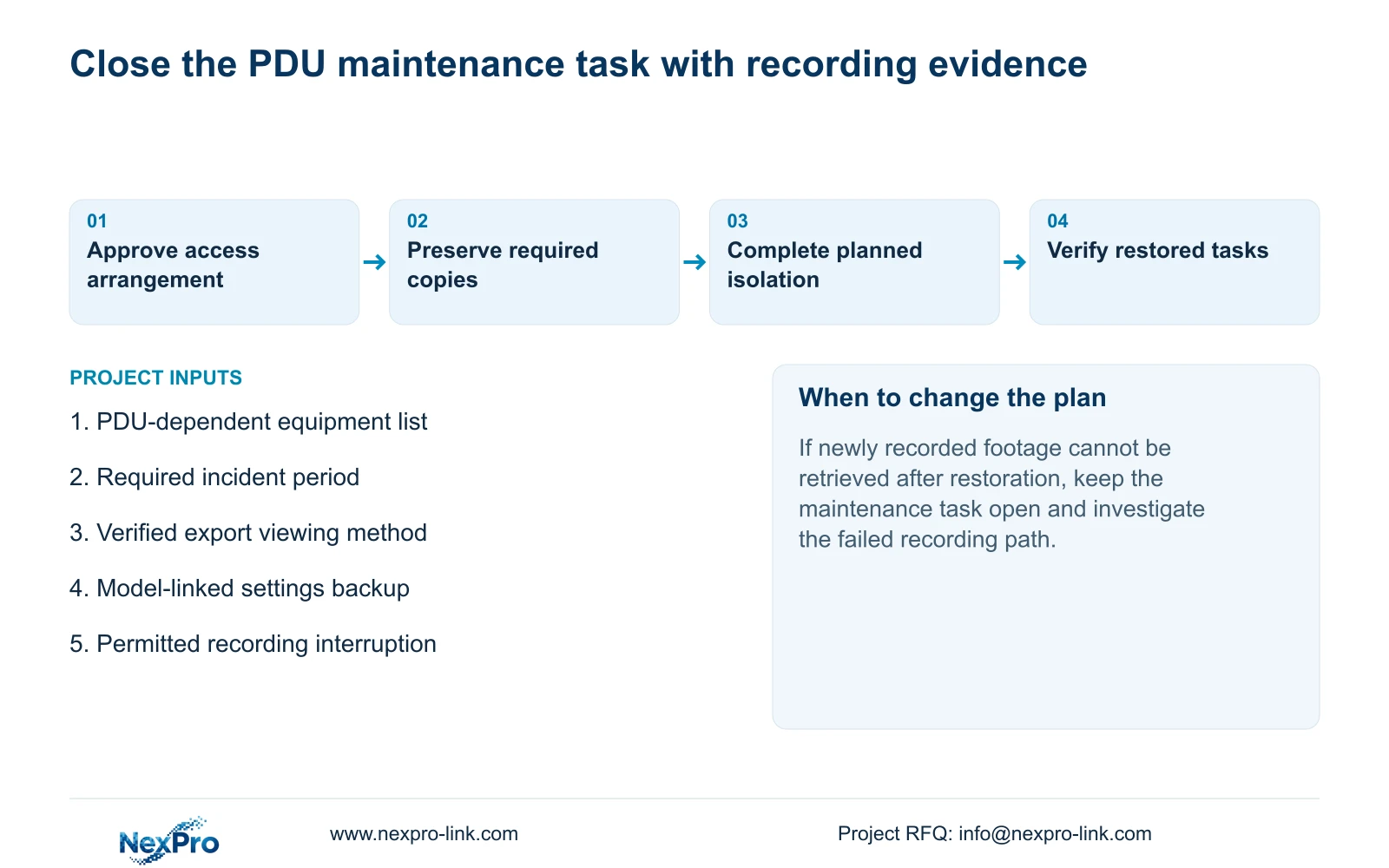
After restoration, check the live views and recorder time, then retrieve footage produced during a defined post-maintenance period. Also check a relevant older sample, a required export and the intended accounts. Verify required event behavior where it belongs to the project. Online status or a responsive menu does not establish that new video is being stored and can be retrieved.
Record the actual maintenance change, any interruption interval and each failed task. If new footage is missing, keep that failure separate from successful historical playback and arrange the supported next action. Do not assume a universal rollback function. Close the maintenance record only when the agreed operating tasks have passed or the remaining restriction has an identified owner.
Illustrative project scenario: A facilities team needs to replace a cabinet PDU while security staff still need authorized access to earlier footage. Checked incident exports provide the agreed viewing path during the approved recorder interruption. Configuration is saved separately, the affected power path is documented, and new recording is checked after restoration. No uninterrupted-service outcome is implied.
Section 08
Can logout replace shutdown before PDU work?
No. Logout changes the operating session. Use the documented software shutdown before authorized removal of recorder power.
Section 09
Does a configuration export preserve incident video?
No. Export the required video separately and verify its playback on the receiving system.
Section 10
Provide the maintenance power boundary
Send NexPro-Link the PDU-dependent equipment list and the recording or footage-access functions that must remain available during maintenance at info@nexpro-link.com.
Engineering references
These sources support the general planning principles. Always use the selected product's current datasheet and applicable project standards for final design.


