

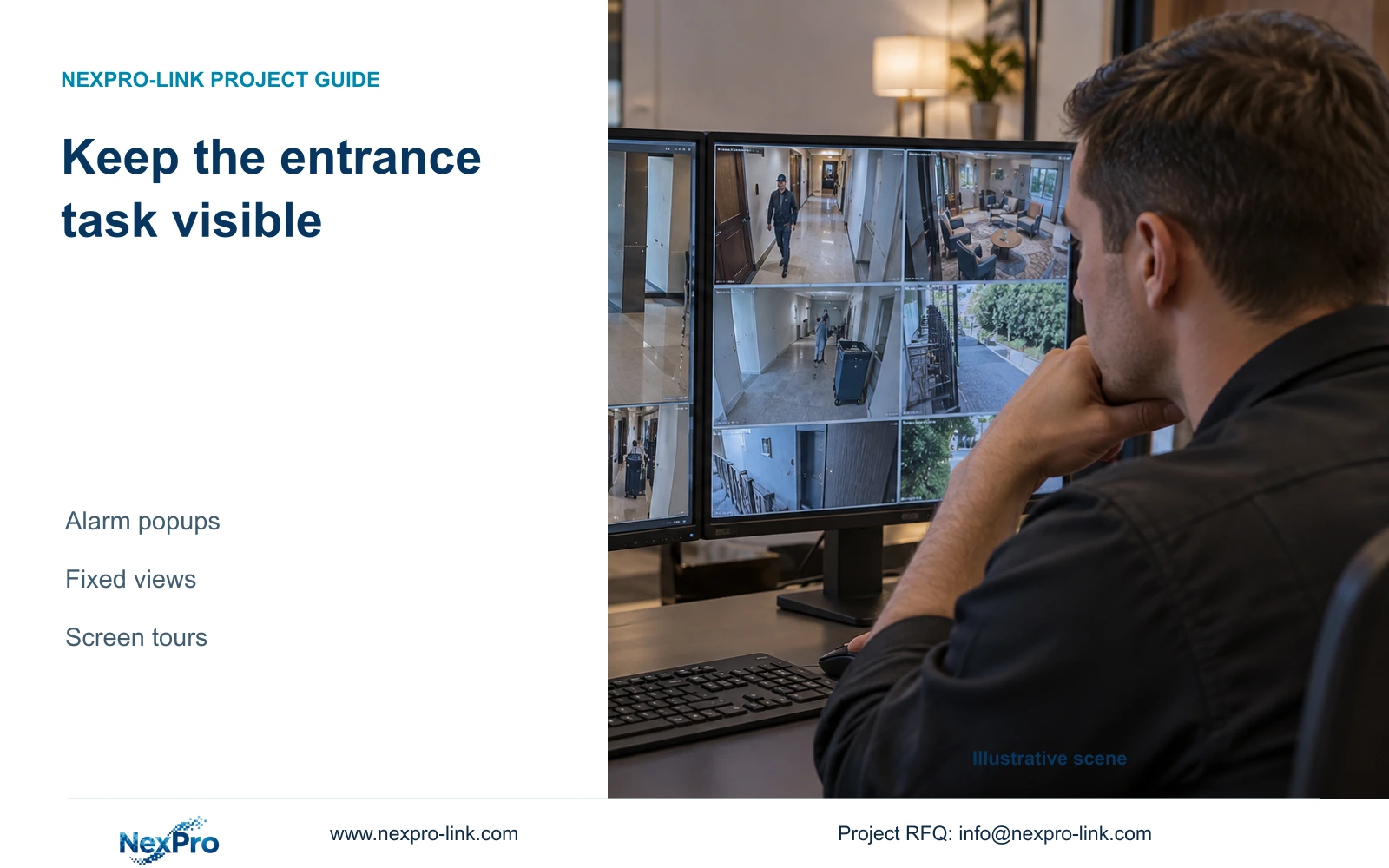
Repeated alarm popups can displace an important operating view. Test the actual layout interaction and adjust the relevant event chain without suppressing unrelated alarms.
Section 01
Identify which alarm output is displacing the view
Keep important cameras visible by testing the actual interaction between alarm popups, the chosen layout and any screen tour. Identify the event producing the interruption before changing its linkage. A popup, flashing border, notification and recording action are separate outputs, so removing an unwanted display response should not silently remove a required recording task. Define which view the operator must retain, reproduce the alarm under the intended workload, and observe what happens during and after it. If the device cannot support the required viewing arrangement, document that limitation and revise the operating scope instead of assuming a fixed-view control exists.
Section 4.12.11 lists buzzer, popup, email, screenshot sending, snapshot, preset call, recording, border flashing and app push. Check the affected channel's selected actions and associate the observed popup with its triggering event. Verify required recording at the timeline and notifications at their intended destination. A visible response proves only that output. Its duration also says nothing about how long footage remains stored.
Section 02
Define the entrance task before choosing the grid
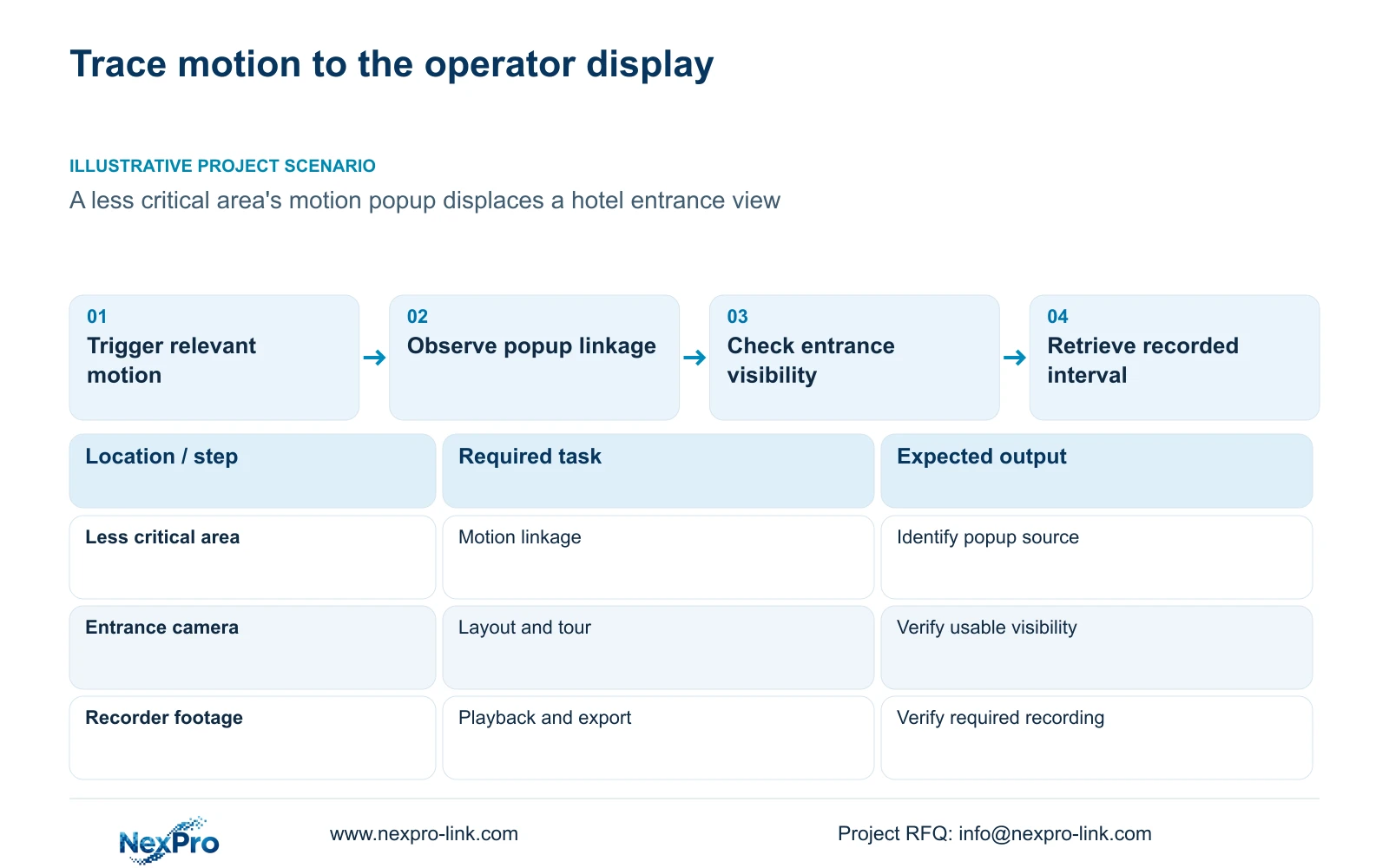
Name the camera that must remain visible and explain the operator's task at that view. For a hotel entrance, the question may be whether the operator can continue watching an arriving person while another area generates motion. Identify other views that may rotate or appear only when needed. This separates a required operating view from a preferred screen arrangement.
Section 4.5 lists layouts of 1, 2, 4, 6, 8, corridor 8, 9, 10, 16, 24, 25 and 36 windows. The model constraints in section 5.2 are separate. A selectable grid does not prove simultaneous full-resolution decoding. Record the streams used in the proposed layout and test its useful detail under the actual workload. Treat persistent visibility as an acceptance requirement to verify, not a feature inferred from the layout menu.
Section 03
Observe popup behavior across the screen tour
Sections 4.6 and 4.12.5 describe tours that switch selected channels according to layout and interval, with saved schemes. Establish the ordinary sequence first. Trigger the relevant motion event while the tour is running and observe which view appears, whether the entrance remains available, and what layout follows the popup. Repeat at a different point in the sequence if the first test leaves the return behavior unclear.
A tour presents views sequentially and therefore leaves some views off screen. For the site's own plan, cycle time equals the sum of group dwell times plus transition time; off-screen time for a group depends on the rest of that cycle. No dwell values are supplied here, so there is no numeric return-time claim. Screen touring is separate from PTZ camera movement and does not establish continuous human observation.
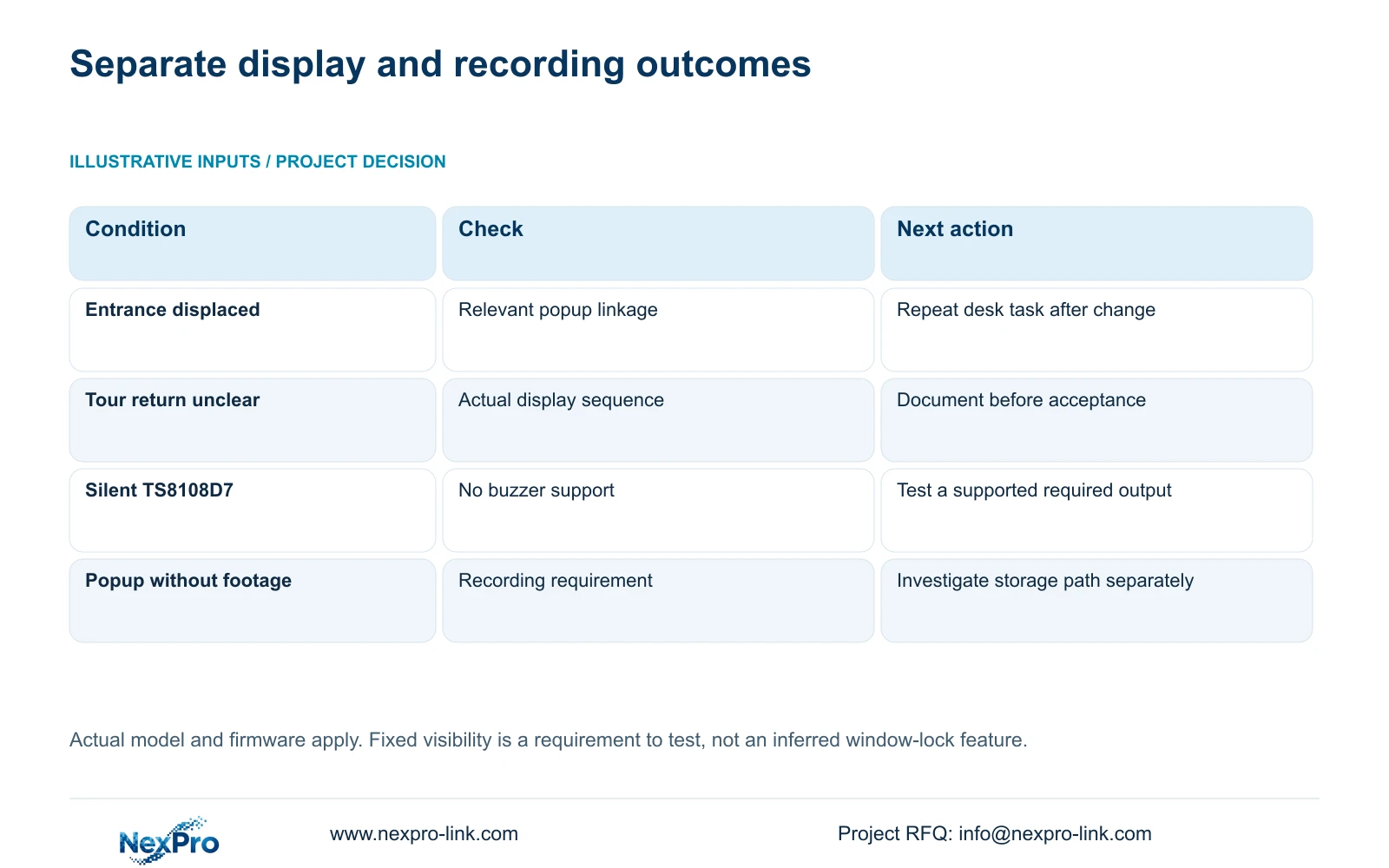
| Observed condition | Relevant check | Decision |
|---|---|---|
| Less critical motion repeatedly displaces the entrance | That event's popup linkage and detection area | Adjust the relevant chain and repeat the desk task |
| Entrance returns differently after a popup | Saved layout and tour interaction | Document actual behavior before accepting the scheme |
| Popup appears but footage is unavailable | Recording policy and required linkage | Investigate recording separately |
| No audible response | Global controls, linkage and buzzer support | Verify a supported output without assuming no event |
Section 04
Preserve required alarms while checking global controls
Avoid using the global alarm-off control as the routine answer to nuisance popups. Section 4.12.16 describes global alarm and buzzer controls, while the channel linkage determines individual responses. Record their starting state before changing the relevant event. If the entrance task improves, check that other required actions still operate before retaining the change.
When a channel remains silent, separate absent sound from absent notification or absent event. Section 5.2 lists TS8108D7 without buzzer support. Enabling a menu option cannot create that hardware. Where local sound is required, confirm the actual model and test the supported action specified for the desk. TS references describe the manual's devices and have no established mapping to NexPro-Link commercial SKUs.
Section 05
Adjust the motion area and arming period deliberately
Work through enablement, arming period, detection area and linkage in section 4.12.11. Identify whether motion from the less critical area belongs in the required detection region and whether its alarm period matches the operating requirement. Keep expected activity and the owner-approved security task visible when revising those settings. Ordinary motion detection does not establish human or vehicle classification.
Change one relevant setting, then repeat both an intended event and the nuisance activity. If the intended event no longer produces its required action, the revision has removed useful coverage and needs reconsideration. If the event is detected but only the popup is unsuitable, review that output separately. A sensitivity value is not a statistical accuracy percentage, and reducing notifications does not by itself demonstrate better detection.
Section 06
Accept the layout during a complete recording task
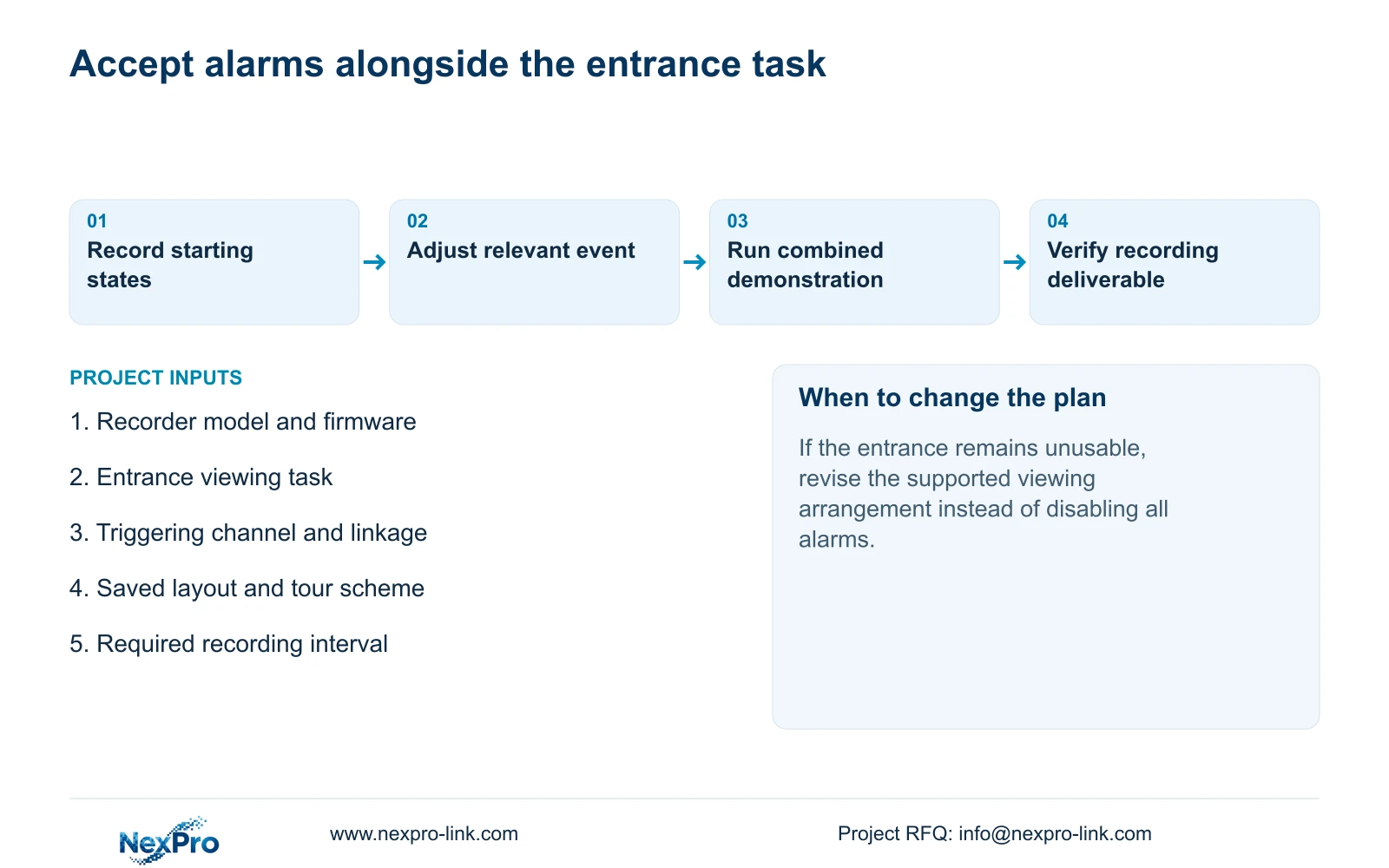
Demonstrate the entrance task with ordinary viewing, the screen tour and the relevant alarm active. Identify the channel, observe live video and recording state, wait through a known interval, then retrieve that period. Export a sample and verify playback on another viewing path. Sections 4.3, 4.11 and 4.12.21 support these operations; the combined demonstration is an engineering acceptance workflow.
Record whether the entrance remained usable, how the display returned, and whether each required alarm output and recording deliverable worked. If only the popup succeeds, leave acceptance open for the other requirements. Where a different display or equipment arrangement is needed, describe the unresolved task in the project scope. NexPro-Link's BOQ and tender support can address that equipment discussion without treating every interruption as a reason to replace the recorder.
Section 07
Hotel entrance interruption
Illustrative project scenario: A hotel entrance view is repeatedly displaced by motion popups from a less critical area. The proposed test preserves the entrance observation task, examines the other area's motion chain, and verifies required recording after the display change. No automatic fixed-view capability or successful field outcome is assumed.
Section 08
Can a flashing border replace every popup requirement?
Only if that supported output meets the owner's response task and passes the desk demonstration. The manual lists the actions separately; it does not establish that they are operationally interchangeable.
Section 09
Source scope and the interrupted-view input
This guide uses NVR4.0 user manual CH_V2.4.doc, body V2.2, sections 4.12.11, 4.5, 5.2, 4.6, 4.12.5, 4.12.16, 4.3, 4.11 and 4.12.21. Behavior requires confirmation on the applicable device and firmware.
Send NexPro-Link the recorder model and firmware with a redacted description of the popup sequence and the view that must remain usable at info@nexpro-link.com.
Engineering references
These sources support the general planning principles. Always use the selected product's current datasheet and applicable project standards for final design.


