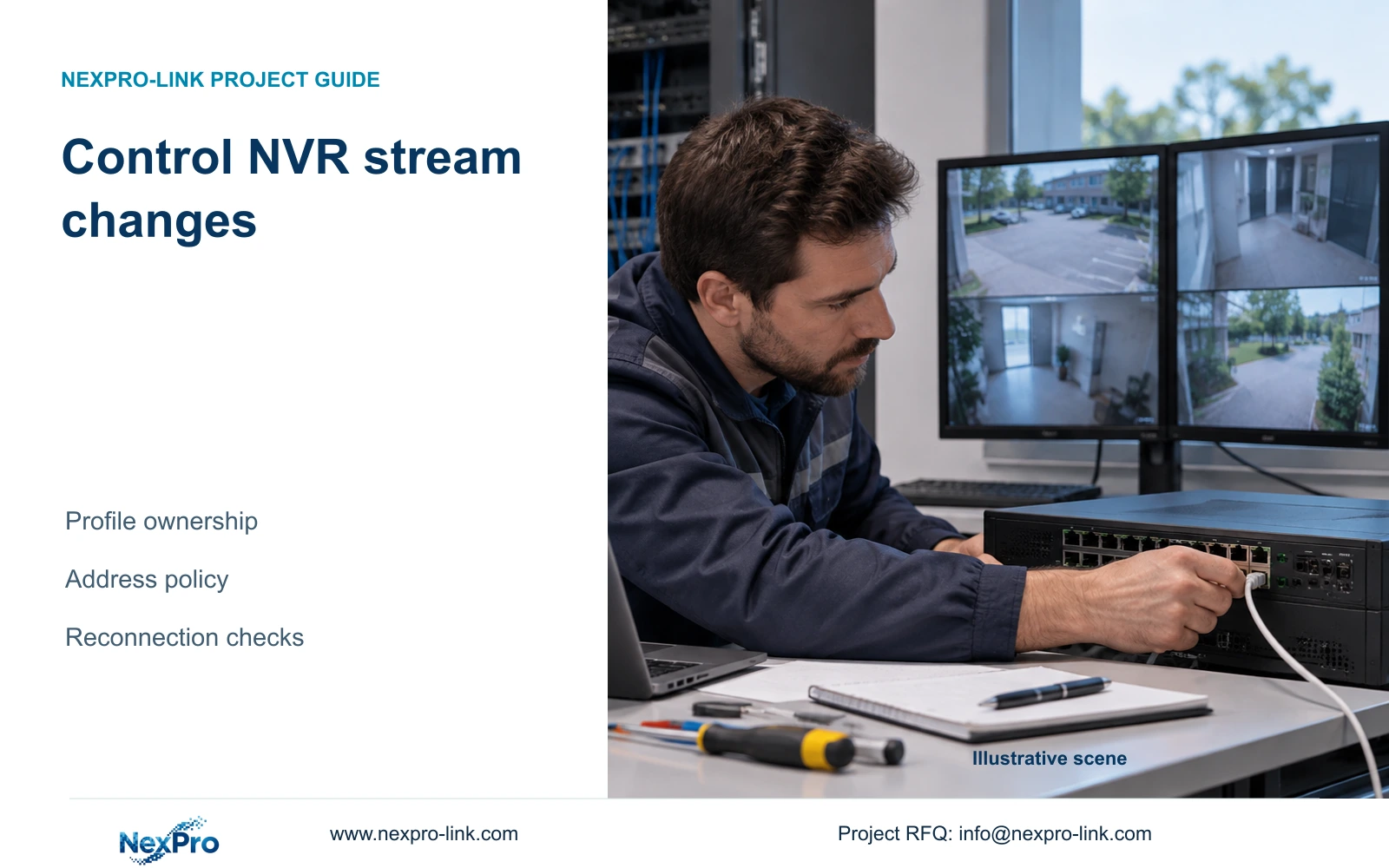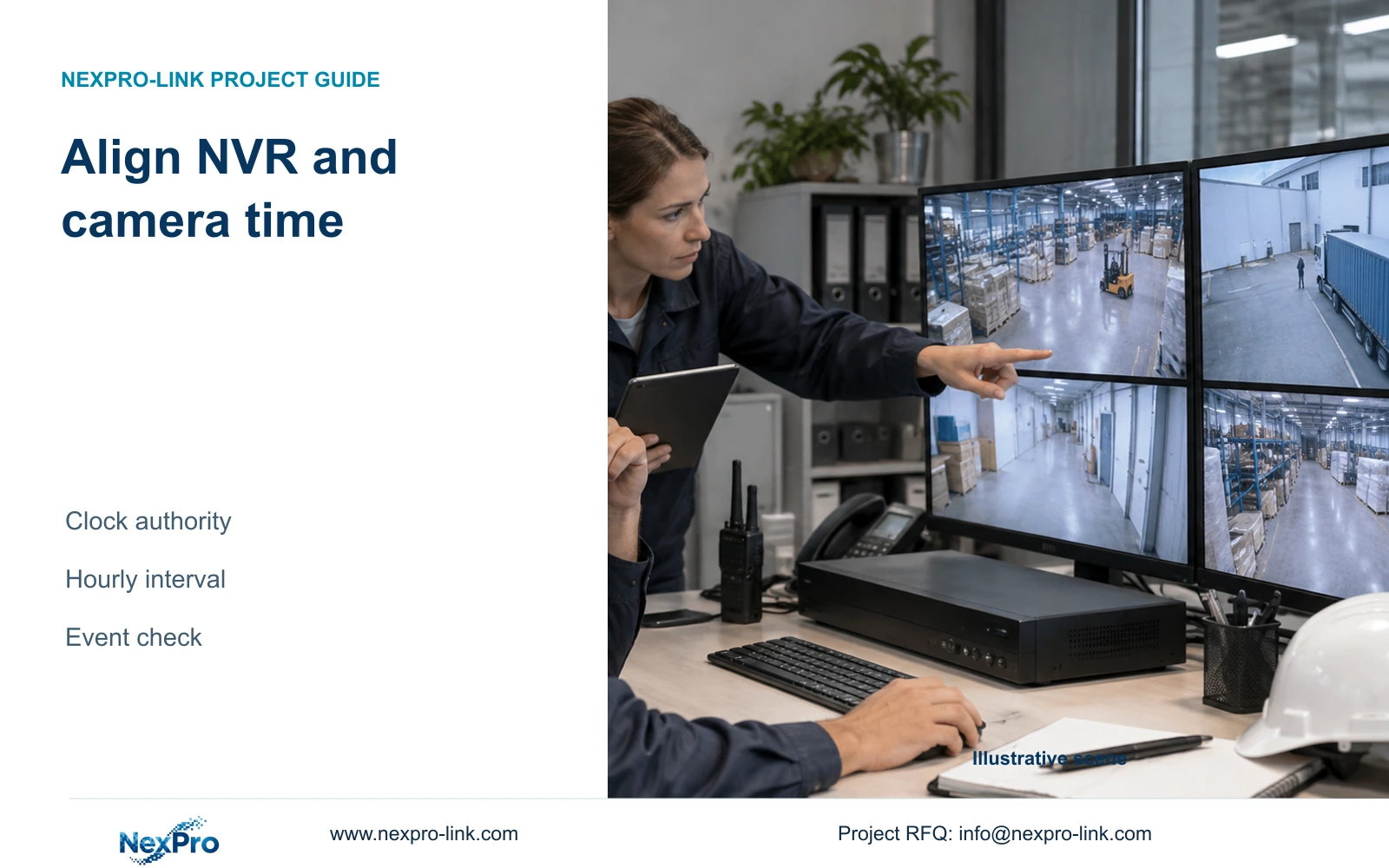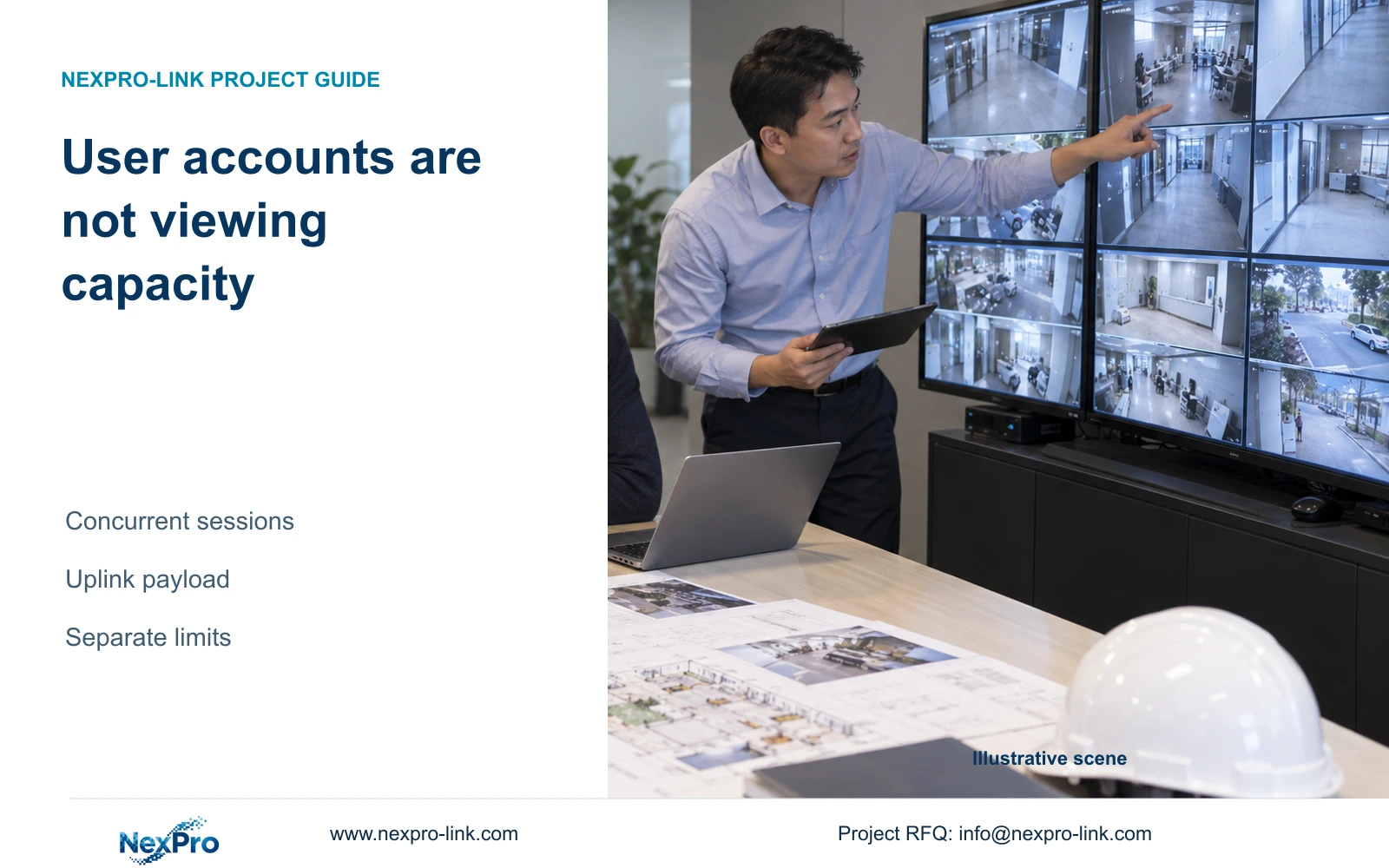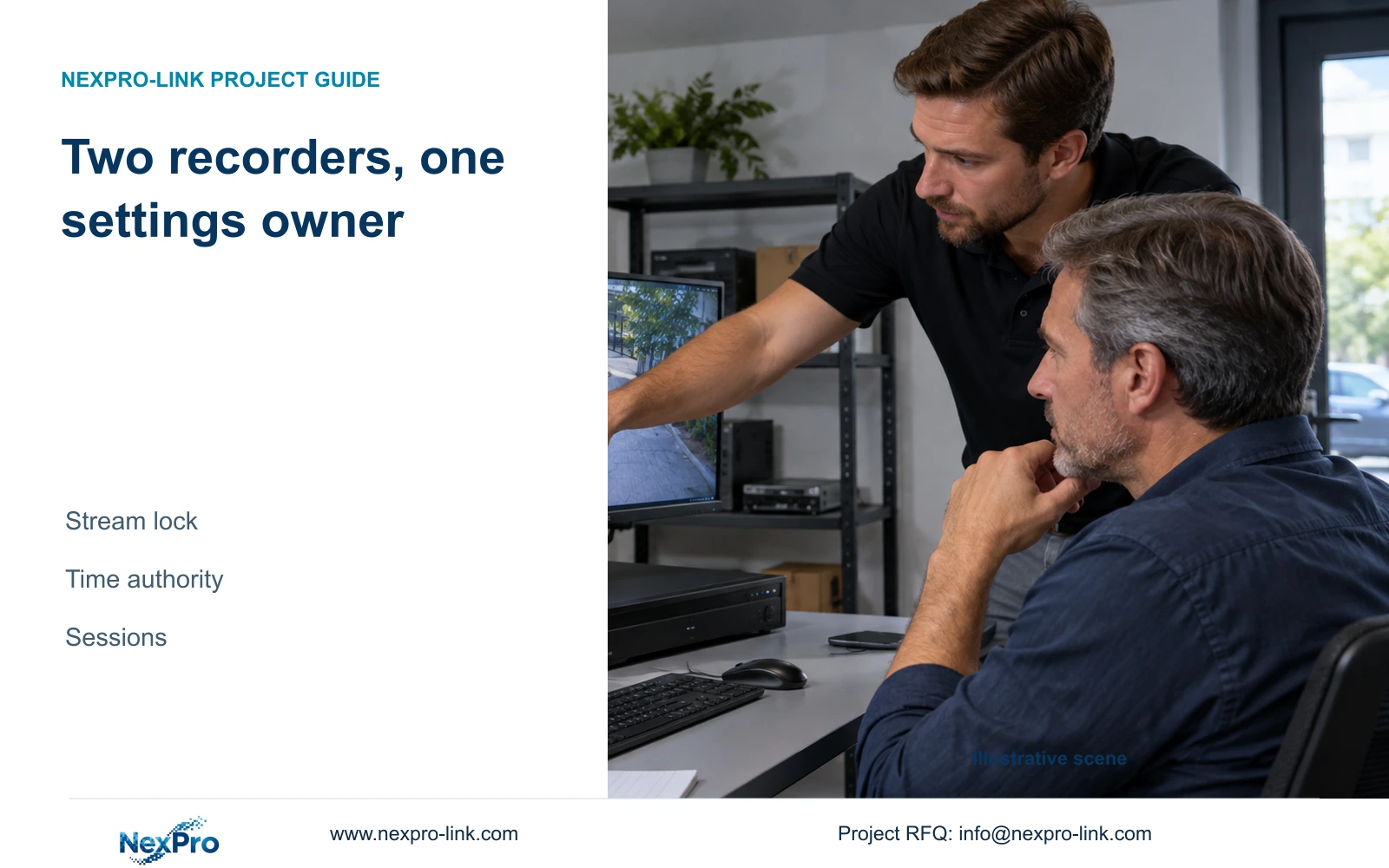
A second recorder can introduce competing stream and time settings. Verify the actual connection support and agree a configuration owner before expanding shared access.
Section 01
Verify shared access before assigning control
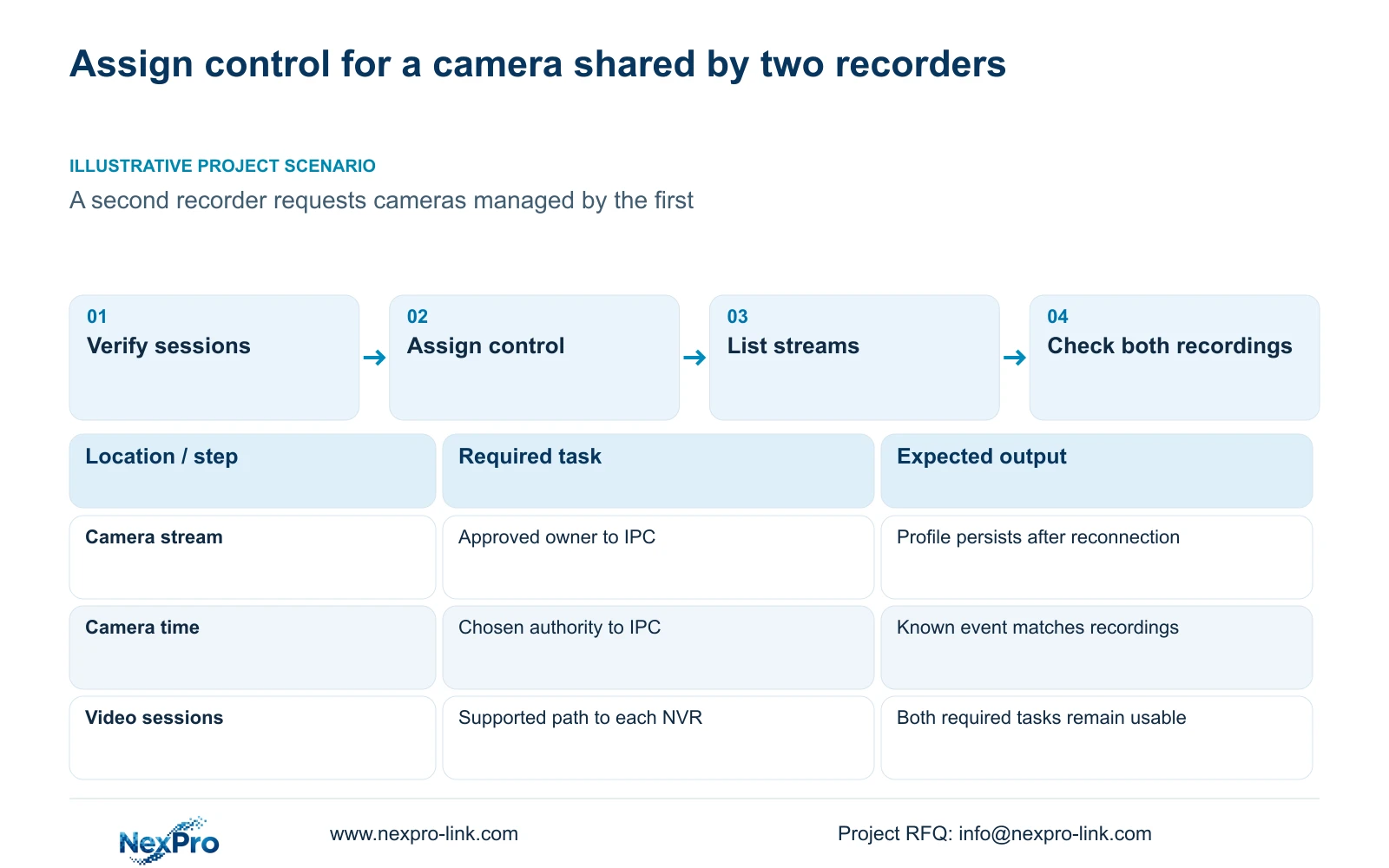
Before connecting a second NVR to an existing camera, confirm that the camera supports the intended simultaneous connections and that both recorders accept the requested streams. Then assign a single owner for stream configuration and a clear authority for time synchronization. The supplied manual describes recorder parameter locking and separate IPC and NVR time controls, which can affect settings written to a shared camera. It does not promise unlimited camera sessions or a universal multi-recorder design. Test a selected camera while the first recorder remains in its approved state, and accept the addition only if both required recording tasks and the common configuration remain usable.
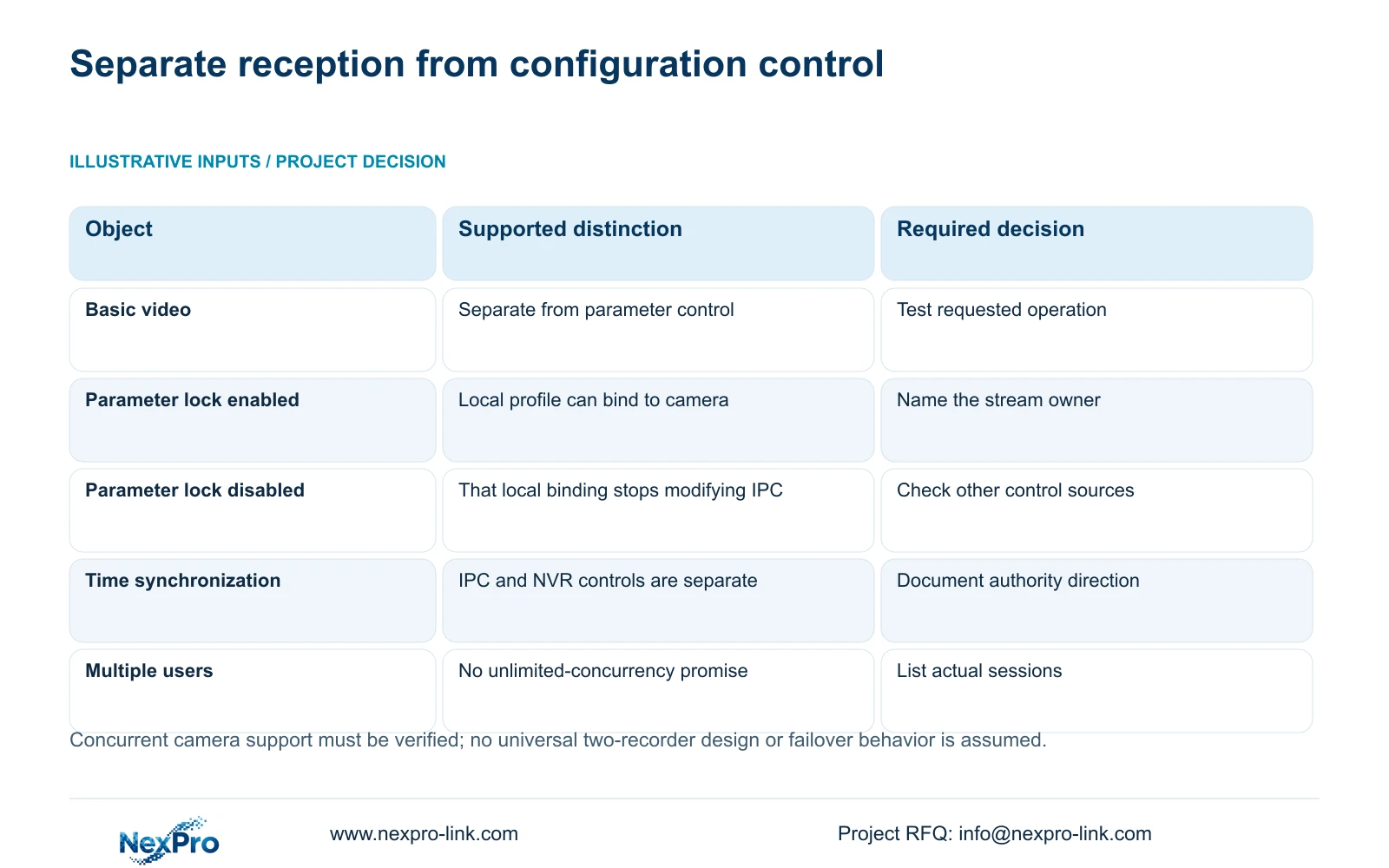
Record the camera model and firmware, each recorder's identity, the connection protocol and the relevant permissions. Basic video reception and remote parameter control are separate capabilities. A visible image does not establish that a recorder can change every camera setting.
The private supplied NVR4.0 user manual CH_V2.4.doc identifies V2.2 in its body. Sections 4.4 and 4.10 describe camera-dependent controls, with explicit PTZ prerequisites. Use the applicable sections for the installed firmware. ONVIF scope also needs device-specific checking; it is not a guarantee that all management operations are exposed.
Section 02
Choose one owner for the approved stream profile
Agree which interface owns the shared camera's stream profile before editing either recorder. The owner may be the designated recorder or the approved camera-management interface, provided the actual equipment supports the arrangement. Record that decision beside the accepted profile.
Sections 4.4.5, 4.12.7 and 4.12.5 explain that parameter locking can bind the NVR's local stream settings to the camera. The source also notes that local adapted values may apply when parameters have not been explicitly configured. With locking disabled, that local binding does not modify the camera in the same way.
If a profile returns after being changed elsewhere, compare the camera and both recorder settings before concluding that the camera failed to save. A competing configuration owner is a possible explanation. Change one approved control at a time, then check the actual profile after reconnection.
Disabling this lock is not proof that every other camera-management mechanism is disabled. Keep the ownership decision tied to the documented option and verify the resulting behavior.
Section 03
Document the direction of time synchronization
Choose the time authority independently of stream ownership. Sections 4.4.2 and 4.12.2 describe IPC manual time, network synchronization, timezone and daylight-saving settings, plus separate recorder time settings and an IPC synchronization interval measured in hours.
Draw the intended direction of synchronization. Avoid allowing both recorders and a PC management point to impose conflicting time decisions on the same camera. Compare timezone and daylight-saving choices as well as the displayed clock before reviewing recorded events.
The presence of network-time controls does not establish support for every local NTP deployment. Confirm the proposed arrangement for the actual firmware. After configuration, compare a known event across the required recordings and repeat the check later; matching display clocks at one moment do not prove sustained synchronization.
| Shared object | Decision | Acceptance check |
|---|---|---|
| Stream profile | Name one approved configuration owner | Read the camera profile after reconnection |
| Camera time | Define authority and synchronization direction | Compare a known event in both recordings |
| Second-recorder sessions | List supported requested streams | Observe both required tasks concurrently |
| Configuration record | Keep each recorder export separately | Match file identity to model and version |
Section 04
List the second recorder's actual requests
Write down the selected cameras, requested stream type and purpose of each connection. Distinguish continuous recording from occasional live viewing, playback or download. Establish whether the new recorder connects directly to the camera or uses another supported path.
Section 1.2 supports multiple remote users but gives no unlimited-concurrency promise. That statement cannot be converted into unlimited camera sessions. Each simultaneous task needs its own scope, and the proposed connection must be supported by the camera, recorder and protocol.
If the source documentation does not establish the required concurrent arrangement, qualify it with the supplier before broad rollout. A single successful preview is useful evidence for that preview task, but it does not settle sustained recording or simultaneous operator access.
Section 05
Observe the added workload on the path that carries it
Assess traffic according to the actual connection arrangement. Direct camera sessions and recorder-forwarded sessions affect different interfaces. Identify the carrying path before interpreting a change in receive or transmit traffic.
Section 4.3.3.3 provides interface traffic observations. Record a baseline with the first recorder performing its normal task, then observe the proposed concurrent tasks over a defined interval. Include any live viewers, playback or downloads present during that interval.
Incoming and outgoing readings need not match. A stream-bitrate sum is planned video payload, while interface readings can include protocol overhead and other activity. No completed bandwidth figure is available here because the scenario supplies no stream bitrates or measured session values.
If the original recording task degrades after the additional request, retain the observed conditions and narrow the test. Do not infer a specific camera-session limit or network bottleneck from the symptom alone.
Section 06
Save the configuration that both recording tasks can use
Illustrative project scenario: An owner wants a second recorder to access selected cameras already managed by the first. The proposed review begins with one selected camera, assigns stream ownership and documents time synchronization before extending the arrangement to the remaining requested cameras.
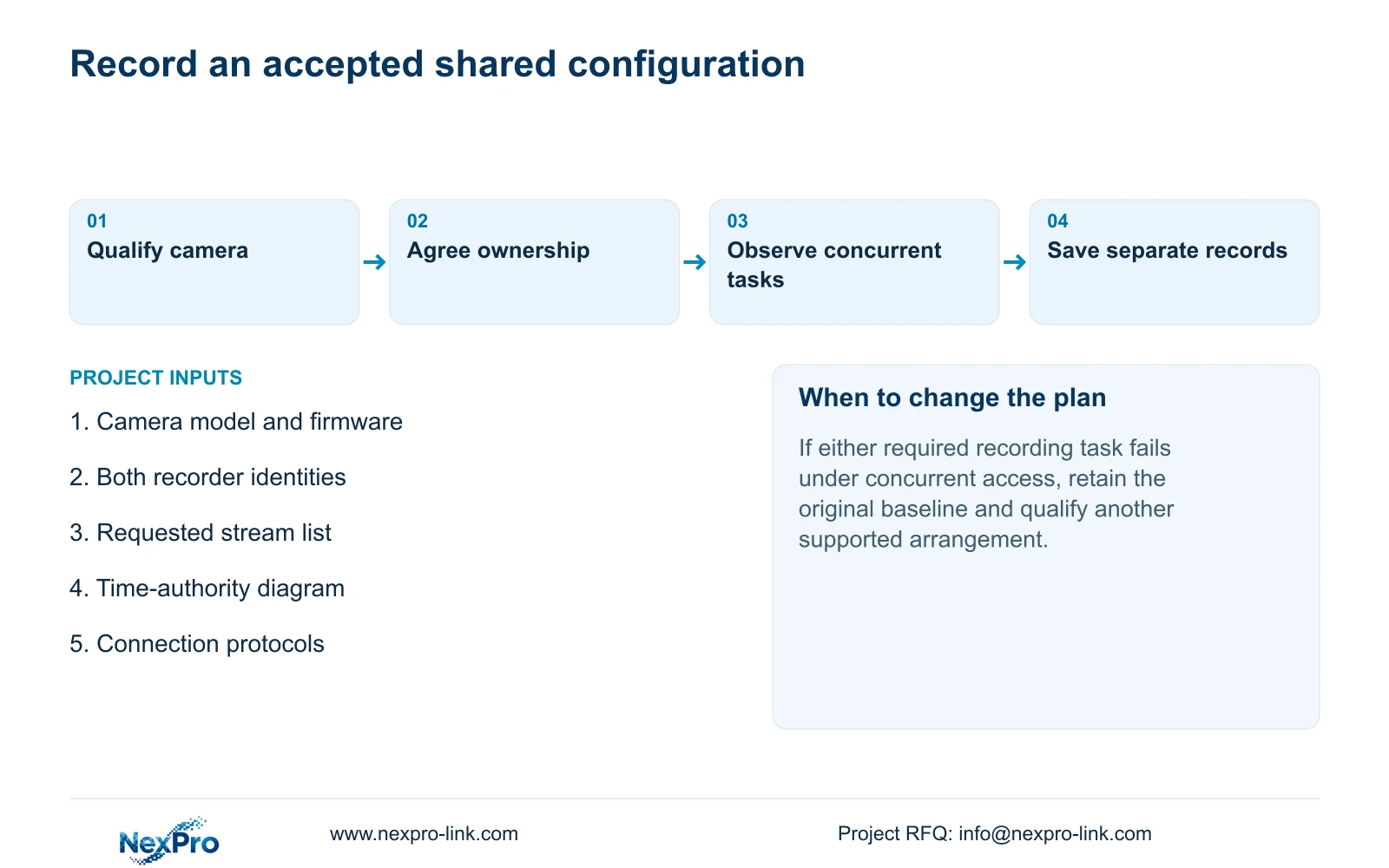
Record the common camera profile, both connection methods and the tasks accepted during the review. Keep each recorder's configuration export labelled separately with its model and version. Sections 4.12.18 and 4.11.4 distinguish configuration export, log export and video backup.
A settings export does not preserve incident footage, and the source does not guarantee cross-model cloning. Keep any required video copies in their own verified backup workflow. If configuration import or restoration is proposed later, obtain authority and preserve relevant data before proceeding.
Acceptance should include newly recorded samples from both required destinations, the agreed event-time comparison and the behavior after reconnection. If either task remains unsupported, leave the existing recorder baseline in place while the supplier confirms an alternative.
Section 07
Does a second recorder automatically provide failover?
No. This task concerns supported shared access and configuration ownership. Any recovery requirement needs its own documented mechanism and acceptance conditions.
Section 08
Submit the shared-camera connection request
Send the camera and recorder models with the requested streams and proposed configuration owner to info@nexpro-link.com.
Engineering references
These sources support the general planning principles. Always use the selected product's current datasheet and applicable project standards for final design.