Preserve channel identity and outage timing together. Shared disconnects can guide a common-path test without proving that several cameras need replacement.
Section 01
Compare outage timing before selecting replacements
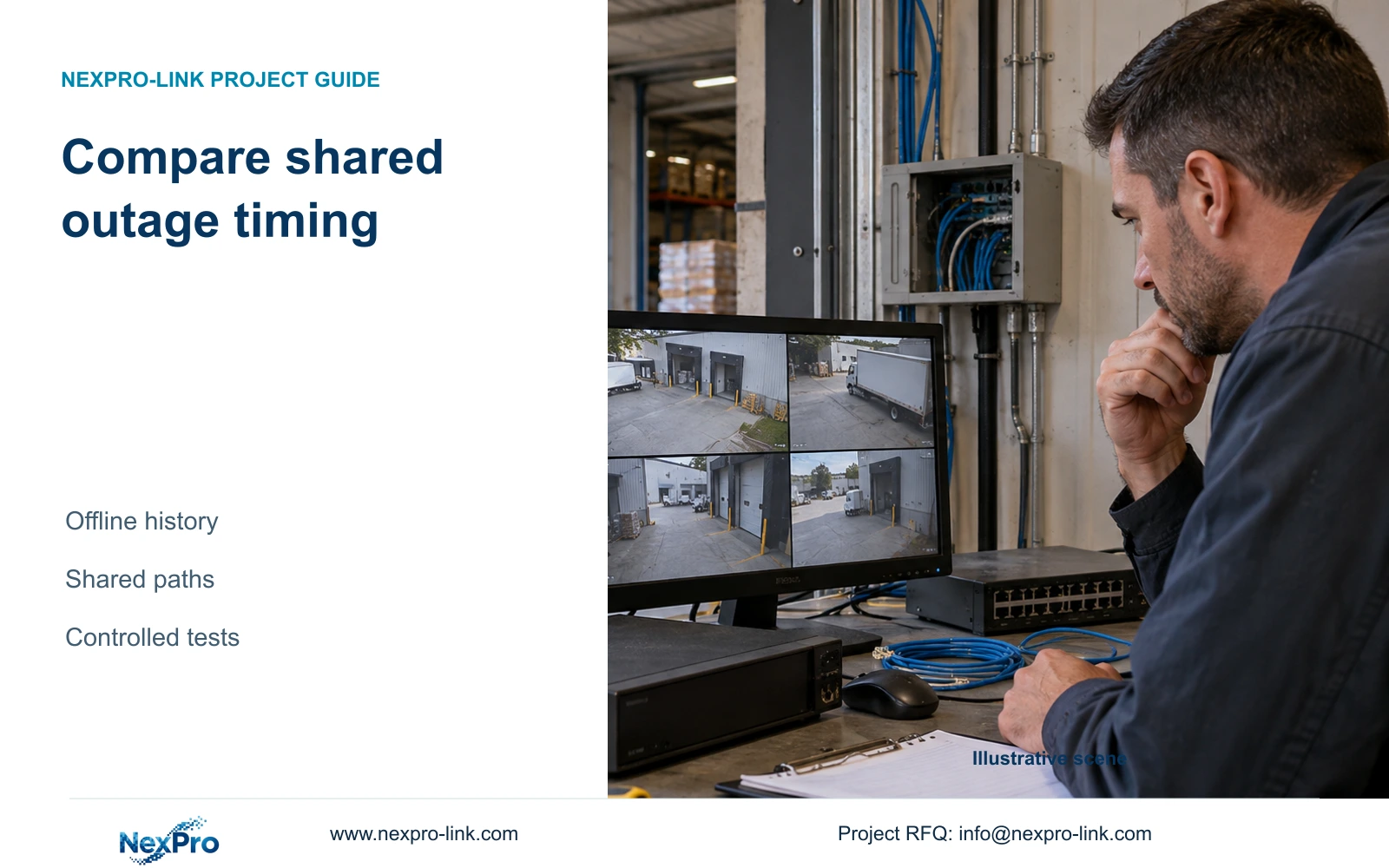
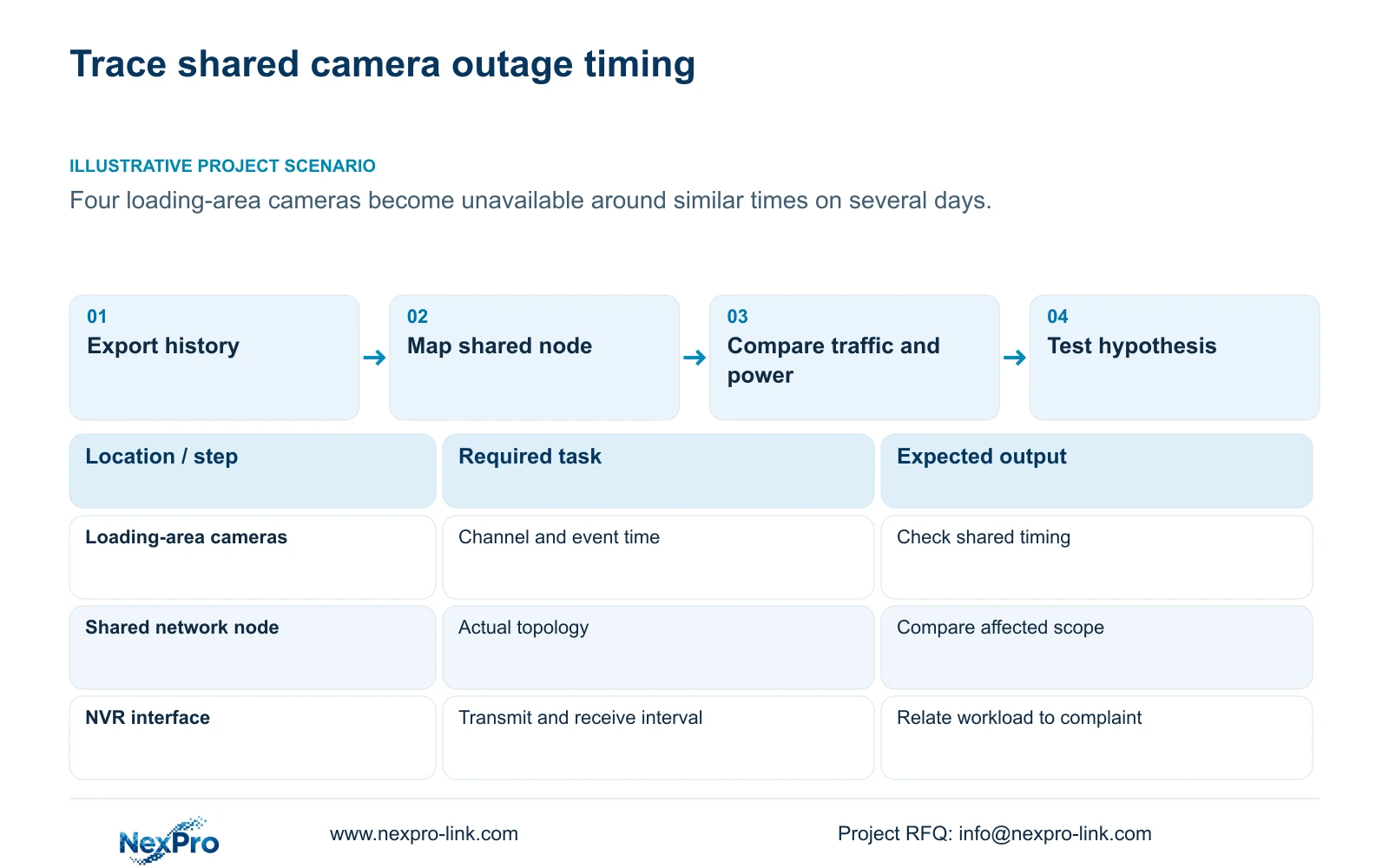
When several cameras disappear around similar times, export the recorder's available offline history and compare channels within the same observation window before replacing hardware. The supplied NVR4.0 manual describes past-week offline details and connection-statistics export. Use those records to identify whether interruptions are isolated or shared, then relate the affected cameras to their network and power paths. Check that the local diagnostic HDD prerequisite is met, preserve the original record, and keep traffic observations tied to the complaint period. Similar timing supports a common-path hypothesis; it does not prove which component failed. Choose a controlled test that can distinguish that hypothesis from alternatives.
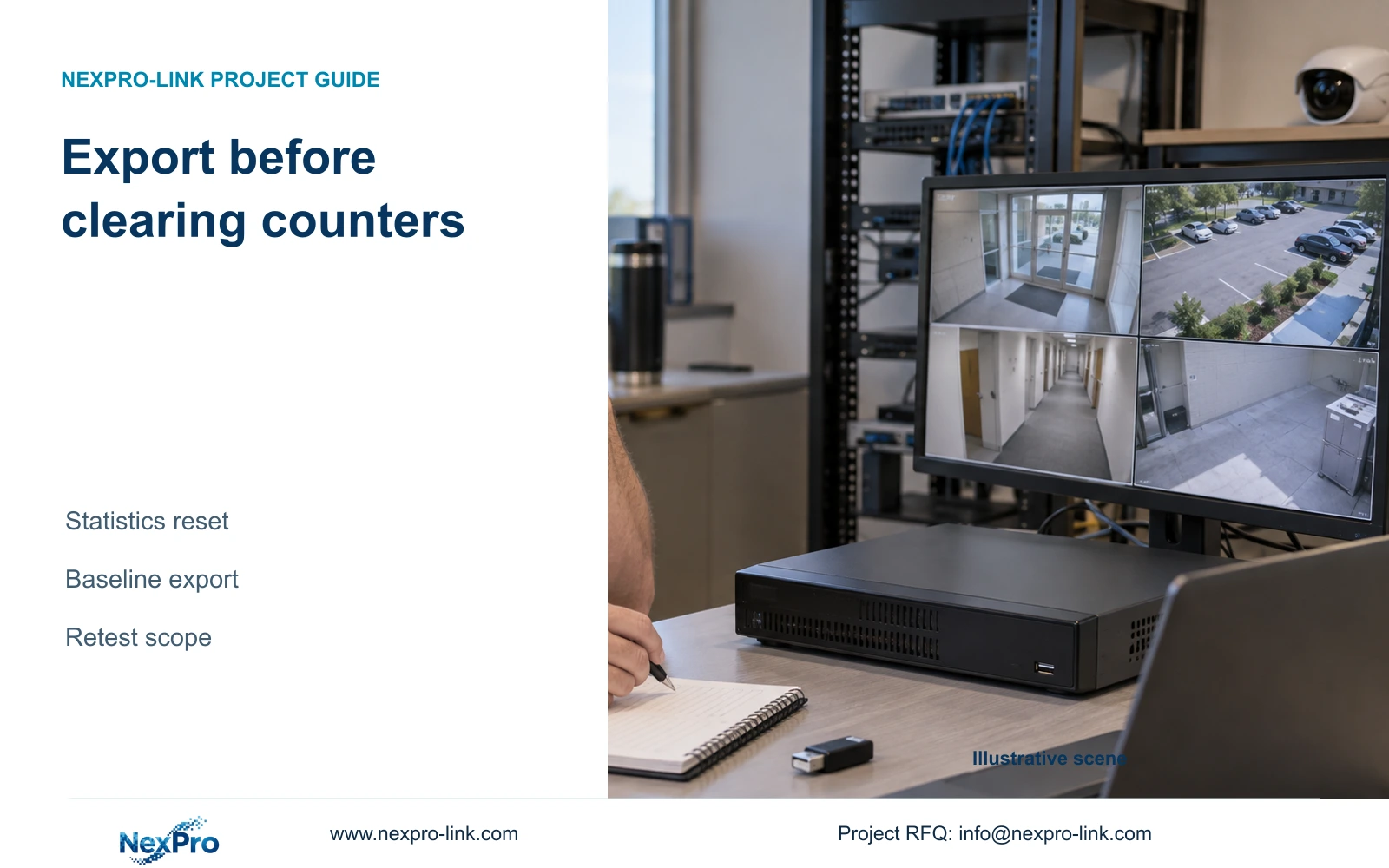
Begin with the full available window, including periods when the cameras remained available. A record containing only complaint times can hide differences between recurring and isolated events. Save the export before resetting statistics, and note its covered period so a later review does not mistake a partial record for a complete week.
The operating source is NVR4.0 user manual CH_V2.4.doc, with V2.2 in its body. Section 4.3.3.1 supplies the history workflow. Channel mapping and controlled comparison below are engineering recommendations, not automatic root-cause analysis performed by the recorder.
Section 02
Confirm that missing records are meaningful
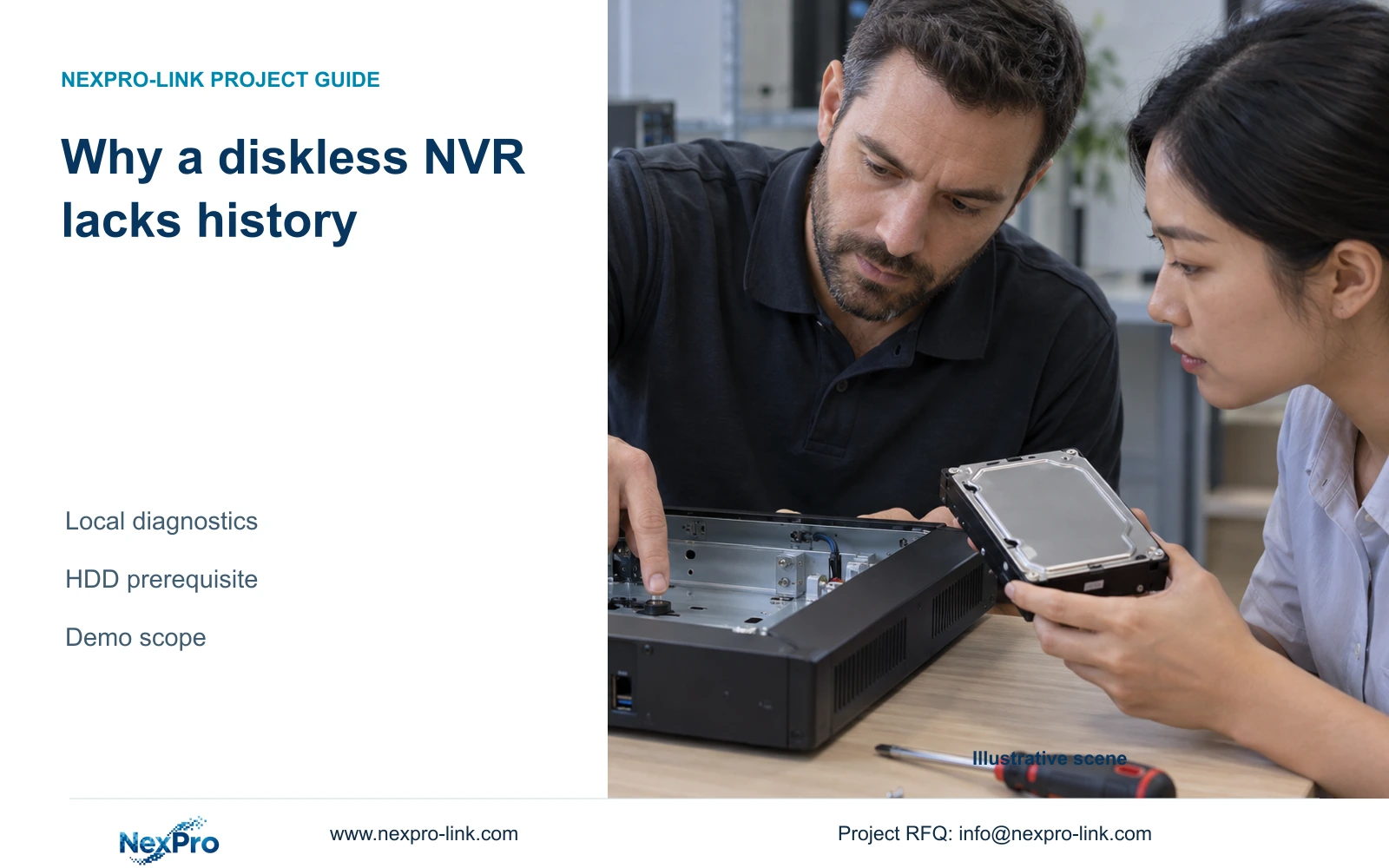
The manual requires an attached HDD to enable local-network diagnostics. Before interpreting an empty history, confirm the recorder's disk recognition and the availability of the feature on the actual firmware. Missing records from an unavailable workflow cannot show that the network was stable.
Also distinguish the current channel state from historical coverage. A camera that is online during inspection may have disconnected earlier. A camera currently offline may have no useful earlier record if the relevant interval was not captured. Write these observations separately.
If the prerequisite is unmet, retain the complaint times reported by the operator and label them as operator observations. Establish the supported diagnostic setup for future collection. Do not turn the absence of recorder history into evidence against the operator's report or assume that enabling the feature will reconstruct earlier events.
Section 03
Map affected channels to a shared node
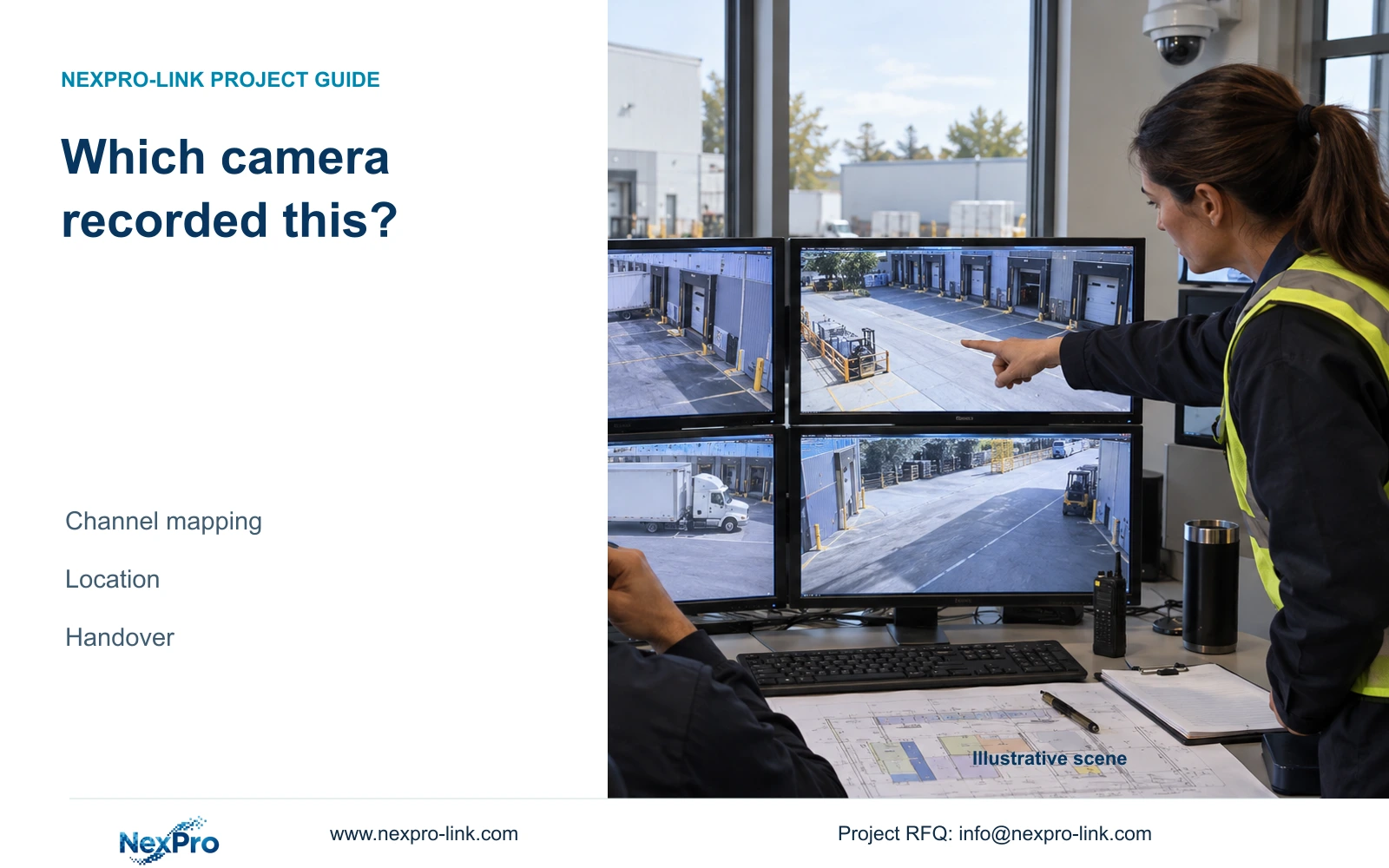
For each affected channel, keep the drawing location, physical camera identity, IP address, recorder channel and OSD name in separate fields. Sections 4.3.1, 4.4.4 and 4.12.6 provide channel and display controls, but the project team must maintain the actual identity map.
Add the associated access switch or other documented shared network node to that map. Cameras in the same loading area may share infrastructure, but physical proximity alone does not prove a common path. Check the site topology before grouping the events.
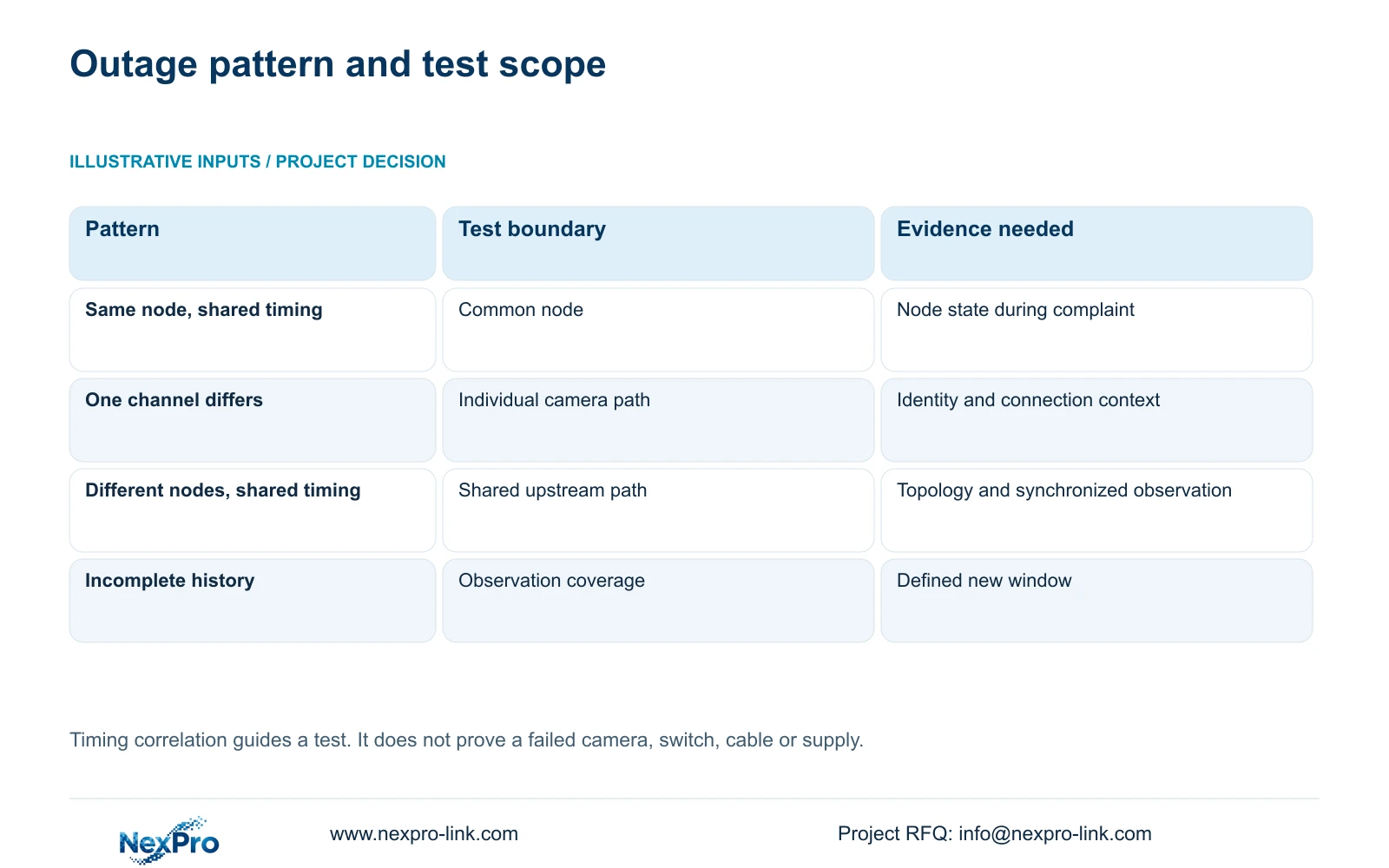
Compare affected channels with an unaffected channel on the same node and, where available, an unaffected channel elsewhere. If every channel on a node shares the timing, investigate that common boundary. If only one channel repeatedly differs, narrow the next test to its individual path. Update the map after replacements or channel reordering so familiar display positions do not misidentify the equipment.
| Observed pattern | Working interpretation | Next test |
|---|---|---|
| Affected channels share a documented node | A common path deserves investigation. | Compare that node's state during the next matching interval. |
| Only one channel differs repeatedly | The individual path deserves investigation. | Check that camera's identity, connection and supply context. |
| Channels on different nodes share timing | The common boundary may be farther upstream. | Map the shared uplink or recorder-side path before changing equipment. |
| History coverage is incomplete | The pattern remains provisional. | Collect a defined window and preserve operator observations. |
Section 04
Record traffic during the same operating interval
Section 4.3.3.3 presents interface transmit and receive information. Record both directions during the suspected interval and note which activities are running. Camera recording input, remote live viewing, playback and downloads create different paths, so outgoing traffic need not equal incoming traffic.
A screenshot taken after the complaint may show ordinary conditions and explain little about the interruption. Compare observations from the affected operating period with a clearly identified unaffected period. Keep the interface and viewing workload consistent enough to make the comparison useful.
If traffic and outages coincide, retain that association as a test input. It does not by itself establish congestion or a failed switch. A planned sum of stream bitrates describes video payload, while interface observations can include overhead and other activity. Avoid treating a difference between them as proof of faulty hardware.
Section 05
Compare supply conditions around recurring outages
Review whether the reported times coincide with changes in site operation or power conditions. For a recurring evening symptom, ask what changes at that time and which components share the affected supply. Record the answer without assigning a cause before testing.
For the recorder itself, section 3.1 and section 5.3, questions 3 and 4, support checking the specified supply and load arrangement. Confirm voltage, current capability and polarity from the equipment and adapter labels. The manual recommends the supplied adapter and operation within the equipment's power range.
If instability followed additional disks or peripherals, include that changed load in the investigation. Trace camera and switch supplies separately from the NVR adapter; the recorder's supply guidance does not establish the condition of another device. Any test requiring the running recorder to stop needs authority, preservation of relevant data and an agreed interruption window.
Section 06
Turn the pattern into a falsifiable hypothesis
Illustrative project scenario: Four cameras in one loading area become unavailable around similar times on several days. Export the available history, confirm their identities and determine whether they share a switch or supply boundary. Compare traffic and site changes during those intervals. The scenario supports investigation of a shared dependency, without declaring that dependency defective.
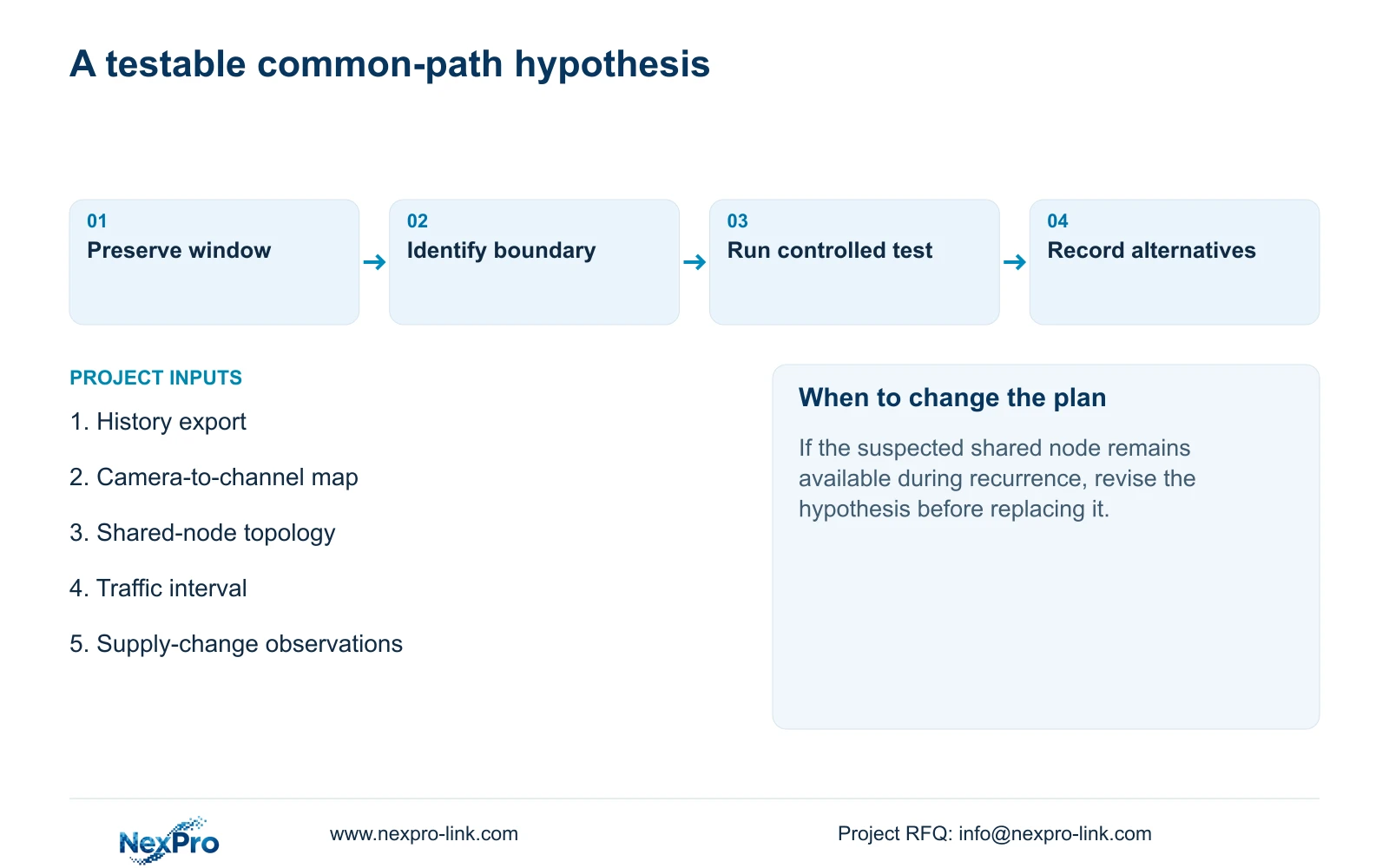
Write a hypothesis that names the suspected boundary and the expected observation. For example, investigate whether the shared node becomes unavailable during the reported interval, while documenting what happens to channels outside that boundary. Choose one authorized test and preserve its conditions.
If the suspected node remains available while the complaint recurs, revise the hypothesis. If the expected pattern appears, record the evidence and the next confirming check. Completion means a documented test result with unresolved alternatives stated, not a replacement recommendation based solely on correlated timestamps.
Cisco's general troubleshooting model supports separating symptoms from possible causes, gathering facts and testing a limited change. That reference supports the investigation method, not this recorder's history feature or a diagnosis of the shared node. The HDD and history controls remain scoped to the supplied NVR manual.
Section 08
Should the buyer order replacement cameras immediately?
The history alone does not justify that decision. First establish whether the recurring symptom follows an individual camera path or a shared dependency.
Section 09
Provide the shared-outage record
Send NexPro-Link a redacted channel-and-time export with the affected channels' shared-node mapping at info@nexpro-link.com for discussion of the next test.
Engineering references
These sources support the general planning principles. Always use the selected product's current datasheet and applicable project standards for final design.