

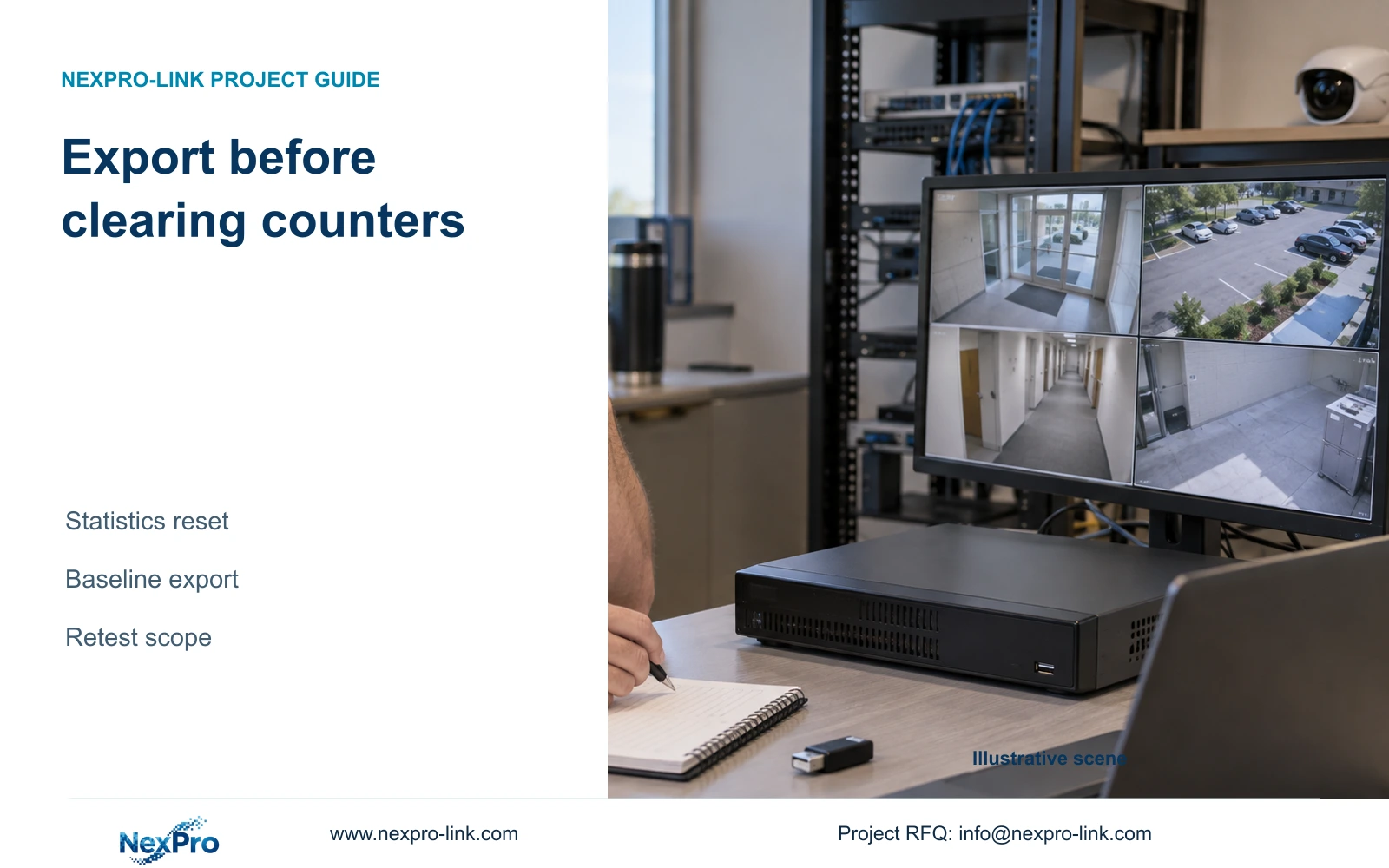
Resetting counters removes a diagnostic baseline without proving a repair. Preserve history and logs, then compare the same channels under defined conditions.
Section 01
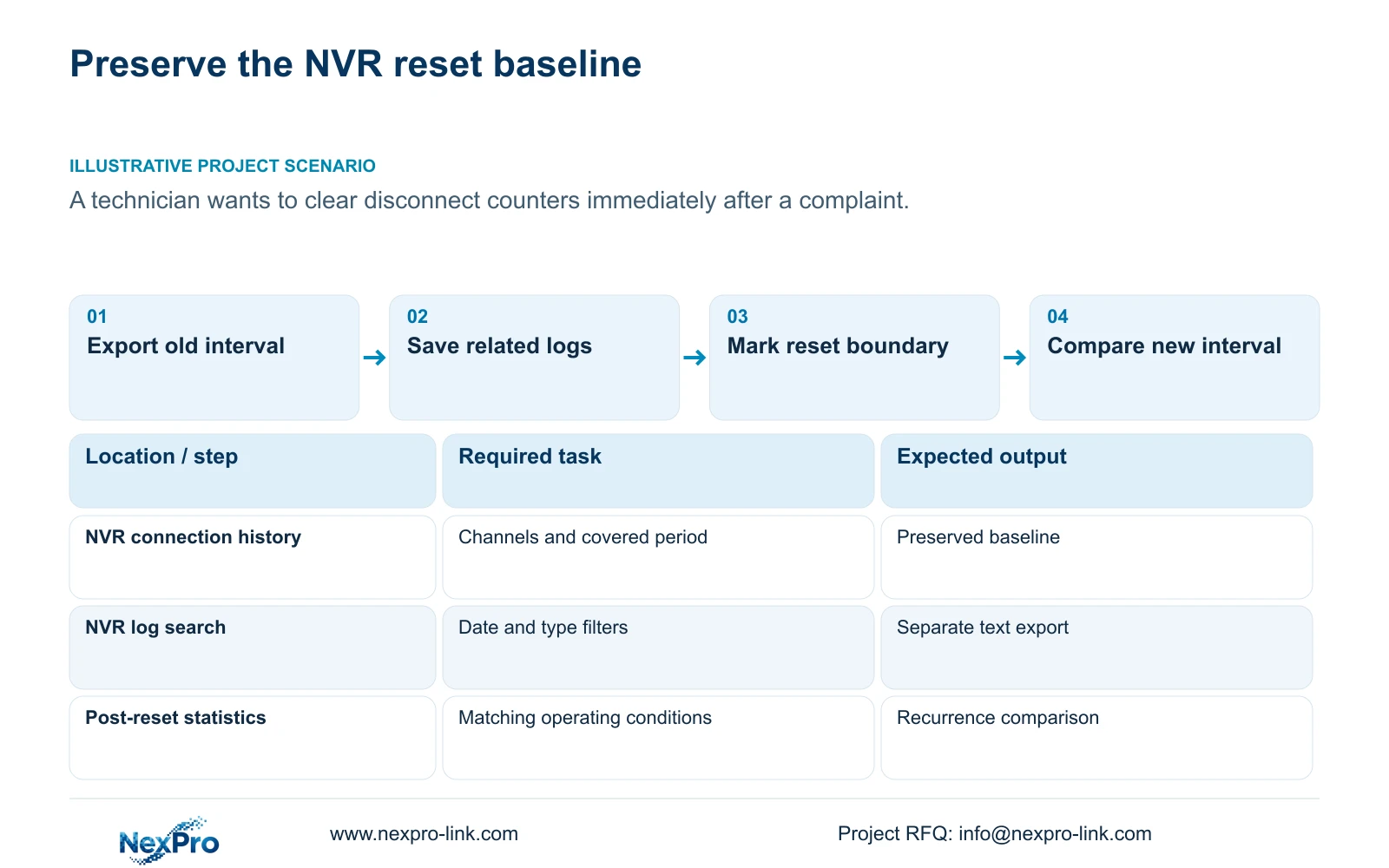
Preserve the complaint interval before clearing counters
Export the available connection history before resetting NVR network statistics, and record the channels and period it covers. A cleared counter establishes a new starting point; it does not show that a disconnect problem has been repaired. Preserve relevant logs alongside the history, document any single configuration change separately, and define the next observation interval before clearing the display. Compare the same channels under comparable operating conditions after that boundary. The supplied NVR4.0 manual provides the export and reset functions, while the before-and-after test design is an engineering method for using them without losing the evidence needed to investigate a complaint.
Start with the operator's reported time and affected channels. Export the available past-week offline details described in section 4.3.3.1, including useful periods outside the complaint. Record any gap between the requested interval and the history actually available. That gap limits the comparison and should remain visible in the support record.
This guide follows NVR4.0 user manual CH_V2.4.doc, whose body identifies V2.2. Use its section headings to locate the functions. The workflow applies to the corresponding recorder and firmware, not automatically to a Seetong PC menu or every commercial recorder.
Section 02
Distinguish stored statistics from current connectivity
A disconnect counter summarizes an observation history. The current channel state describes what the recorder sees now. A camera can be connected while its counter still contains earlier events, and clearing those earlier events does not establish a change to the camera's connection.
Before relying on the statistics workflow, confirm its enabling condition. Section 4.3.3.1 requires an attached HDD for local-network diagnostics. If that prerequisite is absent or the applicable function is unavailable, an empty display cannot establish an outage-free interval.
Record current status before the reset and inspect it afterward. If the camera remains unavailable, continue the connectivity investigation; repeatedly clearing statistics will not provide the missing test. If it is available, retain that present observation alongside the historical complaint. Neither state alone resolves whether the symptom will recur under the conditions that originally produced it.
Section 03
Export logs with the correct search conditions
Section 4.12.17 describes log search, detail viewing and text export. The default search concerns the current day and includes type filters. A complaint from an earlier day may therefore be absent from the initial result even when relevant records are available.
Set the date and type conditions to match the investigation. The manual also describes querying all available logs when the date condition is not selected. Inspect relevant details before exporting, and record the search conditions with the file so another engineer can understand what was included.
Keep the log export and connection-statistics export separately named. They answer related questions but are different records. If the log search yields nothing, document its filters and available scope before concluding that no event was recorded. Text export does not establish unlimited retention, tamper-proof auditing or legal certification, so describe it as troubleshooting evidence.
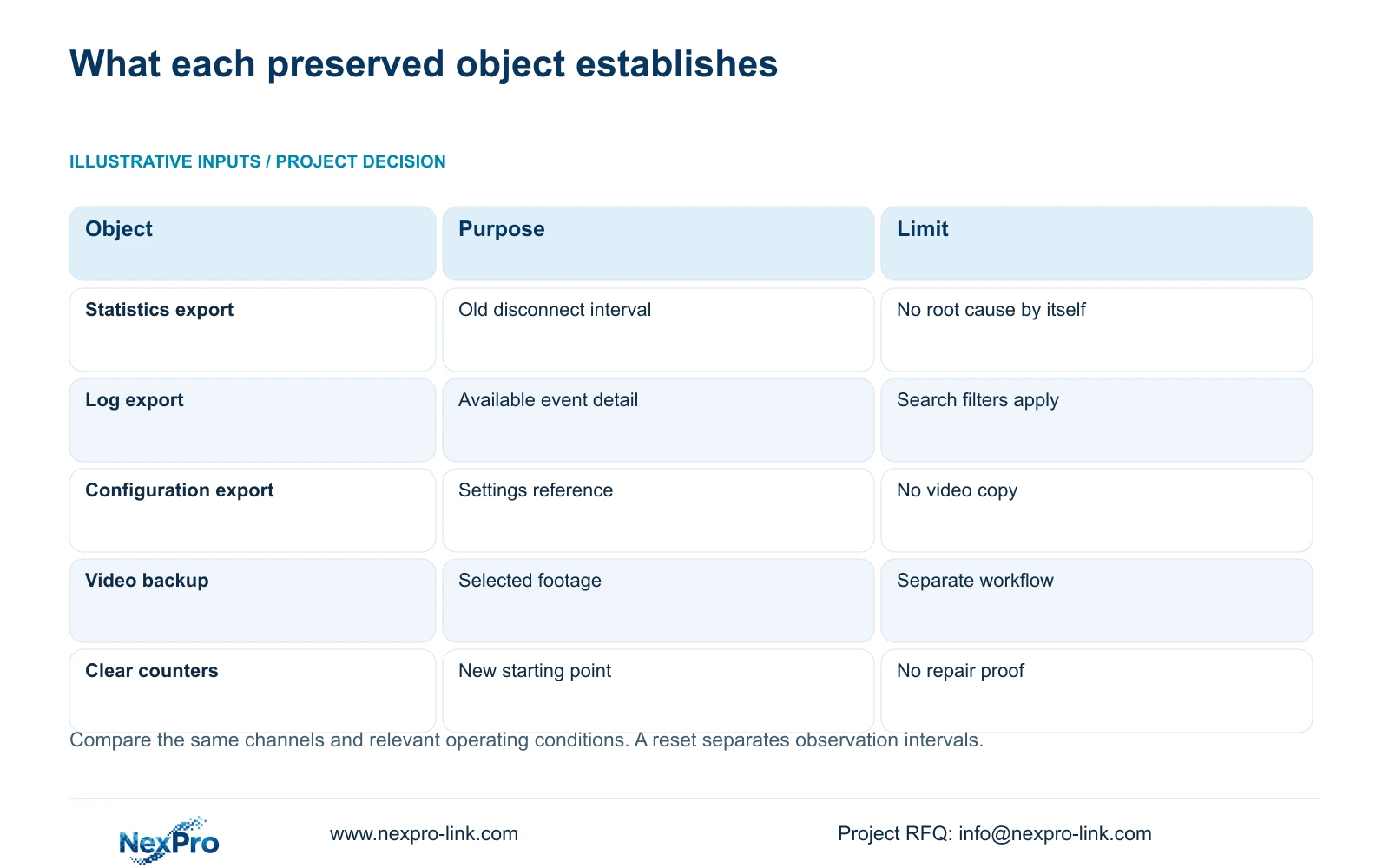
| Object | What it supports | What to record |
|---|---|---|
| Connection statistics | Comparison of channel disconnect observations. | Covered period, channels and reset boundary. |
| System logs | Review of available events and details. | Date and type filters, exported record. |
| Configuration export | A reference for recorder settings. | Recorder model, firmware and change description. |
| Video backup | Preservation of selected recorded footage. | Channel and selected recording interval. |
| Post-reset counters | Observations collected after the new boundary. | Elapsed interval and operating conditions. |
Section 04
Record a configuration change independently of reset
If the investigation calls for a settings change, write the old value, approved new value and reason before applying it. Treat the statistics reset as a separate event in the record. Otherwise, an apparent improvement may be attributed to a change that was never isolated.
Sections 4.12.18 and 4.11.4 distinguish configuration export from video backup. Save a configuration reference when relevant, but do not treat that file as a disk image or a copy of incident footage. Preserve required video through its own backup workflow and keep logs in their own file.
Confirm that the configuration backup is identifiable and corresponds to the recorder version. The manual does not establish universal cross-model imports. If a proposed change includes an upgrade or restoration, obtain authority, preserve the relevant records and required footage, and agree interruption conditions before proceeding. Resetting diagnostic statistics does not justify those broader actions.
Section 05
Define a comparable observation period
Choose the new interval around the complaint's operating conditions. If the symptom occurred during a particular shift or workload, a quiet inspection period does not provide an equivalent comparison. Record the intended start, end and activities without inventing a universal monitoring duration.
Keep channel identity consistent and note changes in viewing, playback or export activity. If the new period is shorter or the workload differs, qualify the comparison. An immediate zero after reset is expected from the cleared baseline and contains no evidence about later stability.
After a configuration or firmware change, validate the operating task as well as statistics. Check live view and time, newly produced footage, relevant older samples, export, intended accounts and required events. Record any failed task. An online indicator or version label cannot replace those checks, and the manual does not establish an automatic rollback facility for every unit.
Section 06
Report recurrence or non-recurrence within the tested scope
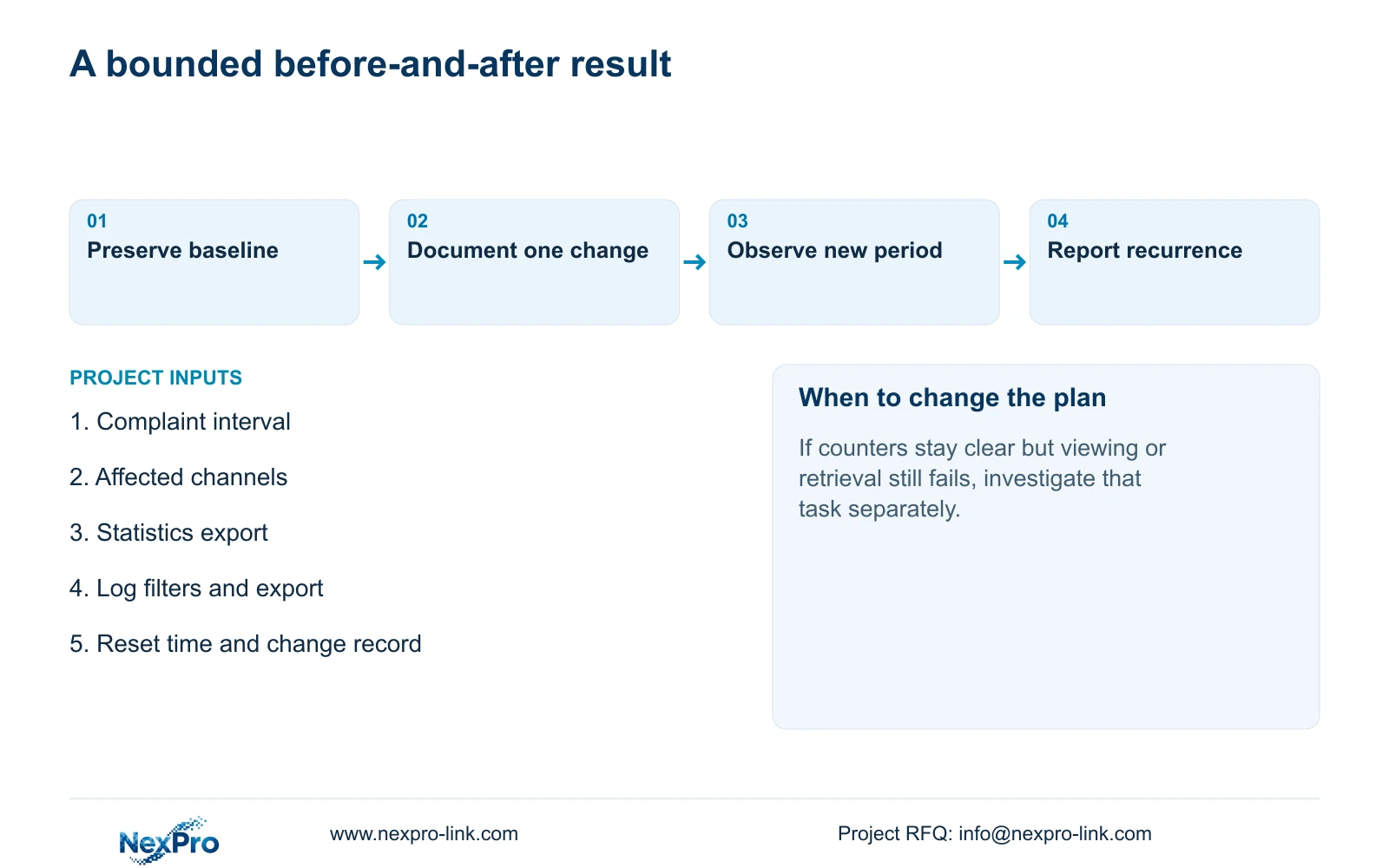
Illustrative project scenario: A technician wants to clear historic disconnect counters immediately after receiving a support complaint. The useful sequence is to preserve the complaint interval and related logs, document any approved change, then reset for a defined new observation period. The old files remain the baseline for comparison.
If a disconnect recurs, save the new record and compare its channel and timing with the original complaint. If no disconnect appears, state that it was not observed during the specified interval and conditions. Do not convert that bounded result into a claim that the system is permanently repaired.
If counters remain clear but the operator still cannot complete viewing or retrieval, investigate that failed task separately. The final report should distinguish the statistics result, the operating result and the remaining hypothesis. This also keeps a support discussion focused on the unresolved behavior instead of the appearance of the dashboard.
Section 07
Does zero after reset mean the fault is gone?
No. It marks the cleared starting point. Evidence comes from the subsequent observation interval and the relevant operating checks.
Section 08
Can a settings export preserve incident video?
No. Configuration export and video backup are separate workflows. Preserve the required recordings through the recorder's video backup operation.
Section 09
Provide the before-and-after observation boundary
Send NexPro-Link the redacted baseline export, reset time and proposed comparison interval at info@nexpro-link.com to discuss an unresolved statistics result.
Engineering references
These sources support the general planning principles. Always use the selected product's current datasheet and applicable project standards for final design.


