

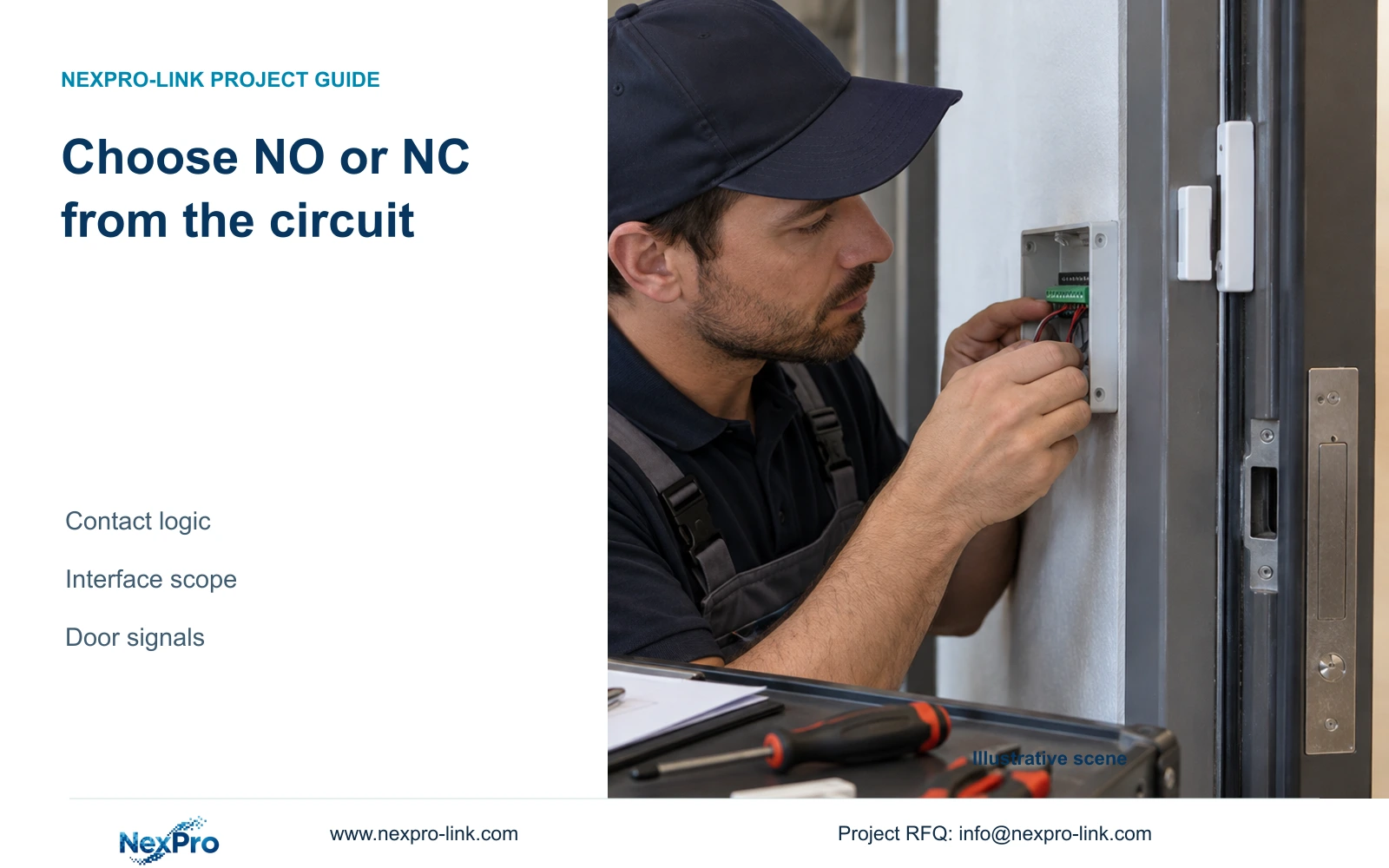
Choose NO or NC from the actual contact circuit and approved installation plan. Verify electrical suitability separately, then test normal and triggered behavior.
Section 01
Write the normal and alarm states before selecting logic
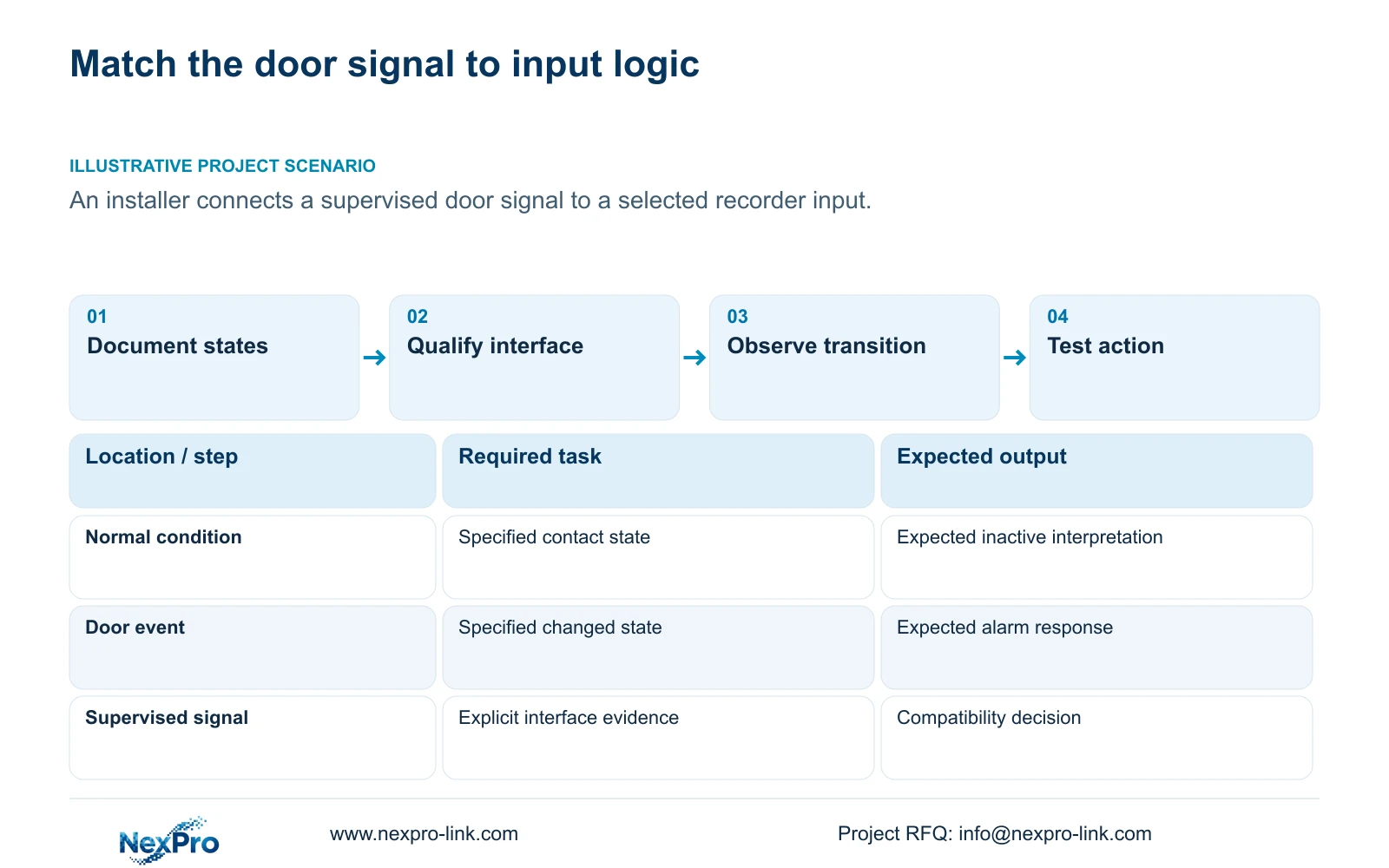
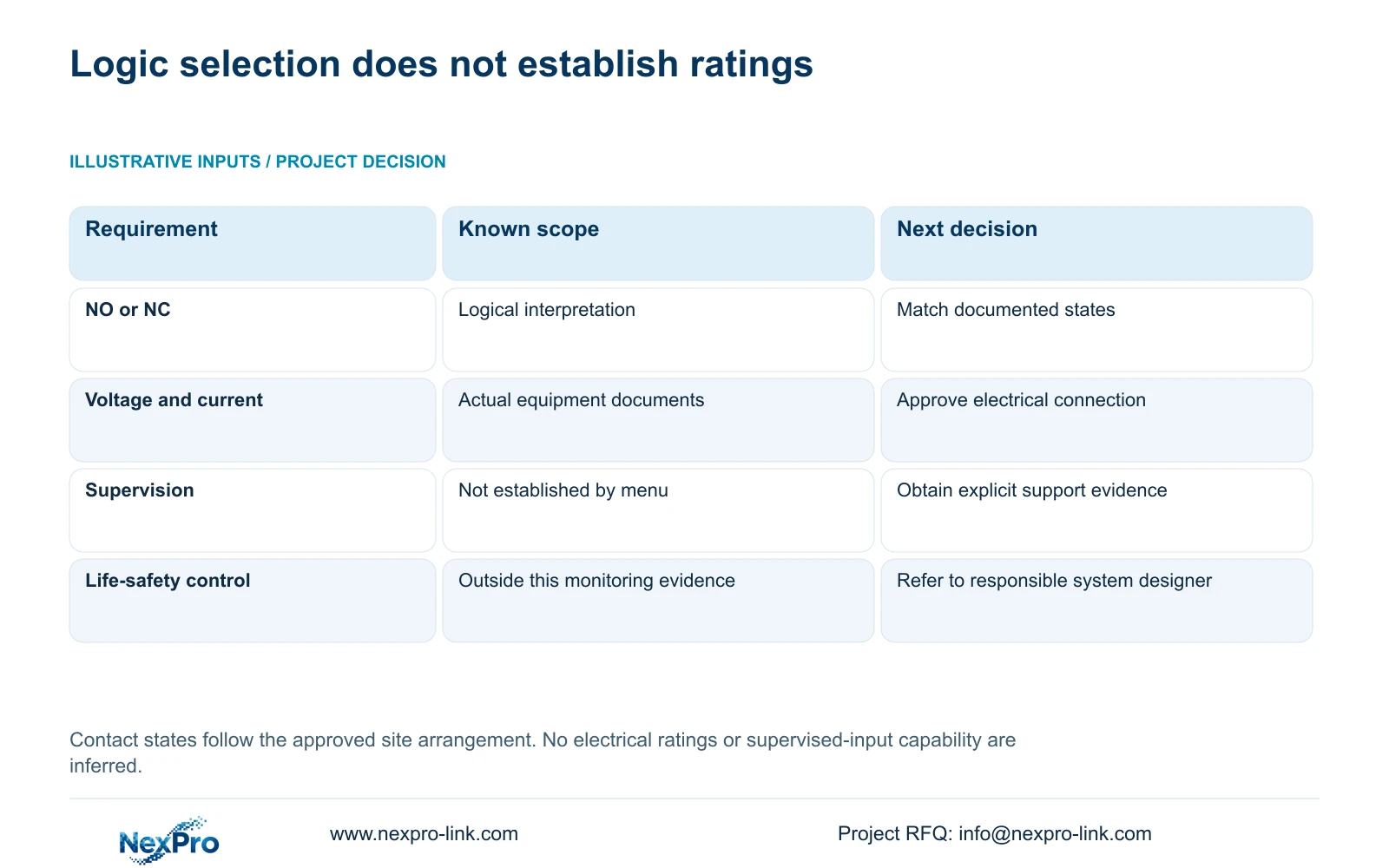
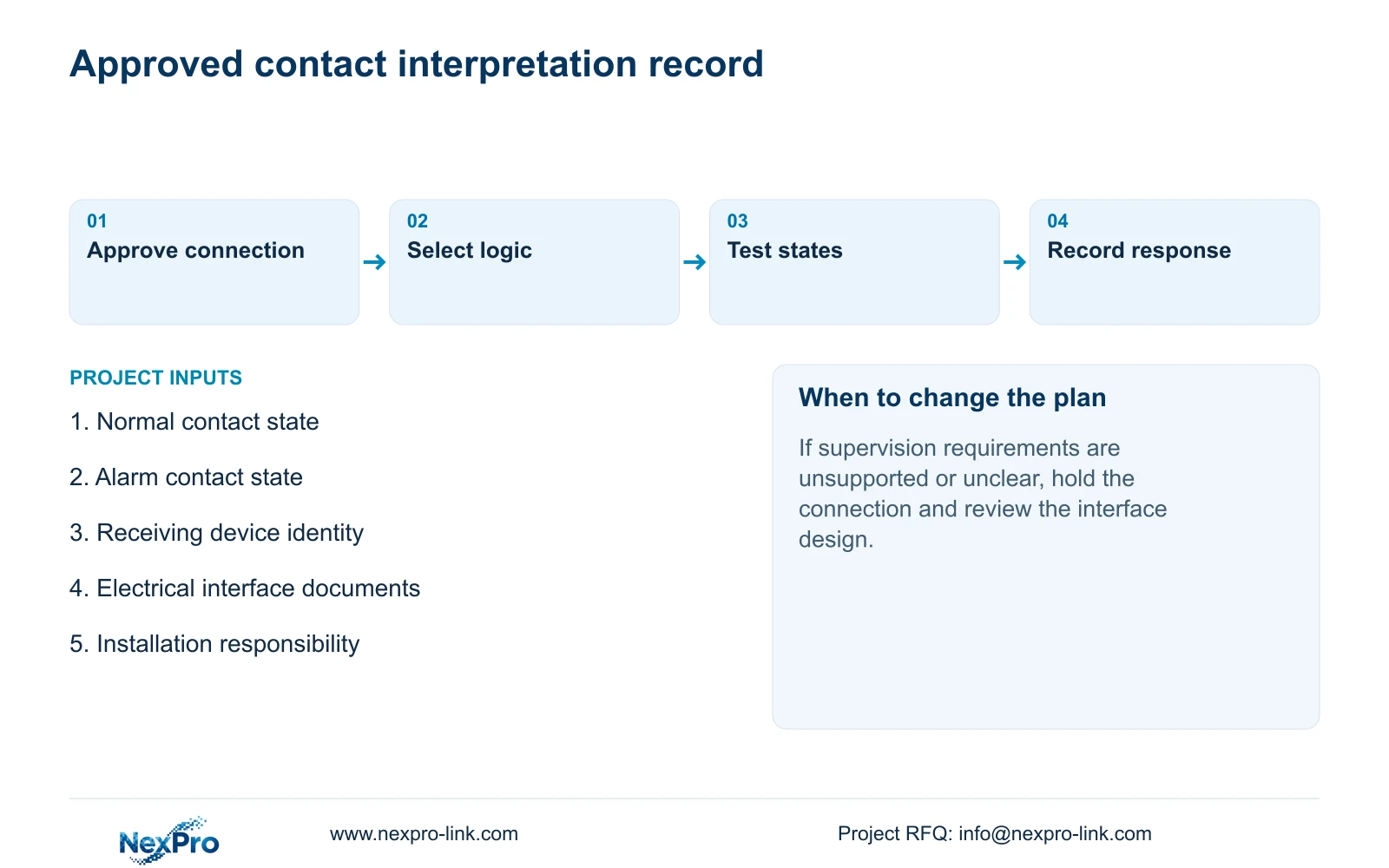
Choose NO or NC by matching the selected recorder input to the documented contact circuit and approved wiring arrangement. The menu describes input logic; it does not establish voltage ratings, current limits or supervised-circuit compatibility. Record the normal contact state and the state produced by the intended door event, confirm which device receives that signal, and test the resulting alarm interpretation under safe conditions. For a supervised door signal, obtain explicit interface evidence before connecting it. A recorder displaying NO and NC choices does not prove that it can distinguish the supervisory conditions required by the door system.
Begin with the input device documentation and the site design. Describe what happens electrically in the normal condition and during the intended alarm. Keep the physical door position separate from the contact state, since the approved arrangement determines how one corresponds to the other.
The private source is NVR4.0 user manual CH_V2.4.doc, with V2.2 in its body. Section 4.12.13 describes contact selection. The procedure below uses that logical distinction without inventing electrical ratings or a supervised-input feature.
Section 02
Confirm the receiving device and exact input
Trace the signal to its installed termination. Local recorder I/O enters an applicable physical NVR input, while IPC I/O originates at a supporting camera. Sections 4.12.13 and 4.12.14 treat those paths separately.
Record the input identifier together with its owning device. A camera channel number or alarm output number cannot substitute for that identifier. If the signal terminates at a camera, changing the recorder's local contact selection does not establish that the camera input has changed.
Compare the intended configuration with the actual model and firmware. If the installed interface differs from the approved design, pause the connection decision and obtain the applicable documentation. Preserve the known wiring information so the next review starts from an identified interface.
| Documented condition | Decision | Required check |
|---|---|---|
| Normally-open contact arrangement | Match the NO selection where applicable | Confirm normal and triggered interpretation |
| Normally-closed contact arrangement | Match the NC selection where applicable | Confirm normal and triggered interpretation |
| Supervised door signal | Do not assume direct compatibility | Obtain explicit interface requirements |
| Electrical ratings unknown | Hold connection approval | Qualified installer reviews actual specifications |
Section 03
Obtain ratings and assign installation responsibility
Use System Information, described in section 4.12.19, to record the product model, hardware version, software version and release information. These details help select the correct documentation. They do not supply terminal ratings or explain a fault by themselves.
Obtain electrical requirements from the actual input device and receiving equipment documents. The installation record should identify who approves the connection and who performs the work. Qualified site personnel must resolve terminal, power and load compatibility before the logical test begins.
For the supervised door arrangement, ask the system designer to specify the signal presented to the NVR and the conditions the recorder must recognise. If the requirement includes distinctions unsupported by the recorder documentation, keep those functions with the appropriate system and review the monitoring interface.
Keep serial information in a controlled service record. Redact cloud identifiers, QR codes and identifiable site information from screenshots used outside that process.
Section 04
Observe the transition with arming conditions controlled
Once the connection is approved, observe the normal state before producing the intended event through an approved test method. Record whether the recorder interprets each condition as expected. Do not use unknown voltage injection or an improvised connection as a shortcut.
Keep alarm enablement and arming conditions consistent during the comparison. Recording plans and alarm arming periods are separate settings under sections 4.11.1 and 4.12.11. An event outside its armed period cannot provide the same linkage comparison as an event inside it.
If the input is already interpreted as active before the test, compare the documented normal state with the selected logic. If nothing changes when the contact operates, check the physical path and receiving interface. If the input behaves correctly but the chosen action does not occur, move to linkage checks.
Section 05
Check the response required by the door task
Define the operator's required response before enabling additional actions. Section 4.12.11 lists popup, flashing border, buzzer, email, snapshot, screenshot sending, preset call, recording and app push separately. Availability must be confirmed for the selected event and equipment.
Observe each required output at its destination. A popup confirms the visible action, while footage requires retrieval from the recording timeline. A notification requires checking the intended recipient path. Successful wiring alone does not complete this operational test.
Keep the contact-state result and the action result in separate columns of the test record. This allows an input that works correctly to remain unchanged while the failed recording or notification branch is investigated. Action duration also remains separate from the period for which footage is retained.
Section 06
Report the observed result without expanding the control role
Describe an unexpected result precisely: the normal condition appeared active, the transition was absent, or the transition occurred without the selected response. Each observation supports a different next check. Avoid calling the recorder faulty from a single unexplained indication.
Sections 4.3.3 and 5.3 support symptom-based investigation. Retain the applicable manual branch and the smallest next test with the observation. Stop when interface suitability remains unresolved or the next action exceeds the approved installation scope.
Do not assign life-safety or powered-lock control duties to an ordinary NVR alarm output from this menu evidence. Those duties require a separately established system design and equipment suitability. A successful monitoring test does not establish those capabilities.
Illustrative project scenario: An installer is integrating a supervised door signal with a selected recorder input. The first decision is whether the documented signal suits that input. Only after this is confirmed should the installer match contact logic and demonstrate the approved monitoring response.
Section 07
Does NC selection prove cable supervision?
No. The supplied manual describes a contact logic selection. It does not establish the supervised-circuit behavior required by this door scenario. Obtain the exact interface specification before accepting that function.
Section 08
Submit the contact-state requirement
Send NexPro-Link the documented normal and alarm contact states, supervised-signal requirements and receiving input model at info@nexpro-link.com for an interface-scope discussion.
Engineering references
These sources support the general planning principles. Always use the selected product's current datasheet and applicable project standards for final design.


