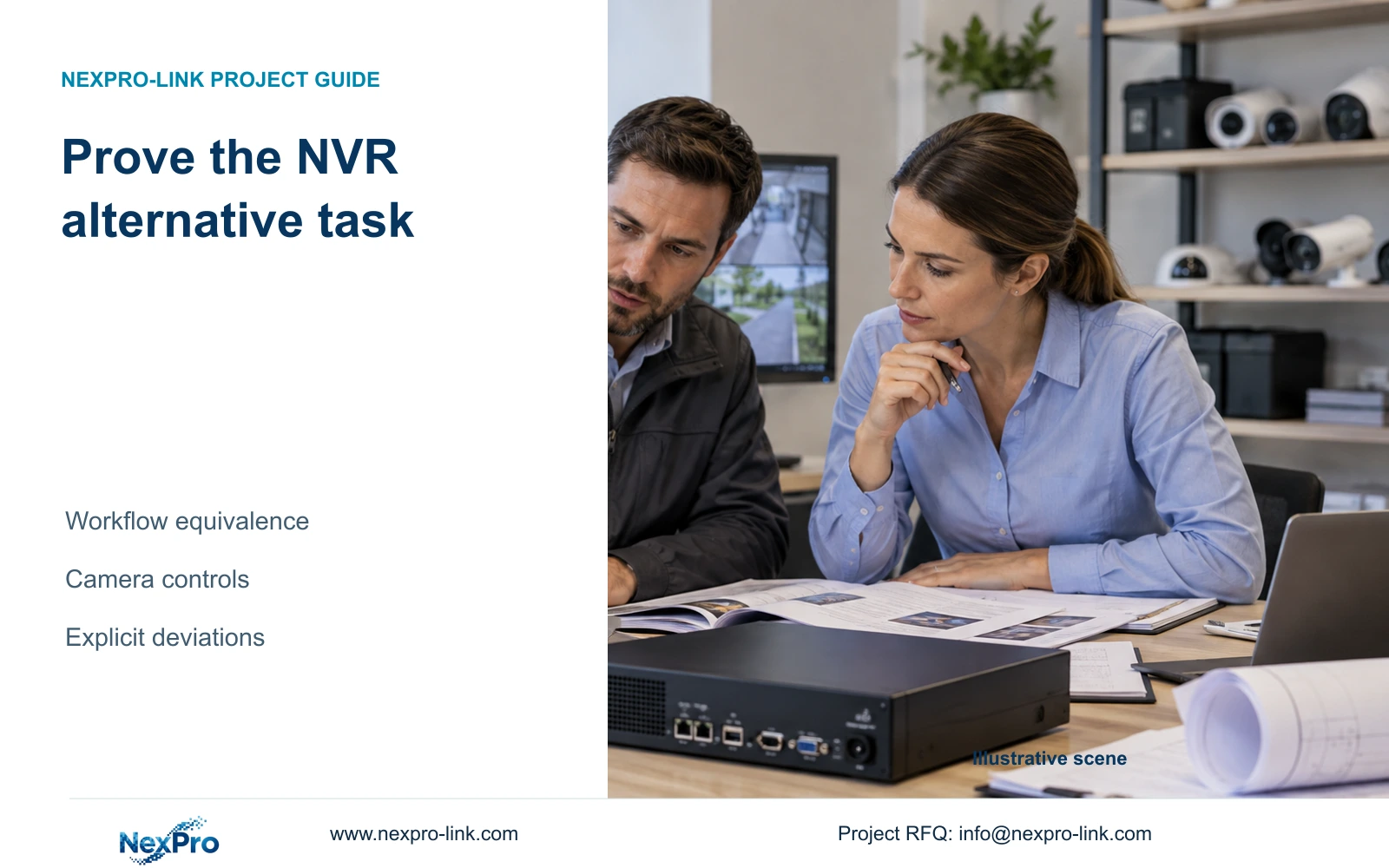
Support an alternative NVR proposal with exact-model evidence and the buyer's required workflows. Keep camera integration, retention, playback and commercial deviations visible for approval.
Section 01
Define the permitted substitution and required outcome
An alternative recorder proposal should preserve the buyer's required recording, retrieval and integration tasks within the procurement conditions that permit substitution. Compare exact models and complete configurations, then identify differences that need clarification, testing or approval. Matching a channel count or a 4K label cannot establish workflow equivalence. Begin with the permitted scope, specify the live-view and simultaneous playback tasks, check required camera controls and compare retention on the same recording basis. Only after those checks should actual quotations be compared. A documented difference gives the buyer a decision; an unsupported compliant statement leaves the operating consequence unresolved.
Read whether the tender permits an alternative recorder, a complete package or only a defined portion of the system. A preferred brand and a mandatory platform impose different conditions. If the permission is ambiguous, obtain clarification from the responsible buyer before preparing a substitution. Keep retained equipment and interfaces visible in the proposed boundary.
Section 02
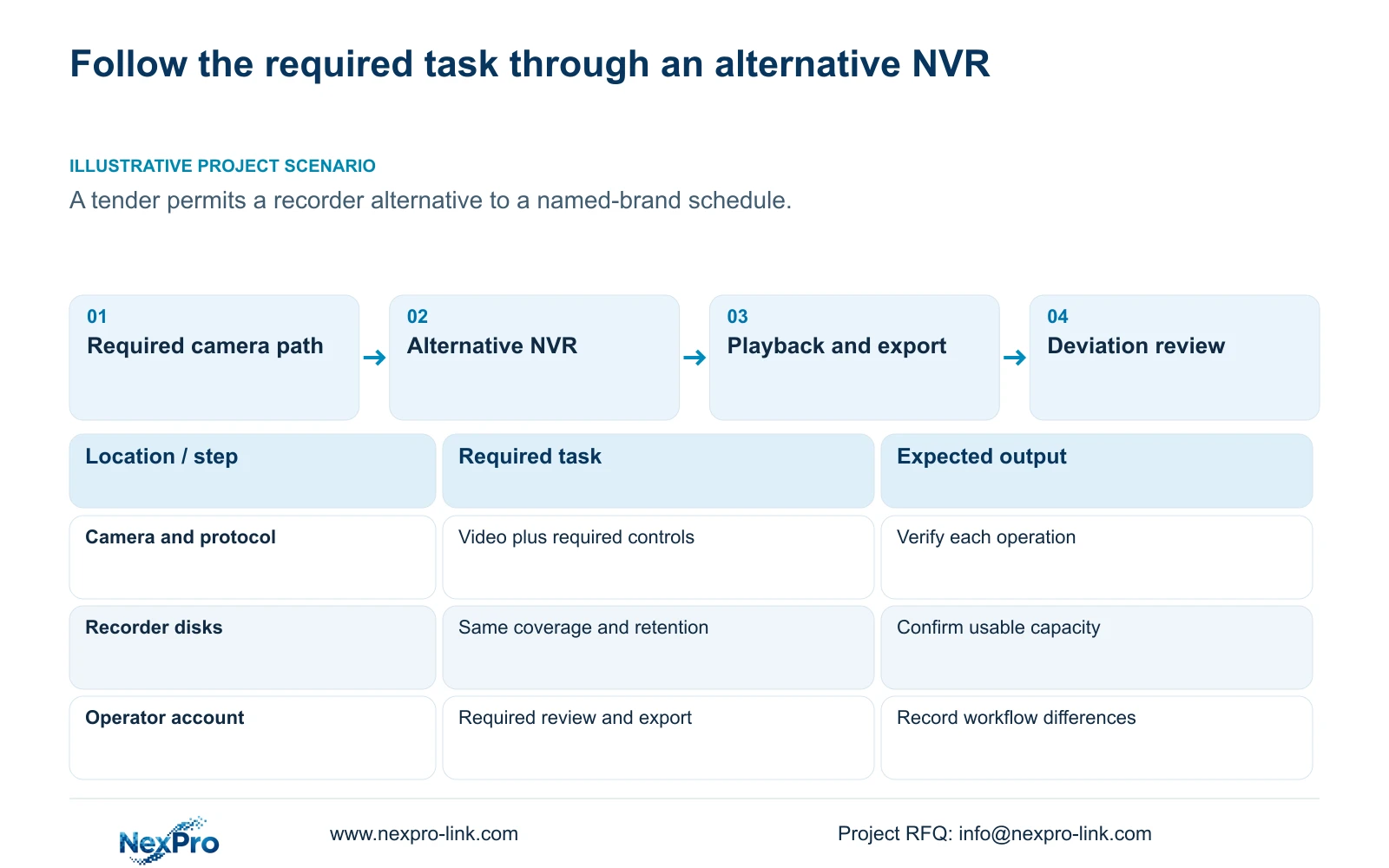
Use the same viewing, playback and export task
Describe the cameras and stream modes that must record, the live-view arrangement and the views that the operator must retrieve together. State the access path and export destination. Local recorder playback, remote client viewing and Seetong PC local recording involve different controls and storage locations, so keep the required task attached to the correct object.
Section 5.2 illustrates why enrollment and playback require separate rows. TS8232C4 has documented local-playback alternatives of 1×4K OR 4×2MP OR 2×5MP. Those combinations cannot be added, and they cannot be transferred to a NexPro-Link SKU. For the actual alternative, request its own limits for incoming bandwidth, preview decoding, playback and monitor output. If an operator task requires a different arrangement, disclose that change and seek acceptance before calling the proposal equivalent.
Section 03
Verify required controls through the proposed camera path
List the camera and platform functions that must remain available through the replacement recorder. Sections 4.4 and 4.10 make camera capability and protocol relevant to operations, with explicit dependencies for PTZ. Receiving video does not establish that a required control is exposed and accepted through the same connection.
Check the camera model, firmware, selected protocol, permissions and operating path. Where a required control is unstated or unavailable, test that operation with a representative proposed camera combination. A greyed-out control does not automatically establish a hardware defect. If the requested function cannot be confirmed, retain the necessary equipment, revise the integration boundary or submit the difference for a buyer decision.
The ONVIF profiles reference helps frame feature-level matching. It should not become a blanket claim that every ONVIF device supports every required operation with the alternative recorder.
Section 04
Hold recorded coverage and retention assumptions equal
Compare the same camera groups, average bitrate assumptions, recorded hours and retention days. A package that changes continuous coverage to motion-only recording changes the buyer's outcome. Motion-plus-timed recording also retains ordinary timed footage between triggers, so it cannot be priced or sized as though only events consume storage.
The decimal planning formula is video TB = 0.00045 × Σ(channels × average Mbps × recorded hours per day × retention days). Audio, overhead and reserved space require separate treatment. For reserve fraction r, divide the applicable recorded-volume requirement by (1 - r). No completed project inputs are supplied for this topic, so no capacity result is claimed. Review installed usable capacity against the shared requirement, and resolve a shortfall through a qualified disk arrangement or an explicitly approved change.
Section 05
Compare actual offers after closing scope differences
Normalize disks, accessories, required software and service boundaries before comparing quotation totals. Include the equipment needed to complete the same operating task, even when suppliers package it differently. State whether preparation, installation and freight are included. Without matched real quotations, a scope matrix is the useful output; a percentage saving would be invented.
Use meaningful statuses such as documented, requires clarification, requires a functional test and differs from the requirement. An unstated competitor field is not evidence of failure, and an unstated NexPro-Link field is not evidence of compliance. Record the consequence of each open item so the buyer can see which ones prevent technical qualification.
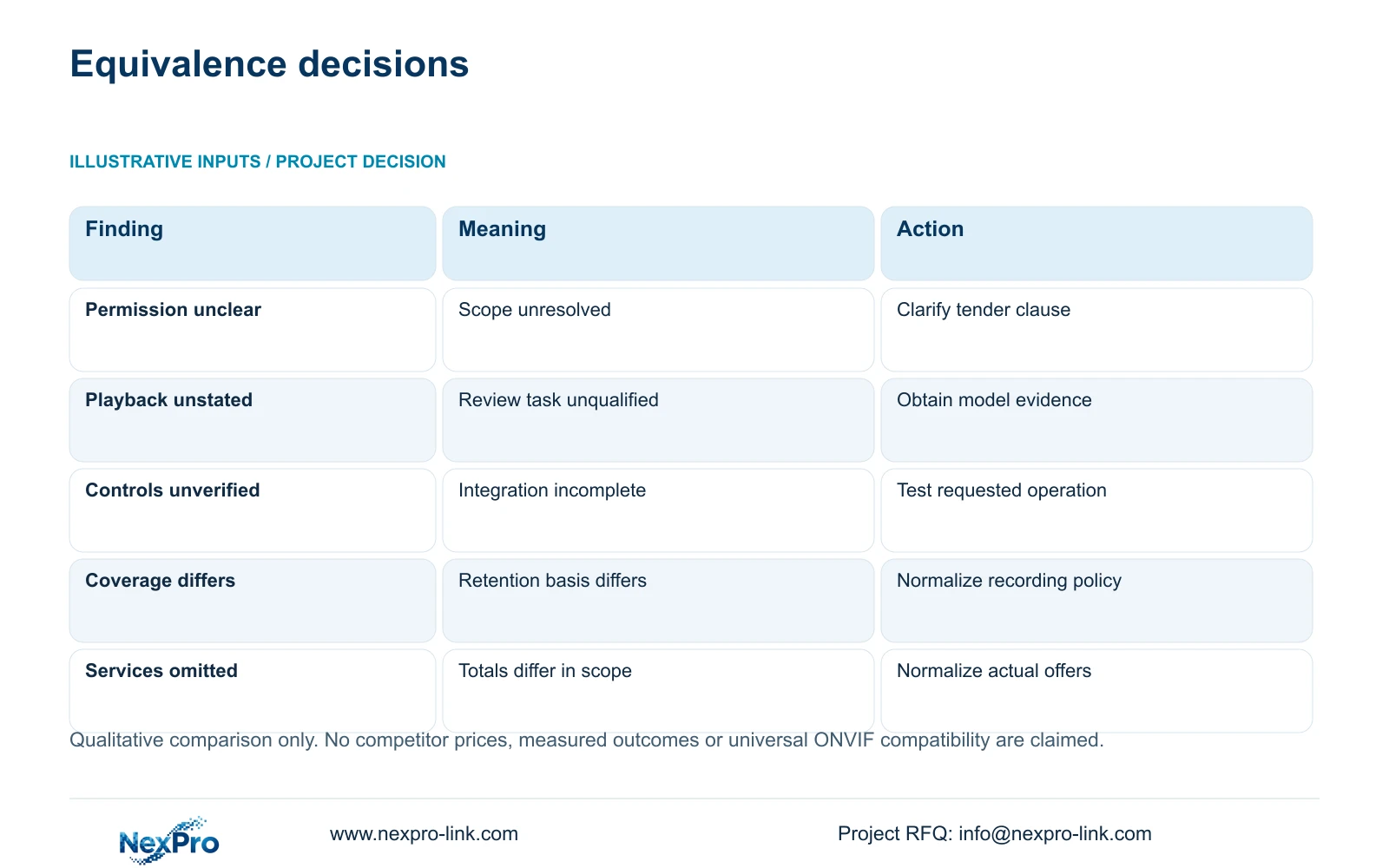
| Comparison finding | Operational meaning | Next action |
|---|---|---|
| Substitution permission is unclear | The proposal boundary is unresolved | Clarify the permitted equipment scope |
| Channel count matches; playback is unstated | Recording tier does not prove incident-review capability | Obtain exact-model playback evidence |
| Video works; required PTZ operation is unverified | Camera integration remains incomplete | Test the required control through the proposed path |
| Retention uses different recording coverage | The offers preserve different footage | Recalculate on the same coverage basis |
| One total excludes required software or services | Commercial totals are not normalized | Add or separate the missing scope before comparison |
Section 06
Submit the difference and the approval requested
Build the submission around the original requirement, exact alternative model, supporting source and proposed treatment of any deviation. If a function needs a test, identify the camera combination and operating path the test must cover. If a workflow changes, explain what the operator would do differently. Keep necessary approval decisions separate from optional additions.
Company registration and purchasing-category approval do not automatically approve an alternative configuration. Follow the buyer's review process and retain its actual decision. NexPro-Link's BOQ and tender support provides a relevant route for discussing equipment matching and submission scope, without guaranteeing consultant acceptance or a purchase order.
This guide draws on the supplied private NVR4.0 user manual CH_V2.4.doc, whose body identifies V2.2, particularly sections 4.4, 4.10, 5.1 and 5.2. Section references take priority over page numbers. The manual establishes no TS-to-NexPro commercial-model mapping.
Section 07
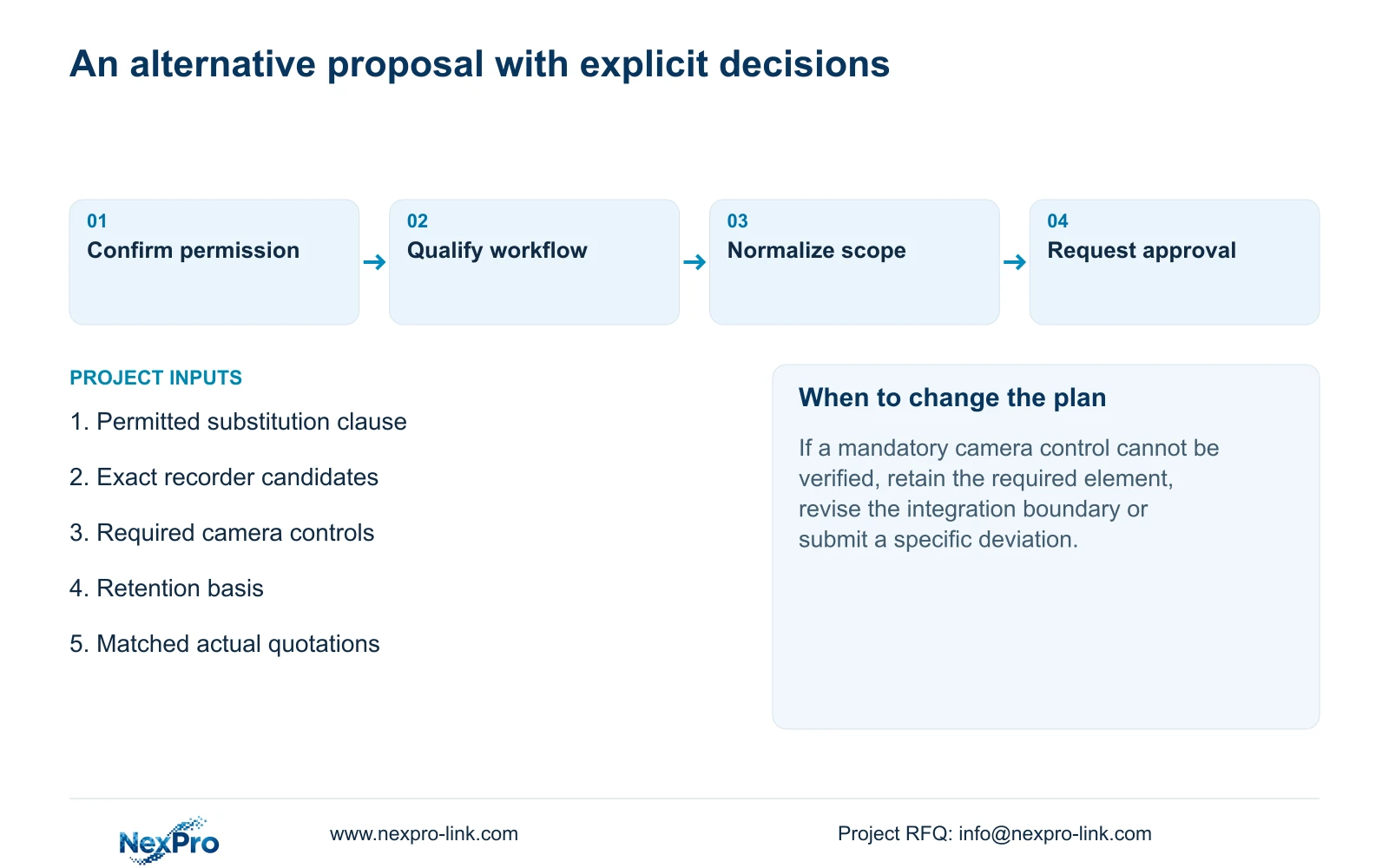
Apply the checks to a permitted recorder alternative
Illustrative project scenario: A contractor is allowed to propose an alternative recorder to a named-brand tender schedule. The contractor first preserves the required camera and operator tasks, then checks whether the proposed recorder supports the necessary playback and control paths. Storage uses the same recording coverage and retention basis. Any remaining workflow or service difference enters the submission as an explicit decision. This scenario describes an evaluation method, not a completed compatibility test or an established commercial advantage.
Section 08
Does successful video reception prove integration equivalence?
No. Test each required operation through the proposed camera, protocol and account path. Basic video cannot establish PTZ, event, audio or administration behavior that has not been checked.
Section 09
Can a lower recorder price justify acceptance by itself?
No. Qualify the operating tasks and normalize the complete required scope first. The buyer then evaluates the actual commercial difference and any proposed deviations.
Section 10
Define the substitution boundary
Send NexPro-Link the permitted alternative clause and the recording, playback or integration requirement that the proposed recorder must preserve at info@nexpro-link.com.
Engineering references
These sources support the general planning principles. Always use the selected product's current datasheet and applicable project standards for final design.