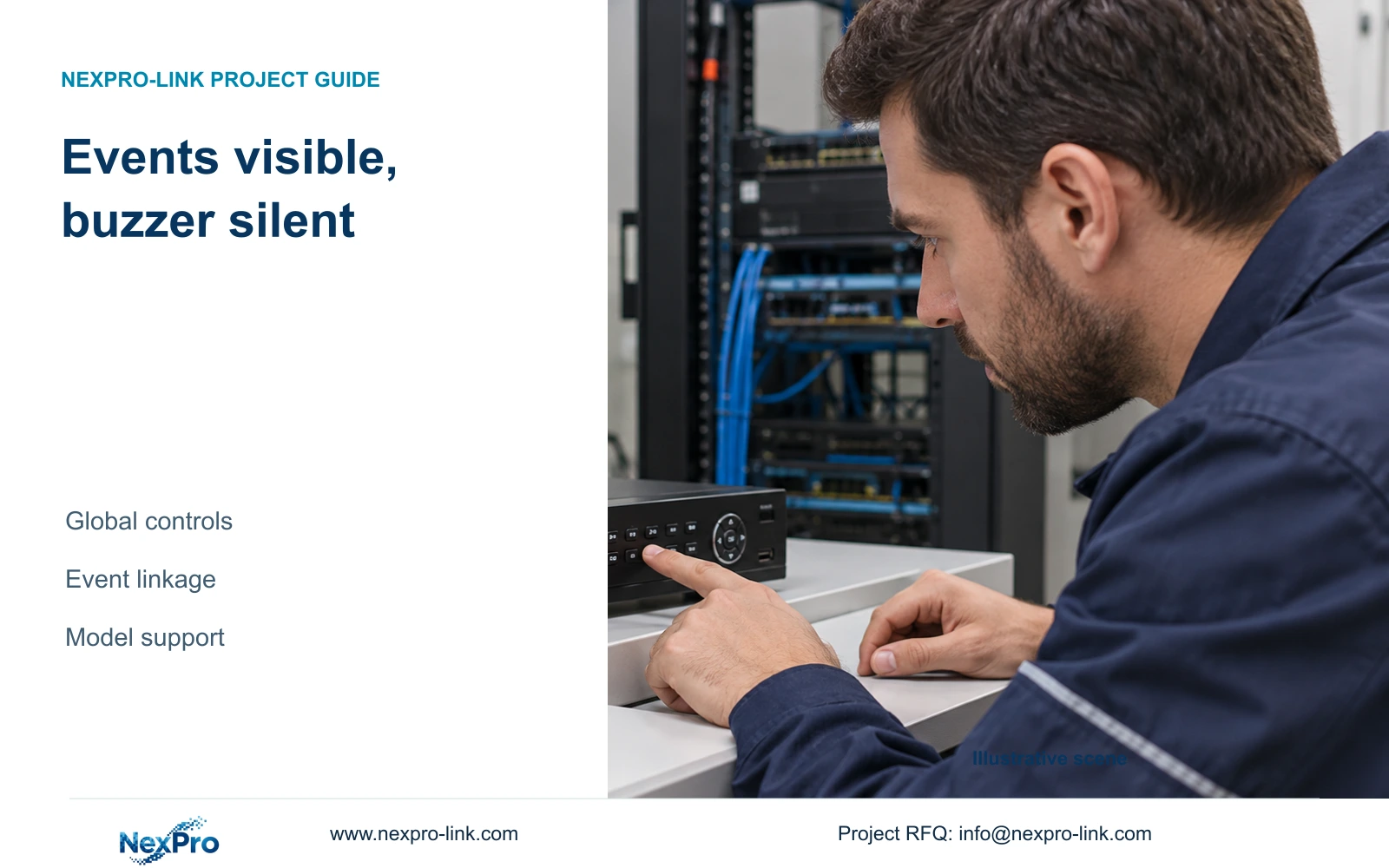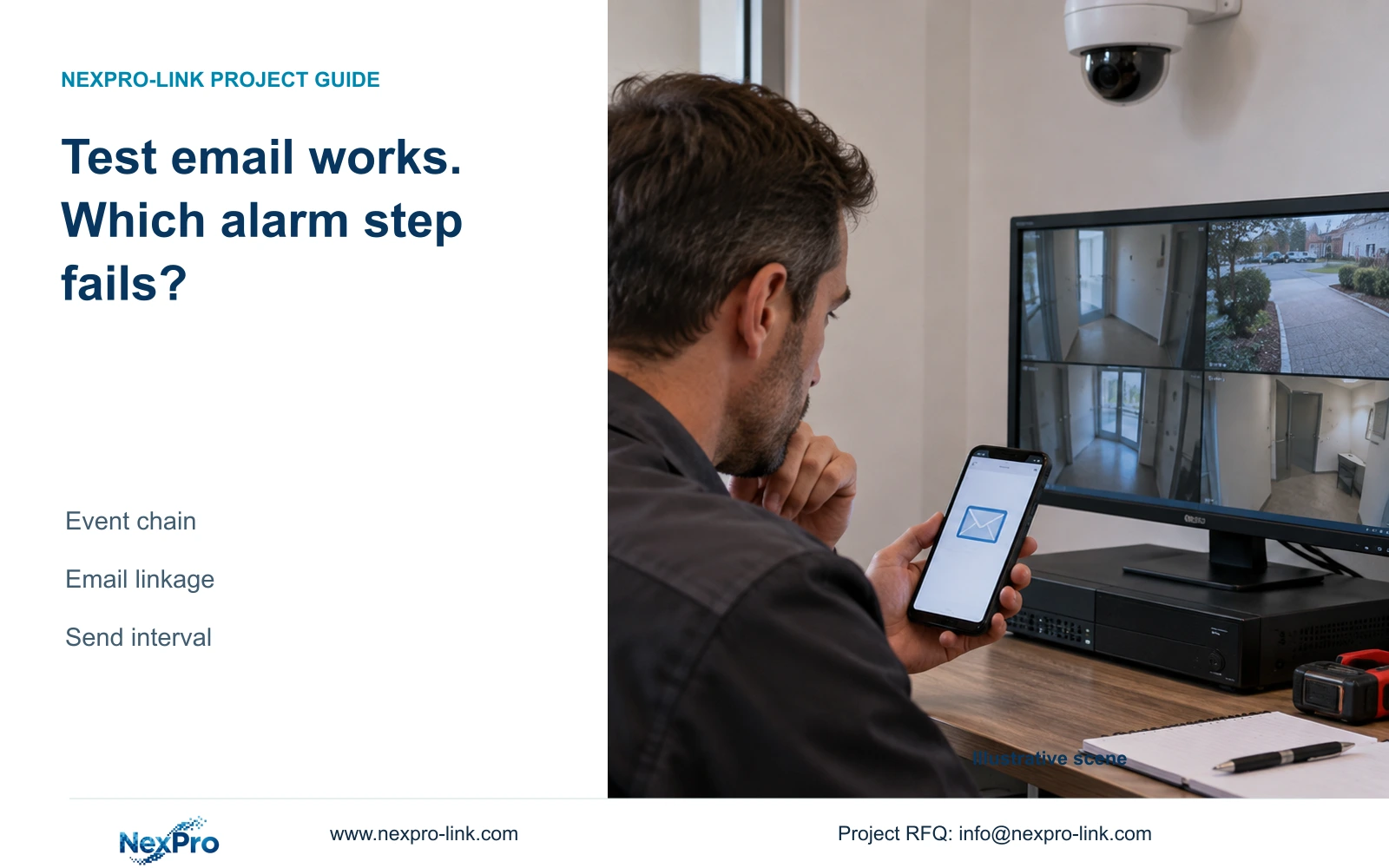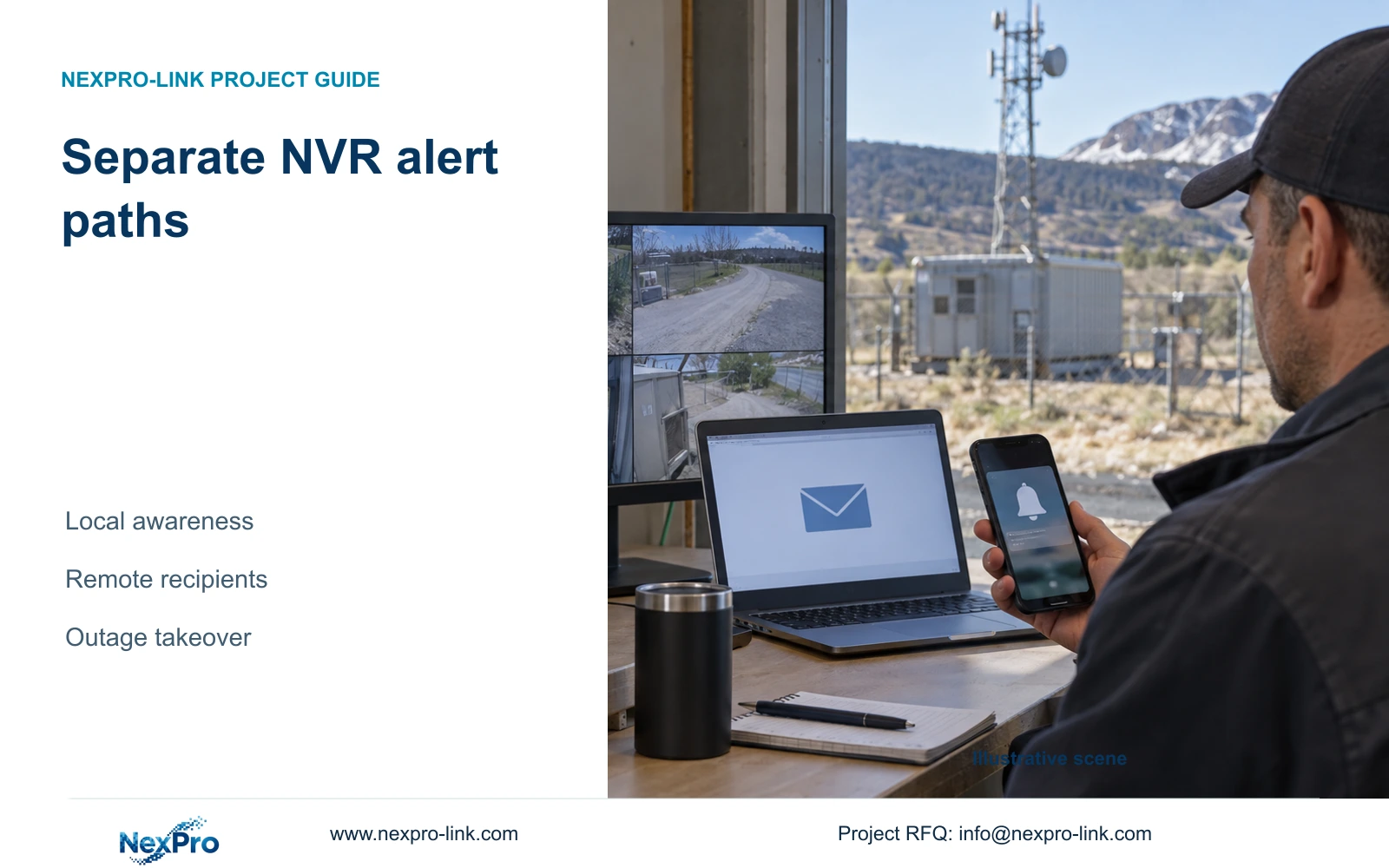
Design buzzer, email and app notifications around their recipients and dependencies. Verify each path separately and define who takes over when a required path fails.
Section 01
Assign a recipient and purpose to each alert path
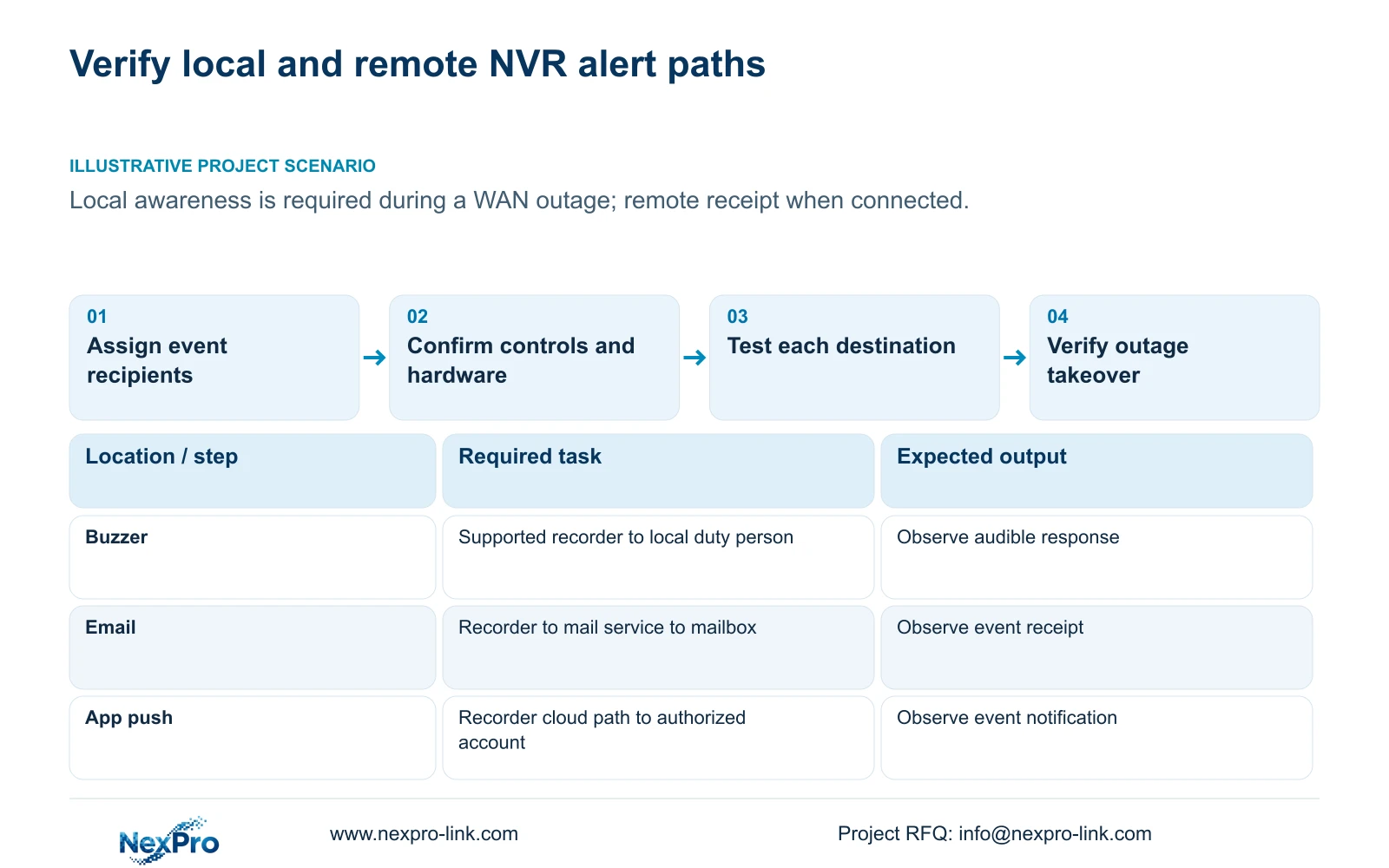
Specify who needs to notice each recorder event locally, who needs remote notification and who must retrieve the resulting footage. Buzzer, email and app push have different dependencies, so verify each required path independently. For local awareness during a WAN outage, first confirm the recorder's buzzer hardware and alarm controls; then test the actual local response under an approved outage condition. Test email through its mail service and app notification through the applicable cloud and account path when connectivity is available. Keep recording acceptance separate, and document who takes over when a required notification route is unavailable.
Begin with an event-and-recipient record. The local duty person may need an immediate audible or visible indication, while a remote owner needs a message through a supported service. Footage retrieval serves a later investigation task. Give each result an accountable operator and a defined observation point.
Section 4.12.11 lists popup, border flashing, buzzer, email, sending a screenshot, snapshot capture, preset call, recording and app push separately. Enabling every action does not establish an effective response. Select the required ones and verify where their results appear.
Section 02
Check global controls before testing individual outputs
Check the global alarm setting, buzzer enablement and the event's channel linkage. A channel can have an intended action while a broader control prevents the expected output. Preserve the required global configuration as part of the acceptance record.
Distinguish no sound, no remote message and no observed event. Each complaint points to a different check. If an event is visible but the recorder remains silent, inspect the audible path. If local indication works but remote receipt fails, investigate that remote path without disabling all alarms.
This guide follows the private supplied file NVR4.0 user manual CH_V2.4.doc, with V2.2 in its body. Sections 4.12.11 and 4.12.16 describe linkage and global controls; sections 1.2 and 5.2 establish model scope. Use those section references rather than old page numbers.
Section 03
Confirm that the identified model has a buzzer
Read the actual recorder identity alongside the appendix's model row. TS8108D7 is listed without buzzer support. TS8116D7 and TS8232C4 are listed with buzzer support, as are TS8836M and TS8436M. A shared interface cannot create hardware that the identified unit lacks.
The manual describes a family including TS8104A3, TS8108A3, TS8216A3, TS8232C4, TS8108D7, TS8116D7, TS8836M and TS8436M. Its model table distinguishes other functions as well, including playback and talkback. None of these identifiers has an established mapping to NexPro-Link commercial SKUs in this source.
When local audible indication is mandatory, require exact model evidence and an applicable demonstration. If it is unavailable, review a supported local action or an appropriately evidenced equipment choice. Do not accept a visible buzzer option as the purchase proof.
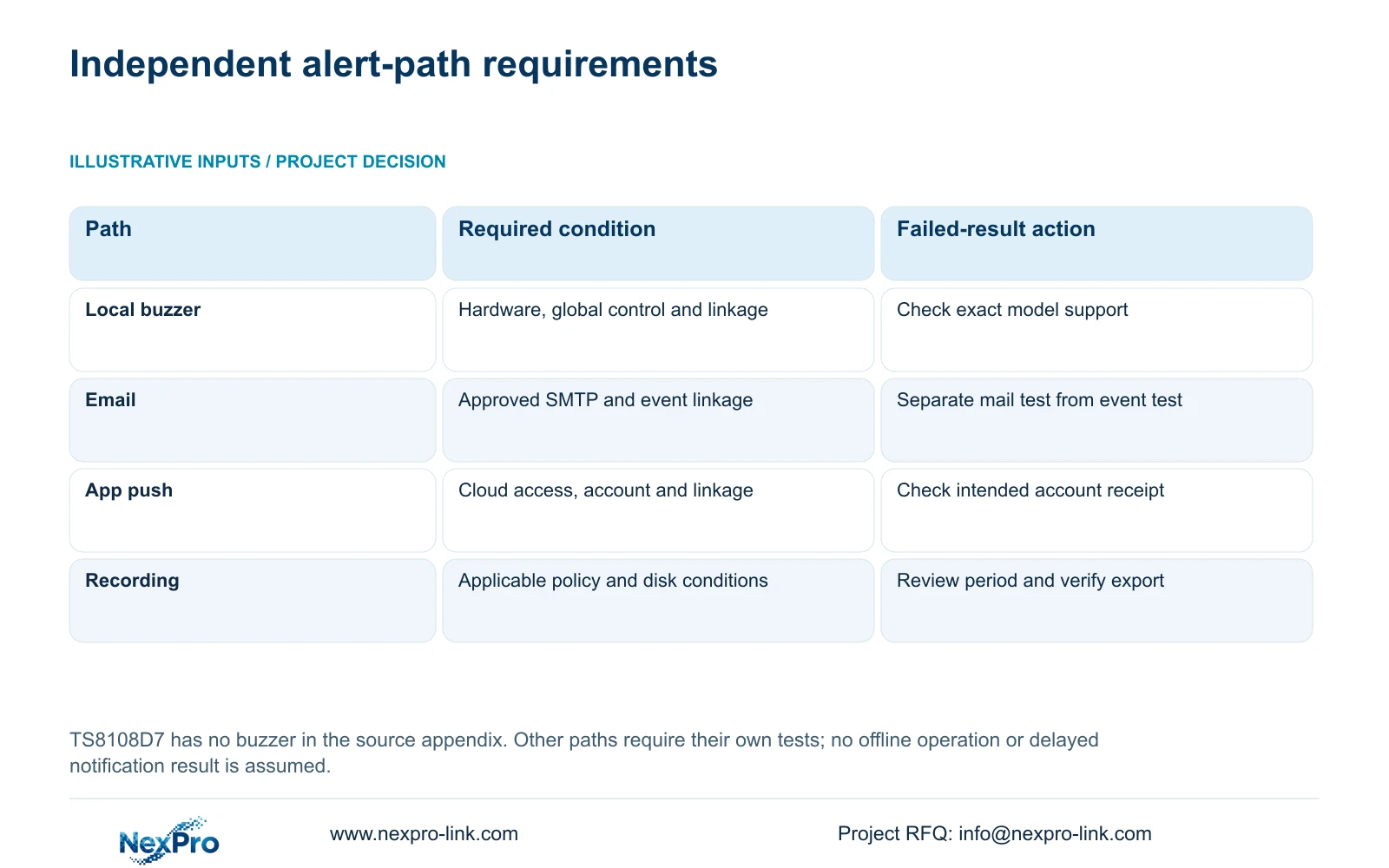
| Required path | Acceptance observation | Failure branch |
|---|---|---|
| Local audible awareness | Supported recorder sounds for the approved event | Check hardware, global controls and linkage |
| Email to remote recipient | Intended mailbox receives the event message | Check SMTP path and event email linkage |
| App notification | Intended authorized account receives the event | Check cloud state, access and push linkage |
| Incident retrieval | Required period plays and exports correctly | Inspect recording policy and disk conditions |
Section 04
Test the mail-service route separately
Confirm the approved sending service's server, port, encryption and authentication requirements against the exact recorder firmware. Section 4.12.10 describes presets, custom SMTP settings, a historical default port 25 and a TLS control. Those examples do not establish the configuration for every mail provider.
Run a test to the intended mailbox and record receipt. Then trigger an approved armed event to check its email linkage. A working test message establishes the tested sending route; it does not establish that the required event invokes it.
The manual describes a default one-minute send interval that suppresses other emails within that period. If the response requirement assumes one message per event, review that expectation explicitly. Keep service failures distinct from interval behavior, and do not weaken unrelated network protection to make a message pass.
Section 05
Test cloud connection and the intended account
Use the top cloud-status area, network page and System Information as separate observations. Sections 2.4.3, 4.12.8 and section 5.3 question 5 describe network access, activation and valid device identity as relevant conditions. An online observation alone does not complete app-notification acceptance.
Check the intended authorized account and the selected push linkage, then trigger the approved event and observe receipt at that account. A successful local recorder login or an email received elsewhere cannot substitute for this test.
If the device identity is reported as invalid under the source's documented condition, refer the issue to supplier support. Do not attempt identity alteration or access bypass. Redact cloud identifiers and QR codes from general diagnostic material.
If cloud access works but the expected event notification is absent, preserve the successful connection evidence and investigate the required action and account path. The source does not establish cloud footage retention or guaranteed later delivery after an outage.
Section 06
Define takeover when a required path is unavailable
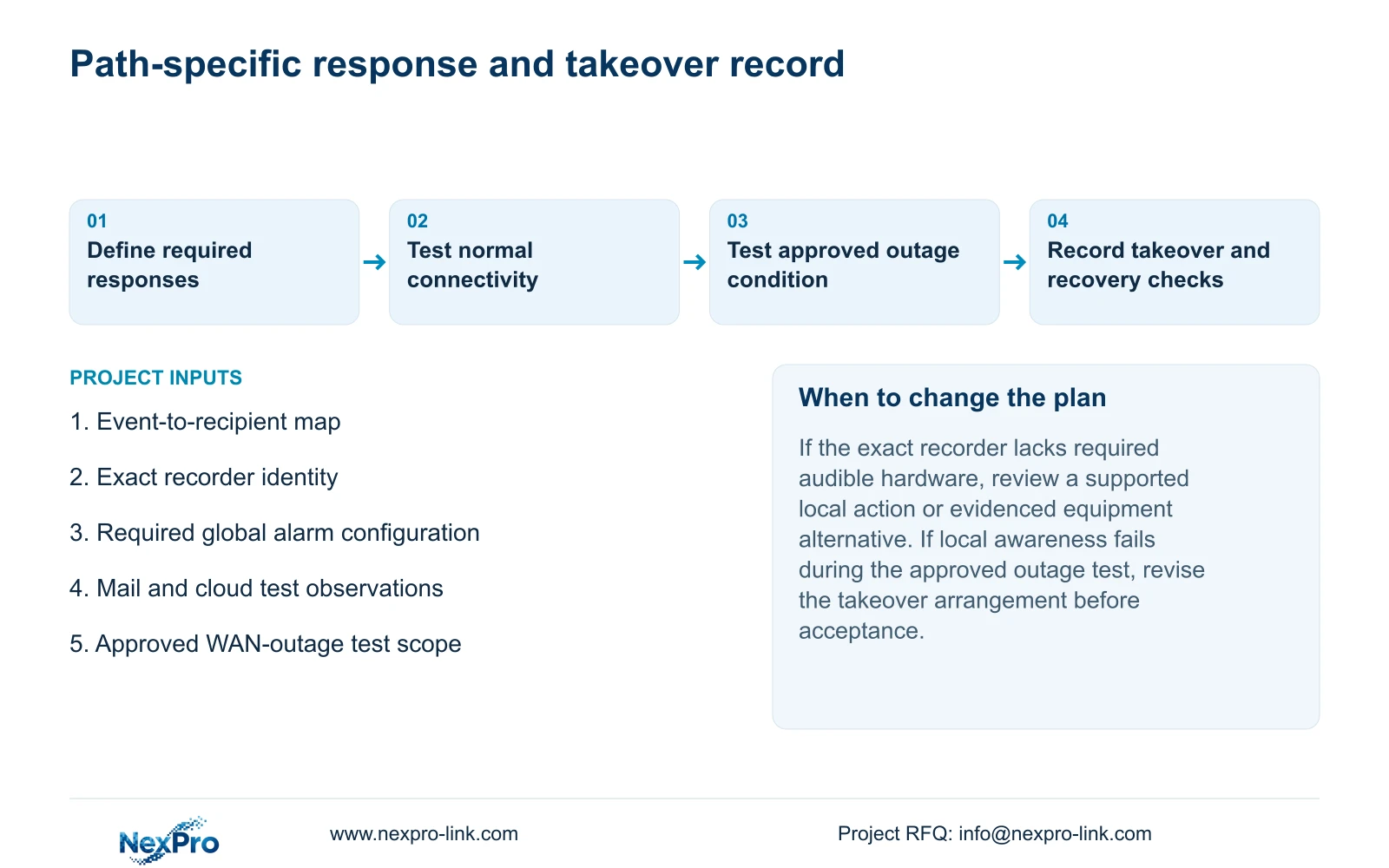
Illustrative project scenario: A remote-site owner wants local awareness during a WAN outage and remote notification when connectivity is available. The proposed workflow checks supported local indication separately from the email and cloud paths. It assigns the local duty person responsibility during the agreed outage condition and records how remote service is rechecked after connectivity returns.
Any deliberate network interruption needs site approval and a defined test scope. Record what remains operating during that condition instead of assuming the camera path, recorder and every remote dependency behave identically. If local awareness fails, revise that arrangement before accepting it as the outage response.
Verify the recording task as well: identify the channel, observe live view and recording status, wait through a known period, play back that period, then export and open a sample elsewhere. Sections 4.3, 4.11 and 4.12.21 support this engineering workflow. A notification result does not establish retrievable footage.
NexPro-Link's BOQ and tender support can help put the required paths, exact model evidence and takeover responsibilities into the equipment scope. Record untested dependencies and failed observations explicitly so a project offer is not mistaken for a completed acceptance test.
Section 07
Does a WAN outage prove local alarm failure?
No. The local and remote paths require separate observations. Confirm the supported local action and test the agreed outage condition before relying on it.
Section 08
Does successful email prove app push is configured?
No. Test the applicable cloud connection, intended account and event push action separately.
Section 09
Provide the required event-to-recipient map
Send NexPro-Link your required event-to-recipient map, including the local-awareness requirement during a WAN outage, at info@nexpro-link.com.
Engineering references
These sources support the general planning principles. Always use the selected product's current datasheet and applicable project standards for final design.