

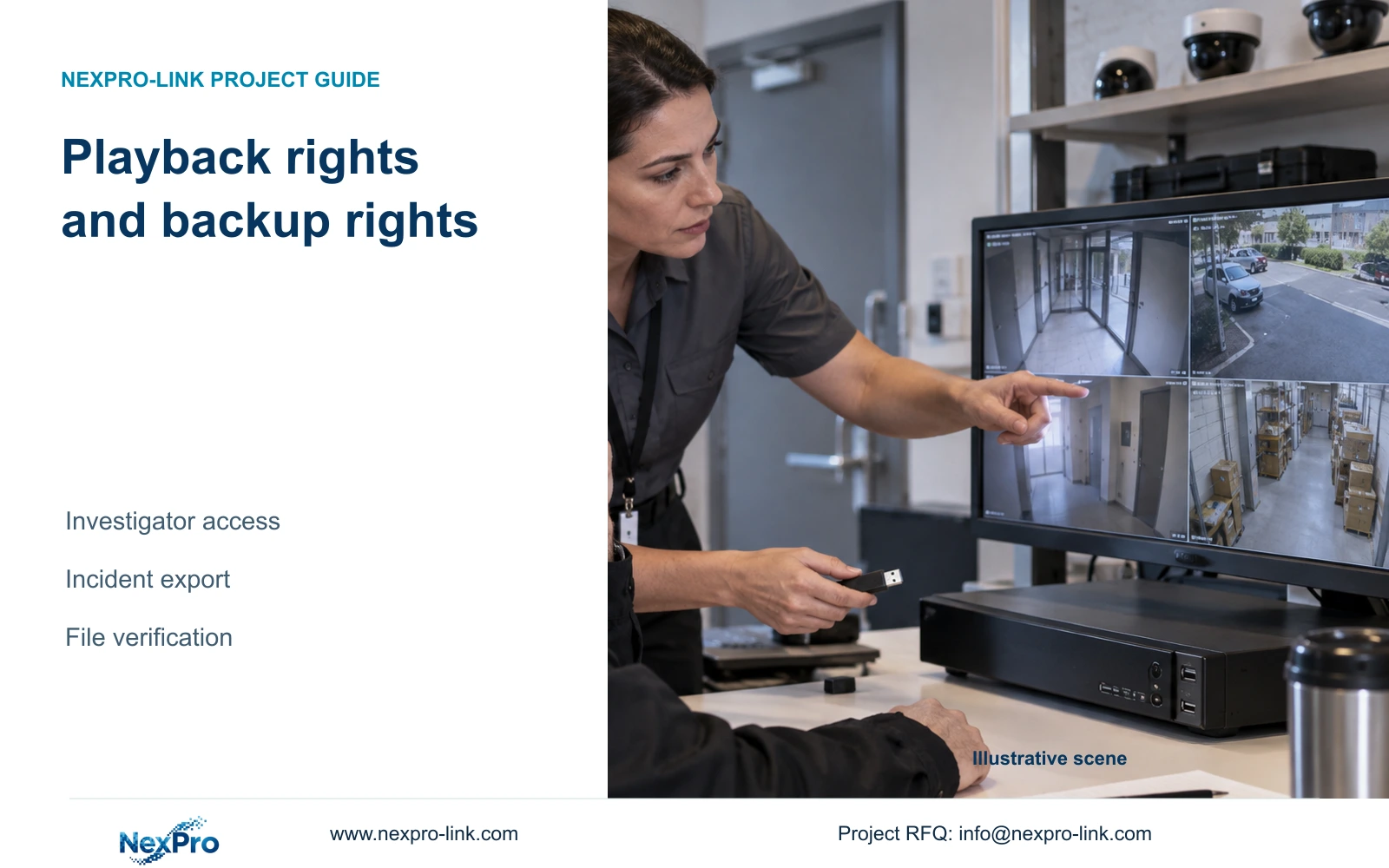
An investigator may be able to review an incident while lacking local backup permission. Accept the assigned account through retrieval, authorized export and receiving-file playback.
Section 01
Check the investigator's file-delivery authority
An investigator who can replay an incident may still lack permission to export it. The supplied NVR4.0 manual separates local recording backup from playback and distinguishes local permissions from network permissions. Check the approved account on the path that will actually deliver the file, then verify the entire sequence: select the correct recorder footage, build the backup request, copy it and open the result on the receiving system. Keep review authority and delivery authority explicit. If the export control is unavailable, have the authorized administrator review the relevant permission instead of giving the investigator unrestricted administration or changing unrelated recorder settings.
Start by recording what already works. If the investigator can play the requested incident locally, preserve its channel and time reference. That observation establishes access to that playback task; it does not establish local backup rights or remote playback rights.
Section 4.12.3 is the permission reference. Ask the owner whether this role should deliver recordings or only review them. If delivery belongs to another person, retain the investigator's existing review scope and establish an escalation route. If delivery is assigned, configure and test the relevant backup permission through authorized administration.
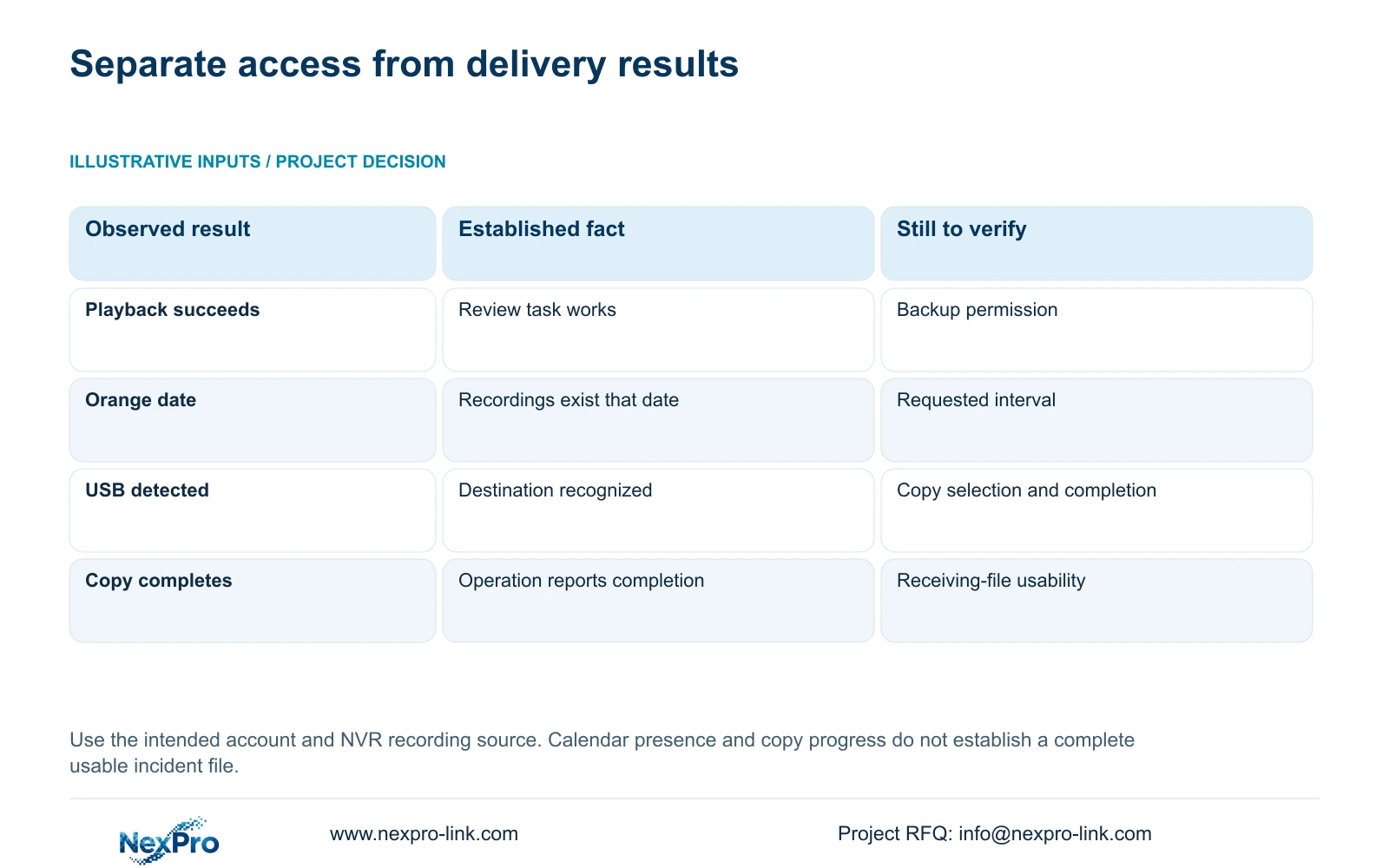
| Observation | What it establishes | Next action |
|---|---|---|
| Local playback works | That review task is permitted | Check independent local backup permission |
| Incident search returns nothing | Requested selection has no result | Check channel, date and recording-type filters |
| USB storage is detected | Recorder recognizes the destination | Complete the authorized backup selection |
| Copy progress completes | Copy operation reports completion | Open and inspect the receiving file |
Section 02
Locate the correct recorder footage
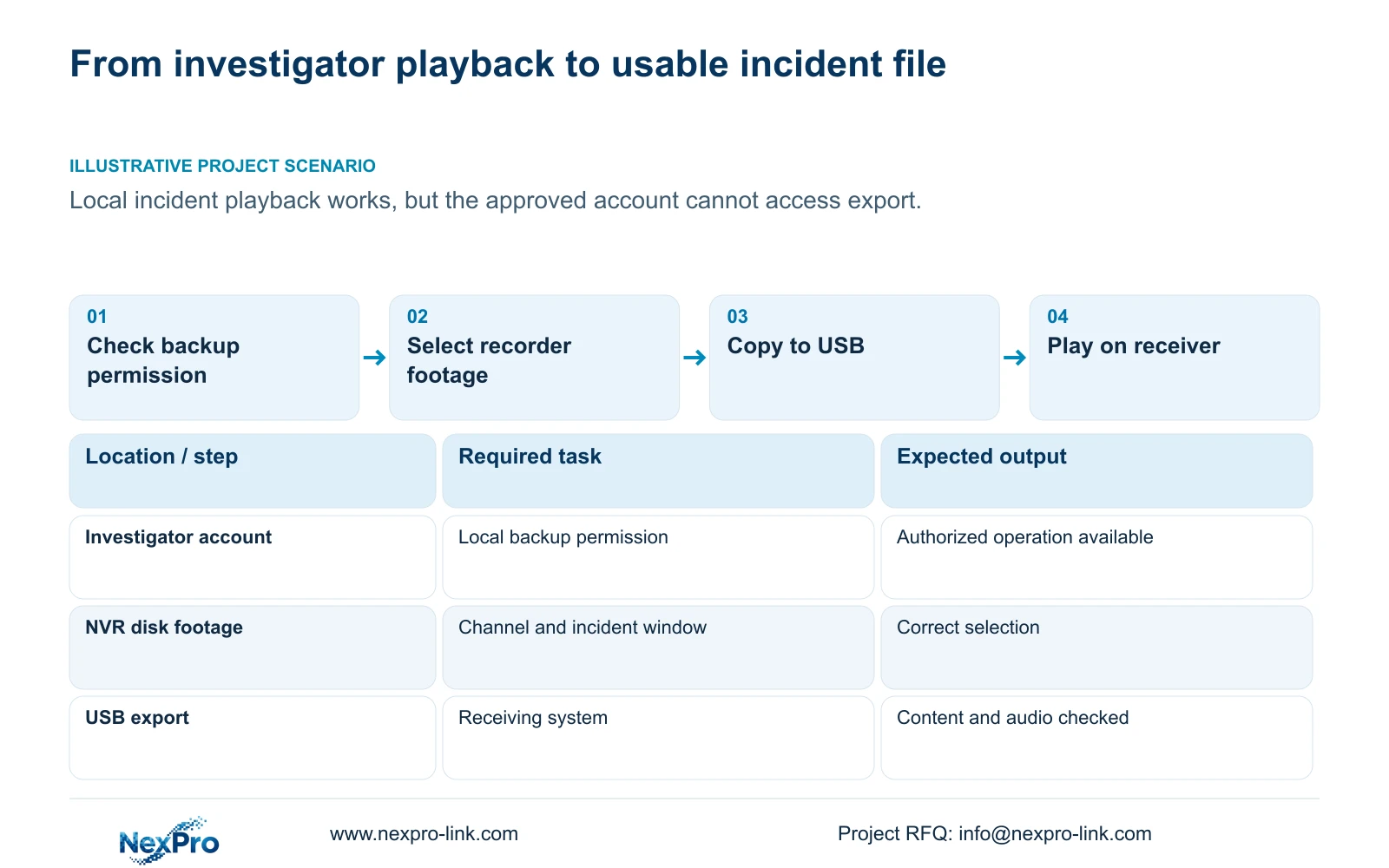
Confirm that the incident is being retrieved from the NVR's recordings. Seetong PC local recordings and files already exported to a computer are separate stores. A familiar camera name in another application cannot establish that the investigator is querying the recorder disk.
Section 4.11.2 says playback entry defaults to the channel selected in preview. Verify the channel against the incident location before selecting the date and time. Check the ordinary, alarm and motion recording-type filters as well, since an inappropriate filter can exclude the material being sought.
In the documented calendar, orange indicates recordings for that date and gray indicates none. An orange date does not prove continuous coverage of every channel throughout the day. Inspect the requested interval. If the incident remains absent after correcting the selection, record that retrieval failure separately from the original backup-permission problem.
Keep the incident window in the working record before leaving playback. This gives the backup operator a specific selection to reproduce and reduces the chance of copying the right camera from the wrong period.
Section 03
Build the approved backup request
Section 4.11.4 describes selecting the file format, recording types, channels and start/end time. Compare those fields with the authorized incident request. The manual lists MP4 as the default and permits multiple channels, but copying additional channels should follow the agreed scope.
Use Update to inspect the required-capacity estimate for the selected material. Insert the intended USB storage, detect it and start the copy only after the selection and destination are confirmed. Destination detection and account authorization are separate checks; a recognized device cannot correct missing backup rights.
If backup remains unavailable after the approved permission has been checked, record the recorder identity, firmware, operating path and observed control state. Resolve that specific difference with matching documentation. Do not use a general settings change as an unexplained workaround.
The remote-upgrade permission row has inconsistent descriptive text in the supplied manual. It is unrelated to the backup task and should not be used to infer broader investigator authority.
Section 04
Open the delivered file on its intended system
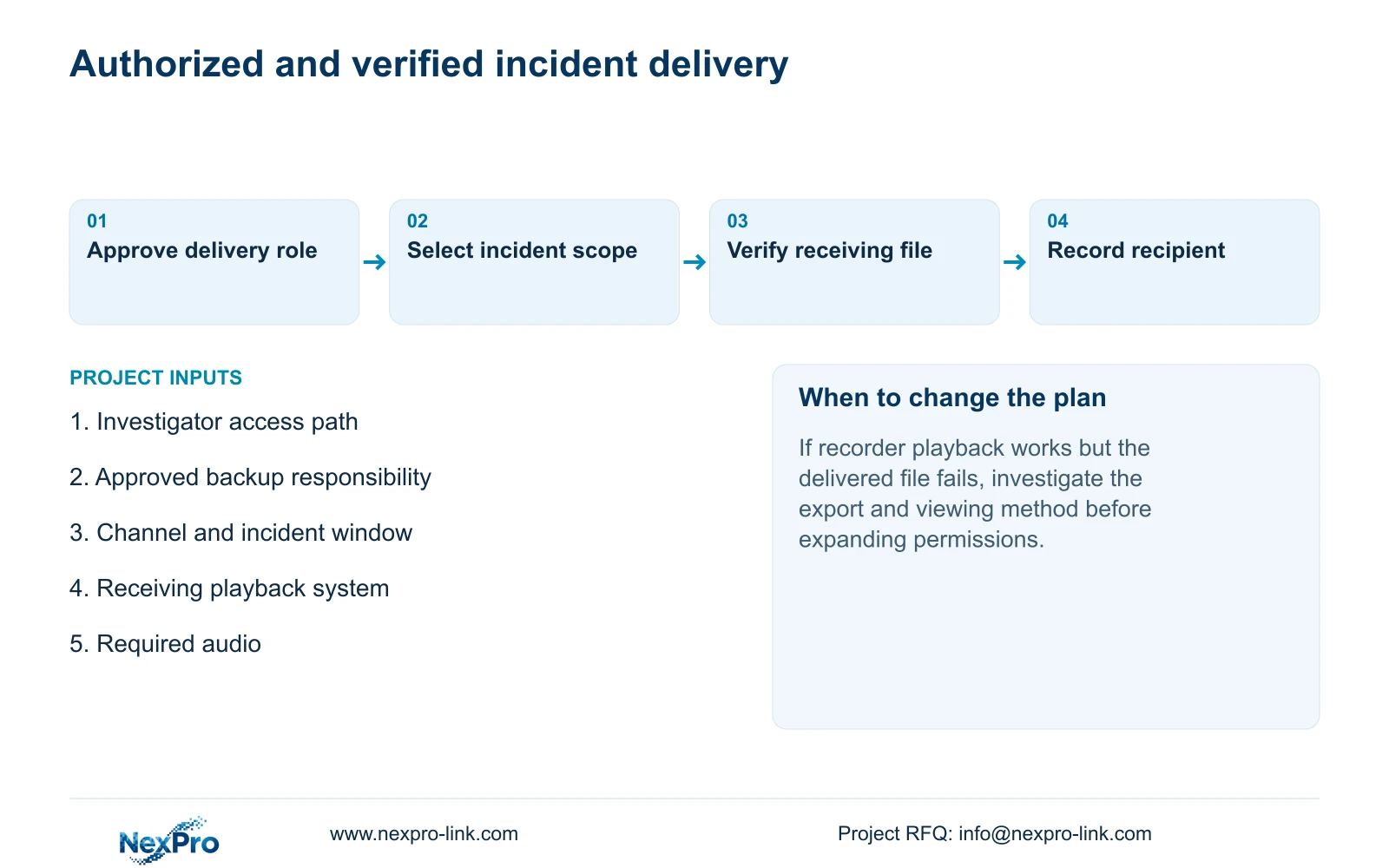
After copying, open the export on the receiving computer or other agreed viewing system. Confirm that it contains the incident location and requested period. Inspect playback across the material needed for review and check audio if audio belongs to the delivery requirement.
The manual mentions players such as VLC for backup video and audio. That recommendation does not guarantee every operating-system, player and codec combination. Use an approved viewing method and record what was actually tested; do not direct recipients to unofficial software packages.
If the file opens but covers the wrong period, correct the backup selection and repeat the export. If the selection is correct but playback fails, investigate the file and intended viewing method while preserving the original recorder footage. Expanding account permissions cannot solve every receiving-file problem.
Keep the required original material protected until the copy has been verified. Treat a successful receiving-file test as the completion condition for delivery, with any unverified audio or missing interval recorded as an exception.
Section 05
Record the operator, time and relevant logs
Maintain a delivery record identifying the authorized operator, incident channel, requested period, export time and receiving party. These are project process records; do not assume the recorder automatically captures every field required by the organization.
Section 4.12.17 describes log detail viewing and text export. Its default search is the current day, with type filtering. When the date condition is not selected, the manual describes querying all logs. Check those conditions before treating an empty result as proof that no relevant record exists.
Preserve relevant log details alongside the incident delivery record where they support troubleshooting. The log-export function does not establish unlimited retention, tamper-proof auditing or legal evidentiary certification. Keep those claims out of the acceptance report unless separate applicable evidence supports them.
Section 06
Update the incident procedure after the test
Illustrative project scenario: A security manager can review an incident locally but the export control is unavailable under the approved account. The owner first confirms whether the manager is responsible for delivery. If so, the authorized administrator reviews local backup permission and the manager repeats retrieval and export with the intended account.
Update the incident procedure with who may review, who may copy and who may receive the file. Keep the actual versions, configuration-backup location and support responsibility with the controlled handover record. Transfer credentials privately rather than embedding them in incident instructions.
Have the designated backup operator repeat the complete task before accepting the arrangement. Where delivery belongs to another role, test the handoff between reviewer and backup operator using the same channel and incident window. This verifies the organization's workflow without unnecessarily broadening either account.
Section 07
Questions about investigator access
Does an unavailable export control prove that footage is missing? No. Playback availability and backup authorization are separate observations.
Does an orange calendar date prove that the whole incident was recorded? No. Inspect the selected channel, interval and recording-type filters.
Is MP4 selection enough to accept delivery? No. Open the actual exported file on the receiving system and verify the required content.
Section 08
Identify the failed delivery stage
This guide follows NVR4.0 user manual CH_V2.4.doc, with V2.2 in its body, sections 4.12.3, 4.11.2, 4.11.4 and 4.12.17. Responsibility and receiving-file checks are engineering extensions of its handover workflow. Section references take priority over page numbers.
Send NexPro-Link the recorder model and firmware, the investigator's access path and the exact failed delivery stage at info@nexpro-link.com.
Engineering references
These sources support the general planning principles. Always use the selected product's current datasheet and applicable project standards for final design.


