

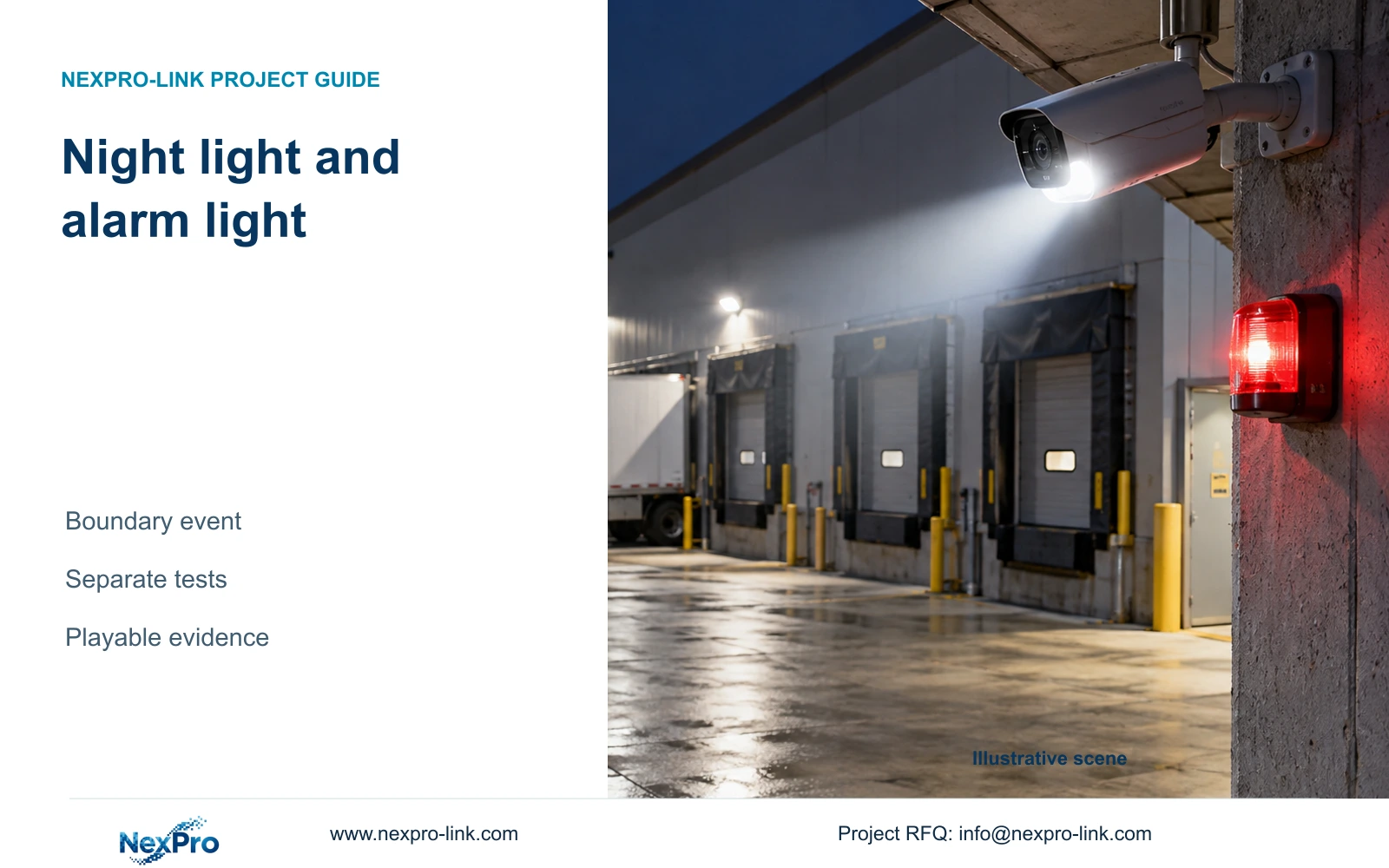
A loading dock's night illumination does not prove its boundary warning works. Verify the camera event, warning action, recording and notification independently.
Section 01
Establish the normal night view before triggering an alarm
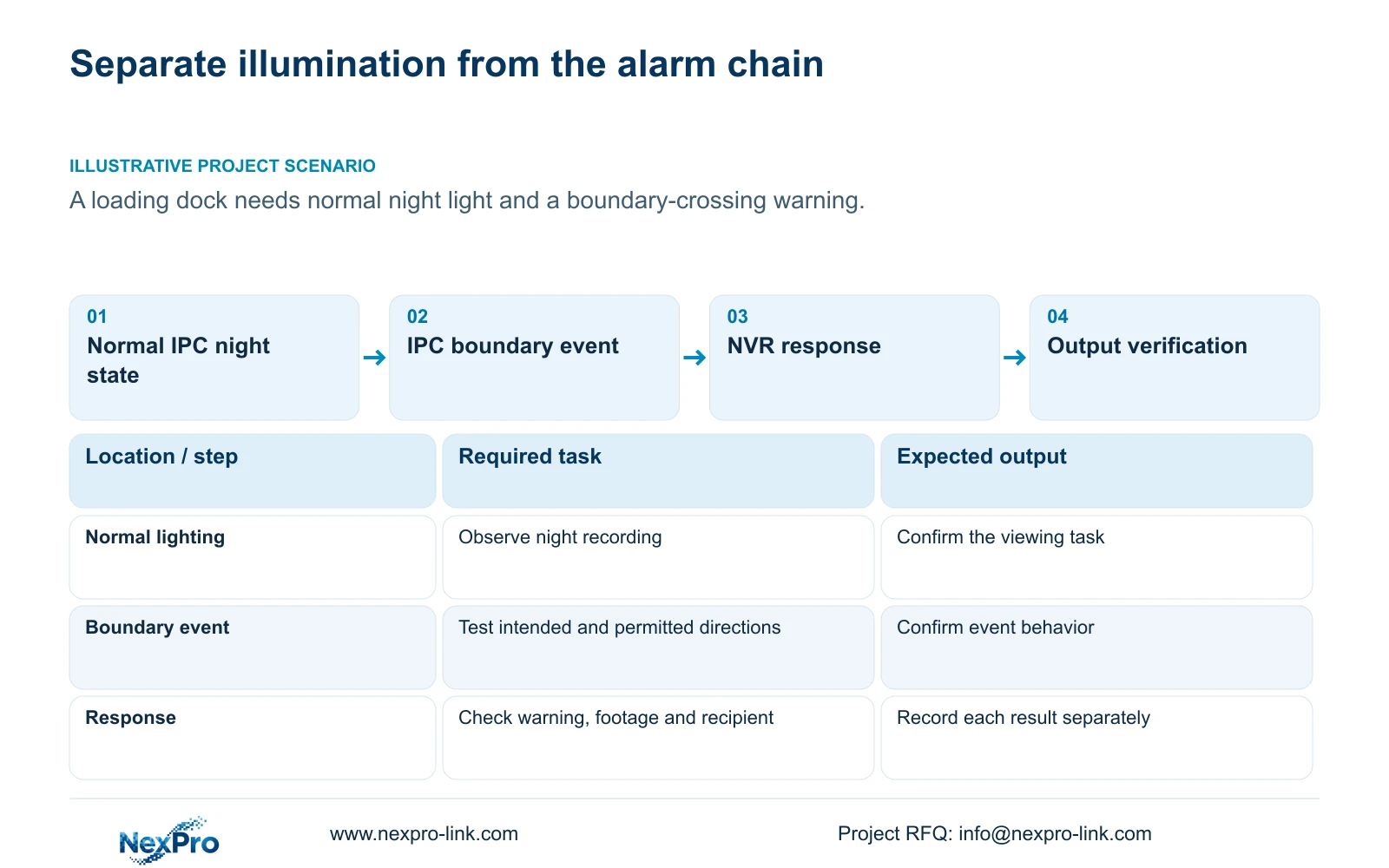
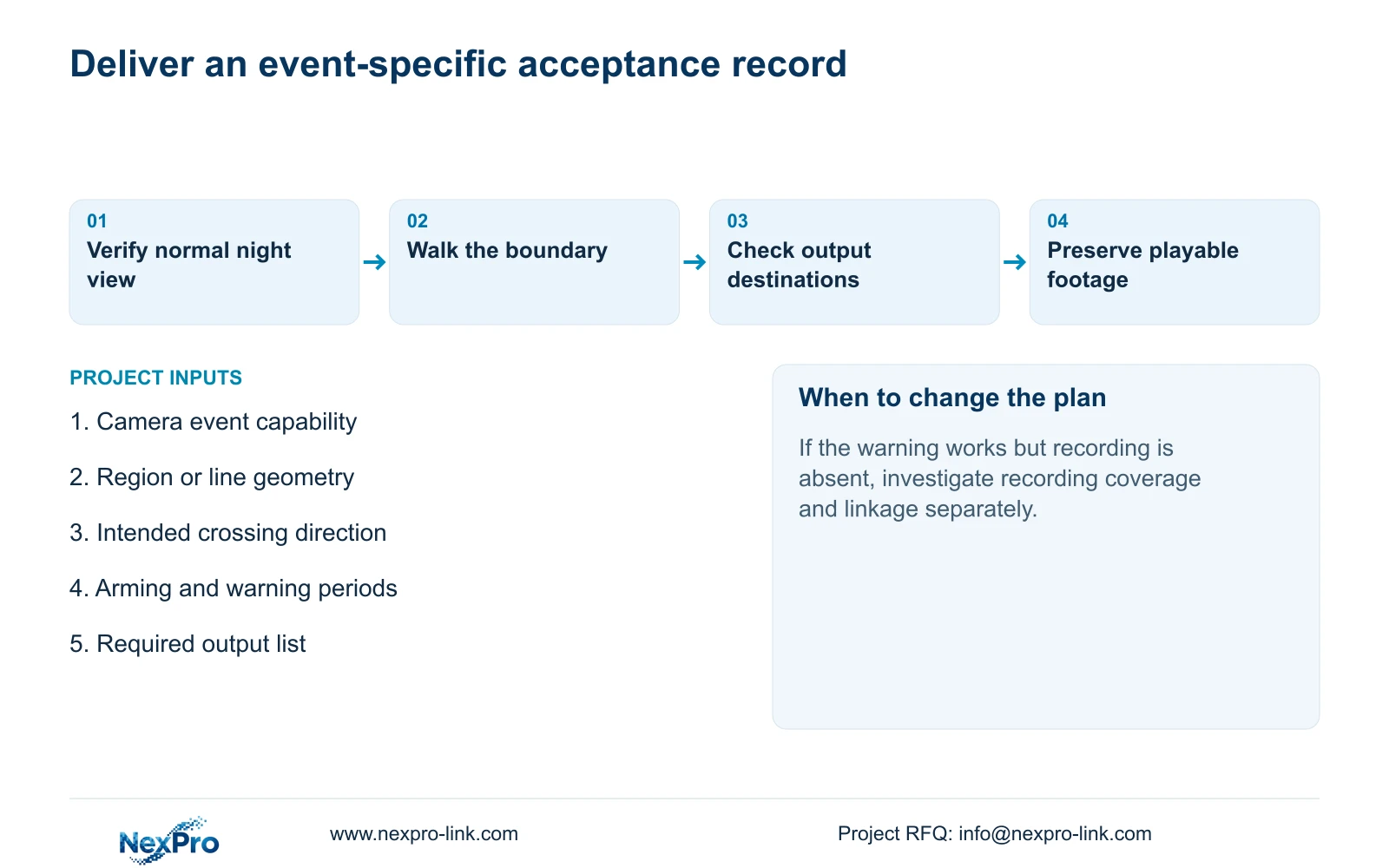
Test a loading dock camera's normal night illumination and its boundary-triggered warning as separate workflows. A light that operates in darkness confirms only the observed illumination state. It does not prove that the camera generated an event, the recorder received it, footage was saved or a notification reached its recipient. First establish a usable normal night view. Then configure a supported camera event and the required recorder response, test the intended crossing direction, and inspect each output separately. Include arming and sound/light periods in the assessment. Preserve a playable event export so the owner can review what happened after the visible warning has ended.
Record the normal lighting mode and day/night settings on the selected IPC. Sections 4.4.7 and 4.4.8 describe these separately from the supported analytics light and sound settings in section 4.12.15. Observe the night image without using a boundary event as the sole test stimulus.
If the normal view is unsuitable, keep that issue separate from the warning configuration. Conversely, a missing event warning does not diagnose failed infrared hardware. Establish which workflow failed before changing settings that affect the other.
Section 02
Configure the camera event and recorder response
Section 4.12.15 describes enabling the NVR-side function and opening Front-end Settings to configure the IPC region or line, direction and related parameters. The camera supplies the event capability; the recorder receives the event and performs the configured response.
Choose the actual loading dock channel and confirm the camera supports the intended operation through its connection. A recorder checkbox cannot supply an unsupported camera algorithm. With third-party equipment, basic video reception does not establish that the required event will arrive in the expected form.
Save the chosen geometry and response against the camera identity. If front-end settings are unavailable, establish the model, firmware and protocol scope before proceeding. Do not substitute an invented menu route or accept a visible night light as evidence that the missing event configuration is unnecessary.
Section 03
Walk the permitted and alarm directions
Define what movement should produce the warning. The manual distinguishes entry, exit and both directions for area intrusion, and one-way or two-way crossing for line crossing. Select the function that matches the business event, then test movement through the actual region or line.
For a directional requirement, perform the intended alarm movement and the permitted reverse movement separately. Record the observed event for each. If both produce a warning when only one should, inspect the selected direction and geometry before changing unrelated actions.
Recheck the region or line after camera movement, lens adjustment or a changed PTZ position. A saved shape describes the view used during configuration. Directional triggering by itself does not establish human/vehicle classification, identity recognition or a plate-search database; those would require their own supported scope.
Section 04
Verify each required output at its destination
Section 4.12.11 lists distinct actions including buzzer, popup, email, sending a screenshot, snapshot, preset call, recording, border flashing and app push. Include only the outputs required and supported for the selected arrangement. Buzzer and talkback availability also vary within the manual's recorder family.
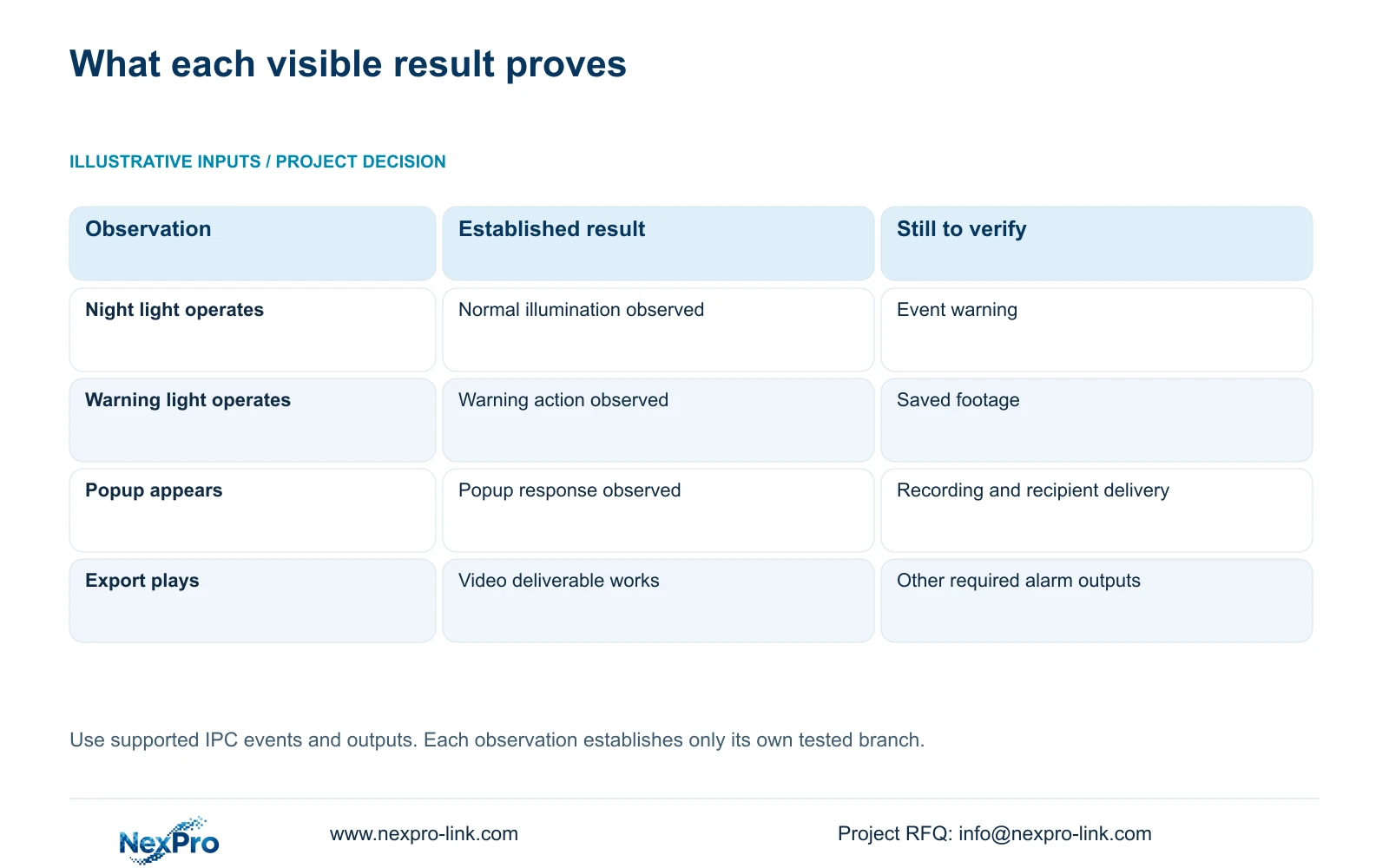
Observe the supported warning light or sound at the camera, inspect the recorder's relevant response, and check the intended notification recipient independently. A popup confirms that visible response alone. Use the recording timeline and a retrieved sample to establish the footage outcome.
When one output fails, retain the successful results and investigate the failed branch. If a warning appears but notification does not arrive, document those separately rather than declaring the whole alarm chain successful or failed. Keep warning-action duration distinct from the period for which footage must be retained.
| Required result | Evidence to inspect | If absent |
|---|---|---|
| Normal night view | Recorded subject under normal illumination | Review camera lighting and day/night settings |
| Boundary warning | Observed supported light or sound during intended crossing | Check event geometry, direction and permitted period |
| Saved footage | Correct channel and event period in playback | Check recording plan and recording linkage |
| Delivered notification | Message at the intended recipient path | Investigate that notification branch |
Section 05
Check arming, warning periods and recording coverage
The recording plan in section 4.11.1 and the alarm configuration in section 4.12.11 answer different questions. The plan determines when and how recording operates. Alarm enablement, arming periods, detection geometry and linkage determine the applicable event response.
Check the supported sound/light period as well as the event arming period. An owner may require recording during ordinary deliveries while allowing an audible warning only during a specified operating period. Record that requirement explicitly, without assuming one colored schedule covers every action.
Test an intended crossing inside and outside the relevant periods and inspect the resulting footage. If behavior changes at a shift boundary, compare the separate schedules against the symptom time. Preserve required recording coverage while correcting the applicable event or warning setting, and document which schedule was changed.
Section 06
Preserve a playable event example
Retrieve the tested channel and period, including enough context to understand the movement and warning. Export the recorder footage and open it on the intended receiving system. Section 4.11.4 mentions players such as VLC, without guaranteeing every codec and operating-system combination.
Check channel identity, start and end times, actual playback and any required audio. Record the tested viewing method and authorized recipient. Keep the original footage protected until the required copy has been verified; a completed backup indicator alone does not establish a usable deliverable.
Illustrative project scenario: A loading dock camera illuminates at night but the owner expects an additional warning when a boundary is crossed. The engineer demonstrates normal illumination first, then tests the supported event and required outputs. The resulting acceptance record lists each observed outcome separately, with no assumed successful installation.
Section 07
Source and capability boundaries
This guide follows the private NVR4.0 user manual CH_V2.4.doc, with V2.2 in its body, principally sections 4.4.7, 4.4.8, 4.12.15, 4.12.11, 4.11.1 and 4.11.4. Sections take priority over page numbers. Actual IPC and recorder capabilities apply; TS models have no established NexPro-Link commercial SKU mapping.
Section 08
Is enabling intrusion enough to define the region?
No. The documented workflow also configures the supported IPC through Front-end Settings. Verify the region or line and its direction on the selected camera.
Section 09
Does a popup prove the event was recorded?
No. Retrieve the corresponding channel and period. Popup, recording and notification are separate outcomes.
Section 10
Specify the missing alarm outcome
Send NexPro-Link the intended crossing direction, permitted warning period and the specific output that failed at info@nexpro-link.com.
Engineering references
These sources support the general planning principles. Always use the selected product's current datasheet and applicable project standards for final design.


