

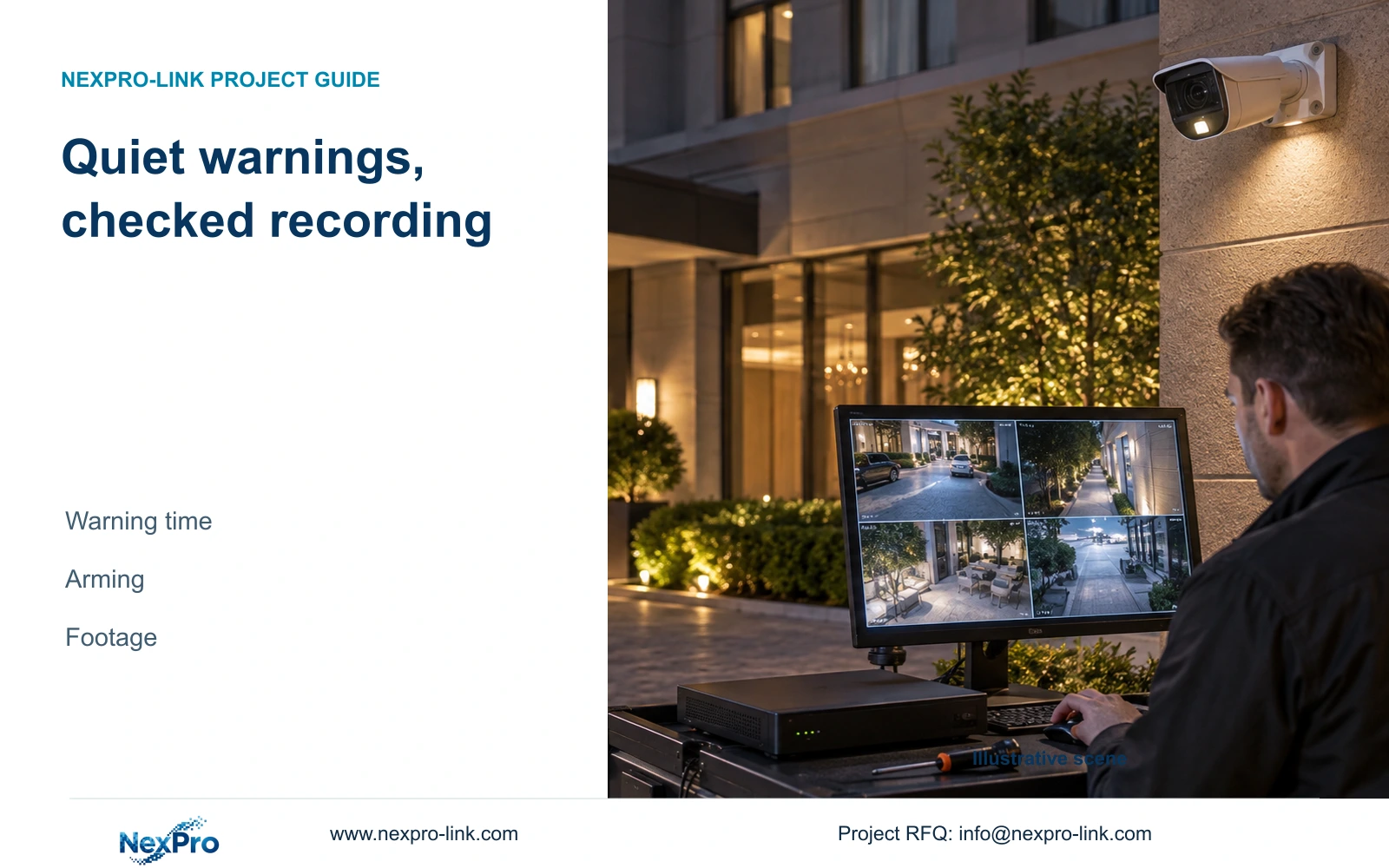
Quiet nighttime operation needs separate checks for camera warnings, event arming and recording. Preserve the required footage while testing each supported output.
Section 01
Keep after-hours recording while limiting warnings
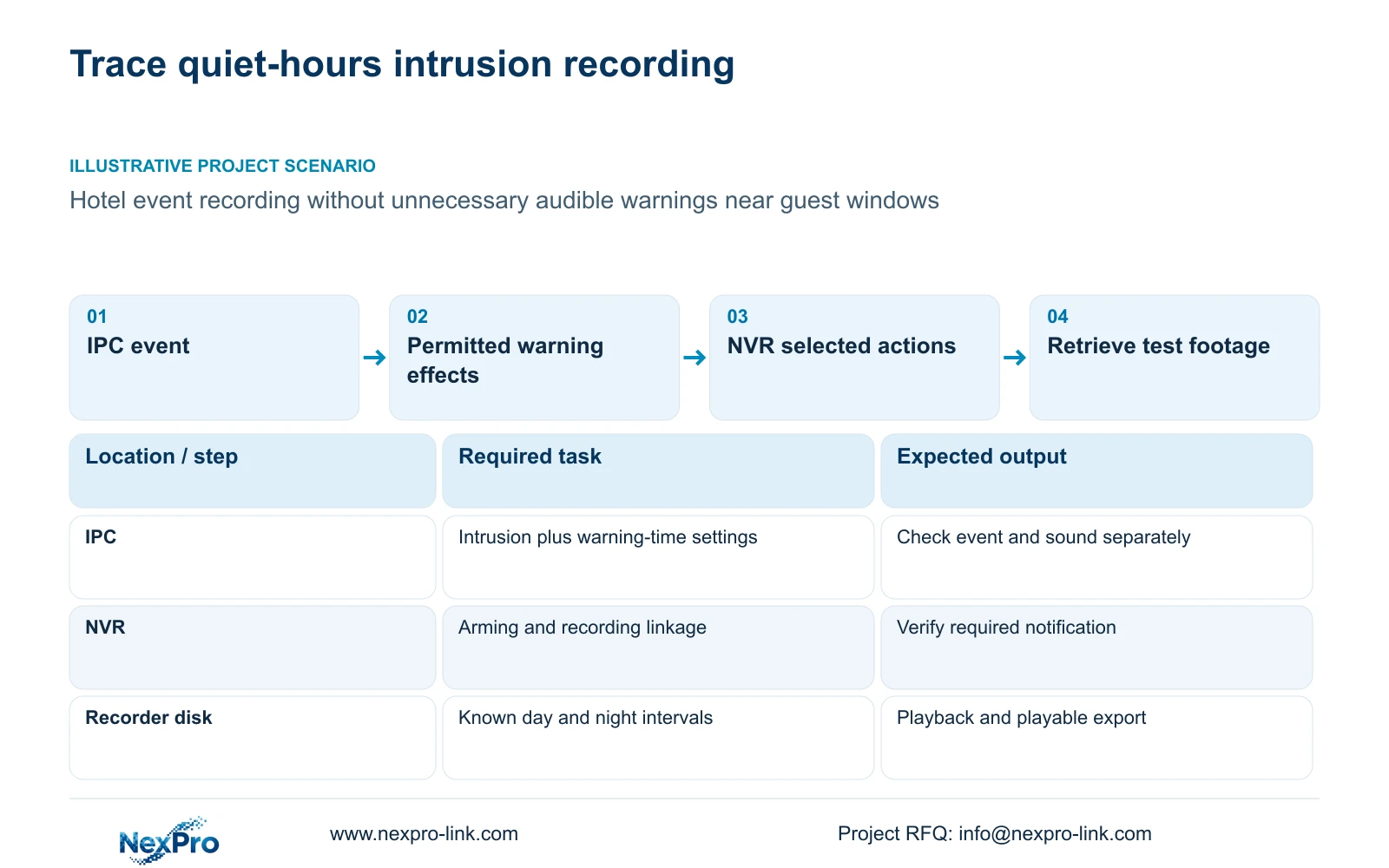
A hotel can define quiet after-hours operation separately from its recording requirement, but the chosen IPC and recorder must support and pass that workflow. The manual describes a time window for light and sound alarm effects within camera analytics. That window is separate from event arming, recorder linkage and the recording plan. Specify which warnings are permitted near guest windows, preserve the required recording or notification actions, and test the result during both day and night conditions. Silencing an audible effect does not prove that intrusion remains active, and a lamp turning on does not prove footage was saved. Retrieve a known test interval before accepting the arrangement.
The operating source is the supplied private NVR4.0 user manual CH_V2.4.doc, with V2.2 in its body. Section 4.12.15 covers IPC analytics and warning timing; sections 4.4.7 and 4.4.8 cover normal lighting and day/night behavior. Sections 4.11.1, 4.12.11, 4.3, 4.11 and 4.12.21 support recording, linkage and retrieval checks. Section references take priority over page numbers.
Begin with the hotel's allowed effects by period. Record whether audible warning, warning light, operator notification and footage are required or excluded. Do not assume that asking for quiet operation means disabling every alarm-related output.
Section 02
Separate warning time from event arming
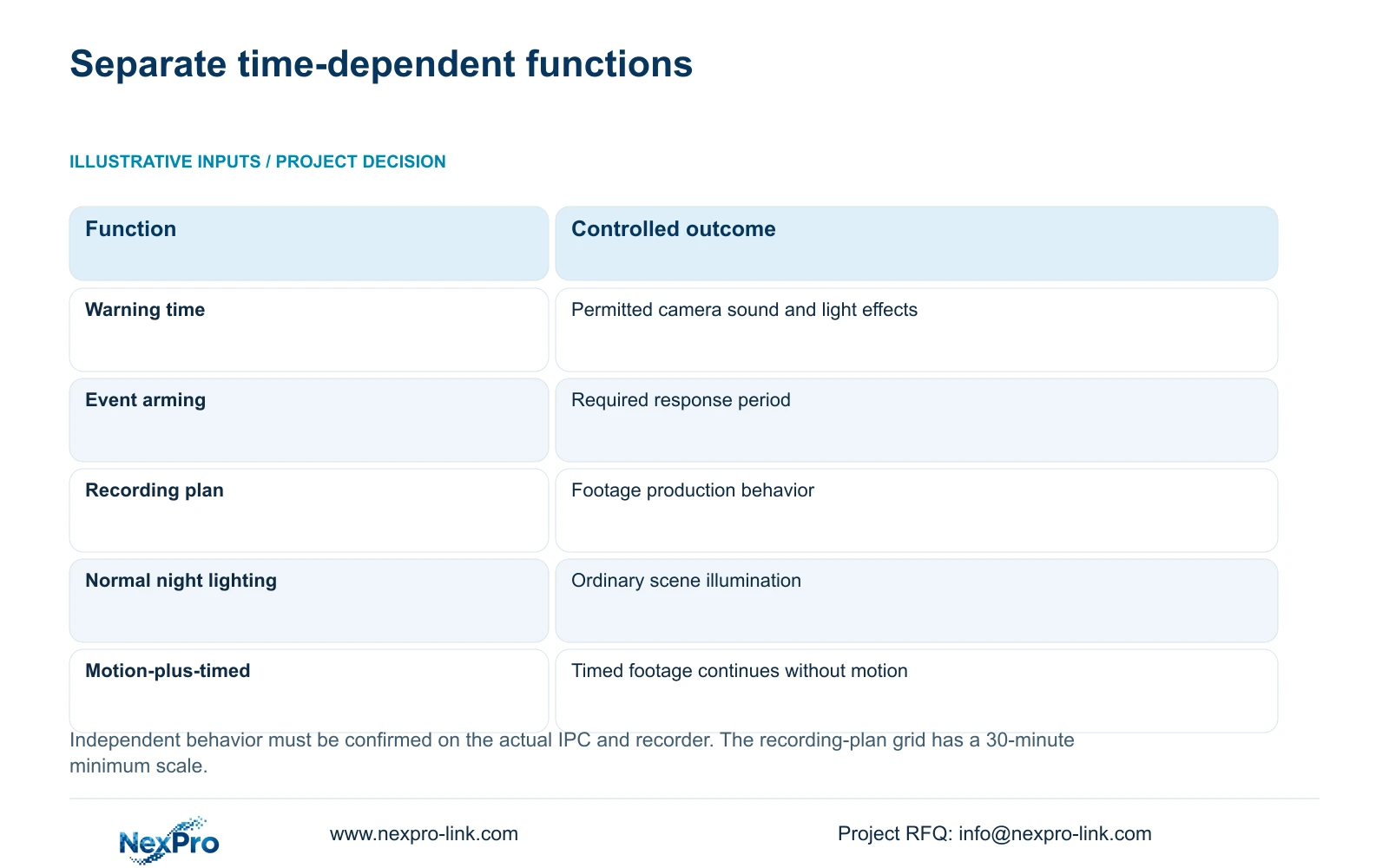
The IPC warning window concerns supported light and sound effects. Alarm arming concerns when the event and its applicable response are required. The recording plan concerns when and how footage is produced. Keep these settings on separate lines in the configuration record so changing one does not obscure the others.
Follow the documented workflow by enabling the relevant NVR-side function and configuring the IPC through Front-end Settings. Confirm that the camera has the required intrusion capability, region and related parameters. The recorder handles reception and linkage; its checkbox cannot supply unsupported camera analysis.
For the quiet after-hours task, preserve event detection and the required outputs while qualifying the warning-time behavior. If the actual device couples controls differently from the requirement, record that limitation and obtain device-specific guidance. The shared manual menu does not guarantee every camera offers independent control.
| Setting layer | Question it answers | Verification |
|---|---|---|
| IPC warning window | When are supported sound and light effects permitted? | Observe warnings inside and outside the permitted period |
| Intrusion arming | When must the defined event produce its response? | Perform the agreed route during relevant periods |
| NVR linkage | Which outputs follow a received event? | Check each selected destination |
| Recording plan | When and how is footage produced? | Retrieve the known test interval |
| Normal night lighting | How is the scene illuminated without an alarm? | Observe the ordinary night state |
Section 03
Configure warning effects without confusing night illumination
Normal lighting modes, IRCut and color-to-black thresholds or delays appear separately from analytic light and sound actions in the manual. Inspect the ordinary night image without a test event, then inspect the supported warning behavior during a controlled event. These observations answer different questions.
A light visible near the camera may belong to ordinary illumination. Its presence cannot establish that intrusion triggered, that the recorder saved footage or that a recipient was notified. Conversely, the absence of an event warning is not automatically an infrared hardware failure.
Use the applicable IPC settings to qualify the hotel's permitted effects. Keep necessary illumination for the agreed viewing task while checking the warning requirement. Where a requested effect is unavailable, preserve the working image and identify the missing capability instead of applying a presumed universal preset.
Section 04
Retain the required recorder responses
Section 4.12.11 lists buzzer, popup, email, screenshot sending, snapshot, preset call, recording, flashing border and app push as separate actions. The recorder buzzer is also distinct from a camera's audible warning. Include both in the quiet-operation review where either could be selected.
Check which responses remain required after hours. A staff notification may be appropriate even when nearby audible warning is excluded, but its delivery must be tested on the selected equipment and recipient path. Check recording independently of popup or push, and keep action duration separate from footage retention.
If a warning is absent and notification succeeds, continue to the recording check. If quiet operation also suppresses the required event response, inspect enablement, arming and the supported control relationship. Avoid accepting silence as success until the event and footage requirements are proven.
Section 05
Check all four recording-plan choices
Section 4.11.1 describes timed recording, no recording, motion recording and motion-plus-timed recording, with a 30-minute minimum plan-grid scale. Review the actual channel's plan against the periods that need footage. A warning-time change does not establish recording coverage.
Motion-only recording records when motion detection triggers. Motion-plus-timed continues ordinary timed recording without a motion trigger and records motion-type footage when triggered. The mixed choice therefore cannot be treated as event-only storage saving. Keep its continuing recording behavior visible in the project's storage assumptions.
The motion plan describes motion behavior; it does not establish that every intrusion event automatically satisfies that trigger. Confirm the required intrusion recording action and prove its result on the actual combination. If the owner requires a continuous background record, qualify that plan separately from event notifications.
If the required operating boundary cannot be represented as expected in the documented plan grid, record the scheduling constraint for review. Do not invent finer schedule resolution or assume another device's menu applies.
Section 06
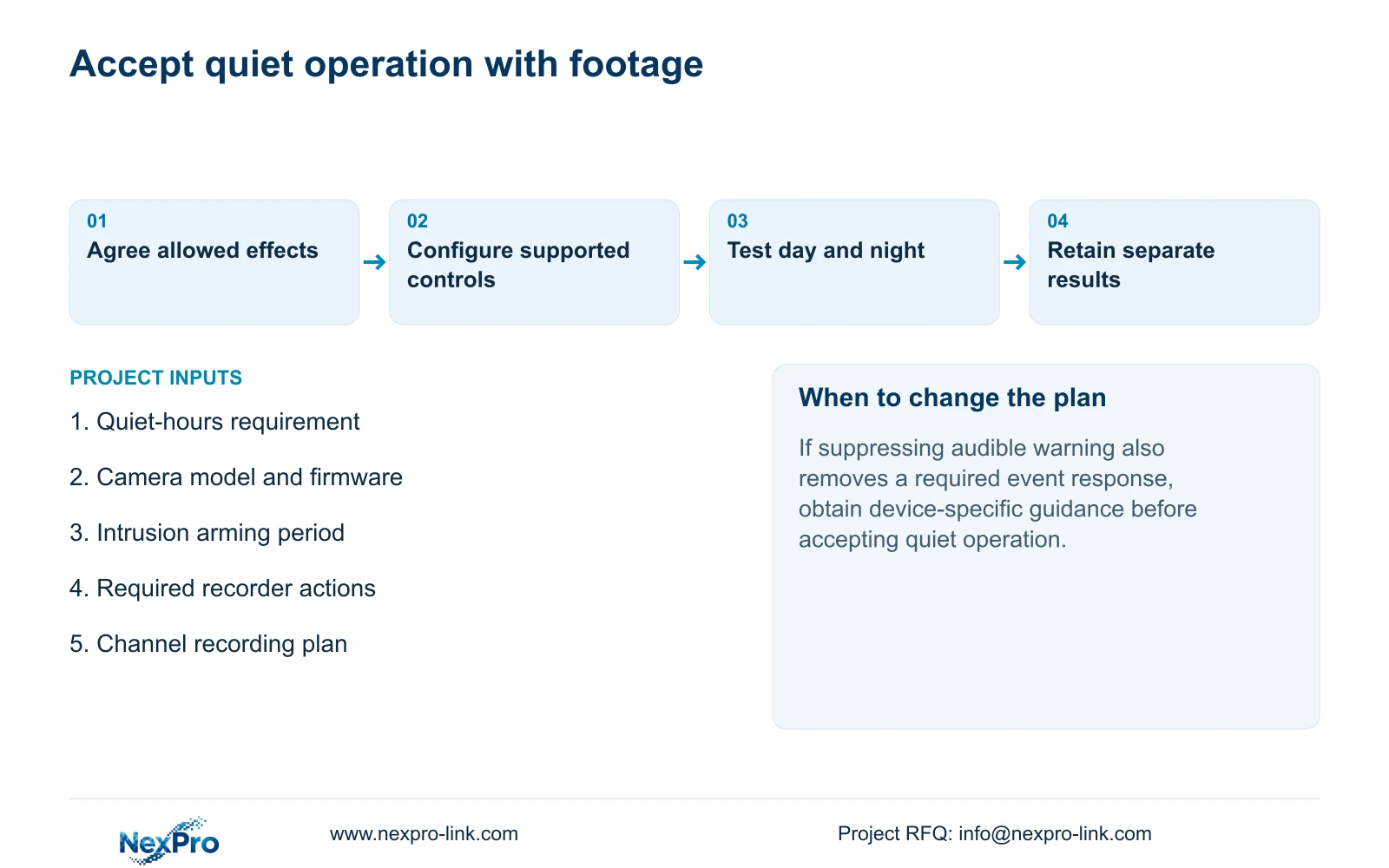
Run separate day and night acceptance checks
Arrange controlled movement with the responsible site team. For each relevant period, record the channel, time, ordinary illumination state and expected warning behavior. Confirm the applicable intrusion arming condition, walk the agreed route and observe each selected local or recipient output.
Inspect recording state, then retrieve the known interval and export a suitable sample for playback on another device. Also inspect the selected disk and recording policy. A Seetong PC local recording is a different storage object and cannot establish that the NVR's disk contains the required footage.
Write the results by function so a failed warning exclusion does not hide successful recording, and successful notification does not hide missing footage. If only the nighttime case fails, compare the relevant periods and image conditions while preserving the working daytime configuration. Acceptance remains open until the required quiet behavior and retrieval task both pass.
Section 07
Apply the hotel quiet-hours brief
Illustrative project scenario: A hotel wants after-hours event recording without unnecessary audible warnings near guest windows. The engineer separates camera warning timing from event arming, reviews recorder buzzer selection and preserves required recording and notification. Day and night route tests check ordinary illumination, warning behavior and playable footage. These are proposed checks, not a claim of a delivered hotel configuration.
Section 08
Does motion-plus-timed record only during events?
No. The manual states that ordinary timed recording continues without a motion trigger. Motion triggers change the recording type within that mixed mode.
Section 09
Specify the permitted after-hours effects
Send NexPro-Link the required quiet-hours output list and camera model with firmware at info@nexpro-link.com.
Engineering references
These sources support the general planning principles. Always use the selected product's current datasheet and applicable project standards for final design.


