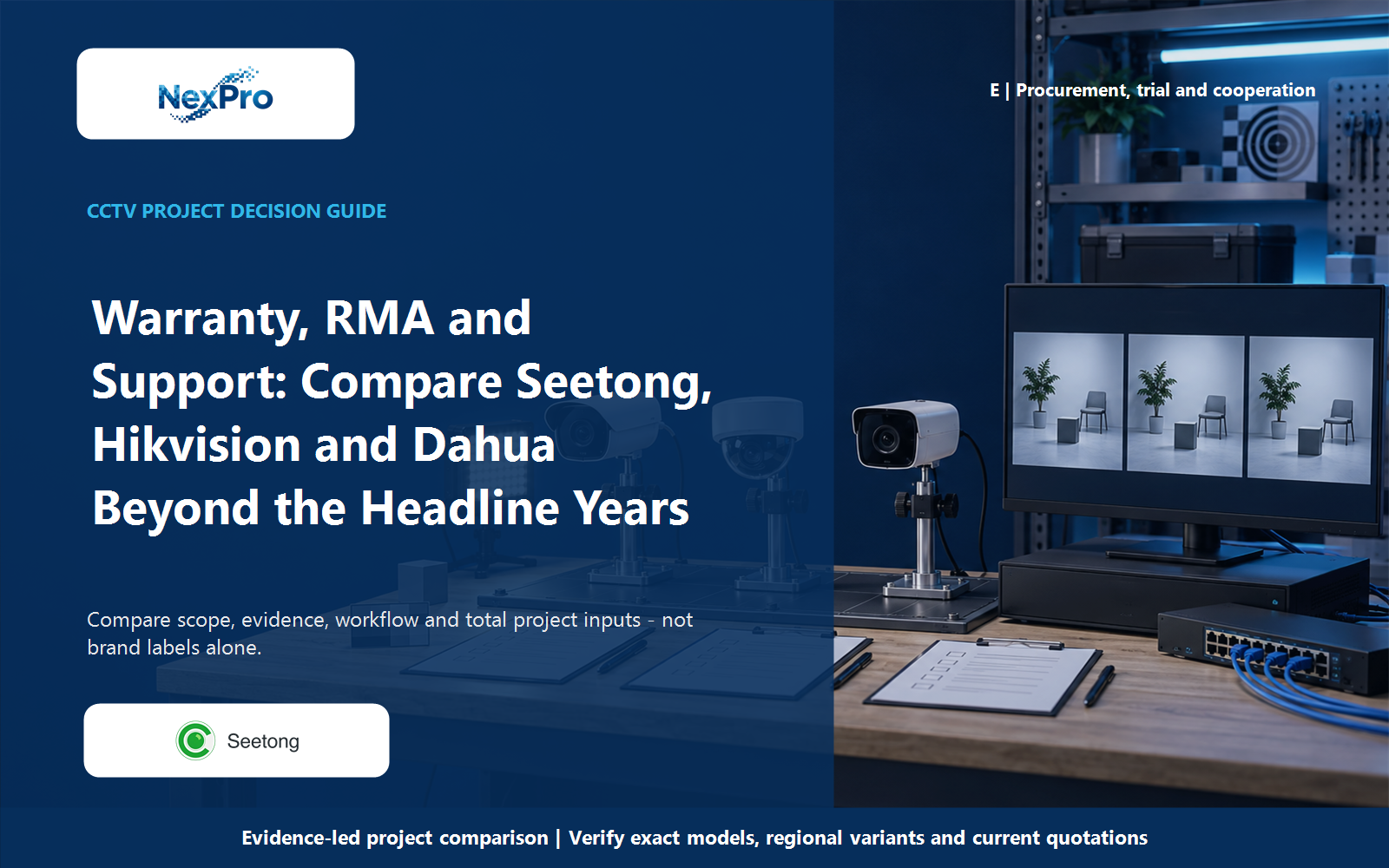
Separate recorder coverage from disk supply, footage preservation and local service work so an NVR warranty claim has a usable route before equipment is ordered.
Section 01
Define who handles each part of a recorder fault
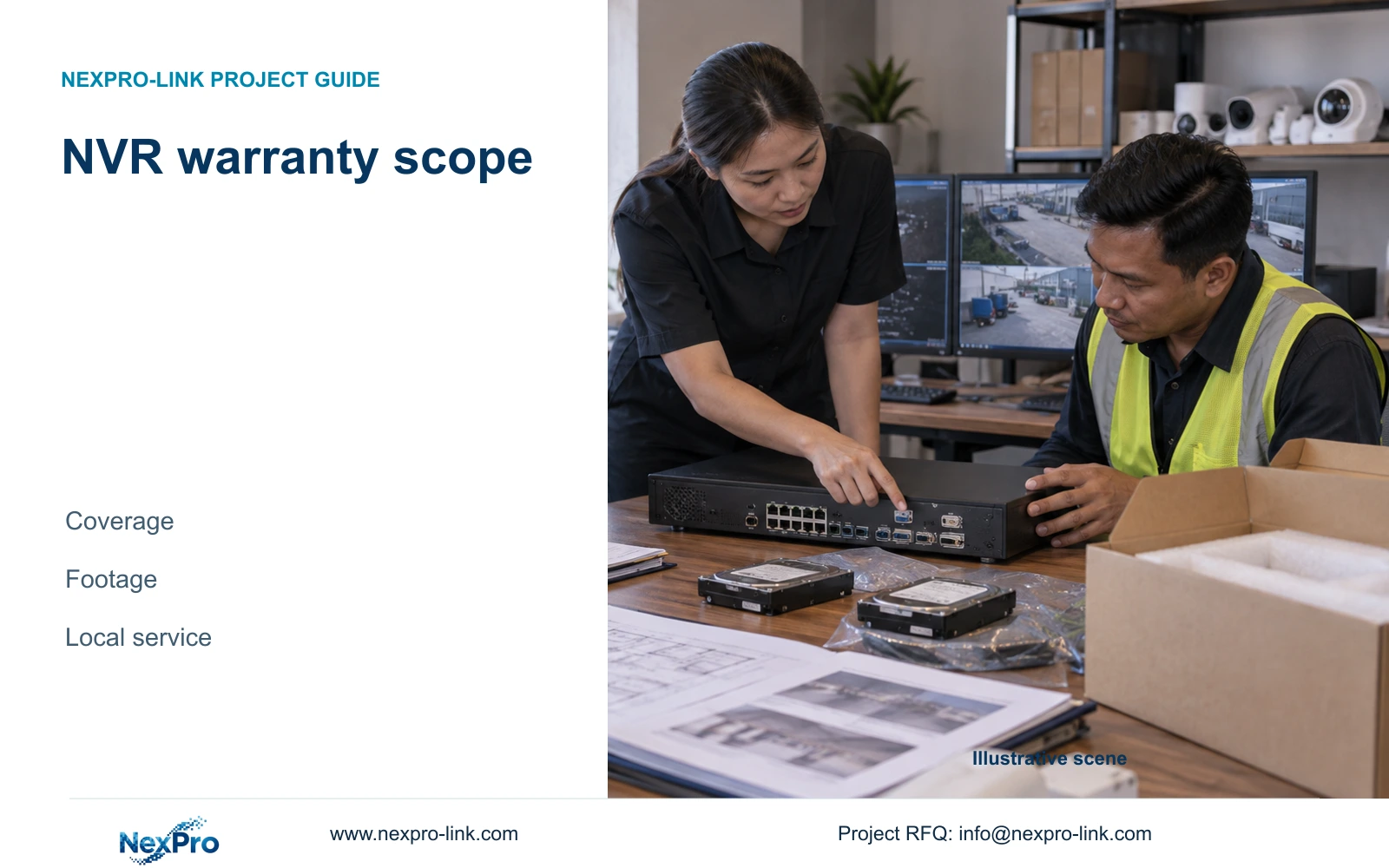
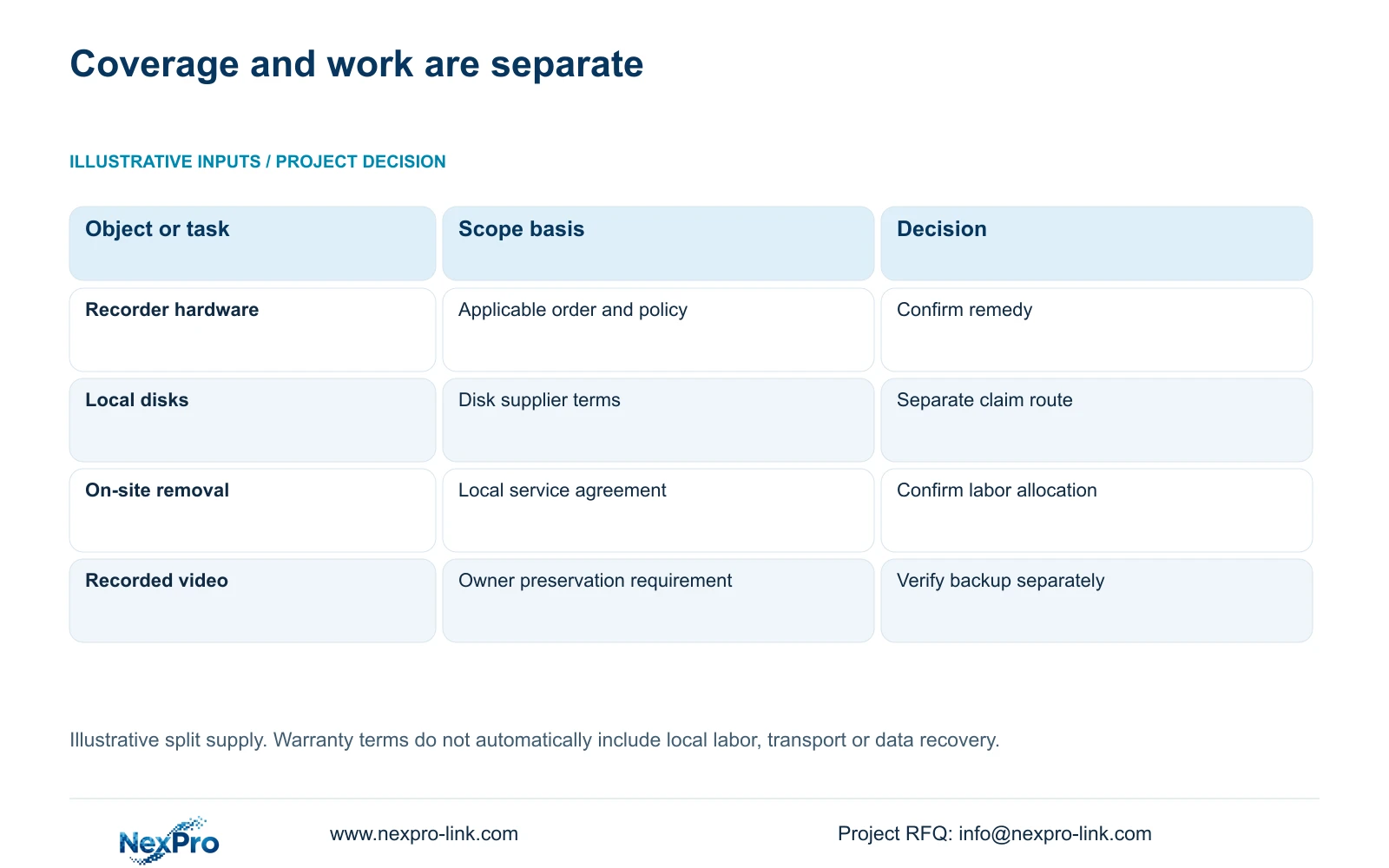
Before ordering an NVR, identify which supplied items are covered, which written terms apply and how a remedy will reach the site. Recorder hardware, locally purchased disks, adapters, site wiring and third-party services can have different responsible parties. A warranty period alone does not establish local attendance, transport payment or recovery of recorded video. For an overseas project, agree who gathers diagnostic information, protects required footage, removes equipment and coordinates any return. Keep those tasks alongside the equipment schedule so procurement and maintenance staff can follow the same process when a fault appears, without first reconstructing the original supply arrangement.
Start with the supplier named against each item. If disks come from a local source, record that source separately from the recorder supplier. An unavailable recording could involve either object, so avoid assigning responsibility solely because the symptom appears on the NVR screen. The initial report should describe what failed and what remains usable.
Section 02
Keep the applicable terms with the equipment identity
Retain the accepted quotation, order and referenced warranty policy together, including their revisions and any project-specific service terms. The supplied policy summary describes a 24-month limited hardware baseline for main equipment, subject to the applicable written terms. Storage media and other categories need separate confirmation. Do not extend that headline period to every item in the installation.
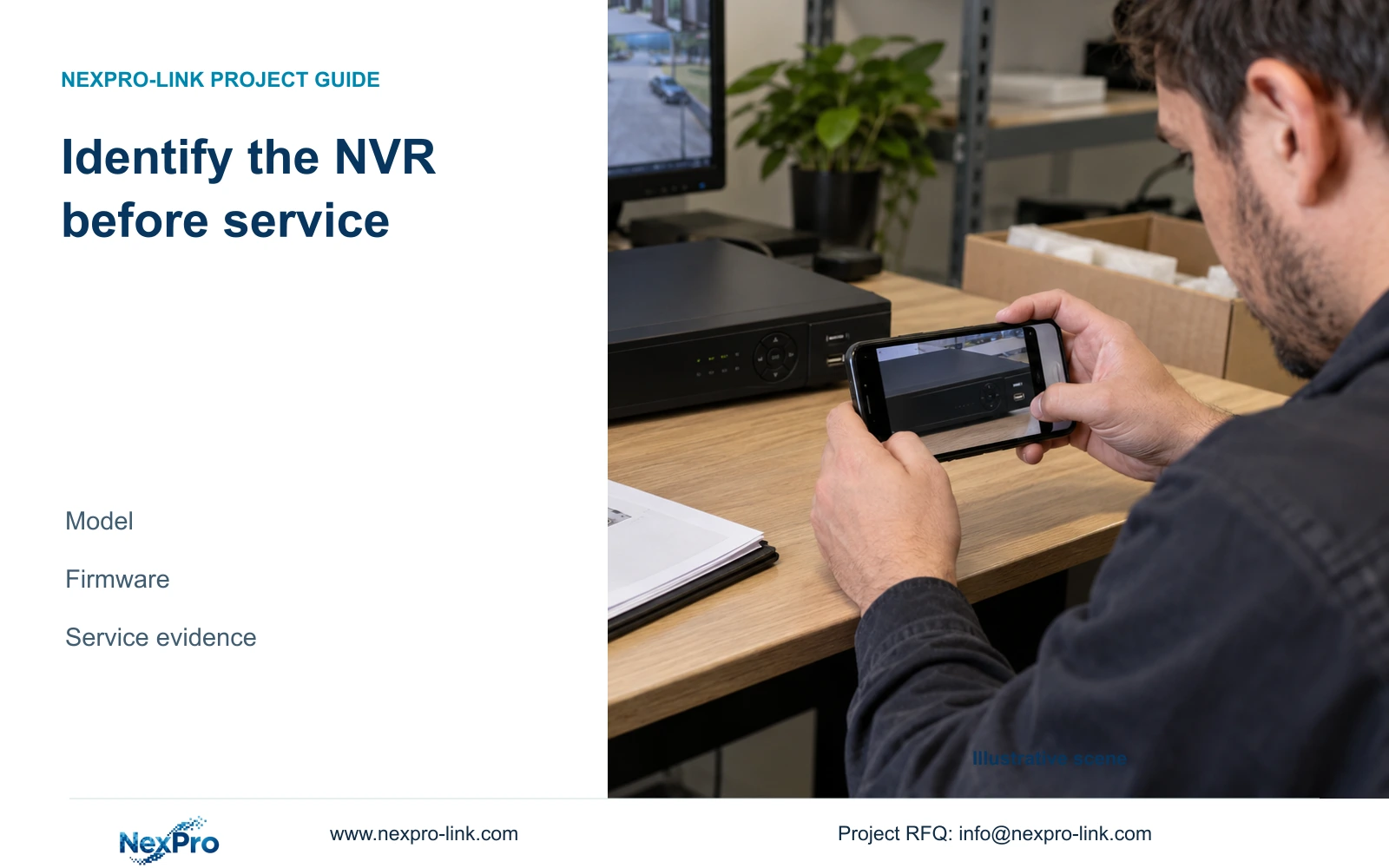
Connect those documents to the recorder actually supplied. Section 4.12.19 describes collecting the product model, hardware version, software version and release information from System Information. Keep serial information in the private service record. Redact cloud identifiers, QR codes and recognizable site content from screenshots intended for wider circulation.
The operating source is the private NVR4.0 user manual CH_V2.4.doc, whose body identifies V2.2. Sections take priority over page numbers. It supports the diagnostic and backup workflows discussed here; it does not set NexPro-Link warranty duration or establish a commercial SKU mapping for its TS models.
Section 03
Collect a fault report that supports the next test
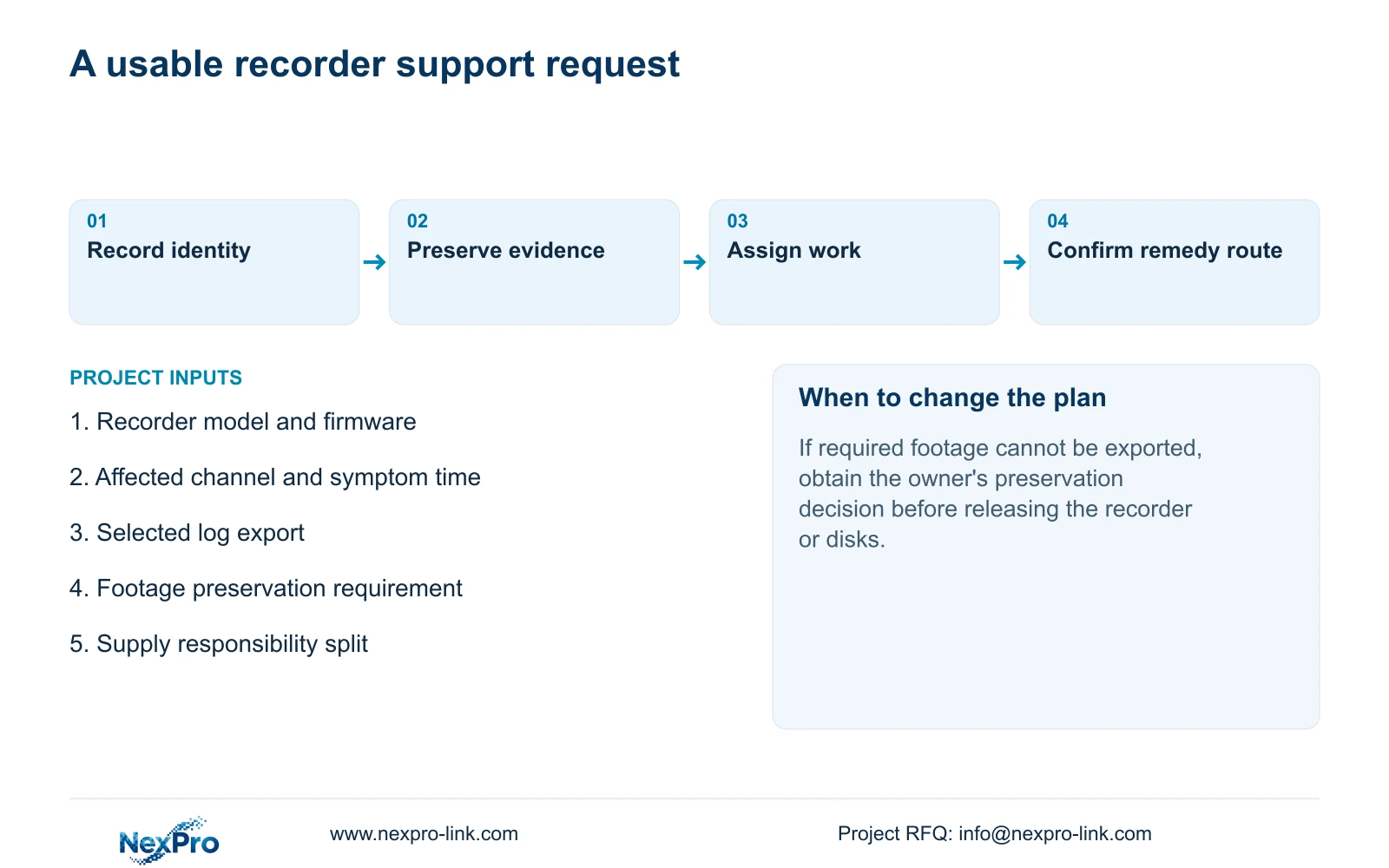
Record the affected channel, symptom time and observed outcome. State whether live video, playback or export is affected, and whether the problem involves one channel or several. These observations help select a controlled check. They do not prove that the recorder hardware has failed or that a particular remedy is covered.
For logs, section 4.12.17 describes a default current-day search and type filters. If the reported event occurred earlier, check the search conditions before concluding that there is no record. The manual describes querying all logs when the date condition is not selected, viewing details and exporting text.
Save relevant log details before a proposed reset or upgrade. Either action requires authority, preservation of relevant data and an agreed interruption where applicable. An exported log assists diagnosis; the manual does not establish unlimited retention or tamper-proof auditing.
Section 04
Protect the required recording before return work
Ask the owner which channels and time windows must remain available. Under section 4.11.4, select the format, recording types, channels and start/end time, then update the capacity estimate. Detect the inserted USB storage device before starting the copy. The manual lists MP4 as the default and permits multiple channels.
Check the resulting files for the requested period and usable playback. USB detection alone does not establish a successful backup. If playback works but export fails, preserve the observed difference and seek the next supported check before proceeding with return work that could remove access to the footage.
If the recorder cannot provide the required video, record that limitation explicitly. A warranty remedy for equipment does not itself promise data recovery. Agree the preservation decision with the owner before releasing hardware or storage media.
| Observation | Responsibility to establish | Next action |
|---|---|---|
| Recorder supplied overseas; disks bought locally | Separate hardware and disk support parties | Keep both supply records with the fault report |
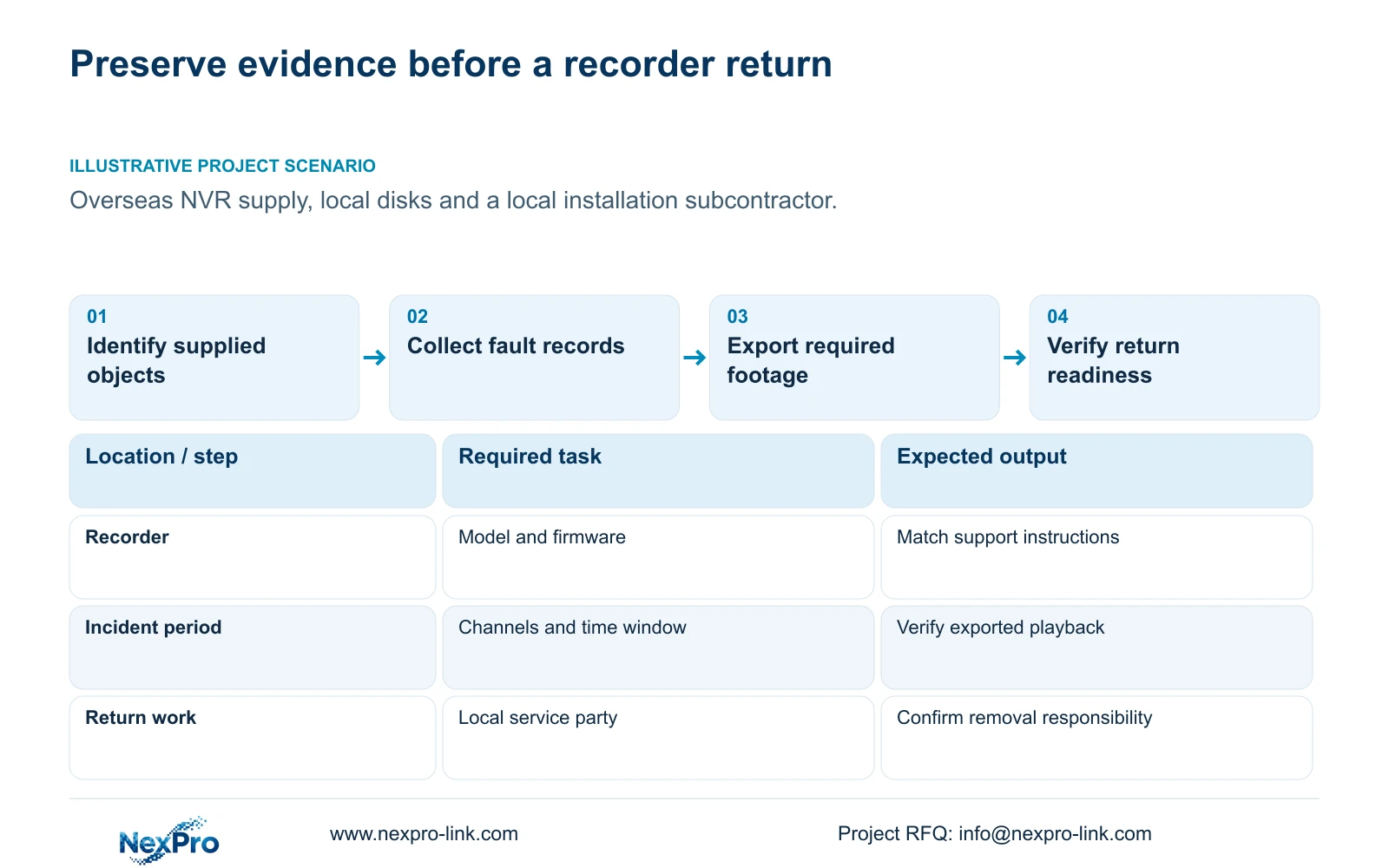
| Required footage remains playable | Owner authorizes preservation and access | Export the selected period and verify playback |
| Logs appear empty for an earlier incident | Operator checks search conditions | Review date and type filters before escalation |
| Equipment must leave the site | Removal, transport and return installation roles | Confirm the process and cost allocation in writing |
Section 05
Separate remote guidance from physical service work
A remote support discussion can use model information, logs and redacted observations to narrow the next check. Local removal, packing, transport and reinstallation require separate arrangements. Name the party performing each task and identify which costs are included, optional or outside the agreed scope.
Use conditional findings in the service record. An error icon is an observation; a suspected disk or network cause remains a hypothesis until the relevant check supports it. If the available evidence does not justify removal, retain the current arrangement while obtaining the missing information. Avoid changing several settings at once, which makes later comparison harder.
Section 06
Apply the split-supply arrangement
Illustrative project scenario: An overseas project combines recorders, locally sourced disks and a local installation subcontractor. The buyer keeps recorder terms with the overseas order, disk terms with the local purchase and removal responsibilities with the subcontractor's scope. Before any return, the owner identifies footage to preserve and the technician collects the affected time, channel and relevant logs. This is a proposed working arrangement, not a delivered project or a confirmed fault diagnosis.
Section 07
State the requested service boundary before ordering
A useful procurement brief states the requested coverage and remedy route, delivery destination, disk sourcing arrangement and local service party. Add the equipment schedule where it affects responsibility. Mark unresolved items for confirmation instead of allowing a broad support statement to hide them.
The result should let a maintenance coordinator identify the correct support party and assemble the initial report. NexPro-Link's BOQ and tender support route can support this scoped equipment discussion; it does not automatically include overseas site labor or a particular restoration time.
Section 08
Does recorder coverage include locally purchased disks?
Do not assume it does. Identify the disk supplier and applicable terms separately, then agree how recorder and disk diagnosis will be coordinated.
Section 09
Does a replacement recorder restore the old footage?
A hardware remedy does not establish data recovery. Preserve usable recordings through the supported export workflow and document any footage that remains inaccessible.
Section 10
Confirm the order's support boundary
Send your proposed recorder, disk and local-service responsibility split to info@nexpro-link.com for a scoped warranty and support discussion.
Engineering references
These sources support the general planning principles. Always use the selected product's current datasheet and applicable project standards for final design.