

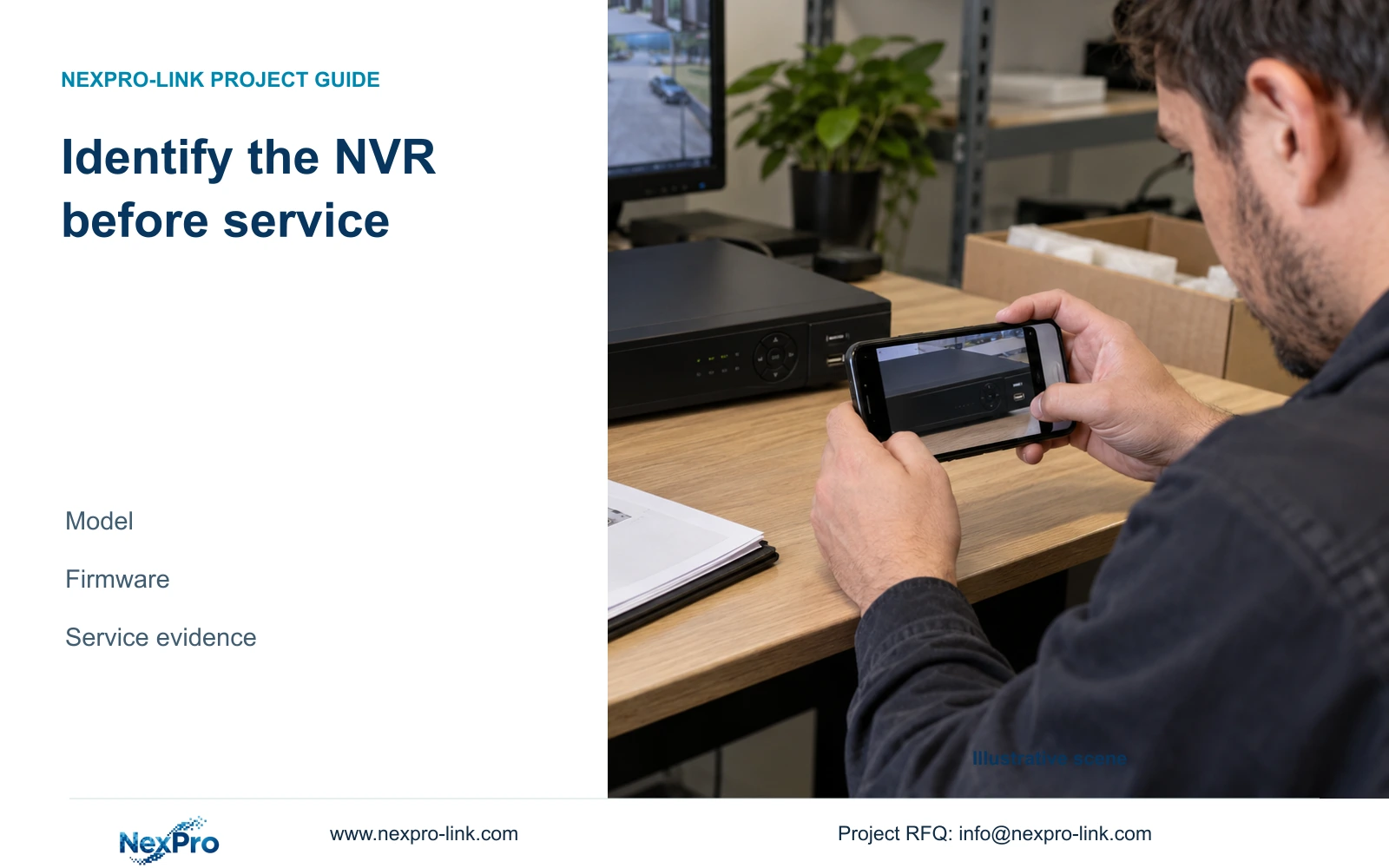
Prepare an NVR service request with the actual recorder identity, applicable manual sections, symptom logs and separately identified backups.
Section 01
Capture the identifiers that select the service instructions
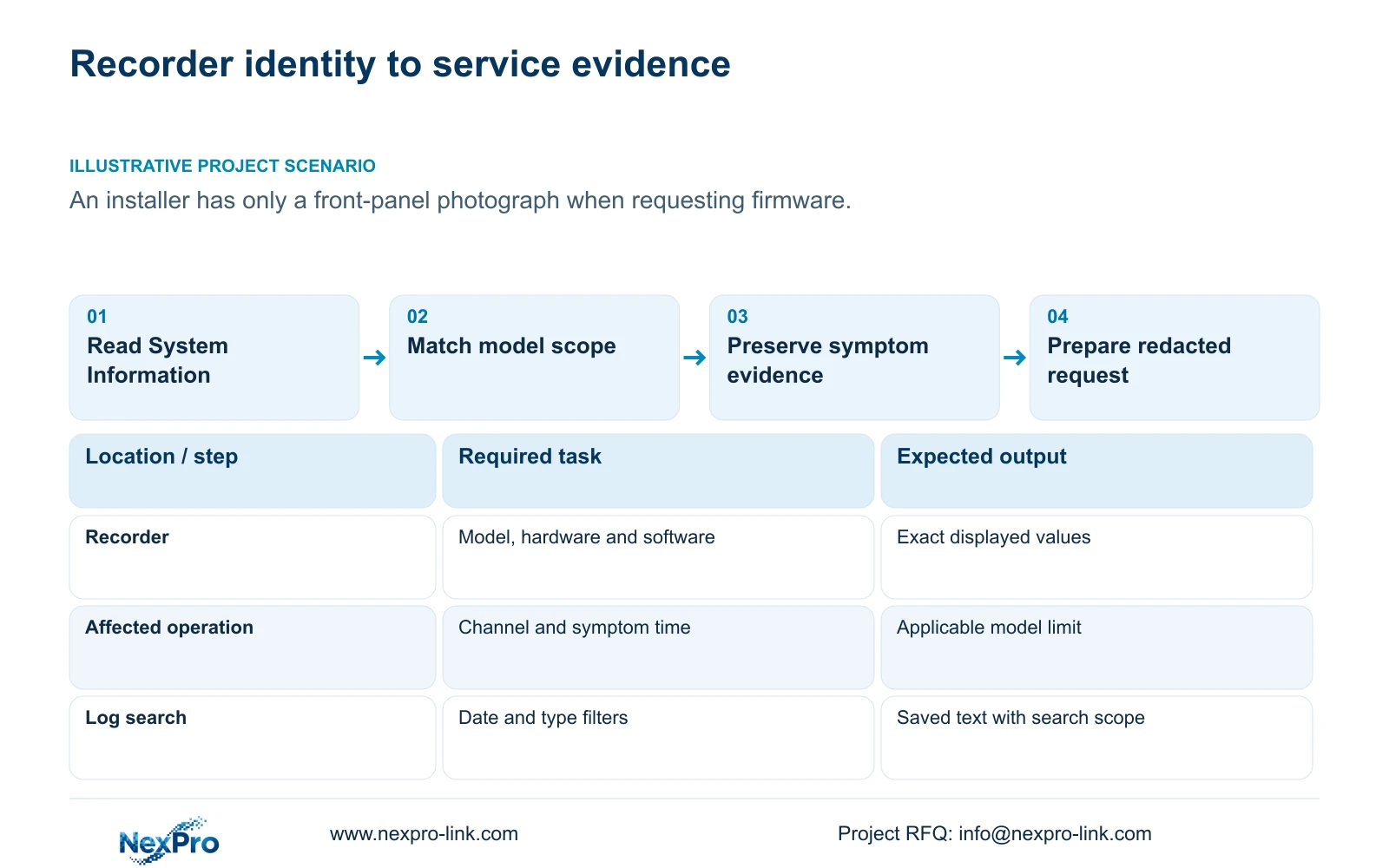
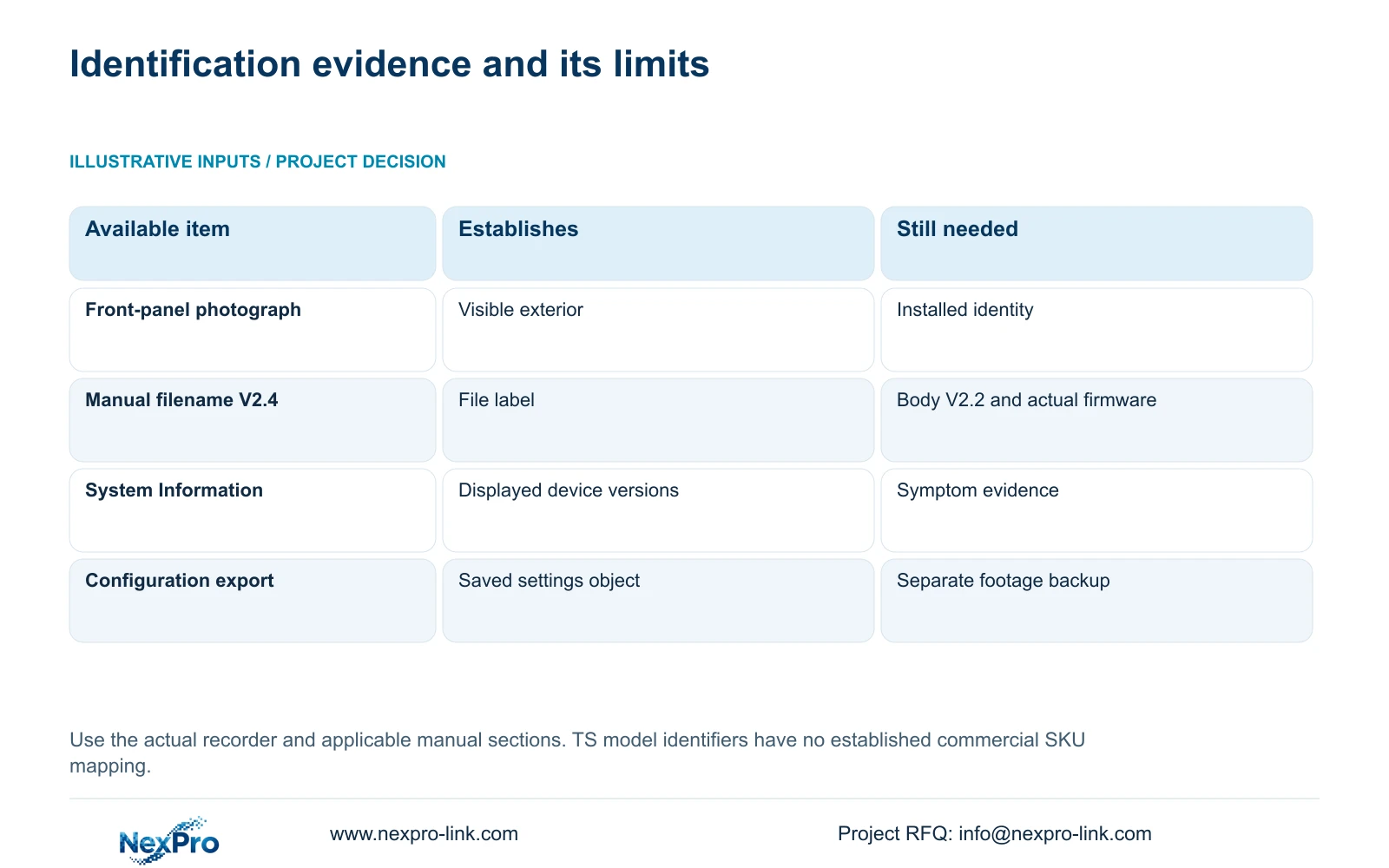
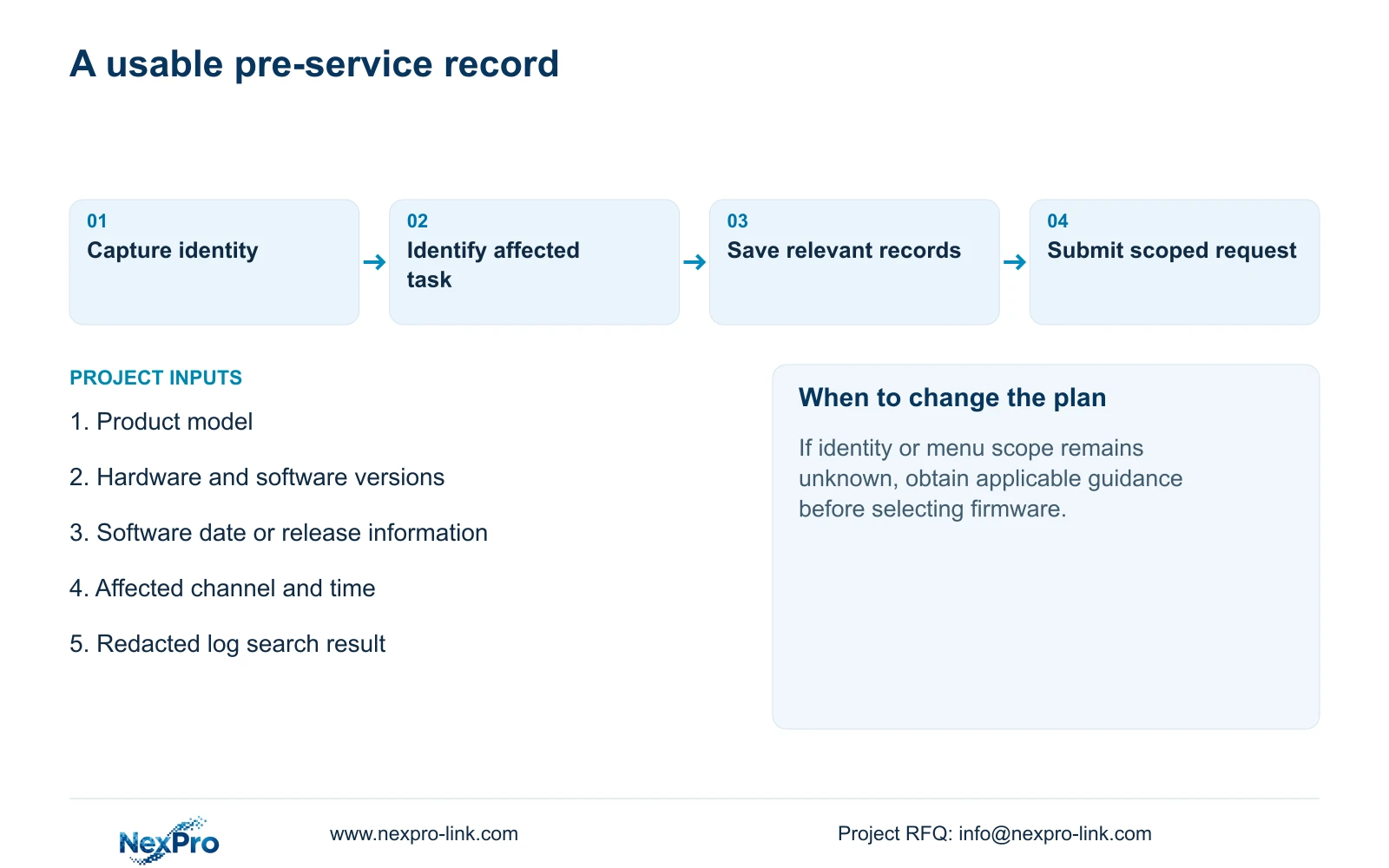
Before requesting an NVR service visit or firmware file, record the product model, hardware version, software version and software date or release information from System Information. Add the affected channel, symptom and time window so the technician can connect the device identity to a specific operating problem. A front-panel photograph can accompany the record, but it cannot establish installed firmware or the applicable hardware revision. Preserve relevant logs and identify any configuration backup separately from saved footage. These inputs help select the correct instructions and define the next diagnostic action without changing the recorder merely to discover what it is.
Section 4.12.19 describes the recorder's basic information controls. Copy the displayed values exactly, retaining suffixes and revision details. Keep the record with the site reference and collection date. If a field is unavailable, mark it as unavailable instead of substituting a number from a carton, another recorder or a familiar interface.
Serial numbers can remain in an appropriate private service record. Redact cloud identifiers, QR codes and recognizable customer information from screenshots intended for public discussion. The technical identity should remain readable after redaction.
Section 02
Separate the manual label from installed firmware
This guide uses the supplied private file NVR4.0 user manual CH_V2.4.doc. Its filename identifies V2.4, while the body headers identify V2.2. Preserve both labels when describing the source. Neither tells you which firmware is installed on the recorder.
Locate System Information, Log Management and System Maintenance by their section headings and numbers. Old contents-page numbering can differ from a reader's pagination. A missing control should therefore prompt a comparison of the actual model, software version and visible menu, followed by a request for applicable instructions.
Keep the recorder interface separate from Seetong Windows client operations. A client screenshot or locally saved PC recording cannot establish the recorder's maintenance menu or disk contents. Describe which device and interface produced each observation so the support team does not investigate the wrong layer.
Section 03
Check the model row for the affected function
The family overview in section 1.2 and the model table in section 5.2 have different purposes. The overview describes series functions; the appendix limits particular preview, local playback, buzzer and talkback capabilities. Find the row for the identified recorder before treating a requested function as available.
For example, TS8108D7 lists local playback of 1×3MP. TS8116D7 lists 1×5MP OR 2×2MP. TS8232C4 lists 1×4K OR 4×2MP OR 2×5MP. TS8836M/TS8436M lists 1×4K 30fps OR 2×5MP OR 4×4MP@20fps OR 4×2MP@25fps. These are alternative playback combinations, not capacities to add together.
If the complaint concerns simultaneous playback, compare the requested combination with that specific row. If it concerns recording input or preview, consult the corresponding constraint instead. The manual establishes no mapping between these TS identifiers and NexPro-Link commercial SKUs.
Section 04
Preserve the log search that matches the symptom
After identifying the recorder and affected function, search the relevant operating period under section 4.12.17. The manual describes a current-day default and type filters. An empty result may reflect those selections rather than an absence of stored records.
Check the date condition and selected log type, inspect relevant details, and export the results as text. The manual also describes querying all available logs when the date condition is not selected. Record the search conditions beside the exported file so another technician can understand what the result covers.
Where the symptom occurred outside the current day, repeat the search for the appropriate period before drawing a conclusion. Preserve the result before an authorized upgrade or reset, together with required settings and footage. Log export does not establish unlimited retention, tamper-proof auditing or certified legal evidence.
| Observation | Meaning | Next action |
|---|---|---|
| Only a front-panel photograph is available | Installed software and hardware revision remain unknown | Collect System Information before selecting instructions |
| The menu differs from the supplied manual | Device or firmware scope needs checking | Record the difference and request applicable guidance |
| The log search is empty | Date or type filters may exclude the symptom | Review filters and repeat the relevant search |
| A configuration file exists on USB | Its identity and footage coverage are separate questions | Identify its source and preserve required video separately |
Section 05
Identify configuration, video and logs separately
Sections 4.12.18 and 4.11.4 describe separate configuration and recording backup workflows. Give each saved object a clear name and record its source recorder. A settings export is not a disk image and does not contain the incident footage merely because both files are on the same USB device.
When configuration export is applicable, retain the source model, software version and export time with the file. Confirm that the saved object can be identified before relying on it during maintenance. The manual does not guarantee universal import across models or firmware versions.
If footage preservation is required, define its channels and time interval through the video backup workflow. Keep that task independent of configuration collection. Missing backup provenance is a reason to obtain more information, not an instruction to import the file experimentally into a running system.
Section 06
Turn the collected record into a scoped support request
Illustrative project scenario: An overseas installer requests a firmware file using only a photograph of the front panel. The useful next step is to obtain System Information and describe the affected operation. The technician then checks model scope, preserves the relevant log search and identifies the available backups before discussing a file.
Organize the request around the observation: which channel or function failed, when it happened, and what the operator expected. State whether the problem concerns live view, recording, playback or access. Avoid replacing those details with a broad label such as 'NVR broken.'
For a supply discussion, NexPro-Link's BOQ and tender support page provides a separate route for equipment schedules and required operating tasks. A service identification request usually needs less information. It should not begin with passwords or an entire confidential tender.
Section 07
Service preparation questions
Can the manual's V2.4 filename identify my firmware? No. Read the installed software version from the recorder and retain the manual's V2.4 filename and V2.2 body labels separately.
Does a newer version label identify the fault? No. Identity selects applicable guidance; the symptom and operating evidence still need investigation.
Should I send the configuration file as proof that video is protected? No. Confirm required footage through a separate video backup and playback check.
Section 08
Provide the recorder identity and symptom
Send NexPro-Link the redacted System Information values and affected operation with its channel and time window at info@nexpro-link.com.
Engineering references
These sources support the general planning principles. Always use the selected product's current datasheet and applicable project standards for final design.


