

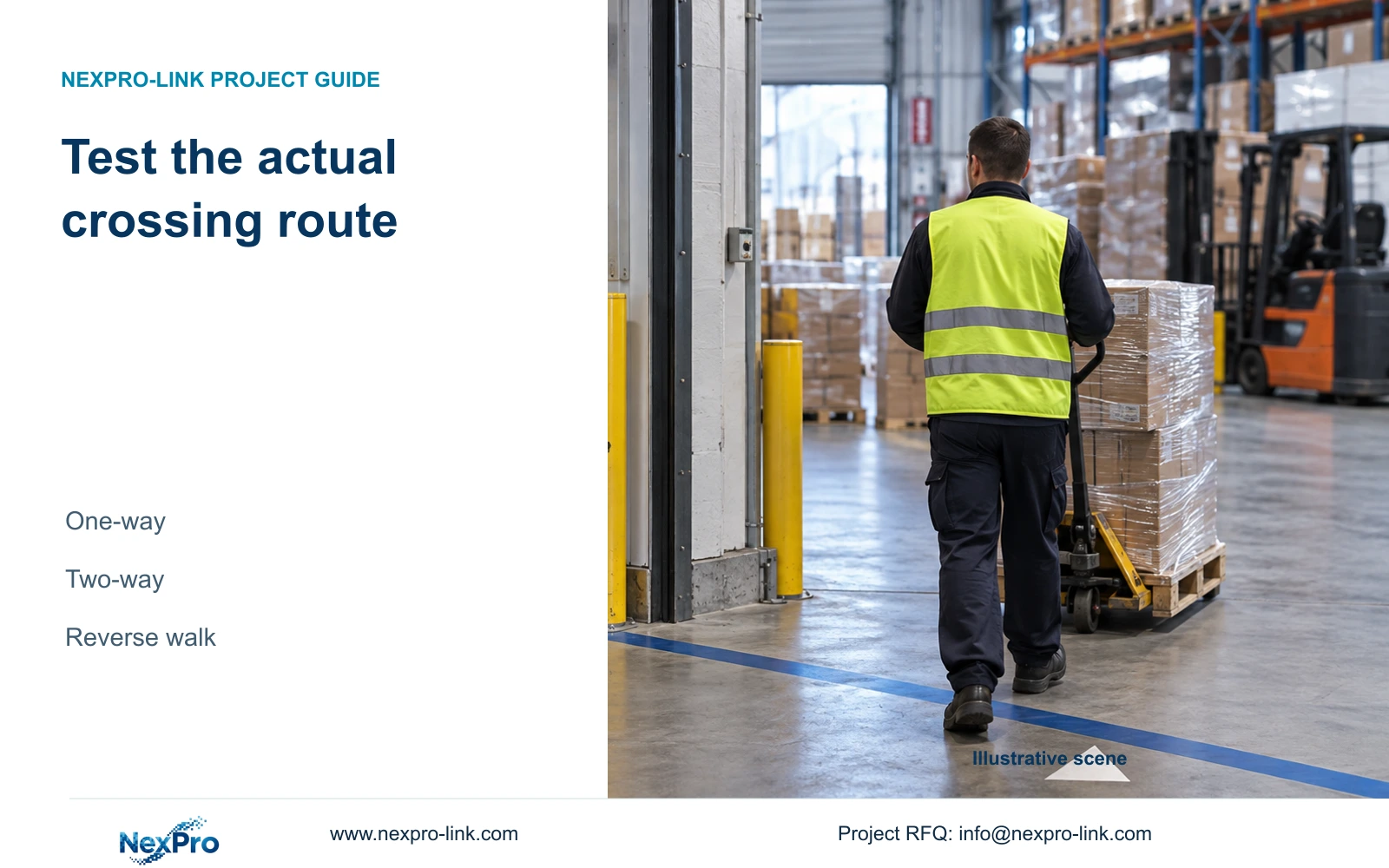
A crossing line needs a physical route and an agreed direction. Test restricted inbound movement and legitimate outbound movement before accepting the rule.
Section 01
Match the crossing line to the corridor task
Choose one-way line crossing when movement across the line in one specified direction requires an alarm, and two-way when either direction requires it. In a receiving corridor with restricted inbound movement and a legitimate outbound path, define both physical sides before selecting the one-way setting. Use the final camera view, configure the capable IPC through Front-end Settings and verify that the recorder receives the event. Walk the restricted route, inspect each selected response and retrieve the footage. Then repeat the route in reverse to check that unnecessary notifications are excluded. A saved line and arrow show configuration intent, not the result of that test.
The supplied private NVR4.0 user manual CH_V2.4.doc, whose body identifies V2.2, is the operating source. Section 4.12.15 covers front-end analytics, direction and overlays; section 4.4.3 covers capture controls. Sections 4.12.11, 4.3, 4.11 and 4.12.21 support response and retrieval checks. Section references take priority over page numbers.
Confirm the channel and finish the intended framing before drawing the crossing line. Document where the receiving approach begins and where the controlled corridor continues. If the view is still being adjusted, postpone acceptance of the rule until its relationship to the route can be tested.
Section 02
Describe both sides in site language
Label the sides using physical destinations, such as receiving approach and restricted corridor. Describe the movement that should alarm as a journey between those destinations. This lets the installer and operator compare the on-screen direction with the same route, without relying on an arrow that can be misunderstood.
Line crossing and area intrusion use different definitions in the manual. A line uses one-way or two-way crossing; an intrusion region uses entry, exit or both. A route requirement based on crossing a particular threshold should be qualified against the line control instead of borrowing an entry label from another menu.
Check whether every intended route actually crosses the proposed line. If a person can complete the restricted journey without crossing it in the view, the drawing does not represent the task. Resolve the framing or placement issue before trying to compensate with sensitivity.
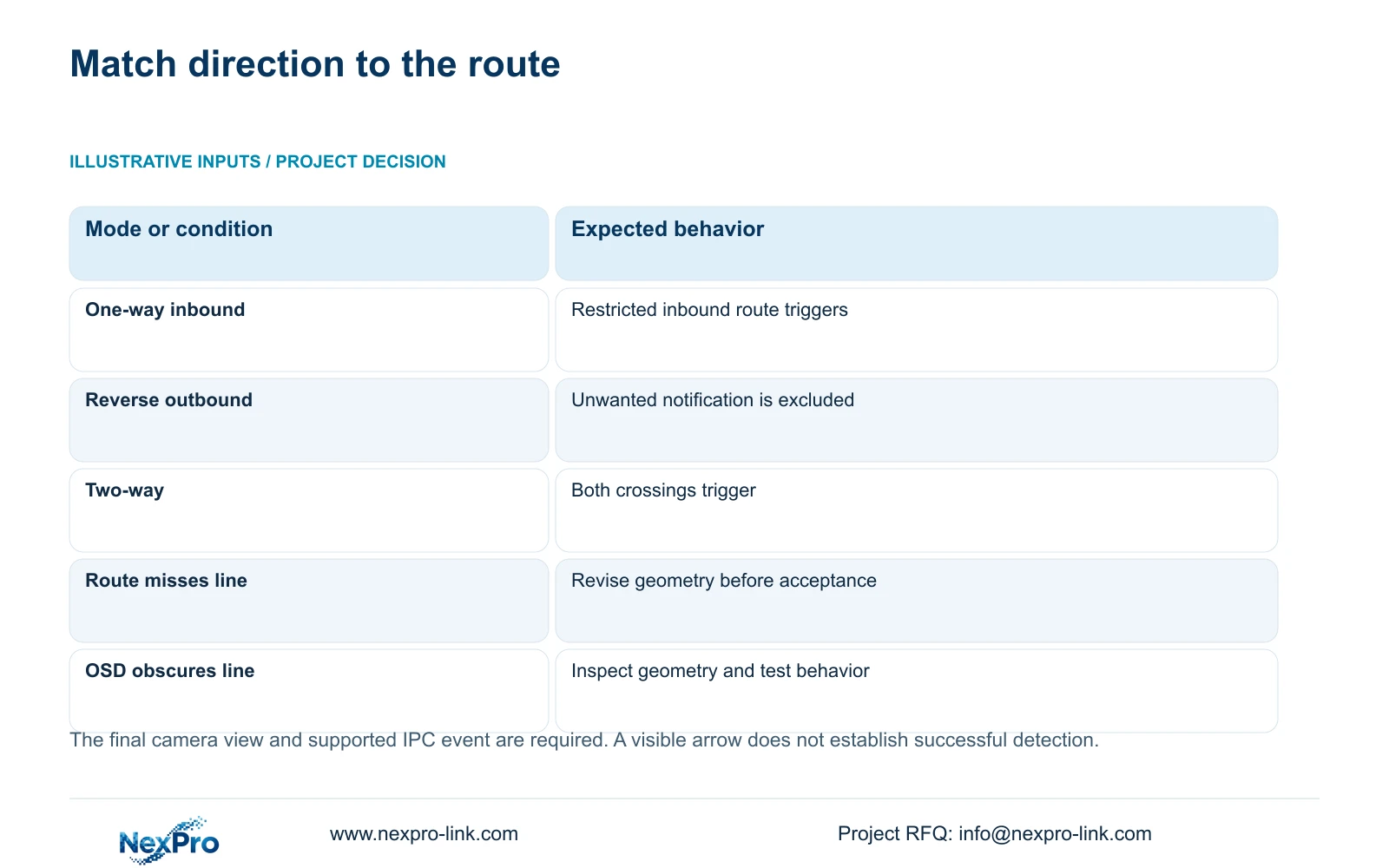
| Route requirement | Mode to qualify | Expected test result |
|---|---|---|
| Receiving approach into restricted corridor | One-way in the inbound direction | Inbound produces selected response |
| Restricted corridor toward receiving approach | Reverse of the inbound rule | Unwanted outbound notification is excluded |
| Both movements require notification | Two-way | Each route produces selected response |
| Restricted journey misses the drawn line | Geometry needs revision | Correct the view or line before acceptance |
Section 03
Save direction against the final camera image
The documented analytics workflow enables the NVR-side function, then uses Front-end Settings to configure the IPC line and related parameters. Confirm that the camera supports the event and that the selected connection exposes the required configuration and reception. Video alone does not prove that a third-party crossing event is usable.
Section 4.4.3 lists camera capture controls including brightness, saturation, sharpness, contrast, image flips, digital wide dynamic range, starlight and corridor mode. Their availability depends on the connected IPC. These controls are separate from monitor-output adjustment, and changing a monitor setting should not be described as changing the camera's analysis.
Where the corridor image needs adjustment, change one supported item and compare the same movement under relevant day and night conditions. Recheck the route geometry after an image flip or a change that affects framing. Save the agreed one-way or two-way rule only after the view used for acceptance is settled.
Section 04
Inspect the line without treating its overlay as proof
Check whether on-screen text obscures the crossing line or the landmarks needed to interpret it. OSD obstruction can make visual review ambiguous; it does not, by itself, prove that the analytic event has failed. Inspect the configured geometry through the applicable controls and ensure the team can relate it to the route.
Section 4.12.15 separates warning-line and recognition-frame display from enablement, direction, timing and actions. Seeing the line confirms a display condition. A controlled crossing is still needed to establish event reception, and each selected output needs its own observation.
If the drawing appears wrong, resolve geometry first. If the drawing is clear but no response occurs, retain it while examining the event settings and applicable arming period. Keeping those branches separate avoids losing a valid route definition during notification troubleshooting.
Section 05
Walk the restricted route and check each response
Arrange the test with the responsible site team, using movement representative of the route the rule is intended to detect. Record the affected channel and test time, and confirm the relevant enablement and arming conditions. Walk fully across the line from the receiving side into the restricted corridor.
Section 4.12.11 lists popup, border flashing, buzzer, email, screenshot sending, snapshot, preset call, recording and app push as distinct actions. Observe only the actions selected for this task, at their actual destinations. A local popup cannot establish remote notification delivery or recorded footage.
Inspect the channel's recording state and retrieve the known interval. Export a suitable sample and check playback on another device. This acceptance workflow uses the manual's recording and storage functions; it is not a built-in automatic crossing test or a measured detection benchmark.
Section 06
Check outbound movement under the same conditions
Repeat the crossing from the restricted corridor toward receiving. Under the proposed inbound-only rule, this test should exclude the unwanted outbound notification. Footage of outbound movement may still be required by the recording policy, so absence of an alarm must not be equated with absence of recording.
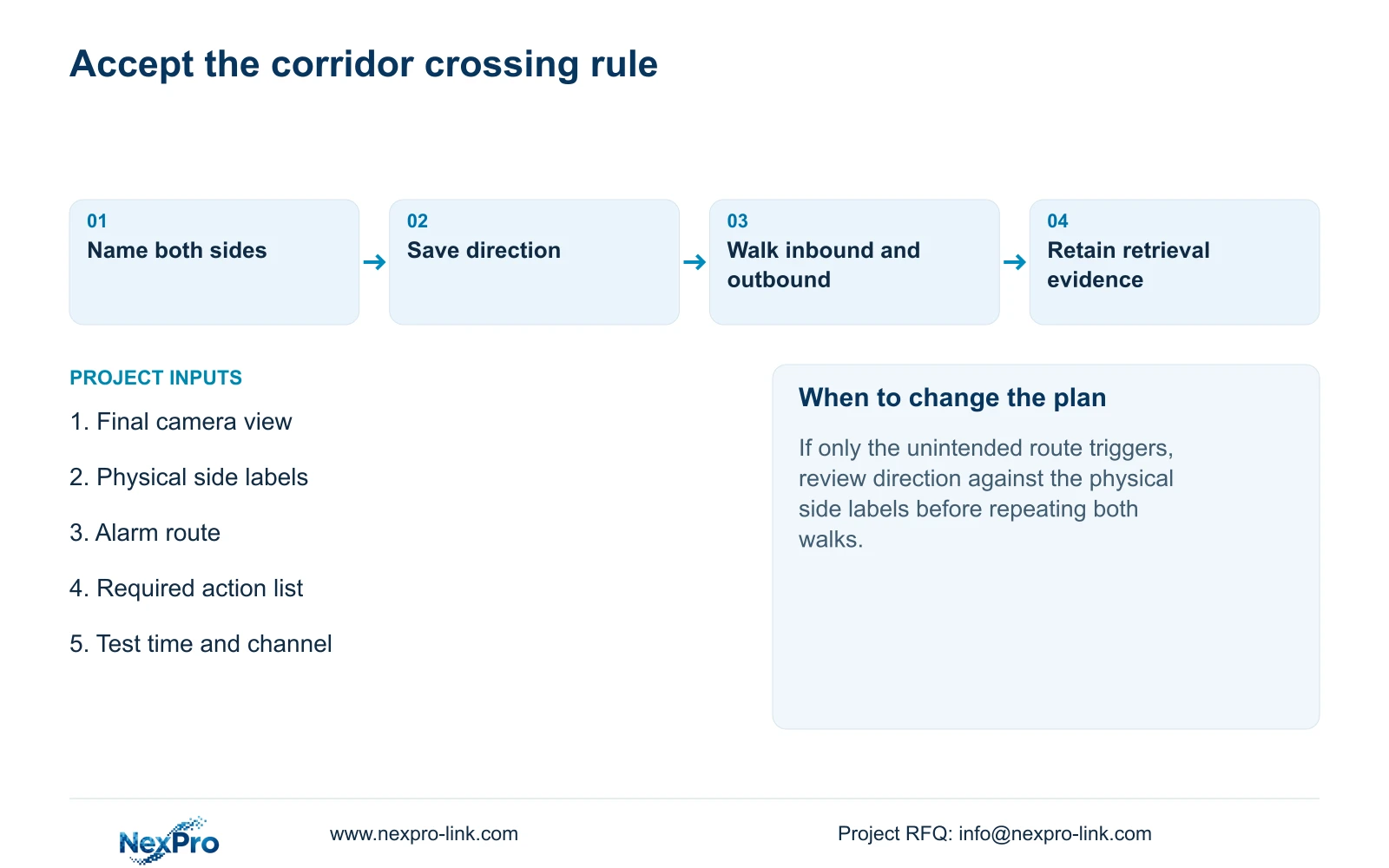
If both movements notify, inspect the saved mode, direction and route interpretation. If neither notifies, check the camera event and recorder reception before repeatedly changing the arrow. A response on only the unintended route calls for a direction review against the physical side labels.
Retain the results of both walks with the accepted configuration. Include unresolved outputs and any image adjustment that changed the view. Directional crossing establishes a movement condition only; it supplies no evidence of identity recognition or a plate-search database.
Section 07
Apply the inbound restriction
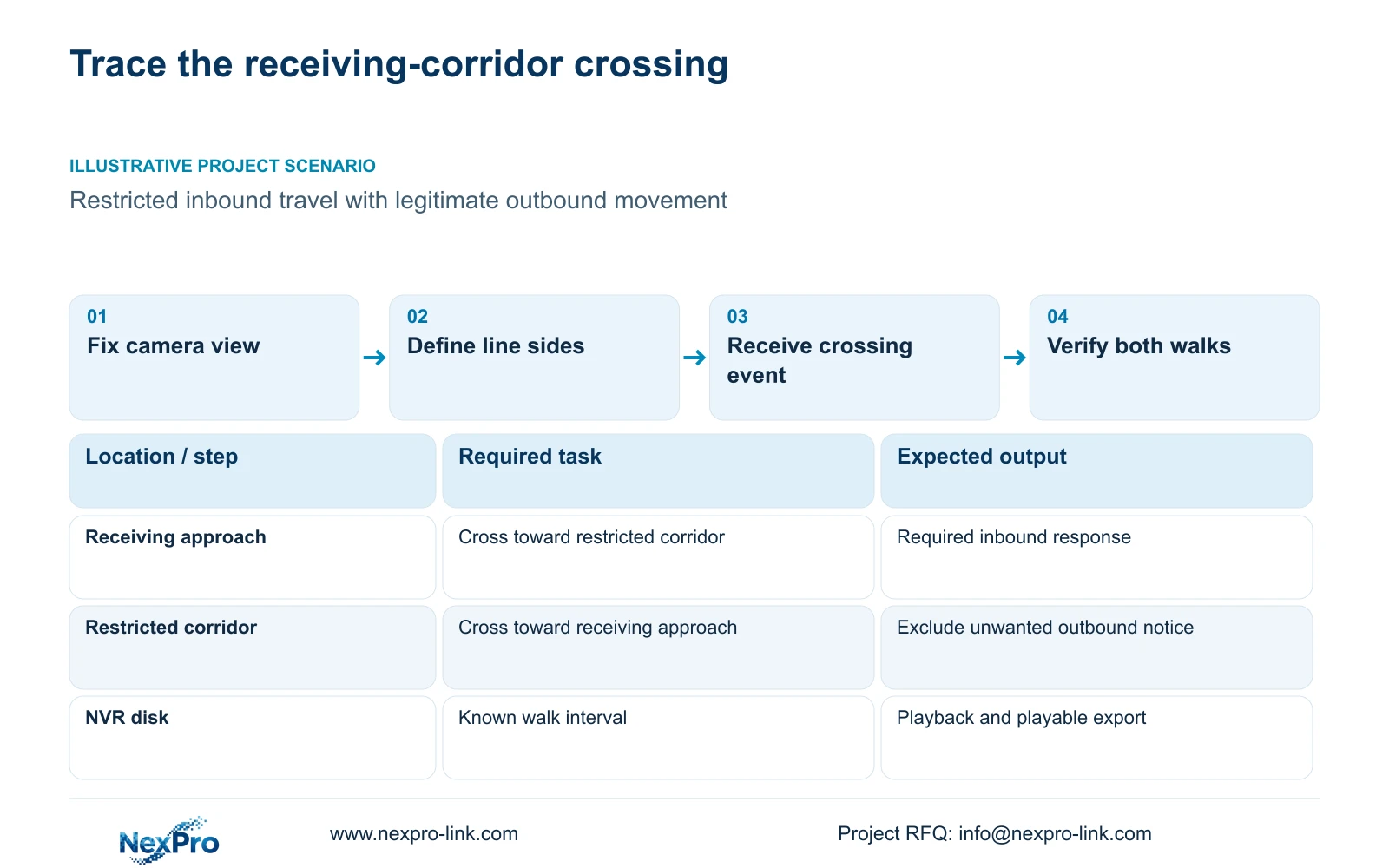
Illustrative project scenario: A factory receiving corridor has an inbound restriction but a legitimate outbound path. The engineer fixes the view, names the two sides and qualifies one-way inbound crossing. Acceptance checks the inbound notification and playable footage, then verifies exclusion of the unwanted outbound notification. The scenario specifies a testable outcome without claiming that a factory installation has been delivered.
Section 08
Does OSD covering the line mean detection is broken?
No. It makes the displayed geometry harder to inspect. Check the configured line and run the route test before concluding that event generation or reception has failed.
Section 09
Clarify the route that needs protection
Send NexPro-Link a redacted corridor view marked with both line sides and the required alarm direction at info@nexpro-link.com.
Engineering references
These sources support the general planning principles. Always use the selected product's current datasheet and applicable project standards for final design.


