

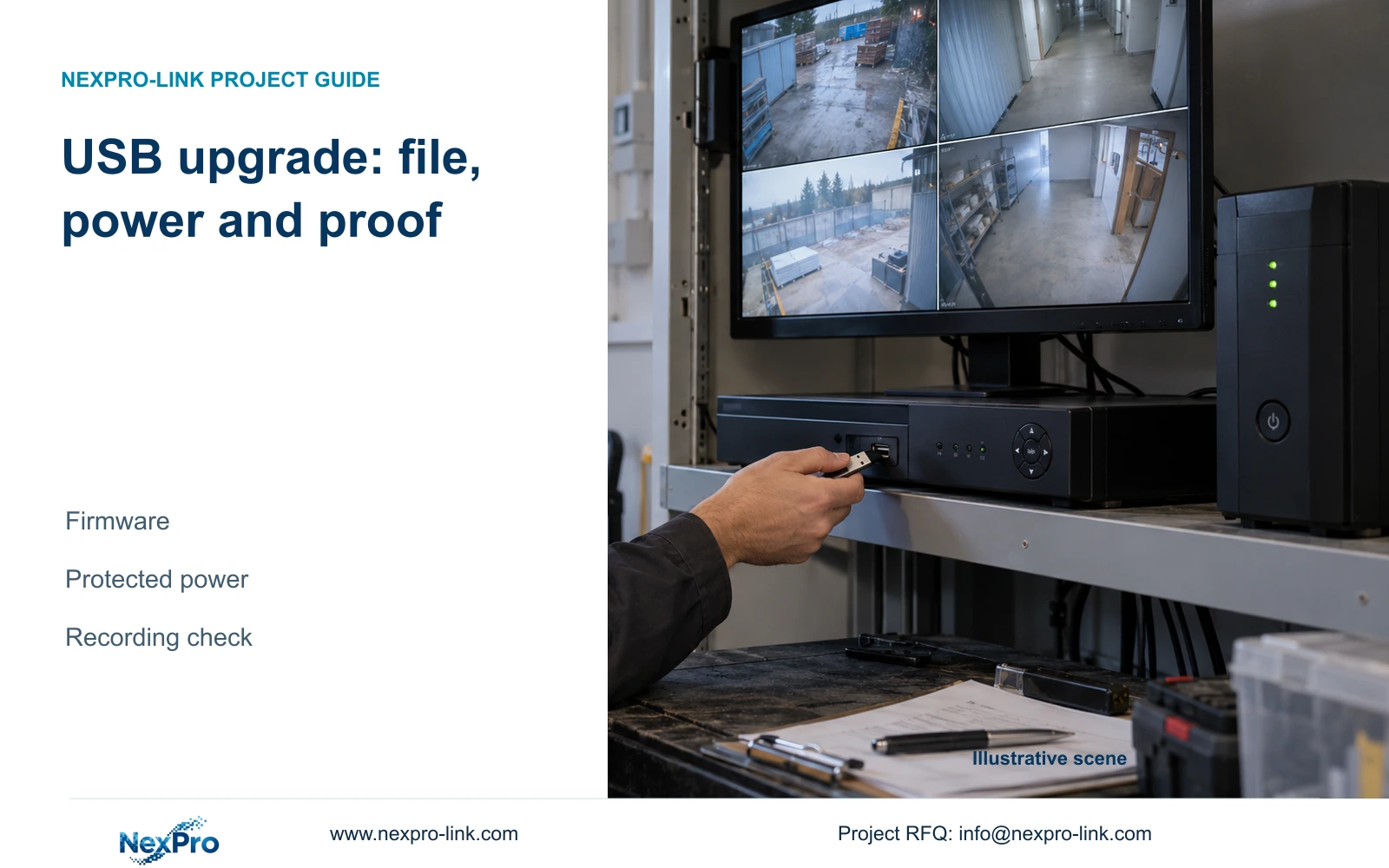
Treat a USB NVR update as a controlled maintenance operation: confirm the file, preserve required data, protect power and test recording after restart.
Section 01
Confirm the file before the recording interruption
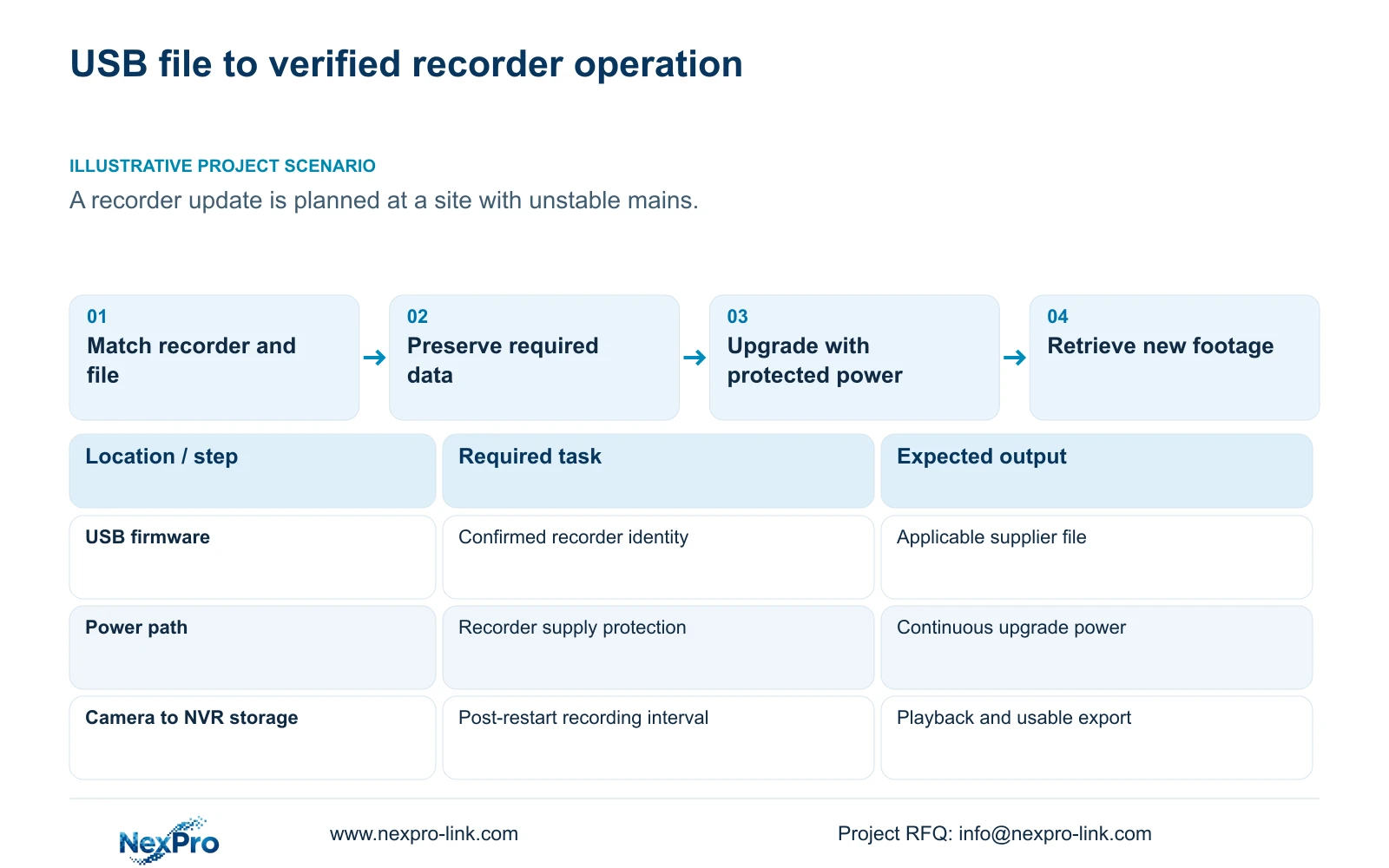
A USB NVR firmware upgrade requires a file matched to the actual recorder, preserved settings and required footage, an authorized maintenance window, and continuous power throughout the upgrade. The supplied manual warns that power loss during upgrading can prevent startup and states that the recorder restarts afterward. Plan for that interruption before starting. Once the recorder returns, confirm its software identity and test new recording, playback and export. A completed upgrade screen or a changed version label does not prove those tasks have recovered. If the hardware match or power protection remains uncertain, resolve that condition before applying the file.
Record the product model, hardware version, software version and software date or release information using System Information in section 4.12.19. Compare those values with the applicability information accompanying the supplier's firmware. A similar filename, enclosure or model prefix is insufficient grounds for selecting a package.
If the supplier's description does not identify the applicable hardware or upgrade path, request confirmation against the recorded identity. Keep the confirmed file reference with the maintenance record. This lets the post-upgrade check compare a known starting state with the intended change.
Section 02
Preserve settings and footage through separate workflows
Export the applicable configuration before maintenance and label it with its source recorder and software version. Sections 4.12.18 and 4.11.4 distinguish settings export from video backup. A configuration file cannot substitute for incident footage or provide a complete disk image.
For required video, select the relevant channels, recording types and start and end times. Update the capacity estimate, detect the inserted external media, and complete the backup. Check that the saved files cover the requested interval and can be played. USB detection alone establishes neither file completeness nor usability.
Retain symptom logs where they are relevant to the reason for upgrading. If a required backup cannot be identified or verified, record that failed preparation task and resolve it before the authorized change. The manual does not establish universal configuration import compatibility or an automatic downgrade path.
Section 03
Approve a window that includes restart and checking
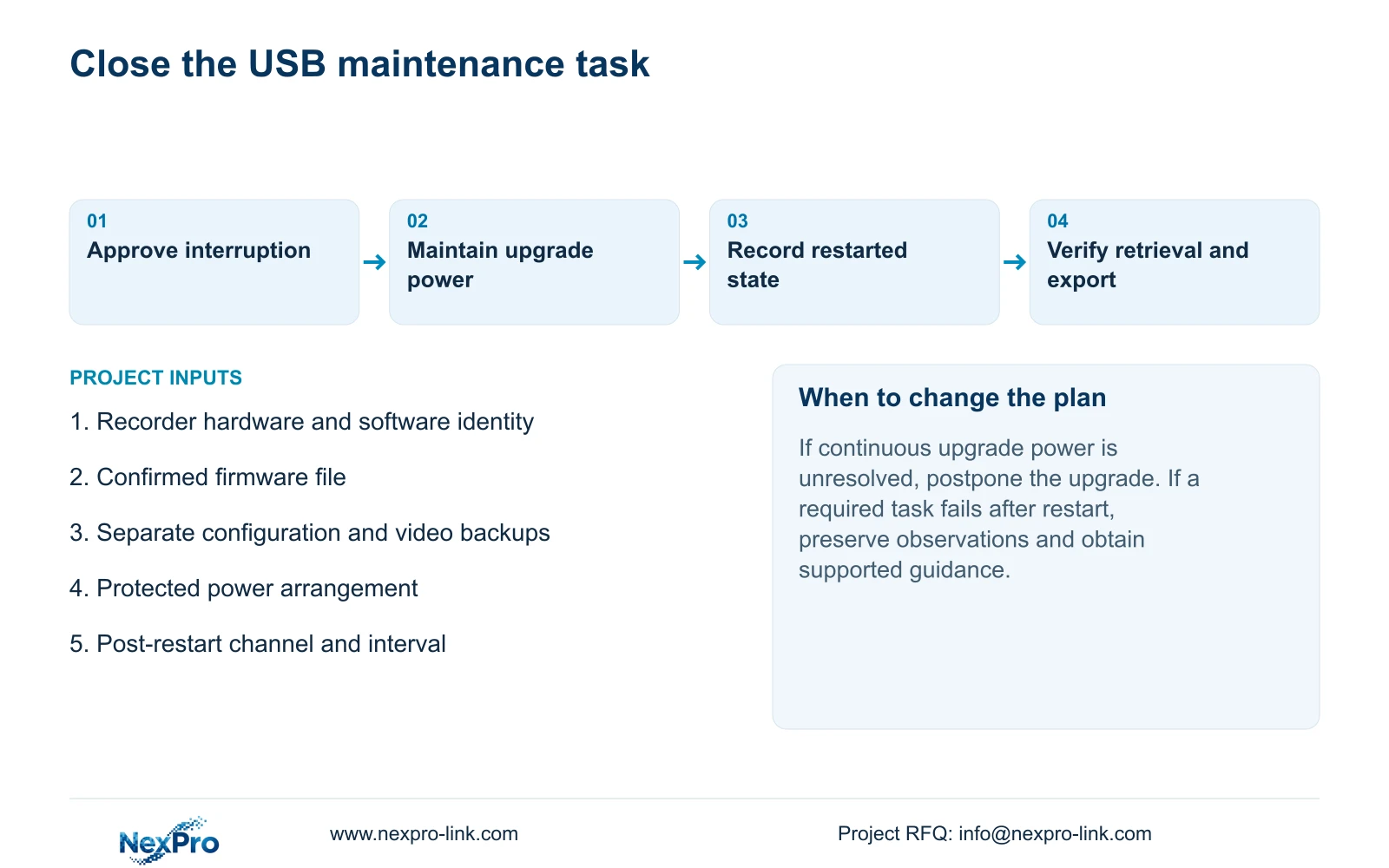
Agree who authorizes the upgrade and when the recorder may interrupt service. The window must allow the update, its automatic restart and the operational checks afterward. Do not describe the work as continuous recording while the recorder itself is undergoing maintenance.
Section 4.12.18 provides the maintenance basis. Use the controls and instructions applicable to the identified device to select the confirmed USB firmware file. This guide does not supply an unsupported USB filesystem requirement, universal file extension or hidden recovery procedure.
During the upgrade, maintain power and follow the applicable device instructions. If the recorder fails to return as expected, preserve the observed state and seek the supported next action. Repeatedly applying different files would introduce further changes without establishing why the first attempt failed.
| Condition | Decision | Required action |
|---|---|---|
| File applicability is unclear | Do not begin | Confirm model, hardware and installed software match |
| Required footage has no verified independent copy | Preparation is incomplete | Complete the selected video backup |
| Mains is unstable and upgrade power is unprotected | Postpone | Arrange suitable continuous power |
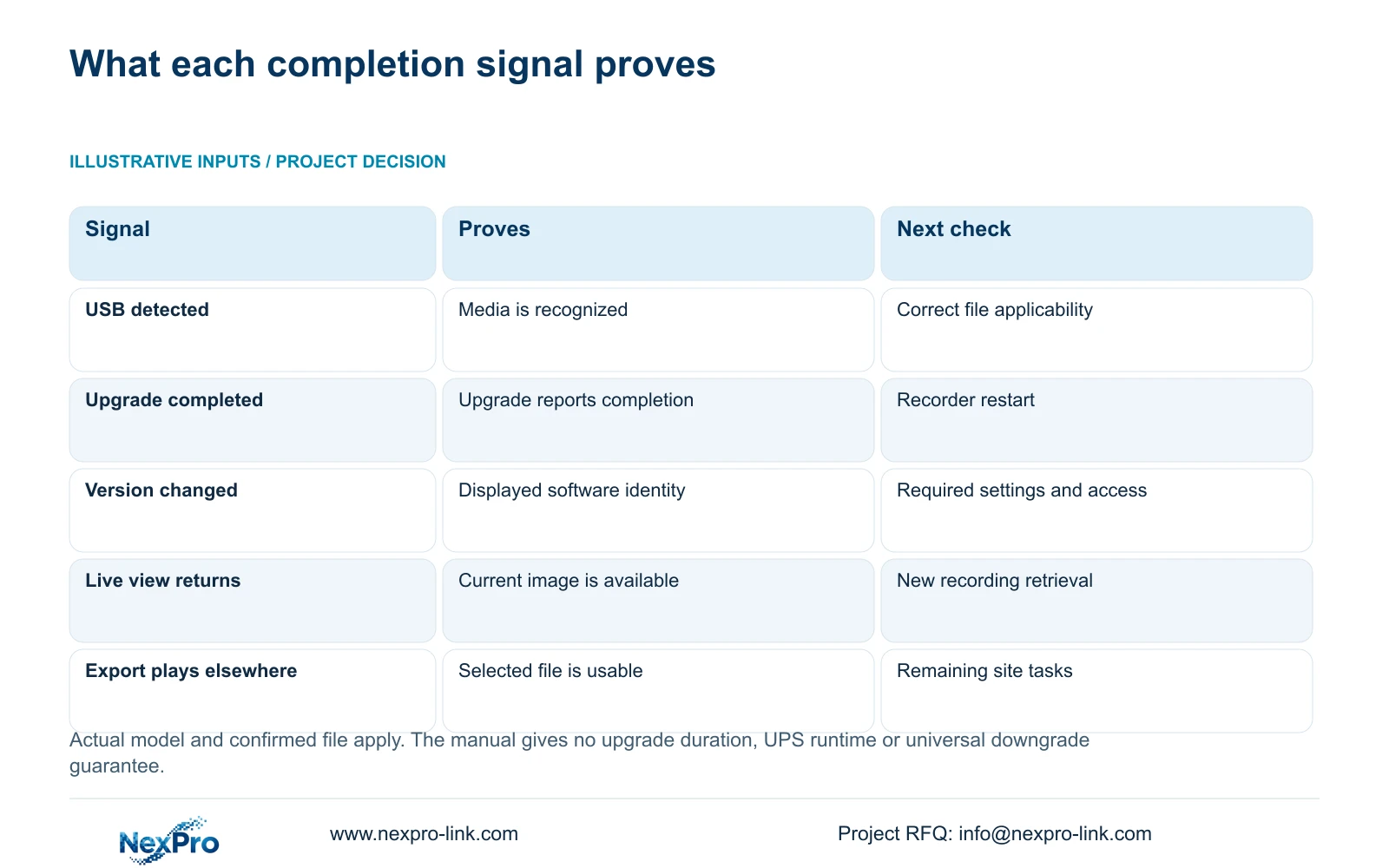
| Recorder restarts and displays the intended version | Begin operational checks | Test new recording, playback, export and required access |
| A required task fails after restart | Keep maintenance open | Record the failure and obtain a supported next action |
Section 04
Protect the actual upgrade supply and recording path
Illustrative project scenario: A contractor prepares a recorder update at a site with unstable mains supply. The contractor first resolves the recorder's power protection and confirms the file and backups. Starting the update while hoping the supply remains stable would leave the manual's stated interruption risk unresolved.
For the upgrade itself, identify the equipment and supply path needed to keep the recorder powered and the maintenance operation observable. If the site also expects cameras and required network equipment to remain available during an outage, include their power sources in that separate continuity scope.
A UPS connected only to the NVR cannot keep images arriving from unpowered cameras or an unavailable switch. Draw the camera power, PoE access, required switching and recorder arrangement. Count each load once: a PoE switch's complete AC input may already include its downstream cameras.
UPS watt capacity, apparent-power capacity and battery runtime are separate requirements. The NVR manual provides no UPS runtime table. NexPro-Link's rack UPS page is a supply reference; the actual protected load and chosen battery arrangement still need confirmation for this maintenance task.
Section 05
Compare versions and required settings after restart
Read System Information again after the recorder returns. Record the displayed software version and release information, then compare the settings needed for the site's operating task with the pre-change reference. Include time, camera-to-channel identity, recording policy and selected storage.
Check the intended operator accounts and required access paths. Where events are part of the installation, test the relevant event behavior as well. An online status or accessible login screen answers only part of the maintenance question.
If live view returns but playback or export fails, record those results separately. Keep the firmware change identifiable and avoid changing unrelated settings together. The supplier can then assess the failed task against the file and starting configuration instead of an undocumented sequence of adjustments.
Section 06
Prove that new footage can be retrieved
Choose an identifiable channel and a defined recording interval after restart. Observe live view and recording state, allow that interval to occur, then retrieve the same channel and period through playback. Export the selected recording and play the resulting file on another device.
Also inspect a relevant older recording sample where it remains on the recorder. New footage and historical access are separate observations. Write down the expected outcome and actual result for each check, including the channel and time used.
This is an engineering acceptance workflow built around sections 4.3, 4.11 and 4.12.21, not a new automatic test feature. The source is the supplied private NVR4.0 user manual CH_V2.4.doc, whose body headers identify V2.2. Section references take priority over old page numbers, and actual model and firmware scope apply.
Section 07
USB upgrade questions
Does the recorder restart after upgrading? The supplied manual states that it restarts after completion. Include that interruption and subsequent checking in the approved window.
Can I assume the old firmware can be restored? No universal downgrade capability is established. Confirm any recovery path for the actual device.
Does successful live view close the maintenance task? No. Retrieve a new recording and verify a playable export, alongside the site's other required functions.
Section 08
Confirm the proposed firmware match
Send NexPro-Link the recorder's model, hardware and software versions plus the proposed firmware file reference at info@nexpro-link.com.
Engineering references
These sources support the general planning principles. Always use the selected product's current datasheet and applicable project standards for final design.


