

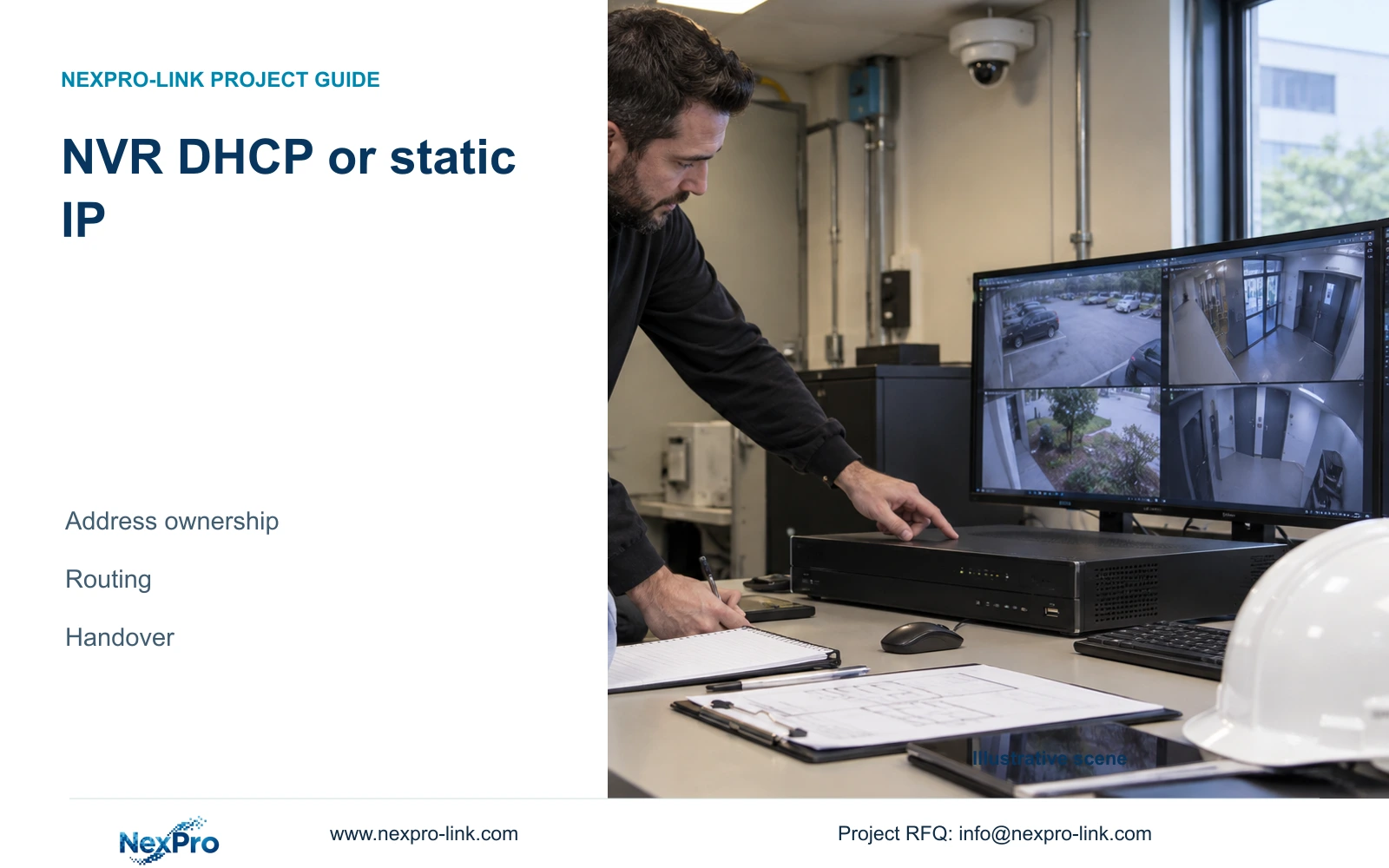
Choose the recorder address method around the building's network ownership, then preserve camera identities and verify local recording and remote access separately.
Section 01
Choose the address method with the network owner
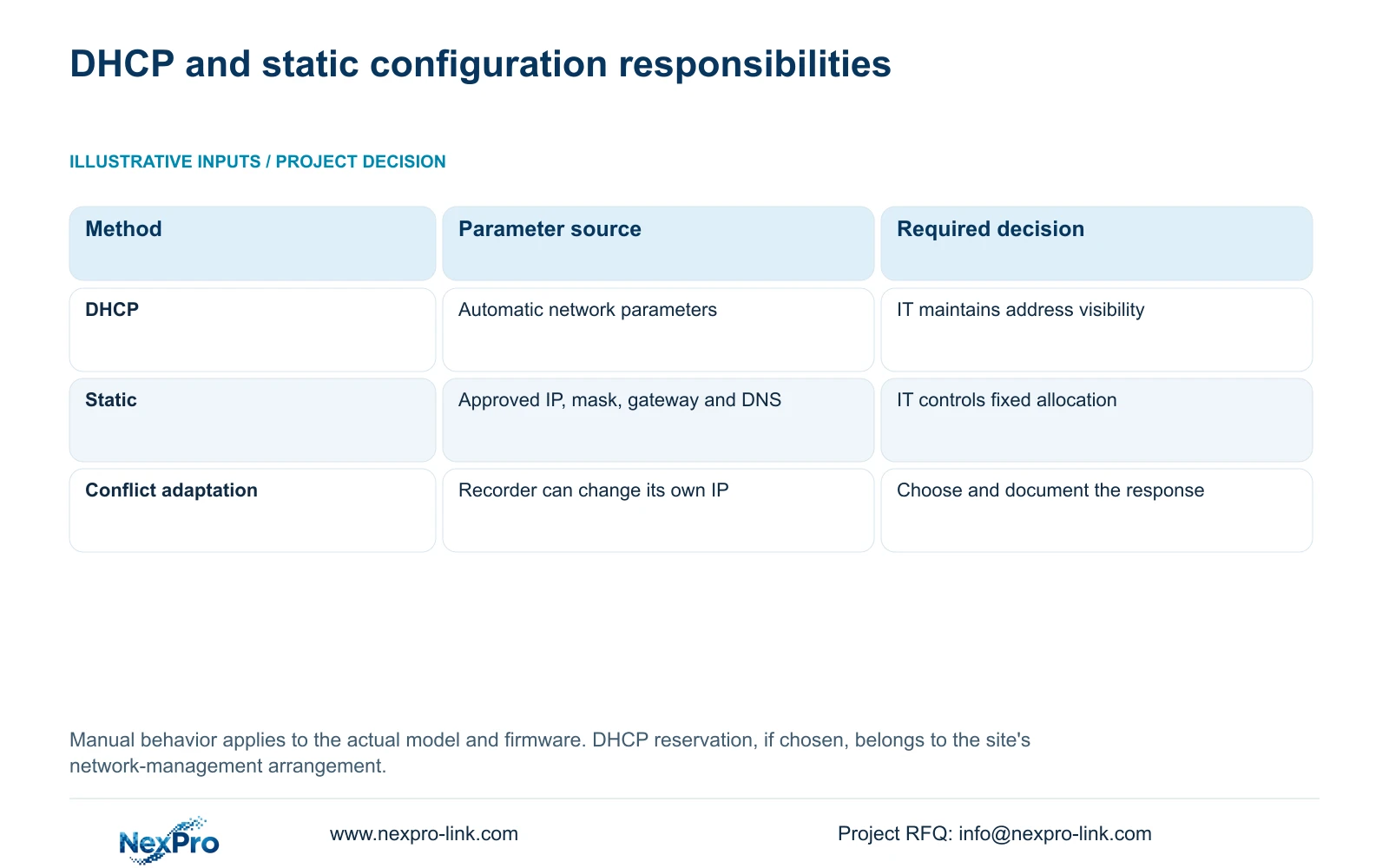
Use DHCP when the site's network owner manages automatic addressing and can maintain the recorder's intended access path. Use a static configuration when that owner supplies and controls the approved IP address, subnet mask, gateway and DNS values. Neither choice removes the need for an address record or a named maintenance contact. The supplied manual prevents manual editing of network parameters while DHCP is enabled, so unavailable fields can be expected behavior. Before changing the method, establish how operators will reach the recorder afterward, preserve the current configuration and relevant footage, obtain authorization, and arrange any interruption. Verify camera recording and remote access separately after the change.
This guide follows the private supplied NVR4.0 user manual CH_V2.4.doc, whose body identifies V2.2. Section 4.12.8 supplies the addressing behavior; section references take priority over page numbers. Apply the instructions to the actual recorder model and firmware. A Seetong Windows client setting is a separate operating object.
Ask IT who supplies the network parameters and who maintains them after installation. If IT proposes a DHCP reservation, record that as a network-management arrangement. The supplied evidence does not establish a reservation server inside the recorder. If approved static values are missing, retain the existing method while obtaining them instead of filling fields from a temporary router's settings.
Section 02
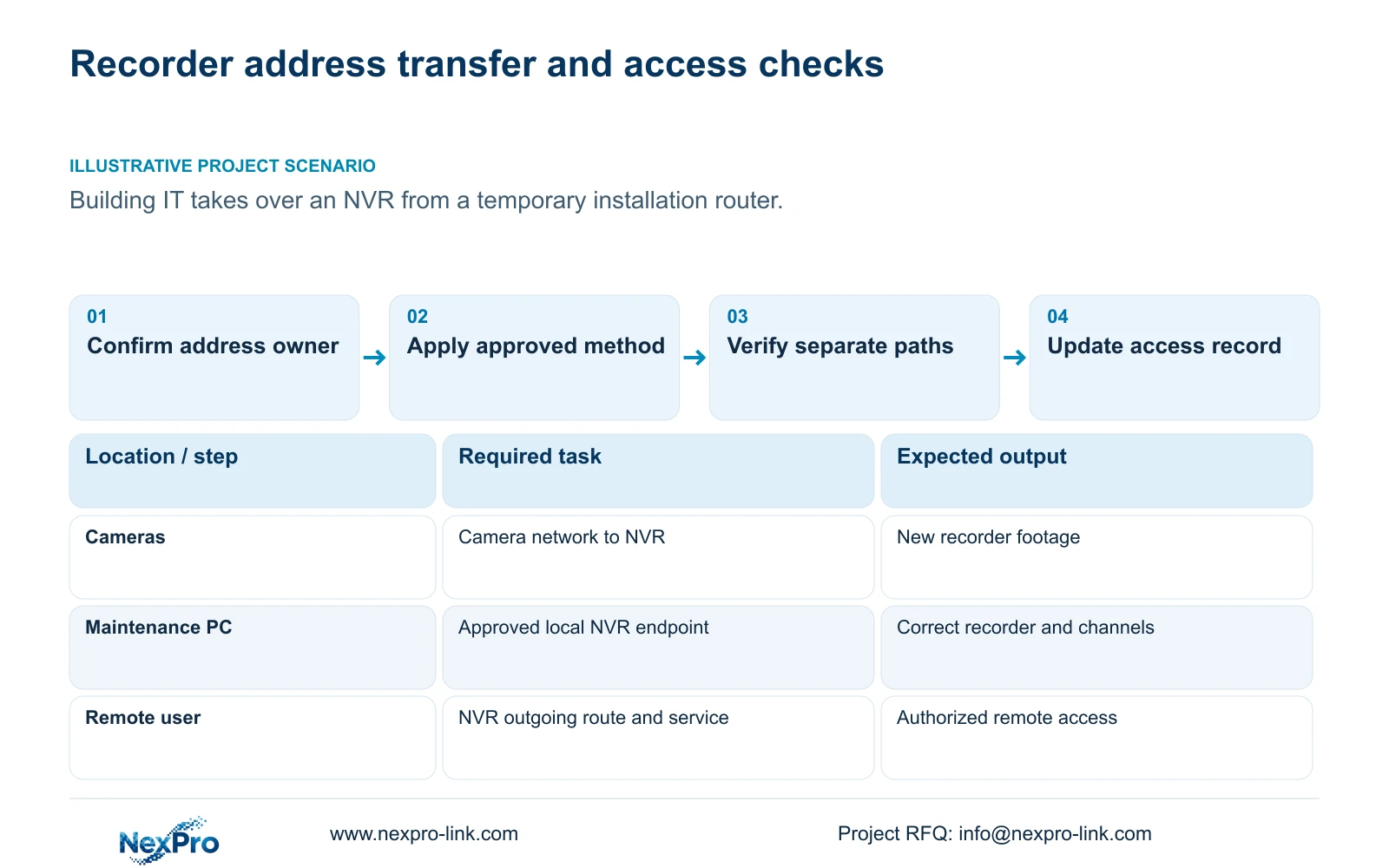
Carry camera identities into the revised address record
Before moving the recorder onto the building network, separate its address from the camera addresses. A change to the recorder's management endpoint does not establish that every camera needs renumbering. Keep the drawing location, physical camera identity, camera IP, recorder channel and displayed name in separate columns. Sections 4.3.1, 4.4.4 and 4.12.6 provide the relevant device and naming controls; maintaining the project mapping remains an engineering responsibility.
Compare the installed views with that record before and after the change. A familiar display position is insufficient evidence that the same camera occupies it. If a channel has been reordered or a camera replaced, update the physical identity and location relationship. If only its displayed alias changes, record that smaller change without implying that the device was replaced.
This distinction also helps later retrieval. An operator exporting an incident should identify the recorded channel and its location history, especially where installation labels have changed during transfer to the owner.
Section 03
Check the outgoing route after local video returns
Camera traffic and the recorder's internet connection can follow different paths. Once the address method is settled, check the selected default route, gateway and DNS against IT's approved values. Local live video demonstrates only part of the required operation. It does not prove cloud reachability, device activation or account authorization.
Use the remote-network diagnostic described in section 4.3.3.2 for the recorder's outgoing connection. If local viewing works while remote access fails, retain the working camera configuration and investigate the outgoing path. Record the diagnostic result before changing another field. Blanket public port exposure or broad firewall changes do not resolve which dependency failed.
| Observed condition | Decision | Next action |
|---|---|---|
| IT manages automatic addressing | DHCP is a candidate | Confirm how the current address will be recorded and maintained. |
| IT supplies approved fixed parameters | Static configuration is a candidate | Record IP, mask, gateway and DNS before the authorized change. |
| Manual fields are unavailable with DHCP enabled | Expected manual behavior | Obtain IT's method decision before attempting manual configuration. |
| Local video works but remote access fails | Outgoing access remains unverified | Check route, gateway, DNS, activation and authorized account access. |
Section 04
Decide how address conflicts will be handled
Section 4.12.8 describes an IP-conflict adaptation setting that can change the recorder's own address after a conflict. Turning it off removes that automatic response; it leaves the conflicting allocation unresolved. Decide whether this behavior fits the building's maintenance plan, then record both the selected policy and the recorder's actual address.
If the address moves unexpectedly, identify the affected device before adjusting cameras. Compare the recorder's current endpoint with the approved plan and ask IT to investigate the competing allocation. Repeatedly forcing the old address back into place can obscure the problem. A stable plan requires control of allocations beyond this one recorder setting.
Section 05
Test recording, local access and remote access independently
Check newly produced recorder footage first, then the intended local viewing path and finally the approved remote path. Keep a separate result for each. A maintenance PC that reconnects successfully has not demonstrated that footage is being stored, and a working local recording task has not demonstrated remote account access.
The remote diagnostic presents results and suggestions, with network settings and a packet-loss tool available. Use those observations to narrow an outgoing-network problem. They do not certify every client or service. If one path still fails, preserve the passing results and investigate that path without repeating unrelated changes.
Section 06
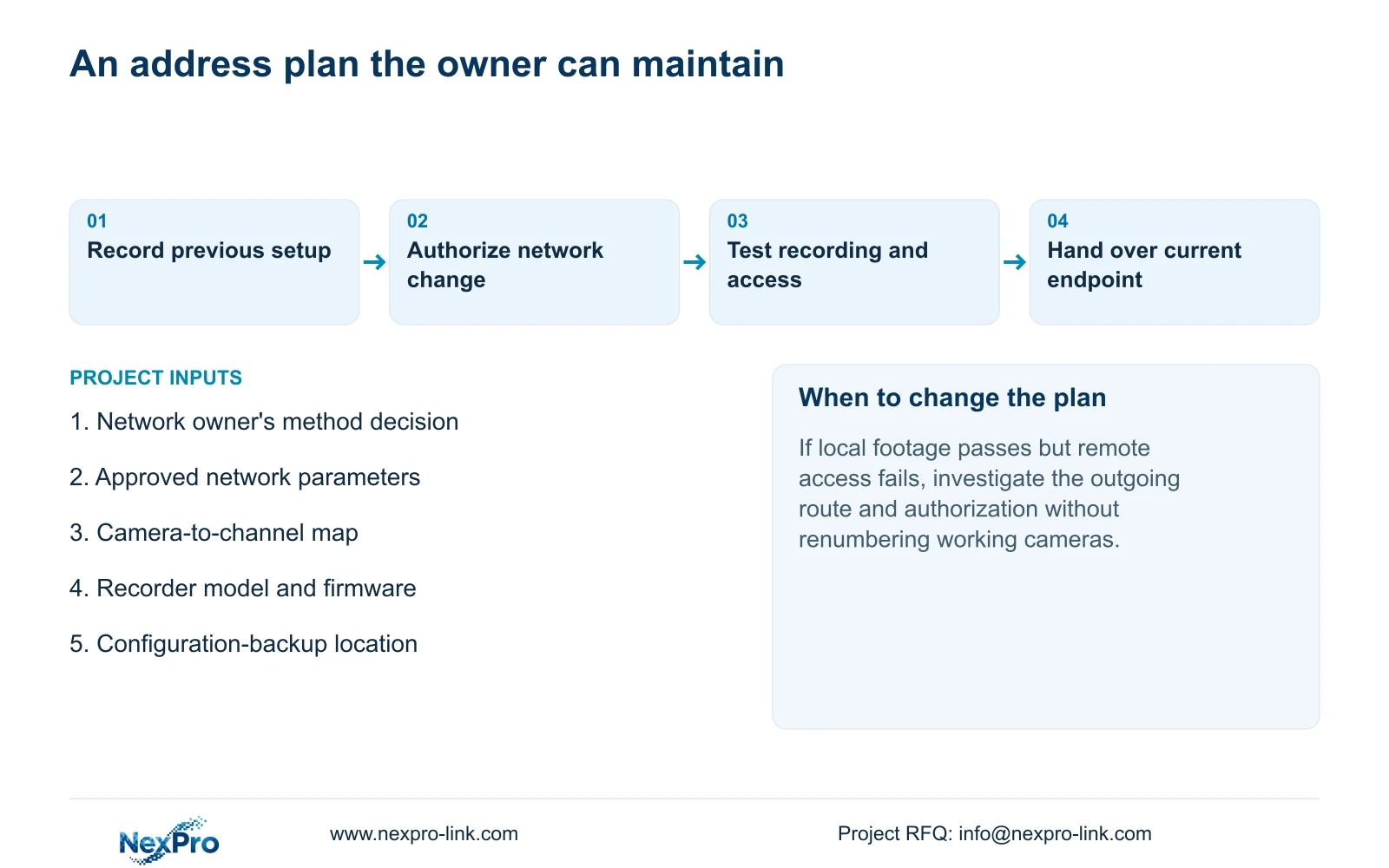
Leave a reproducible maintenance route
Illustrative project scenario: A building IT team takes over a recorder originally configured on a temporary installation router. The transfer should replace temporary network assumptions with an approved address method and owner. Keep the camera map intact, check the building's outgoing route, and record which access tasks pass. These are proposed checks, not a delivered project result.
The final handover should name the network owner, recorder maintenance contact, applicable versions and configuration-backup location. Sections 4.11, 4.12.3 and 4.12.17 through 4.12.19 support the related operating and maintenance tasks. Transfer credentials through a controlled route. Ask the intended operator to identify a channel, retrieve a period and export a playable file; receiving documents alone does not demonstrate those abilities.
Section 07
Does DHCP mean the recorder must have an unpredictable address?
The maintenance result depends on the site's address-management arrangement. IT may propose a reservation, but that is a network-side option and must be documented by its owner.
Section 08
Will a static address fix failed cloud access?
It does not establish a working outgoing route, DNS, activation or account authorization. Check those dependencies separately before attributing the failure to DHCP.
Section 09
Prepare the address-method decision
Send NexPro-Link the network owner's proposed address method and a redacted camera-to-recorder path sketch at info@nexpro-link.com for a task-specific configuration discussion.
Engineering references
These sources support the general planning principles. Always use the selected product's current datasheet and applicable project standards for final design.


