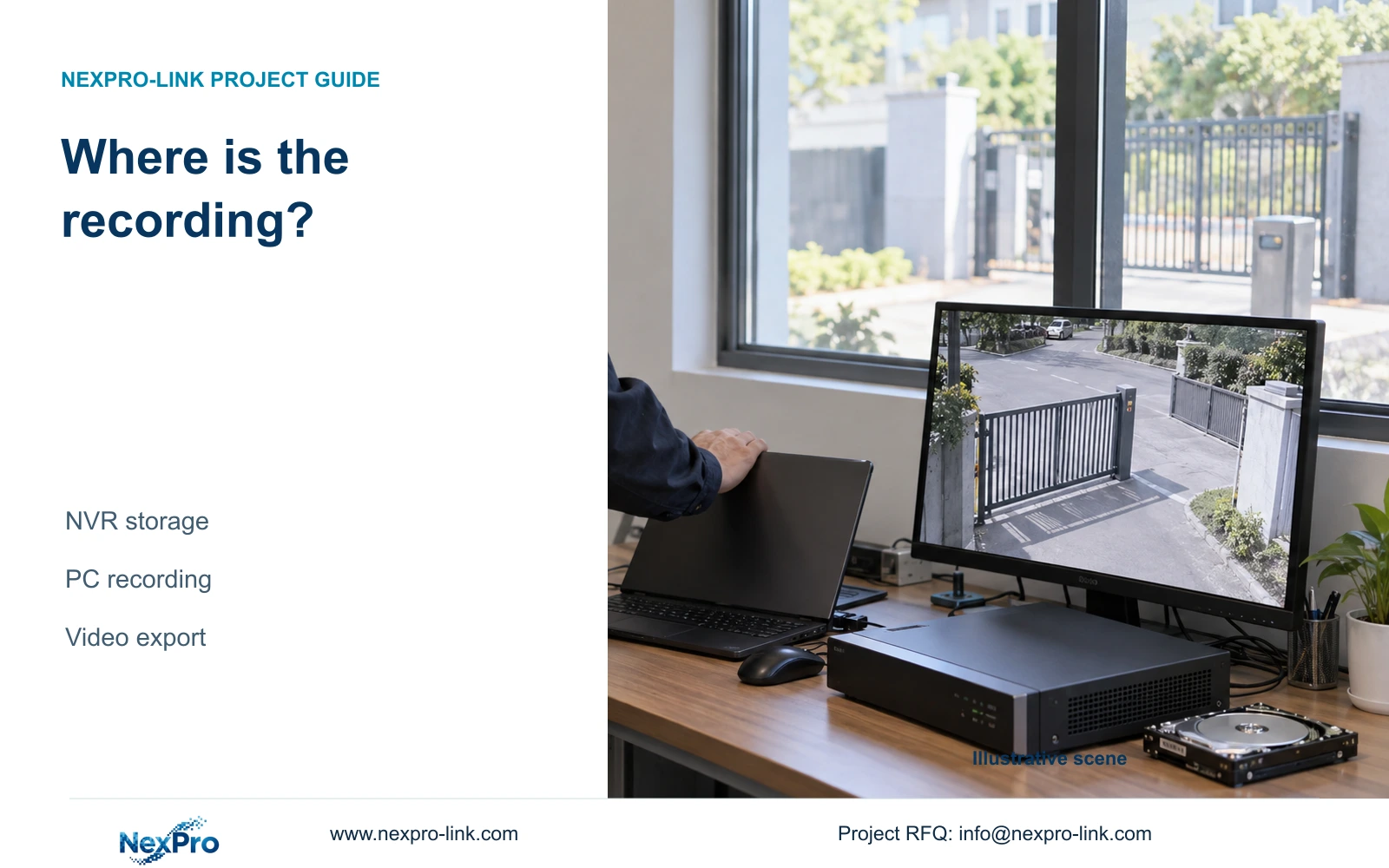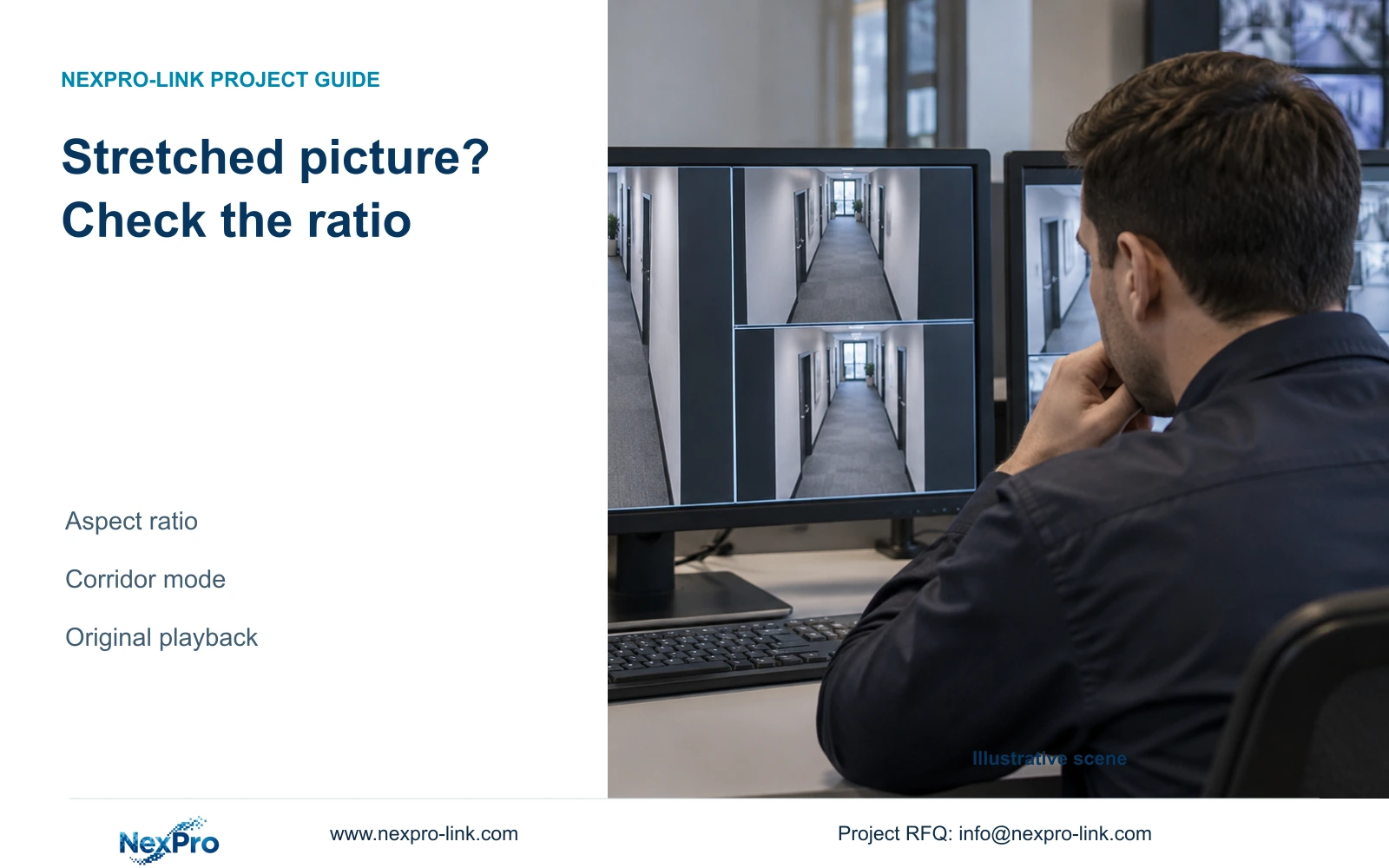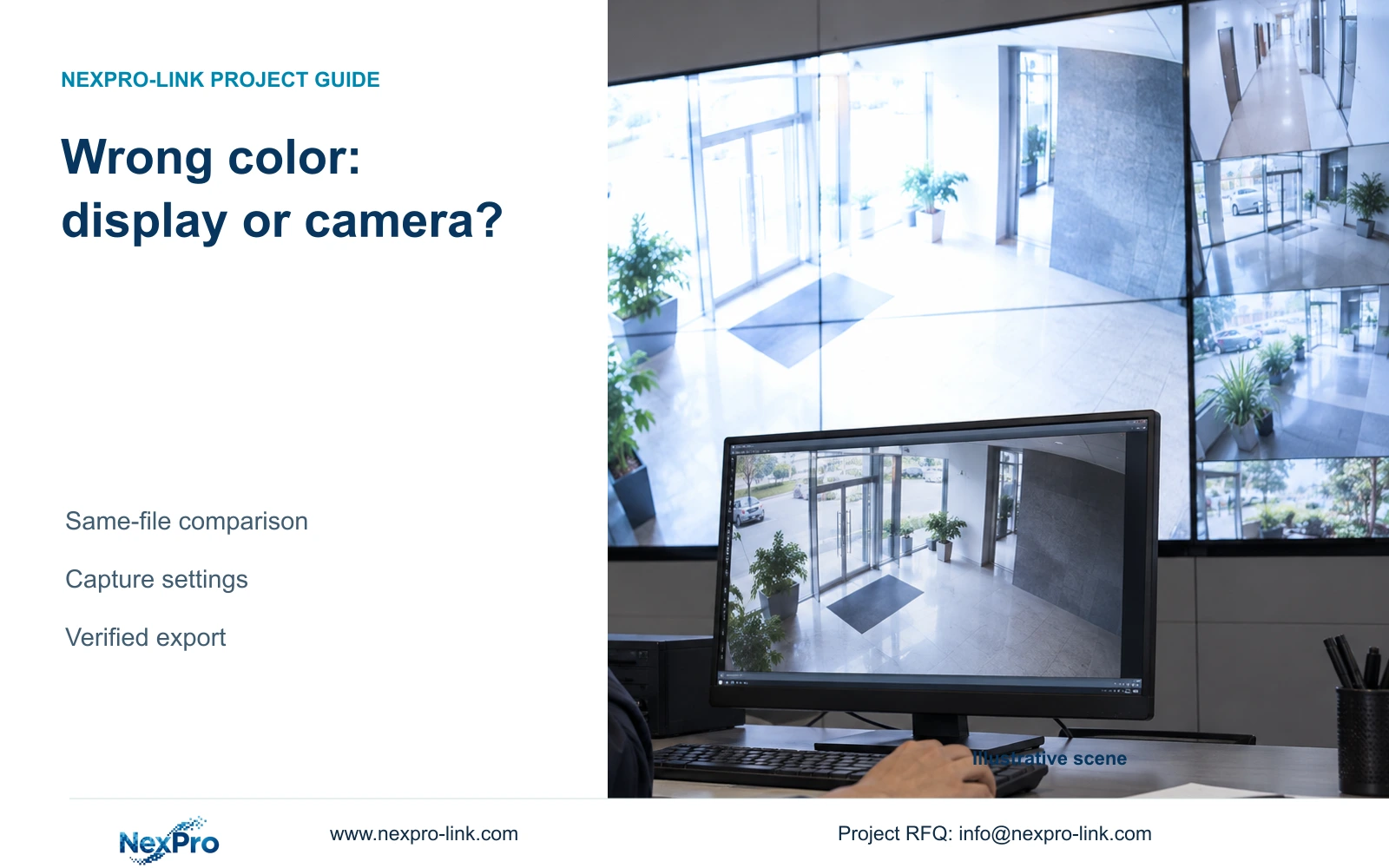
When a video wall looks too bright but PC playback looks normal, compare the same recorded file before adjusting cameras. Change the responsible layer and verify the resulting footage.
Section 01
Compare the same recording before adjusting cameras
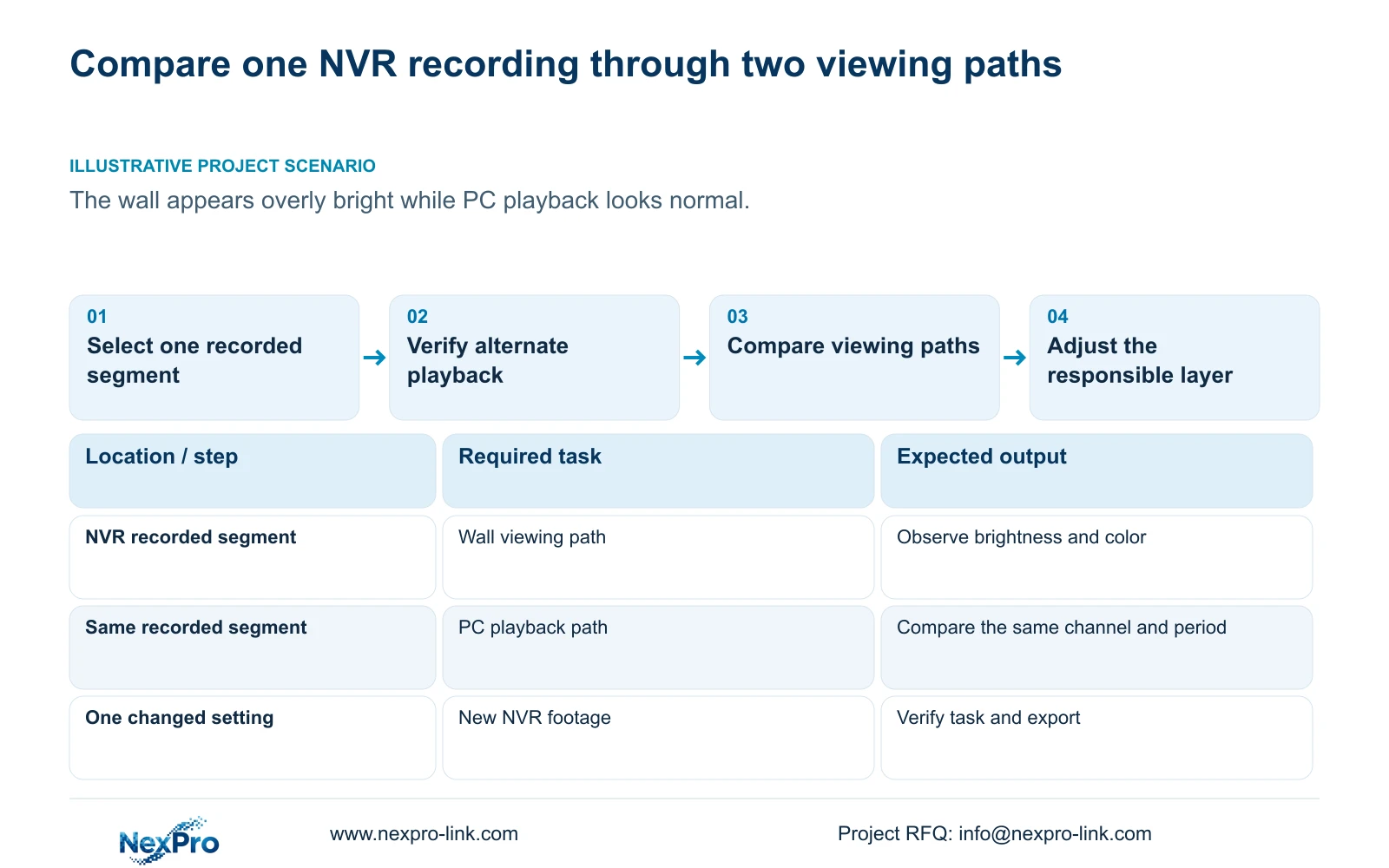
If a video wall looks overly bright while PC playback looks normal, compare the same recorded segment on both viewing paths before editing camera settings. The supplied NVR4.0 manual separates VGA/HDMI output adjustment from IPC image capture. A display-side correction therefore does not establish an improvement in recorded exposure or color. Confirm the channel and time period, use a verified export where needed, and identify whether the difference follows the viewing path or remains in the source footage. Change one relevant setting on the responsible layer, retain before-and-after samples and test the operating task. Do not copy an unverified camera profile across the installation to compensate for one display.
Use one known recording as the common reference. Comparing a live wall picture with a PC recording from another time leaves lighting and scene changes unresolved. Record the file identity, channel, period and viewing method. If the same segment looks acceptable through another suitable path, investigate presentation first. If it looks wrong through both paths, continue toward the camera source.
Section 02
Keep output adjustment separate from capture
Section 4.8 describes output adjustment, while section 4.4.3 describes IPC video capture. Identify which control is being changed before touching it. An NVR output brightness or color adjustment acts on the monitor-facing presentation; its improved appearance is not proof that the camera has captured a better image.
When the complaint follows only the wall path, leave camera capture settings unchanged while testing the relevant output adjustment. Compare the reference segment again after the change. If the difference remains, record the unsuccessful test and investigate the remaining viewing path. Avoid making compensating changes at several layers, because they prevent a clear explanation of what caused the original difference.
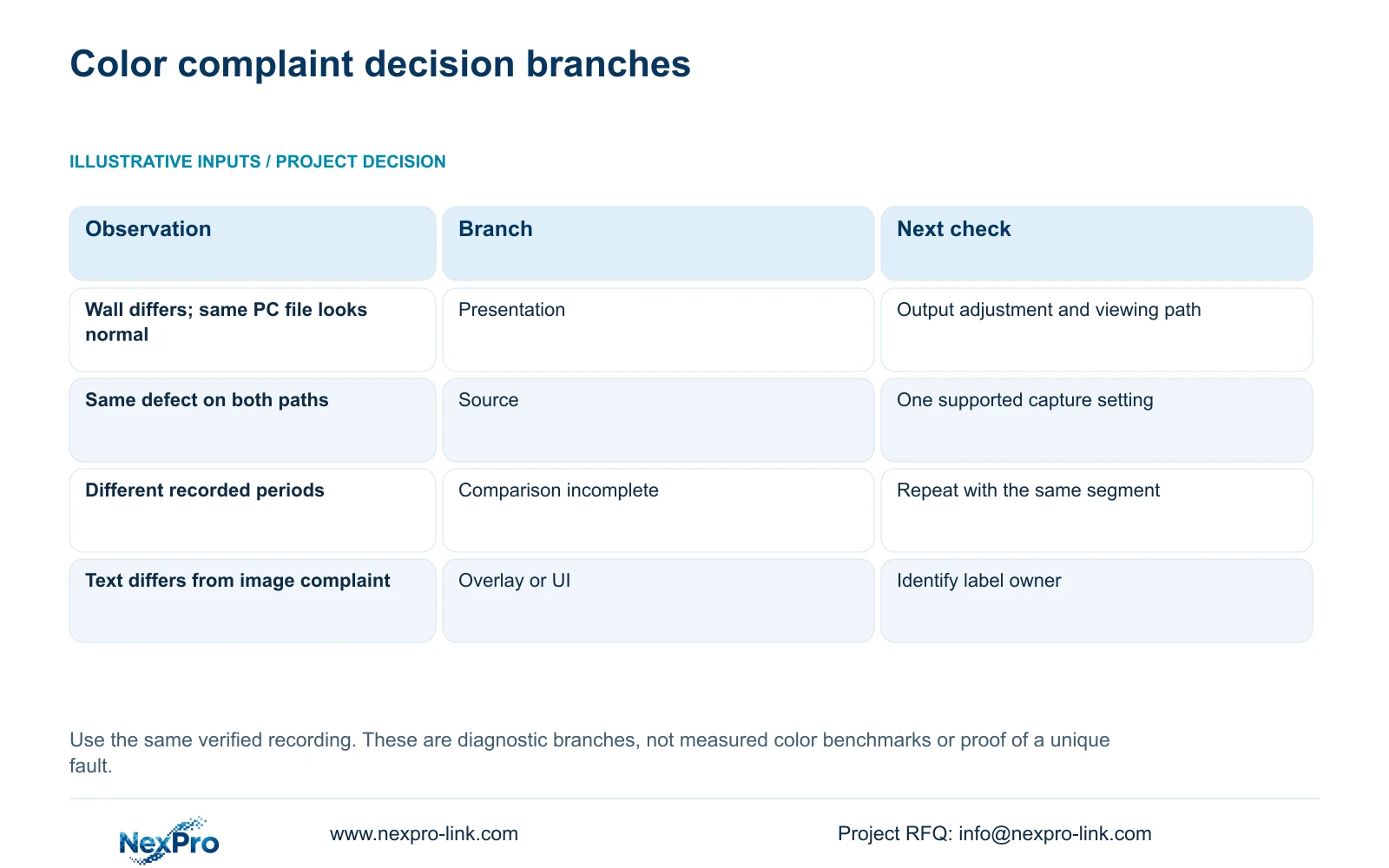
| Observation | Working interpretation | Next action |
|---|---|---|
| Same file looks normal on PC but too bright on wall | Presentation path needs investigation | Test output adjustment without changing cameras |
| Same defect appears through both paths | Source footage needs investigation | Check one camera's supported capture settings |
| PC and wall samples have different periods | The comparison does not isolate the layer | Repeat with the same recorded segment |
| Export cannot be played on the receiving system | The alternate viewing test is incomplete | Resolve playback before judging color |
| Only text or interface appearance differs | Overlay or UI needs separate identification | Check the owner of the affected label |
Section 03
Test one supported camera setting at a time
If the source branch is justified, section 4.4.3 lists brightness, saturation, sharpness, contrast, image flips, digital wide dynamic range, starlight and corridor mode. The connected camera may not expose every option. Confirm its supported controls and choose the setting relevant to the observed problem.
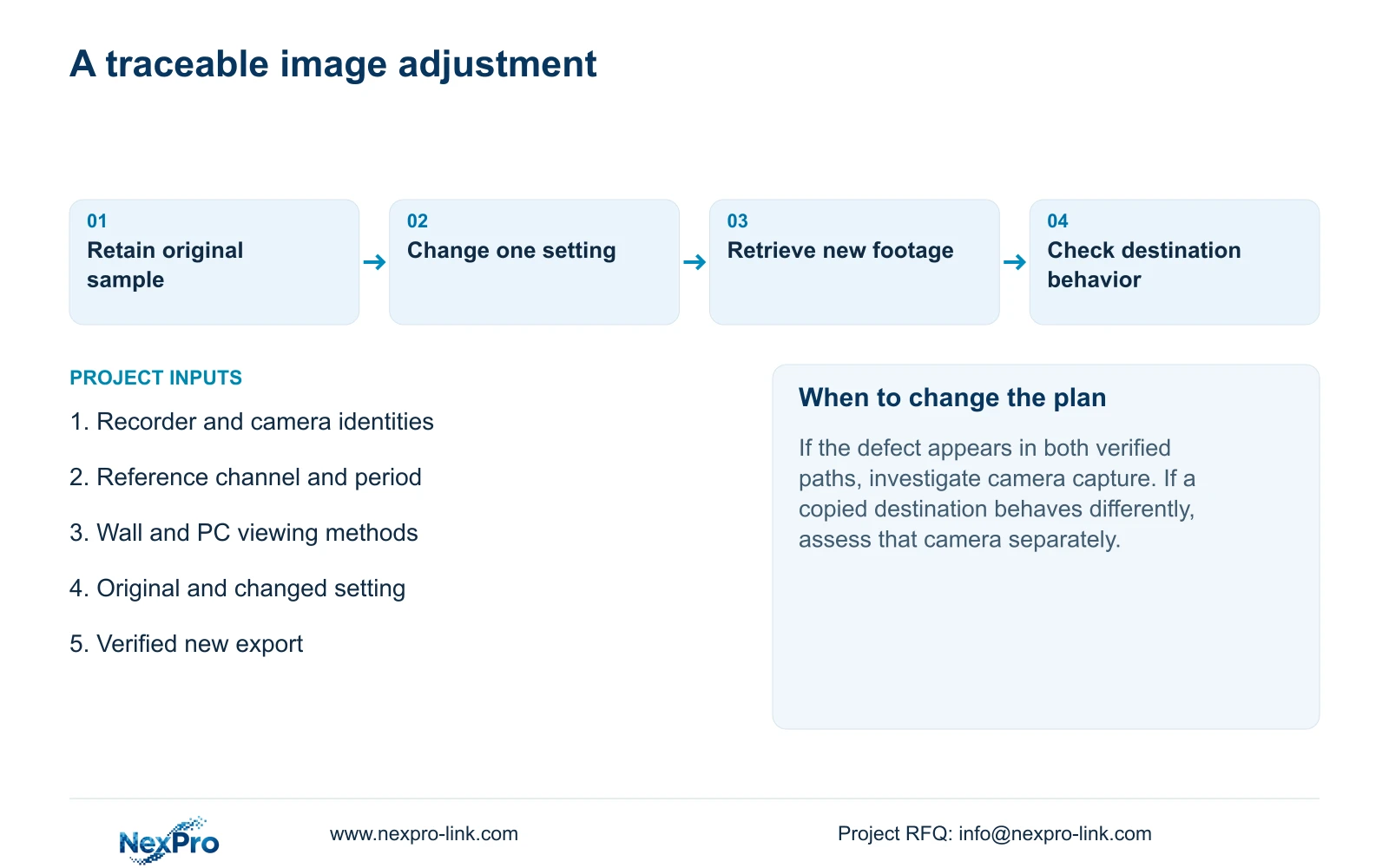
Record the original value, change one item on one camera and collect a new sample against the same viewing task. Include relevant movement and lighting, with day and night checks where those conditions matter. A brighter picture alone does not prove that the required subject detail has improved. If the result does not serve the task, retain the observations and seek the appropriate camera-specific adjustment.
Section 04
Verify the alternate playback file
Section 4.11.4 mentions players such as VLC for backup video and audio, but it does not guarantee every platform and codec combination. Open the sample on the intended receiving system and confirm that it belongs to the right channel and period. Check actual playback and any required audio.
A completed export progress indicator is insufficient for this comparison. Record the tested playback method and protect the original footage until the required copy is verified. Share samples only with the authorized recipient. If Seetong PC software is involved, confirm that the comparison uses the intended NVR recording rather than a separate PC-local recording with different settings or timing.
Section 05
Identify labels separately from image color
The manual lists OSD enablement, channel name, title and time positions, date formatting, weekday display and optional resolution or bitrate information. These overlays need their own assessment. Distinguish camera-generated text from the NVR desktop clock or interface before deciding which setting to adjust.
A label that obscures useful detail may need repositioning even when the underlying color is acceptable. Check each camera's useful image area and verify that the device accepts the change. A menu field does not prove universal third-party response. Keep a label-position correction separate from the color test so the change record remains interpretable.
Section 06
Copy only a validated profile to suitable destinations
The Copy control does not assess whether destination cameras have the same lighting, supported options or recording purpose. A profile tested on one view should be copied only to a defined group whose relevant task and capabilities match. Record the source channel and destination list, including any local exceptions that must remain.
After copying, inspect the actual applied values and resulting footage at the destination channels. A save message shows that an operation was accepted, not that every scene now serves its task. If one destination behaves differently, remove it from the common profile decision and investigate its own conditions. Do not use a full-site copy to solve a wall-only presentation complaint.
Section 07
Retain samples and check new recording
Keep the reference segment, original setting and changed value together with the new sample. Review live view and correct time, then retrieve footage created after the adjustment. Where relevant, check an older sample, export, intended accounts and required events. This establishes whether the operating task still works after the change.
If color improves but another task fails, record that failure rather than accepting the change from appearance alone. Arrange the next supported action with the supplier when the actual device behavior differs from the manual. Do not assume that every recorder or camera provides automatic rollback.
Section 08
Apply the wall and PC comparison
Illustrative project scenario: A video wall appears overly bright while a PC playback of the same channel looks normal. The engineer first verifies that both paths show the same recorded segment. If the difference follows the wall path, camera settings remain unchanged while output is tested. A source-side adjustment is considered only if the common recording supports that branch.
This guide uses the private NVR4.0 user manual CH_V2.4.doc, with V2.2 in its body. Relevant sections are 4.8, 4.4.2, 4.4.3, 4.4.4, 4.11, 4.12.6 and 4.12.7. Section references take priority over page numbers. Controlled comparisons and post-change checks are engineering extensions.
Section 09
Does a better-looking wall picture prove better night footage?
No. Evaluate the recorded source and relevant lighting conditions separately. Display adjustment does not establish improved capture of movement or subject detail.
Section 10
Can the same brightness setting be applied to every camera?
Only a validated group with matching tasks and supported options should share a profile. Check the destination values and footage, and preserve scene-specific exceptions.
Section 11
Provide the comparison that remains unresolved
Send the recorder and camera identities, tested viewing paths and a redacted same-period comparison to info@nexpro-link.com for a focused NexPro-Link image-path discussion.
Engineering references
These sources support the general planning principles. Always use the selected product's current datasheet and applicable project standards for final design.