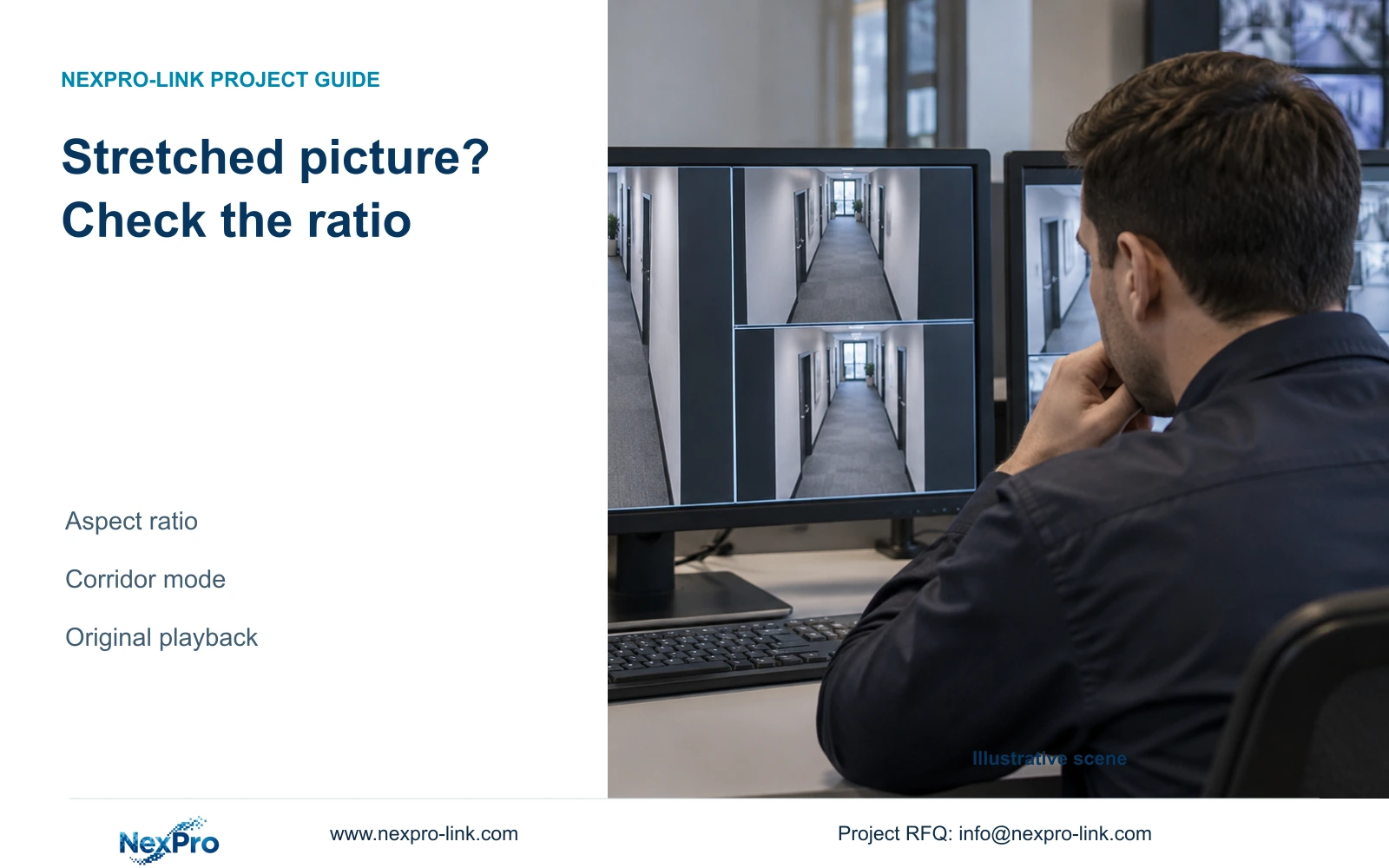
A layout change can distort how a corridor picture is presented. Use a fixed geometric reference and the same recording to separate window ratio, output mode and camera-side orientation.
Section 01
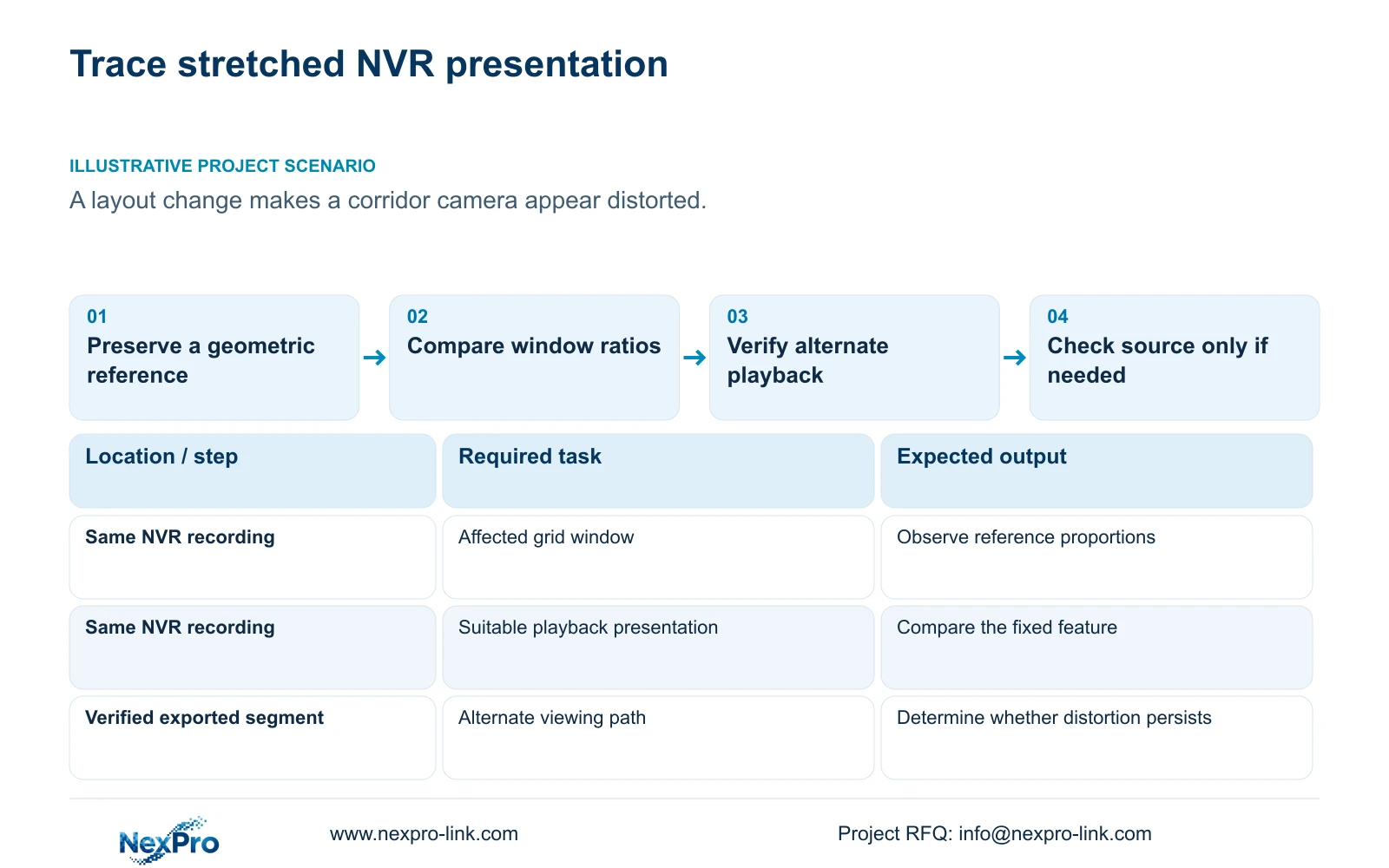
Use a fixed scene reference to locate the distortion
If a camera picture looks stretched after an NVR layout change, compare the same recorded scene in an appropriate aspect ratio before replacing the camera or lens. Window shape and electronic enlargement alter presentation; they do not establish new captured detail. Keep a fixed geometric reference visible, compare the affected layout with a suitable single-view or playback presentation, and check the monitor output mode. For corridor cameras, distinguish camera-side corridor mode from the NVR's corridor layout. Verify an original recording through another suitable viewing path before investigating capture settings. If the shape error disappears with presentation changes, preserve the camera profile and document the corrected display arrangement.
Choose a stationary feature whose shape can be compared consistently, such as a door frame or fixed sign in the same recorded segment. Record the channel, period and current presentation. A moving person seen at different moments is a weaker reference because posture and position also change. The purpose is to keep the source constant while evaluating the window.
Section 02
Compare the affected window with a suitable presentation
The manual separates layout, playback-ratio and electronic-zoom controls. Return to an appropriate source presentation and compare the fixed feature with its appearance in the affected grid. Change only the presentation variable being tested. Record whether the feature's proportions change while the same file remains selected.
If the shape becomes acceptable in the suitable presentation, the layout or ratio branch has produced useful evidence. Digital zoom may help inspect existing pixels, but enlargement cannot recover detail that the recording did not capture. Avoid judging lens quality from a stretched or enlarged window before examining the underlying file.
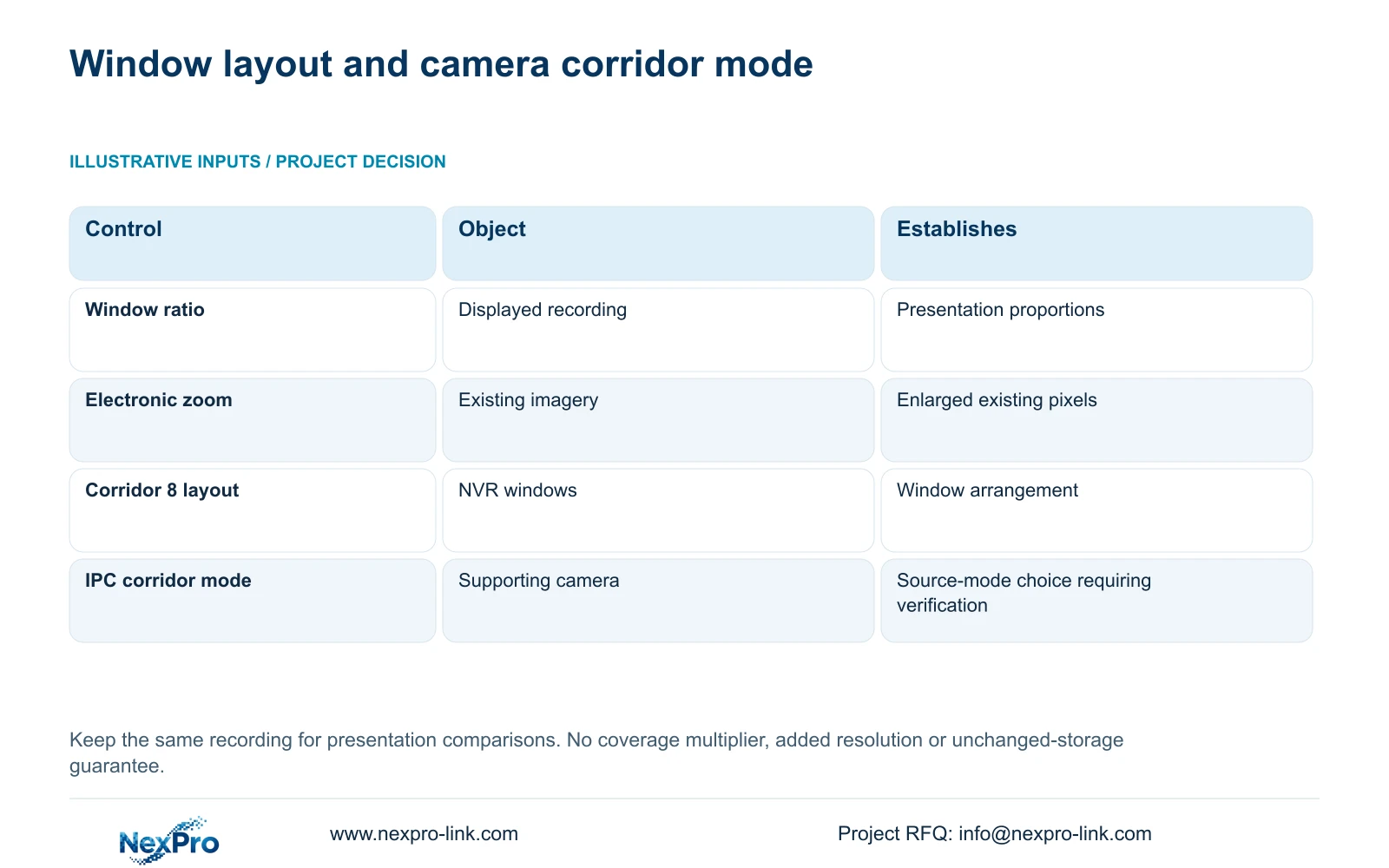
Section 4.5 lists 1, 2, 4, 6, 8, corridor 8, 9, 10, 16, 24, 25 and 36 windows. Select the layout for the operator's task, then check its shape and stream workload. A larger grid does not demonstrate full-resolution decoding capacity, which is separately constrained by the model table.
Section 03
Check the monitor-facing mode separately
Record the selected recorder output mode and the connected monitor before changing them. Compare the same scene after a supported display adjustment, keeping camera capture unchanged. This distinguishes a monitor-facing presentation issue from a source-image issue without altering both at once.
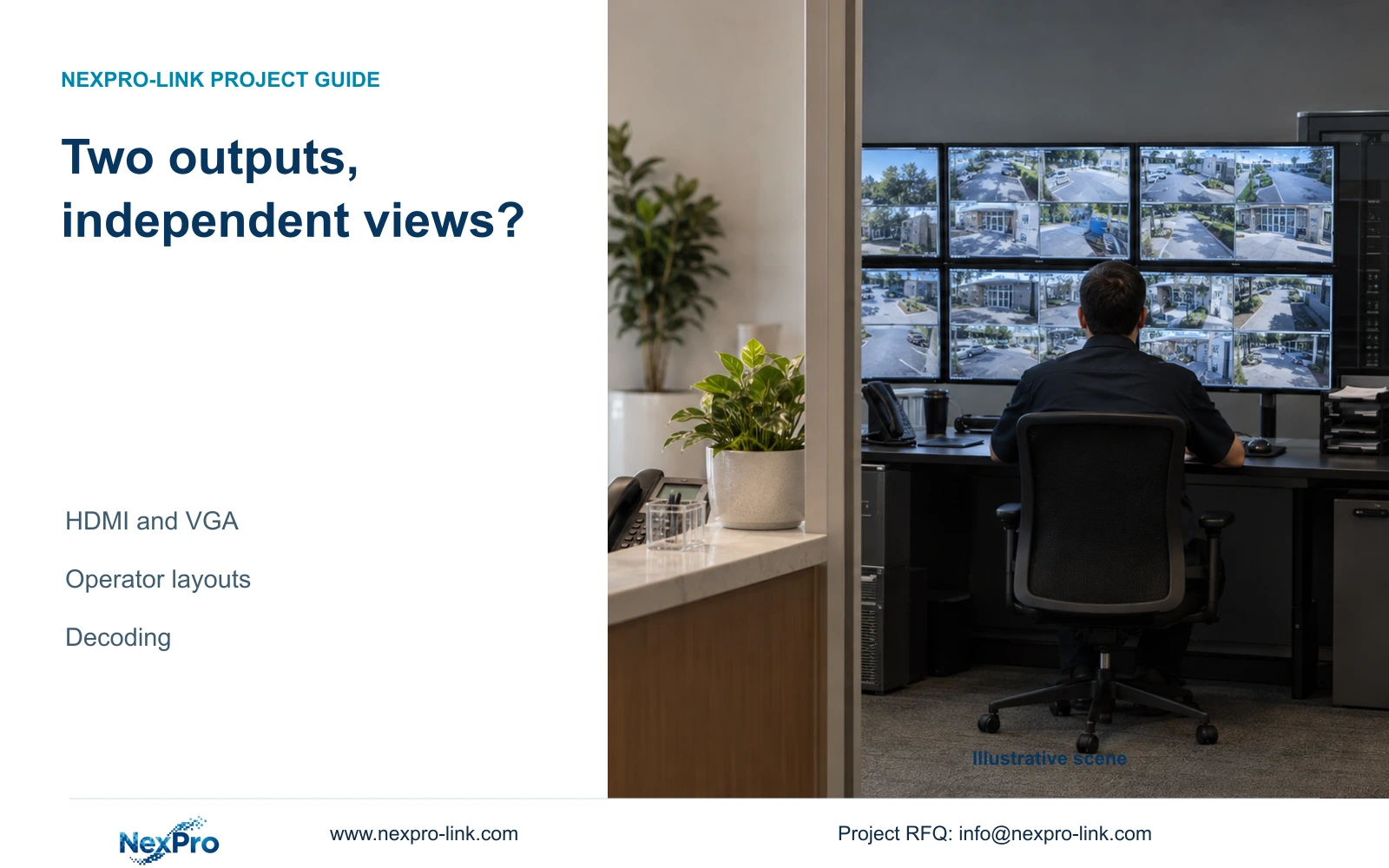
The manual states that VGA and HDMI can output simultaneously. It does not establish separate canvases, independent layouts or equivalent behavior across connected displays. If the picture differs between outputs, document each connection and presentation rather than treating two connectors as proof of two independently controlled views. Use the actual recorder and firmware information to resolve the remaining difference.
| Observation | Interpretation | Next action |
|---|---|---|
| Shape changes only with the layout | Window presentation affects the result | Use a suitable ratio and document the layout |
| Same file looks correct on another path | Local presentation needs investigation | Check ratio and monitor output |
| Distortion remains across suitable playback paths | Source investigation remains necessary | Check camera orientation and supported capture settings |
| Corridor 8 layout was selected | The NVR window arrangement changed | Check camera corridor mode separately |
| Export playback cannot be verified | The alternate-path comparison is incomplete | Resolve file playback before judging the camera |
Section 04
Separate corridor capture from corridor windows
Camera-side corridor mode is listed under IPC capture in section 4.4.3. The corridor 8 layout is a recorder presentation choice. Selecting one does not establish that the other changed. Identify the camera's supported orientation and actual output mode before deciding whether a vertical view suits the corridor.
Evaluate how much useful image area serves the approved corridor task, including the required detail at its far end. Compare the actual orientation with the intended display window. The manual does not establish a universal doubling of coverage or guarantee unchanged storage. If source settings change the recording inputs, retain those actual inputs for any separate storage assessment.
Keep the source-mode decision tied to the corridor view. A successful layout correction can resolve stretching without altering capture, while a justified camera-orientation change needs its own new recording sample. These are different results and should be recorded separately.
Section 05
Verify the recording through an alternate path
Export the relevant segment through an authorized process and confirm its channel and start and end period. Play it on the intended receiving system with an appropriate presentation. Section 4.11.4 mentions players such as VLC, but it does not guarantee every platform or codec combination.
Check actual playback and any required audio, then record the viewing method. A completed backup indicator does not establish a valid geometry comparison. Preserve the original footage until the copy is verified. If a PC client is involved, distinguish its local recordings from NVR-stored footage and ensure that the comparison uses the intended recorder source.
If the same fixed feature remains distorted through suitable local and alternate presentations, collect that result for camera-side diagnosis. If it appears correct elsewhere, continue investigating the local display path. Neither branch requires an immediate camera replacement.
Section 06
Investigate camera capture only after the display checks
The camera capture menu includes brightness, saturation, sharpness, contrast, image flips and listed processing modes. These controls are separate from window ratio and monitor output. Confirm which settings the connected camera supports; the menu does not establish universal device behavior.
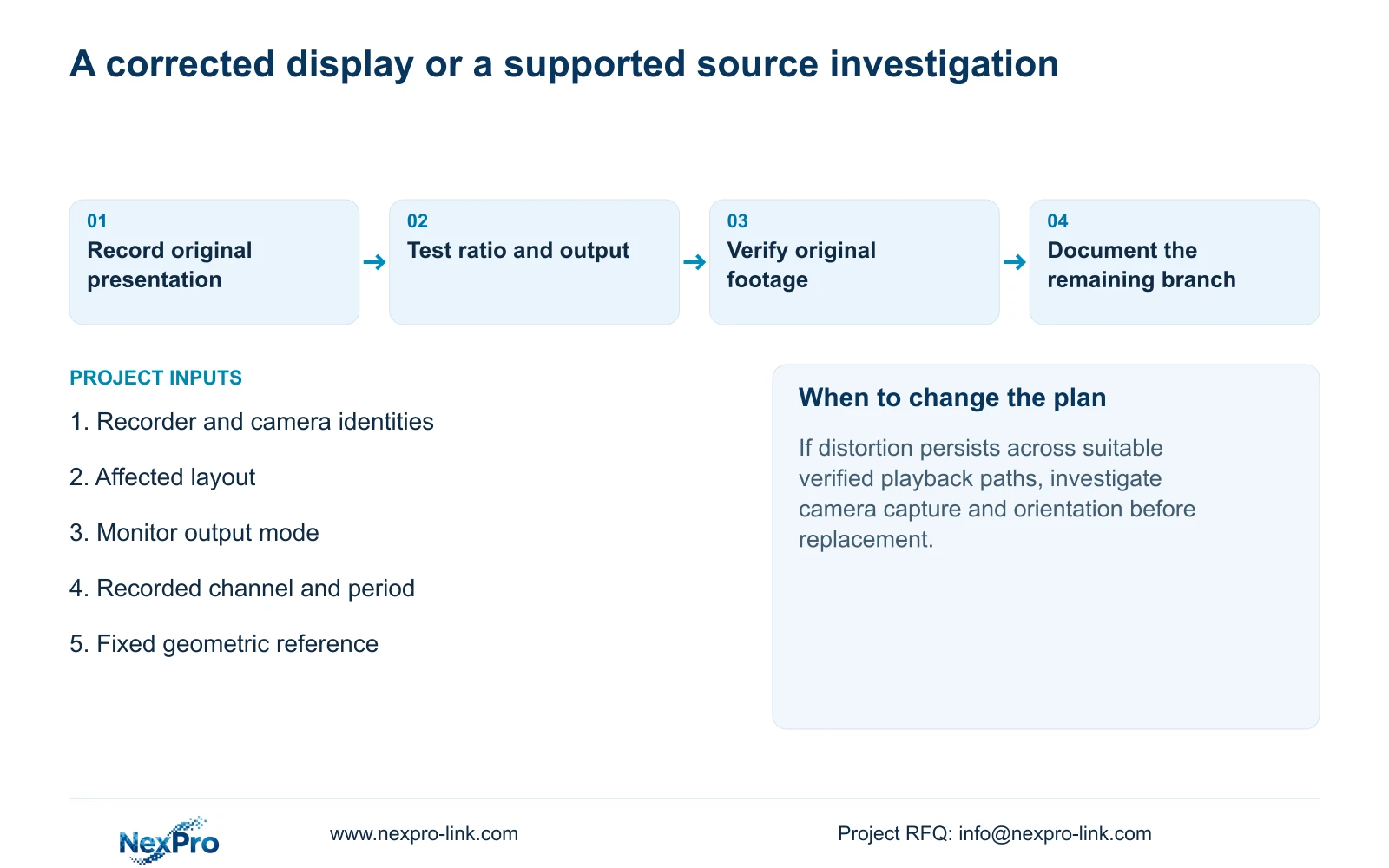
Inspect relevant orientation and capture settings against the preserved reference. Change one supported item only when the source investigation justifies it, then retrieve a new recording and compare the same task under relevant lighting and movement. Do not expect color or sharpness controls to prove a geometric correction. If distortion remains in the source, provide the verified samples and camera identity for further diagnosis before selecting replacement equipment.
Section 07
Apply the corridor layout-change test
Illustrative project scenario: An operator changes the layout and believes a corridor camera has developed lens distortion. The engineer preserves a recorded scene with a fixed geometric reference, compares its window ratio and verifies the file through another path. A presentation correction leaves the camera configuration unchanged. Persistent source distortion supports a separate camera investigation, without implying that a replacement has already been justified.
The source is the private NVR4.0 user manual CH_V2.4.doc, with V2.2 in its body. Sections 4.5, 4.7, 4.11.3, 1.2, 4.8, 4.12.1, 4.4.3, 4.11.4 and 5.2 support the distinctions. Section references take priority over page numbers; the fixed-reference comparison is an engineering method.
Section 08
Will digital zoom restore missing detail?
It enlarges existing imagery. Evaluate the recorded source at an appropriate ratio; zoom does not establish additional captured resolution or correct a source defect.
Section 09
Does corridor 8 enable camera corridor mode?
They are separate controls. Corridor 8 arranges recorder windows; camera corridor mode belongs to supported IPC capture settings. Verify each independently.
Section 10
Provide the geometry comparison
Send the recorder and camera models, affected layout and a redacted fixed-reference comparison from the same recording to info@nexpro-link.com for a focused NexPro-Link diagnosis discussion.
Engineering references
These sources support the general planning principles. Always use the selected product's current datasheet and applicable project standards for final design.