

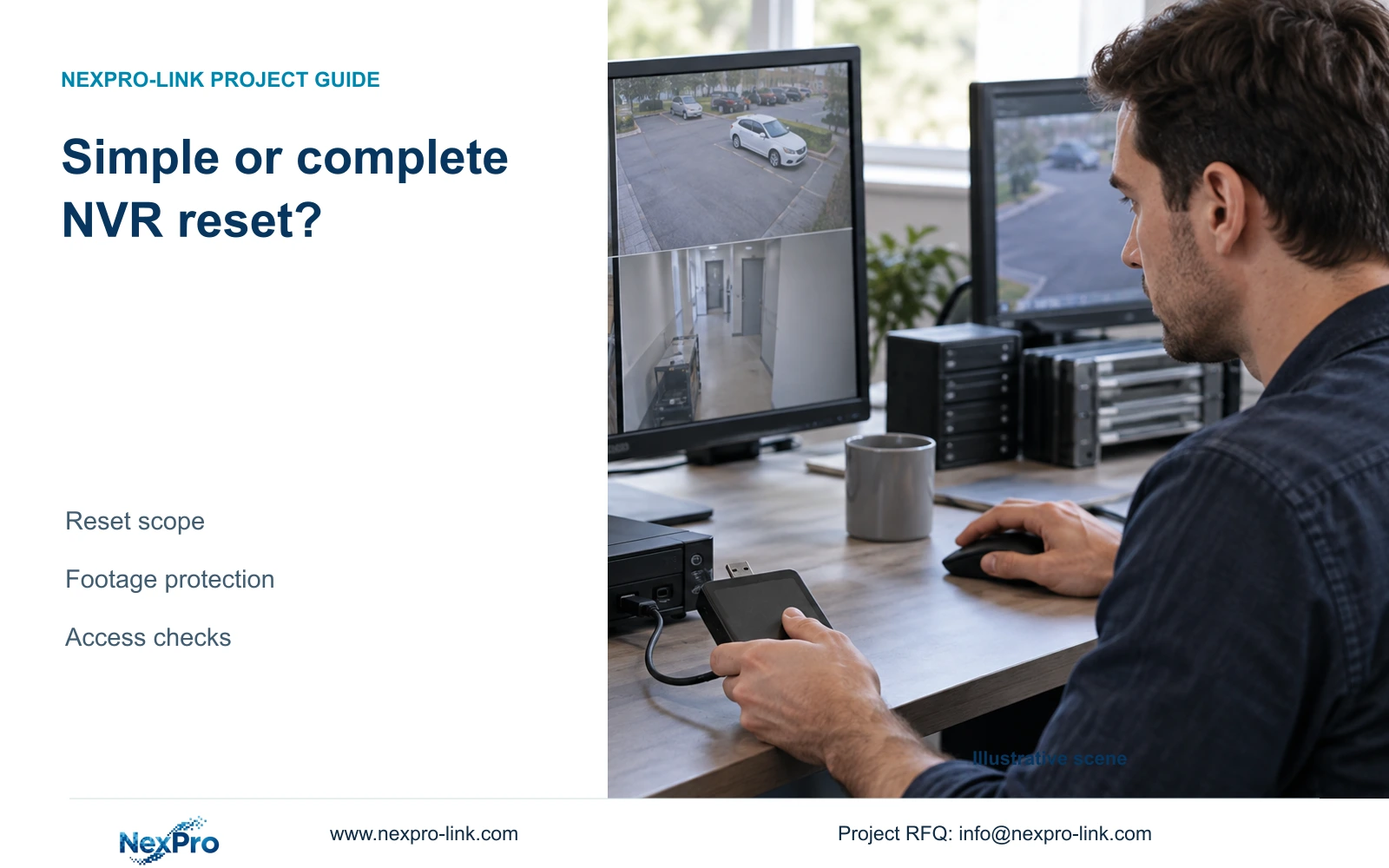
Simple reset preserves Ethernet and password-related settings in the supplied manual. Complete reset returns system parameters to factory values, with recording-data consequences requiring separate confirmation.
Section 01
Protect incident footage before selecting a restore
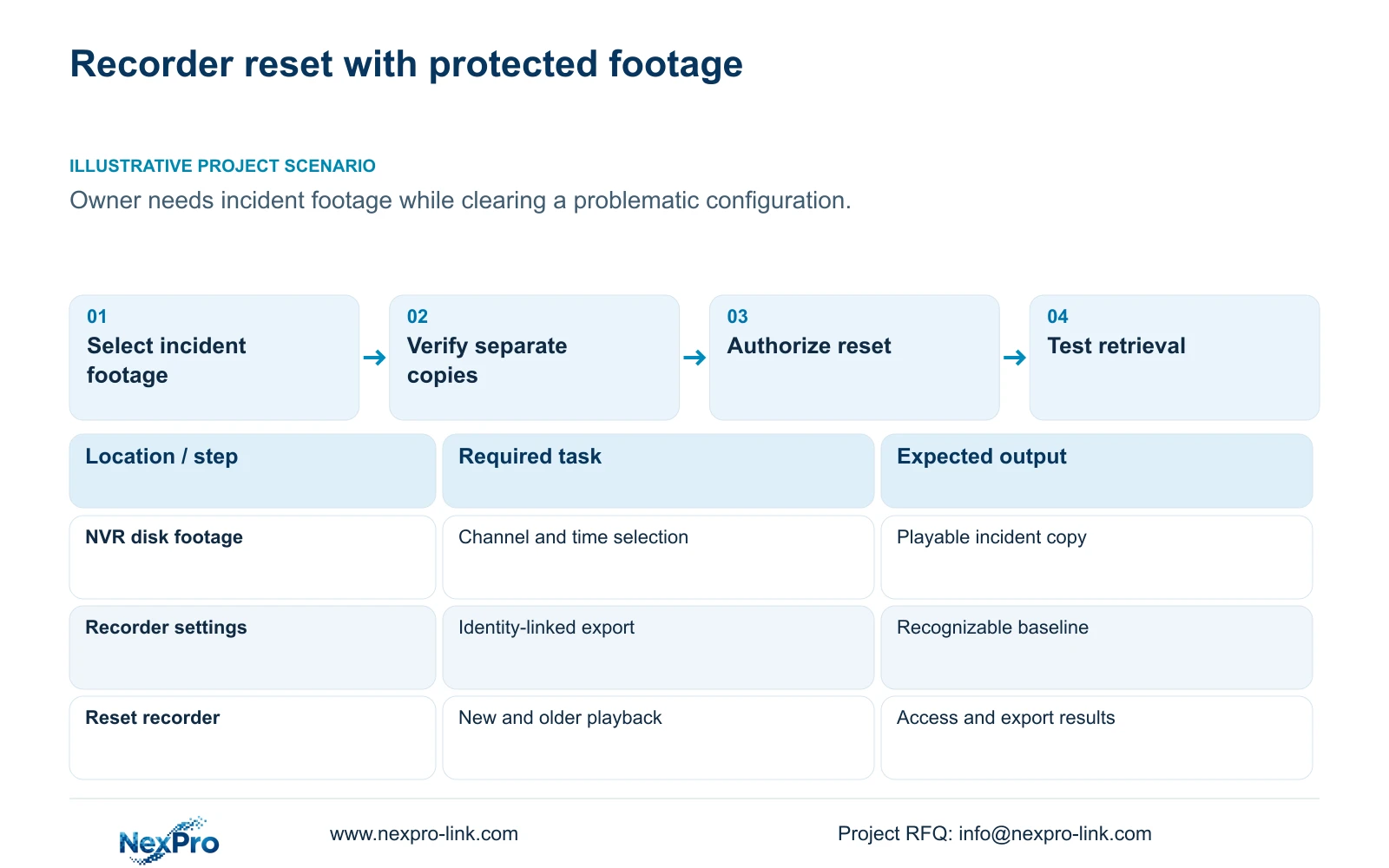
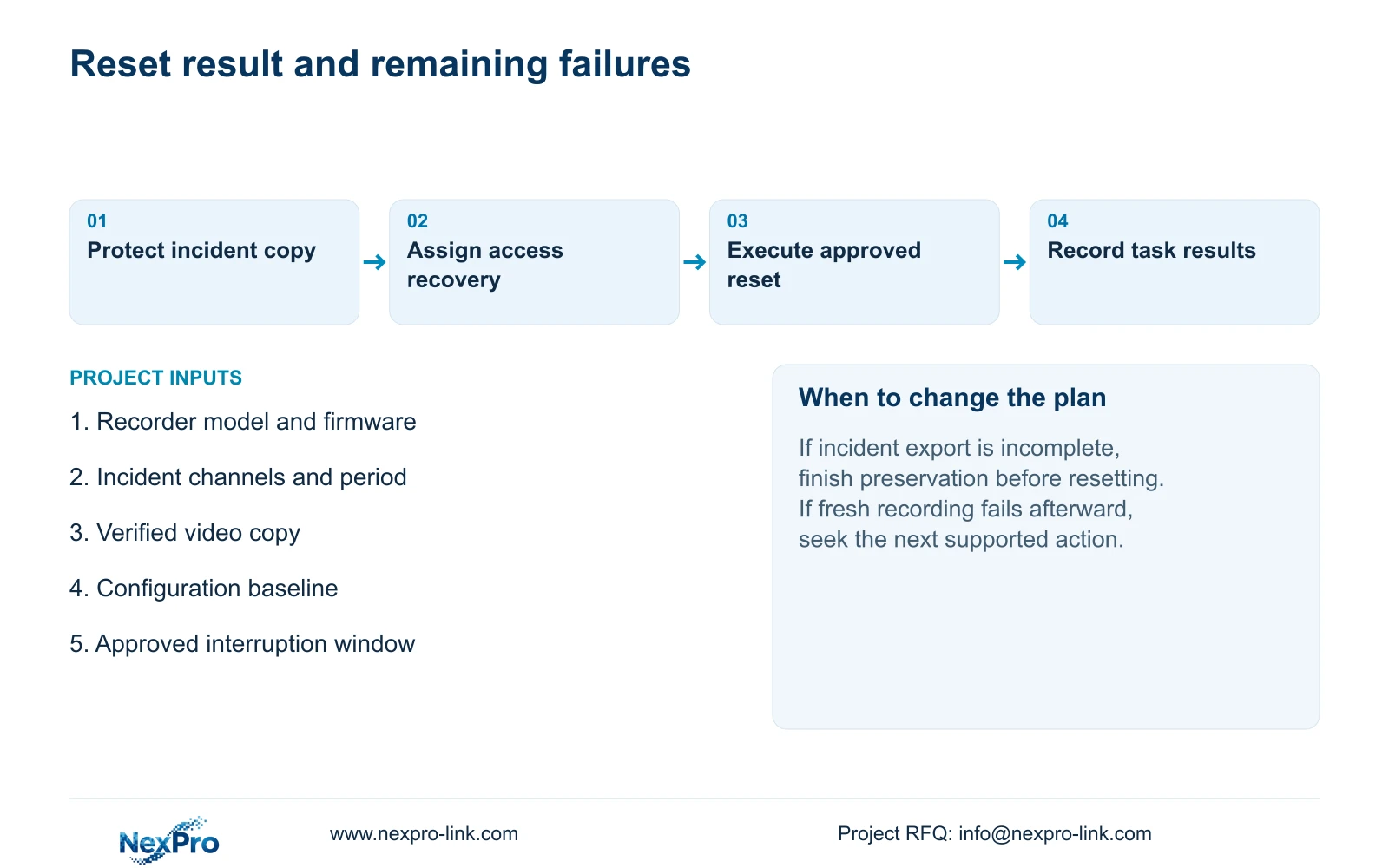
The supplied manual says simple reset preserves Ethernet and password-related settings, while complete reset returns system parameters to factory values. Neither description establishes a universal promise that recordings will remain available or be erased. For an owner clearing a problematic configuration, the practical sequence is to preserve required incident footage, save the applicable settings separately, identify the recorder, and assign responsibility for restoring access. Select the reset only after those preparations and an approved interruption window. Afterward, verify new recording, historical retrieval and the intended accounts. A responsive menu alone cannot establish that the owner's original operating task has recovered.
Start with the incident the owner still needs to retrieve. Identify its channels and required time window, including any surrounding footage needed to understand the event. Confirm that the existing recorder can find that period before changing settings. If retrieval already fails, record the failure and seek the applicable support path before proceeding; a factory reset is not a documented video-recovery procedure.
Use the recorder's video-backup workflow to create an accessible copy. Keep preservation of footage as a separate completion condition from approval of the reset. Someone responsible for the incident should confirm that the exported selection covers the requested event.
Section 02
Save settings and recorder identity as a baseline
Configuration export, log export and video backup preserve different objects. Name their files and storage locations accordingly so the maintenance team does not mistake a settings file for the incident copy. Configuration export is not a disk image, and the manual does not establish universal cross-model import compatibility.
Record the product model, hardware version, software version and software date or release information from System Information. Associate the configuration file with that identity and check that the backup is recognizable before relying on it. A file with an unexplained origin is a poor basis for rebuilding settings.
Keep the problematic configuration identifiable as the pre-change baseline. If the purpose of the reset is to remove a configuration fault, importing every old setting immediately could make the comparison unhelpful. Agree which settings require restoration and which suspected setting needs a separate check. Preserve relevant logs so later investigation can distinguish the original symptom from changes made during maintenance.
Section 03
Choose the reset from its documented parameter scope
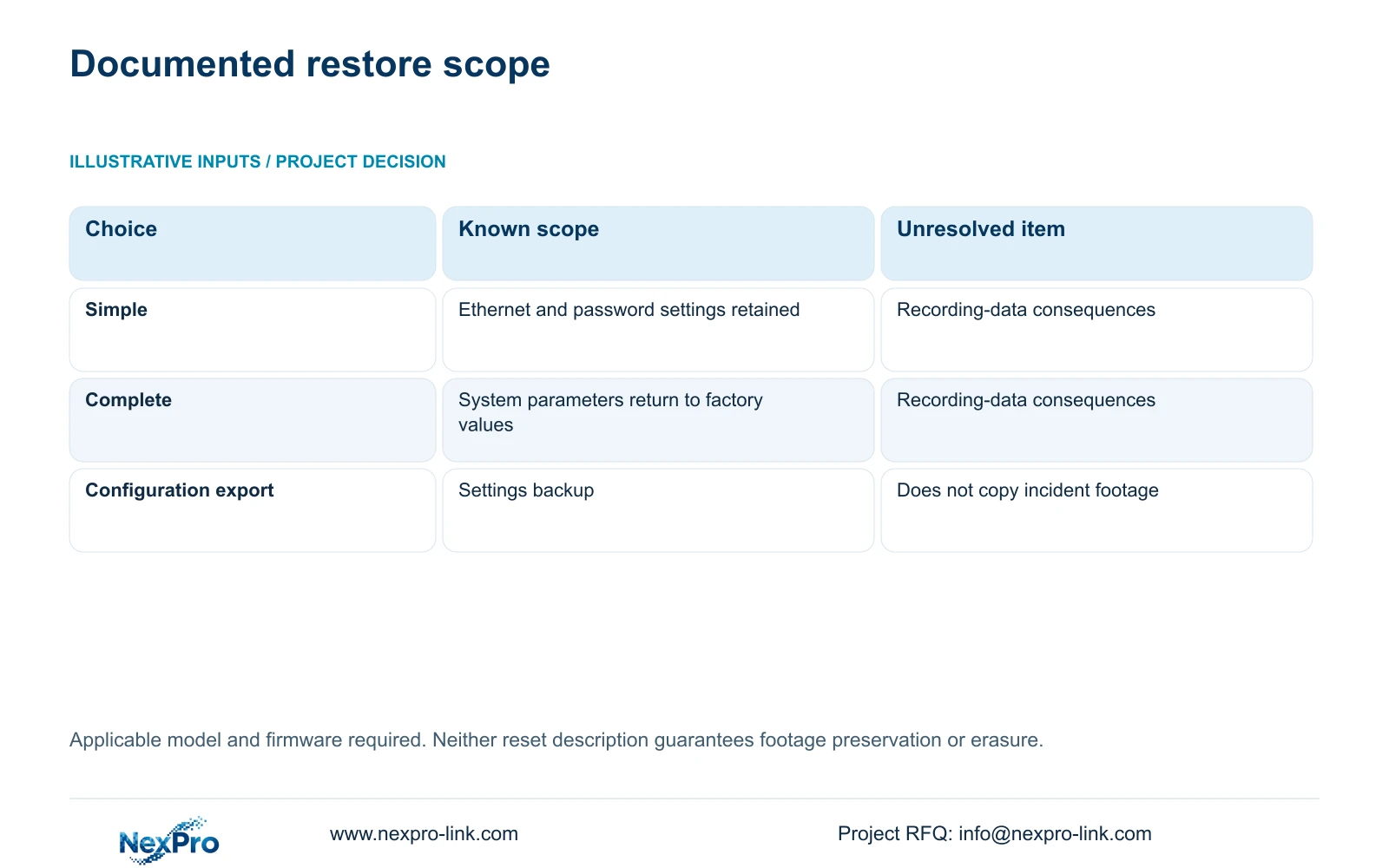
Simple reset is the documented choice that preserves Ethernet and password-related configuration. Complete reset returns system parameters to factory values. Choose between them from the parameter scope the authorized maintenance task requires, rather than treating the word complete as evidence of a better repair.
The decision table separates the known setting behavior from unanswered recording-data questions. When footage consequences affect approval, obtain instructions applicable to the actual model and firmware. Do not describe either option as certified erasure, guaranteed preservation or an automatic cure.
| Choice | Documented scope | Required next action |
|---|---|---|
| Simple reset | Preserves Ethernet and password-related settings | Protect footage and identify other settings to rebuild |
| Complete reset | Returns system parameters to factory values | Assign network and account restoration responsibility |
| Footage outcome unresolved | Neither description fully specifies recording consequences | Confirm applicable instructions before resetting |
Section 04
Complete the video selection and check the copied files
Section 4.11.4 describes selecting the file format, recording types, channels and start and end times, then updating the required-capacity estimate. The manual lists MP4 as the default and permits multiple channels. Detect the inserted USB storage device before starting the copy.
Successful media detection confirms only that the recorder recognized the destination. Open the copied files on the intended receiving system and check the requested period and channel identity. If a selection is incomplete, correct that selection and repeat the relevant export before authorizing the reset.
A Seetong Windows local recording is a separate storage object from footage on the recorder's disk. Verify that the copy being protected came from the incident source the owner requires. Similar camera names across a client and recorder do not establish that their stored periods match.
Section 05
Assign access recovery before the approved interruption
Identify the responsible holders of local recorder accounts, network-access accounts, camera connection credentials and any third-party cloud account. These are separate objects unless the exact workflow establishes otherwise. A channel's connection credentials authenticate its camera; changing that entry does not change every account in the installation.
For complete reset, assign who will restore the required network configuration and authorized user access. For simple reset, retained password-related settings still do not prove that every access path or permission will work. Keep credentials out of equipment schedules and general project email, using the owner's controlled transfer process.
Proceed only with authority to reset the running recorder, protected required data and an agreed maintenance window. Record the selected path and its time. If the displayed options differ from the applicable instructions, stop at that difference rather than substituting a similarly named action.
Section 06
Verify retrieval and access after the recorder returns
Check live view and time, then retrieve footage generated during a defined post-reset period. Test a relevant historical sample separately and repeat an export. Use the intended operator accounts on their actual access paths, and test required events where they belong to the operating task.
Record each failed operation alongside the reset and any subsequent setting change. If the picture returns but fresh footage cannot be retrieved, the recording task remains unresolved. Arrange the next supported action without assuming an automatic rollback mechanism.
Illustrative project scenario: An owner wants to clear a problematic configuration without losing needed incident footage. The engineer first verifies an independent incident export, records the configuration baseline, and assigns access restoration. Approval of the selected reset then depends on its documented scope, with recording and retrieval checked afterward.
Section 07
Does simple reset guarantee that old recordings survive?
No. The manual specifies retained Ethernet and password-related settings, but does not fully specify recording-data consequences. Protect the required footage independently.
Section 08
Can a configuration export replace an incident backup?
No. It preserves settings for an applicable restoration task. Export and verify the incident video through the separate video-backup workflow.
Section 09
Use the applicable instructions for the unresolved reset decision
This guide follows NVR4.0 user manual CH_V2.4.doc, whose body identifies V2.2, especially sections 4.12.18, 4.11.4, 4.12.19 and 4.12.3. Sections take priority over page numbering. Its TS family has no established mapping to NexPro-Link commercial SKUs. Maintenance assistance and hardware warranty coverage also require separate scope confirmation; the public return policy does not promise data recovery.
Send NexPro-Link the recorder model, firmware and proposed reset type at info@nexpro-link.com to clarify the remaining scope question.
Engineering references
These sources support the general planning principles. Always use the selected product's current datasheet and applicable project standards for final design.


