

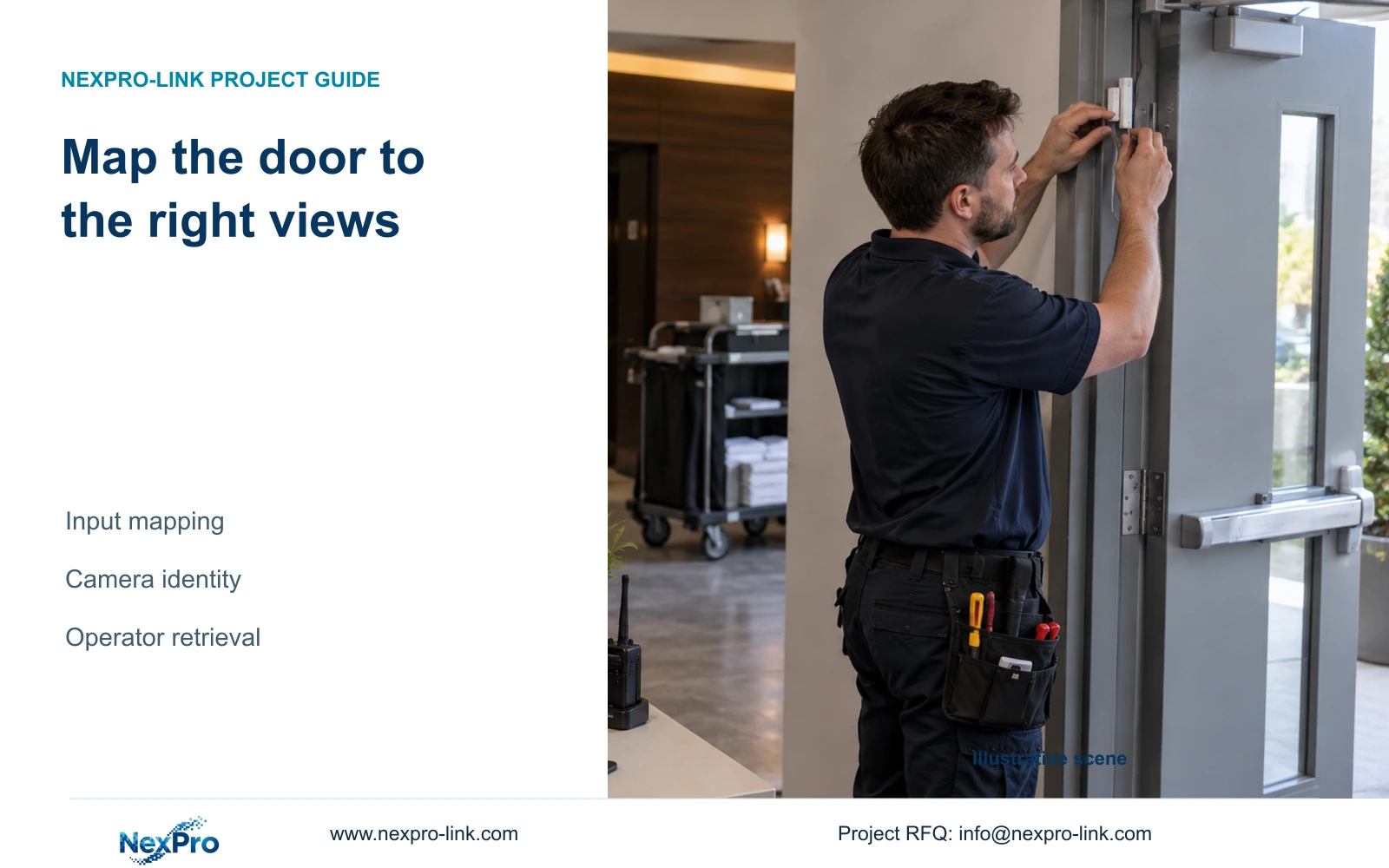
Build a location-based alarm map that separates door identity, input ownership and video channels. Verify the required views and footage before operator handover.
Section 01
Start with the door event and its observation task
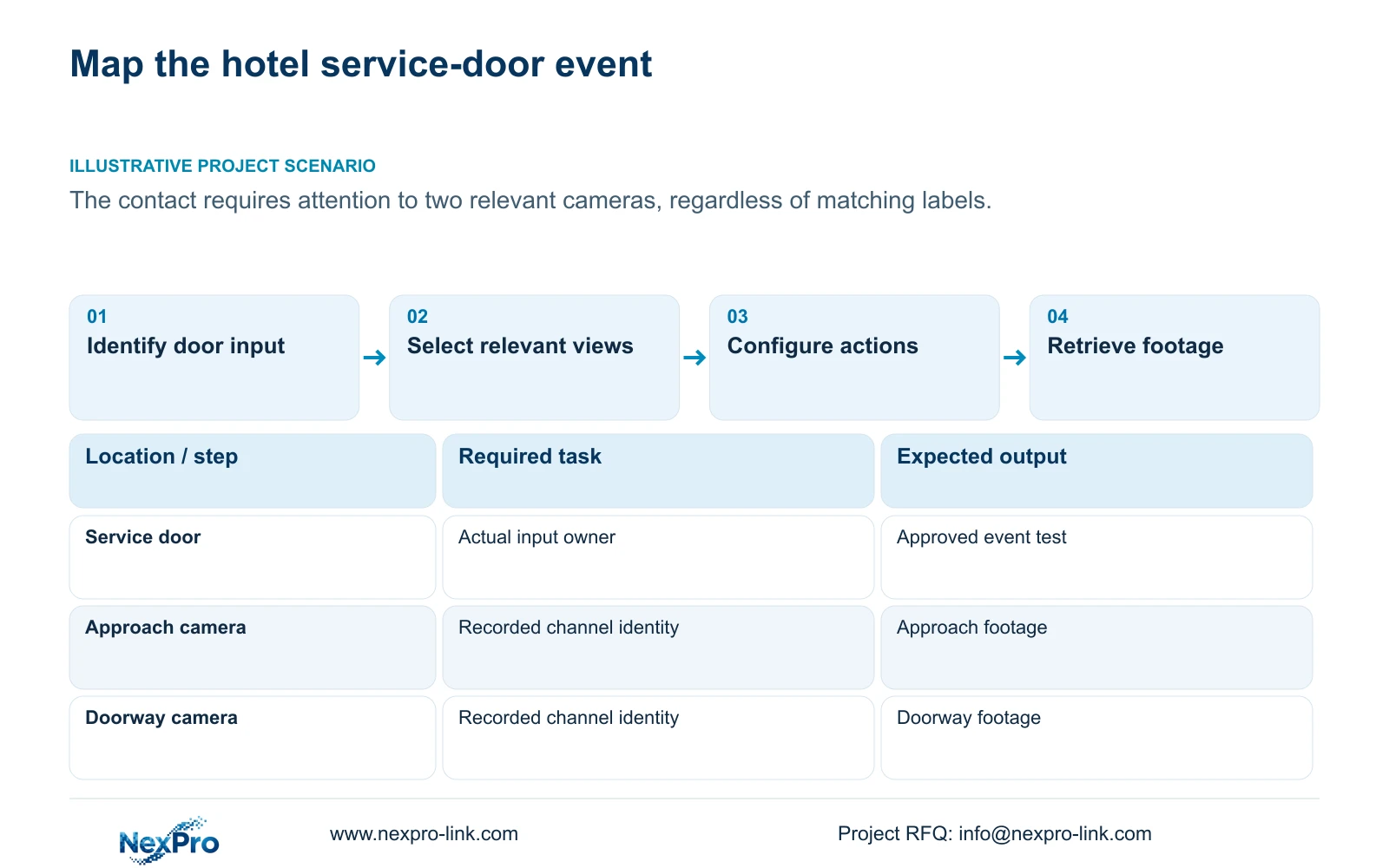
Map an alarm from the physical door or equipment asset to its receiving input, then select the camera views needed to understand that event. An input number does not automatically identify a video channel. For a hotel service door requiring two views, record both camera identities and their recorder channels, define the required attention and recording actions, and test each result. Match displayed names to the site location so an operator can retrieve the correct footage later. The mapping is complete when staff can follow the event to the required views and usable recordings, including after a camera is replaced or channels are reordered.
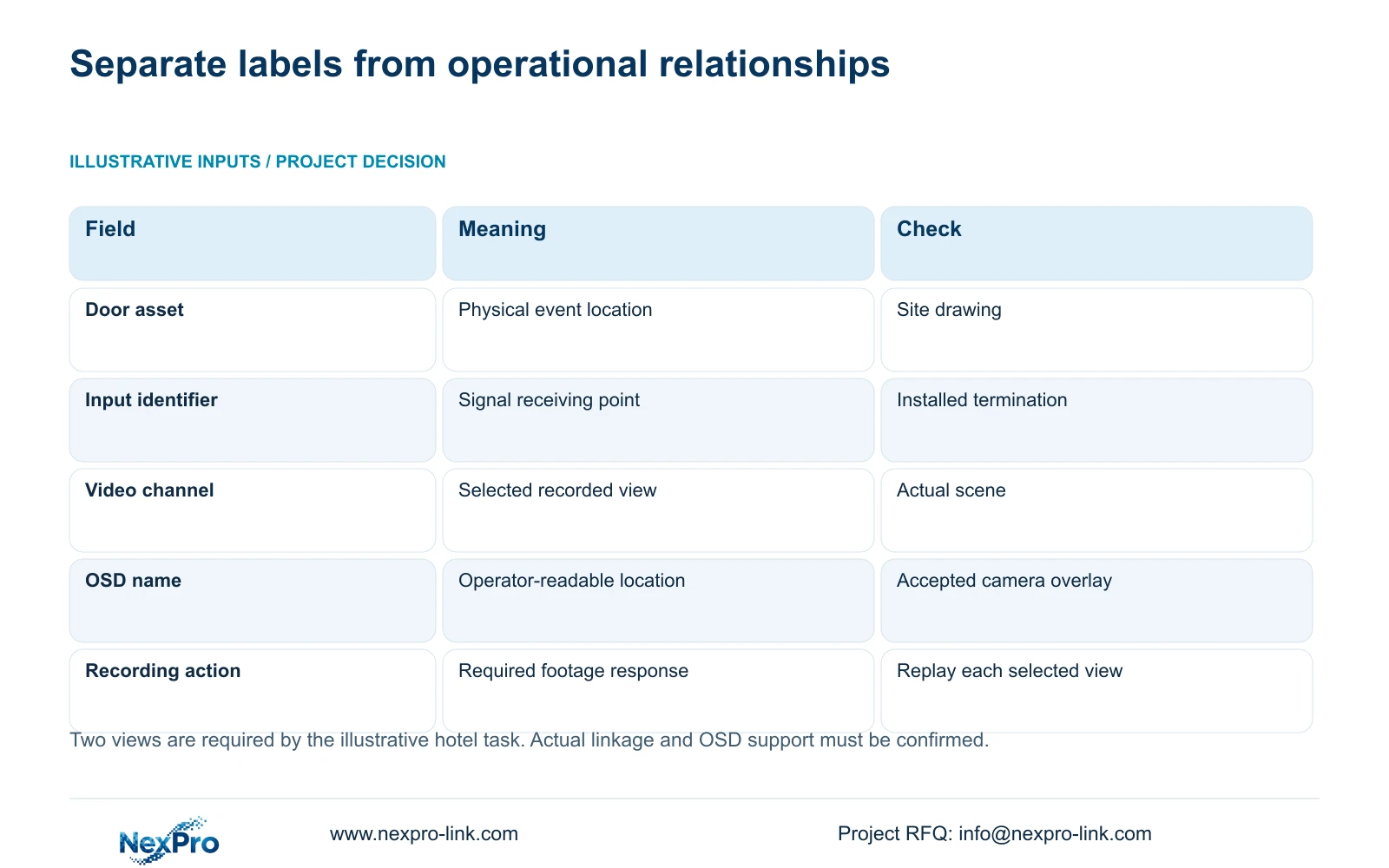
Use the asset name from the location drawing as the starting reference. Describe the event and the operator's task beside it. A door label, physical input identifier, output identifier and video channel are separate records even when their numeric labels happen to match.
The private NVR4.0 user manual CH_V2.4.doc, with V2.2 in its body, supplies local and IPC I/O pages in sections 4.12.13 and 4.12.14. Local input originates at the recorder; IPC input originates at a supporting camera. Confirm the actual input owner before building the video mapping.
Section 02
Select views by scene coverage and retain their identities
Inspect the camera scenes against the service-door task. One view may explain the approach while another shows the doorway. Select the required views from that observation purpose, not from similarity between their channel numbers and the alarm input label.
Keep the drawing location, physical camera identity, IP address, recorder channel and displayed name in separate fields. Sections 4.3.1, 4.4.4 and 4.12.6 support channel identification and naming. The project record supplies the relationship between those fields and the door.
After replacement or reordering, verify the actual scene and revise the mapping. Record a renamed channel separately from a changed camera. During event review, check the recorded identity rather than relying on the familiar position of a live-view window.
| Mapping item | Required relationship | Acceptance check |
|---|---|---|
| Door asset | Service door to its actual input owner | Compare drawing and installed termination |
| Approach view | Relevant camera to its recorder channel | Confirm approach scene |
| Doorway view | Relevant camera to its recorder channel | Confirm doorway scene |
| Required recording | Each selected view to its recording action | Retrieve footage from both views |
| Operator reference | Site name to displayed and recorded identities | Operator locates the test interval |
Section 03
Make OSD names useful without obscuring the scene
Use names that match the approved site terminology and distinguish the roles of the selected views. A doorway camera and an approach camera should remain recognisable without the operator memorising channel numbers.
Sections 4.4.4 and 4.12.6 list OSD enablement, channel name, title and time positions, date formatting, weekday display and optional resolution or bitrate information. Keep the camera overlay separate from the recorder desktop clock when checking displayed time information.
Position text around each camera's useful image area. Copying an identical overlay position to every view can cover an important part of another scene. Confirm the selected camera accepts the change; the presence of an NVR menu field does not establish universal third-party OSD support.
Check the resulting recorded image as well as the live display. The operator's retrieval task depends on the names and scene that remain understandable in the footage being reviewed.
Section 04
Specify and test each required alarm action
Write the response requirement for each selected view before configuring linkage. Confirm that the actual event, recorder and camera arrangement support it. If simultaneous attention to both views is required, demonstrate that behavior rather than inferring it from the mapping document.
Section 4.12.11 lists popup, flashing border, buzzer, email, snapshot, screenshot sending, preset call, recording and app push as distinct actions. A popup on one camera cannot prove that both cameras recorded or that the intended person received a notification.
Test the selected response at its destination and record the result against the corresponding view. If one recording is missing, retain the working view and investigate the failed channel's action and plan. Keep action duration separate from footage retention.
Section 05
Check the recording policy for every mapped camera
Section 4.11.1 describes timed recording, no recording, motion recording and motion-plus-timed recording. Inspect the plan for each mapped camera and the periods covering the door task. The documented plan grid has a 30-minute minimum scale.
Motion-only records when motion detection triggers. Motion-plus-timed continues ordinary timed recording without a motion trigger and records motion-type footage when triggered. The mixed option must not be budgeted as event-only storage saving.
A physical door contact and a motion trigger are different inputs. Selecting motion recording does not establish that the door contact produces the intended recording. Check the applicable contact linkage and demonstrate the required footage.
If the desired service-door interval is missing, confirm the camera identity, period, recording selection and retrieval conditions before changing the mapping. Live video shows the scene is available at that moment; it does not prove that the earlier event was retained.
Section 06
Give duty staff a map they can use for retrieval
Include the event-to-input map, camera identities, displayed names, selected actions and applicable versions in the handover record. Keep the configuration-backup location and maintenance responsibilities with it. Transfer credentials through a controlled route, separate from ordinary project documents.
Ask the operator to identify the service-door event, locate both relevant channels, retrieve the known test period and export playable footage. File delivery and successful operator use are separate acceptance results. Sections 4.11, 4.12.3 and 4.12.17 through 4.12.19 support the underlying retrieval and documentation tasks.
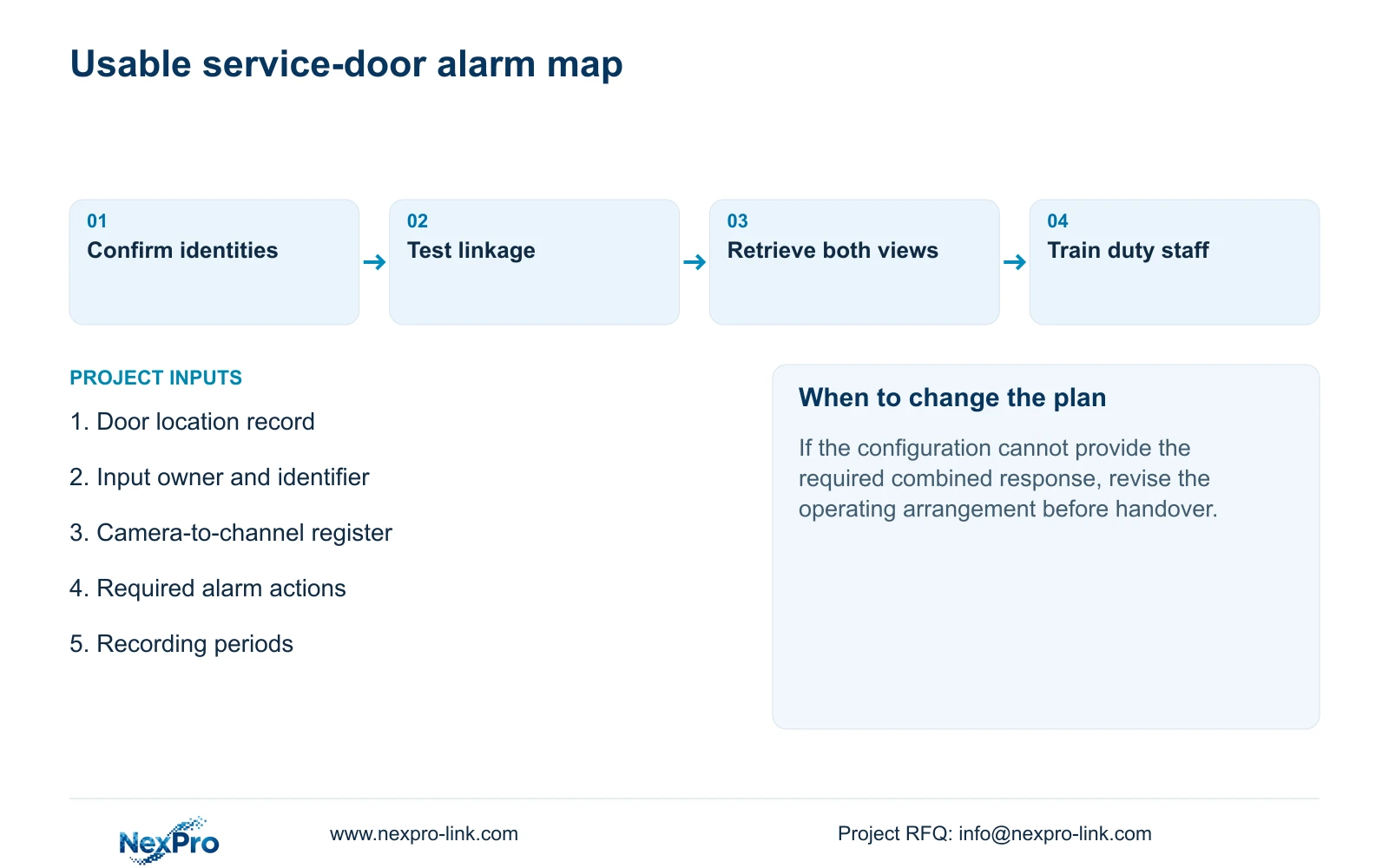
Illustrative project scenario: A hotel service door contact should direct attention to two cameras, not to the camera with the same numeric label. Select the approach and doorway views by their actual scenes, confirm supported linkage, and test retrieval from each. If the selected configuration cannot provide the required combined response, revise the operating arrangement before handover.
Section 07
Should the map change after a camera replacement?
Yes. Verify physical identity, scene, IP address, recorder channel and displayed name. A retained channel label does not establish that the replacement covers the same event.
Section 08
Provide the door-to-view requirement
Send NexPro-Link the service-door location record, intended camera views and required alarm actions at info@nexpro-link.com to discuss the mapping and equipment scope.
Engineering references
These sources support the general planning principles. Always use the selected product's current datasheet and applicable project standards for final design.


