

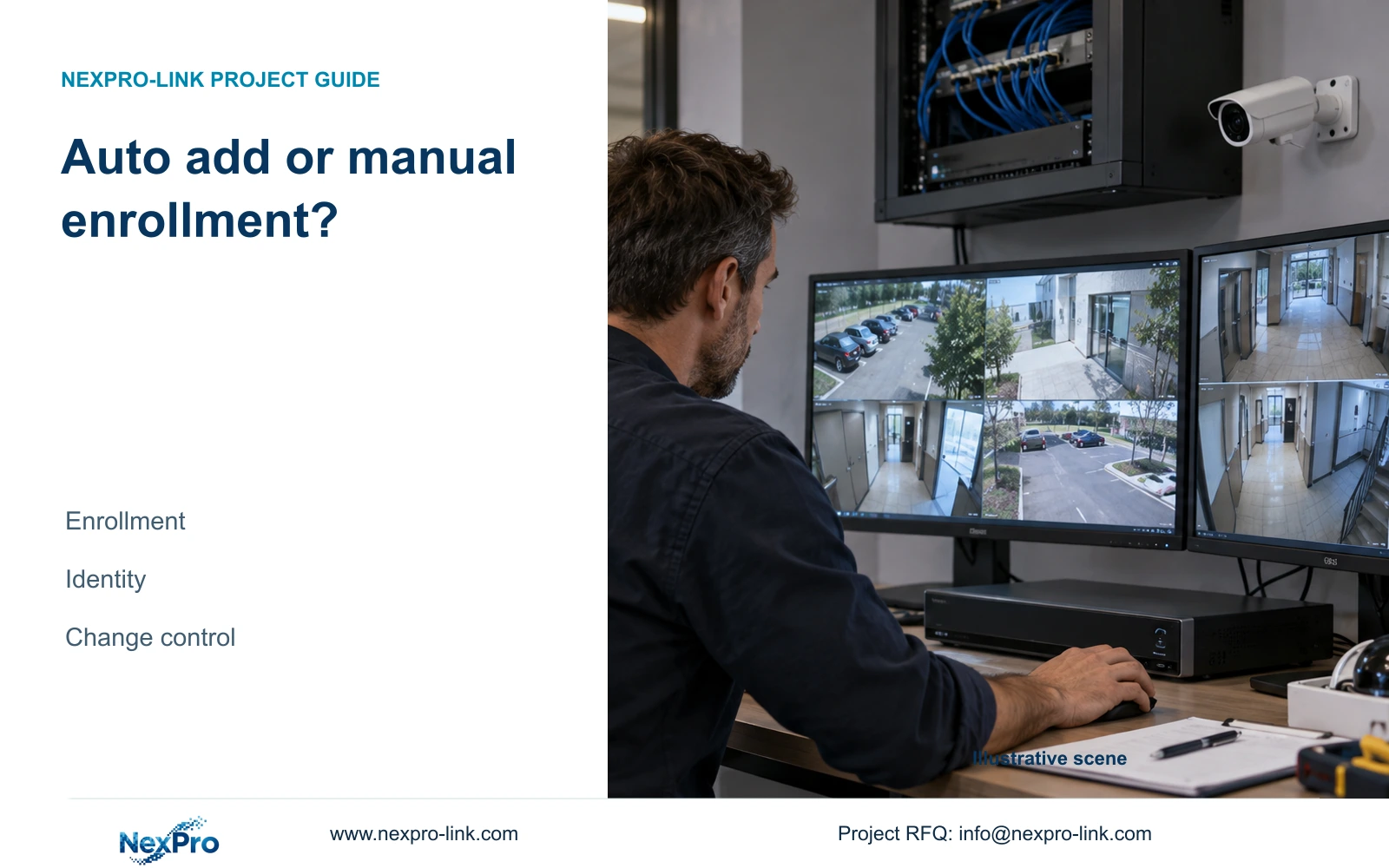
Choose enrollment by the cameras the recorder is allowed to manage. Keep channel identity, credentials and later automatic address or stream changes under project control.
Section 01
Choose enrollment around the approved camera list
Use automatic camera addition when the discovery environment and permitted device scope are controlled, and use manual enrollment when the recorder must select a defined subset of visible cameras. Both methods need a channel-by-channel check afterward. Automatic addition can shorten setup, but it does not replace identity mapping or credential verification. Manual addition gives the installer a deliberate selection step, yet later automatic address or stream changes still need review. On a shared building network, begin with the approved camera schedule and exclusions. The useful outcome is an enrolled list that contains the intended devices, preserves their location mapping and produces retrievable recordings.
Section 4.3.1 separates discovery from adding and editing devices. A search result establishes that the supported mechanism found a camera. It does not authorize enrollment or establish successful authentication, live video or recording. Before choosing a method, identify which existing cameras belong to other systems and must remain outside this recorder's scope.
This guide uses the supplied private NVR4.0 user manual CH_V2.4.doc, with V2.2 in its body. Relevant sections are 4.3.1, 4.4.4, 4.12.5, 4.12.6, 1.2 and 5.2. The verification workflow also uses sections 4.11 and 4.12.21. Match the instructions to the actual recorder and firmware.
Section 02
Assign identities before filling channel slots
Keep drawing location, physical camera identity, IP address, recorder channel and displayed name in separate fields. An address can change while the physical device remains in place. A replacement can occupy the same location and channel while becoming a different asset. A renamed overlay changes neither fact by itself.
For manual enrollment, use this mapping to select each approved camera and its destination channel. For automatic enrollment, compare the resulting list against the same mapping before accepting it. Investigate unexpected entries and missing locations individually. A matching total count can conceal an unwanted camera replacing an intended one.
Confirm the scene represented by each channel after enrollment. Record the approved assignment even if the operator later rearranges display windows. This makes the next credential change or camera replacement a controlled update instead of a fresh attempt to identify every view.
Section 03
Review what can change after enrollment
Section 4.12.5 describes Disable All Intelligent Changes through specific effects: disabling Video Management automatic addition, disabling IP-conflict adaptation, disabling stream-parameter locking and preventing the recorder from changing added-device IP addresses. The option is not described as a master switch for intrusion or line-crossing analytics.
Review those effects against the site's approved address and stream policy. Choosing manual enrollment without checking later automatic behavior leaves part of the control decision unresolved. Conversely, disabling the grouped option can affect more than camera selection, so document the desired state of every listed behavior.
If an address change is proposed, obtain the network owner's authority, preserve relevant configuration and data, and arrange the interruption before applying it. Retest affected recording paths and update the schedule afterward. Existing shared cameras should not be altered merely to make a new recorder's setup easier.
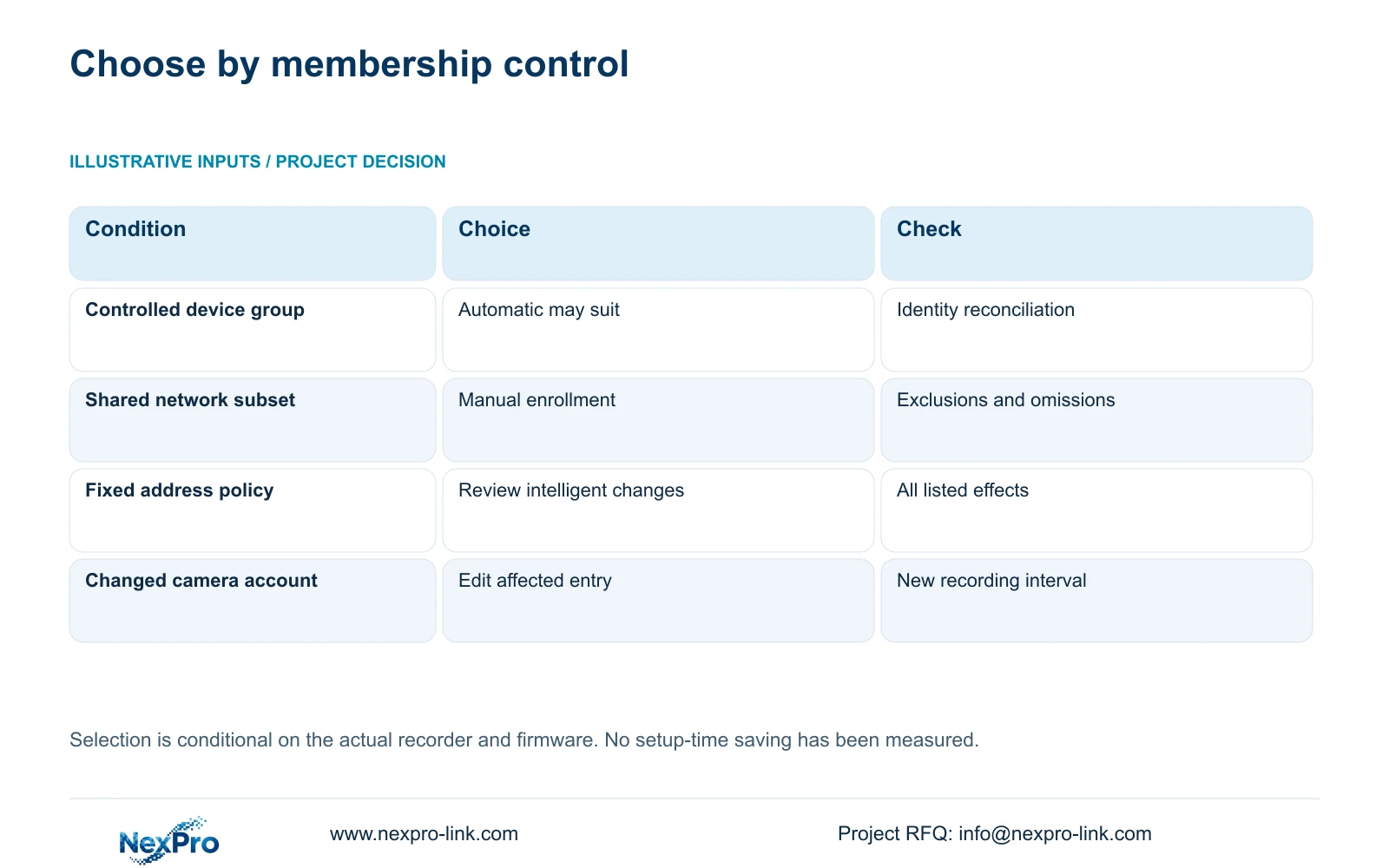
| Project condition | Suitable approach | Required follow-up |
|---|---|---|
| Controlled camera group with defined membership | Automatic addition may be suitable | Reconcile every enrolled identity |
| Shared network with excluded existing cameras | Manual enrollment | Check exclusions and omissions |
| Approved fixed addresses and streams | Review automatic-change controls | Document all listed side effects |
| One camera has changed credentials | Edit its channel entry | Retest that camera's recording |
| Required function lacks model evidence | Hold function acceptance | Obtain applicable model information |
Section 04
Authenticate each selected camera
An enrolled device can still fail to supply usable video. Check its connection status and confirm the authorized current credentials for the selected protocol. Section 4.3.1 permits editing protocol, username and password fields in the device entry. Keep actual passwords in the controlled project process.
When maintenance changes one camera's credentials, update that camera's affected channel entry. Preserve the physical identity and location relationship while correcting the connection information. Resetting the entire recorder introduces unrelated changes and does not provide a more precise test.
After the edit, verify live video and a new recording interval. Test relevant event functions separately if they are part of the owner's task. If video returns but an event does not, record that distinction rather than treating the whole channel as either fully compatible or completely failed.
Section 05
Keep enrollment separate from model capability
The manual covers TS8104A3, TS8108A3, TS8216A3, TS8232C4, TS8108D7, TS8116D7, TS8836M and TS8436M, with some appendix naming variations. Its family overview does not make every function common to every unit. Section 5.2 distinguishes preview decoding, local playback, buzzer support and talkback.
Those TS identities have no established mapping to NexPro-Link commercial SKUs. Use the actual model and firmware when accepting a requested function. A shared interface or successful camera addition does not prove that the recorder supports the required audio, playback combination or maintenance operation.
For third-party cameras, qualify the functions required by the project beyond discovery. ONVIF profile information is relevant to that function-level review, but a discovered camera alone does not establish complete interoperability.
Section 06
Verify membership and recordings together
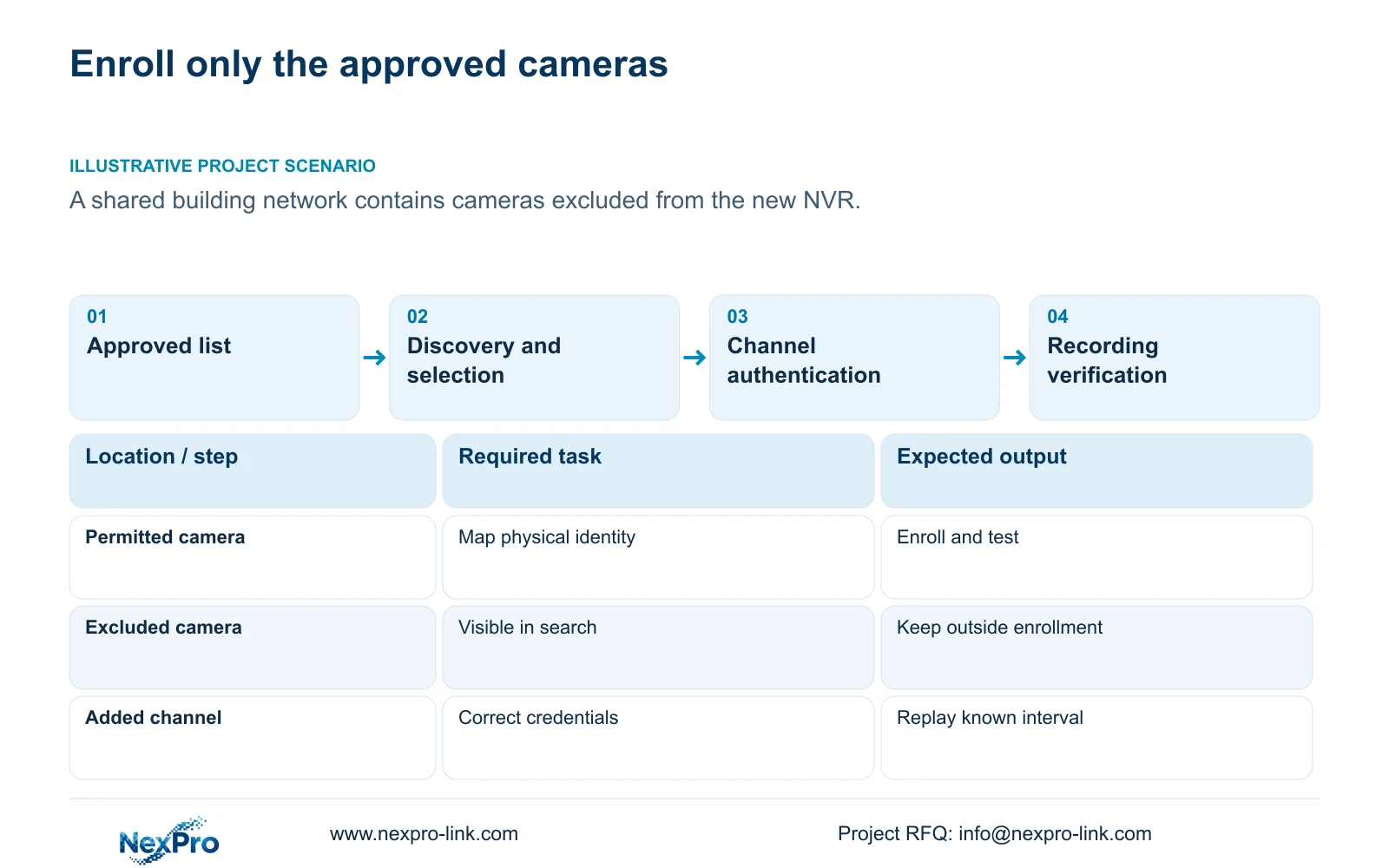
Illustrative project scenario: A building shares a network with existing cameras that must not all be enrolled in the new recorder. The installer selects approved devices manually, checks the automatic-change policy and compares the enrolled identities with the building schedule. This is a proposed workflow, not a completed installation report.
For each intended channel, identify the location, observe live video and recording status, then replay a known interval. Include an exported file checked on another device through the intended playback method. A full display proves neither correct membership nor retrievable footage.
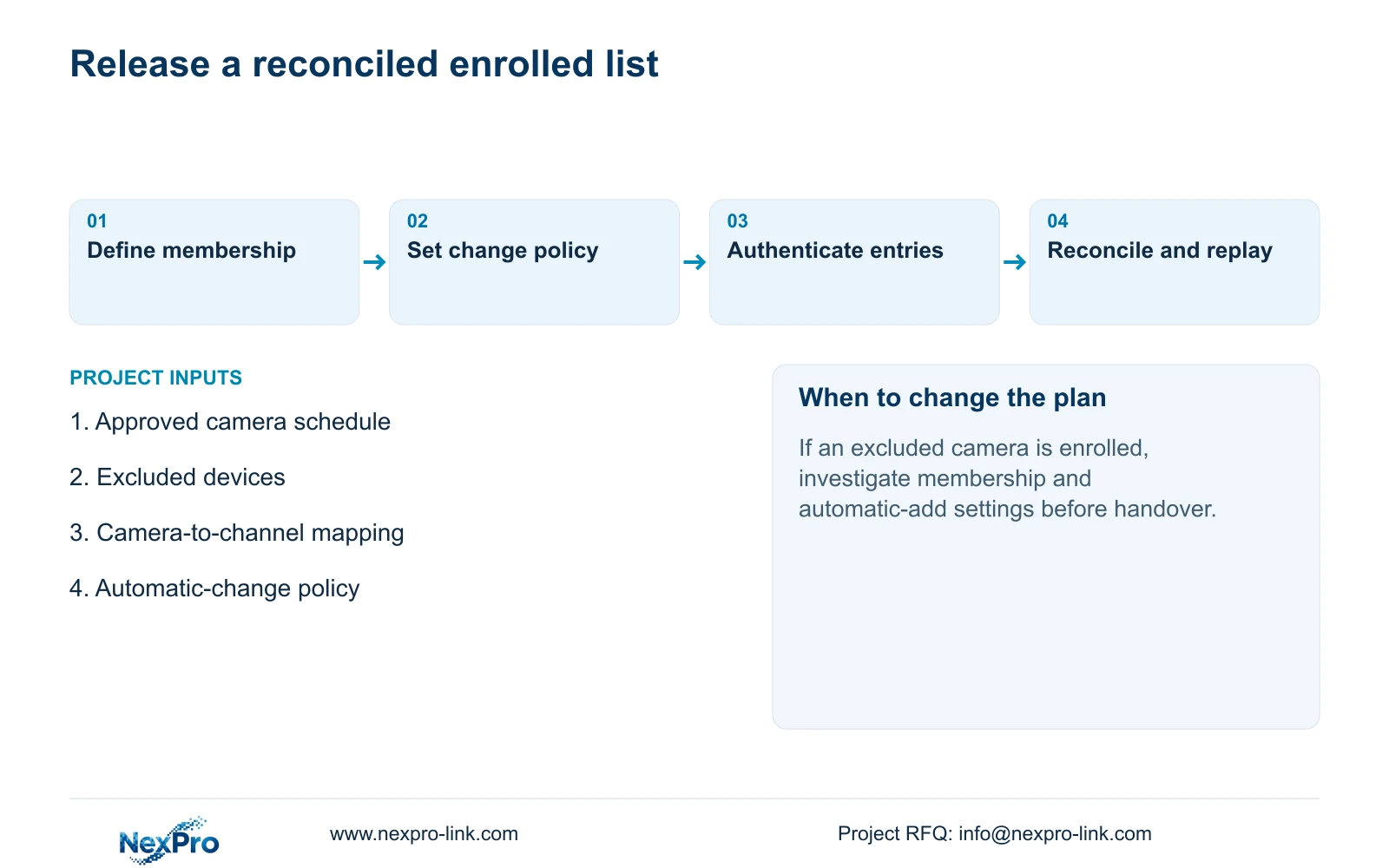
Reconcile excluded cameras as well as included cameras. If an unexpected device appears, preserve its identity and the relevant enrollment settings for investigation. If an intended location is absent, determine whether discovery, selection or authentication is the stopping point. Complete the reconciliation before releasing the camera schedule for handover.
Section 07
Does manual addition prevent every automatic change?
No. Review the automatic-change behaviors described in section 4.12.5. The initial enrollment choice and later configuration behavior are separate decisions.
Section 08
Is a matching camera count enough to approve enrollment?
No. Compare physical identities and locations. The correct total can still contain an excluded camera and omit an intended view.
Section 09
Provide the permitted enrollment scope
Send NexPro-Link the approved camera list, exclusions and required automatic-change policy at info@nexpro-link.com to discuss the enrollment scope.
Engineering references
These sources support the general planning principles. Always use the selected product's current datasheet and applicable project standards for final design.


