

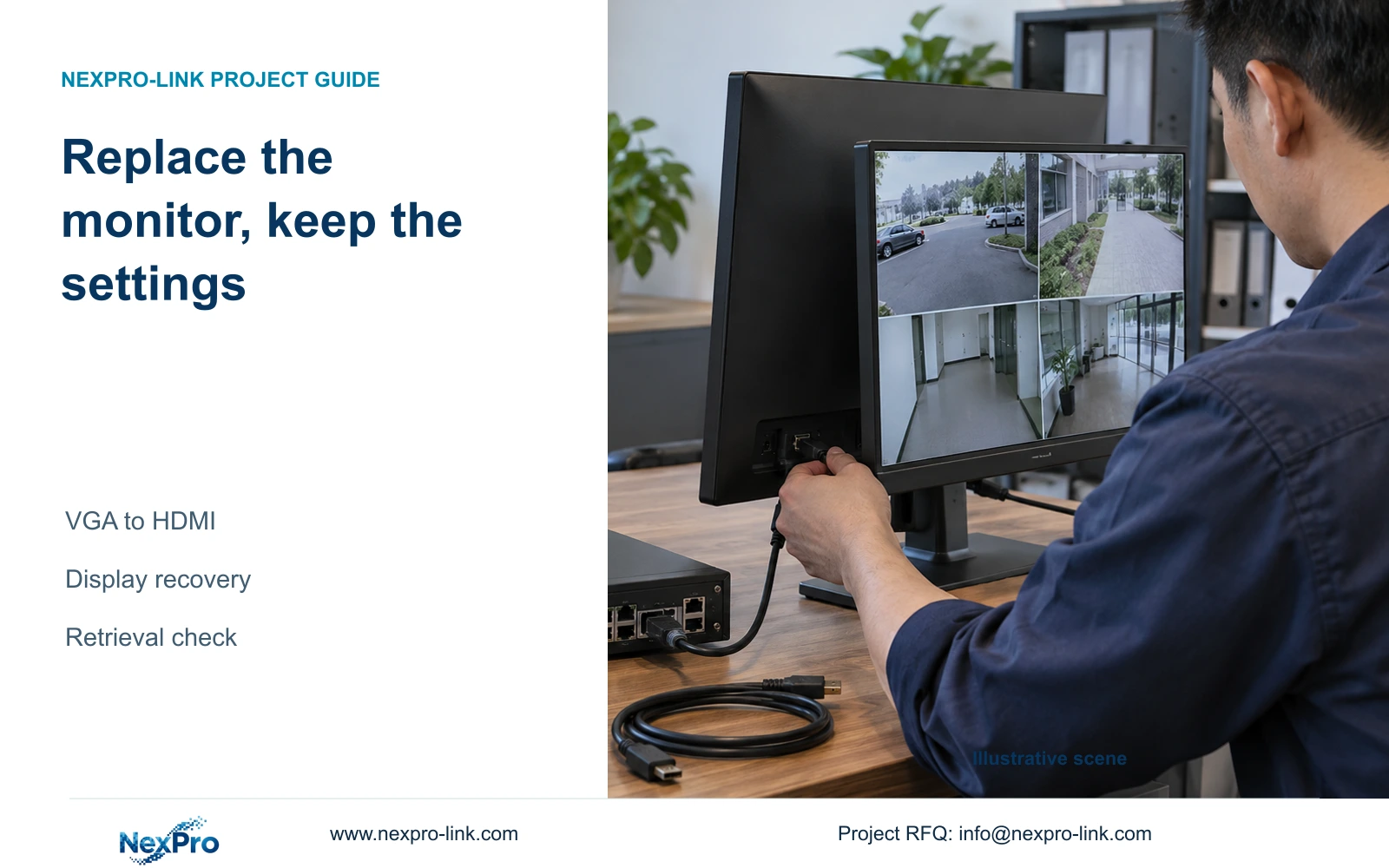
Keep the known working screen and connection available until the replacement passes the required operator tasks. Compare the same source on both arrangements and record only supported output changes.
Section 01
Keep the replacement within the display path
Keep the known working screen and connection available until the replacement passes the required operator tasks. Compare the same source on both arrangements and record only supported output changes. If the new display fails, return to the accepted path before escalating. Do not alter recording settings or use a factory reset to qualify a screen.
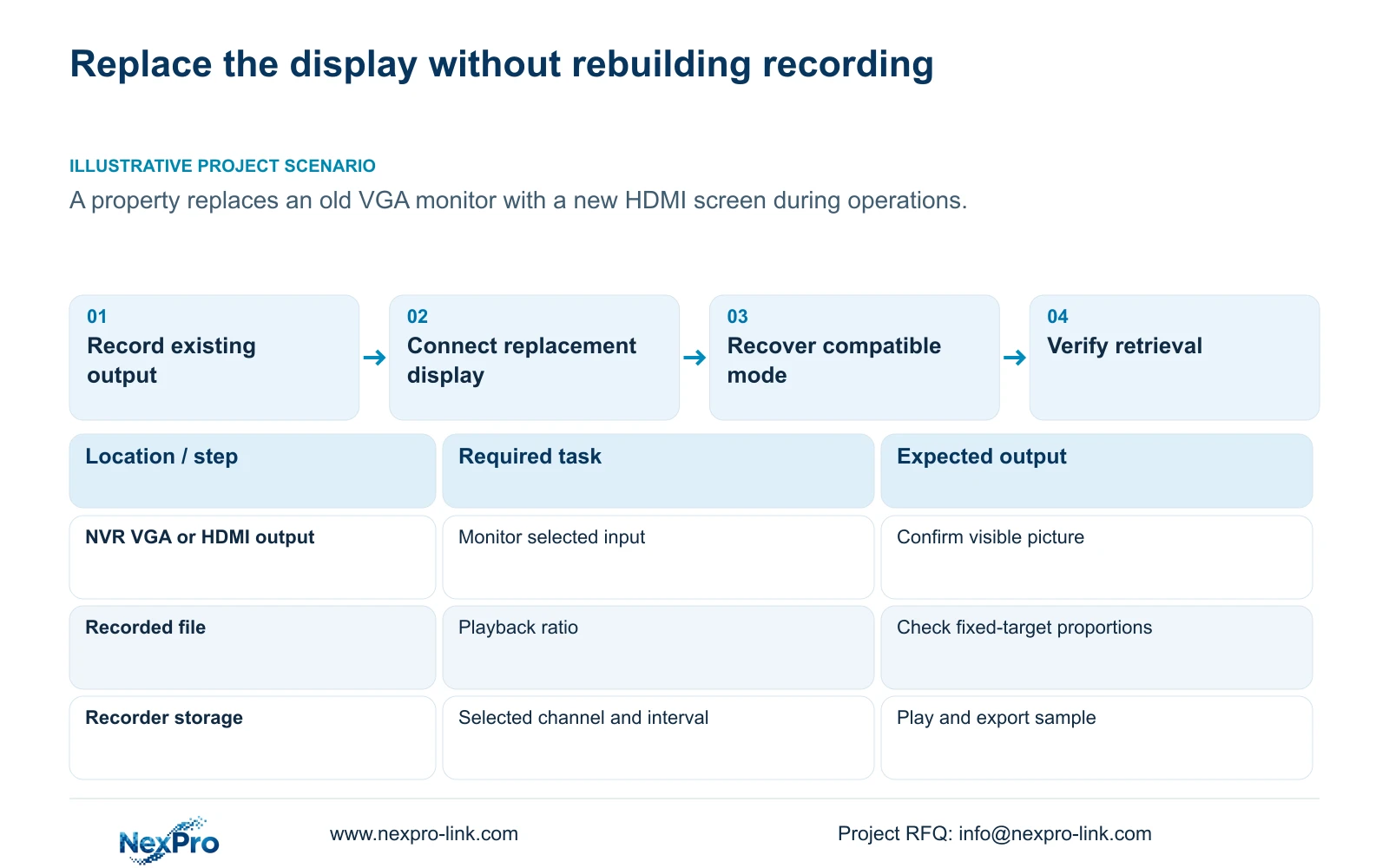
Replace the NVR monitor by matching the new screen's connection and supported display mode while preserving the recorder's recording configuration. Establish the current interface, output setting and operator layout before changing the display. If the new screen has no picture, check recorder power, the selected screen input and the connection before using the applicable display-resolution recovery procedure. A factory reset is not a normal monitor-replacement step. Once the picture returns, check proportions and menu readability, retrieve a known recording and inspect newly generated footage. Update the connection and display records so the next maintenance visit can reproduce the working arrangement.
Define success as the owner's usual viewing and retrieval task on the new screen. A lit panel or a visible menu proves only part of that result. Keep the change limited to the monitor, connection and necessary output settings unless testing identifies a separate fault.
Section 02
Record the old and new connection requirements
Identify the old monitor connection and the input intended for the replacement. Record the current output mode and whether the owner expects the same content or an additional independent view. Sections 1.2, 4.8 and 4.12.1 describe simultaneous VGA and HDMI output, but that statement does not establish independently managed canvases.
The source is the supplied private NVR4.0 user manual CH_V2.4.doc. Its filename says V2.4, while the body headers say V2.2. Match its instructions to the actual recorder and firmware, using section headings rather than old page numbers. If two different operator views are now required, treat that as a separate capability requirement before assuming the replacement connection can provide it.
| Situation | Required record | Decision boundary |
|---|---|---|
| Old display works | Accepted screen and connection | Keep this fallback available |
| Replacement fails required task | Same source on both paths | Return to accepted display before escalation |
| Output change proposed | Matching model/version instructions | Do not reset or alter recording to test a screen |
Section 03
Recover a compatible output only when the picture is absent
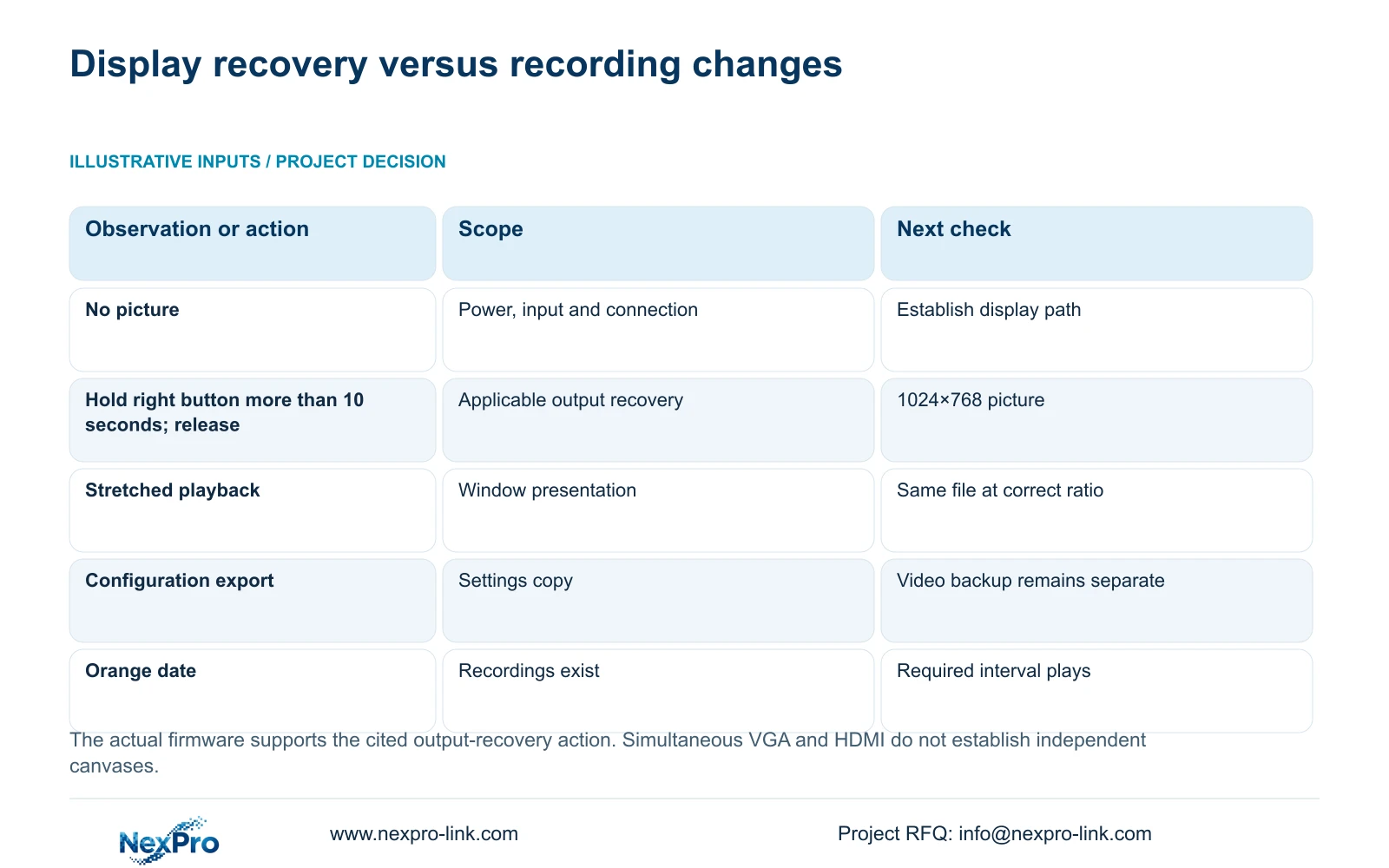
First confirm recorder power, the monitor's selected input and the physical connection. If the applicable firmware supports the manual's recovery action, §2.1 and question 3 in §5.3 describe holding the mouse's right button for more than 10 seconds and releasing it to select 1024×768 output.
This action recovers display resolution; it is not a factory reset. Once the picture appears, choose an output mode the replacement monitor can display and record the final setting. If no picture appears, preserve the results of the connection and recovery checks and seek model-specific guidance. An unsuccessful display test does not justify importing a configuration or altering storage.
| Observed result | Interpretation | Next action |
|---|---|---|
| New screen has no picture | Display path is not yet established | Check power, selected input and connection. |
| Picture appears after supported recovery | A compatible output has been reached | Set and record a mode supported by the new screen. |
| Picture appears stretched | Presentation proportions need checking | Compare the same file at an appropriate aspect ratio. |
| Menus work but a recording is absent | Viewing and retrieval results differ | Check channel, interval and recording-type filters. |
| Owner requests different views on both outputs | Requirement exceeds simple replacement | Verify independent-output capability separately. |
Section 04
Retain the configuration copy without treating it as footage
When the existing interface remains accessible, preserve the configuration before planned changes using §4.12.18. Identify the recorder and firmware with the saved copy and keep the original output and layout settings in the maintenance record. Confirm that the file can be recognized as the appropriate settings backup.
Configuration export, log export and video backup are separate workflows. Protect any required incident footage through §4.11.4 and verify that copy independently. A settings file is not a disk image, and the manual does not establish universal cross-model import. A successful monitor replacement needs no configuration import merely because a backup exists.
Section 05
Check proportions and readability using the same image
Sections 4.5, 4.7 and 4.11.3 distinguish layout, electronic zoom and playback-ratio controls. Use a fixed target in a known recorded segment to compare the normal proportions with the replacement screen's presentation. This avoids judging the camera through a stretched window.
Electronic enlargement presents existing pixels and does not establish additional captured detail. Leave recording resolution unchanged for this display check. Also have the operator read channel labels and retrieve the usual controls in the intended working position. If proportions are correct but the interface remains difficult to use, document that remaining display complaint instead of modifying camera capture settings.
Section 06
Repeat normal recording retrieval on the new screen
Choose a known historical segment and a defined interval produced around the replacement work. In §4.11.2, playback entry defaults to the preview-selected channel. Confirm the channel, date, time and ordinary, alarm or motion filter before interpreting the calendar.
The documented orange date means recordings exist for that selected date; grey means none in that workflow. Orange does not prove complete coverage of every channel. Inspect the required interval directly and record any gap or failed search. If the expected recording is missing after correcting the search, investigate the recording path as a separate fault.
Complete a sample export and open it through the intended receiving method. This tests the owner's retrieval workflow beyond the new monitor picture. If the playback or export account cannot complete its task, retain that specific failure rather than changing access arrangements as an undocumented part of the monitor replacement.
Section 07
Update the connection record and operator handover
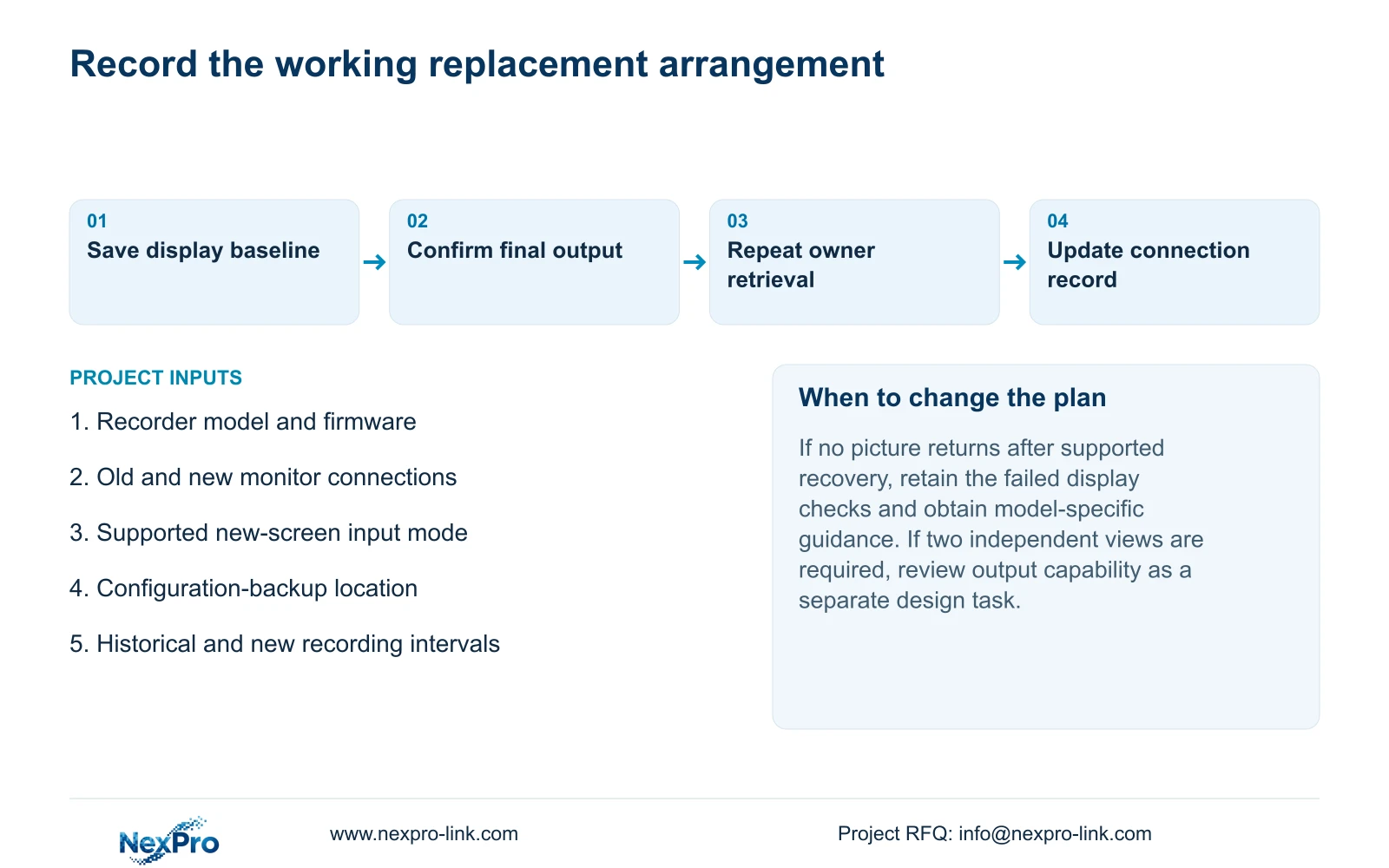
Record the replacement screen identity, selected input, cable route, recorder output mode and accepted layout. Keep the applicable recorder version and configuration-backup location with that record. Identify who handles screen maintenance and who handles a recorder or footage-retrieval fault so the next report reaches the appropriate support owner.
If a wider investigation requires stopping the running recorder, obtain authority, preserve relevant data and arrange the interruption separately. Avoid presenting that shutdown as an automatic requirement of replacing a screen. Transfer any necessary credentials through the organization's controlled route, never in public instructions.
Illustrative project scenario: A property replaces an old VGA monitor with a new HDMI screen during normal operations. The proposed acceptance checks establish the HDMI picture, correct proportions and normal retrieval while retaining the recorder settings. The owner then identifies a channel and retrieves a selected period on the new display. Document delivery and operator task completion are recorded separately.
Section 08
Does the right-button procedure reset recording settings?
The cited procedure selects 1024×768 display output. It is a resolution-recovery action, not the manual's factory-restoration workflow.
Section 09
Does a larger screen add detail to existing footage?
No. Screen presentation and digital enlargement use the available imagery. Check the original recording before judging captured detail.
Section 10
Provide the replacement display mismatch
Send NexPro-Link the recorder model and firmware, new monitor input requirements and the output mode that fails at info@nexpro-link.com.
Engineering references
These sources support the general planning principles. Always use the selected product's current datasheet and applicable project standards for final design.


