

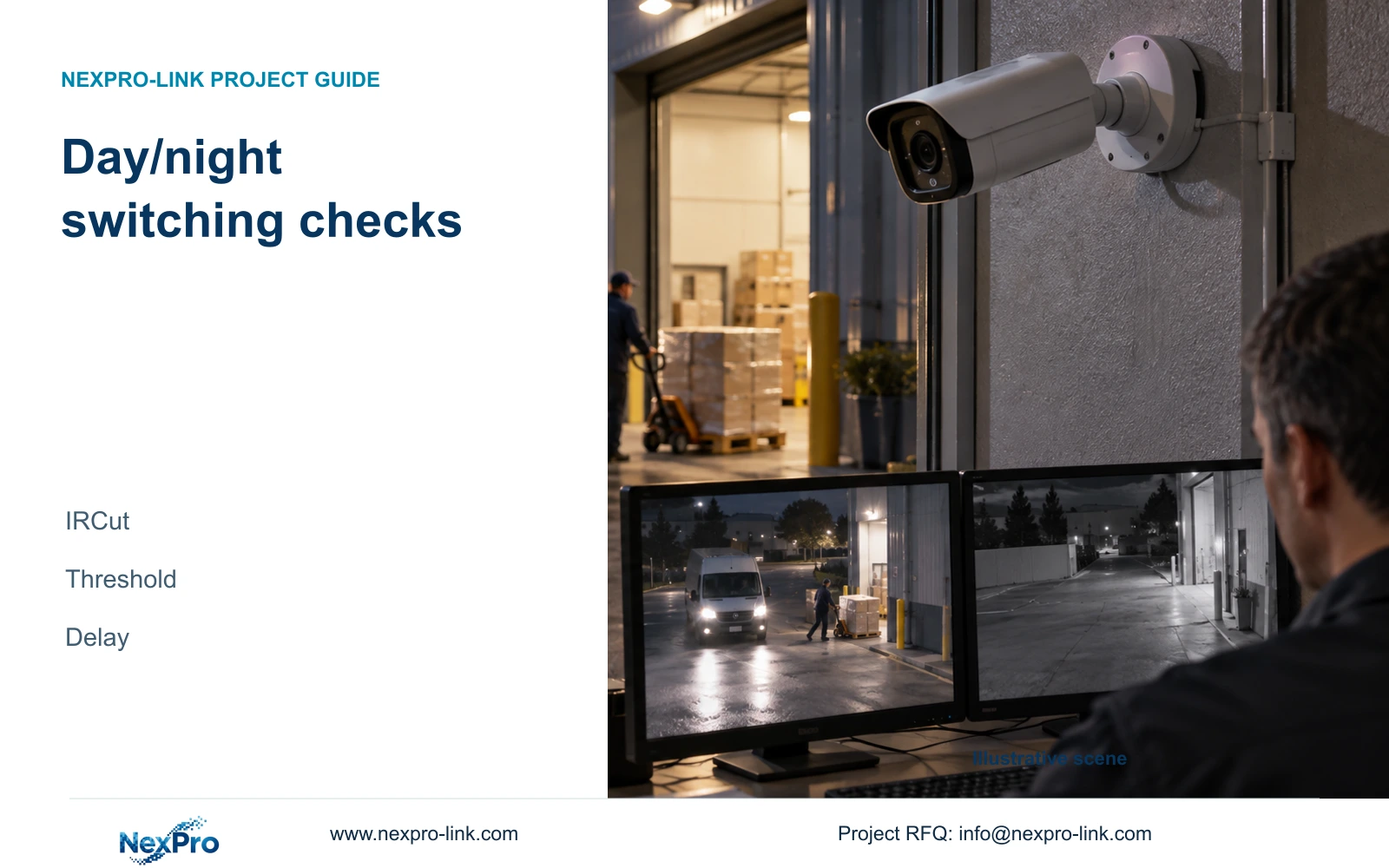
Evaluate day/night switching through repeated lighting transitions. Keep IRCut, switching parameters, normal illumination and alarm actions separately documented.
Section 01
Identify which transition control needs attention
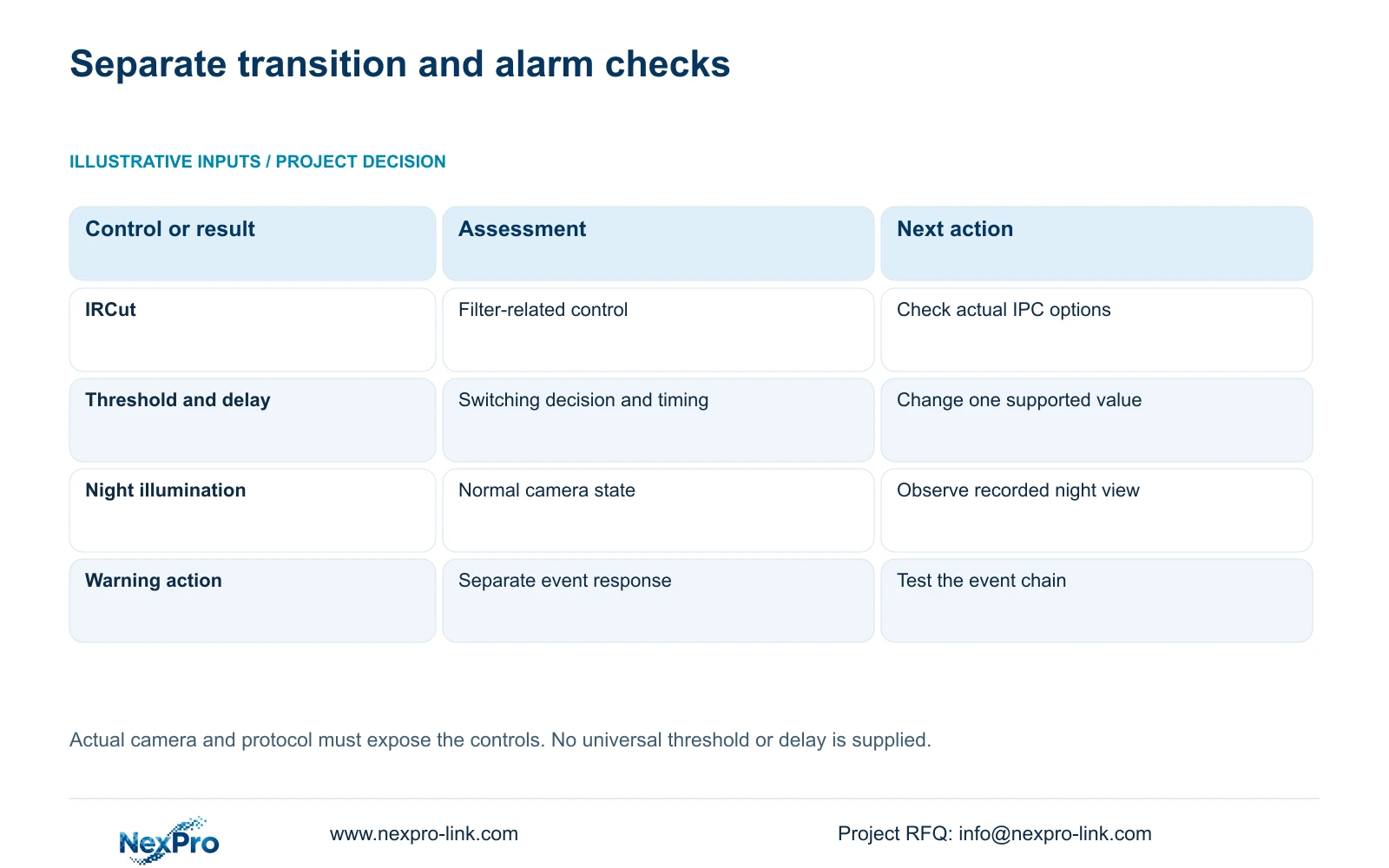
At an entrance exposed to vehicle lights and darkness, assess day/night switching by recording repeated transitions on the selected IPC. Keep IRCut, brightness threshold and delay as separate controls, and distinguish them from normal illumination and alarm-triggered light or sound. Confirm the options supported by the camera and connection, preserve the starting values, then change one relevant setting. Review the recorded transition and moving subject, not just the final live image. The supplied manual establishes no universal best threshold or delay for this site. Repeated switching or a missing warning action alone is insufficient to diagnose an infrared hardware fault.
IRCut identifies the filter-related control; the brightness threshold and delay belong to the switching decision and its timing. Read the labels and supported options on the actual device before interpreting their behavior. Do not supply assumed numeric ranges or claim a direction of adjustment that the applicable camera documentation does not establish.
Sections 4.4.7 and 4.4.8 describe normal lighting and day/night controls. Section 4.12.15 treats supported event light and sound separately. Observe the camera's normal night state first, then test any required event warning through its own workflow.
Section 02
Record the entrance lighting sequence
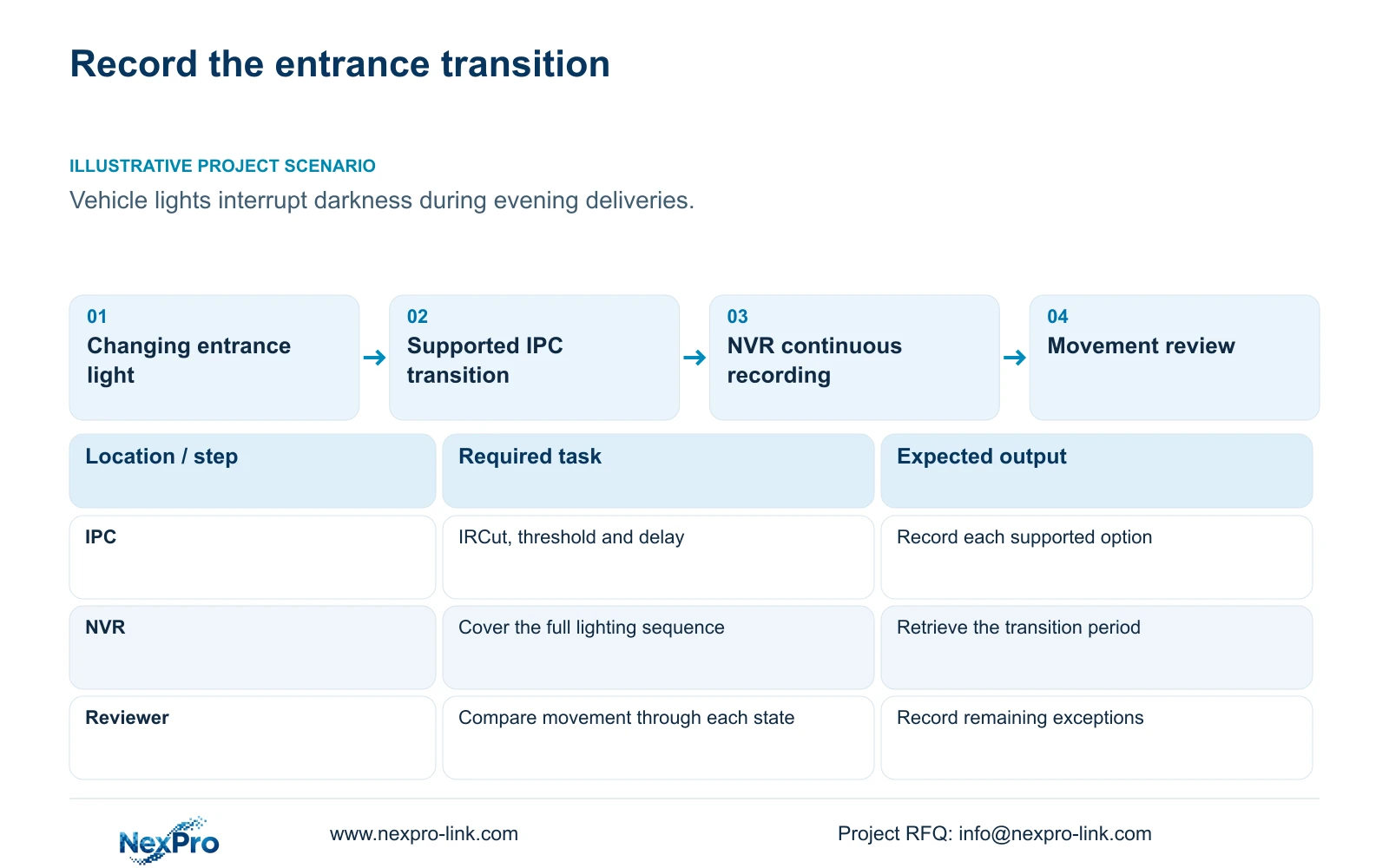
Define a repeatable sequence that represents the complaint: darkness, approaching vehicle light, the delivery movement and the return to darkness. Note when the image changes state and what the reviewer can see during each transition. Use the same entrance view and a comparable movement task for subsequent tests.
Record the existing capture profile before changing switching behavior. Section 4.4.3 lists brightness, saturation, sharpness, contrast, image flips and processing modes including digital wide dynamic range, starlight and corridor mode. Those controls can be relevant to the image assessment, but changing several together prevents a useful comparison.
If the test lighting does not reproduce the reported behavior, preserve that observation and seek a representative window. Do not select a profile solely from an empty scene after the vehicle has departed. The subject must remain interpretable during the conditions that prompted the complaint.
Section 03
Confirm the selected IPC exposes the options
Check the camera model and firmware, recorder identity, connection protocol and relevant permissions. Sections 4.4 and 4.10 establish that operations depend on the connected IPC, with an explicit capability prerequisite for PTZ. Apply that distinction to the day/night controls being investigated.
If a control is unavailable, stop that adjustment branch and establish whether the camera and connection support it. A greyed-out field does not establish a damaged filter or failed infrared illumination. If a value appears to save but behavior does not change, record both observations and test the operation on that camera alone.
Basic video reception from a third-party camera does not prove access to its switching controls. ONVIF profile information is relevant to a capability discussion, without providing universal interoperability. Obtain the applicable device instructions when the supplied menu description and actual options differ.
Section 04
Compare the transition in recorded playback
Inspect footage before, during and after each lighting change. Record whether switching repeats, whether the required moving subject remains interpretable and whether the intended steady state returns. A final clear frame cannot account for an unclear transition earlier in the recording.
Keep the encoding profile consistent during this assessment. Sections 4.4.5 and 4.3.3.3 distinguish CBR/VBR configuration from measured traffic and stored data. The configured rate is not a measured daily recording volume, and a quiet period is not representative of every delivery window.
If image usefulness improves but operation changes enough to affect storage or network planning, collect representative observations separately. Use average operation for retention discussion and an appropriate peak or limit for network review. This source provides no measured bandwidth result for the entrance, so record the need for measurement without inventing one.
| Observation | Relevant check | Next action |
|---|---|---|
| Image state changes around vehicle lights | Supported threshold and delay behavior | Repeat lighting sequence with one controlled change |
| Required option is unavailable | IPC, protocol and permission scope | Obtain applicable capability information |
| Night image works; warning is absent | Separate event workflow | Check event enablement and response |
| Transition period is missing from playback | Recording-plan coverage | Provide continuous test-window recording |
Section 05
Keep the entire test window recorded
Section 4.11.1 describes timed recording, no recording, motion recording and motion-plus-timed recording. Its plan grid has a 30-minute minimum scale. Arrange the test coverage within that documented scale so the transition's lead-in and return to darkness are available for review.
Motion-only recording depends on motion detection triggering. It may therefore leave the switching sequence incomplete for this assessment. Within an enabled plan period, motion-plus-timed retains ordinary timed recording without a motion trigger and records motion-type footage when triggered. It is not an event-only storage-saving mode.
Use an authorized recording-plan change if existing coverage cannot capture the whole test. Record the original plan and the temporary coverage so required site operation is preserved. Confirm the resulting playback period before interpreting an absent segment as a day/night switching failure.
Section 06
Save the final state and unresolved exceptions
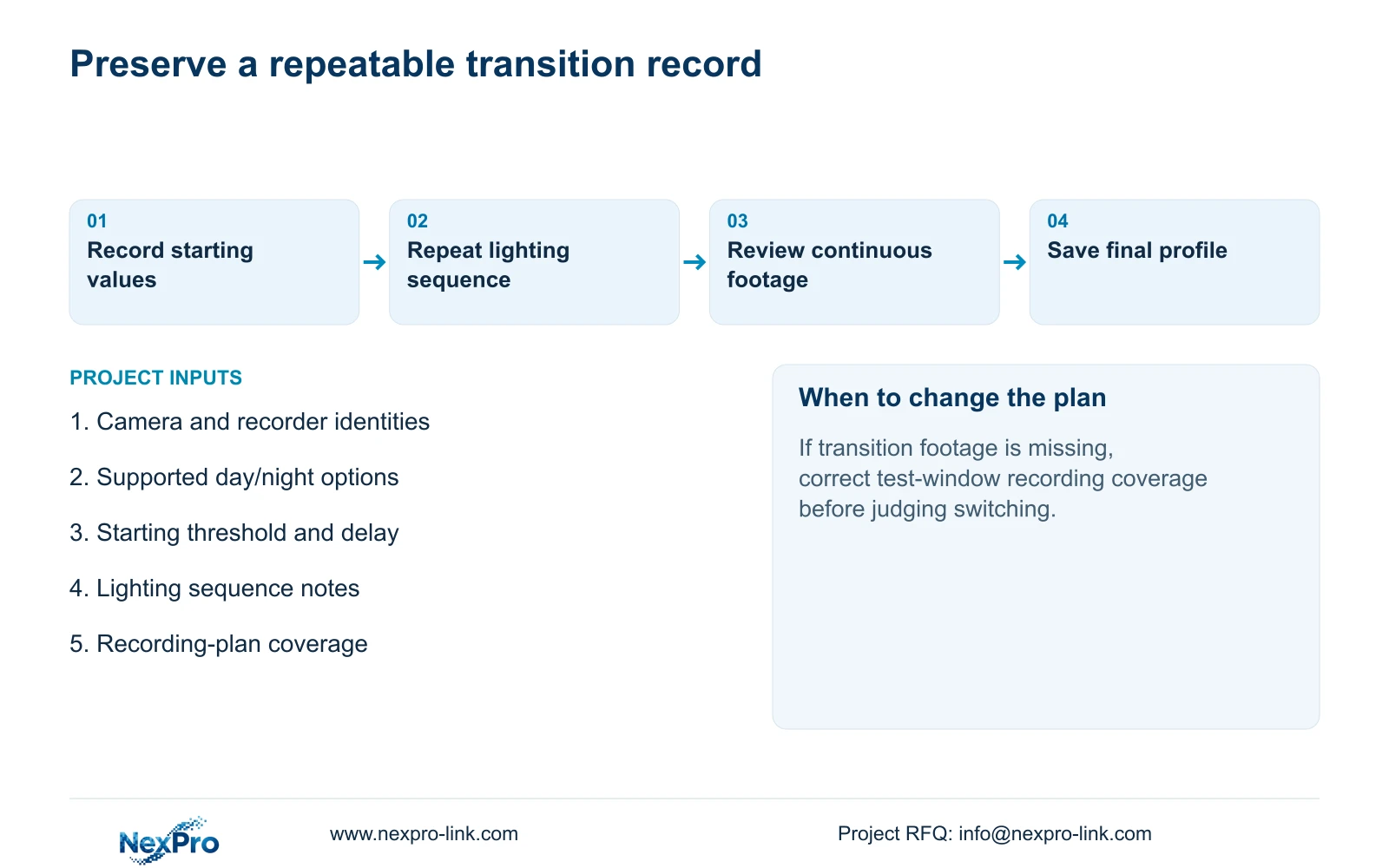
After the adjustment, check live view, correct time and newly recorded footage. Compare a relevant older sample, verify an export and test the intended operator account. Recheck required events independently from normal night illumination. Record the changed variable and every failed task.
Illustrative project scenario: A service entrance alternates between nearby vehicle lights and darkness during evening deliveries. The engineer records comparable lighting sequences, tests a supported switching parameter and retrieves continuous footage. Acceptance depends on the required moving detail during transitions; no improved outcome is assumed.
Retain the final profile with its test conditions and any exception, such as an unavailable control or an unresolved warning action. If the task still fails, use that evidence for the next supported investigation. Do not assume the recorder has an automatic rollback mechanism.
Section 07
Manual and model scope
The private source is NVR4.0 user manual CH_V2.4.doc, with V2.2 in its body. This guide uses sections 4.4.3, 4.4.7, 4.4.8, 4.10, 4.4.5, 4.3.3.3, 4.11 and 4.12.15, plus the validation context in 4.12.17 through 4.12.20. Section references take priority over page numbers; TS models are not mapped to NexPro-Link commercial SKUs.
Section 08
Is there a best delay for every service entrance?
No universal value is supplied. Select a supported setting using repeated site lighting changes and the required recorded movement task.
Section 09
Does a visible light prove alarm linkage works?
No. Normal illumination, warning actions, recording and notifications need separate observations. Test the intended event response independently.
Section 10
Describe the unresolved transition
Send NexPro-Link the supported day/night options and a redacted lighting-transition record for the affected camera at info@nexpro-link.com.
Engineering references
These sources support the general planning principles. Always use the selected product's current datasheet and applicable project standards for final design.


