Compare a single-camera freeze with a simultaneous group fault, preserve connection history and choose controlled tests without treating the pattern as proof of a cause.
Section 01
Start with the affected channels and their timing
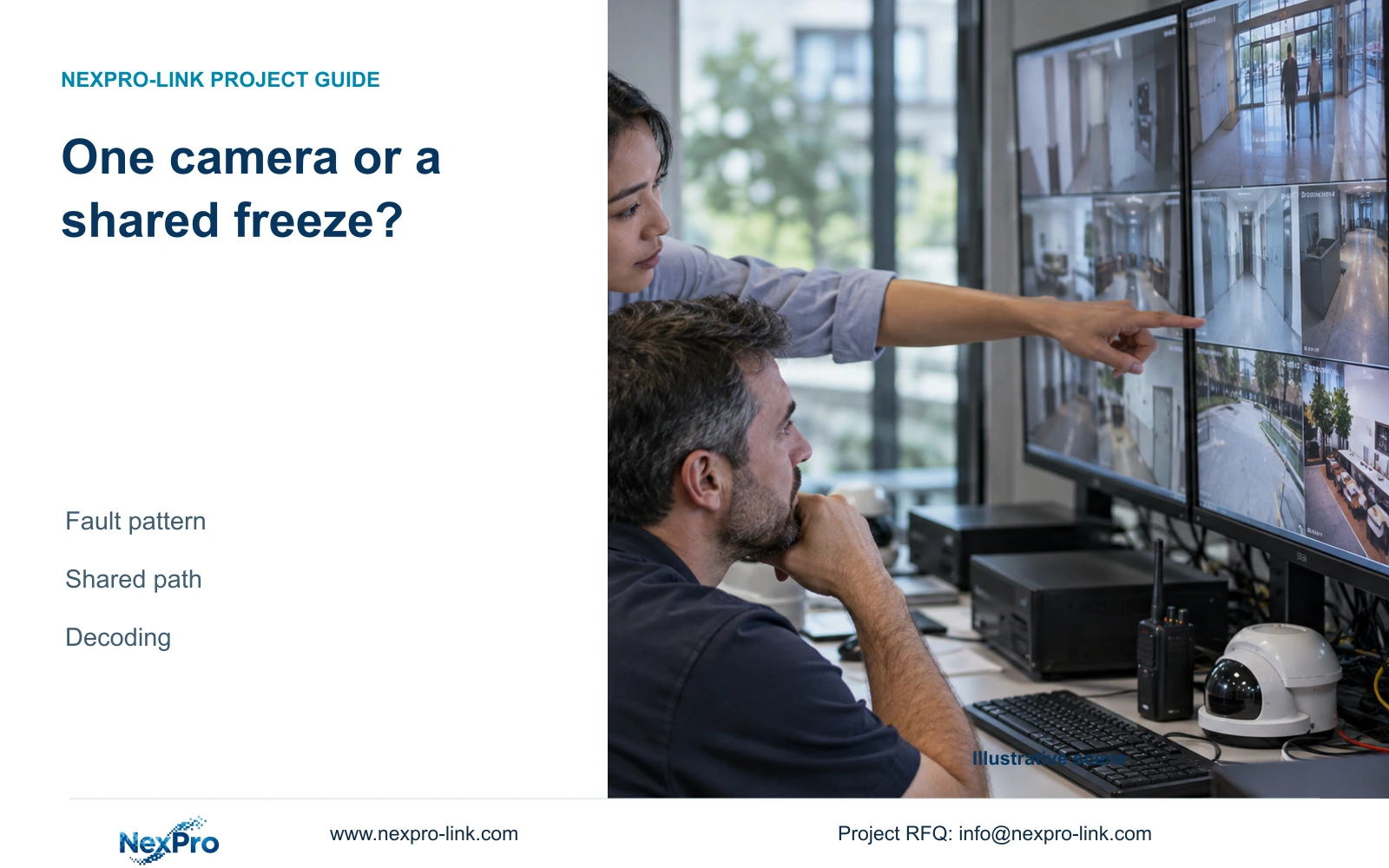
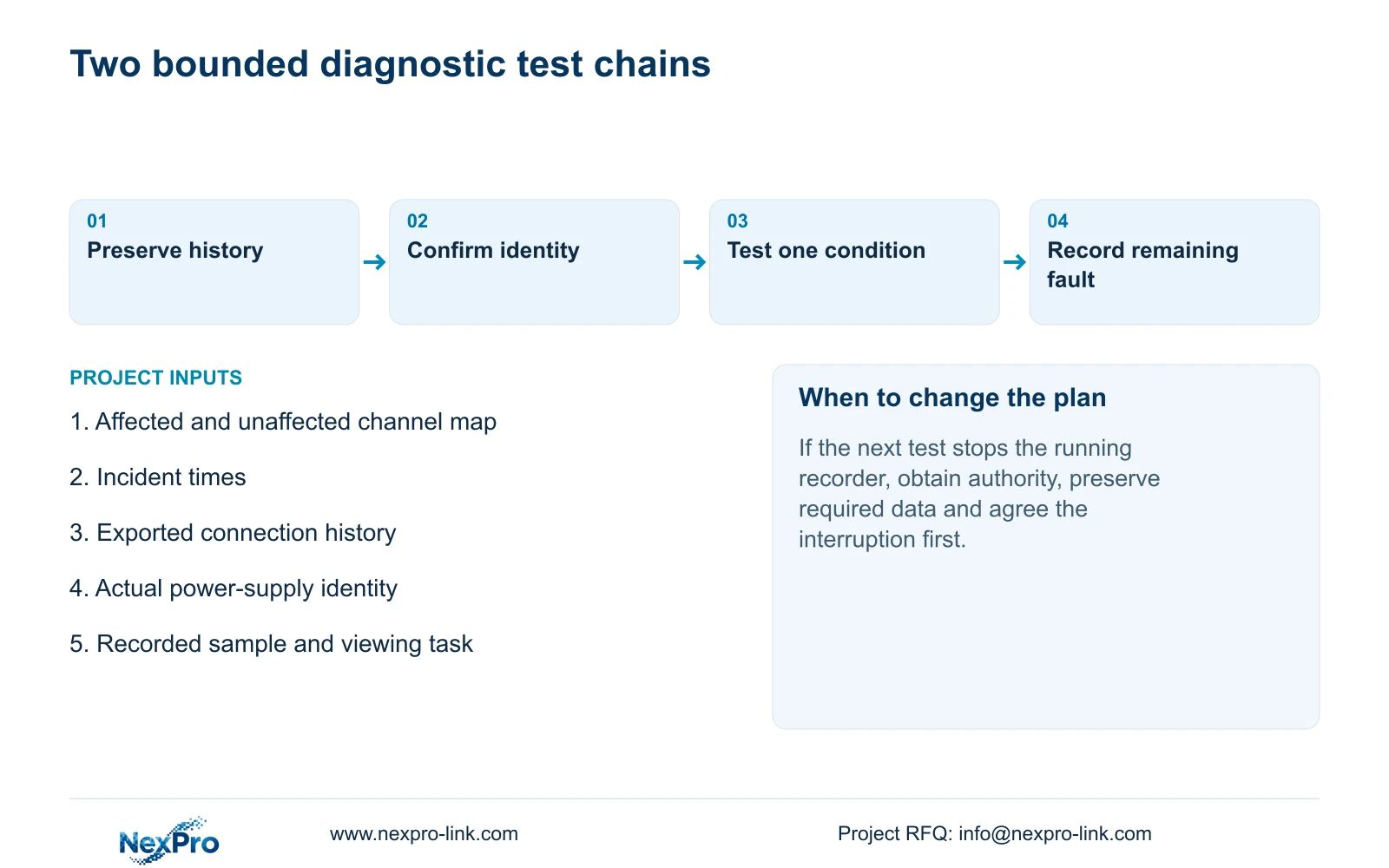
A camera that stutters alone and a floor group that freezes together should lead to different initial tests. Identify the affected channels during the same time window, preserve their connection history and trace their shared dependencies. A single-camera pattern directs attention toward that camera's path; simultaneous group symptoms justify examining shared power, network and recorder resources. Neither pattern proves a failed component. Check whether saved footage also stutters or whether the complaint is limited to local display. Then change one relevant condition at a time, recording the outcome before extending the test or disturbing the rest of the system.
The private source is NVR4.0 user manual CH_V2.4.doc, with V2.2 in its body. Section 4.3.3.1 describes recent offline history and export. Sections 4.3.1, 4.4.4 and 4.12.6 support channel identity; sections 3.1, 4.3.3.3, 5.2 and 5.3 support the following checks.
Compare affected and unaffected channels over the reported interval. Include when the symptom began, whether it repeated and which viewing task was active. Avoid combining separate complaints into one system-wide diagnosis simply because both are described as freezing.
Section 02
Export connection history before resetting counters
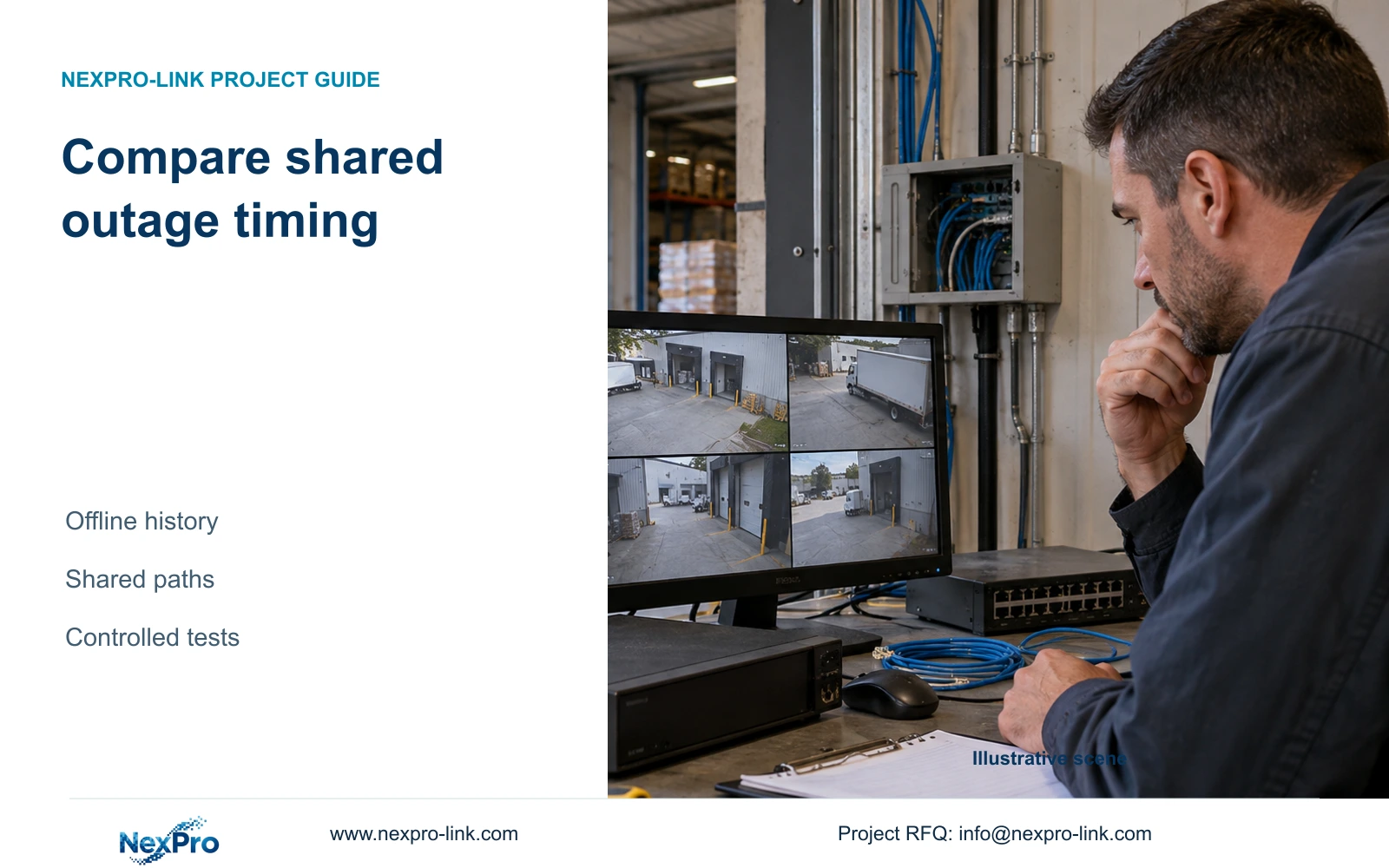
The manual describes the past week's offline behavior and an export of connection statistics. Preserve that record before resetting the counters. Compare each affected channel's times with the complaint and with channels sharing the same network or power node.
An offline event records a connection phenomenon. It does not identify a damaged cable, switch or supply. Likewise, a stuttering complaint without a matching offline event should remain a distinct observation; absence of that event does not prove the stream was smooth.
If several channels show matching outage times, use that correlation to select a shared-path test. If one channel differs, retain a camera-specific branch. Keep the original export with the test record so later observations can be compared without losing the starting conditions.
Section 4.3.3.1 requires an attached HDD to enable this local diagnostic feature. Confirm disk recognition and the feature's availability on the installed firmware before interpreting an empty history. Missing records from an unavailable workflow cannot establish that the cameras stayed connected.
Section 03
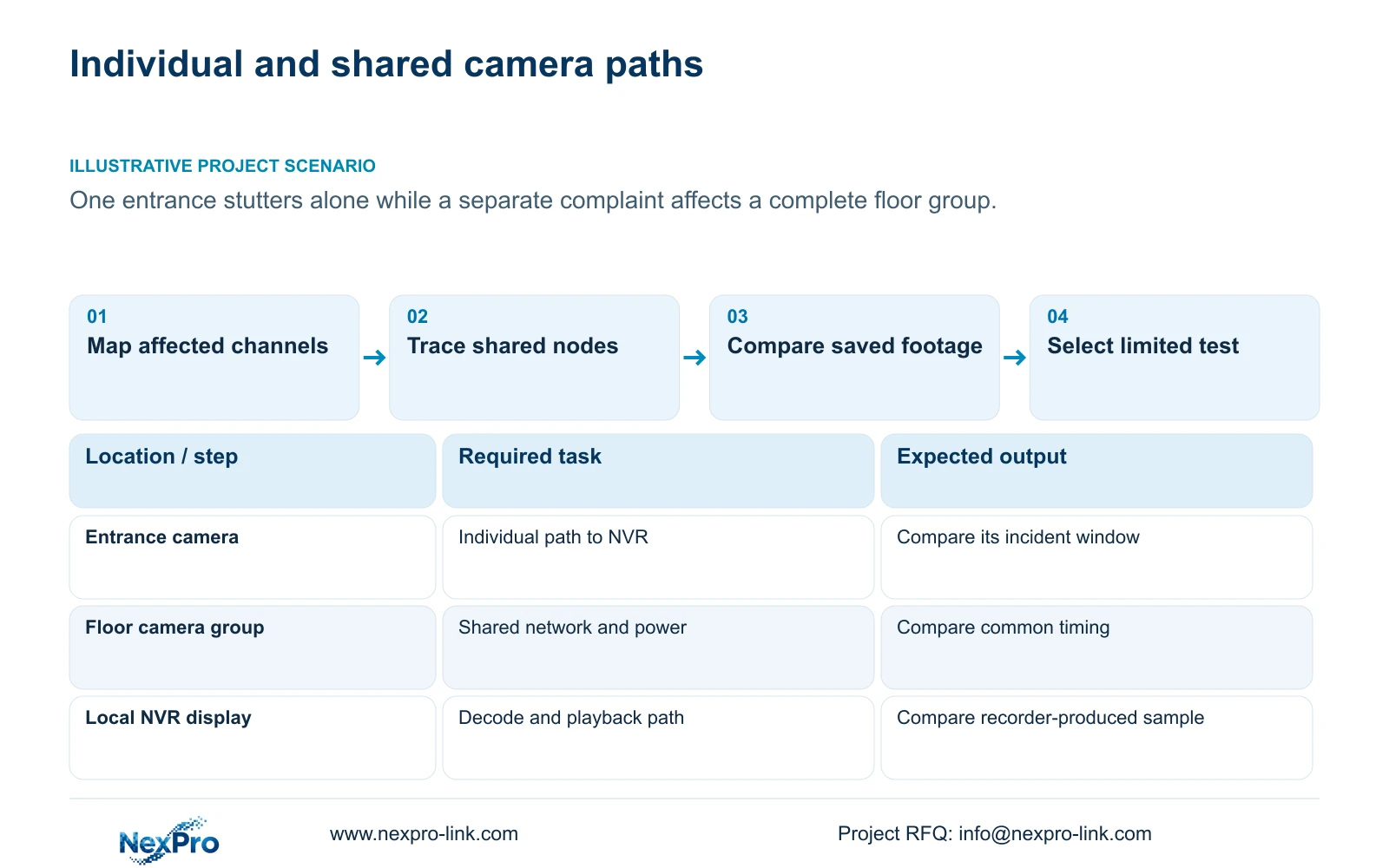
Trace physical cameras through the channel map
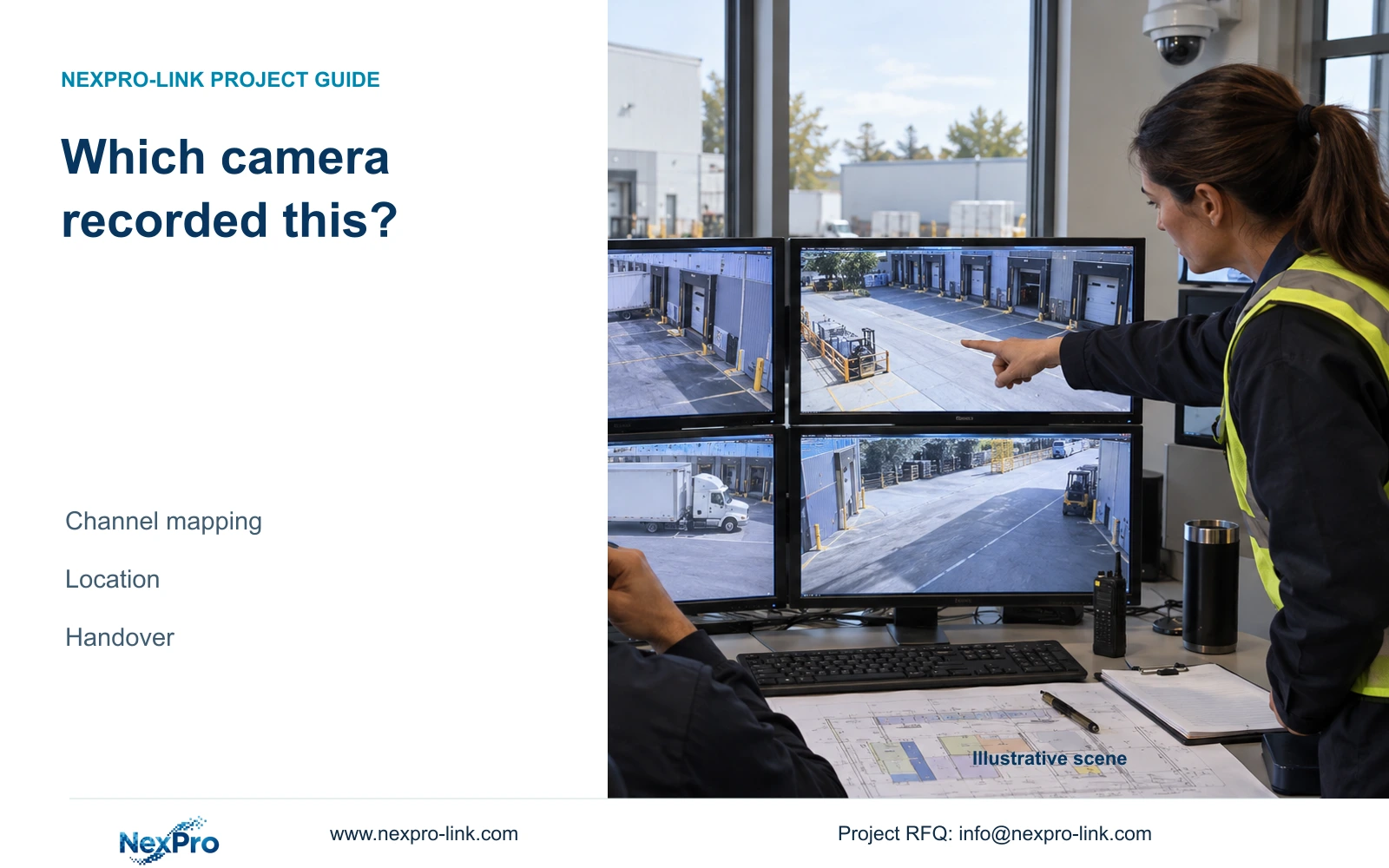
Keep drawing location, physical camera identity, IP address, NVR channel and OSD name as separate fields. Add the relevant switch or shared node to the diagnostic map. A familiar screen position does not establish which physical camera now occupies it.
Check this mapping before comparing footage or selecting a test target. A replacement or channel reordering can leave a displayed name that no longer identifies the intended location. Record alias changes separately from physical camera changes.
For the single-camera branch, follow the identified camera's individual data and power path until it joins shared equipment. For the group branch, find the first dependency common to the affected cameras, then compare another group that does not use it. This defines a test boundary without naming the node as the cause.
Section 04
Check supply identity under the intended load
Compare the recorder and adapter labels for voltage, current capability, polarity and intended model. A plug that fits is insufficient evidence of suitability. Section 3.1 recommends the supplied adapter and requires operation within the equipment's working range.
Record whether instability began after disks or peripherals were added. Sections 5.3, questions 3 and 4, support investigating supply conditions alongside disk detection and startup symptoms. Use the intended populated configuration when reviewing the power requirement.
For a floor-group complaint, identify its common camera-power arrangement separately from recorder power. If a supply mismatch is found, stop improvised substitution and obtain the correct configuration. Any test requiring the running recorder to stop needs authorization, preservation of required data and an agreed interruption; it should not be the default first step.
Section 05
Observe traffic during the failing workflow
Section 4.3.3.3 presents transmit and receive information. Identify the interface and observe the interval when stuttering occurs. Record camera input, live viewers, concurrent playback and downloads separately.
A transmit increase during remote playback can reflect added outgoing work while recording input stays similar. A receive change may accompany a camera-profile change. Neither direction alone proves a fault, and the two values need not be equal.
Compare the affected workflow with an otherwise comparable interval. If the complaint follows a particular viewing task, examine that path before altering camera encoding. If all affected cameras share an upstream node, compare its scope with the history pattern. Keep measured traffic distinct from a calculated video-payload sum.
Section 06
Separate recorded stutter from local decoding
Check a saved sample from the affected time through a supported review workflow. Record whether the same stutter appears in footage or only during the current local display task. This comparison selects the next branch without establishing a root cause by itself.
Section 5.2 treats recording channels, incoming bandwidth, preview decoding, simultaneous playback and monitor output as separate limits. For TS8232C4, the supplied local playback combinations are 1×4K OR 4×2MP OR 2×5MP. Those alternatives are not additive.
Other manual rows also differ: TS8108D7 lists 1×3MP; TS8116D7 lists 1×5MP OR 2×2MP. TS8836M/TS8436M list 1×4K 30fps OR 2×5MP OR 4×4MP@20fps OR 4×2MP@25fps. Apply only the exact model's scope. These TS codes have no established mapping to NexPro-Link commercial SKUs.
Section 07
Choose a controlled test from the observed pattern
Write the observation, applicable manual branch, smallest next test and stopping condition together. Keep suspected causes outside the observation field. If the test changes the result, repeat the relevant operating check before widening the intervention.
Stop when the next action requires unavailable authorization or model information. Do not replace a whole group of cameras on correlation alone. If equipment service becomes necessary, review the actual order and NexPro-Link's return and warranty policy; technical guidance does not establish free site labor or data recovery.
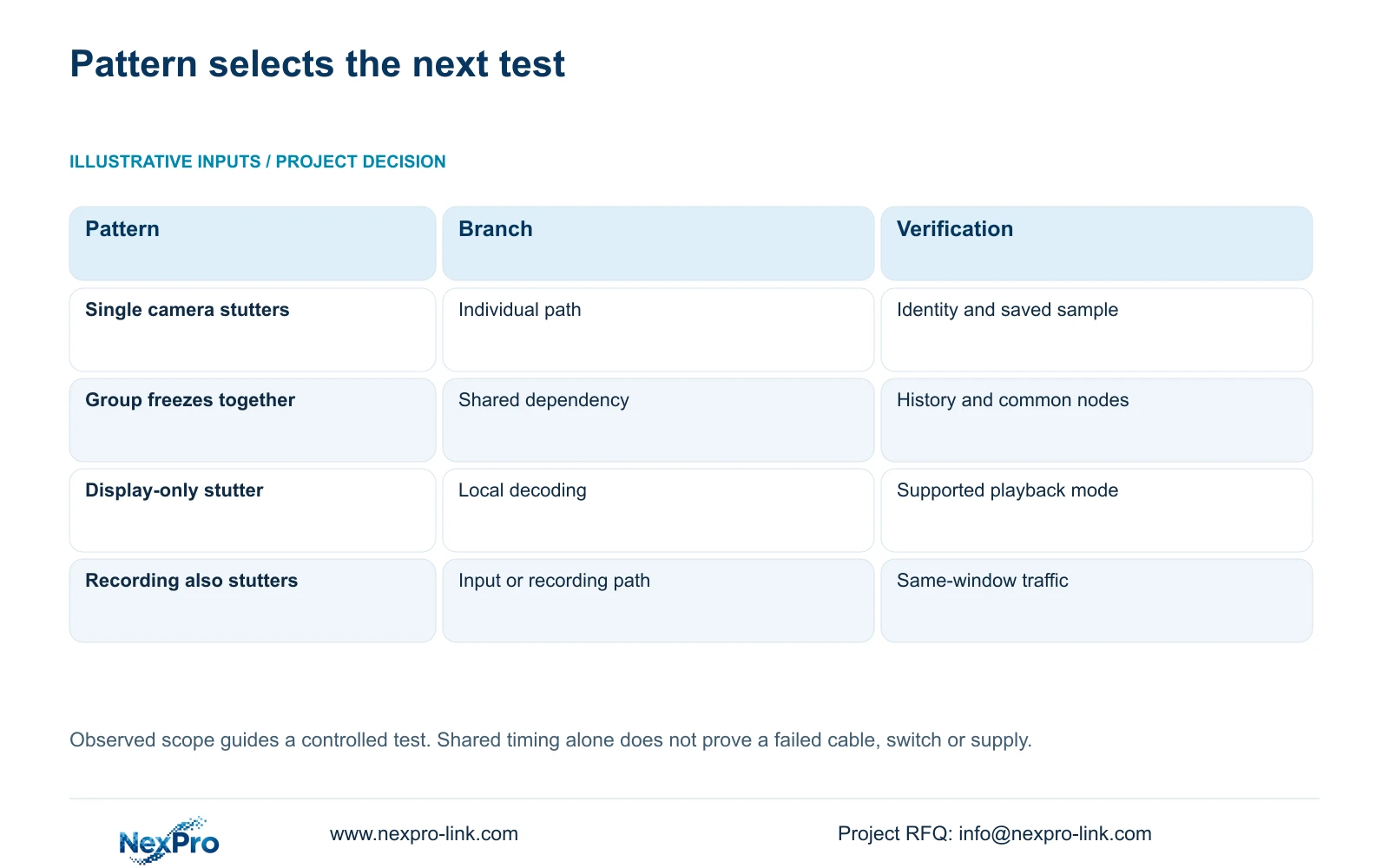
| Observed pattern | Initial branch | Next controlled check |
|---|---|---|
| One entrance stutters alone | Individual camera path | Confirm identity, timing and saved footage |
| Floor group freezes together | Shared dependency | Compare common nodes with an unaffected group |
| Only local multi-view stutters | Display or decoding task | Compare a model-supported review combination |
| Saved footage also stutters | Recording or input path | Compare history and traffic for the same interval |
Section 08
Keep the entrance and floor complaints separate
Illustrative project scenario: One entrance stutters alone, but another complaint affects every camera in a floor group at once. Create separate incident records, then check whether their times overlap. The entrance follows its individual path; the floor complaint follows dependencies shared by that group.
If the floor complaint appears only during a local review layout while saved samples remain usable, continue with the model's display and playback limits. If the same interval contains shared offline events and affected recordings, investigate the shared input path. These are proposed tests, not delivered outcomes.
Section 09
Buyer questions about camera freezing
Does simultaneous freezing prove the switch failed? No. It identifies shared dependencies worth testing, including power and recorder resources.
Can a 32-channel label establish full-resolution playback capacity? No. Playback combinations need their own model-specific evidence.
Should connection counters be reset first? Preserve the relevant history export before resetting them.
Section 10
Provide the affected-channel pattern
Send NexPro-Link a redacted channel/time map, recorder model/firmware and whether saved footage shares the stutter at info@nexpro-link.com.
Engineering references
These sources support the general planning principles. Always use the selected product's current datasheet and applicable project standards for final design.