

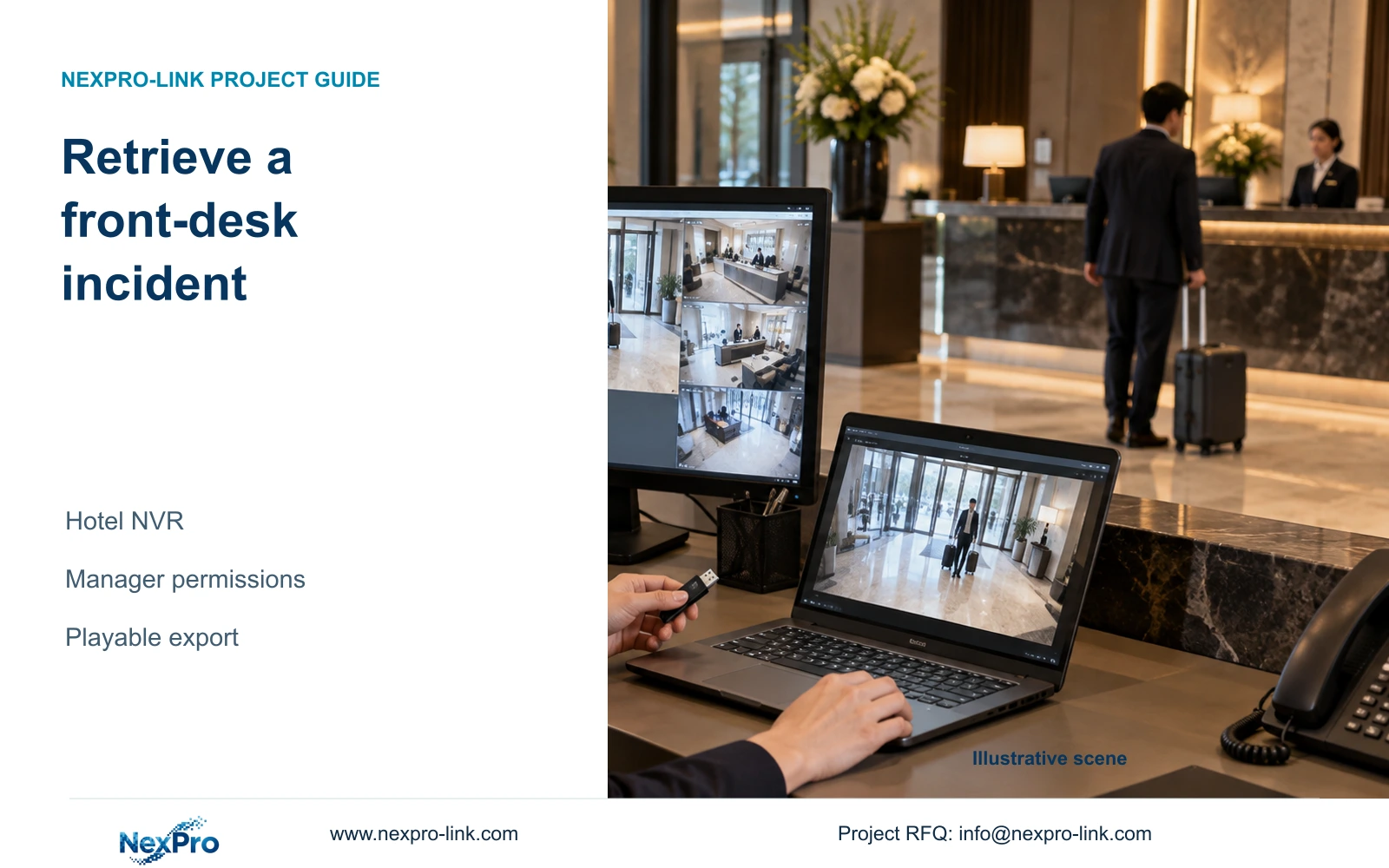
Demonstrate hotel incident retrieval with the duty manager's actual account, a documented camera and time reference, and an export that plays on the receiving computer.
Section 01
Prove the duty manager can complete the incident task
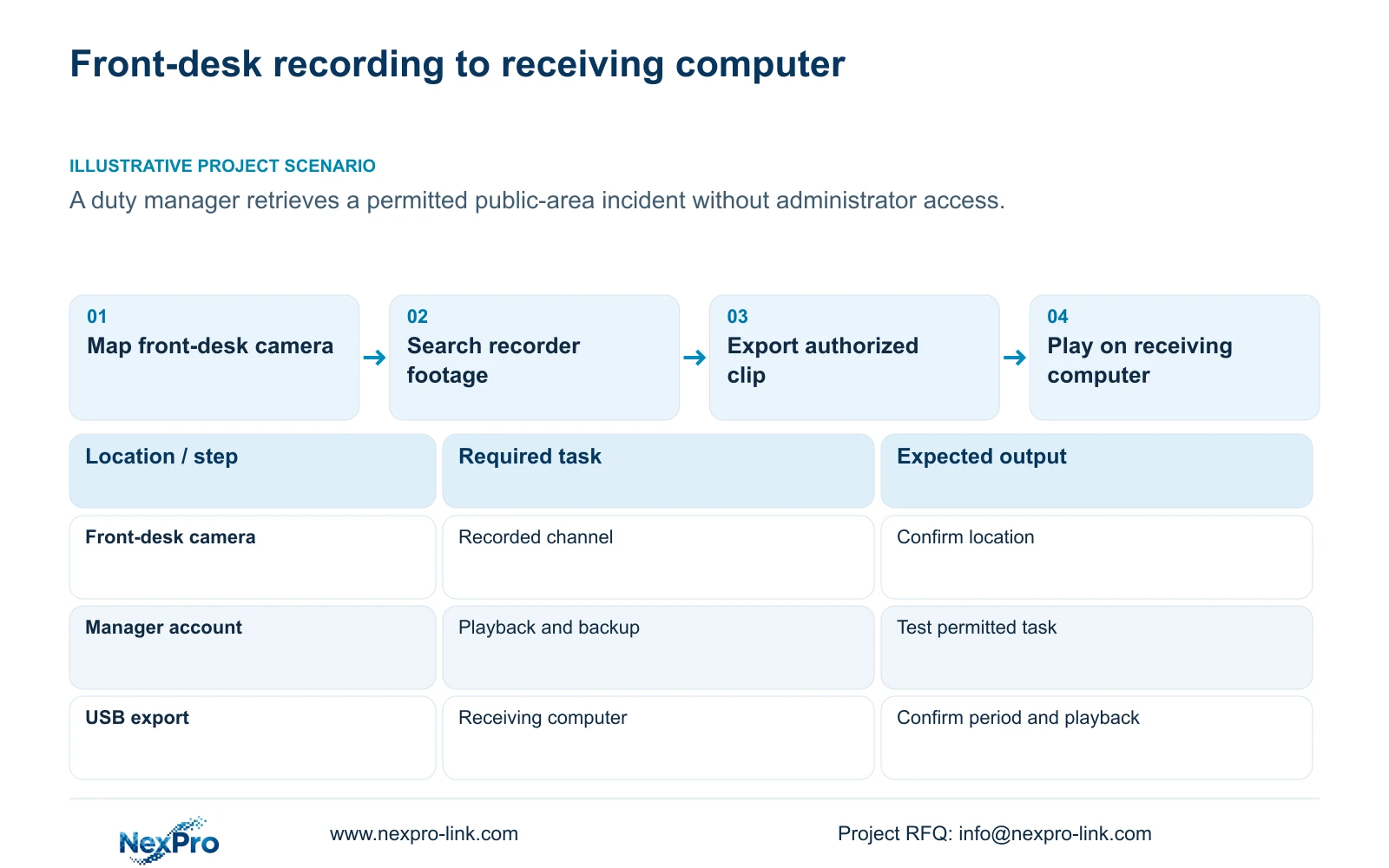
Hand over the hotel recorder by having the duty manager find a permitted front-desk incident and export a playable copy using the account they will actually use. Confirm the physical camera and recorder channel, establish how the reported incident time relates to recorded time, and search the relevant footage before narrowing recording-type filters. Select explicit clip boundaries, update the backup capacity estimate and detect the USB medium before copying. Finish on the receiving computer, where the manager should identify the location and review the required period. An administrator demonstration leaves the owner's everyday permissions and receiving workflow untested.
Section 02
Connect the front-desk location to its recorded channel
Start with the approved public-area view in the camera schedule. Keep the drawing location, physical camera identity, IP address, NVR channel and displayed name in separate fields. The channel-name and OSD controls described in the manual help operators recognize a view, but the project record supplies the relationship between that view and installed equipment.
Ask the manager to select the front-desk channel and identify its location from recorded footage. A familiar screen position is insufficient after channels have been reordered. If the picture or label disagrees with the schedule, resolve the mapping before selecting an incident. Record an alias change separately from a physical camera replacement so later reviewers can interpret older footage correctly.
Section 03
Relate the reported event time to recorder time
Write down the incident date and the time reference used by the person reporting it. Compare that reference with the recorder and the camera's displayed time. Preserve any observed difference in the retrieval note. This gives the manager a defensible search window when a report and the video clock disagree.
The manual provides IPC manual time, network synchronization, time-zone and daylight-saving controls. NVR time settings are separate and include an IPC synchronization interval measured in hours. Document which device supplies time to which camera before enabling overlapping mechanisms. The network-time menu does not establish support for every local NTP arrangement. Check a recognizable event after configuration; matching current clocks alone does not demonstrate continued alignment.
Section 04
Test the manager's permitted and prohibited actions
Use the duty manager's authorized account on the agreed operating path. Section 4.12.3 separates local permissions from network permissions and distinguishes preview, playback and other tasks. Local video backup has its own permission. A successful live view therefore does not prove that the manager can retrieve or export recorded footage.
Have the manager complete an allowed public-area playback and backup task. Also check that a task excluded by the hotel's access plan remains unavailable, such as changing system settings. If export is denied, ask the responsible administrator to review the specific permission against the approved role. Do not substitute administrator access as the handover result. Test remote playback separately if it belongs to the manager's agreed duties.
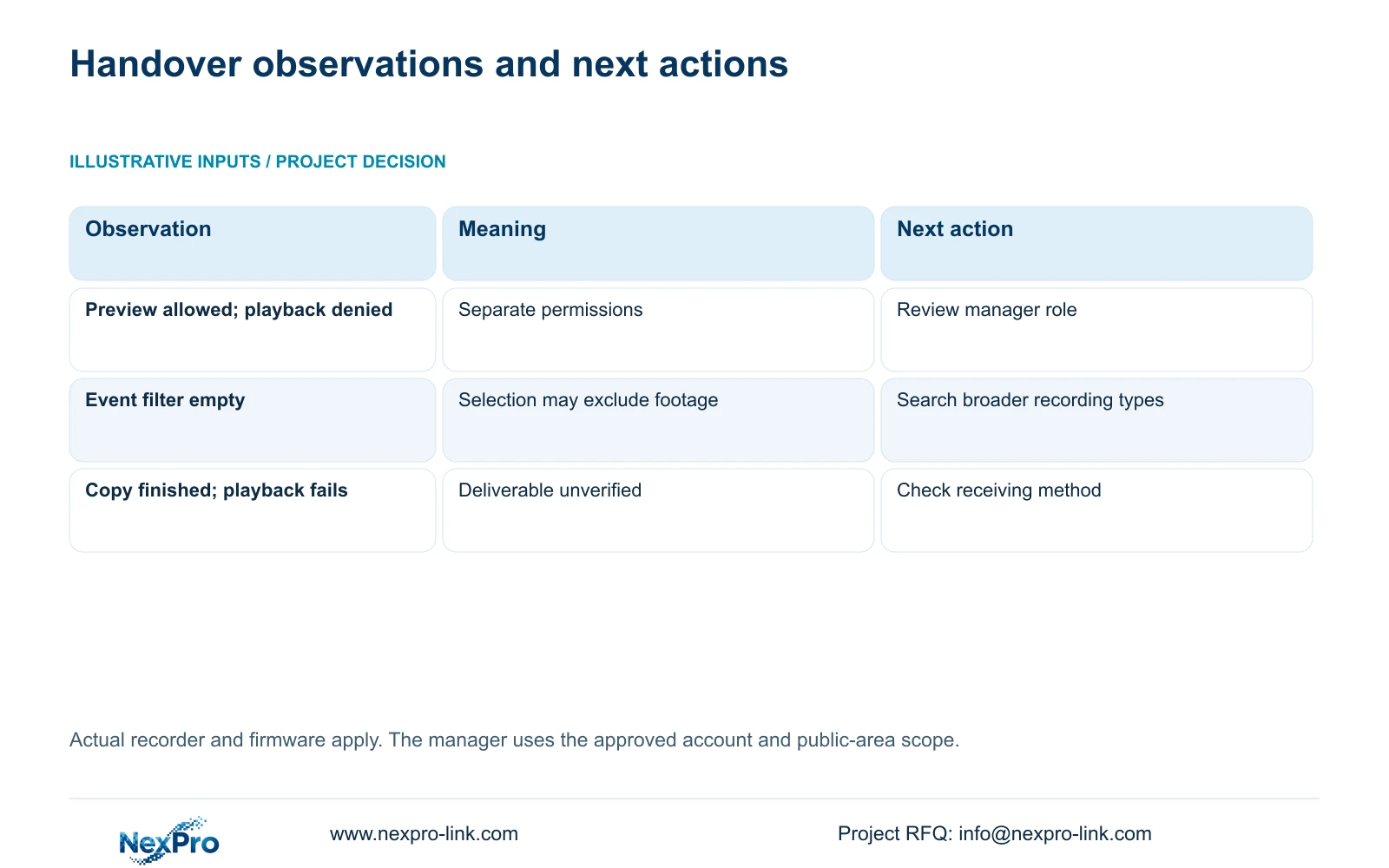
| Observation | Interpretation | Next action |
|---|---|---|
| Front-desk label shows another location | Channel identity needs reconciliation | Check the camera schedule and recorded view before export |
| Live view works but playback is denied | Preview and playback permissions differ | Review the intended account and access path |
| Broad search finds footage; event filter does not | The filter excludes the relevant recording type | Review the found footage and select the appropriate type |
| Copy completes but the receiving computer cannot play it | The deliverable remains unverified | Check the selected format and receiving playback method |
Section 05
Find the sequence before tightening filters
Search the identified channel over a period broad enough to accommodate the reported time uncertainty. Establish whether recorded footage exists before limiting the search to one recording type. An empty filtered result can describe the search selection, so it should not immediately be treated as missing storage.
Section 4.11.3 provides thirty-second jumps, time positioning and timeline zoom. Use jumps for coarse navigation, then narrow the timeline and review the likely event continuously. A teaching event lasting twenty seconds can fall between thirty-second navigation steps. Image electronic enlargement changes the inspected picture area; timeline zoom changes the inspected time range. If the event remains absent, return to the channel mapping and time relationship before declaring a recording failure.
Section 06
Specify the clip before starting the copy
Choose a start and end that include the relevant lead-in and conclusion, rather than cutting at the single moment that prompted the enquiry. Select the format, recording types and authorized channels in the backup workflow. The manual lists MP4 as the default and permits multiple channels.
Update the capacity estimate after completing the selection. Insert the external medium, detect it and then start the backup. If the medium cannot accommodate the updated requirement, use suitable approved storage or revise an unnecessarily broad selection while preserving the incident context. Detection proves the device is recognized; it does not establish that the selected footage has been copied successfully.
Section 07
Verify the copy on the handover computer
Open the exported file on the intended receiving computer. Confirm its location, requested period and actual playback. Check audio when audio is part of the accepted task. The manual mentions players such as VLC, without guaranteeing every operating-system and codec combination.
Record the viewing method that was tested and the authorized recipient. Preserve the original footage until the required copy has been verified. Then ask the manager to repeat the retrieval without the installer selecting each field. Keep document receipt and operator competence as separate acceptance items. NexPro-Link's BOQ and tender support can help define a scoped equipment and handover request; the demonstrated task should remain explicit in that scope.
Section 08
Apply the task to a newly opened hotel
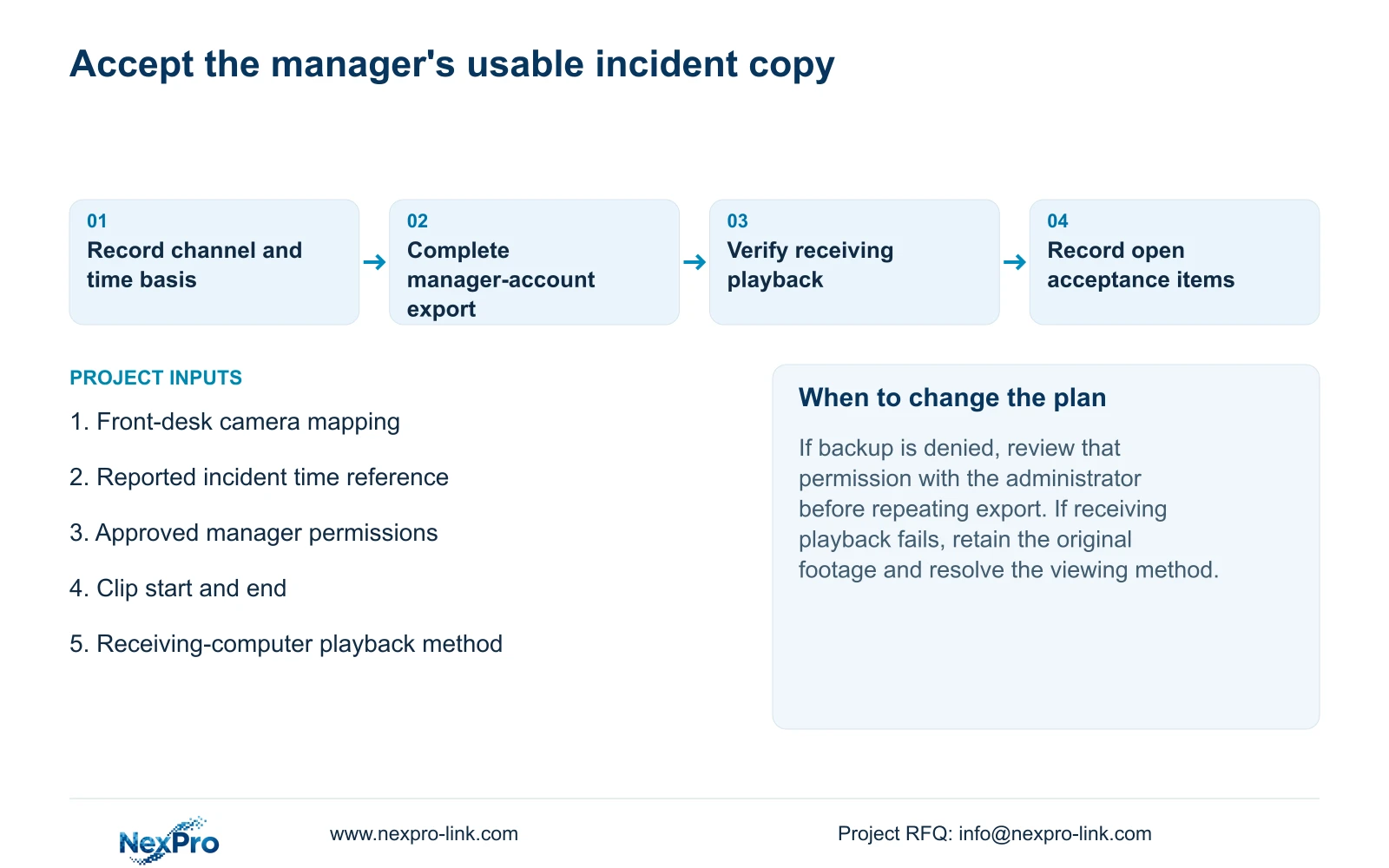
Illustrative project scenario: A newly opened hotel needs its duty manager to retrieve a permitted public-area incident without administrator access. The acceptance exercise follows the front-desk view through search, authorized backup and playback on the handover computer. A denied backup permission or an unplayable copy remains an open item.
The operating basis is the private supplied NVR4.0 user manual CH_V2.4.doc, whose body identifies V2.2. Relevant sections are 4.3.1, 4.4.4, 4.12.6, 4.4.2, 4.12.2, 4.12.3, 4.11.3 and 4.11.4. Apply these instructions to the actual recorder and firmware; Seetong PC local storage is a different recording object.
Section 09
Must the manager receive administrator access?
No. Test the approved playback and backup permissions on the manager's actual account. Administrative settings can remain restricted while the permitted incident task is demonstrated.
Section 10
What proves that the exported clip is ready?
Playback on the receiving computer, with the correct channel and period confirmed, completes the practical check. A finished progress indicator alone does not prove usability.
Section 11
Define the manager's acceptance task
Send the intended duty-manager retrieval and export task, including the receiving-computer workflow, to info@nexpro-link.com for a scoped handover discussion.
Engineering references
These sources support the general planning principles. Always use the selected product's current datasheet and applicable project standards for final design.


