

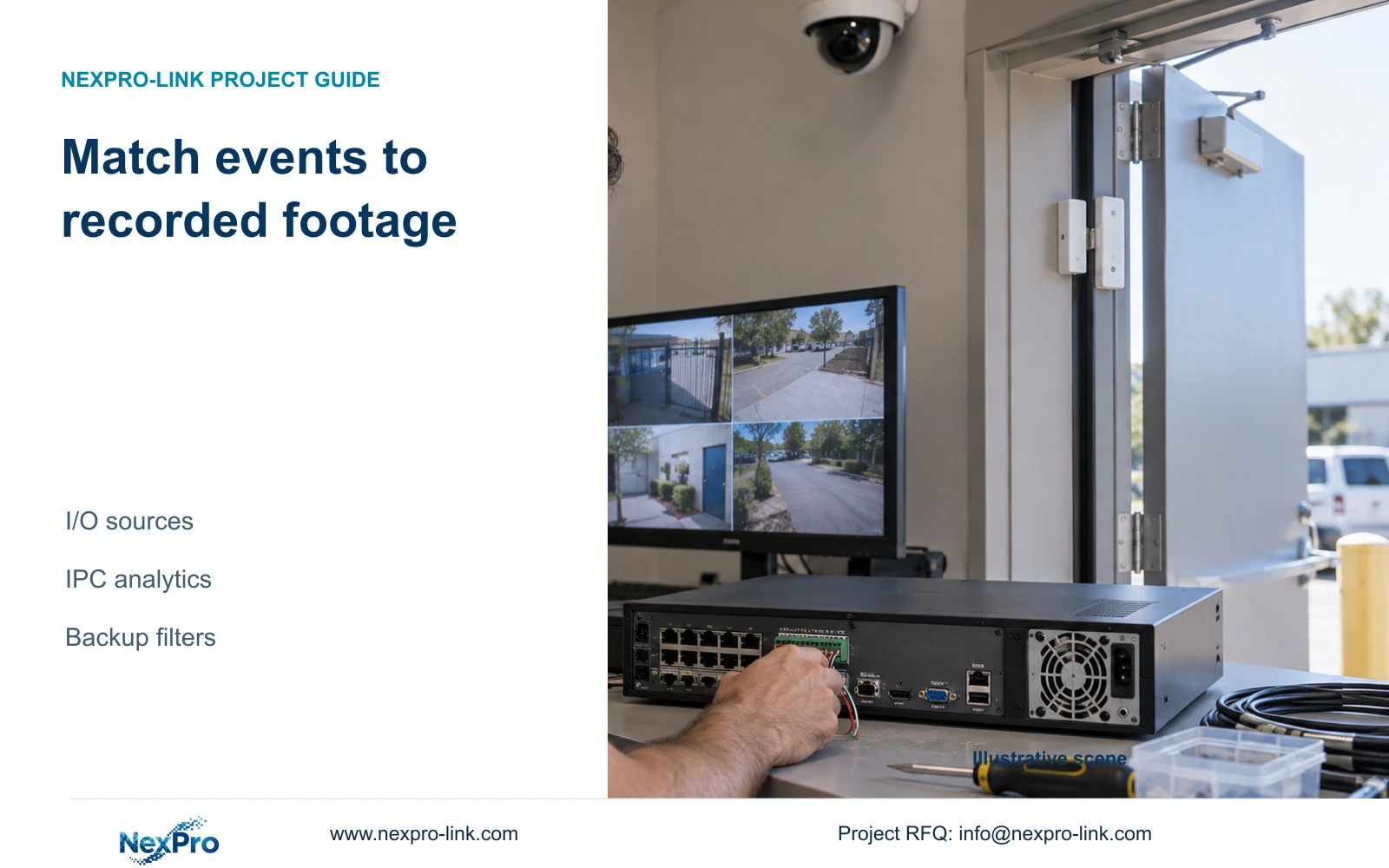
Motion schedules do not establish how every alarm source records. Identify recorder I/O, camera I/O or IPC analytics, then verify the linked footage and exported event interval.
Section 01
Identify the event source before applying a recording rule
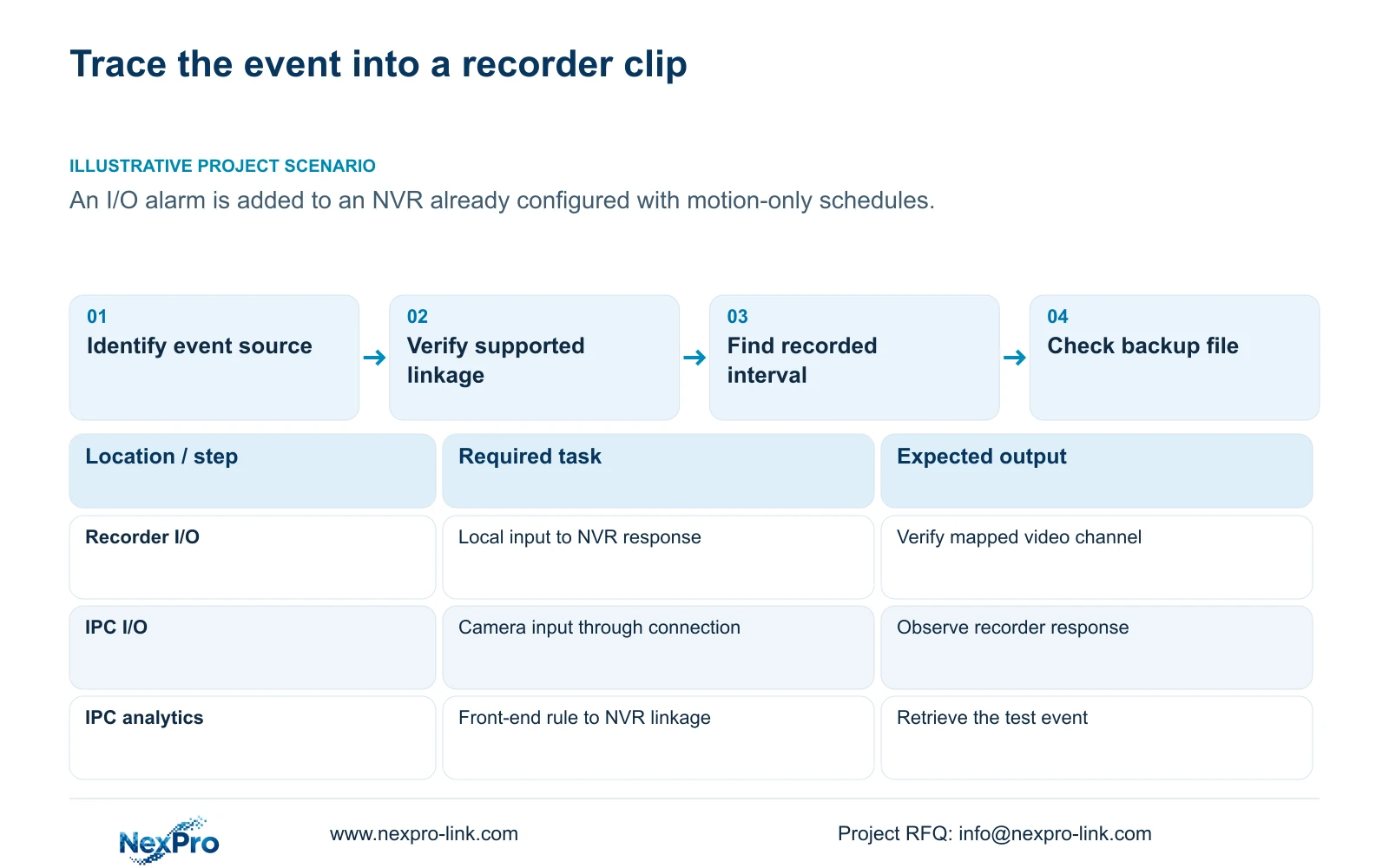
A motion-only schedule does not establish the recording behavior of every alarm source. When adding an I/O alarm or an IPC analytic event, identify where the event originates, which recorder response receives it and which video channels should be recorded. Test that path with a known event, then locate the resulting footage through the supported playback and backup selections. Keep the motion-specific schedule description within its stated scope. A popup, an enabled analytic control or a familiar alarm label cannot establish that the required clip exists. Acceptance needs a playable event interval from the intended camera and a verified export where required.
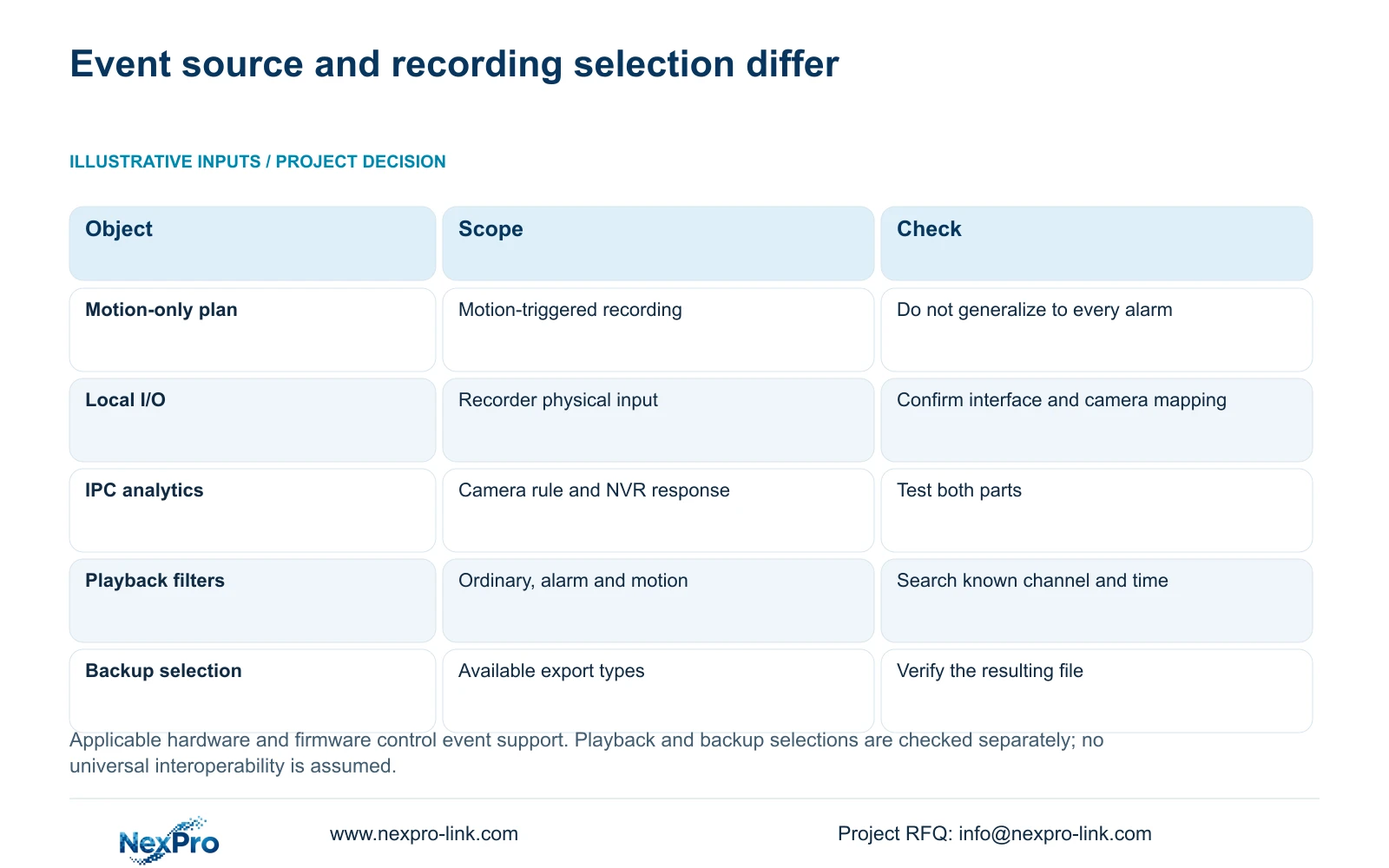
Section 4.11.1 describes timed recording, no recording, motion recording and motion-plus-timed recording. Its motion-only explanation specifically concerns motion detection. Motion-plus-timed continues ordinary timed recording without a motion trigger and records motion-type footage when triggered. The grid has a 30-minute minimum scale.
The source is the private supplied NVR4.0 user manual CH_V2.4.doc, with V2.2 identified in its body. Sections 4.12.13 through 4.12.15 distinguish I/O and IPC event paths. Apply their instructions to the actual device and firmware. TS model references are not commercial SKU mappings, and Seetong PC local storage is separate from recorder footage.
Section 02
Separate recorder inputs from camera inputs
Local I/O is received at the recorder's applicable physical input. IPC I/O originates at a supporting camera and reaches the recorder through that camera connection. Identify which path the proposed sensor uses before selecting its linkage or diagnosing an absent recording.
Keep physical input numbers, input types, output channels and video channel references in separate fields. An input reference identifies the trigger location; a video channel identifies the footage required to explain that trigger. Similar numbering does not establish that they are the same object.
Sections 4.12.13 and 4.12.14 do not provide every electrical rating or wiring design. Obtain the applicable interface information before connecting a sensor, and do not assume that an output can directly power a lock. A shared menu cannot supply absent input hardware or establish electrical suitability.
Record the expected state change and the receiving path before the test. If no event is observed, check that source and interface arrangement first. If the event is observed but footage is absent, proceed to linkage and retrieval checks.
| Event source | Configuration object | Required verification |
|---|---|---|
| Motion detection | Motion conditions and selected linkage | Known movement produces the required footage |
| Local recorder I/O | Applicable recorder input and response | Input event maps to the intended video channel |
| IPC I/O | Supporting camera input and connection | Camera event reaches the required NVR response |
| IPC analytics | Front-end rule plus recorder response | Configured event produces retrievable footage |
Section 03
Configure the camera event and recorder response together
Section 4.12.15 describes enabling the NVR-side function, then opening Front-end Settings to configure the IPC region or line and related direction and sensitivity parameters. The front end provides the event capability; the recorder receives and responds through the applicable workflow.
Check whether the actual camera supports the required rule before treating an enabled NVR control as acceptance. Configure the required region or line at the front end and arrange a test that exercises it. Observe whether the event reaches the recorder before inspecting recording linkage.
A recorder checkbox does not add the same algorithm to an unsupported camera. Likewise, receipt of a third-party event in the required form needs specific compatibility evidence. ONVIF profile information can inform that scope check, but it cannot establish universal interoperability for every analytic rule or response.
Section 04
Test the required recording response independently
The motion-action list in section 4.12.11 includes popup, border flashing, buzzer, email, screenshot delivery, snapshot, preset call, recording and app push. It demonstrates that observable responses are separate actions. Use the applicable event's actual linkage controls rather than assuming every source exposes an identical action set.
Select the intended recording response and camera mapping where supported, then record the controlled event time. Check the resulting video independently of any popup or buzzer. If footage is required from a different camera than the event source, verify that specific mapping through the recorded result.
Test notifications only if they are part of the task, and inspect their receiving path separately. Keep action duration, clip coverage and retention as different requirements. If an event indication appears without the expected footage, preserve that result and examine linkage and search conditions before changing the event rule.
Illustrative project scenario: A contractor adds an I/O-triggered alarm to a recorder already using motion-only schedules. The contractor identifies the I/O source, confirms the supported recording response and triggers an authorized test. The motion schedule alone cannot close acceptance of the new I/O path.
Section 05
Use playback filters without assuming a universal event taxonomy
Section 4.11.2 describes ordinary, alarm and motion playback filters. Playback entry defaults to the channel selected in preview, so choose the required video channel explicitly before searching the test date and time.
Do not assume that every detailed event name becomes a separate playback category, or that an I/O event must be found under motion merely because the plan contains motion-only blocks. Use the filters the applicable workflow actually provides and inspect the clip around the known event time.
Orange indicates recordings exist for the date; it does not prove that the particular event interval is present. If a narrow filter returns nothing, inspect other applicable types while retaining the same channel and time reference. Record where the test footage was found.
If no footage appears after the correct search, keep recording linkage and recording conditions as unresolved checks. An empty filtered result cannot establish an absent event response or a failed disk on its own.
Section 06
Verify the event again in the backup selection
Section 4.11.4 requires selecting the file format, recording types, channels and start and end times, then using Update to view the required capacity. Insert the USB storage device, detect it and start the backup. The manual lists MP4 as the default and permits multiple channels.
Treat backup selection as a new query. Confirm its available recording-type choices instead of assuming that its labels and scope exactly reproduce the playback filters. Keep the source channel and controlled event interval unchanged while checking which selection contains the required footage.
Open the resulting file and verify that it shows the intended event, its required surrounding interval and any specified audio. USB detection and completed copying are intermediate results. Preserve the original footage until the required copy is verified and provide it only to an authorized recipient.
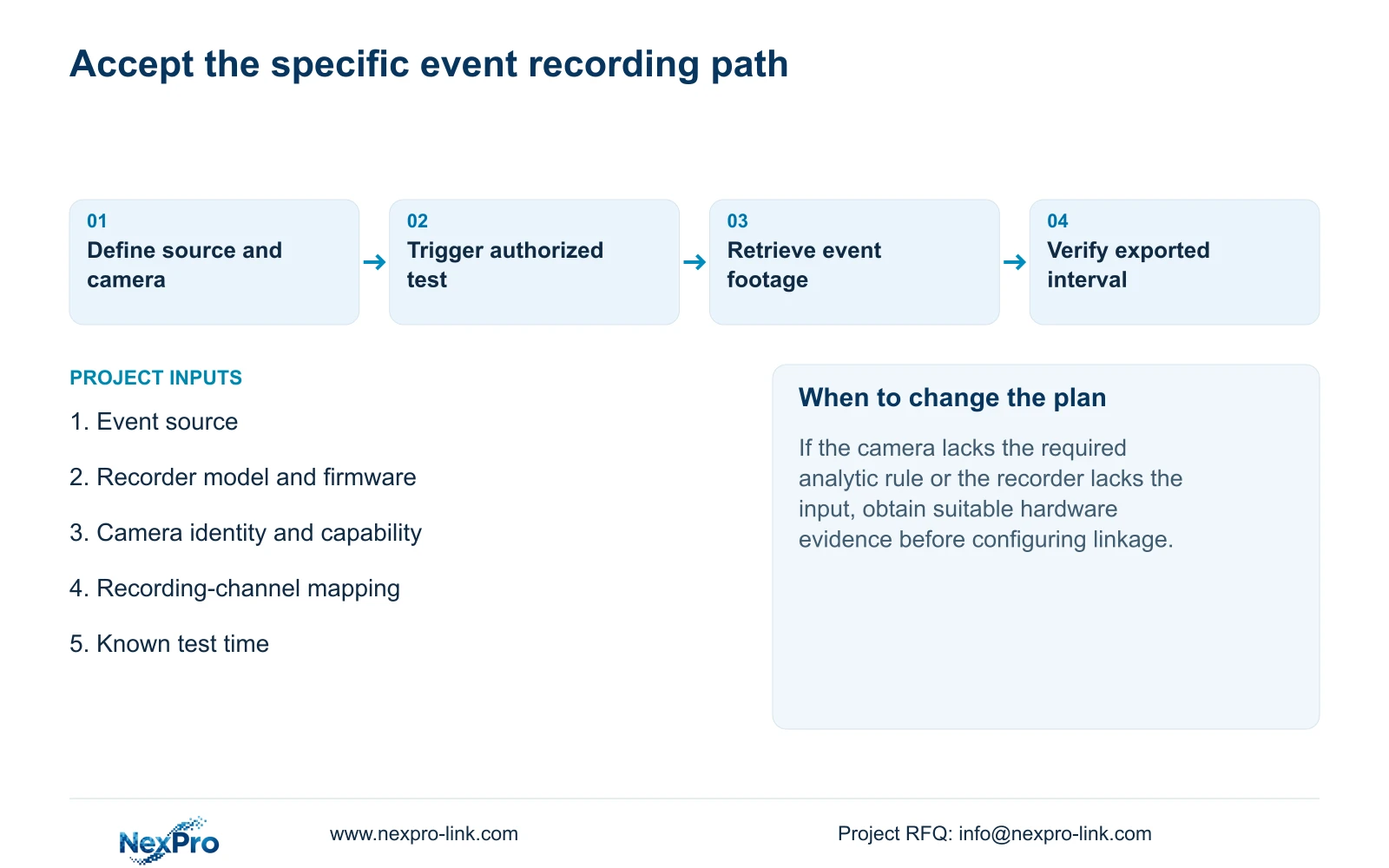
The completed event record should connect the trigger source, receiving response, recorded camera, retrieval conditions and exported file. For procurement, use that task record to identify what has been demonstrated on the actual model and what still needs confirmation. Do not expand a successful test into support for every event source.
Section 07
Is a camera input interchangeable with a recorder input?
No. They originate at different devices and use different paths. Confirm the available hardware, interface conditions and event response for the intended source.
Section 08
Does enabling intrusion on the recorder define the camera rule?
No. The documented workflow also configures the front-end region or line and related parameters on a suitable IPC.
Section 09
Provide the event-to-camera mapping
Send NexPro-Link the event source, recorder and camera identities, intended recording channel and observed test result at info@nexpro-link.com.
Engineering references
These sources support the general planning principles. Always use the selected product's current datasheet and applicable project standards for final design.


