

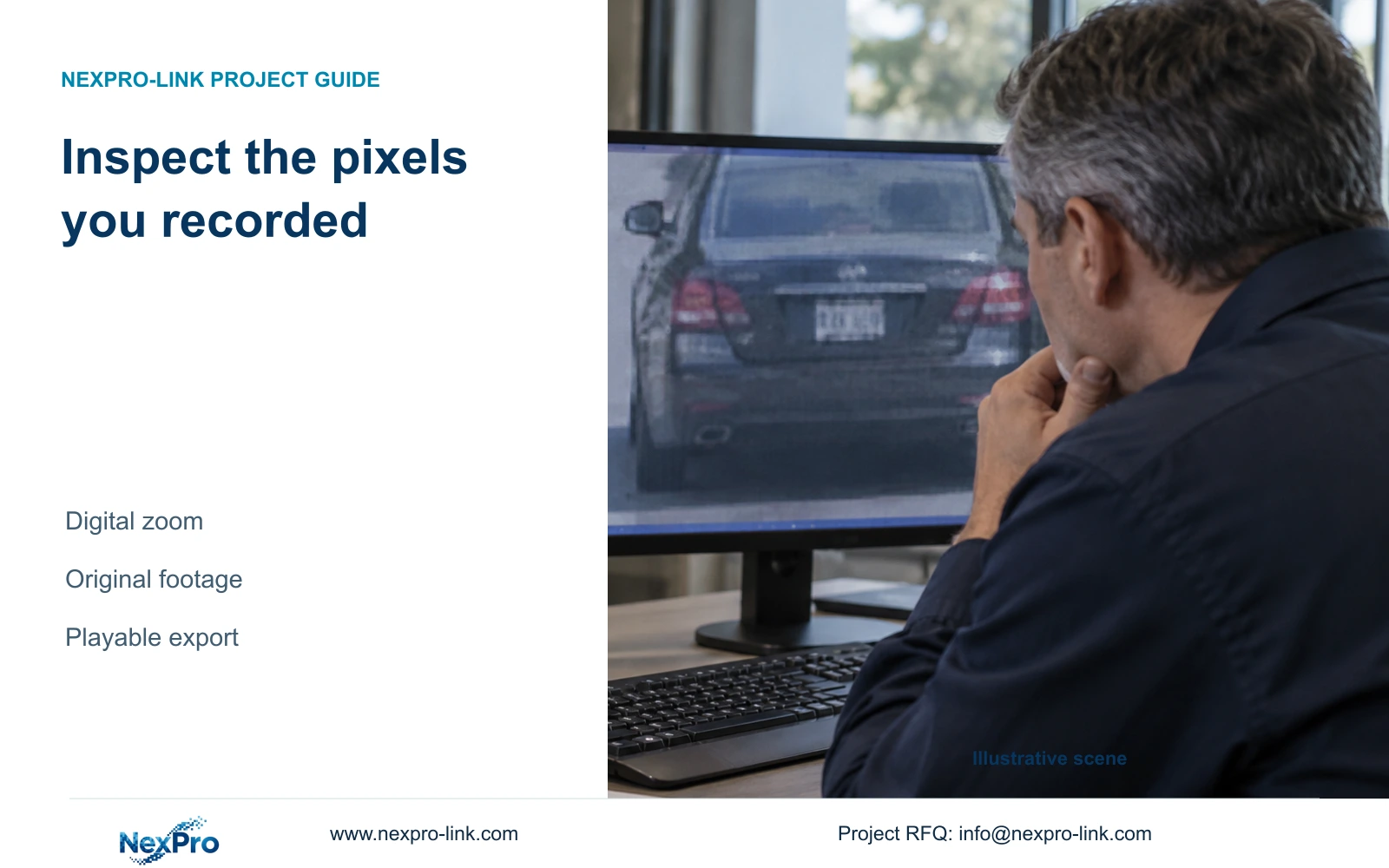
Digital zoom enlarges existing imagery. Check the original recording, source profile and event interval before treating a larger screenshot as stronger evidence.
Section 01
Judge the target in the original recording
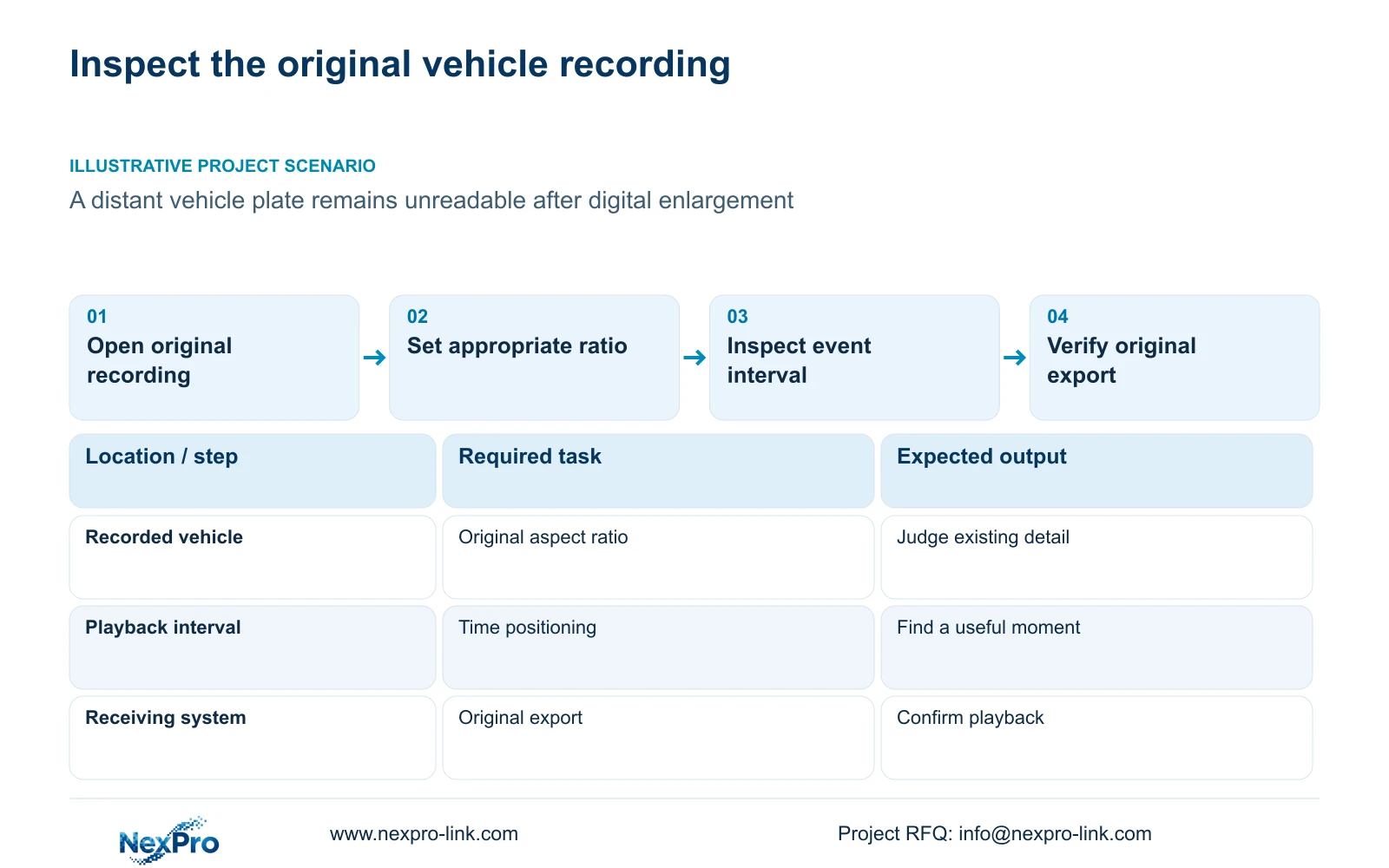
Use digital zoom to inspect detail already present in the recording. It cannot establish new captured resolution or promise that an unreadable distant plate will become readable. Start with the original file and an appropriate aspect ratio, identify the required target, then enlarge the same region for inspection. Compare what can actually be read in both views. If the target remains unclear, search the relevant interval for a more useful view before changing future camera settings. Preserve the original export so a cropped screenshot does not become the only record of the event or conceal the surrounding context.
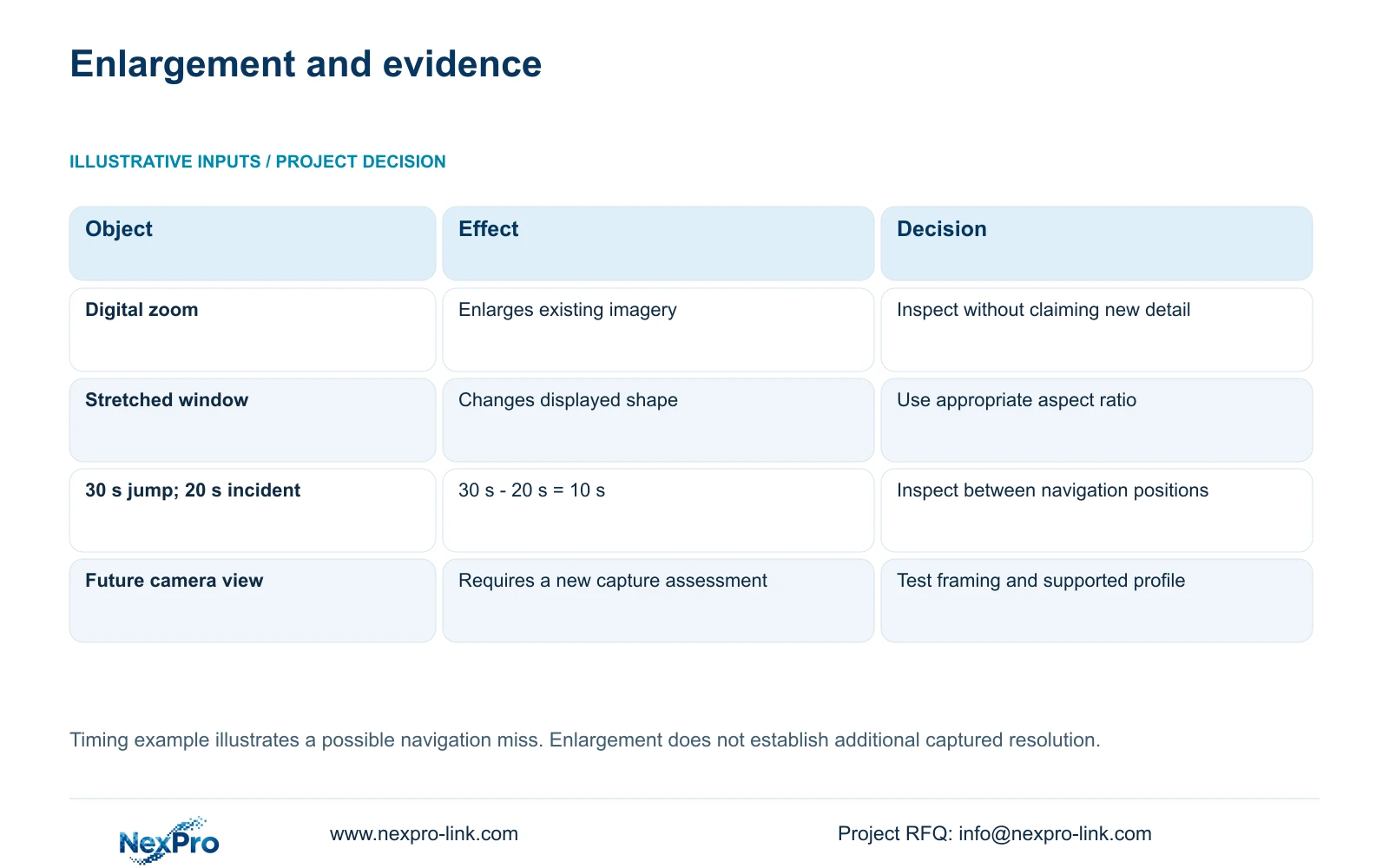
The manual separates display layout, playback ratio and electronic enlargement in sections 4.5, 4.7 and 4.11.3. A stretched window changes the shape of existing imagery; a larger crop changes its presentation. Neither demonstrates additional information captured by the camera. Use the same target and file for comparison, and record whether the problem is insufficient detail, an unsuitable frame or an incorrect viewing ratio.
Section 02
Check the source image before adjusting the monitor
For future recording, examine whether the camera view meets the owner's actual task. A general vehicle overview and a view intended to read a plate have different acceptance questions. Check the relevant target under the movement and lighting conditions in which the recording will be used. A monitor adjustment cannot substitute for a source image that contains the required detail.
Section 4.4.3 lists IPC capture controls including brightness, saturation, sharpness, contrast, image flips, digital wide dynamic range, starlight and corridor modes. Confirm which options the connected camera supports. Make one controlled change and compare the same task, including relevant day and night samples. Keep the earlier sample for comparison. These changes concern future capture; they do not retrospectively alter the original incident recording.
Section 03
Record the actual output and playback profile
Identify the camera, recorder and stream used for the stored footage. Sections 4.4.5 and 4.12.7 list H.264, H.265 and H.265+, with available resolutions dependent on IPC capability. A codec option visible in a shared menu does not prove that every connected camera can use it. Record the selected output profile and confirm that the intended receiving system can play its export.
If a profile change is proposed for future detail, retain a comparable sample before applying it and test recording, export and client playback afterward. Do not assign a fixed storage saving to H.265+. A successful live picture also leaves the exported viewing path to be checked. This gives the owner a supported baseline for future recordings without making an enhancement claim about footage already stored.
| Observation | Interpretation | Next action |
|---|---|---|
| Target looks distorted when stretched | Display shape affects the inspection | Restore an appropriate ratio and compare the same file |
| Plate remains unreadable after enlargement | More captured detail has not been established | Inspect the event interval and assess future framing |
| Required codec or resolution is unavailable | The selected IPC does not expose that option | Confirm device capability before revising the profile |
| Export will not play on the receiving system | The viewing deliverable remains unverified | Check the actual file and supported playback path |
Section 04
Find the useful moment without skipping the incident
Section 4.11.3 provides thirty-second forward and backward jumps, time positioning and timeline zoom. Timeline zoom changes the search scale; image zoom enlarges picture content. Use broad navigation to find the likely period, then inspect that interval continuously or at a sufficiently fine scale. The first frame found may not be the most useful view of the target.
The source's teaching example uses a 20-second incident and a 30-second navigation jump. The jump exceeds the incident duration by 30 s minus 20 s = 10 s. If the incident falls wholly between sampled positions, coarse navigation can pass over it. This arithmetic explains a possible search miss, not missing recording. Revisit the interval before classifying the event as absent. If it remains absent, preserve the exact channel and time checked.
Section 05
Keep the original export and verify the receiving copy
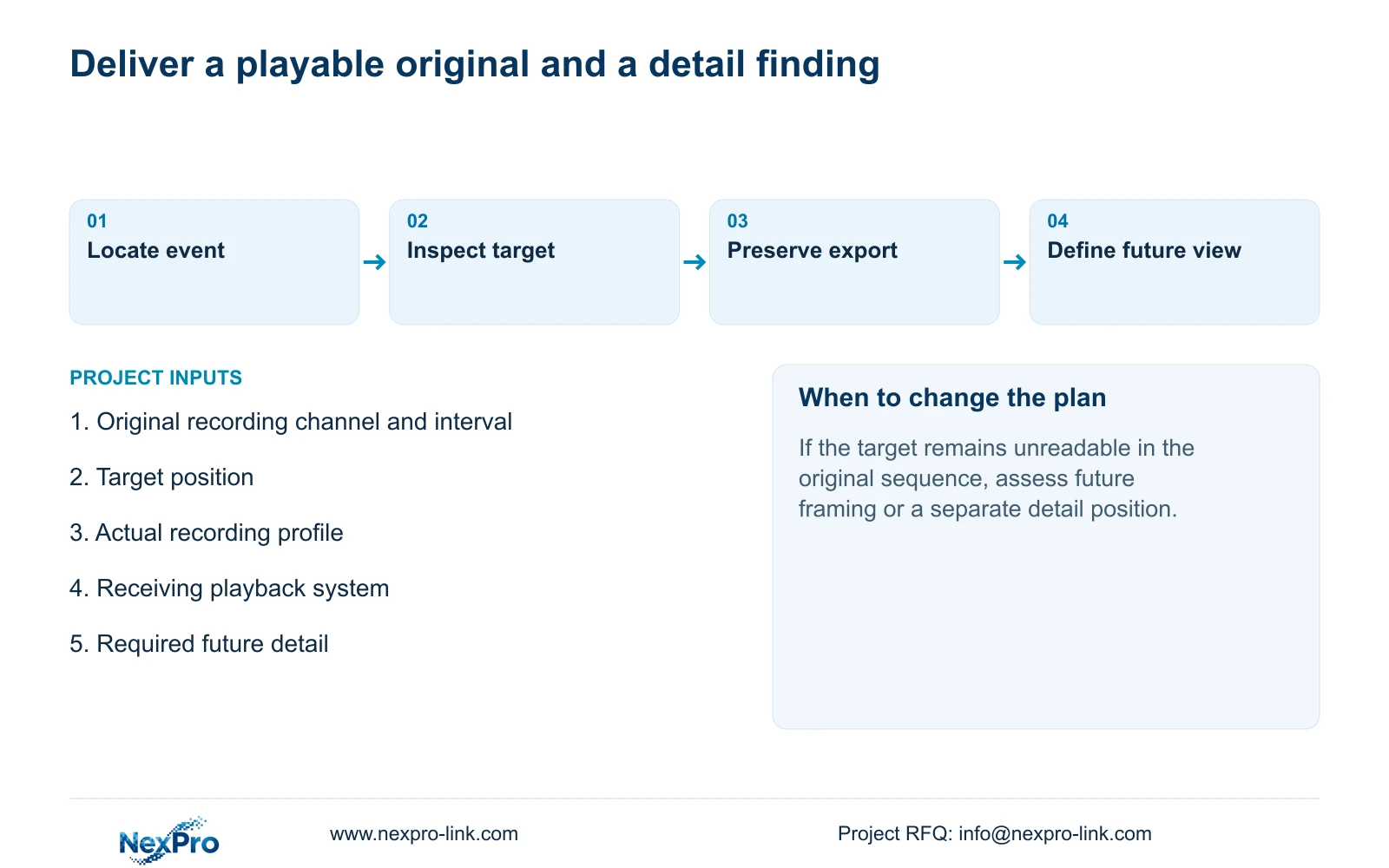
Export the relevant recording with enough context to identify the event and its location. Retain the original export separately from enlarged screenshots or cropped illustrations. Record the source channel, requested start and end, and any audio requirement. A screenshot can show the region being discussed, but it cannot replace checking the moving sequence.
Section 4.11.4 mentions players such as VLC for backup video and audio. That is a viewing suggestion, not a guarantee for every operating system or codec combination. Open a sample on the intended receiving system and confirm the channel, period, actual playback and required audio. Protect the source footage until the required copy has been verified, and provide it only to the authorized recipient. Record the viewing method that worked.
Section 06
Redesign a future detail view when the source is insufficient
If the original recording cannot answer the owner's question, define the additional detail needed for future capture. Assess whether revised framing can meet that task while retaining necessary coverage, or whether a separate detail position is required. Keep the overview requirement visible so a narrower view does not silently remove context. Compare proposed recordings of the actual target before approving the change.
Recorder selection must then account for channel and stream modes, total incoming bitrate, playback combinations, usable storage, interfaces, remote tasks and environment. Sections 5.1 and 5.2 describe separate constraints. For example, TS8232C4 local playback is 1×4K OR 4×2MP OR 2×5MP, not their sum. These TS limits have no established mapping to NexPro-Link commercial SKUs. Use separate candidate specifications for a procurement decision.
Section 07
Distant vehicle review
Illustrative project scenario: An owner zooms into a distant vehicle and asks whether software can reveal an unreadable plate. Review the original ratio and event interval, preserve a playable export, and state what remains unreadable. Any proposal for a future detail position should be evaluated separately from the existing evidence.
Section 08
Does increasing sharpness recover the old plate recording?
The listed IPC capture controls concern the supported camera's image settings. They do not establish recovery of missing detail in an earlier recording. Preserve that recording and test changes against future samples.
Section 09
Source scope and a future detail requirement
This guide uses NVR4.0 user manual CH_V2.4.doc, body V2.2, sections 4.5, 4.7, 4.11.3, 4.4.3, 4.4.5, 4.12.7, 4.11.4 and 5.1 to 5.2. The timing example is illustrative.
Send NexPro-Link a redacted view showing the target position and the detail required in future recordings at info@nexpro-link.com.
Engineering references
These sources support the general planning principles. Always use the selected product's current datasheet and applicable project standards for final design.


