

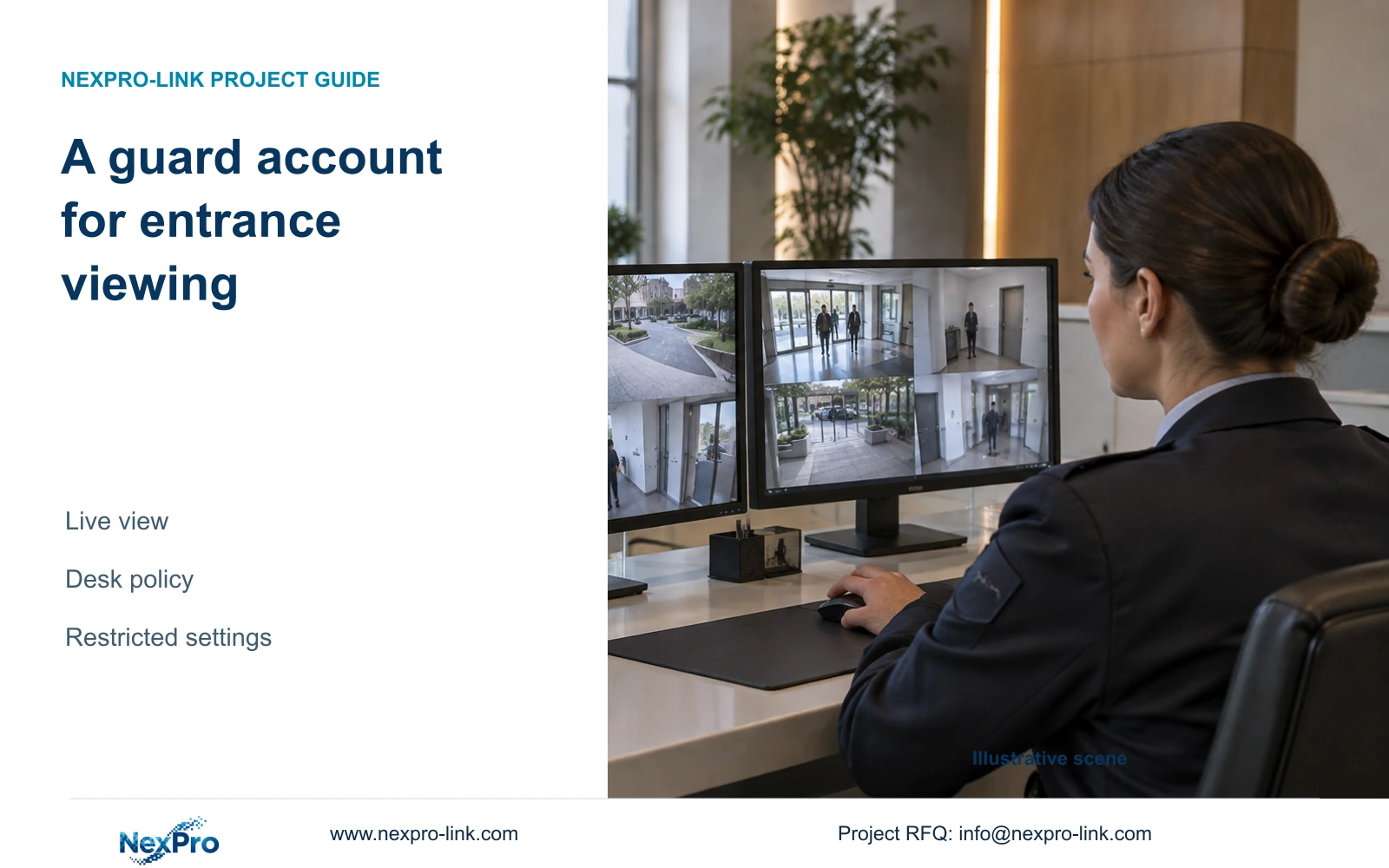
Give reception guards the viewing functions their shift requires, verify that storage and camera settings stay restricted, and hand over a practical desk operation card.
Section 01
Define the entrance-viewing task before assigning rights
A reception guard account should allow the agreed entrance-viewing task while keeping camera configuration and disk operations outside routine shift work. Begin with the cameras the guard must watch and the viewing actions the desk requires, then create a separate user with the applicable permissions. Check what remains visible before login and after automatic locking, because picture visibility and operating authority are separate settings. Select a layout the recorder can actually display under the intended stream workload. Acceptance should include a successful viewing task and safe confirmation that restricted settings are inaccessible, followed by a short operation card for the next shift.
Write the desk requirement in operational terms. The guard may need to recognize the entrance channel, select it and inspect the live picture. Incident playback or file delivery should be added only if the owner assigns those duties. Avoid using "operator" as a substitute for specifying what the person must do.
Section 4.12.3 separates local and network permissions, including preview, playback and system settings; local recording backup is also independent. A local desk account does not establish remote rights. Test the actual account at the recorder, and document any separately approved network use.
| Desk task | Proposed decision | Acceptance observation |
|---|---|---|
| Watch entrances | Allow required preview | Correct entrance pictures are available |
| Change stream profiles | Exclude from shift duties | Configuration access is restricted |
| Format a recorder disk | Exclude from guard account | Storage-changing operation is inaccessible |
| Deliver incident footage | Assign another authorized role | Guard can identify the escalation contact |
Section 02
Decide whether pictures may remain visible
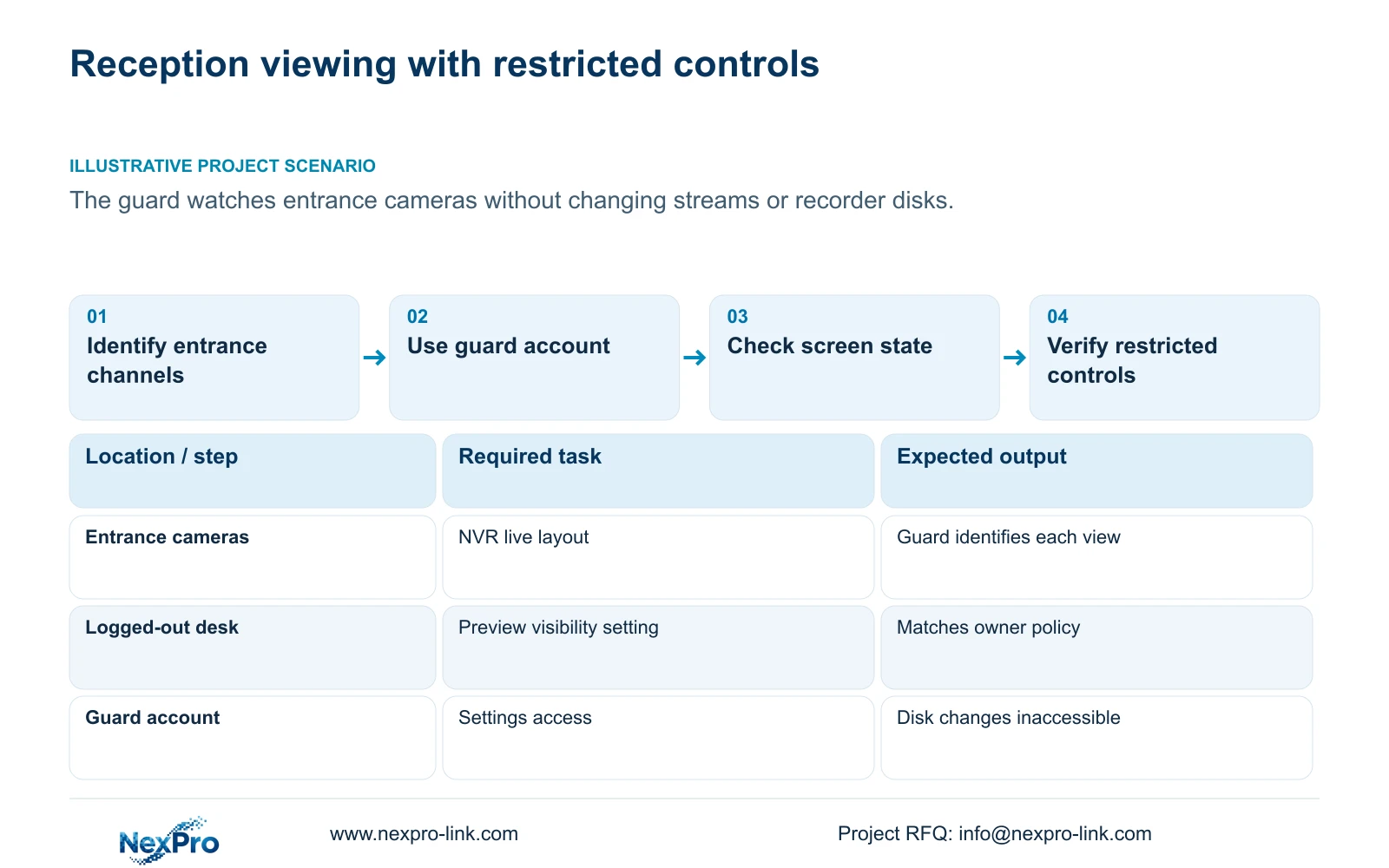
Reception screens can be visible to people who are not authorized operators. Decide which pictures may be shown at that position, including when the guard steps away. Do not assume that an automatic lock conceals every image. Section 4.12.5 separately describes prohibiting preview by users who are not logged in.
Observe the logged-out state, then the automatically locked state. Record whether the entrance pictures remain visible and whether operating controls require authorization. Where the owner's objective is to prevent viewing, continuing pictures are a failed visibility check even if the settings menu is protected.
Where the owner permits continuous viewing at a controlled desk, confirm that the chosen behavior is intentional and documented. If the observed state differs from the policy, have the authorized administrator review the applicable visibility setting. Retest the screen before returning it to normal shift use.
Section 03
Keep the administrator out of ordinary shift use
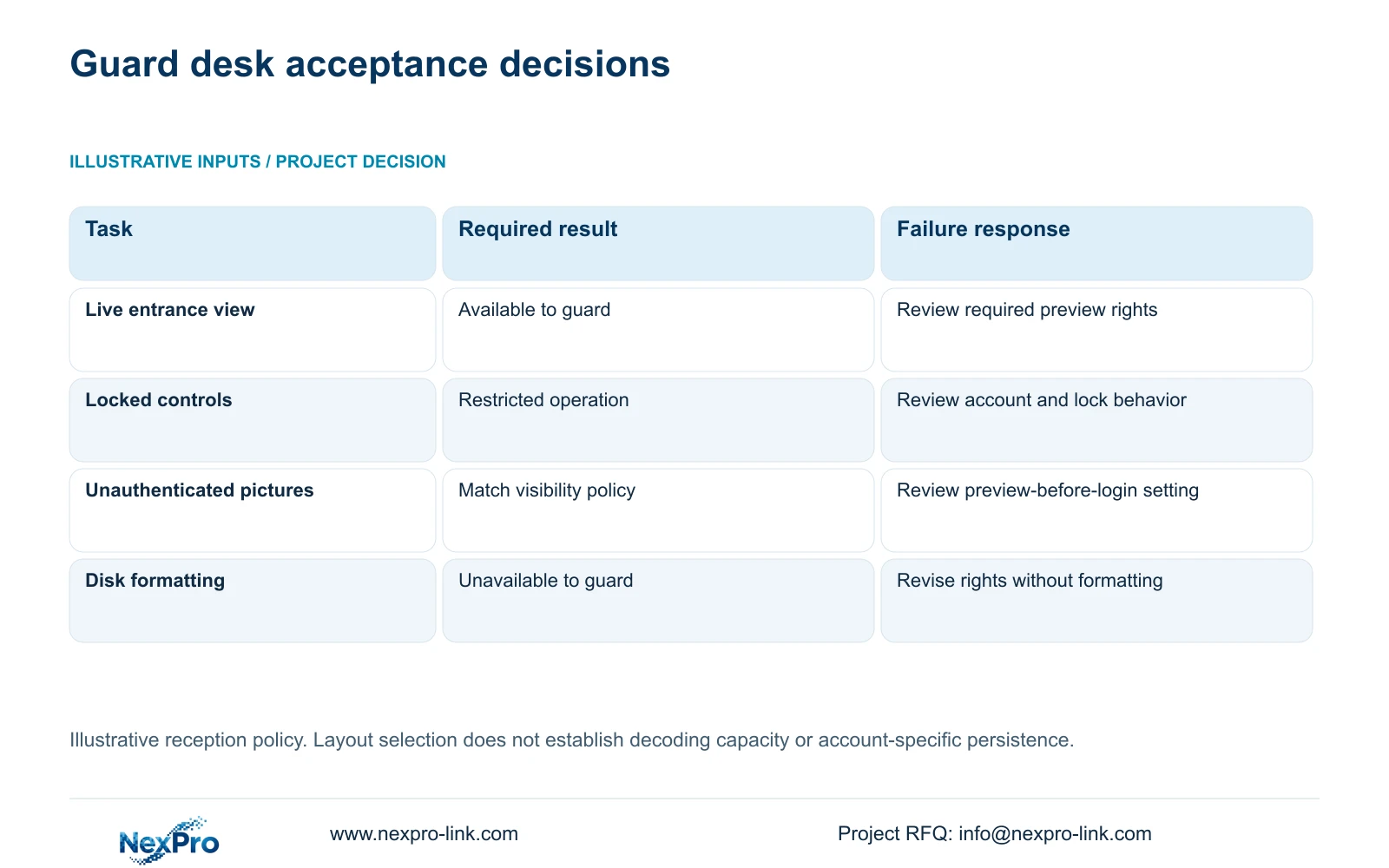
The supplied manual says admin cannot be disabled or deleted and retains all permissions. Restricting the guard's work therefore requires a separate daily account. Do not leave the desk operating through an administrative session and expect a written instruction alone to prevent changes.
Have the guard repeat the live-view task after the administrative setup session has ended. This exposes a common acceptance gap: a layout works during configuration, but the intended user cannot reproduce the agreed operation. Record the blocked task and review only the permission necessary to complete it.
Keep administrative ownership with the responsible party and transfer credentials through a controlled route. The desk card should identify whom to contact without containing privileged credentials. Creating a restricted account does not by itself prove compliance with a certification or corporate access-control requirement.
Section 04
Select and verify a useful entrance layout
Arrange the entrance views around what the guard must recognize during a shift. Include a clear channel-to-location reference so that a familiar picture is not the only means of identifying the camera. Confirm how the guard returns to the agreed arrangement after inspecting an individual view.
Section 4.5 lists layouts with 1, 2, 4, 6, 8, corridor 8, 9, 10, 16, 24, 25 and 36 pictures. Those menu choices describe window arrangements. Section 5.2 separately lists model processing limits, so a larger selectable grid cannot establish concurrent full-resolution decoding.
Record the streams used by the selected windows and check the actual model under the proposed live workload. If the arrangement fails, identify whether the issue is a denied viewing action or a processing limitation before changing camera profiles. Profile changes belong to authorized configuration work, not an improvised guard workaround.
Keep the layout reference in the handover record. Where the device supports retaining the chosen arrangement, verify that behavior with the actual guard account; do not promise account-specific layout persistence from the layout menu alone.
Section 05
Verify storage restrictions without changing data
The guard should not need to format a disk to maintain entrance viewing. Section 4.12.21 describes selecting a disk and confirming formatting, which changes storage. Check that the restricted account cannot reach or authorize the prohibited operation without actually formatting media as a test.
If storage-changing controls are available unexpectedly, stop that part of acceptance and have the administrator review the account's settings permissions. Keep the recorder's existing data intact. A visible restriction should be tested through the actual account rather than inferred from an administrative configuration screenshot.
Any legitimate formatting work requires identification of the target disk, authorization and preservation of required recordings before proceeding. On a multi-disk recorder, verify the selected media rather than assuming its displayed number matches a physical bay label. A recording problem should be escalated to the responsible maintainer; formatting is not a harmless shift-desk remedy.
Section 06
Hand over a card the next shift can use
Illustrative project scenario: A reception guard needs live entrances but should not format disks or change camera stream profiles. The owner approves the required entrance views and decides whether pictures may remain visible when controls are locked. The guard then repeats the live-view task with the restricted account.
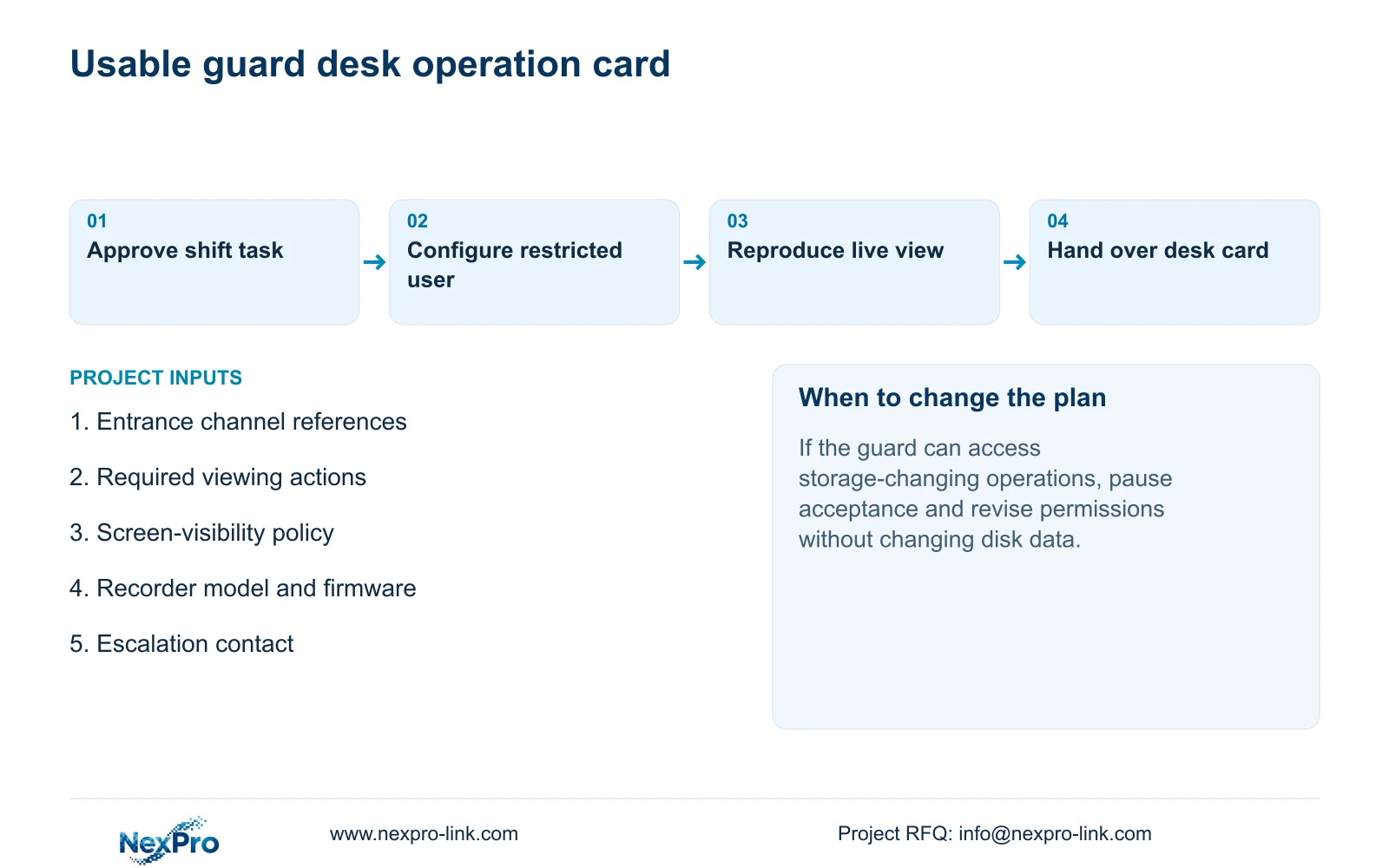
The desk card should name the entrance channels, describe the approved viewing arrangement and explain the expected locked-screen behavior. Include the action to take if a picture disappears or the required view cannot be selected. The instruction should lead to the correct support contact without encouraging the guard to change recorder settings.
Keep the model, firmware and configuration-backup location in the controlled maintenance record. Assign incident retrieval and export to the responsible authorized role. Broader handover can verify that role's playable-file workflow, while guard acceptance stays focused on observation and escalation.
- Ask the guard to identify the entrance channel and reproduce the approved live view.
- Observe the required logged-out and locked-screen behavior.
- Confirm that restricted configuration and storage actions remain unavailable.
- Have the next operator explain the escalation route using the desk card.
Section 07
Questions about a preview-only desk
Does a preview-only account automatically hide pictures after locking? No. Unauthenticated preview and automatic locking have separate settings and need separate observation.
Should playback be added to make the account easier to use? Add it only if incident review belongs to the guard's duties, then test the applicable path independently.
Does a large layout menu prove that every window can display full resolution? No. Verify the model's decoding limits and the actual selected streams.
Section 08
Record the approved desk requirement
The operating basis is NVR4.0 user manual CH_V2.4.doc, with V2.2 in its body: sections 4.12.3, 4.12.5, 4.5, 5.2 and 4.12.21. The operation-card recommendations extend the handover tasks in sections 4.11 and 4.12.17 through 4.12.19. Applicability depends on the actual recorder and firmware.
Send NexPro-Link the guard's required viewing actions and the reception screen-visibility policy at info@nexpro-link.com.
Engineering references
These sources support the general planning principles. Always use the selected product's current datasheet and applicable project standards for final design.


