Accept recorder permissions through role-specific allowed and denied tasks. Verify guest visibility, usable exports and supported PTZ before signing the operating record.
Section 01
Build acceptance around permitted and prohibited tasks
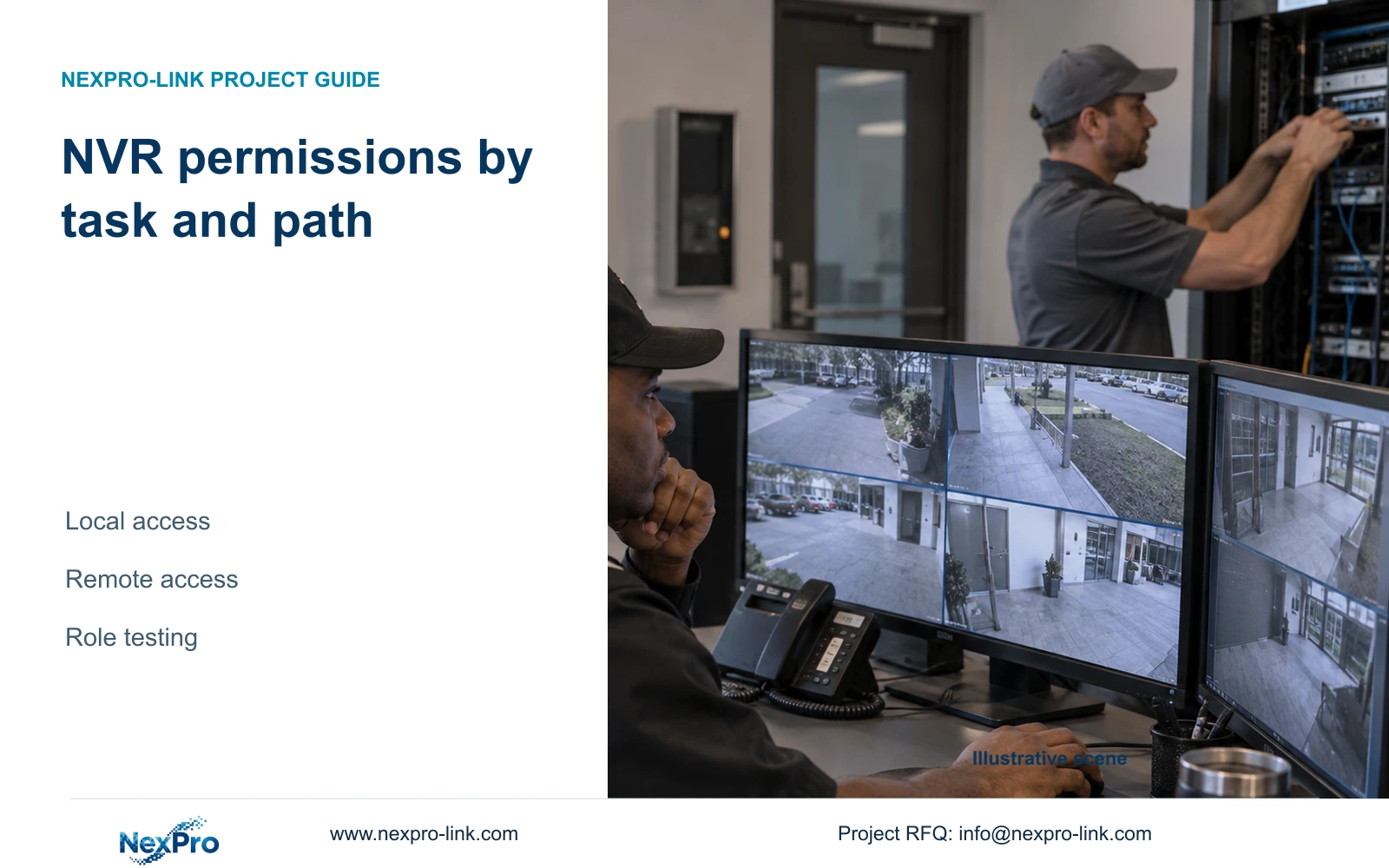
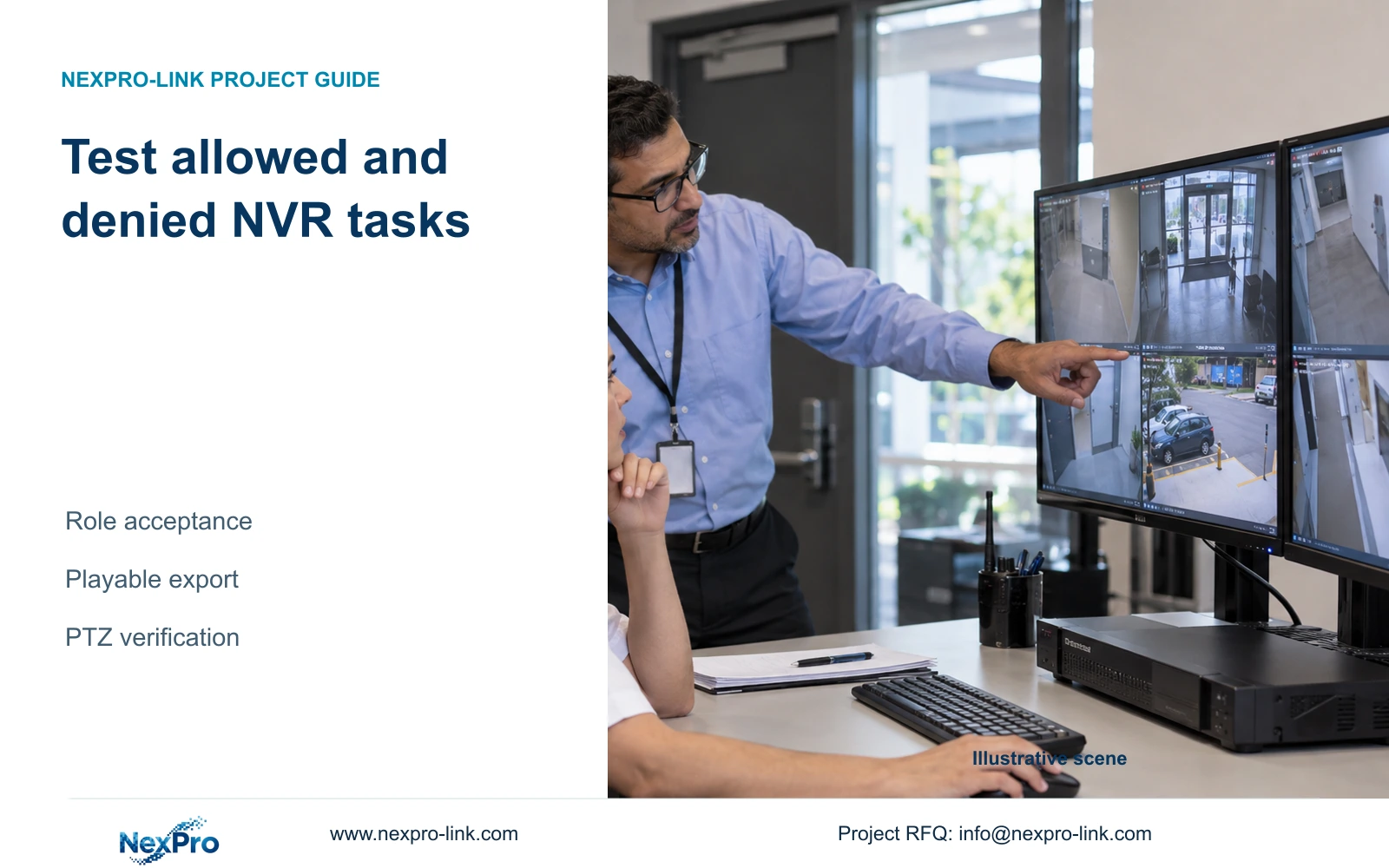
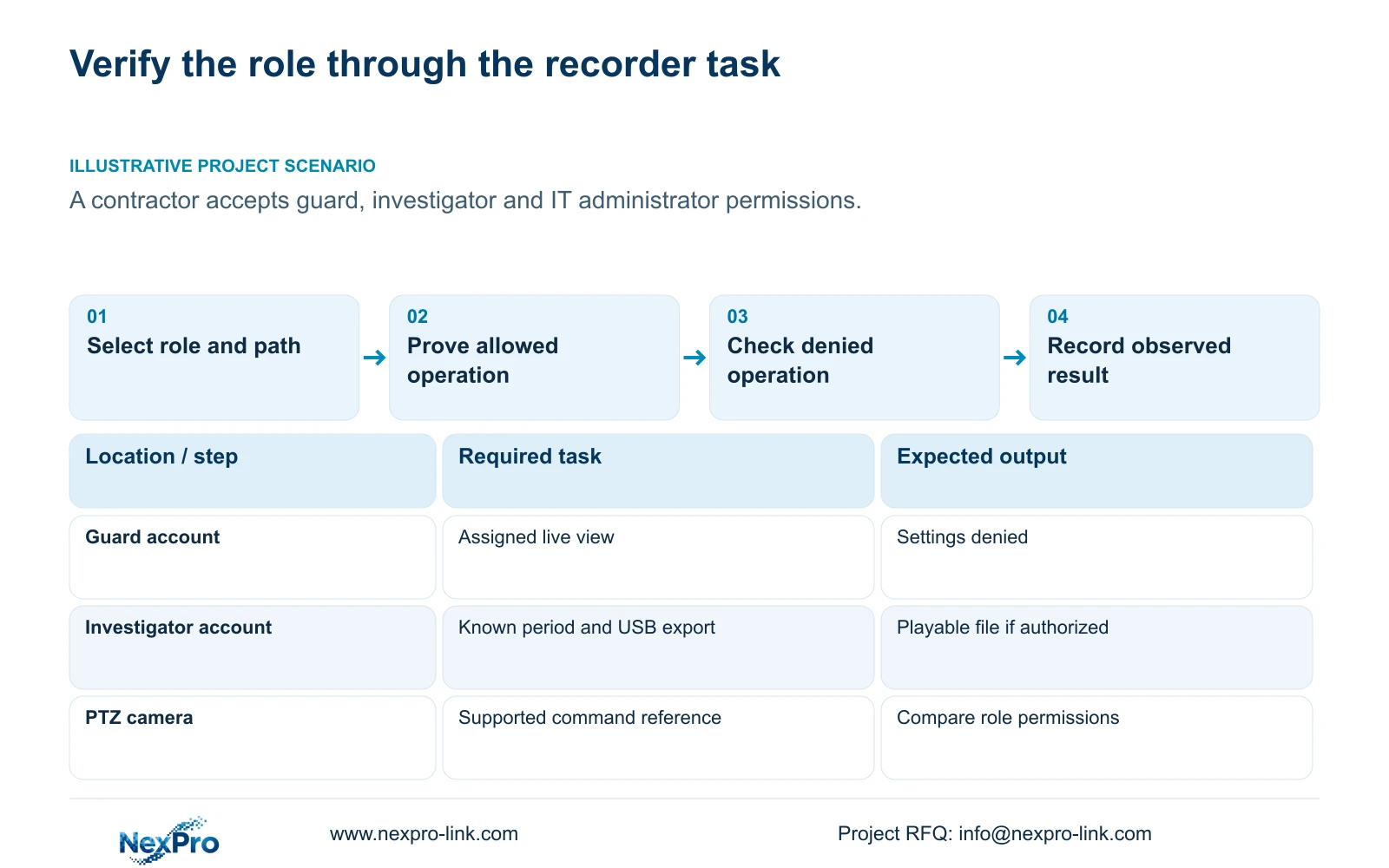
Accept NVR permissions by testing the intended users on each relevant local and remote path, including actions they must be unable to perform. Successful viewing alone cannot demonstrate playback, backup or configuration restrictions. For guards, investigators and IT administrators, agree the expected tasks before the session and use known footage and supported camera functions as test references. Check the unattended screen independently, then verify export and PTZ rights against working functions. Finish with an identifiable recording period that can be played and, by the authorized role, exported for playback elsewhere. Record unsupported functions separately so a hardware limitation is not mistaken for successful permission denial.
Section 4.12.3 separates local and network rights for preview, playback, system settings and PTZ. Local recording backup has its own permission. Create a test entry for each required action and access path, identifying the account, expected result and observation.
The following role boundaries are illustrative acceptance requirements for the owner to approve. They are not factory permission presets. If the investigator needs only playback, do not silently add export; if a guard needs PTZ, record that exception and test it explicitly.
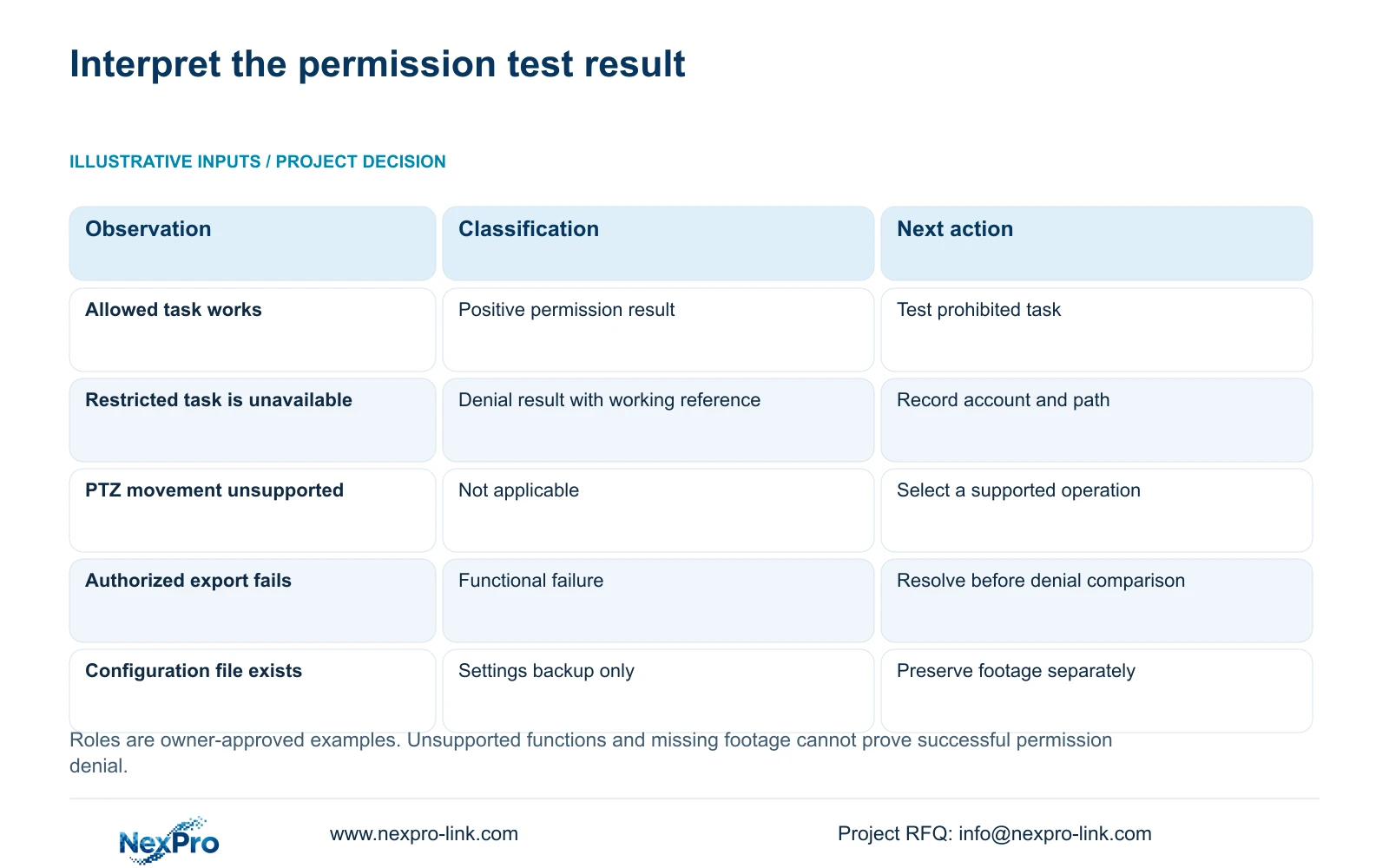
Use the account being accepted, not an administrator demonstration. Where a function fails, first establish whether it works through an authorized reference path. This separates a permission result from missing footage, unsupported camera controls or another operating fault.
| Role | Allowed test | Denied test |
|---|---|---|
| Guard | View the assigned live channels | Change recorder system settings |
| Investigator | Retrieve approved footage and export if authorized | Perform unapproved configuration changes |
| IT administrator | Perform the approved configuration task | Ordinary role must not inherit these rights |
Section 02
Include the screen before any user logs in
Agree whether pictures may remain visible without login, then observe that state at the installed desk. Repeat after automatic locking where it is part of the operating policy. Section 4.12.5 includes a separate option to prohibit preview by users who are not logged in.
Record image visibility and available controls as separate results. A blocked settings menu does not prove that sensitive pictures are hidden. Conversely, a blank preview screen does not establish that every restricted operation has been tested.
If the observed pictures conflict with the owner's requirement, review the relevant visibility setting and repeat the same observation. Keep the account tests unchanged until this result is understood, so the acceptance record can identify which control corrected the failed condition.
Section 03
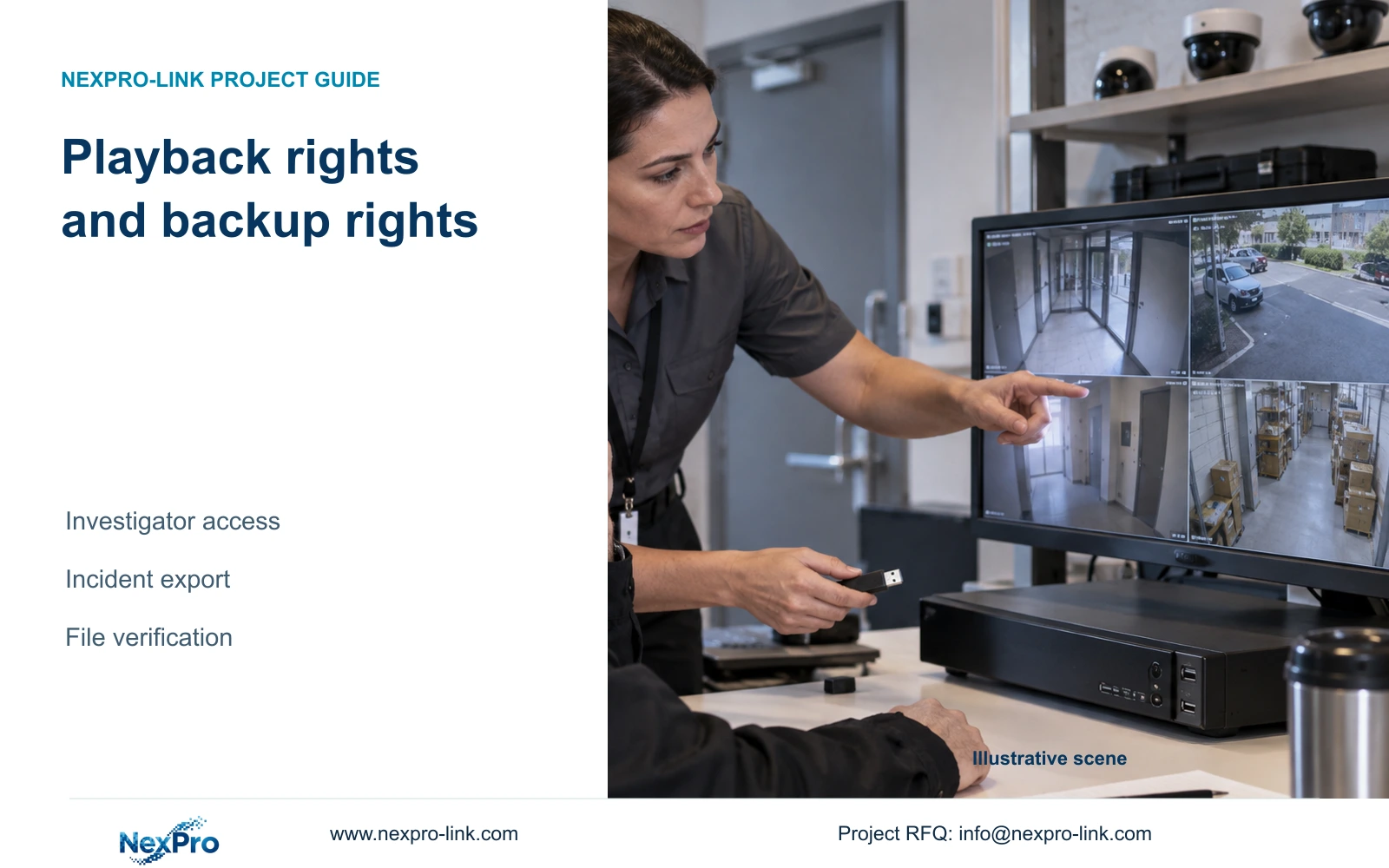
Prove export permission with a usable file
Use an identified recorder channel and a known recorded period. Under the authorized role, select file format, recording type, channels and start and end times, then update the capacity estimate. Detect the inserted USB storage and start backup as described in section 4.11.4.
The manual lists MP4 as the default and permits multiple channels. Inspect the exported files and open the required sample on another intended viewing system. Confirm channel identity and period coverage. USB detection or a completed copy indication alone does not approve the evidence-delivery task.
Repeat the permission check under the role that must not export. Use the normal interface and record whether backup remains unavailable. If the authorized reference export also fails, investigate the selection, media or operating function before recording the restricted role as passed.
Keep the test tied to recorder footage. A Seetong PC local recording file and a backup from the recorder's disks are different objects. The acceptance record should identify which storage source supplied the sample.
Section 04
Separate denied PTZ control from unsupported movement
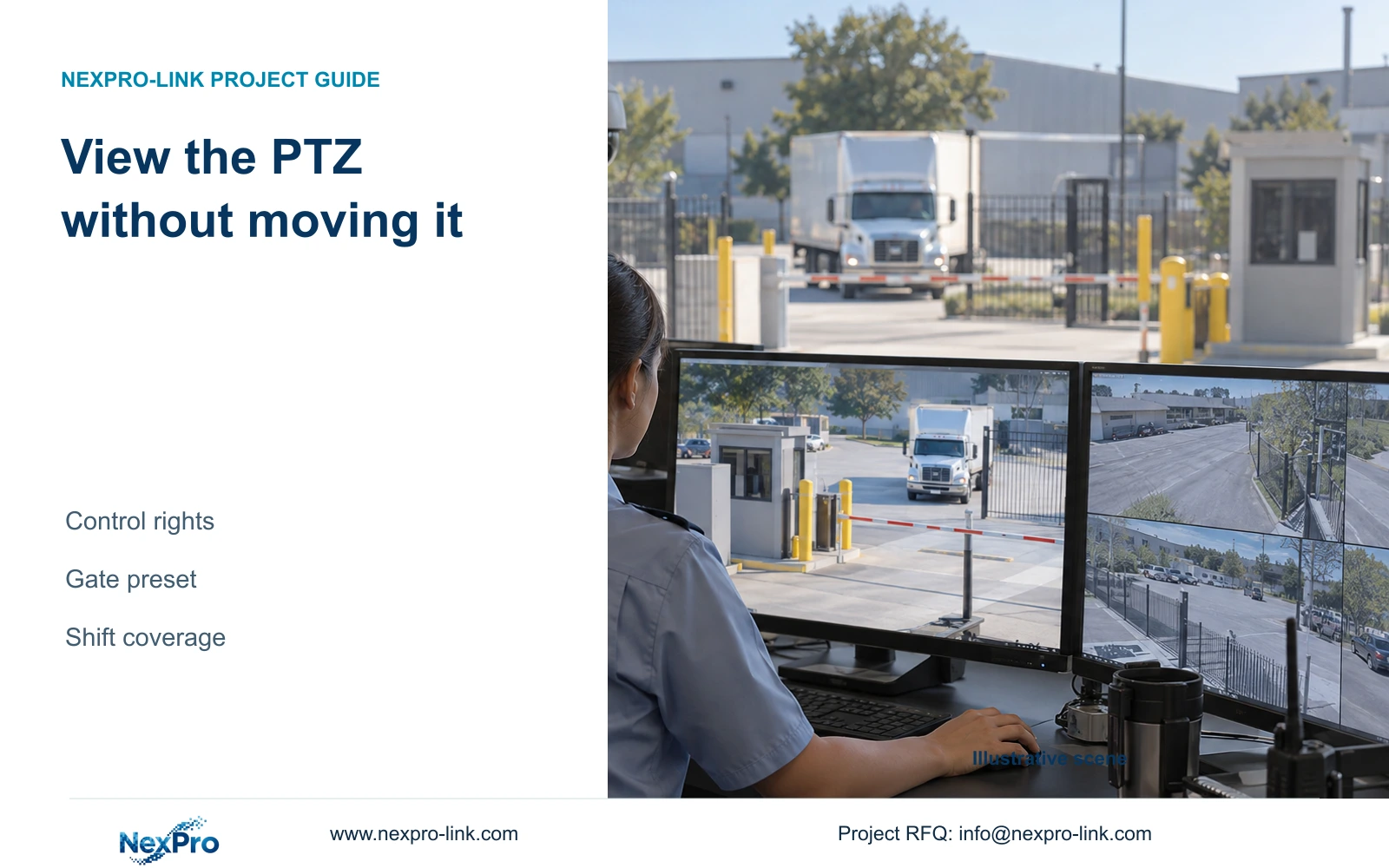
Section 4.10 requires an IPC that supports PTZ configuration. Choose a camera and protocol that support the specific operation under test. Physical pan or tilt, optical zoom, focus and electronic enlargement are different actions.
First establish the expected response through an authorized reference account. Then test the allowed role and the role that must be denied. Record the operation, channel and observed response for each. A fixed camera that cannot pan provides no useful reference for proving a pan permission restriction.
A motorized-varifocal fixed camera may provide lens controls without horizontal or vertical movement. Mark unsupported actions as not applicable, with the device reason, instead of awarding a denial pass. If a supported command fails for the authorized role, resolve that functional problem before using it in the permission comparison.
Visible PTZ buttons also do not establish universal third-party interoperability. Match the selected device and supported operation, then verify the result on that path.
Section 05
Protect configuration while testing its permissions
Use a controlled, approved configuration task for the administrative check, and verify that ordinary roles cannot perform it. Avoid destructive changes merely to demonstrate authority. If the acceptance session includes restoring, upgrading, changing IP or stopping the recorder, obtain authorization, preserve relevant data and agree the interruption first.
Sections 4.12.18 and 4.11.4 distinguish configuration export from video backup. Name configuration files, log exports and footage separately. Confirm that the configuration backup is identifiable and corresponds to the target model and version before relying on it.
A settings export is not a disk image and does not preserve incident footage. The manual also does not establish universal cross-model import. The remote-upgrade permission row contains inconsistent descriptive text, so leave its behavior for applicable device confirmation rather than accepting it from that row alone.
Section 06
Repeat the complete task under the approved roles
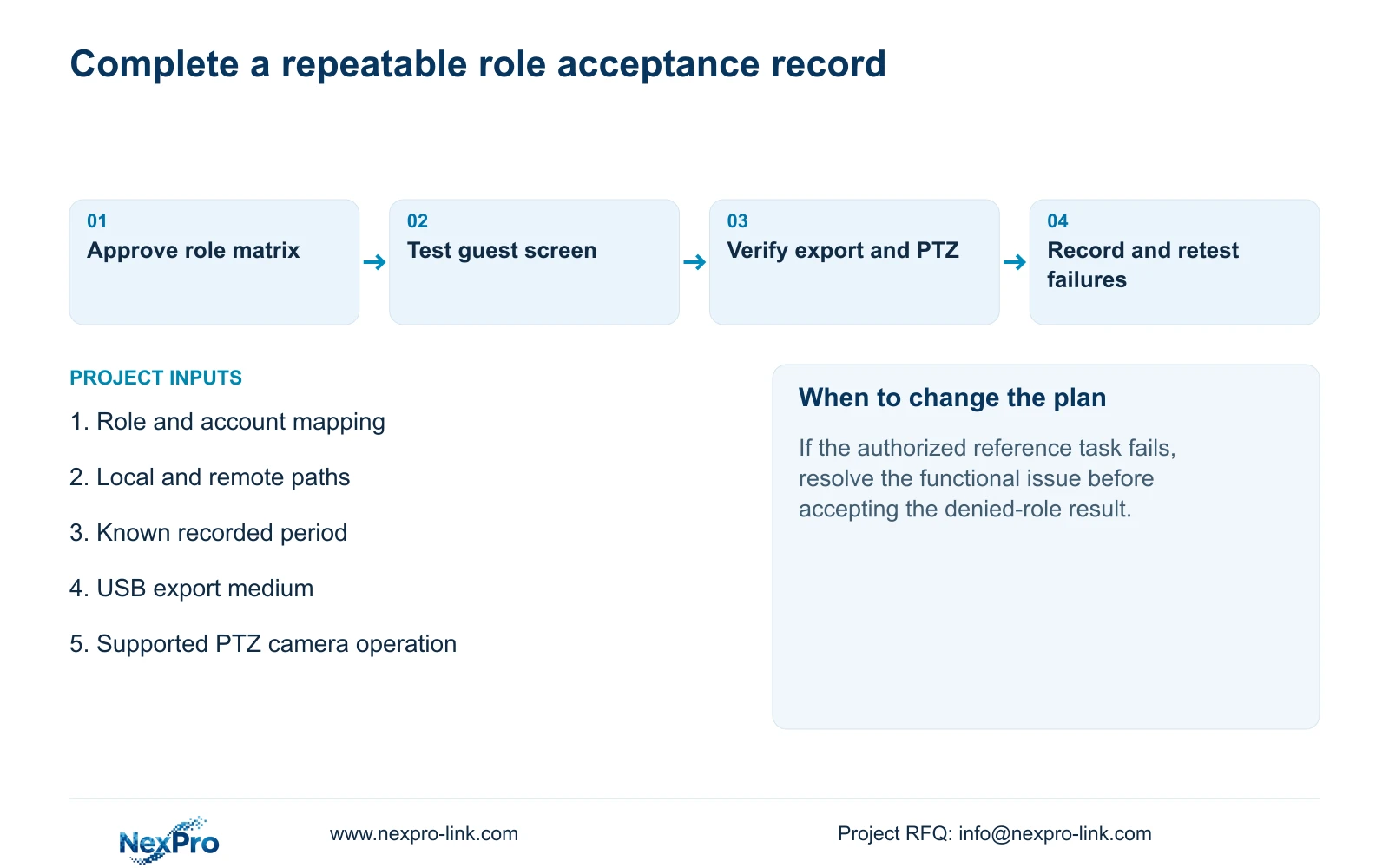
Illustrative project scenario: A contractor prepares the final acceptance session for guards, investigators and IT administrators. The owner approves the role boundaries before the demonstration. Each user then performs the required tasks and encounters the intended restrictions on the relevant access path.
Follow one identifiable channel through live view and a known recording period. Inspect recording status, the selected disk and recording policy, then retrieve that period. Have the authorized role export the sample and verify playback elsewhere. Record expected and observed results at each step.
Retain failed tests with their next action and responsible party. After correcting a permission, repeat the affected allowed and denied checks. Do not replace the original failure with an unqualified completion statement; the record should show which operating condition was retested.
This is an engineering acceptance workflow using the private supplied NVR4.0 user manual CH_V2.4.doc, with V2.2 in its body. Sections 4.12.3, 4.12.5, 4.11.4, 4.10 and 4.12.18 support the permission and export checks; sections 4.3, 4.11 and 4.12.21 support the recording sequence. It is not a claimed built-in automated test feature.
Section 07
Can a non-working camera control count as permission denial?
No. Establish that the operation is supported and works through an authorized reference path before using its failure as a permission result.
Section 08
Does playback permission include backup?
The manual treats local recording backup separately. Test the authorized export workflow and the role that must not export.
Section 09
Provide the role acceptance requirements
Send NexPro-Link the proposed role matrix, including local and remote allowed and denied tasks, at info@nexpro-link.com.
Engineering references
These sources support the general planning principles. Always use the selected product's current datasheet and applicable project standards for final design.