After an approved firmware change, compare any supported local artwork with its earlier sample and the current operating instructions. Keep appearance review separate from recording-function acceptance.
Section 01
Specify each recorder branding surface separately
After an approved firmware change, compare any supported local artwork with its earlier sample and the current operating instructions. Keep appearance review separate from recording-function acceptance. Where customization support is unconfirmed, hold that item rather than assuming restoration is possible. A settings backup is not a footage copy or proof that branded artwork survives an update.
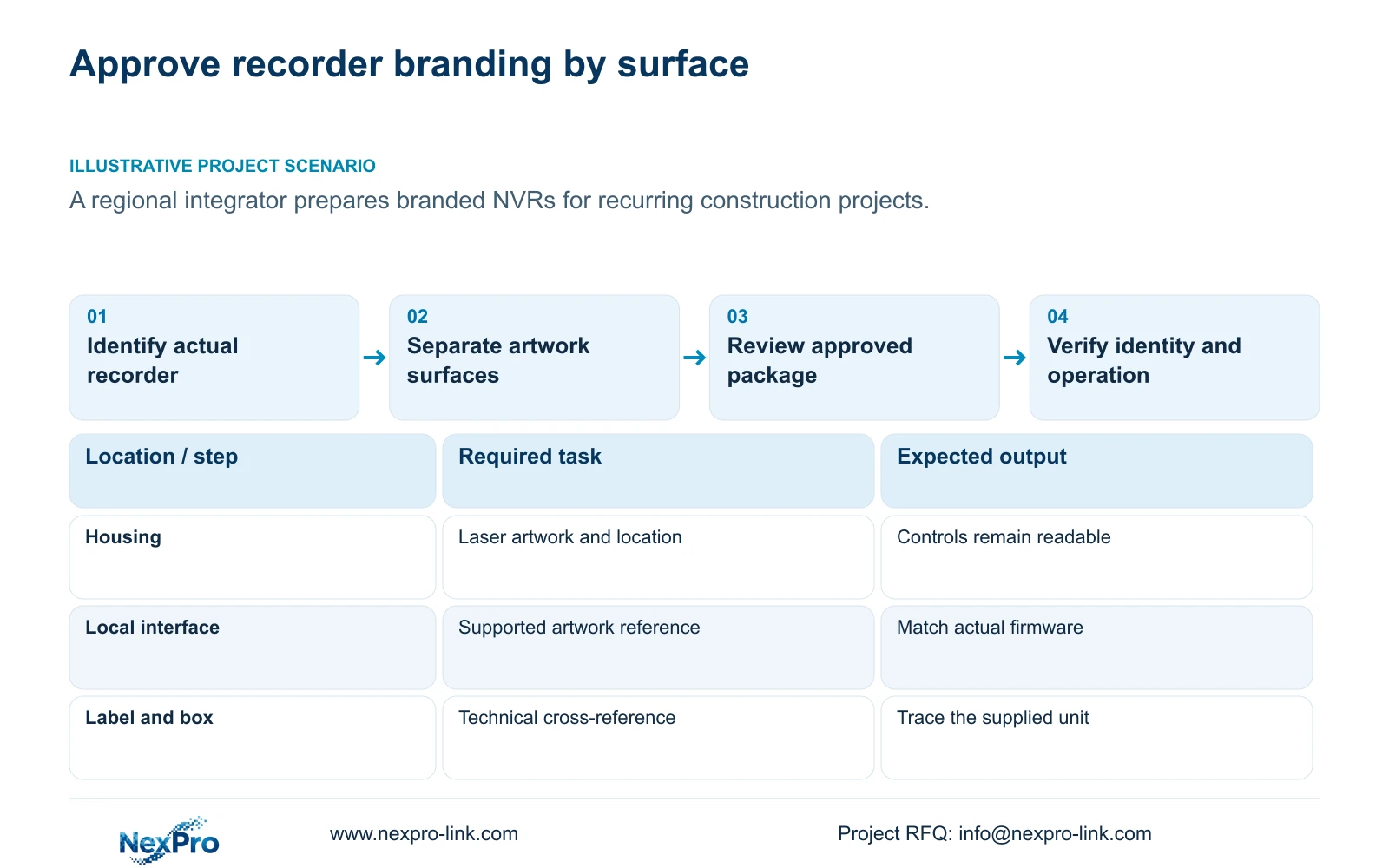
An NVR OEM request should identify the housing mark, product labels, packaging and any local interface artwork as separate deliverables. Give each an approved artwork reference and connect it to the actual recorder model and firmware. A custom boot logo does not establish additional recording capacity, and a changed local screen does not establish permission to rename Seetong or another third-party client. For repeat construction projects, preserve the technical identity alongside the buyer-facing brand so future orders and service staff can identify the correct equipment. Approve the physical presentation and supported software treatment independently before treating the package as a production reference.
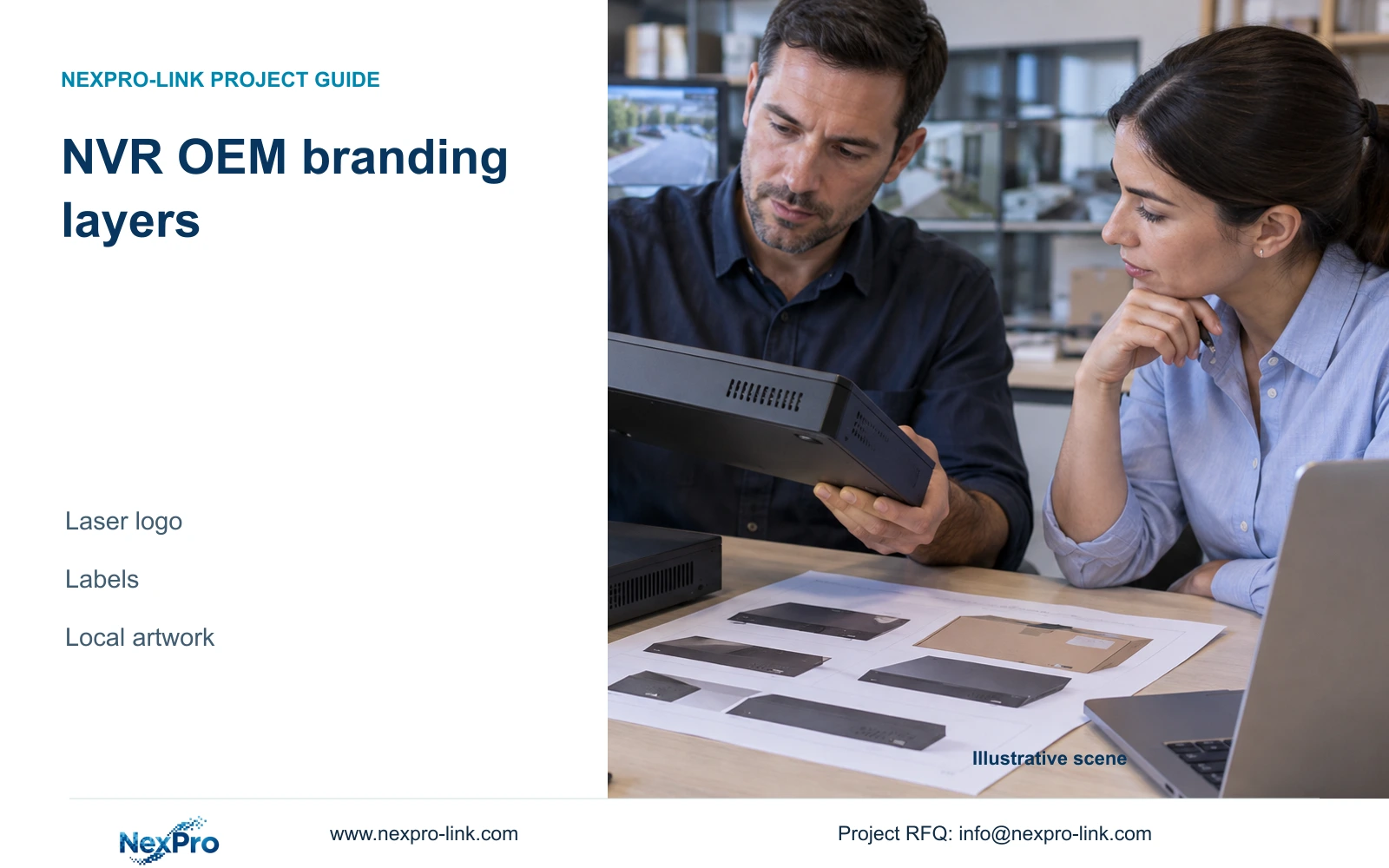
For the laser mark, use the actual housing layout to specify location and orientation. Keep controls, indicators and necessary product information readable. Record the artwork revision and ask which appearance questions require a physical sample. A digital layout can settle wording and placement intent, but it does not demonstrate the finished mark on the selected housing.
Section 02
Retain the identity needed for later service
Keep the real model, serial reference and required product markings available. If the integrator uses a customer-facing product name, maintain a clear cross-reference to the technical model. The label and private equipment register should allow a technician to identify the unit without relying on the front-panel logo.
Section 4.12.19 describes model, hardware version, software version and release information in System Information. Record these with the approved branding package. Serial information belongs in an appropriate private record; public sample screenshots should exclude cloud identifiers, QR codes and customer imagery.
This guide uses the private NVR4.0 user manual CH_V2.4.doc, whose body identifies V2.2. Section 1.2 supplies the interface-artwork overview, while sections 4.12.18 and 4.11.4 distinguish configuration and video backup. Physical laser marking and packaging are supplied business requirements, not capabilities established by the operating manual.
Section 03
Approve local artwork without assuming client rebranding
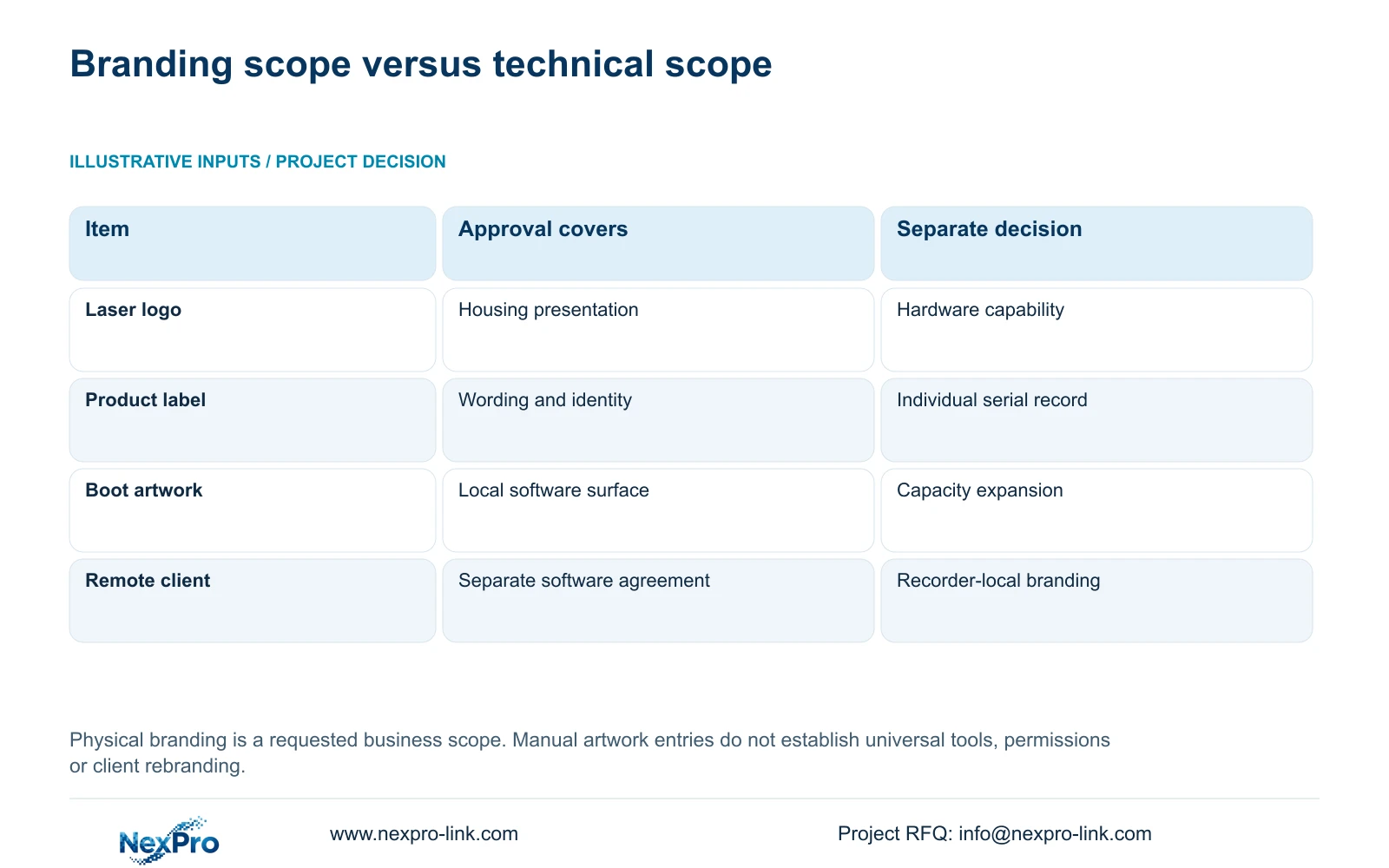
The manual overview mentions tools for boot logos, channel backgrounds and shutdown imagery. It separately mentions channel expansion. These entries do not provide a universal tool procedure, authorization route or compatibility sequence. Arrange the requested interface treatment through the supported supply process for the selected hardware and firmware.
List the exact software surface being reviewed. A recorder boot screen, local channel background and remote client application are different objects. Approval of one should leave the others unchanged unless their scope is separately established. Do not describe an agreed recorder logo as ownership of the Seetong app.
During sample review, record what appears on each requested surface. If a requested screen remains unchanged, mark that item unresolved. Confirm the applicable model and supported process before changing unrelated settings or assuming a failed artwork load explains another operating symptom.
| Requested item | What approval should establish | What remains separate |
|---|---|---|
| Housing laser logo | Artwork revision and placement on the actual housing | Recorder performance and firmware |
| Product and packaging labels | Readable wording and technical identity cross-reference | Serial history and required product markings |
| Boot or shutdown artwork | Supported local treatment on the selected model and firmware | Channel capacity and decoding resources |
| Third-party remote client branding | Separate software scope and permission, if available | Approval of recorder-local artwork |
Section 04
Record the approved software and material combination
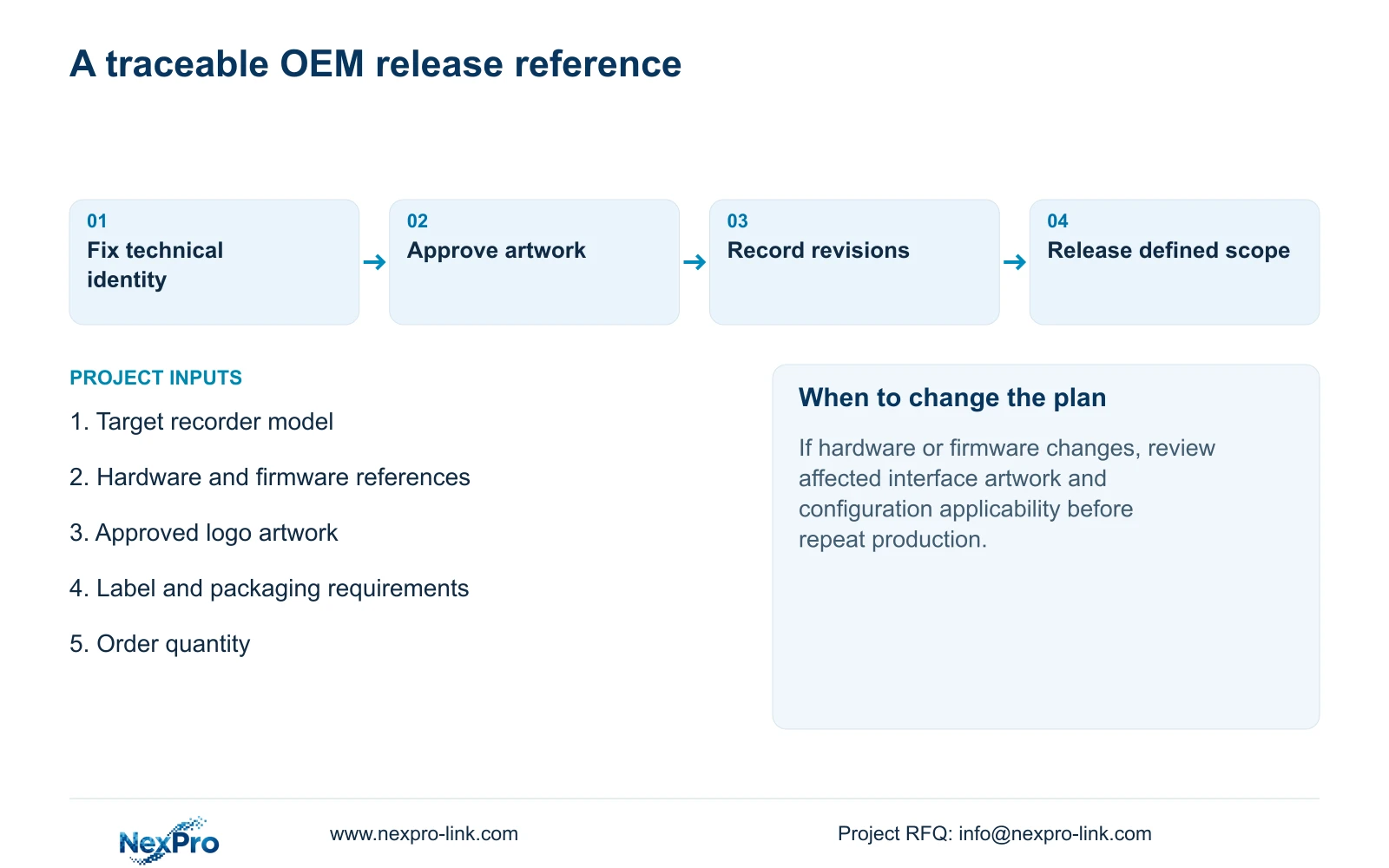
Create a release record that names the recorder model, hardware and firmware versions, housing artwork, label wording and packaging revision. Include the supported local artwork items and any unresolved exclusions. Keep each reference identifiable so a packaging edit cannot silently become a firmware change.
Section 4.12.18 describes configuration export. Store that file separately from log exports and video backups, with the matching recorder identity. A configuration file is not a disk image and does not preserve incident footage. The manual does not establish universal cross-model import, so repeat orders need an applicability check before a saved file is reused.
If the selected hardware or firmware changes, review the affected technical and visual items before approving the next batch. A familiar box design is insufficient evidence that the enclosed recorder has the previously accepted configuration.
| Situation | Required record | Decision boundary |
|---|---|---|
| Approved firmware changes | Actual device and earlier artwork sample | Recheck supported appearance |
| Recording task tested | New writes and required retrieval | Accept function independently of branding |
| Artwork restoration undocumented | Customization support evidence | Hold appearance scope; do not assume backup proves it |
Section 05
Make the branded package usable at handover
Place the customer-facing product reference and its technical cross-reference in the handover records. Keep the applicable operating instructions, configuration-backup location and support responsibilities together. The packaging should help the installation team match equipment to the approved schedule, while the service record retains the identity of the individual unit.
Brand review and operating acceptance need separate results. For the recorder workflow, an operator should identify a channel, retrieve the required time period and produce a playable export. Sections 4.11 and 4.12.3 support the relevant recording and account workflows. Transfer credentials through a controlled route instead of adding them to packaging artwork or a general equipment schedule.
If branding passes review but the recording task fails, retain the visual approval and record the operating failure separately. That keeps the next correction focused and prevents a cosmetic sample from becoming an unsupported acceptance statement.
Section 06
Prepare a bounded OEM request
The initial request needs the target model, order quantity, approved logo file and requested surfaces. Identify label and packaging requirements and the delivery destination. State whether local interface artwork is requested or whether the scope is physical branding only. Exact material and software requirements can then be confirmed against the selected package.
Keep production quantity separate from sample approval. Approval of a proposed layout should identify the accepted revision and reviewer decision; it should not leave the supplier to infer permission to manufacture an unspecified batch. Unconfirmed minimum quantities or software treatments remain open commercial items.
Section 07
Control branding across repeated construction orders
Illustrative project scenario: A regional integrator wants a customer-facing recorder brand for repeated construction projects. The integrator approves the housing logo and labels against one technical configuration, while recording local artwork as a separate supported item. Each repeat order references those approvals and identifies any hardware, firmware or packaging difference. The intended result is a traceable branded package, not a claim that the remote client has been renamed or recorder capacity increased.
Section 08
Can a boot logo increase the recorder's channel capacity?
No. The manual lists artwork tools and channel expansion separately. Logo approval proves no additional bandwidth, disk capacity or decoding resources.
Section 09
Can the approved settings file replace a video backup?
No. Configuration export and video backup are separate workflows. Preserve any required footage separately and confirm the model and version before reusing settings.
Section 10
Define the requested branding surfaces
Send the target recorder model, quantity and approved artwork with its requested placement and packaging scope to info@nexpro-link.com.
Engineering references
These sources support the general planning principles. Always use the selected product's current datasheet and applicable project standards for final design.