Build a stable recorder baseline before adding cameras. Follow location, power, disk and display checks, then prove recording, playback and export.
Section 01
Establish a stable recorder before adding cameras
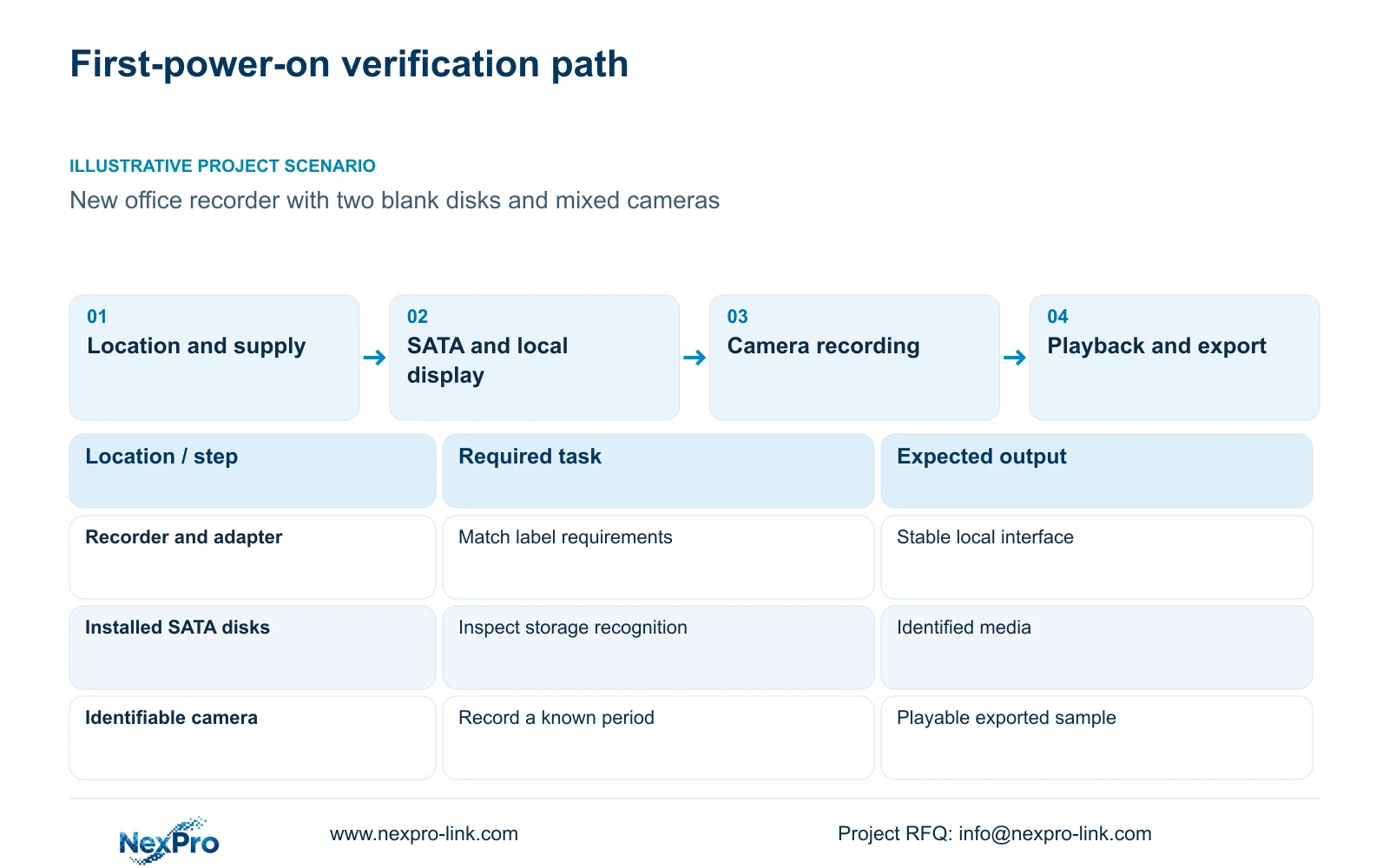
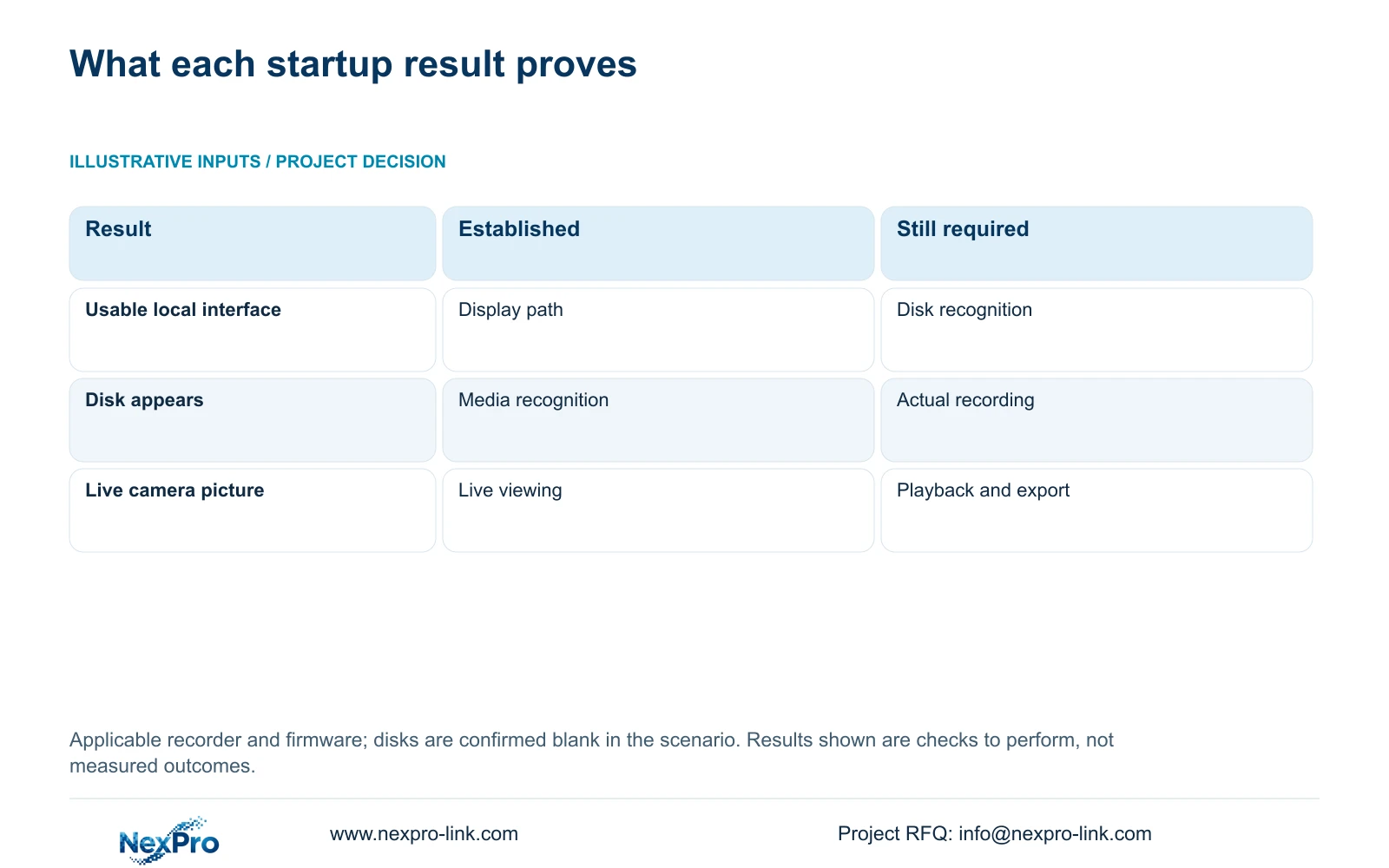
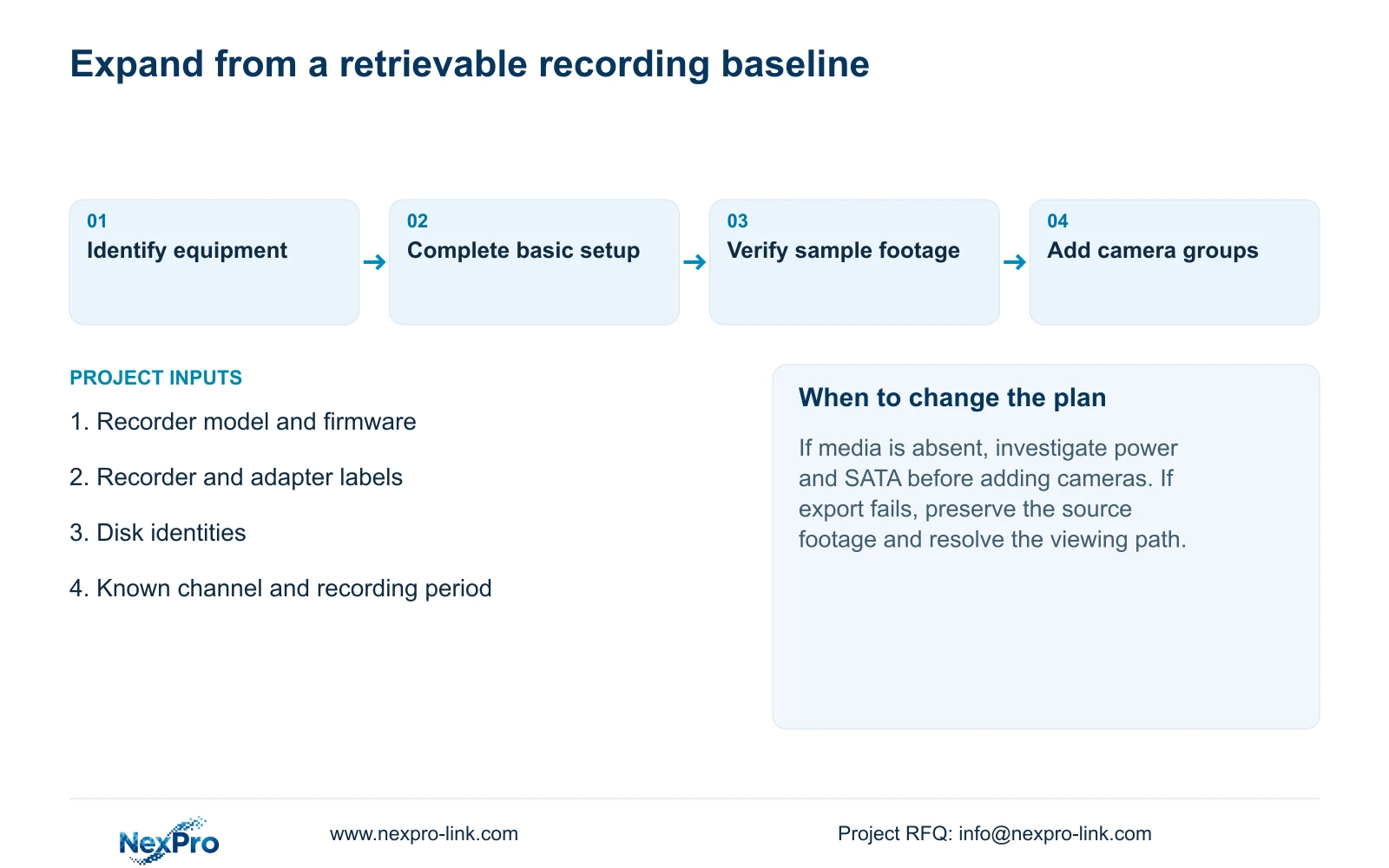
Start with the intended recorder, its specified power supply, installed disks and a known display path. Confirm that the local interface is usable and the media is recognized before adding the camera group. Then complete the basic settings and follow one identifiable channel through recording, playback and export. This sequence preserves useful fault boundaries: a display problem remains separate from camera enrollment, and disk recognition remains separate from recording policy. A successful boot alone does not establish usable footage. Expand the configuration only after the baseline task passes, recording what changed whenever another load or camera group is introduced.
The operating source is the private supplied NVR4.0 user manual CH_V2.4.doc, whose body identifies V2.2. Sections 3.1, 3.2, 3.3 and 4.2 cover preparation and startup; sections 4.3, 4.11 and 4.12.21 support the recording checks. Apply them to the identified device and firmware. The verification sequence below is an engineering workflow, not a built-in acceptance certificate.
Section 02
Choose a position that can be serviced
Before unpacked equipment becomes permanently wired, confirm the installation position. Section 3.1 calls for ventilation and avoidance of moisture, high temperature and strong magnetic environments, together with appropriate supply and grounding. Check these conditions at the recorder's actual location, including inside the proposed cabinet.
Consider the next disk or connector service operation. The installer should be able to reach the connections and remove the recorder through the approved maintenance process. The manual does not supply universal rack clearances, cabinet depth or hazardous-area certification. If the site has special environmental requirements, resolve those against the actual equipment specification before proceeding.
Section 03
Match the supply to the recorder and intended load
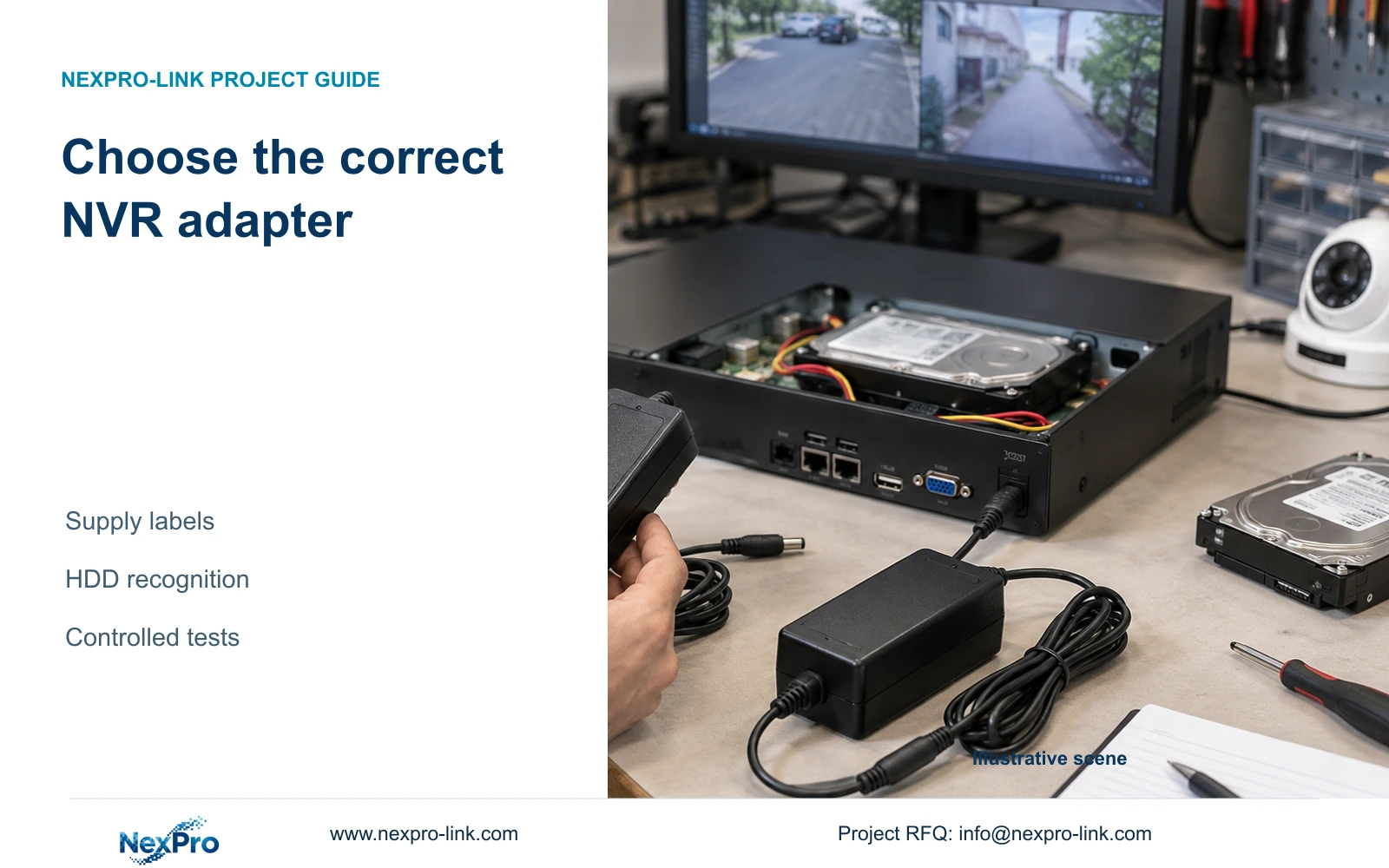
Read the recorder and adapter labels together. A plug that fits does not establish the correct voltage, current capability, polarity or adapter identity. The manual recommends the supplied adapter and requires operation within the equipment's power range. Do not substitute an assumed voltage or wattage.
Keep the intended disk configuration visible in this check. If startup becomes unstable after disks or peripherals are connected, record which load was present and when the symptom appeared. Return to the specified supply conditions before changing unrelated settings. A boot with fewer connected loads does not prove that the intended installation has adequate power.
Section 04
Install and identify the disks with power removed
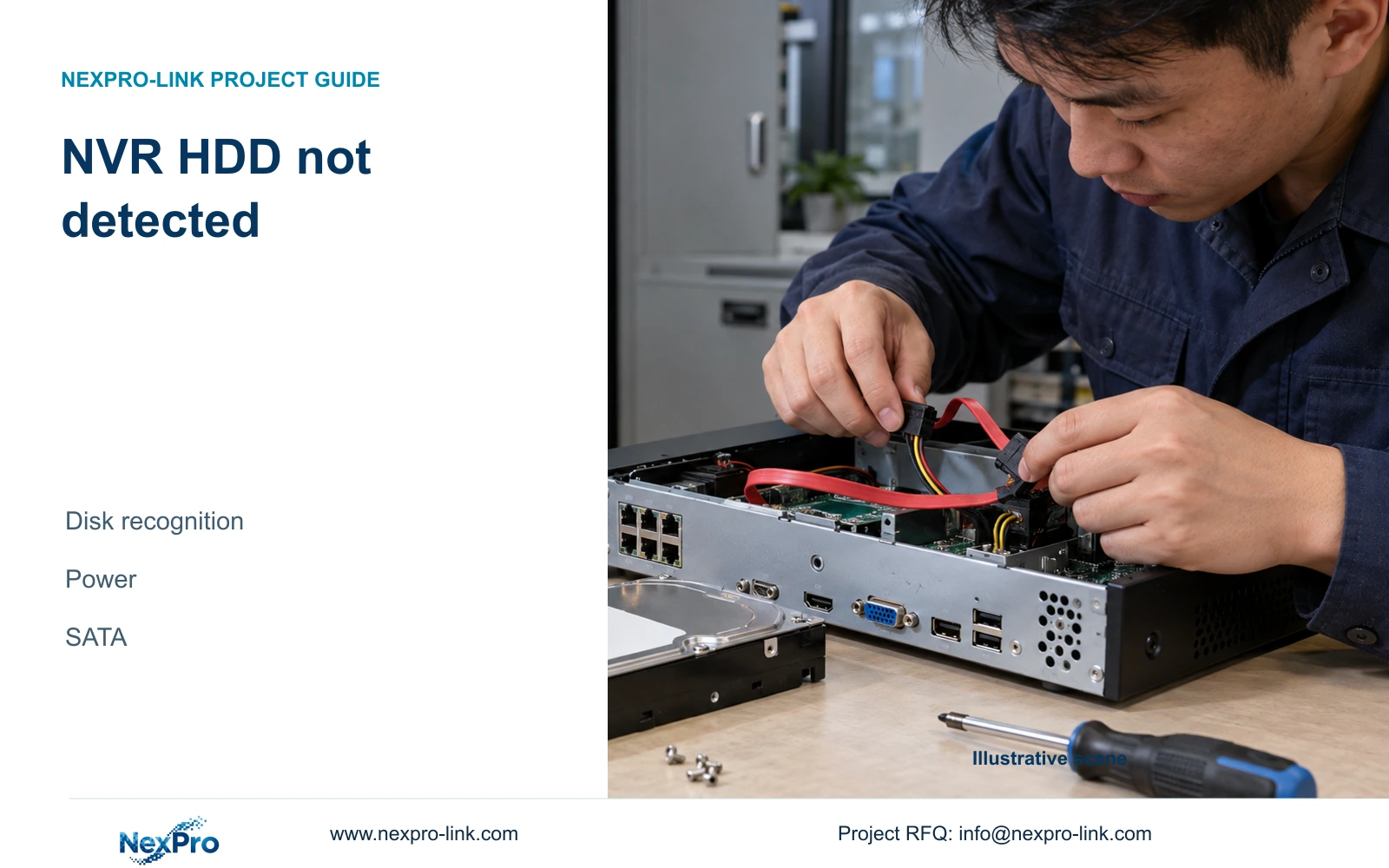
Section 3.2 begins with disconnected power. Open the case, secure the disk, connect its SATA data and power cables, then replace the cover. Identify each disk before installation and establish whether it contains material that must be preserved. The documented internal connections have no established hot-swap support.
Physical installation does not authorize formatting. After startup, inspect recognition separately from any initialization decision. If a disk is absent from the storage view, investigate its disk, supply and connection path first. If it is recognized and needs preparation, confirm the target and authorization before changing its storage contents.
Section 05
Observe the local interface with a minimal peripheral setup
Connect the intended monitor and establish a usable local display before adding the full camera group. For no-display symptoms, the manual starts with supply and monitor resolution, then considers a minimal arrangement without external devices. Record the original wiring so any isolation step can be reversed accurately.
Mouse illumination and Ethernet activity are clues, not complete health tests. Keep the USB mouse's control role separate from a USB device used for backup. Change one peripheral connection at a time. If a running recorder must be stopped, obtain authority, protect required data and arrange the interruption; never disconnect media during backup or interrupt an upgrade.
| Observation | Meaning | Next action |
|---|---|---|
| No usable local picture | Display baseline is unresolved | Check supply and monitor resolution before camera setup |
| Local interface works; disk is absent | Boot and disk recognition have different results | Check the specified supply and powered-down SATA path |
| Disk recognized; camera shows live video | Recording remains unproven | Create a known recording period and retrieve it |
Section 06
Use the wizard to establish the operating settings
Section 4.2 covers language, administrator password, time, network, cloud access, disk and IPC information. Review each relevant setting against the office's intended operation. Keep account information private and record the configuration identity without including credentials in ordinary installation notes.
Check time before making the recording sample so its start and end can be found reliably. Review disk and camera information before assuming the wizard has completed every task. Any formatting offered within the wizard remains an authorized data change: identify the selected media and preserve required recordings first. Completion of the wizard does not prove permissions, playback or export.
Section 07
Retrieve one channel before expanding the installation
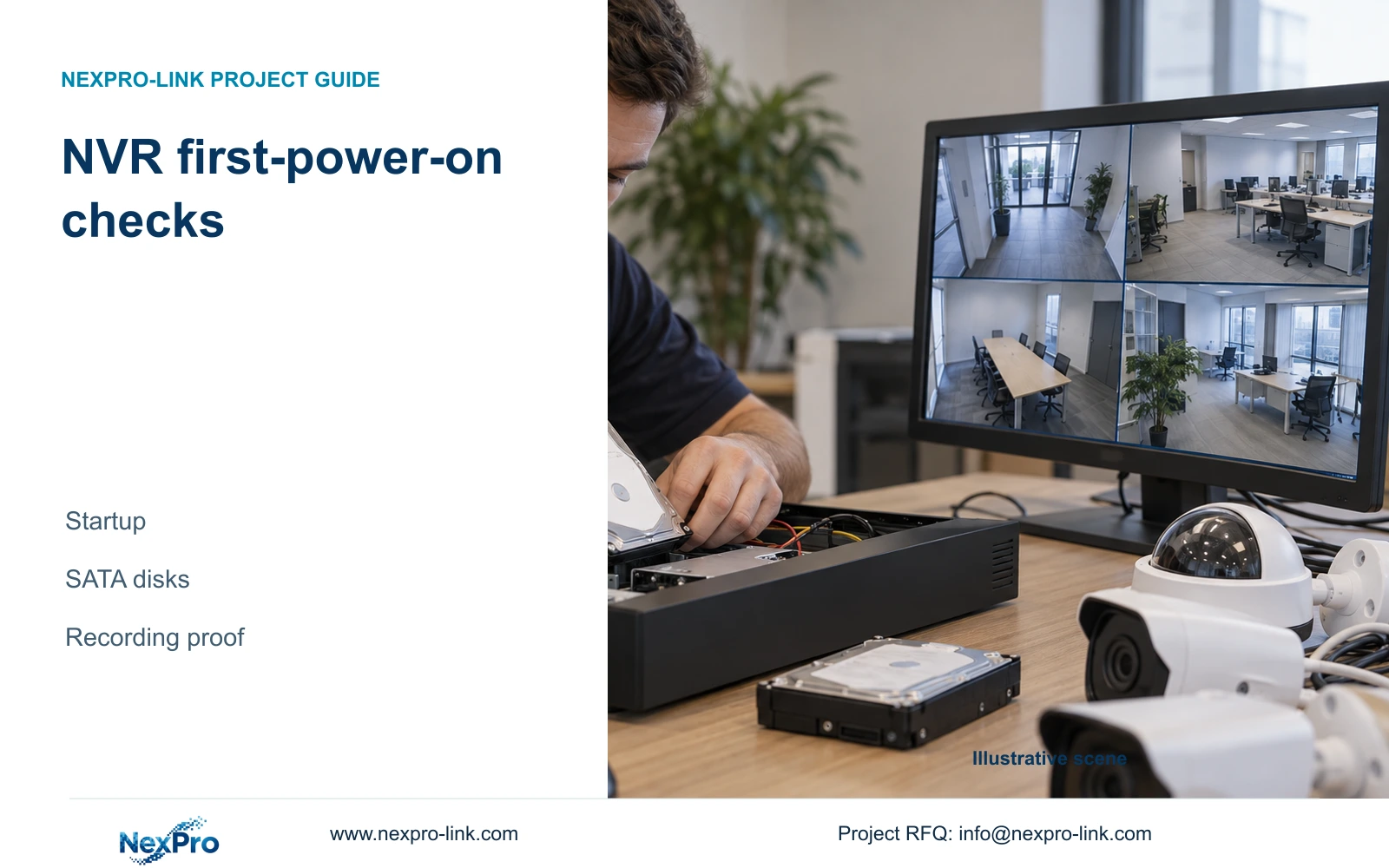
Choose an identifiable camera and confirm its channel assignment. Observe live video, inspect the recording policy and selected storage, and record a clearly bounded period. Locate that period in playback, then export it and open the resulting file on the intended receiving system.
Record the expected and actual outcome at each step. If live video works but playback does not, investigate the recording stage before adding more cameras. If playback works but the export cannot be used, retain the source footage while resolving the delivery path. Once the baseline passes, add cameras in groups and repeat the relevant checks against the expanded configuration.
Section 08
Apply the sequence to a new office
Illustrative project scenario: A site team receives a recorder, two blank disks and a mixed group of cameras for a new office. The team first confirms location and adapter identity, documents the disk installation and establishes the monitor interface. It then uses an identifiable camera for the recording-and-export task. Different camera models remain separate additions until their required functions have been checked with the actual recorder. This is a proposed commissioning sequence, not a delivered project result.
Section 09
Does a successful startup approve the whole installation?
No. Startup establishes only part of the system. Approval needs the agreed recording, retrieval and operator tasks, including a usable export from the installed configuration.
Section 10
Resolve the first failed startup stage
Send NexPro-Link the recorder model and firmware, the adapter label details and the first failed stage at info@nexpro-link.com.
Engineering references
These sources support the general planning principles. Always use the selected product's current datasheet and applicable project standards for final design.