

Plan CCTV installation sequence with practical guidance on coordinate routes and site readiness and mount and align the cameras. NexPro-Link project guide.
Section 01
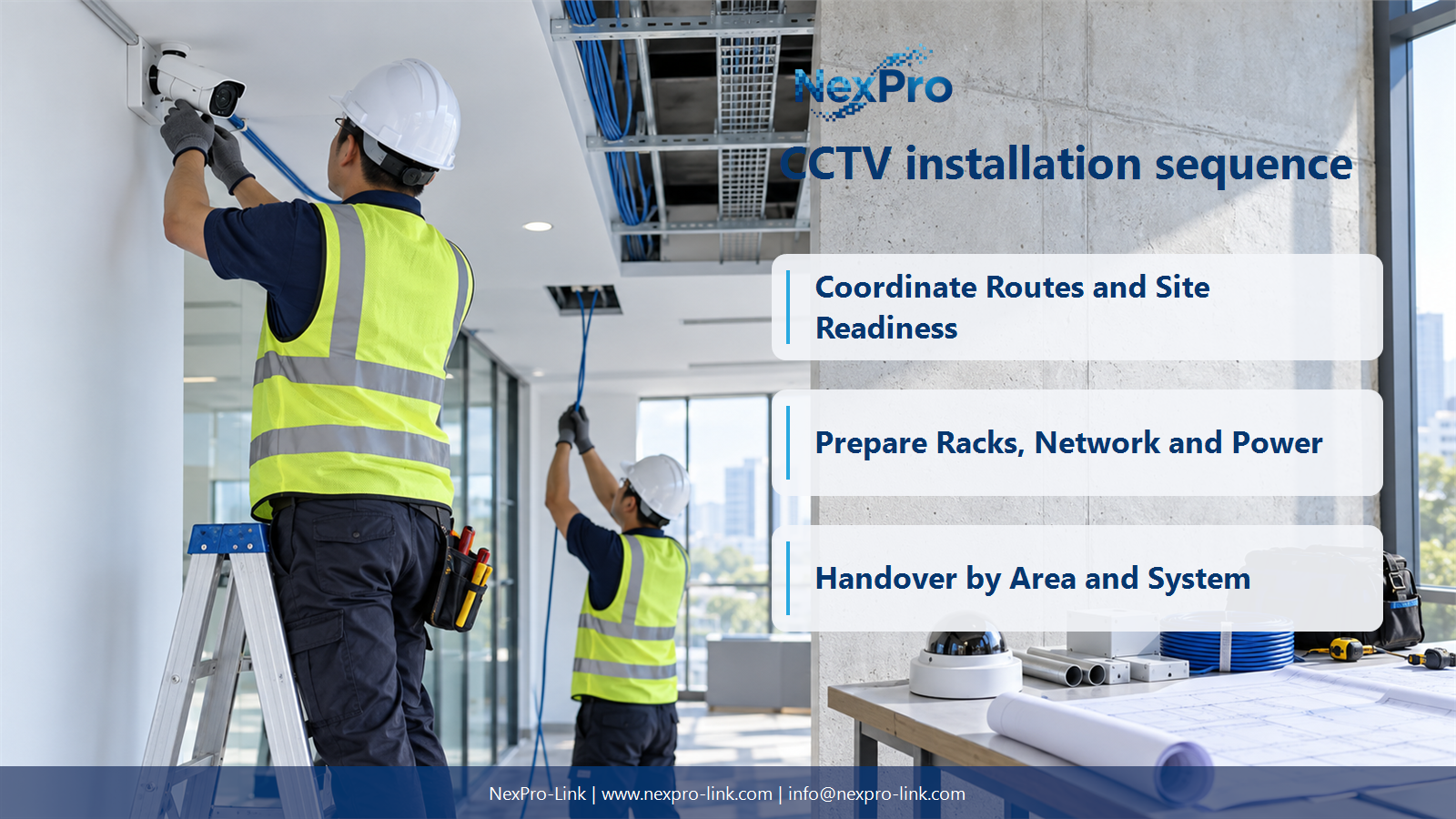
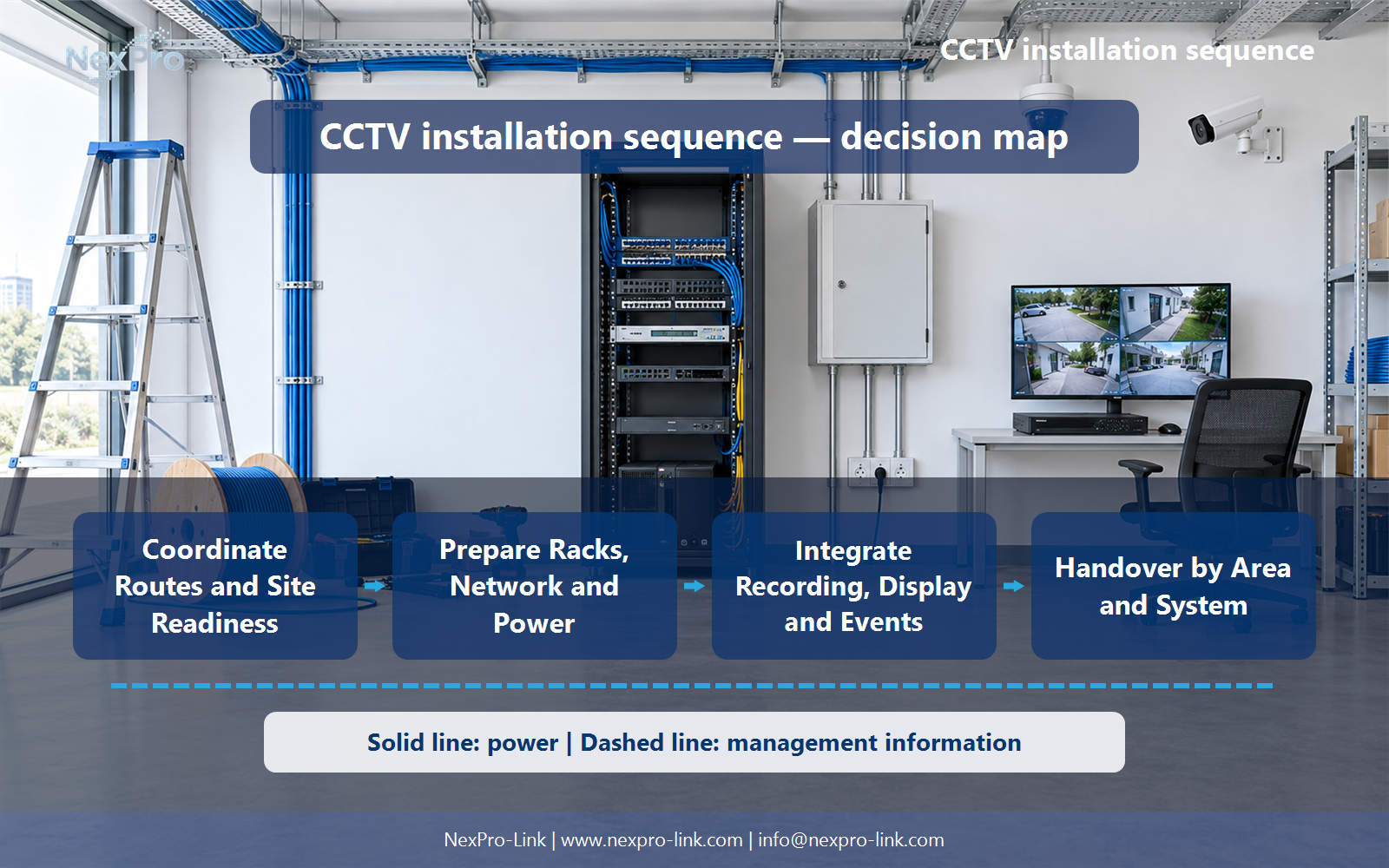
Coordinate Routes and Site Readiness
Confirm approved locations, pathways, access and interfaces with building and electrical work. The exact sequence depends on site conditions. Avoid mounting finished cameras where ongoing work may damage them or pulling cables before the route and support arrangement are ready.
Turn the answer into a working record using Area, Route readiness, Trade interface, Access, Next task.
| Decision area | Buyer question | Required output |
|---|---|---|
| Coordinate Routes and Site Readiness | What should happen before CCTV equipment installation? | Confirm approved locations, pathways, access and interfaces with building and electrical work. |
| Install and Identify the Cabling | When should cables be labelled and tested? | Identify links during installation and perform the appropriate checks before concealment and final handover. |
| Prepare Racks, Network and Power | What should be ready before connecting cameras? | Provide the intended network ports, supported PoE or local supplies, recording configuration and suitable rack conditions. |
Section 02
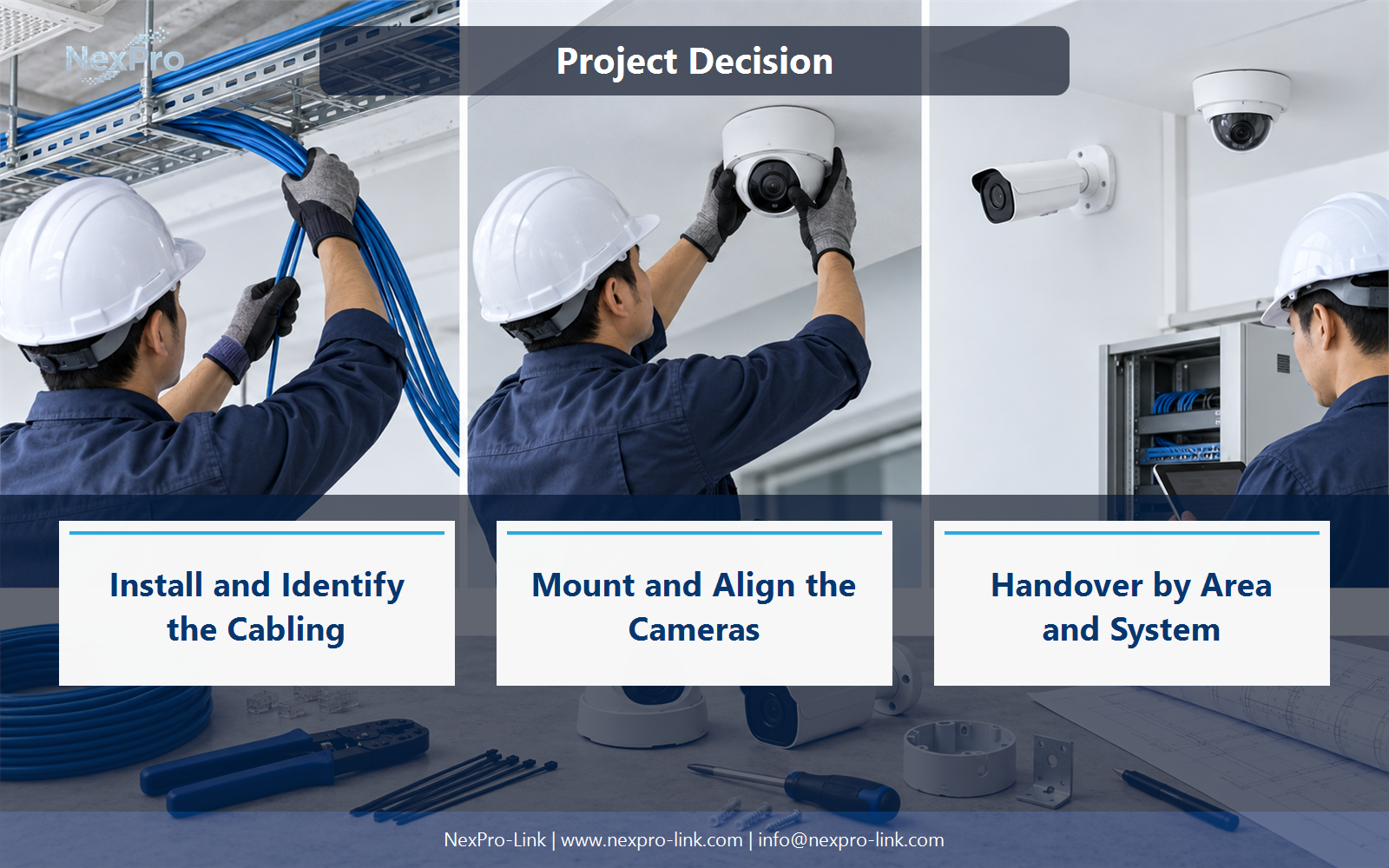
Install and Identify the Cabling
Identify links during installation and perform the appropriate checks before concealment and final handover. Keep camera, patch and switch identifiers aligned. Testing and labelling should not be postponed until every ceiling is closed and the physical routes are difficult to inspect.
Use Cable, Route, Identifier, Test stage, Concealment to compare options on the same basis. Keep product capability, project assumption and operating responsibility in separate columns.
Section 03
Prepare Racks, Network and Power
Provide the intended network ports, supported PoE or local supplies, recording configuration and suitable rack conditions. Electrical work must be completed through the responsible process. A camera connection should not become an improvised test of unknown wiring or an unfinished power installation.
The project output should make Rack, Network, Power, Recorder, Readiness traceable from input to acceptance.
- Confirm the answer to: What should be ready before connecting cameras?
- Record the project fields: Rack / Network / Power / Recorder / Readiness.
- Keep product capability, project assumptions and site responsibility in separate records.
Section 04
Mount and Align the Cameras
No. Set framing, focus and relevant image settings for the required task after mounting, and check representative lighting conditions. Coordinate access and safe work with the site team. A physically attached camera can still point at an obstruction or fail to show the intended detail.
Record Position, Mount, Framing, Focus, Lighting before selecting a product family. That makes later substitutions possible without silently changing the operational requirement.
Section 05
Integrate Recording, Display and Events
Verify recording, playback, export and required events or integrations, then check the intended operator layout. Live view proves only part of the chain. Include time settings, access roles and the supported backup-power behavior before calling the system operational.
Review Function, Input, Expected behavior, Operator, Result with the party that will operate or maintain the system.
Section 06
Handover by Area and System
Track completed areas and outstanding dependencies with clear responsibility. Keep the actual installed device and cable records current. NexPro-Link's support points should describe agreed product or configuration assistance, while on-site installation and safety responsibilities remain explicitly allocated.
Use Area, Completed work, Open item, Owner, Handover as the handoff between design and procurement.
Engineering references
These sources support the general planning principles. Always use the selected product's current datasheet and applicable project standards for final design.


