

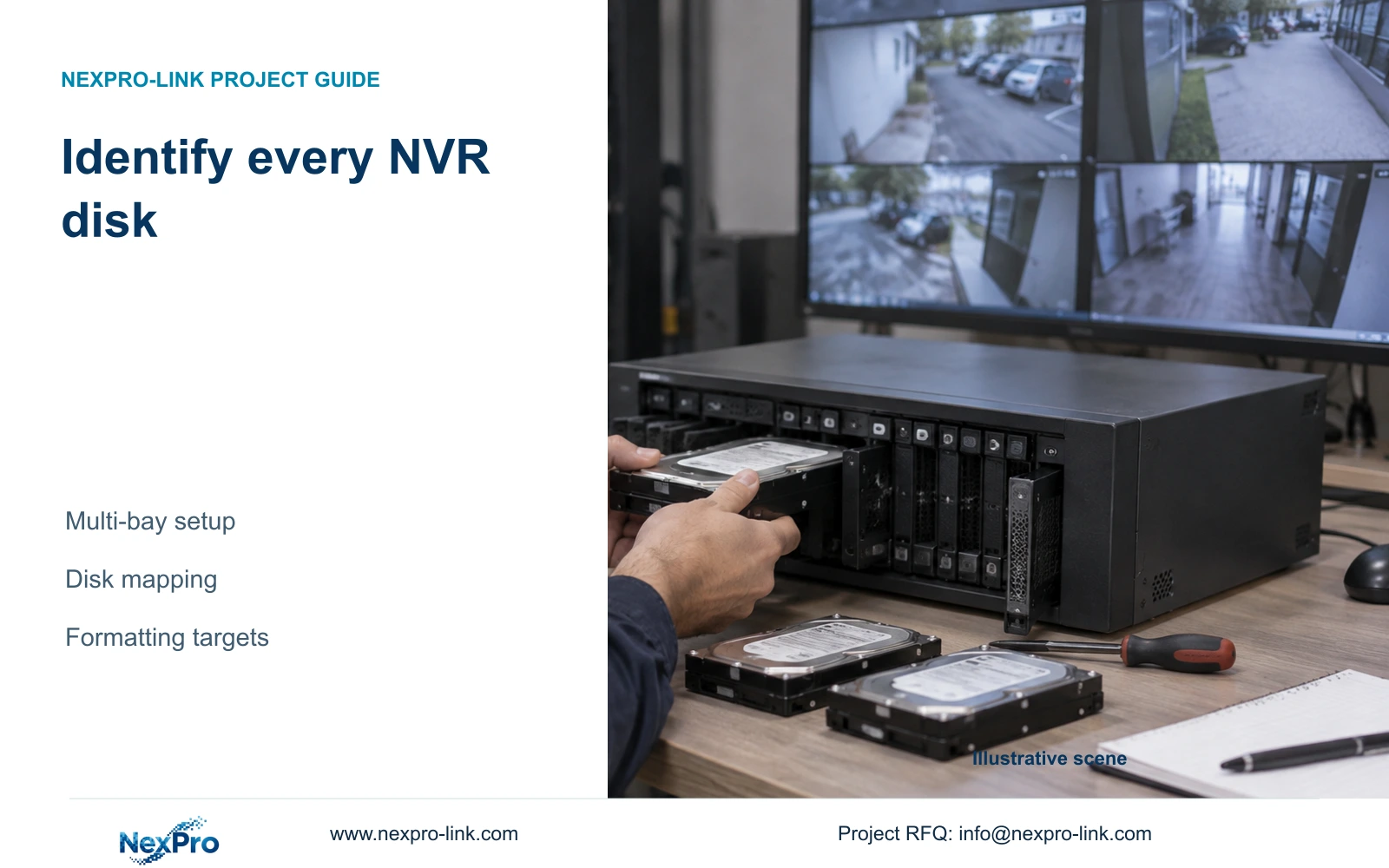
Combined capacity does not prove that every installed disk is recognized or correctly selected. Build a disk map before initialization and verify the recording outcome.
Section 01
Resolve disk identity before selecting storage changes
Before initializing a multi-bay NVR, connect each physical disk to its visible storage entry using the actual installation record and supported identification method. Confirm which media contains required footage and which targets are authorized for preparation. A combined capacity figure cannot prove that every intended disk is present, usable or correctly selected. Once the identities are reliable, review full-disk behavior and the usable-capacity assumptions, then verify a known recording through playback and export. If the physical-to-screen mapping remains uncertain, stop before formatting. Several similar disk entries increase the consequences of an incorrect selection, even when the displayed total appears sufficient.
This guide follows the private supplied NVR4.0 user manual CH_V2.4.doc, whose body identifies V2.2. Sections 3.2 and 4.12.21 cover installation and disk management; section 5.1 supports retention inputs, and sections 4.3 and 4.11 support recording and retrieval checks. Disk mapping and task acceptance are engineering controls, not undocumented recorder features.
Section 02
Build the physical installation record before closing the case
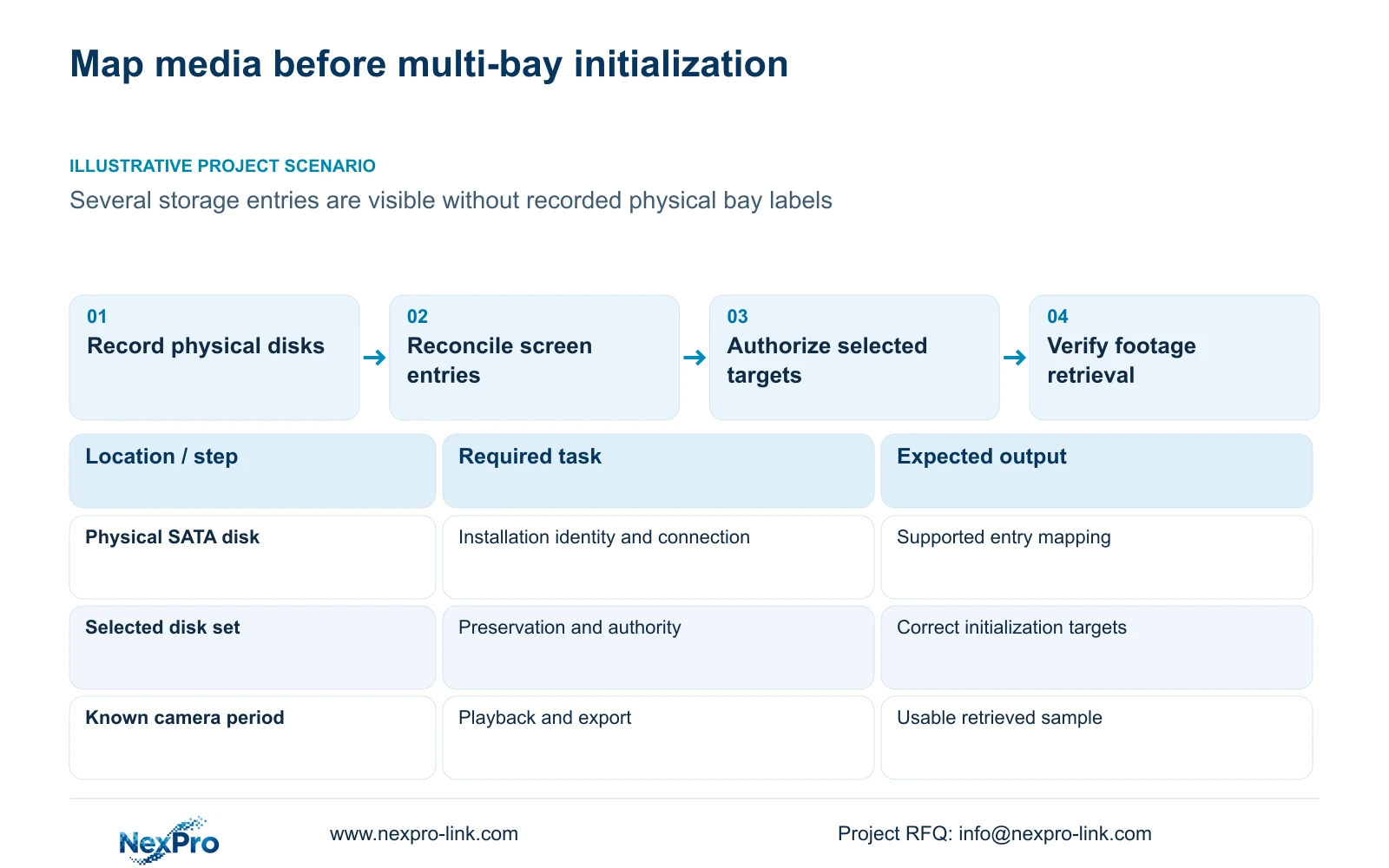
During installation, record each disk's actual identity, physical position and connection arrangement. Keep physical bay labels separate from screen numbering until their correspondence has been established. A convenient assumption that both use the same order is insufficient for an operation that changes stored data.
Section 3.2 starts with power disconnected, followed by opening the case, securing the disk, connecting SATA data and power, and replacing the cover. If a running system must be opened to resolve missing records, first obtain authority, protect required accessible footage and arrange the recording interruption. Use software shutdown before removing power. Do not unplug disks while running to discover their screen identities.
The manual does not establish hot-swap support. Nor does several installed disks establish redundancy or a particular array layout. Record the actual arrangement without describing it as mirrored or protected unless the selected equipment's documentation supports that claim.
Section 03
Reconcile the intended disks with the storage information
Inspect the disk information described in section 4.12.21 and compare it with the installation record. Establish which intended media appears and which entries remain unresolved. Use the identifiers the actual device provides; do not assume the interface exposes a serial number or physical-bay mapping that the source has not documented.
If an expected disk is absent, investigate recognition separately from initialization. A larger total supplied by the remaining media does not resolve the missing entry. If disks are visible but cannot be distinguished reliably, obtain the model's supported identification procedure before making a destructive selection.
The External Storage Devices heading describes disk management actions. It does not establish NAS, NFS, iSCSI or RAID support. Keep those architecture questions outside this identification task unless they are explicit requirements for the actual recorder.
Section 04
Check the complete formatting selection against its authority
Treat formatting as an authorized storage change. For every selected target, confirm the physical identity, visible entry and data-preservation requirement. Export needed recordings first where possible. Review the complete selected set before confirmation, particularly when some disks are new and others remain in service.
Authorization should describe the intended targets, not simply say that the recorder may be configured. If a retained disk appears in the selected set, remove it from that operation and resolve why it was included. If the mapping or preservation status is unknown, pause. Formatting cannot safely be used to discover which disk held the old recordings.
| Condition | Decision | Next action |
|---|---|---|
| Visible entry has no reliable physical mapping | Target identity is unresolved | Obtain the supported identification method before formatting |
| Disk contains required recordings | Preservation controls the next step | Verify required exports and define any permitted change |
| Identified new disk is authorized for preparation | Target is eligible for the supported operation | Confirm the selected set and record the result |
| Intended disk is missing | Combined capacity cannot resolve recognition | Investigate supply and the powered-down SATA path |
Section 05
Choose full-disk behavior for the operating task
Section 4.12.21 distinguishes overwrite from stop-recording behavior. Overwrite permits cyclic storage use for newer footage. Stop-recording mode creates an operational stopping condition when capacity is full. Choose with the owner according to routine retention and incident-preservation needs.
Record the selected behavior with the disk configuration so later operators understand its consequence. A stop policy requires an operational response to full capacity; overwrite requires timely preservation of material needed beyond the routine cycle. Neither eliminates the need to inspect available footage. The startup no-disk prompt is separate and cannot create storage or prove recording readiness.
Section 06
Separate usable capacity from the sum of disk labels
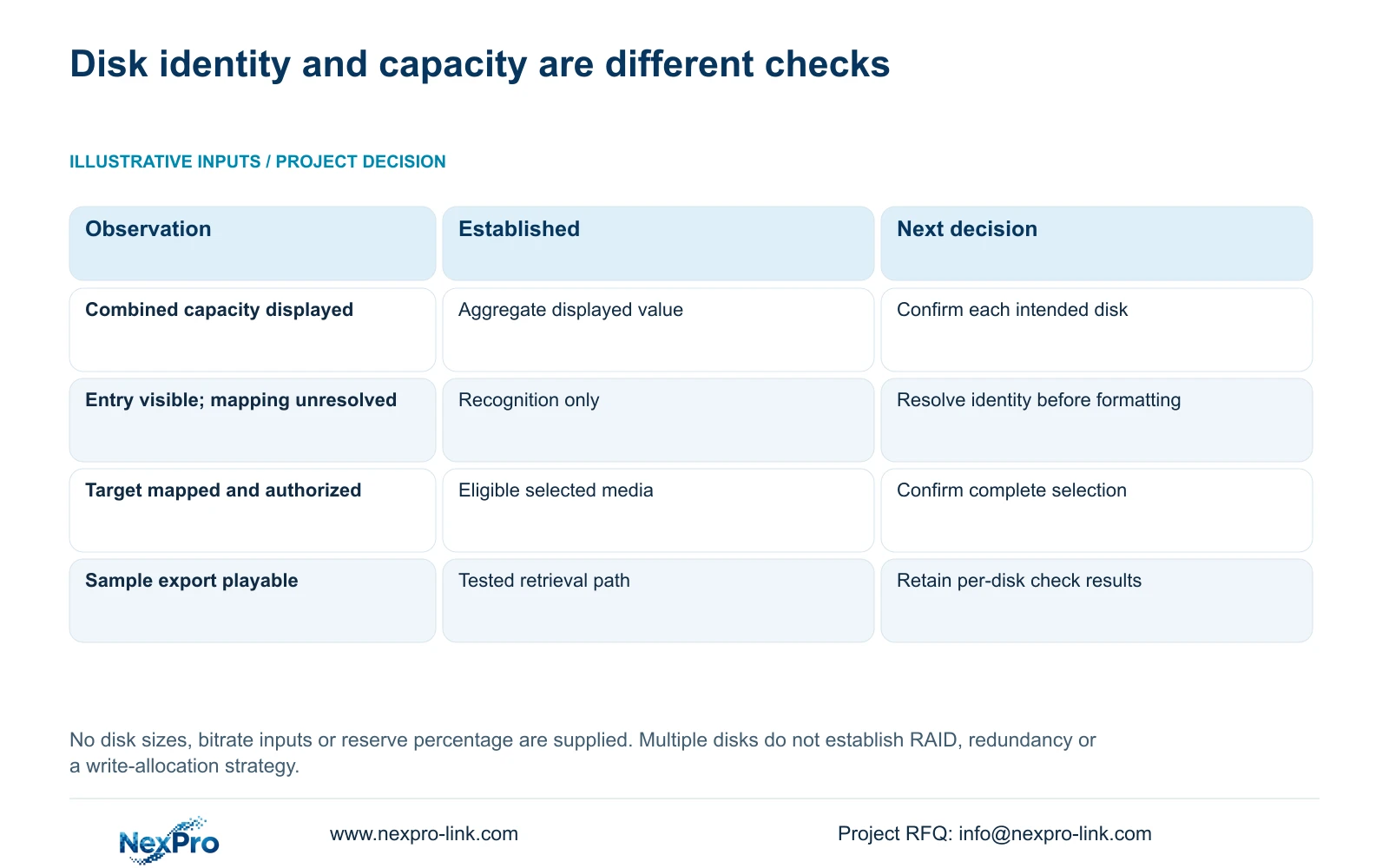
Use only the configuration's supported usable capacity in the retention decision. A sum of nominal disk labels describes less than the recording result. Identify which media is recognized and eligible for the supported recording arrangement, then state any overhead and reserve assumptions separately.
Collect channel groups, average video bitrate in Mbps, recording hours per day and retention days. In decimal units, video TB = 0.00045 × Σ(channels × average Mbps × recording hours/day × days). The conversion is 10^6 bits/s × 3600 s/hour ÷ 8 bits/byte ÷ 10^12 bytes/TB = 0.00045. Add audio and storage overhead through explicitly stated allowances.
For reserve fraction r, required usable capacity = recording volume ÷ (1 - r). Equivalently, the portion of a confirmed usable capacity available to the workload is usable capacity × (1 - r). No project disk sizes, bitrates or reserve percentage are supplied here, so a numeric total would be invented. Do not subtract assumed RAID losses when no RAID arrangement has been established.
Section 07
Verify retrieval without claiming an undocumented write layout
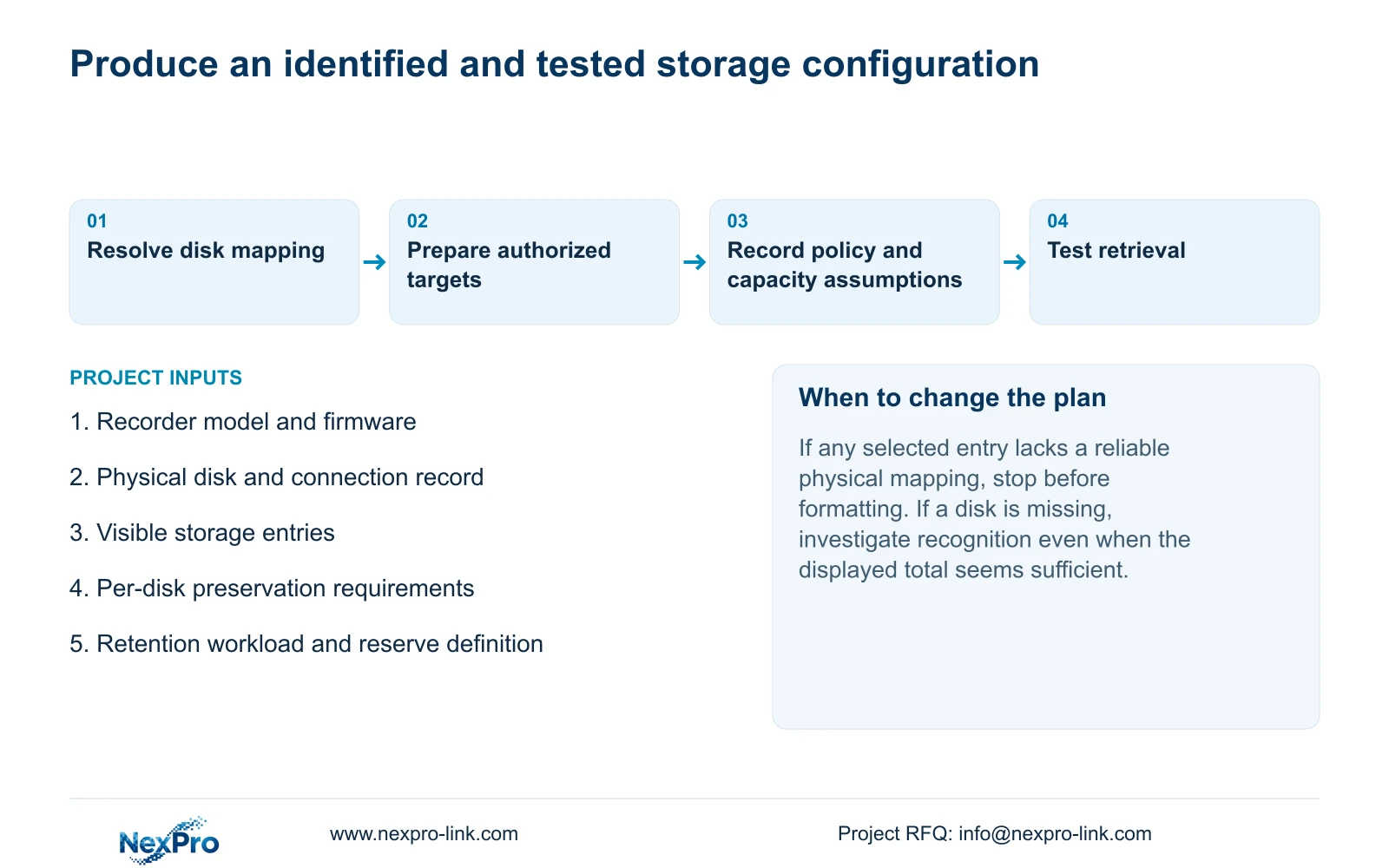
Follow an identifiable channel from live view through a known recording period. Inspect recording policy and storage information, then locate that period in playback and export it. Open the export on the receiving system and check its channel and time coverage.
Where retained historical material should remain accessible, test an agreed sample separately. Record a failure as a failed task rather than hiding it behind the total capacity. A successful sample verifies the operating path tested; it does not prove that every physical disk received writes or establish an undocumented allocation strategy. Keep per-disk identification results and recording-task results together, with their limits stated.
Section 08
Resolve an incomplete bay record
Illustrative project scenario: A commissioning engineer sees several disks in the storage screen but the physical bay labels were not recorded. The engineer preserves the current state, reconciles the available installation information and obtains the supported mapping method. Formatting waits until the intended targets are identifiable. The final record separates each disk's identity from capacity assumptions and from the playback-and-export result.
Section 09
Does a multi-bay recorder automatically provide redundancy?
No. Multiple disk positions and a shared menu do not establish redundancy or RAID levels. Confirm the actual model's supported architecture before using resilience assumptions in a design.
Section 10
Resolve the disk mapping gap
Send NexPro-Link the recorder model and firmware, existing physical disk record and unresolved storage entries at info@nexpro-link.com.
Engineering references
These sources support the general planning principles. Always use the selected product's current datasheet and applicable project standards for final design.


