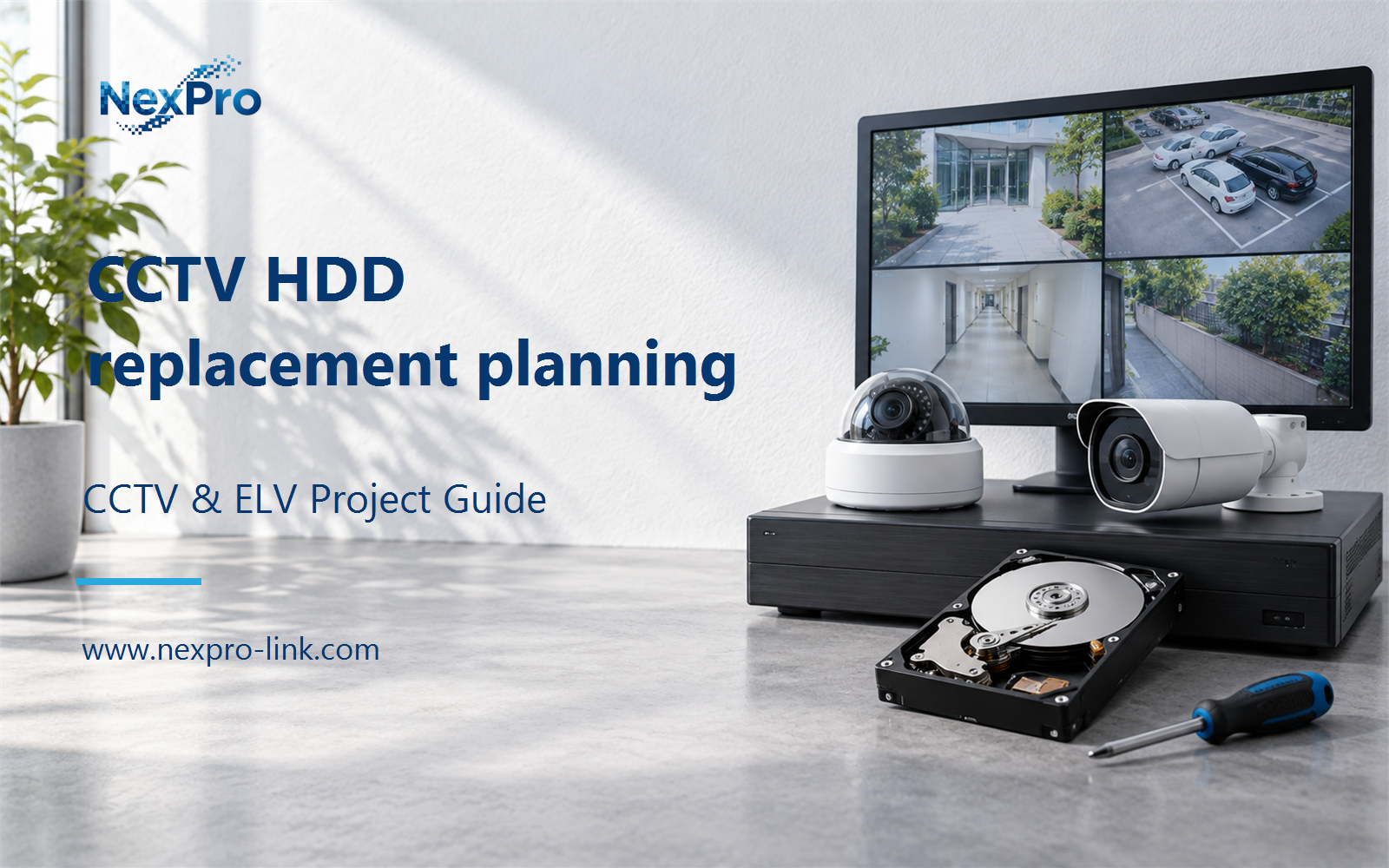
Plan CCTV HDD replacement planning with practical guidance on monitor the recording outcome and plan replacement without compounding failure. NexPro-Link project guide.
Section 01
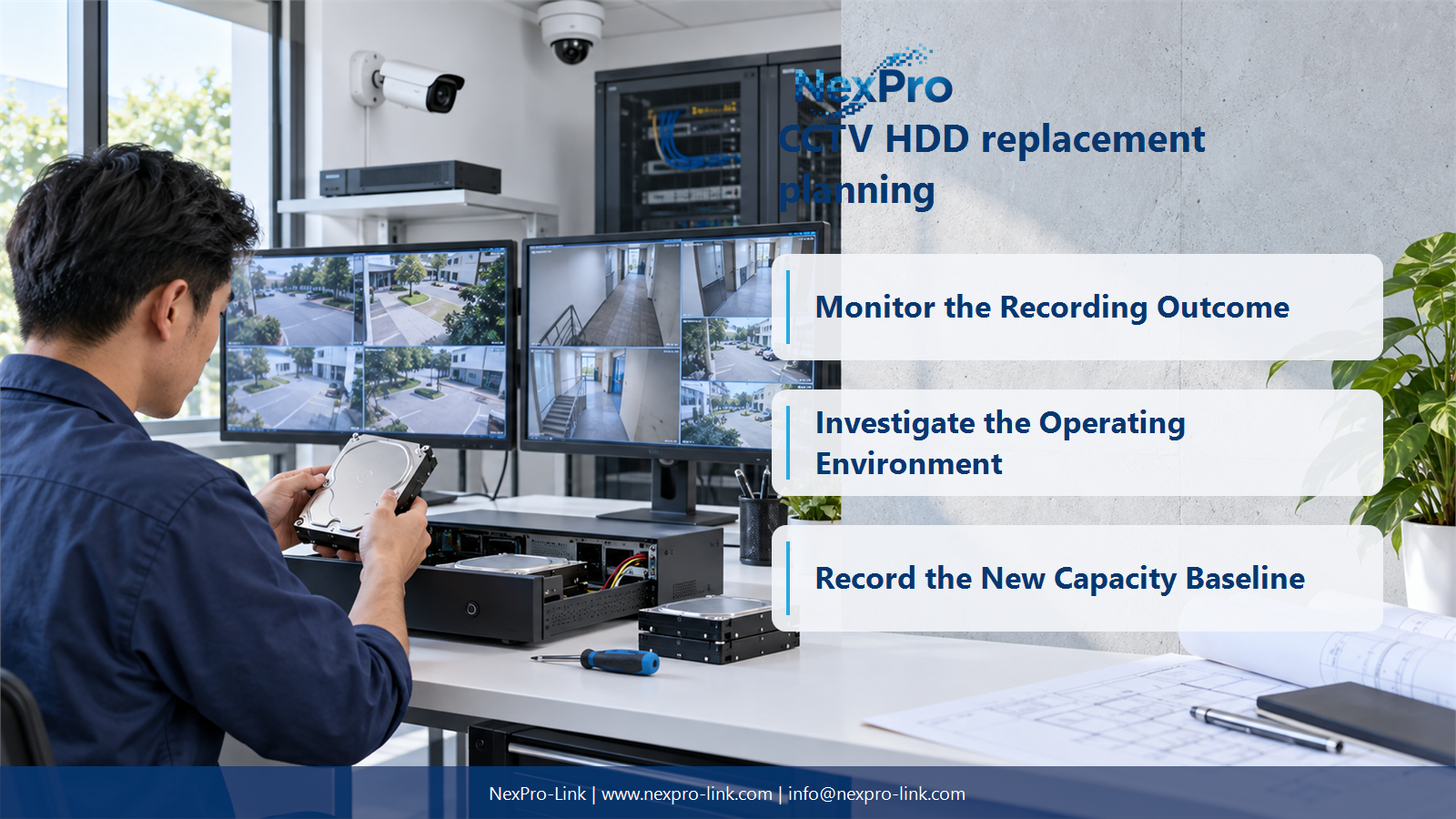
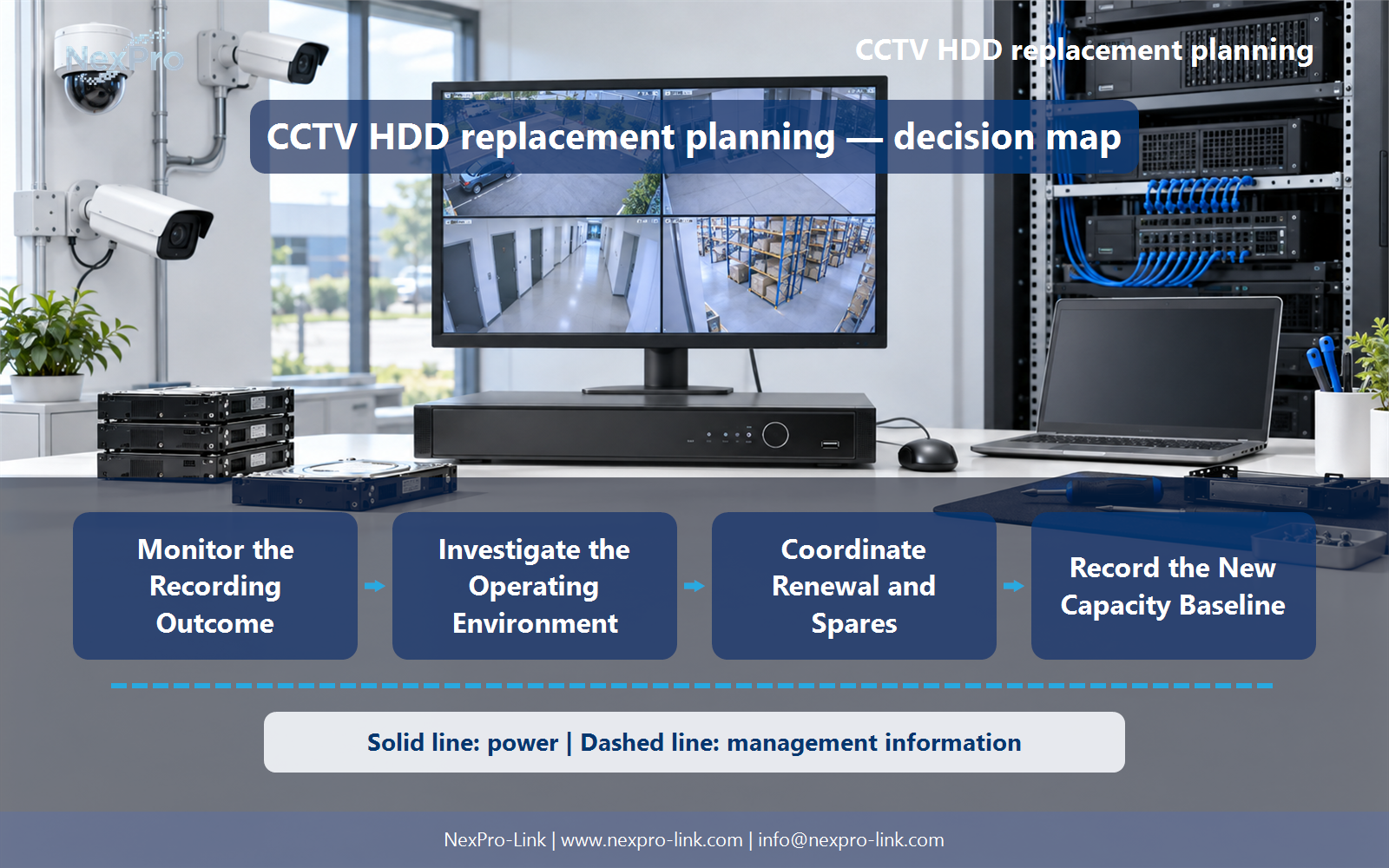
Monitor the Recording Outcome
Confirm that required footage is actually being recorded, retained and played back. Drive-health status is useful but does not replace service verification. A system can show apparently healthy disks while recording settings, capacity or platform errors leave gaps in the footage.
Turn the answer into a working record using Camera group, Latest recording, Oldest recording, Playback gap.
| Decision area | Buyer question | Required output |
|---|---|---|
| Monitor the Recording Outcome | What is the most important storage-health check? | Confirm that required footage is actually being recorded, retained and played back. |
| Use Health Indicators as Signals | Can SMART predict every hard-drive failure? | No. |
| Investigate the Operating Environment | Can cooling and power problems shorten storage service? | Unfavorable operating conditions can affect the recording system and should be investigated alongside disk alerts. |
Section 02
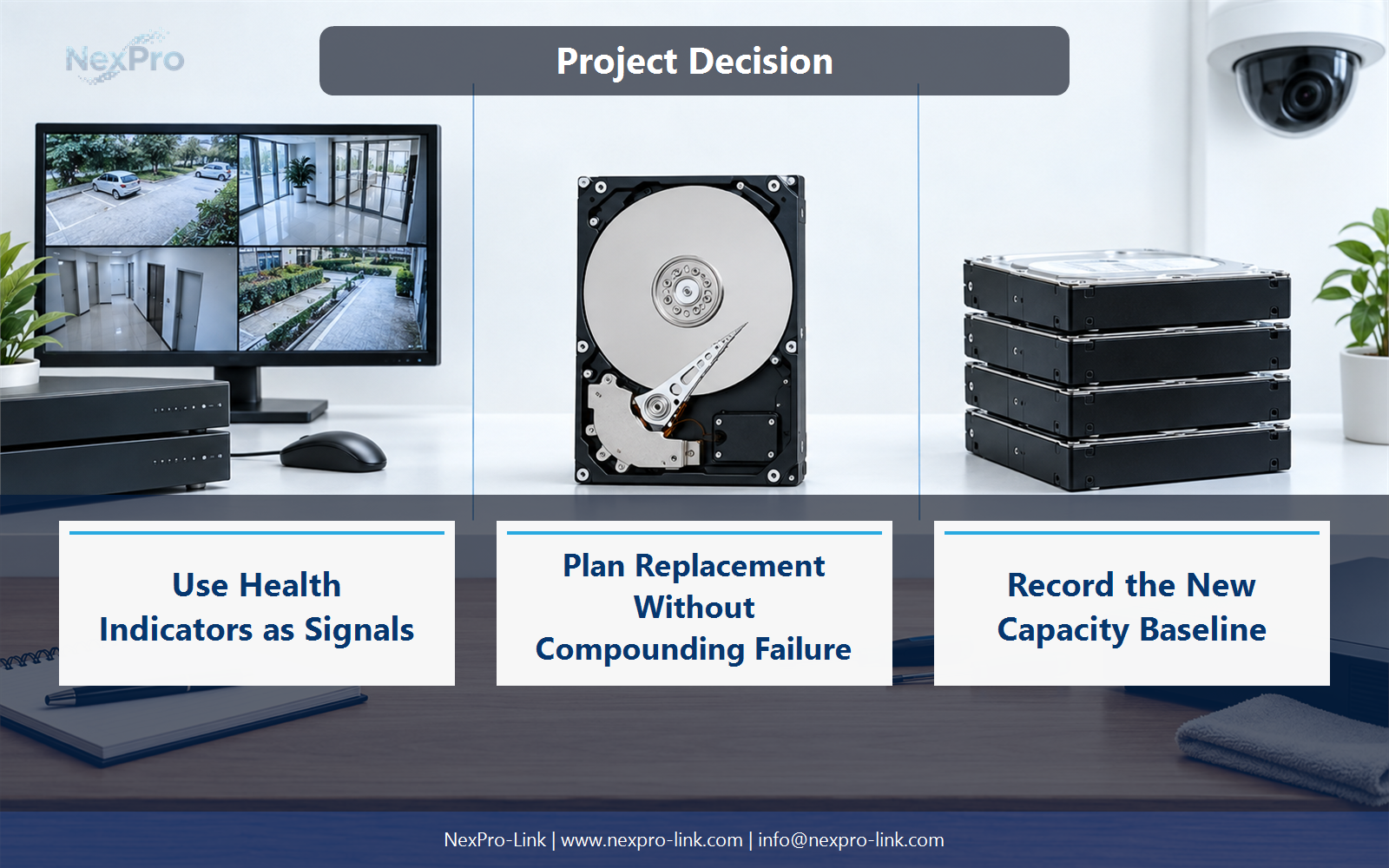
Use Health Indicators as Signals
No. Health attributes and alerts can reveal some problems, but sudden failures and platform issues may occur without a clear advance warning. Interpret trends with the drive and recorder context, and avoid promising failure prevention from one status indicator.
Use Indicator, Trend, Platform context, Investigation to compare options on the same basis. Keep product capability, project assumption and operating responsibility in separate columns.
Section 03
Investigate the Operating Environment
Unfavorable operating conditions can affect the recording system and should be investigated alongside disk alerts. Check the specified temperature range, ventilation, vibration context and power events. Replacing disks without addressing a recurring environmental problem can leave the underlying service risk unresolved.
The project output should make Condition, Observation, Affected assets, Corrective action traceable from input to acceptance.
- Confirm the answer to: Can cooling and power problems shorten storage service?
- Record the project fields: Condition / Observation / Affected assets / Corrective action.
- Keep product capability, project assumptions and site responsibility in separate records.
Section 04
Plan Replacement Without Compounding Failure
Follow the platform's supported recovery procedure. Removing multiple members without understanding the array state can destroy recoverable data. Identify the affected drive accurately, preserve important footage where possible and confirm rebuild completion before further maintenance that affects redundancy.
Record Array state, Drive identity, Supported action, Recovery check before selecting a product family. That makes later substitutions possible without silently changing the operational requirement.
Section 05
Coordinate Renewal and Spares
Combine operational importance, service history, vendor guidance and maintenance opportunities. Keep compatible replacements available where downtime matters. A common installation date can justify coordinated planning, but it does not prove that all drives will fail at the same age.
Review Asset group, Service history, Criticality, Renewal window, Spare with the party that will operate or maintain the system.
Section 06
Record the New Capacity Baseline
Verify the supported configuration, recording continuity, available capacity and relevant alarms. Confirm that the retention requirement remains achievable after any drive or array change. Update asset and configuration records so the next service action starts from the actual installed arrangement.
Use Replacement, Usable TB, Recording test, Retention, Record update as the handoff between design and procurement.
Engineering references
These sources support the general planning principles. Always use the selected product's current datasheet and applicable project standards for final design.