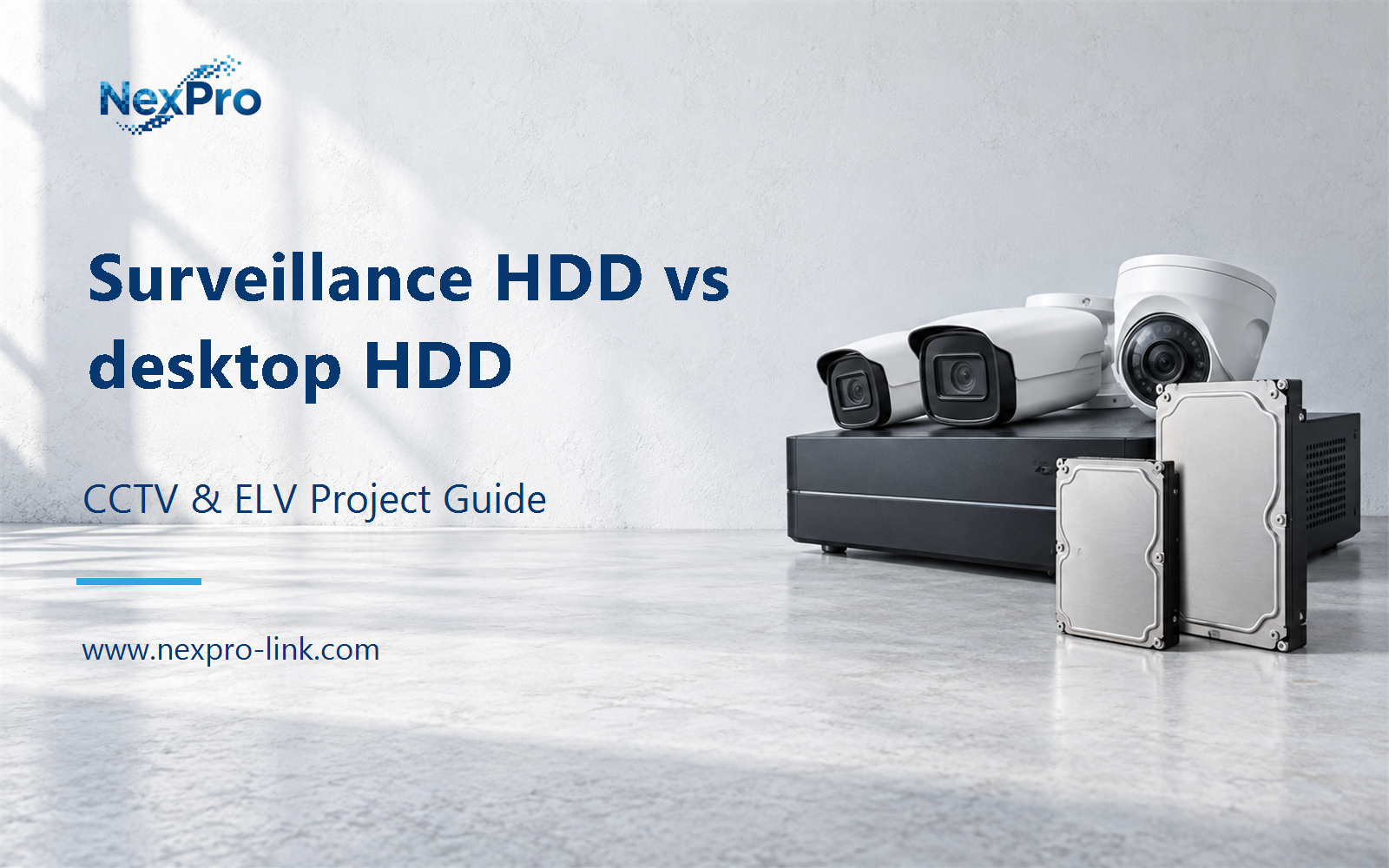
Plan surveillance HDD vs desktop HDD with practical guidance on describe the recorder workload and consider multi-drive conditions. NexPro-Link project guide.
Section 01
Describe the Recorder Workload
A recorder can write continuously while also serving playback and exports. The drive's intended workload, supported operating conditions and platform compatibility should match that use. Capacity alone does not describe whether a disk is appropriate for the recorder's sustained operating pattern.
Turn the answer into a working record using Daily write volume, Playback, Drive workload specification.
| Decision area | Buyer question | Required output |
|---|---|---|
| Describe the Recorder Workload | Why does HDD workload matter in CCTV? | A recorder can write continuously while also serving playback and exports. |
| Read Model-Level Drive Specifications | Are all surveillance drives interchangeable? | No. |
| Understand Error Recovery in Context | Why can drive error handling affect recording? | A drive's behavior during read or write problems interacts with the recorder and any storage controller. |
Section 02
Read Model-Level Drive Specifications
No. Capacity, workload rating, interface, recording technology and supported bay environments can differ within and between product families. Compare the actual drive model and the recorder's supported arrangement rather than treating a surveillance product name as a universal compatibility guarantee.
Use Drive model, Interface, Workload, Bay context, Recorder support to compare options on the same basis. Keep product capability, project assumption and operating responsibility in separate columns.
Section 03
Understand Error Recovery in Context
A drive's behavior during read or write problems interacts with the recorder and any storage controller. Prolonged recovery or unexpected drive removal can affect service differently. Follow the supported platform combination instead of changing low-level drive settings from a generic surveillance recommendation.
The project output should make Error event, Drive behavior, Controller response, Service effect traceable from input to acceptance.
- Confirm the answer to: Why can drive error handling affect recording?
- Record the project fields: Error event / Drive behavior / Controller response / Service effect.
- Keep product capability, project assumptions and site responsibility in separate records.
Section 04
Consider Multi-Drive Conditions
Heat, vibration, power demand and rebuild or playback activity become shared design considerations. Use the drive and chassis specifications for the intended number of disks. A disk that works in a single-bay device is not automatically suitable for every dense multi-drive enclosure.
Record Bays, Cooling, Vibration context, Startup load before selecting a product family. That makes later substitutions possible without silently changing the operational requirement.
Section 05
Compare Warranty and Replacement Terms
No. Warranty terms address specified product remedies, not the preservation of every recording or immediate site recovery. Compare replacement procedures and local spare strategy separately from the drive's warranty duration. Important incident copies need their own preservation arrangement.
Review Warranty scope, Replacement route, Spare, Footage risk with the party that will operate or maintain the system.
Section 06
Select the Complete Drive Configuration
It should identify the exact disk model, capacity, quantity and intended recorder configuration, including spares where applicable. Keep alternatives explicit. A quotation describing only total terabytes hides differences in disk count, compatibility and the usable capacity delivered to recording.
Use Exact model, Quantity, Raw TB, Array role, Alternative as the handoff between design and procurement.
Engineering references
These sources support the general planning principles. Always use the selected product's current datasheet and applicable project standards for final design.