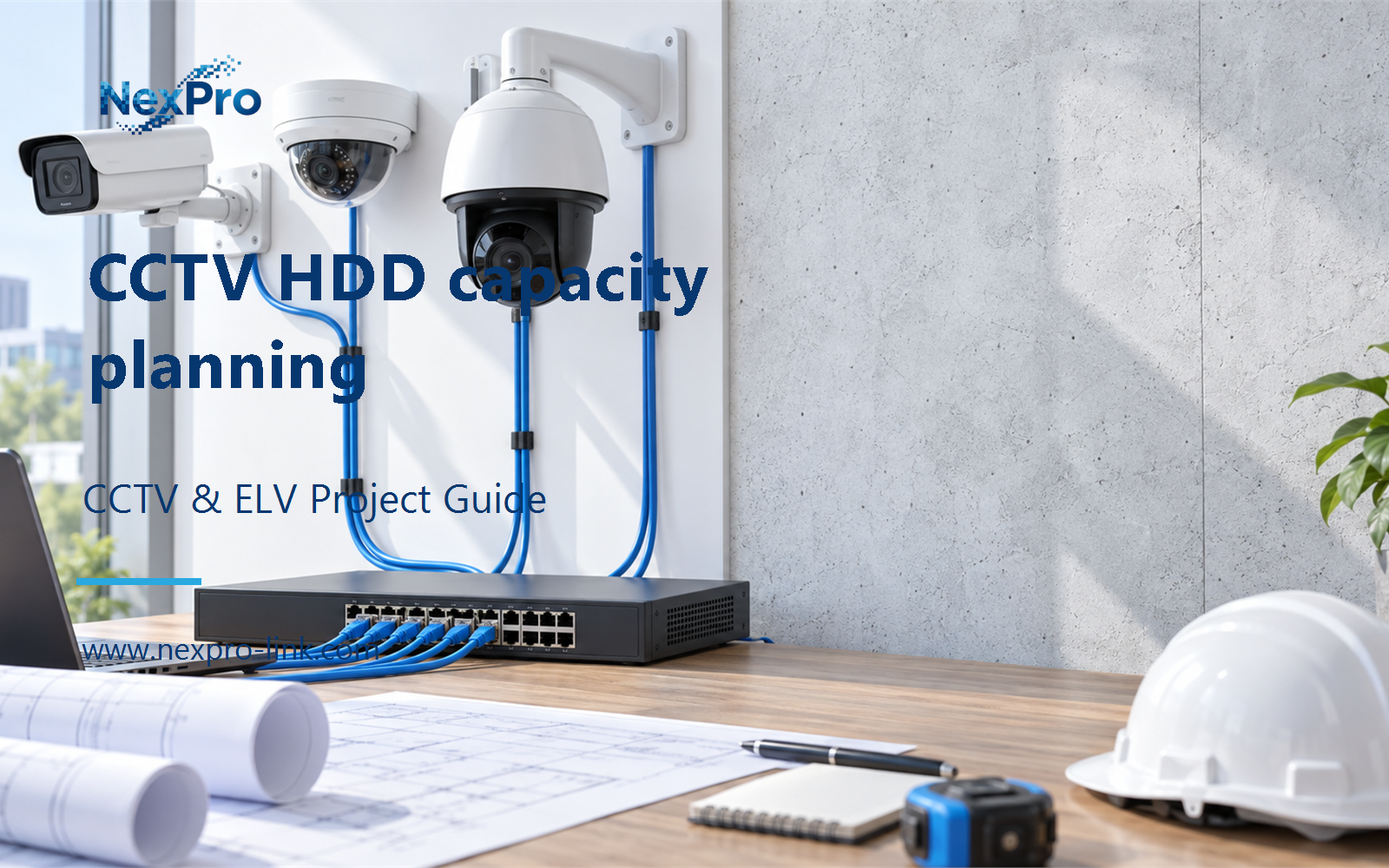
Plan CCTV HDD capacity planning with practical guidance on start from required usable capacity and discuss reliability without false shortcuts. NexPro-Link project guide.
Section 01
Start from Required Usable Capacity
Calculate required recording space first, then compare supported disk combinations. A small number of large drives may leave expansion bays, while more smaller drives create a different array and maintenance arrangement. The best comparison uses equal usable capacity and service requirements.
Turn the answer into a working record using Required usable TB, Disk size, Count, Free bays.
| Decision area | Buyer question | Required output |
|---|---|---|
| Start from Required Usable Capacity | Should disk size be chosen before the retention calculation? | Calculate required recording space first, then compare supported disk combinations. |
| Respect Recorder Drive Limits | Can a larger HDD be fitted simply because it uses SATA? | Not necessarily. |
| Compare Capacity After Protection | Why can a higher-capacity configuration deliver less usable space? | Disk count, RAID mode, spares and reserves determine the capacity remaining for recording. |
Section 02
Respect Recorder Drive Limits
Not necessarily. The recorder must support the drive model or required capacity and configuration. Interface compatibility alone does not establish addressing, firmware or storage-mode support. Keep the chassis limit separate from the capacity available in the drive market.
Use Recorder, Per-drive limit, Drive identity, Supported mode to compare options on the same basis. Keep product capability, project assumption and operating responsibility in separate columns.
Section 03
Compare Capacity After Protection
Disk count, RAID mode, spares and reserves determine the capacity remaining for recording. Compare those layers rather than adding label capacities. A configuration with stronger redundancy may intentionally provide less recording space from the same raw terabytes.
The project output should make Raw TB, Protection allocation, Spare, Recording TB traceable from input to acceptance.
- Confirm the answer to: Why can a higher-capacity configuration deliver less usable space?
- Record the project fields: Raw TB / Protection allocation / Spare / Recording TB.
- Keep product capability, project assumptions and site responsibility in separate records.
Section 04
Discuss Reliability Without False Shortcuts
Capacity alone is not enough to predict a specific drive's failure behavior. Model design, operating conditions, workload and population data matter. MTBF is a statistical specification under stated conditions, not the expected replacement birthday of an individual installed drive.
Record Claim, Relevant conditions, Available data, Decision limit before selecting a product family. That makes later substitutions possible without silently changing the operational requirement.
Section 05
Plan Replacement and Recovery
More data to reconstruct can increase recovery work, but elapsed time also depends on array implementation and concurrent load. Do not assign a universal rebuild duration from capacity alone. Plan degraded recording, operator alerts and access to a compatible replacement drive.
Review Disk size, Data to rebuild, Concurrent load, Recovery plan with the party that will operate or maintain the system.
Section 06
Compare Procurement Over the Service Period
It is only one input. Include bay use, supported protection, spare availability, replacement effort and expansion cost. Compare complete configurations over the intended service period without inventing market prices or a guaranteed disk replacement interval.
Use Configuration, Initial cost, Spares, Expansion, Service effort as the handoff between design and procurement.
Engineering references
These sources support the general planning principles. Always use the selected product's current datasheet and applicable project standards for final design.