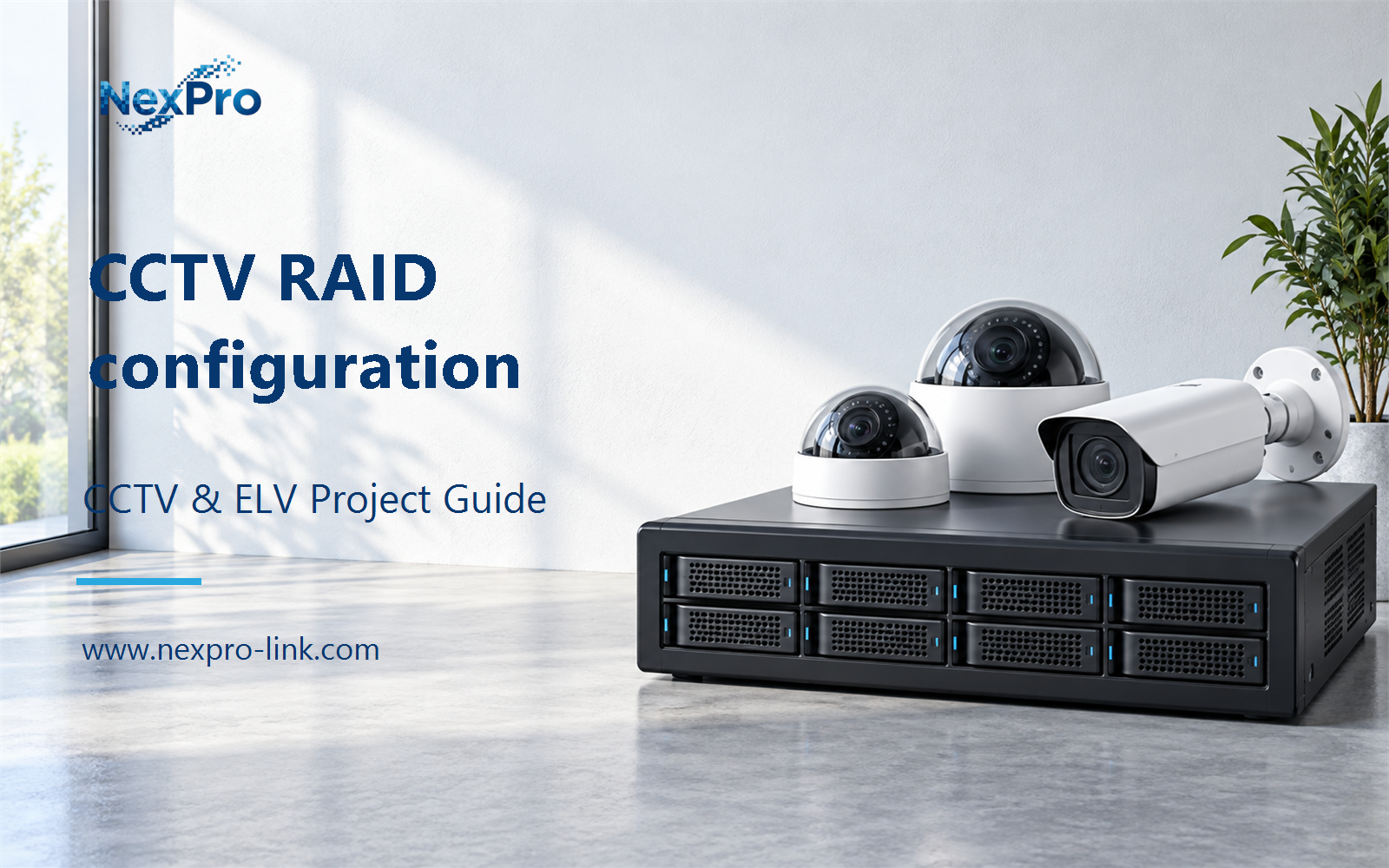
Plan CCTV RAID configuration with practical guidance on confirm the platform and disk set and mirrored stripes and failure combinations. NexPro-Link project guide.
Section 01
Confirm the Platform and Disk Set
No. The platform must support the selected RAID mode and disk arrangement. Confirm the usable drive positions and whether spares consume additional bays. Use matched capacity assumptions for calculations and distinguish physical drive count from the disks actively contributing to the array.
Turn the answer into a working record using Platform, Supported mode, Active disks, Spares, Disk capacity.
| Decision area | Buyer question | Required output |
|---|---|---|
| Confirm the Platform and Disk Set | Can RAID be configured on any multi-bay recorder? | No. |
| Striping and Mirroring | What is the basic difference between RAID 0 and RAID 1? | RAID 0 distributes data without drive-failure redundancy, while RAID 1 maintains mirrored copies within its supported arrangement. |
| Single and Double Parity | How do RAID 5 and RAID 6 compare for CCTV? | With equal-sized active drives, RAID 5 reserves the equivalent of one drive for parity and RAID 6 two. |
Section 02
Striping and Mirroring
RAID 0 distributes data without drive-failure redundancy, while RAID 1 maintains mirrored copies within its supported arrangement. Mirroring consumes capacity and does not protect against all deletion, controller or site failures. Select the mode according to availability needs rather than treating either as an independent backup.
Use Mode, Example disks, Nominal capacity, Failure protection to compare options on the same basis. Keep product capability, project assumption and operating responsibility in separate columns.
Section 03
Single and Double Parity
With equal-sized active drives, RAID 5 reserves the equivalent of one drive for parity and RAID 6 two. Their supported failure tolerance and rebuild workload differ. Compare usable capacity, recording performance during recovery and the project's downtime tolerance rather than recommending one level for every surveillance installation.
The project output should make Mode, Active drives, Nominal TB, Tolerated drive failures traceable from input to acceptance.
- Confirm the answer to: How do RAID 5 and RAID 6 compare for CCTV?
- Record the project fields: Mode / Active drives / Nominal TB / Tolerated drive failures.
- Keep product capability, project assumptions and site responsibility in separate records.
Section 04
Mirrored Stripes and Failure Combinations
Not necessarily. Survival depends on which mirrored members fail in the supported layout. Losing both members of the same mirror can destroy that array even when another two-drive failure combination would be tolerated. Explain the mirror pairs instead of quoting an unqualified number of survivable failures.
Record Mirror pair, Drive members, Failure combination, Service effect before selecting a product family. That makes later substitutions possible without silently changing the operational requirement.
Section 05
Rebuilds and Hot Spares
A hot spare can support the platform's replacement and rebuild process, but it does not eliminate degraded operation or every failure condition. Rebuild duration depends on capacity, workload and implementation. Reserve sufficient resources for ongoing recording and define how alarms and replacement actions are handled.
Review Spare role, Trigger, Rebuild load, Operator action with the party that will operate or maintain the system.
Section 06
Protect Important Footage Beyond RAID
Preserve important incident exports and essential configuration independently where the operational policy requires it. RAID primarily addresses certain drive failures within one system. Independent copies address different risks, including accidental deletion, loss of the recorder or damage affecting the whole site.
Use Asset, RAID contribution, Independent copy, Access, Retention as the handoff between design and procurement.
Engineering references
These sources support the general planning principles. Always use the selected product's current datasheet and applicable project standards for final design.