Plan NVR sizing guide with practical guidance on define streams and operating modes and calculate usable recording capacity. NexPro-Link project guide.
Section 01
Define Streams and Operating Modes
List camera channels, codecs, resolutions, frame rates and average and peak bitrates. Add simultaneous playback, remote clients and the retention target. These workloads use different recorder resources, so a channel count alone cannot describe whether the complete operating arrangement will fit.
Turn the answer into a working record using Camera group, Channels, Codec, FPS, Average and peak Mbps.
| Decision area | Buyer question | Required output |
|---|---|---|
| Define Streams and Operating Modes | What information is needed to size an NVR? | List camera channels, codecs, resolutions, frame rates and average and peak bitrates. |
| Check Incoming and Outgoing Capacity | Is NVR incoming bandwidth the same as outgoing bandwidth? | No. |
| Separate Recording from Decoding | Can an NVR record more cameras than it displays simultaneously? | It can when its recording and decoding capabilities differ. |
Section 02
Check Incoming and Outgoing Capacity
No. Incoming capacity concerns streams reaching the recorder; outgoing capacity concerns traffic delivered to clients or other destinations. Their specifications may use different conditions. Check each limit against its actual traffic path and avoid counting a locally decoded display as network output without examining the architecture.
Use Direction, Stream purpose, Concurrent load, Rated limit to compare options on the same basis. Keep product capability, project assumption and operating responsibility in separate columns.
Section 03
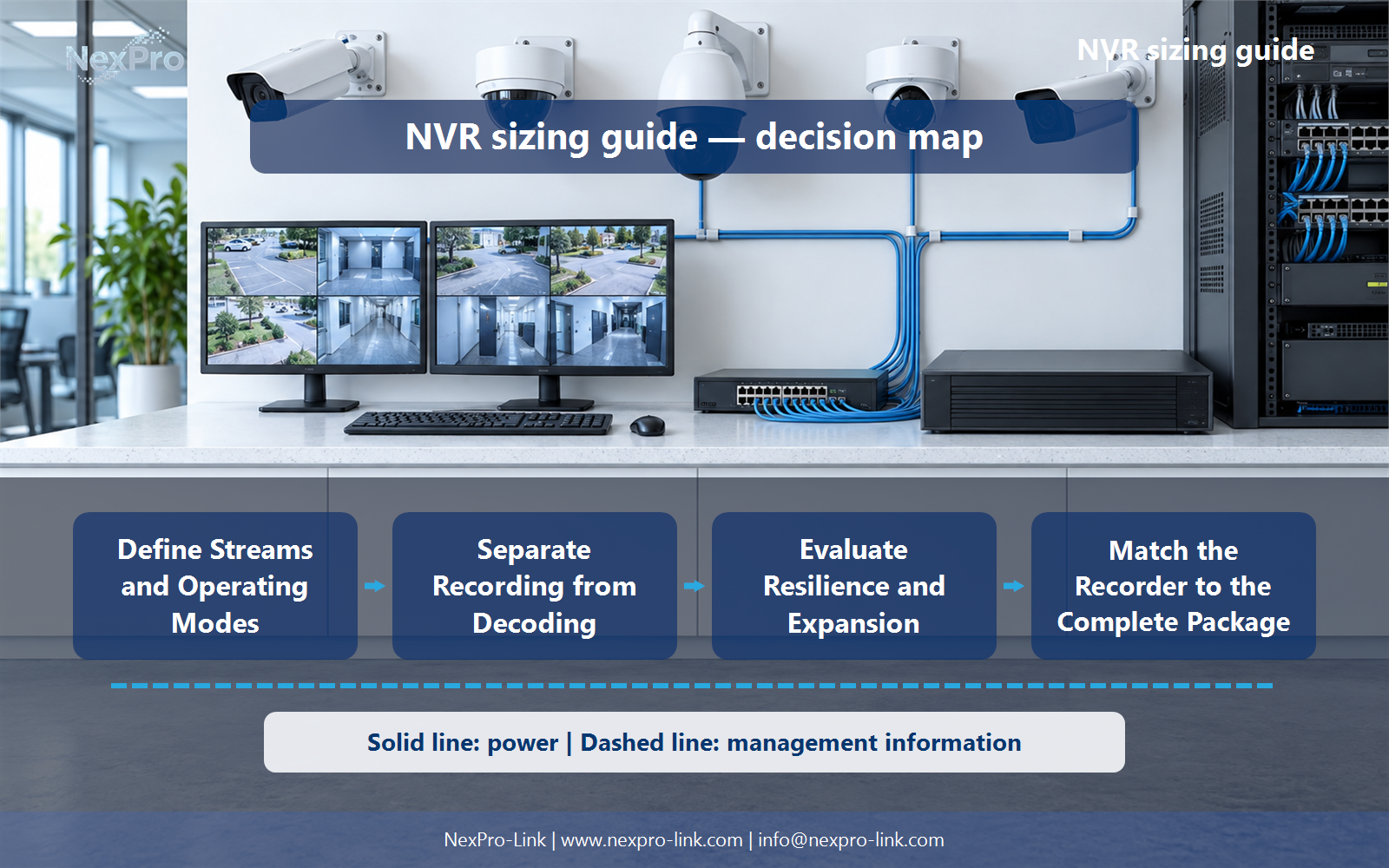
Separate Recording from Decoding
It can when its recording and decoding capabilities differ. The recorder may store streams that cannot all be decoded at full resolution and frame rate in one layout. Read the simultaneous decoding specification and select substreams or an external workstation where the operator workflow needs them.
The project output should make Layout, Stream resolution, FPS, Concurrent windows, Decoder traceable from input to acceptance.
- Confirm the answer to: Can an NVR record more cameras than it displays simultaneously?
- Record the project fields: Layout / Stream resolution / FPS / Concurrent windows / Decoder.
- Keep product capability, project assumptions and site responsibility in separate records.
Section 04
Calculate Usable Recording Capacity
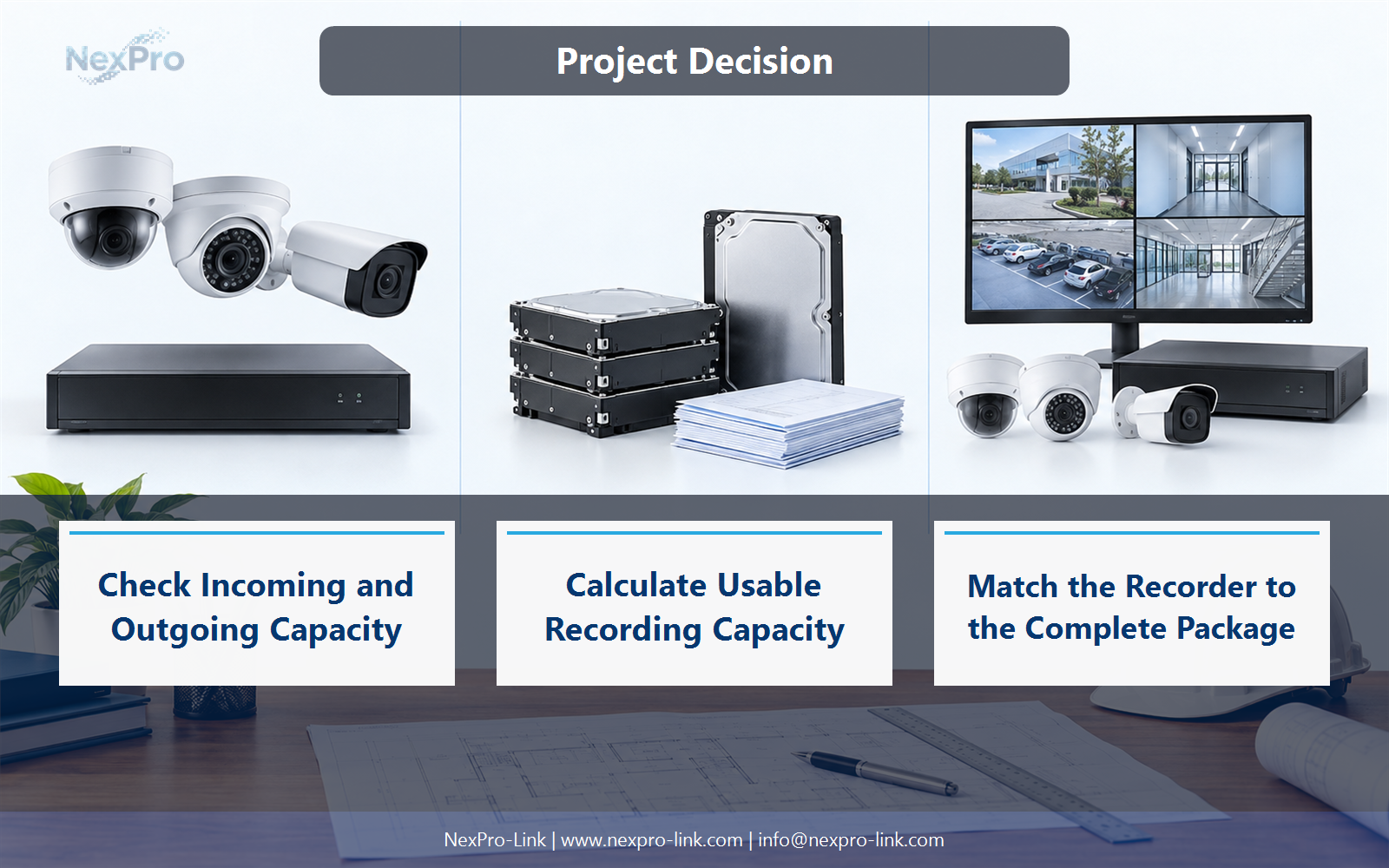
First calculate required recording capacity, then compare supported drives and configurations. Bay count, maximum drive size and usable capacity are separate considerations. A recorder with enough channels may still lack the storage needed for the specified retention, requiring a different chassis or supported storage architecture.
Record Required TB, Bays, Supported drive, Usable TB, Retention fit before selecting a product family. That makes later substitutions possible without silently changing the operational requirement.
Section 05
Evaluate Resilience and Expansion
No. Drive bays describe physical accommodation, not the supported storage modes. Check the platform's actual RAID, spare-drive and expansion functions. Plan future channels, throughput and capacity together; free channel licences do not necessarily provide spare recording bandwidth or disk space.
Review Expansion, Channel capacity, Throughput, Storage mode, Constraint with the party that will operate or maintain the system.
Section 06
Match the Recorder to the Complete Package
Compare them against the same camera schedule, viewing workload and retention assumptions. Include supported disks, network interfaces, licences and any external decoding separately. NexPro-Link model references should remain exact, while the project calculation explains why a particular configuration is being considered.
Use Model, Channels, Bays, Workload fit, Included accessories as the handoff between design and procurement.
Engineering references
These sources support the general planning principles. Always use the selected product's current datasheet and applicable project standards for final design.