Plan CCTV storage calculation with practical guidance on collect the inputs that control capacity and distinguish headroom from added percentage. NexPro-Link project guide.
Section 01
Collect the Inputs That Control Capacity
No. Capacity depends primarily on recorded bitrate and duration, including camera count and recording schedule. Resolution, frame rate, compression and scene activity influence bitrate but do not supply one fixed value. Use measured averages or explicitly labelled planning assumptions.
Turn the answer into a working record using Camera group, Average Mbps, Hours per day, Days, Count.
| Decision area | Buyer question | Required output |
|---|---|---|
| Collect the Inputs That Control Capacity | Does camera resolution determine storage by itself? | No. |
| Use a Unit-Consistent Formula | What is the CCTV storage formula in decimal terabytes? | For continuous recording, multiply camera count by average Mbps, retention days and 0.0108 to obtain decimal TB. |
| Work Through the 32-Camera Example | How much data do 32 cameras at 4 Mbps record in 30 days? | At 24 hours per day, the example produces 32 × 4 × 30 × 0.0108 = 41.472 TB of recorded payload. |
Section 02
Use a Unit-Consistent Formula
For continuous recording, multiply camera count by average Mbps, retention days and 0.0108 to obtain decimal TB. For other schedules, multiply by recorded hours per day divided by 24. This expresses payload volume; usable disk space and system overhead must be treated separately.
Use Input, Unit, Conversion, Formula term to compare options on the same basis. Keep product capability, project assumption and operating responsibility in separate columns.
Section 03
Work Through the 32-Camera Example
At 24 hours per day, the example produces 32 × 4 × 30 × 0.0108 = 41.472 TB of recorded payload. The 4 Mbps figure is a stated average assumption, not a guaranteed bitrate for every 4K camera or a promise about a particular recorder.
The project output should make Per-camera daily GB, System daily TB, Days, Total TB traceable from input to acceptance.
- Confirm the answer to: How much data do 32 cameras at 4 Mbps record in 30 days?
- Record the project fields: Per-camera daily GB / System daily TB / Days / Total TB.
- Keep product capability, project assumptions and site responsibility in separate records.
Section 04
Distinguish Headroom from Added Percentage
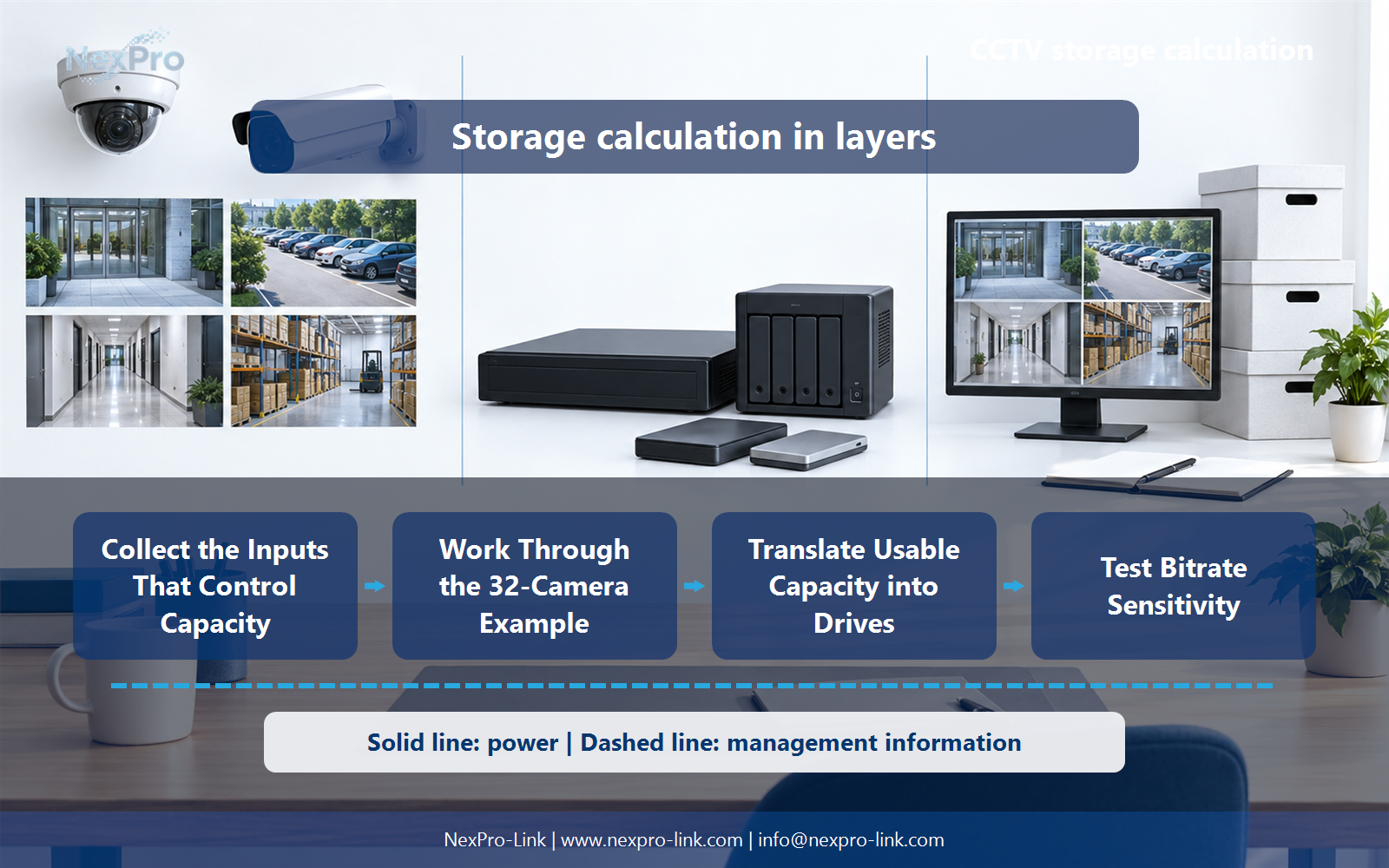
Divide the recording requirement by 0.8. In the example, 41.472 ÷ 0.8 = 51.84 TB of usable capacity. Multiplying by 1.2 adds 20% to the requirement but does not leave 20% of the resulting capacity free. State which margin definition is being used.
Record Policy, Calculation, Usable TB, Free-space fraction before selecting a product family. That makes later substitutions possible without silently changing the operational requirement.
Section 05
Translate Usable Capacity into Drives
No. RAID layout, spares, filesystem allocation and recorder restrictions affect how raw disks become usable recording space. Calculate those layers separately and confirm the supported configuration. A set of drives with enough nameplate TB may still fail the retention requirement.
Review Raw TB, Array TB, System reserve, Usable recording TB with the party that will operate or maintain the system.
Section 06
Test Bitrate Sensitivity
Compare representative low, expected and high average rates rather than assuming a fixed percentage saving from smart compression. Record the scene and schedule behind each rate. After commissioning, compare observed recording consumption with the design and adjust settings or capacity without silently reducing the required retention.
Use Average Mbps, Recording TB, Margin policy, Capacity outcome as the handoff between design and procurement.
Engineering references
These sources support the general planning principles. Always use the selected product's current datasheet and applicable project standards for final design.