

Plan CCTV footage backup and archive with practical guidance on separate routine retention from incident preservation and protect transfer and access. NexPro-Link project guide.
Section 01
Separate Routine Retention from Incident Preservation
Routine retention describes how long normal recordings remain before deletion or overwrite. Archiving preserves selected material for a distinct purpose, often beyond that routine cycle. Define the incident trigger, owner and review condition rather than assuming all footage should be kept indefinitely.
Turn the answer into a working record using Footage type, Purpose, Owner, Review condition.
| Decision area | Buyer question | Required output |
|---|---|---|
| Separate Routine Retention from Incident Preservation | What is the difference between CCTV retention and archiving? | Routine retention describes how long normal recordings remain before deletion or overwrite. |
| Select the Event and Context | How much footage should an incident export include? | Include the relevant event and sufficient preceding and following context to understand it. |
| Preserve Readable and Original Forms | Which CCTV export format should be kept? | Keep the platform's supported original export where required and a suitable viewing copy when needed. |
Section 02
Select the Event and Context
Include the relevant event and sufficient preceding and following context to understand it. Identify related cameras and time alignment. Avoid exporting unrelated sensitive footage merely because it is convenient; the scope should follow the purpose and the authorized request.
Use Event, Cameras, Start, End, Context reason to compare options on the same basis. Keep product capability, project assumption and operating responsibility in separate columns.
Section 03
Preserve Readable and Original Forms
Keep the platform's supported original export where required and a suitable viewing copy when needed. Include any necessary player and verify that authorized recipients can open the material. Do not assume that conversion preserves every timestamp, metadata field or integrity mechanism.
The project output should make Export type, Player, Metadata, Viewing check traceable from input to acceptance.
- Confirm the answer to: Which CCTV export format should be kept?
- Record the project fields: Export type / Player / Metadata / Viewing check.
- Keep product capability, project assumptions and site responsibility in separate records.
Section 04
Protect Transfer and Access
Use an authorized, controlled transfer method with access limited to the intended recipients. Consider encryption, expiry and separation of credentials where appropriate. Avoid sending sensitive footage through an unrestricted public link or embedding access secrets in a general handover document.
Record Recipient, Transfer method, Access scope, Expiry before selecting a product family. That makes later substitutions possible without silently changing the operational requirement.
Section 05
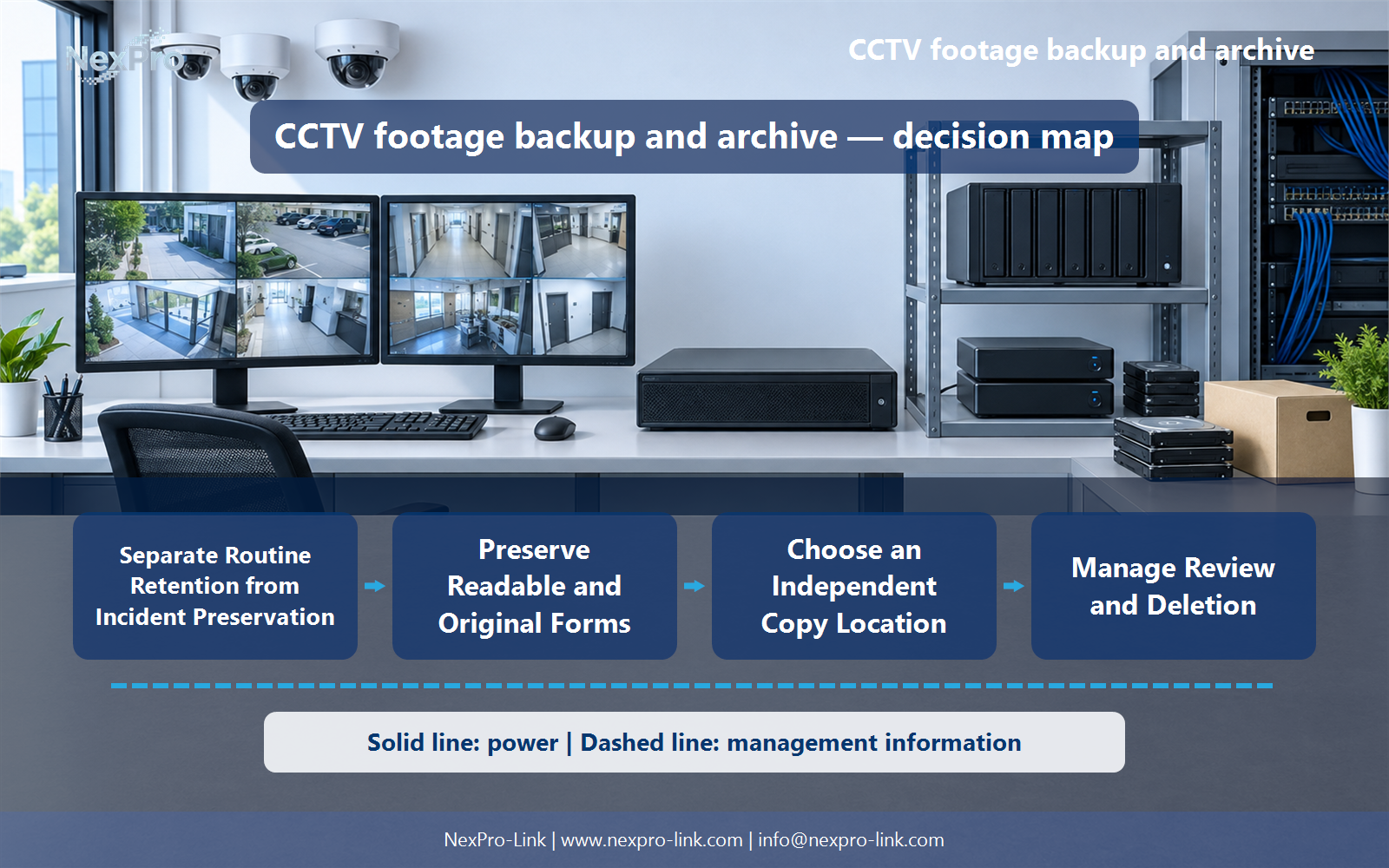
Choose an Independent Copy Location
It does not address loss or failure of that recorder. Choose a separate location appropriate to the risks and recovery needs. Local removable media, another site or a supported hosted service have different dependencies, costs and privacy implications that should be stated explicitly.
Review Copy location, Independence, Recovery, Access, Dependency with the party that will operate or maintain the system.
Section 06
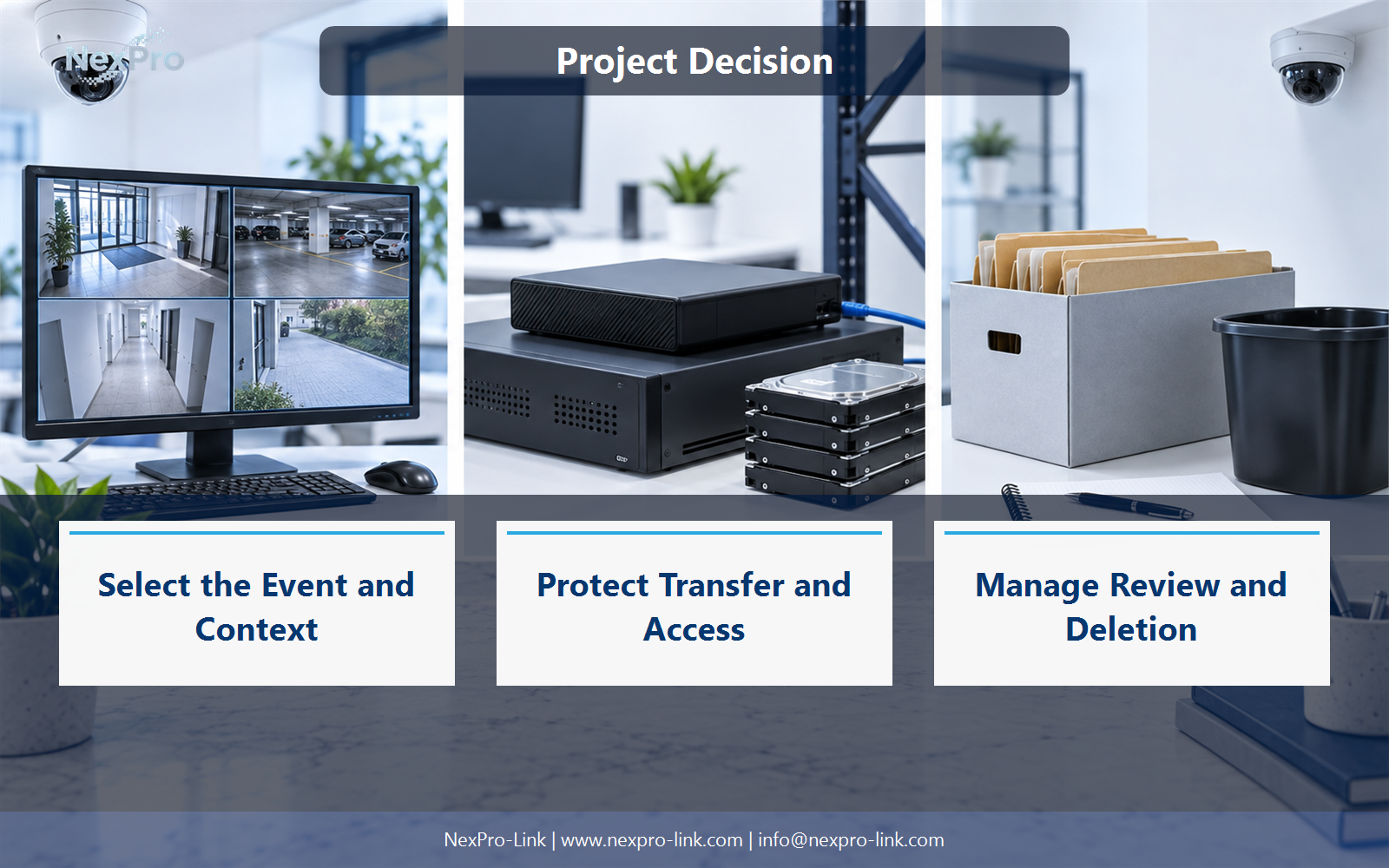
Manage Review and Deletion
Not by default. Set review and deletion rules around the authorized purpose and applicable requirements, including any necessary preservation hold. Record who can release the material for deletion. Indefinite retention without a defined purpose adds operational and privacy burden rather than automatically improving evidence quality.
Use Archive ID, Purpose, Review date, Hold, Deletion owner as the handoff between design and procurement.
Engineering references
These sources support the general planning principles. Always use the selected product's current datasheet and applicable project standards for final design.


